Best Digital Tools for Construction Management in 2026: 9 Tools Compared
WLWPLegible EditorsLast verified 23 Nov 2026How we rank14 min read
★ Short answer
JobTread is the best digital tool for construction management for most small builders, rated 4.9 out of 5 from 118 G2 reviews, with estimating, job costing and invoicing from $199 a month. Pick Fieldwire for field-first crews that need a free plan, and Contractor Foreman for the cheapest all-in-one start at $49 a month.
How we make this list: we compare pricing pages, product documentation and public user reviews, then re-check every price before each update. No product paid for a place. Disclosure.
JobTread leads the list at 4.9 out of 5 from 118 G2 reviews, with every feature included at $199 a month plus $20 per internal user.
Fieldwire is the only tool here with a usable free plan: 5 users, 3 projects and 100 sheets, with Pro at $39 per user a month.
Contractor Foreman is the cheapest paid start at $49 a month, but that covers one user only and leaves out scheduling and QuickBooks sync.
Procore and Buildertrend are the two premium platforms, but neither publishes a price on its own pricing page: Procore quotes by construction volume and Buildertrend quotes after a demo.
monday.com and Smartsheet both start at $9 per user a month, but neither has built-in RFIs, submittals or job costing.
What construction management software should cover
Construction management software has to hold the whole job together: the estimate, the schedule, the drawings, the change orders and the invoice. When those live in separate spreadsheets and inboxes, costs drift and nobody knows which drawing is current.
The tools in this list fall into three shapes. All-in-one platforms such as JobTread, Buildertrend and Contractor Foreman cover estimating through invoicing. Field tools such as Fieldwire and Autodesk Build focus on drawings, tasks and punch lists on site. General work platforms such as monday.com and Smartsheet track anything, but need to be configured for construction.
Price is the hardest part to compare. Some tools charge per user, some per month for the whole company, and the two biggest names quote by construction volume or after a demo. The price ladder below shows the cheapest paid plan for each tool, and the notes spell out where a price could not be confirmed on the vendor's own page.
If your team mostly needs to track tasks and deadlines, our guide to the best project management software covers the general tools, while this list covers software built for the jobsite.
The 9 best digital tools for construction management
01
JobTread
4.9/5on G2 (118 reviews, checked Nov 2026)
Starts at$199/mo
Best construction management tool overall
Cheapest plan$199/mo, all features
Extra internal users$20 each a month
Free planNo, 30-day money-back
External portal usersFree and unlimited
jobtread.com
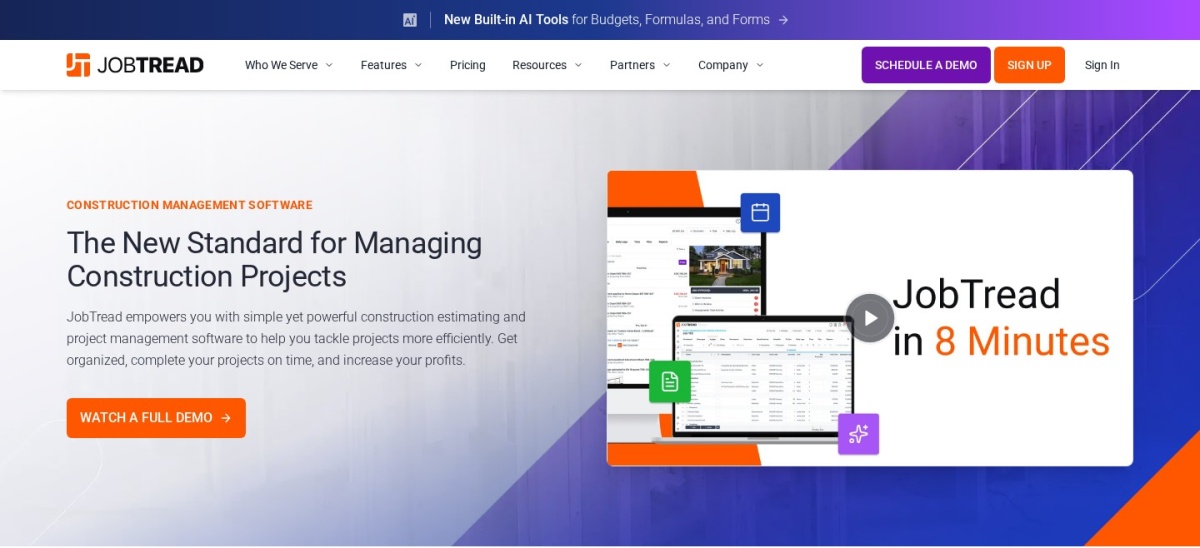
JobTread homepage, captured Nov 2026.
JobTread is a construction management platform built for residential builders, remodelers and specialty contractors. It covers estimating, budgeting, job costing, scheduling, change orders, invoicing and client portals in one subscription, with every feature included at the $199 a month base price and free, unlimited portal users for customers, vendors and subcontractors.
The trade off is the per-user cost on top of the base fee. Each internal user after the first costs $20 a month, so a five-person office pays $279 a month, and there is no free trial, only a 30-day money-back guarantee on monthly plans. It suits small builders that want one system for estimating through invoicing.
Fieldwire is a jobsite management app from Hilti built around plan viewing, tasks, punch lists and inspections. The free Basic plan covers 5 users, 3 projects and 100 sheets with plan viewing, task management, files, photos and checklists, and the Pro plan at $39 per user a month adds reports, exports, sheet compare and unlimited projects.
The trade off is that every invited user is a paid seat. RFIs, submittals, change orders and budgets need Business Plus at $89 per user a month, and there is no estimating or accounting built in. It suits field-first crews that need drawings and punch lists on every phone.
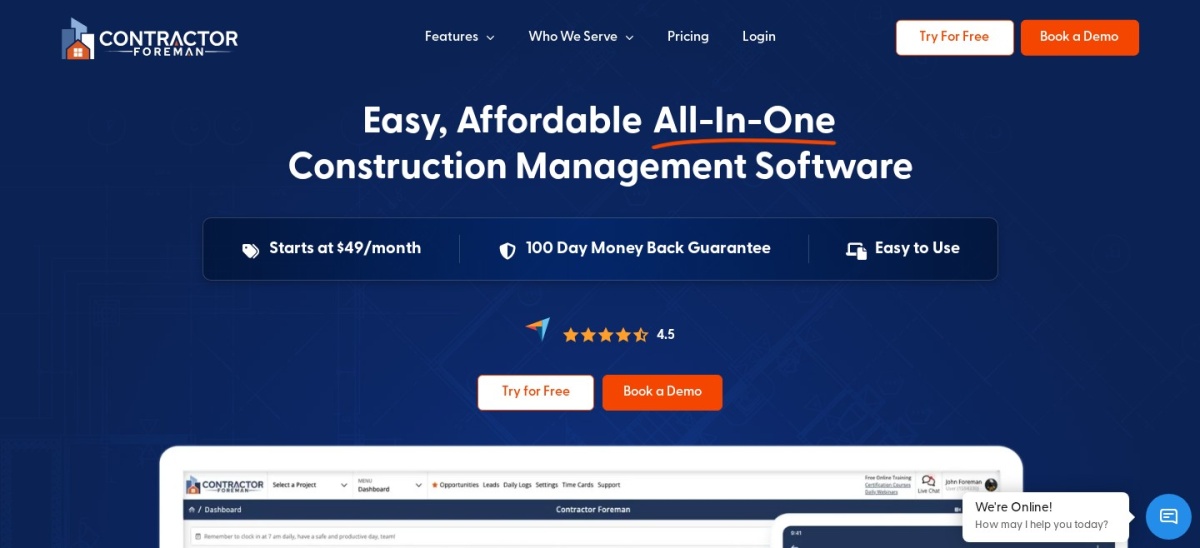
Contractor Foreman is an all-in-one construction platform for small and mid-size contractors, covering scheduling, estimating, invoicing, time cards with GPS, change orders and a client portal. The Basic plan costs $49 a month for one user with unlimited projects, and every plan includes a 30-day free trial and free training.
The trade off is the user cap and the stripped-down entry plan. Basic covers one user only and leaves out QuickBooks sync, scheduling, daily logs and job costing, which start on Plus at $166 a month for up to 8 users. It suits a one- or two-person contracting business that wants a cheap all-in-one start.
What we like
Cheapest paid start in this list at $49 a month
30-day free trial and 100-day money-back guarantee
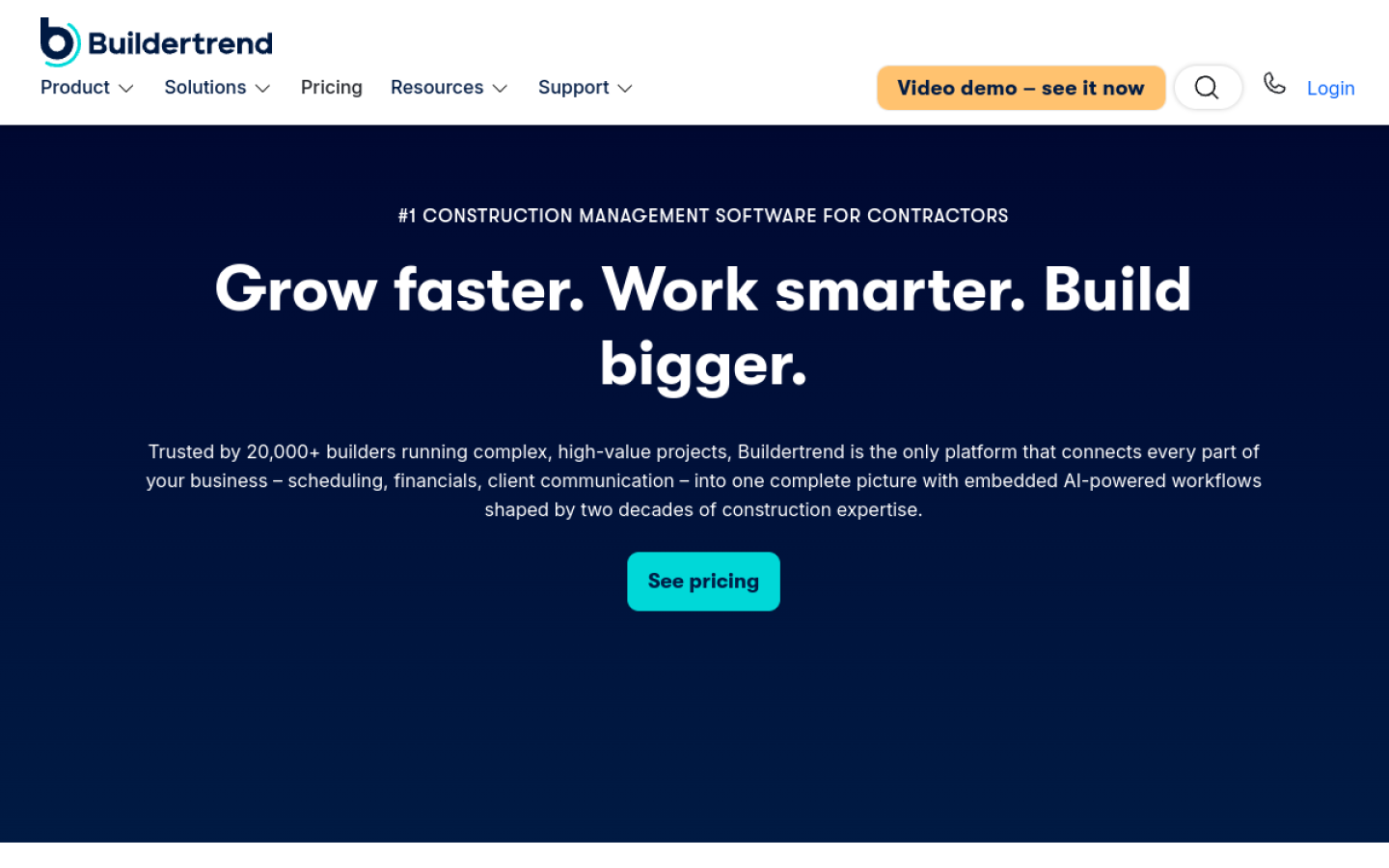
Buildertrend is a cloud platform for home builders and remodelers that combines scheduling, daily logs, estimates, change orders, selections, warranty tracking and a client portal. The Essential plan lists at $499 a month with unlimited users and unlimited projects, and higher plans add financial tools, bid management and a dedicated account manager.
The trade off is price and transparency. Buildertrend does not publish prices on its own pricing page without a demo request, so the $499 figure rests on third-party reads of the same page, and an onboarding fee of $499 to $1,999 is also reported. It suits established residential builders that can absorb a premium all-in-one.
Procore is the largest construction management platform in this list, used by general contractors, owners and specialty contractors to run drawings, RFIs, submittals, daily logs, budgets and safety in one place. It holds 4.6 out of 5 from 4,692 G2 reviews, the largest review base here, and integrates with more than 80 tools including accounting and design software.
The trade off is cost and commitment. Procore sells by quote only, priced against annual construction volume, with third-party reports putting typical costs at $10,000 to $60,000 a year, and implementation averages about three months. It suits mid-size and large general contractors running complex multi-trade projects.
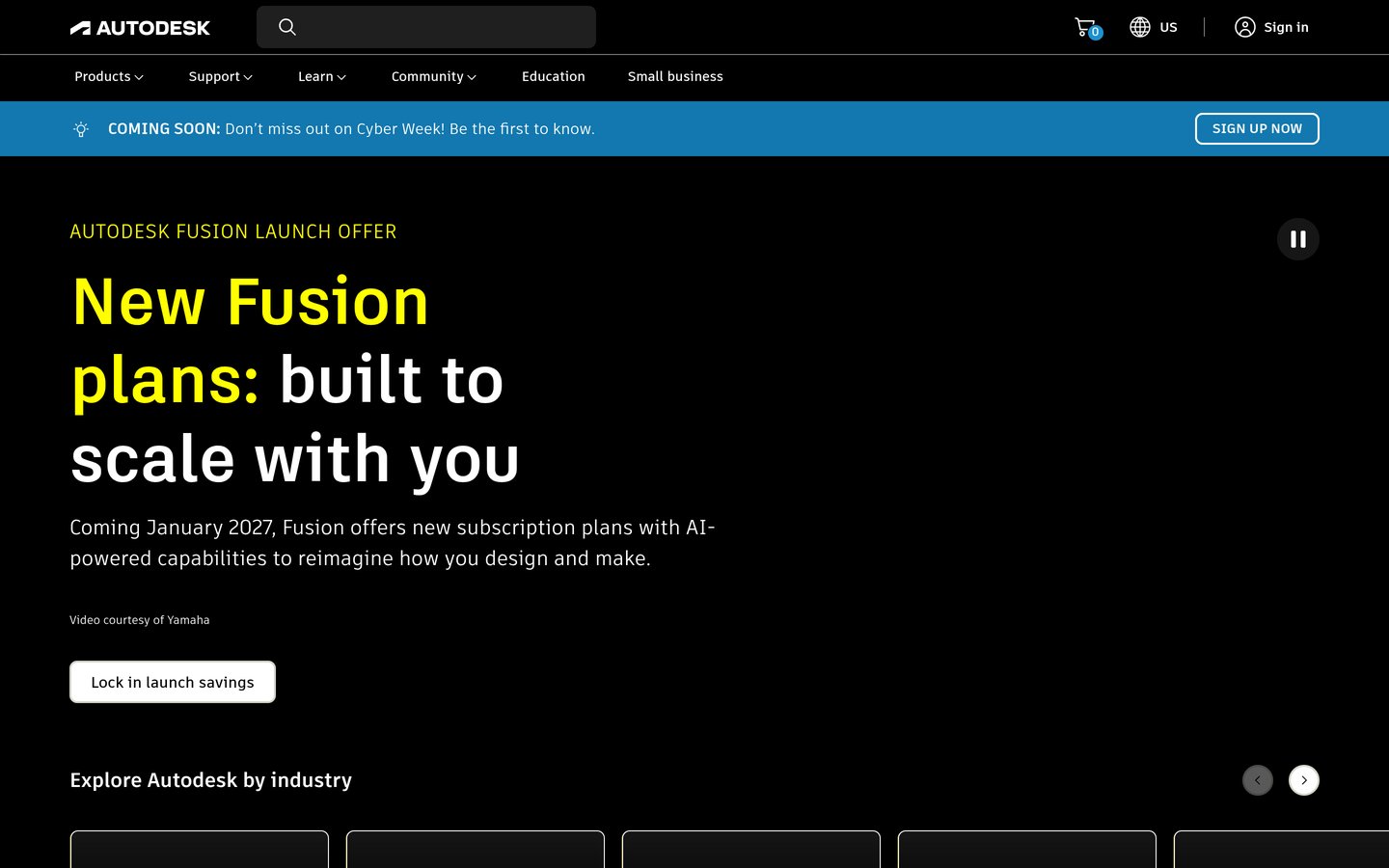
Autodesk Build is the field and project management product inside Autodesk Forma, the successor to Autodesk Construction Cloud. It links drawings, RFIs, submittals, schedules, cost tracking and photos in one system, and it holds 4.4 out of 5 from 5,385 G2 reviews under the Autodesk Forma listing.
The trade off is price and ecosystem lock-in. Build Essentials lists at $67 per user a month billed annually and the full Build plan at $117, and both figures rest on third-party reads because Autodesk's pricing page does not show them plainly. It suits teams already working in AutoCAD or Revit.
What we like
Native fit with AutoCAD and Revit files
Second-largest review base in this list
Cost tracking and schedules in one system
Watch out for
Prices not shown plainly on Autodesk's own page
Steep cost for smaller firms
Full Build adds cost controls and analytics at $117/user/moVisit autodesk.com
07
Houzz Pro
4.3/5on Capterra (1,085 reviews, checked Nov 2026)
Paid from$99/mo
Best for design-led remodelers
Cheapest paid planDesign, $99/mo, 1 user
Pro plan$199/mo, adds takeoffs
Extra seats$50 each a month
Contract12 months, no early cancel
houzz.com
Houzz Pro homepage, captured Nov 2026.
Houzz Pro is business software for remodelers, custom builders and design-build firms that combines CRM, estimates, invoicing, 3D floor plans, selections and project management. The Design plan costs $99 a month for one user, and the Pro plan at $199 adds takeoffs, bid management, change orders and budgets.
The trade off is the contract and the design focus. Most Houzz Pro plans are 12-month contracts that cannot be cancelled early, extra seats cost $50 a month each, and its project tools are lighter than Procore or Buildertrend. It suits design-led remodelers that also want leads from the Houzz marketplace.
What we like
3D floor plans and mood boards built in
CRM, estimates and invoicing in one place
Largest Capterra review base here, 1,085 reviews
Watch out for
12-month contracts with no early cancellation
Project tools are lighter than Procore or Buildertrend
monday.com is a visual work management platform that construction teams adapt with boards, timelines, Gantt charts and automations. The free plan covers up to 2 seats, and Basic costs $9 per user a month billed annually with a three-seat minimum, making it the cheapest paid start in this list alongside Smartsheet.
The trade off is that it is not construction software. There are no built-in RFIs, submittals, change orders or job costing, so teams build those workflows themselves, and Gantt charts need Standard at $12 per user a month. It suits small teams that want a flexible tracker rather than a construction system.
Smartsheet is a spreadsheet-style work management platform with grids, Gantt charts, boards and dashboards that construction teams use for schedules, punch lists and reporting. The Pro plan costs $9 per member a month billed annually for up to 10 members, with a 30-day free trial and no free plan.
The trade off is the learning curve and the missing construction depth. G2 reviewers cite the learning curve more than any other complaint, and Smartsheet has no estimating, RFIs or job costing without add-ons or integrations. It suits teams that think in spreadsheets and want fast cross-sheet reports.
Only three tools here have a free plan, and only Fieldwire's covers real field work: 5 users, 3 projects and 100 sheets with plan viewing and tasks.
monday.com's free plan covers 2 seats, and Houzz Pro's free tier is limited. The rest start paid, though Contractor Foreman, Smartsheet and JobTread offer trials or money-back guarantees.
Paid plans mostly buy limits and depth. Fieldwire's RFIs need Business Plus, Contractor Foreman's scheduling needs Plus, and Procore's whole platform is quote-only.
For a small crew, the cheapest honest start is Fieldwire Basic at $0 or Contractor Foreman Basic at $49 a month. For a growing builder, JobTread's $199 base with every feature included is the simpler bill to forecast.
How we chose
We started from the construction management tools with the largest review bases on G2 and Capterra, plus the general work platforms construction teams actually adapt, then kept nine with a verifiable rating and a published or clearly quote-only price.
Prices come from each vendor's pricing page, checked on 23 November 2026. Ratings come from G2 or Capterra on the same day, using the source with the most reviews for each tool. Where a vendor shows a sale, the list shows the regular price. Buildertrend and Autodesk Build are the exceptions: their pricing pages do not show prices plainly, so their figures rest on independent reads of the same official pages from November 2026.
We left out CoConstruct, whose pricing is unclear since its merger into Buildertrend, and enterprise-only platforms that publish no price and no trial. No vendor paid for a place, and we do not claim hands-on testing for this list.
How to choose a construction management tool
Start with the size of your jobs and the size of your team, then match the pricing model to both.
Count your internal users first. JobTread charges $20 per internal user on top of its base, Contractor Foreman caps users by tier, and Fieldwire charges per seat. The cheapest list price is not always the cheapest bill.
Decide whether you need estimating or just field work. JobTread, Buildertrend and Contractor Foreman estimate and invoice. Fieldwire and Autodesk Build track drawings and punch lists but do not estimate.
Check the free plan or trial before you pay. Fieldwire Basic is free for 5 users, monday.com is free for 2 seats, and Contractor Foreman and Smartsheet offer 30-day trials. Run one on a live job first.
Get the quote in writing for quote-only tools. Procore prices by construction volume and Buildertrend quotes after a demo. Ask for the full first-year cost, including onboarding, before you compare.
FAQ
What is the best digital tool for construction management?
JobTread is the best overall pick for most small builders. It holds 4.9 out of 5 from 118 G2 reviews and covers estimating, job costing, scheduling, change orders and invoicing from $199 a month, with every feature included and free portals for customers and subcontractors.
How much does construction management software cost?
It ranges from $0 to about $500 a month for small teams. Fieldwire Basic is free, Contractor Foreman starts at $49 a month and JobTread at $199, while Buildertrend lists at $499 and Procore quotes by construction volume, typically $10,000 to $60,000 a year.
Is there a free construction management tool?
Yes. Fieldwire Basic is free for up to 5 users, 3 projects and 100 sheets, with plan viewing, tasks, photos and checklists. monday.com is free for up to 2 seats, and Houzz Pro has a limited free tier. None of the free plans include estimating or RFIs.
What is the difference between Procore and Buildertrend?
Procore fits mid-size and large general contractors running complex commercial work, with the deepest RFI and financial tools. Buildertrend fits residential builders and remodelers, with stronger selections and warranty tracking. Both are quote-only in practice, and Procore typically costs far more.
Can monday.com or Smartsheet replace construction software?
For simple tracking, yes. Both cost $9 per user a month and handle schedules, punch lists and dashboards well. But neither has built-in RFIs, submittals, change orders or job costing, so a builder that needs those should pick JobTread, Buildertrend or Contractor Foreman instead.
Do I need estimating built into the tool?
It depends on how you win work. If you estimate every week, a tool with built-in estimating such as JobTread or Buildertrend saves re-entering numbers. If estimating lives in a separate tool, a field-first option such as Fieldwire is cheaper and simpler.