Best Plugins for WordPress in 2026: 10 Tools Compared
WLWPLegible EditorsLast verified 22 Nov 2026How we test13 min read
★ Short answer
Yoast SEO is the best WordPress plugin for most sites, with a 4.8 out of 5 rating from 27,821 users and more than 10 million installs. Pick Elementor to design pages visually and Wordfence to lock down security, and add WooCommerce only if you sell online.
How we make this list: we compare pricing pages, product documentation and public user reviews, then re-check every price before each update. No product paid for a place. Disclosure.
Yoast SEO is the strongest all-round pick: 4.8 out of 5 from 27,821 reviews and more than 10 million installs.
Elementor, Wordfence, WPForms and UpdraftPlus all pair a useful free version with a paid plan under $150 a year.
WP Rocket is the only tool here with no free version: $59 a year for one site, with a 14-day trial.
WPForms and MonsterInsights both cost half price in year one and renew at double: $99 and $199 a year.
Every tool in this list has a free version except WP Rocket, and paid plans run from $49 to $199 a year.
What makes a plugin worth installing
WordPress ships with the basics, but most sites need more: search guidance, a page builder, security, backups, forms and a store. The plugins in this list cover one core job each, so you can pick the job you need instead of installing a bundle.
Install count and rating are the quickest quality check. Every plugin here has more than 1 million active installs, and the lowest rating is 4.5 out of 5 on WordPress.org, except WP Rocket, which is rated 4.6 out of 5 on Trustpilot.
Price matters after the free version runs out. Our guide on free vs premium WordPress plugins explains when paying is worth it, and the price ladder below shows the cheapest paid plan for each tool.
Do not install two plugins for the same job. Two SEO plugins or two caching plugins can conflict, slow the site and hide the real cause of a problem.
4.8/5on WordPress.org (27,821 reviews, checked Nov 2026)
Paid from$118.80/yr
Best SEO plugin overall
Free planYes, full SEO basics
Focus keyphrases1 free, 5 in Premium
Redirect managerPremium only
Paid planPremium, $118.80/yr
yoast.com
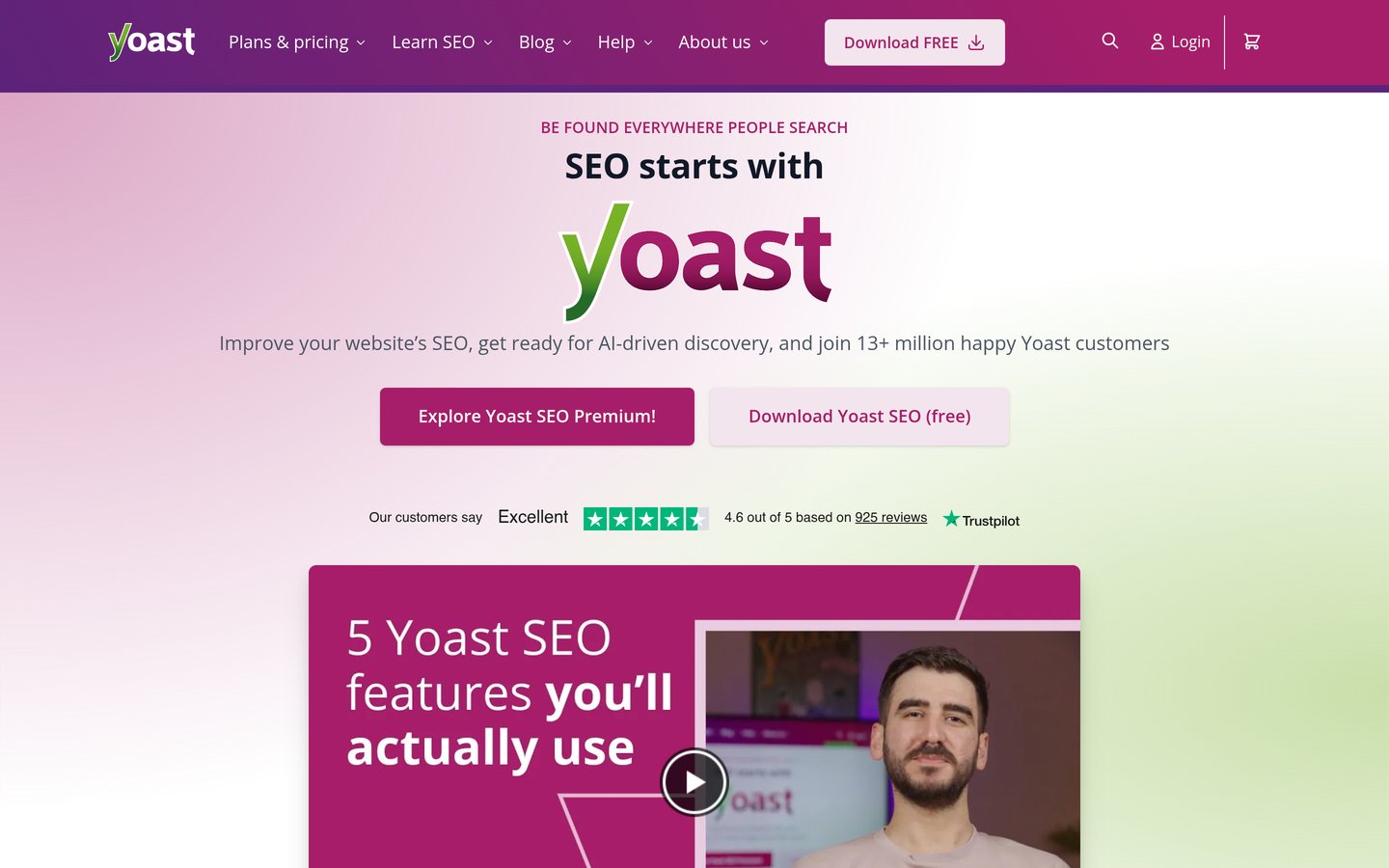
Yoast SEO homepage, captured Nov 2026.
Yoast SEO is the most-installed SEO plugin on WordPress.org, with more than 10 million active installs and a 4.8 out of 5 rating from 27,821 reviews. The free version covers readability and SEO analysis in the editor, XML sitemaps, schema markup and social previews.
The trade off is the per-site price. Premium costs $118.80 a year before VAT for one site, so five sites cost five subscriptions, and the redirect manager stays behind the paywall. It suits bloggers and small businesses that want guided SEO in the editor.
What we like
Most-installed SEO plugin, so help is easy to find
Clear in-editor guidance on keyphrases and readability
Free version covers sitemaps, schema and social previews
Watch out for
Premium is $118.80 a year for one site, before VAT
Redirect manager and internal linking are paid only
Premium adds redirects, 5 keyphrases and AI toolsVisit yoast.com
02
Elementor
4.5/5on WordPress.org (7,328 reviews, checked Nov 2026)
Paid from$60/yr
Best page builder for most sites
Free versionYes, drag-and-drop builder
Theme BuilderPro only
Popup BuilderPro, not Essential
Paid planEssential, $60/yr
elementor.com
Elementor homepage, captured Nov 2026.
Elementor is a drag-and-drop page builder with more than 10 million active installs, rated 4.5 out of 5 by 7,328 users. The free version lets you design pages visually with containers, responsive controls and a template library, without writing code.
The trade off is that the cheapest paid plan is limited. Essential costs $60 a year for one site and adds the Theme Builder, but popups, custom CSS and WooCommerce features need a higher plan. It suits anyone who wants visual control over a blog or business site.
What we like
Visual editing with no code needed
Huge template library and community
Works with most themes
Watch out for
Essential leaves out popups and WooCommerce features
4.7/5on WordPress.org (5,055 reviews, checked Nov 2026)
Paid from$149/yr
Best free security plugin overall
Free firewallYes
Free malware scanYes
Free 2FAYes, plus passkeys
Paid planPremium, $149/yr
wordfence.com
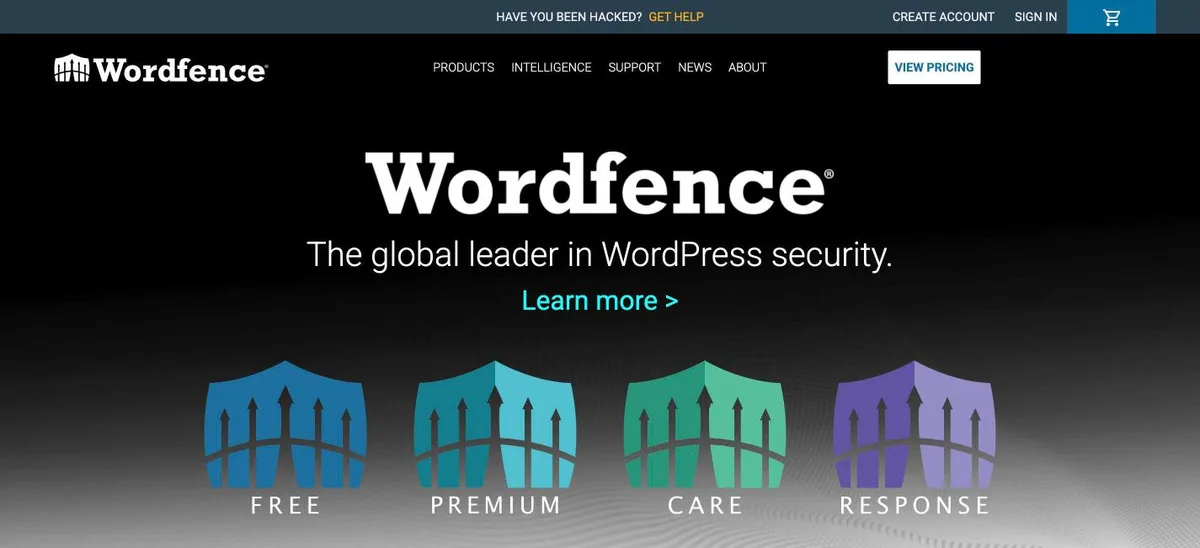
Wordfence homepage, captured Nov 2026.
Wordfence is the most complete free security plugin on WordPress.org, with more than 5 million active installs. The free version includes an endpoint firewall, a malware scanner, brute-force protection and login security with 2FA, passkeys and CAPTCHA.
The trade off is timing. Real-time firewall rules, malware signatures and the IP blocklist are reserved for Premium at $149 a year, so free users get new rules later. It suits most blogs and business sites that want one free plugin to cover the basics.
4.5/5on WordPress.org (4,833 reviews, checked Nov 2026)
Paid from$49/yr
Best for selling online
Free storeYes, core plugin
Payment feesFrom 2.9% + 30c per card
Paid extensionsFrom $49/yr each
Paid planExtensions, from $49/yr
woocommerce.com
WooCommerce homepage, captured Nov 2026.
WooCommerce is the free store plugin behind most WordPress shops, with more than 7 million active installs and a 4.5 out of 5 rating from 4,833 reviews. The free core covers products, checkout, coupons and tax settings, and it works with the block editor and most themes.
The trade off is that the extras are paid one by one. Subscriptions, bookings and many payment gateways are separate extensions from $49 a year each, so a full store costs more than the free core. It suits any business that wants to sell on its own site.
4.8/5on WordPress.org (14,395 reviews, checked Nov 2026)
Paid from$99/yr
Best form builder for most sites
Free versionYes, Lite on WordPress.org
Form templates2,100+ on paid plans
Payment formsStripe, PayPal, Square
Paid planBasic, $99/yr
wpforms.com
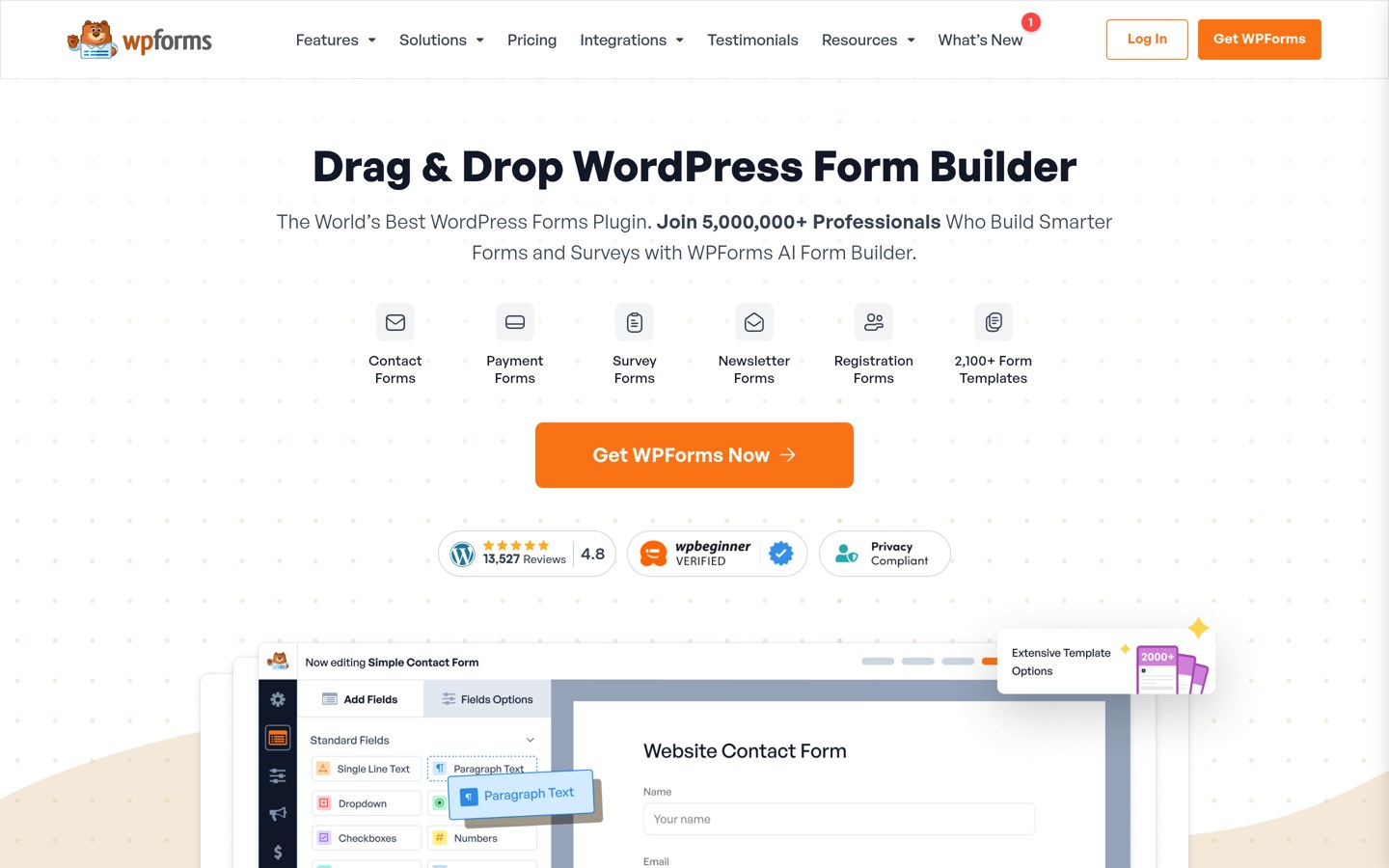
WPForms homepage, captured Nov 2026.
WPForms is a drag-and-drop form builder with more than 5 million active installs, rated 4.8 out of 5 by 14,395 users. The free Lite version covers contact forms with unlimited forms and submissions, spam protection and entry management.
The trade off is the renewal price. Basic costs $49.50 in the first year and renews at $99 a year for one site, and payment forms add a 3% platform fee on Basic and Plus. It suits blogs and businesses that want forms without code.
4.8/5on WordPress.org (8,739 reviews, checked Nov 2026)
Paid from$70/yr
Best backup plugin for most sites
Free backupsYes, scheduled
Cloud storageGoogle Drive, Dropbox, S3
RestoreOne click, in the dashboard
Paid planPersonal, $70/yr
teamupdraft.com
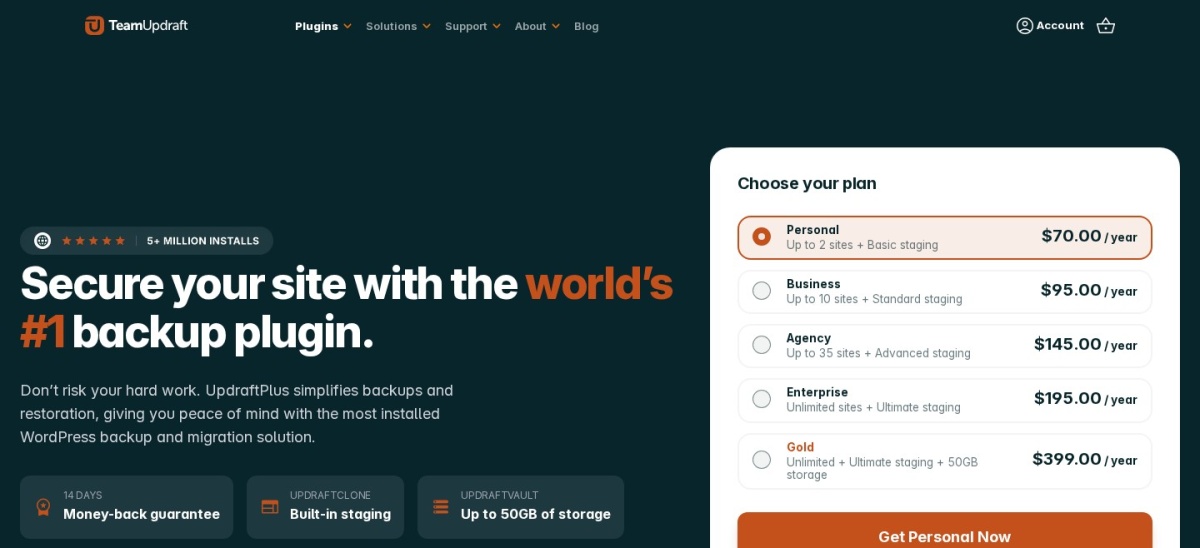
UpdraftPlus homepage, captured Nov 2026.
UpdraftPlus is the most-used backup plugin on WordPress.org, with more than 4 million active installs and a 4.8 out of 5 rating from 8,739 reviews. The free version schedules file and database backups and sends them to Google Drive, Dropbox, Amazon S3 and more.
The trade off is that restores need WordPress working. Premium costs $70 a year for two sites and adds incremental backups, automatic backups before updates and a migrator. It suits any site whose host does not already back it up.
What we like
Free scheduled backups to your own cloud
One-click restore from the dashboard
Most-used backup plugin, so help is easy to find
Watch out for
Restore needs WordPress working, or a manual restore
Premium renewal price is not stated on the pricing page
4.6/5on Trustpilot (3,049 reviews, checked Nov 2026)
Starts at$59/yr
Best caching plugin for speed
Free planNo, premium only
Page cachingYes, on activation
Free trial14 days
Paid planSingle, $59/yr
wp-rocket.me
WP Rocket homepage, captured Nov 2026.
WP Rocket is a premium caching plugin that switches on page caching, preloading and code optimisation when you activate it. It holds a 4.6 out of 5 Trustpilot rating from 3,049 reviews, and WP Rocket says it runs on more than 5.6 million websites.
The trade off is that there is no free version. Single costs $59 a year for one site, and image optimisation and a site-wide CDN are separate paid add-ons. It suits sites on hosts without built-in caching that want speed without settings to learn.
4.5/5on WordPress.org (3,161 reviews, checked Nov 2026)
Paid from$199/yr
Best for Google Analytics in WordPress
Free versionYes, Lite on WordPress.org
GA4 reportsYes, in the dashboard
Search Console dataPlus and up
Paid planPlus, $199/yr
monsterinsights.com
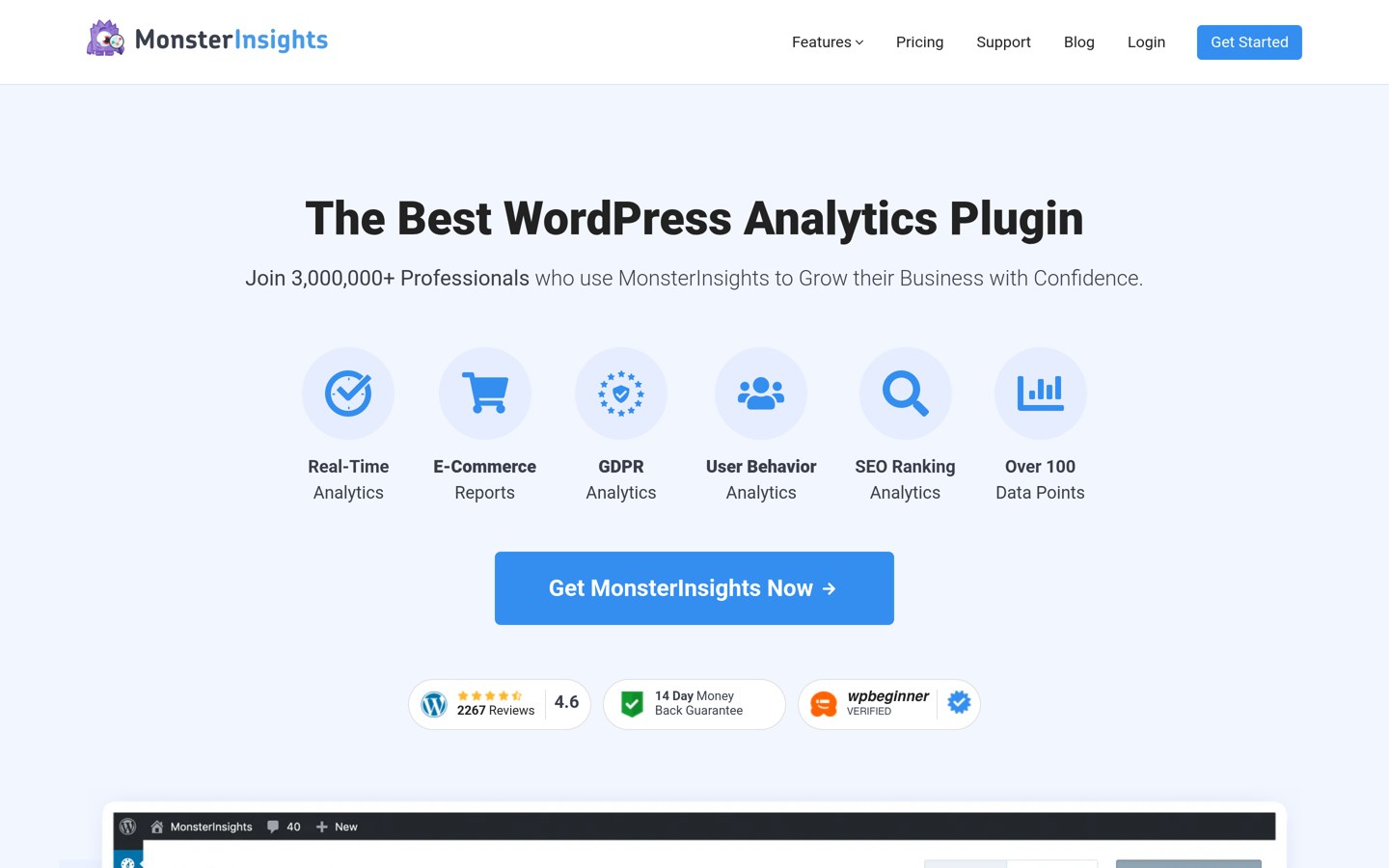
MonsterInsights homepage, captured Nov 2026.
MonsterInsights is a Google Analytics plugin that puts GA4 reports inside your WordPress dashboard, with more than 2 million active installs and a 4.5 out of 5 rating from 3,161 reviews. The free Lite version covers the overview report, outbound link tracking and affiliate link tracking.
The trade off is the renewal price. Plus costs $99.50 in the first year and renews at $199 a year for one site, and eCommerce reports need Pro. It suits publishers who want their analytics where they already work.
4.8/5on WordPress.org (6,053 reviews, checked Nov 2026)
Paid from$50/yr
Best for image optimisation
Free versionYes, on WordPress.org
WebP and AVIFPro only
Image CDNPro, 119 locations
Paid planPro Basic, $50/yr
wpmudev.com
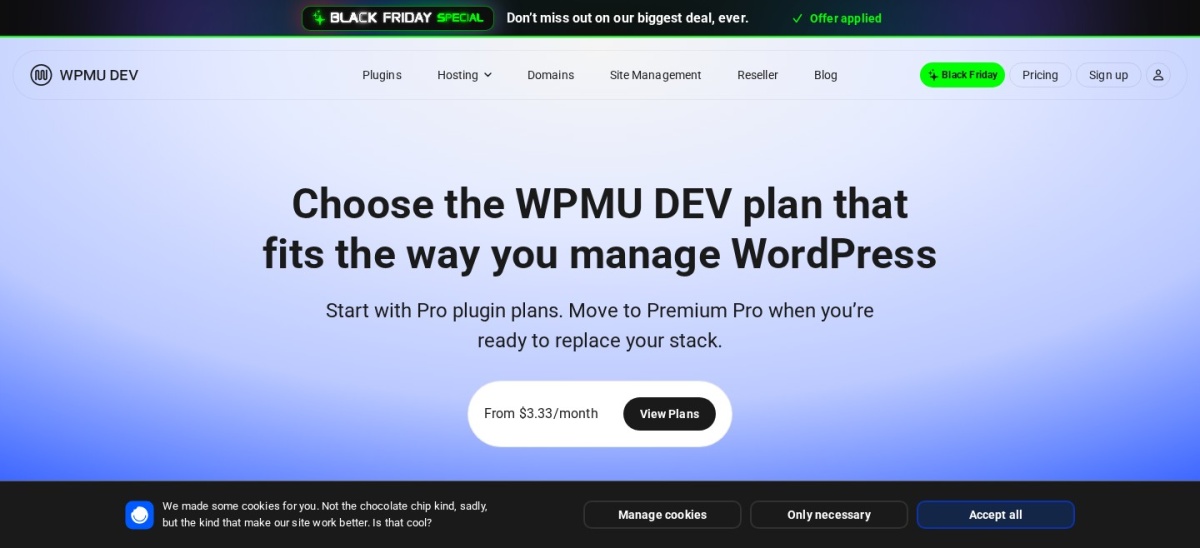
Smush homepage, captured Nov 2026.
Smush is an image optimisation plugin from WPMU DEV, with more than 1 million active installs and a 4.8 out of 5 rating from 6,053 reviews. The free version compresses images, resizes them, bulk-optimises the media library and lazy-loads images.
The trade off is that Pro is a membership, not a standalone plugin. Pro Basic costs $50 a year for one site and adds WebP and AVIF conversion, Ultra compression and a 119-location image CDN. It suits sites with large image libraries that already use WPMU DEV tools.
4.7/5on WordPress.org (1,186 reviews, checked Nov 2026)
Paid from$9.95/mo
Best for comment spam
Free versionYes, Personal, non-commercial
Spam checks500 a month on Pro
CAPTCHANo, nothing to solve
Paid planPro, $9.95/mo
akismet.com
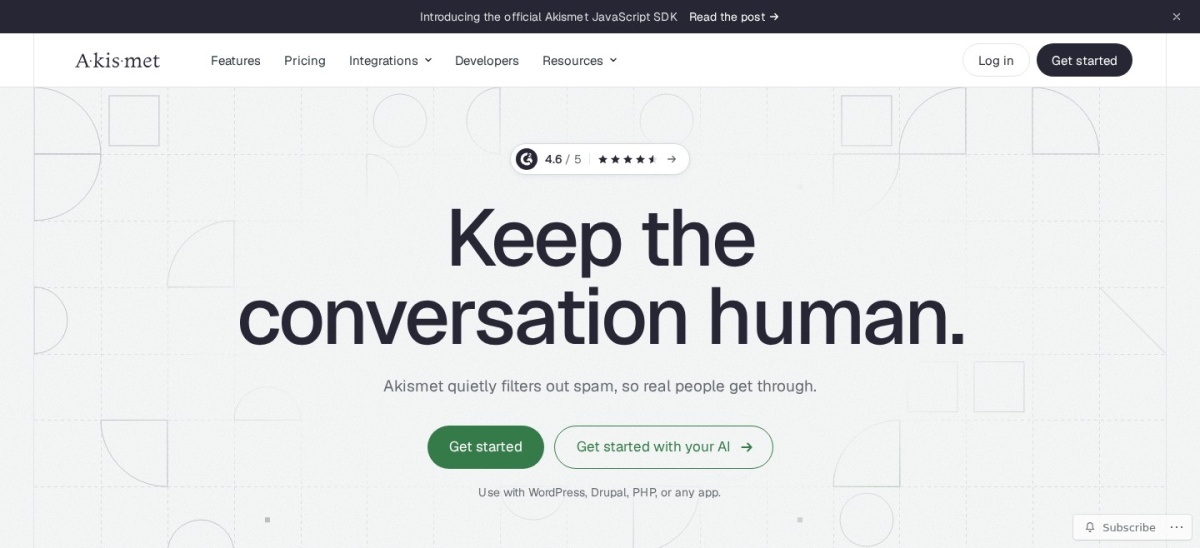
Akismet homepage, captured Nov 2026.
Akismet is the anti-spam plugin from Automattic, with more than 5 million active installs and a 4.7 out of 5 rating from 1,186 reviews. It checks every comment and form submission against a global spam database, with no CAPTCHA for your visitors to solve.
The trade off is that the free plan is for personal sites only. A commercial site needs Pro at $9.95 a month billed yearly, which covers one site and 500 spam checks a month. It suits any site with comments, forms or sign-ups.
Free versions cover the core job well. Yoast SEO, Elementor, Wordfence, WPForms and UpdraftPlus all do useful work without paying.
Paid plans mostly add speed, limits and support. You get more sites, more checks, faster updates and help when something breaks.
WP Rocket is the exception: there is no free version at all, so the $59 a year is the entry price, not an upgrade.
For a site that earns money, one paid plan often costs less than the time lost fixing a problem the free version cannot solve.
Common mistakes when picking plugins
Installing too many plugins is the most common mistake. Every plugin adds code, updates and a chance of conflict, so keep the list short.
Paying for a feature your host already covers is the second. Many managed hosts run caching, backups and security scans, so check your hosting plan first.
Ignoring the renewal price is the third. WPForms and MonsterInsights both double after year one, so budget for the renewal, not the first-year offer.
How we chose
We started from the most-installed plugin for each core job on WordPress.org: SEO, page building, security, selling, forms, backups, caching, analytics, images and spam.
Prices come from each vendor's pricing page, checked on 22 November 2026. Ratings and install counts come from WordPress.org on the same day, except WP Rocket, which is not on WordPress.org and is rated on Trustpilot. Where a vendor shows a sale, the list shows the regular price.
We left out plugins not updated in the last 12 months. No vendor paid for a place, and we do not claim hands-on testing for this list.
How to choose the best WordPress plugins
Start with the job your site needs most, then check the free version before you pay.
List the jobs your site needs. SEO, security and backups come first for most sites. A store adds WooCommerce, a blog adds forms and analytics.
Install one plugin per job. Two plugins doing the same job can conflict. Pick one, set it up, and only add a second if a real gap remains.
Try the free version first. Every tool here except WP Rocket has a free version. Use it for a week before paying, so you know what the paid plan actually adds.
Check the renewal price, not the first year. WPForms renews at $99 and MonsterInsights at $199 a year, double their first-year prices. Budget for year two.
FAQ
What is the best WordPress plugin overall?
Yoast SEO is the best overall pick for most sites. It has more than 10 million active installs and a 4.8 out of 5 rating from 27,821 users, and its free version covers the SEO basics every site needs.
How many plugins should a WordPress site have?
There is no fixed number, but fewer is usually better. Most sites in this list need six to eight plugins: SEO, security, backups, caching, forms and a builder or store. Each extra plugin adds updates, code and a chance of conflict.
Are free WordPress plugins safe to use?
Free plugins from WordPress.org with millions of installs and recent updates are usually safe. Check the rating, the number of reviews and the last update date before you install, and avoid plugins not updated in the last year.
Do I need a paid plugin for a small blog?
Usually not. A small blog can run on the free versions of Yoast SEO, Wordfence, UpdraftPlus and WPForms, plus a free caching plugin from your host. Pay only when a free version blocks a feature you actually need.
Which plugin should I install first?
Install Yoast SEO first, then Wordfence and UpdraftPlus. Those three cover search, security and backups, which every site needs from day one. Add a builder, forms or a store only when the site needs them.
Can I use two SEO plugins at once?
No. Two SEO plugins can write conflicting titles, sitemaps and schema, and the result is worse search results, not better. Pick one, either Yoast SEO or its closest rival, and remove the other.