Rev is the best dictation software for most people, with accurate AI and human transcription, 621 G2 reviews and plans from 25 dollars a month. Pick Transkriptor for the cheapest accurate AI transcription and Descript for editing audio by editing text.
How we make this list: we compare pricing pages, product documentation and public user reviews, then re-check every price before each update. No product paid for a place. Disclosure.
Rev is the best dictation software for most people, rated 4.7 out of 5 on G2 from 621 reviews, with AI transcription at 25 cents a minute and human transcription from $1.50 a minute.
Transkriptor Lite at $9.99 a month is the cheapest accurate AI transcription in this list, covering more than 100 languages.
Descript Hobbyist at $16 a month is the best pick for podcasters, because it lets you edit audio by editing the transcript.
Otter.ai Pro at $8.33 a user a month is the best pick for automatic meeting notes, with a free Basic plan for 300 minutes a month.
Dragon Professional costs $699 as a one-time purchase and works fully offline, but it has the lowest G2 rating in this list.
What dictation software does
Dictation software turns speech into text, either live as you speak or by transcribing a recording afterwards. The best tools handle accents, speaker identification and punctuation, so the transcript needs little cleanup.
AI transcription is now the default. Cloud tools such as Rev, Transkriptor and Otter transcribe in minutes for cents per minute, while human transcription costs more but catches the details AI misses.
Meeting tools are a separate category. Otter and Notta join your calls and write summaries with action items, while Rev and Transkriptor focus on transcribing files you upload.
Teams already running project management software should check integration first. Otter and Rev both connect to Zoom, Google Meet and the tools your team already uses.
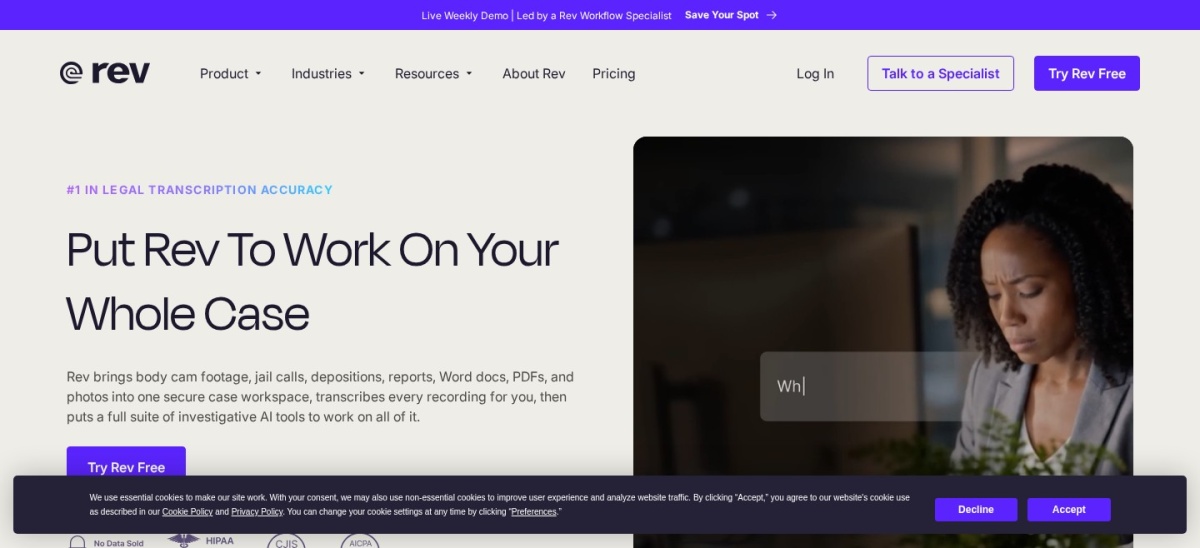
Rev is a transcription service offering AI transcription at $0.25 a minute and human transcription from $1.50 a minute, with captions and subtitles in the same platform. Essentials costs $25.49 a seat a month billed annually, or $29.99 monthly.
The trade off is price. Human transcription is the most accurate option here but costs $1.50 a minute, and the per-seat Essentials plan is the most expensive subscription in this list. It suits teams that need accurate transcripts of interviews, meetings and legal recordings.
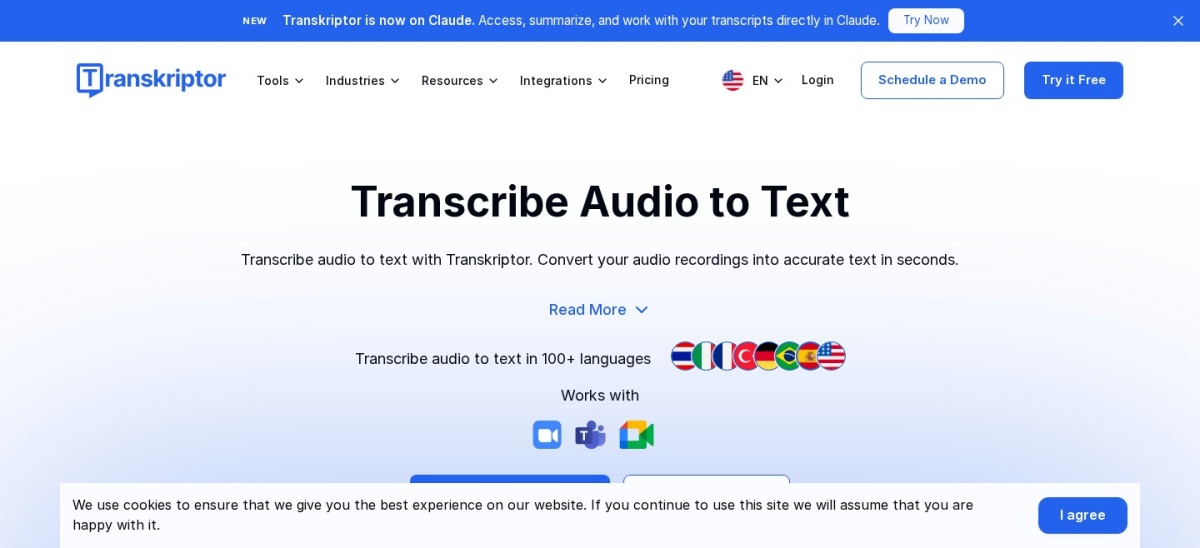
Transkriptor is an AI transcription tool that turns audio and video into text in more than 100 languages, with an AI assistant for summaries and speaker identification. Lite costs $9.99 a month according to a comparison dated October 2026, and a 90-minute free trial is available.
The trade off is the price read. Another comparison quoted Pro at $8.33 a month, so confirm the current Lite and Pro prices on Transkriptor's site before buying. It suits individuals and small teams that need accurate AI transcription on a budget.
Descript is an audio and video editor that lets you edit recordings by editing the transcript, with AI transcription, Overdub voice cloning and studio sound built in. Hobbyist costs $16 a month billed annually, or $24 monthly, and the free plan includes 1 hour of transcription a month.
The trade off is scope. Descript is an editor first and a dictation tool second, so pure transcription is cheaper elsewhere, and the learning curve is steeper than a simple recorder. It suits podcasters and video creators who edit by transcript.
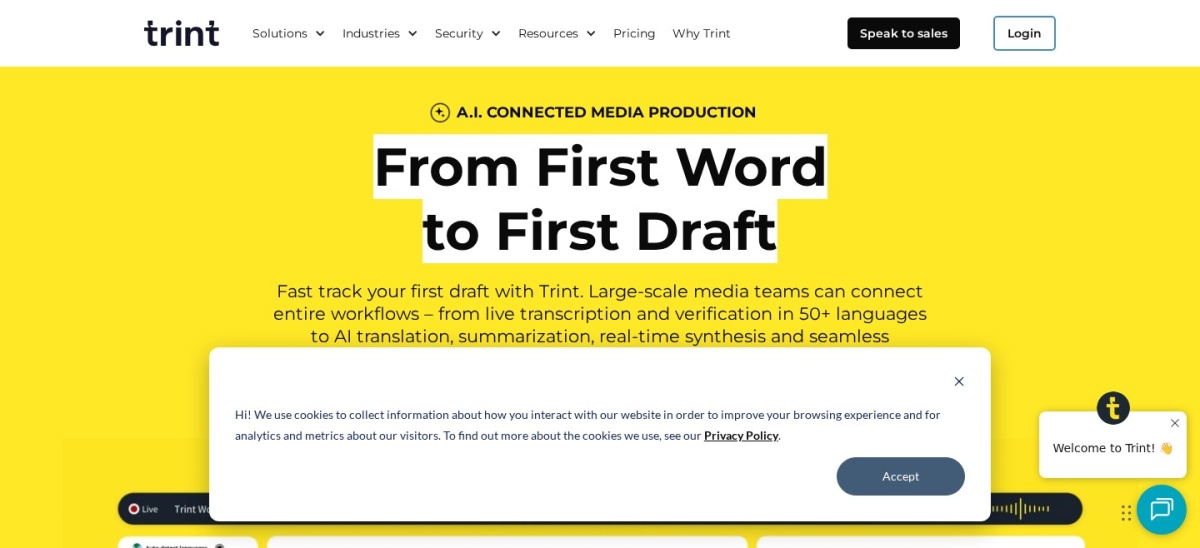
Trint is an AI transcription platform built for journalists and researchers, with collaborative editing, shared workspaces and export to Word, captions and subtitles. Starter costs $52 a seat a month according to a comparison dated October 2026, and a 7-day free trial is available.
The trade off is the price read. The $52 figure comes from a comparison, not from Trint's pricing page, so confirm the current price before buying, and $52 a seat is the highest in this list. It suits newsrooms and research teams that edit transcripts together.
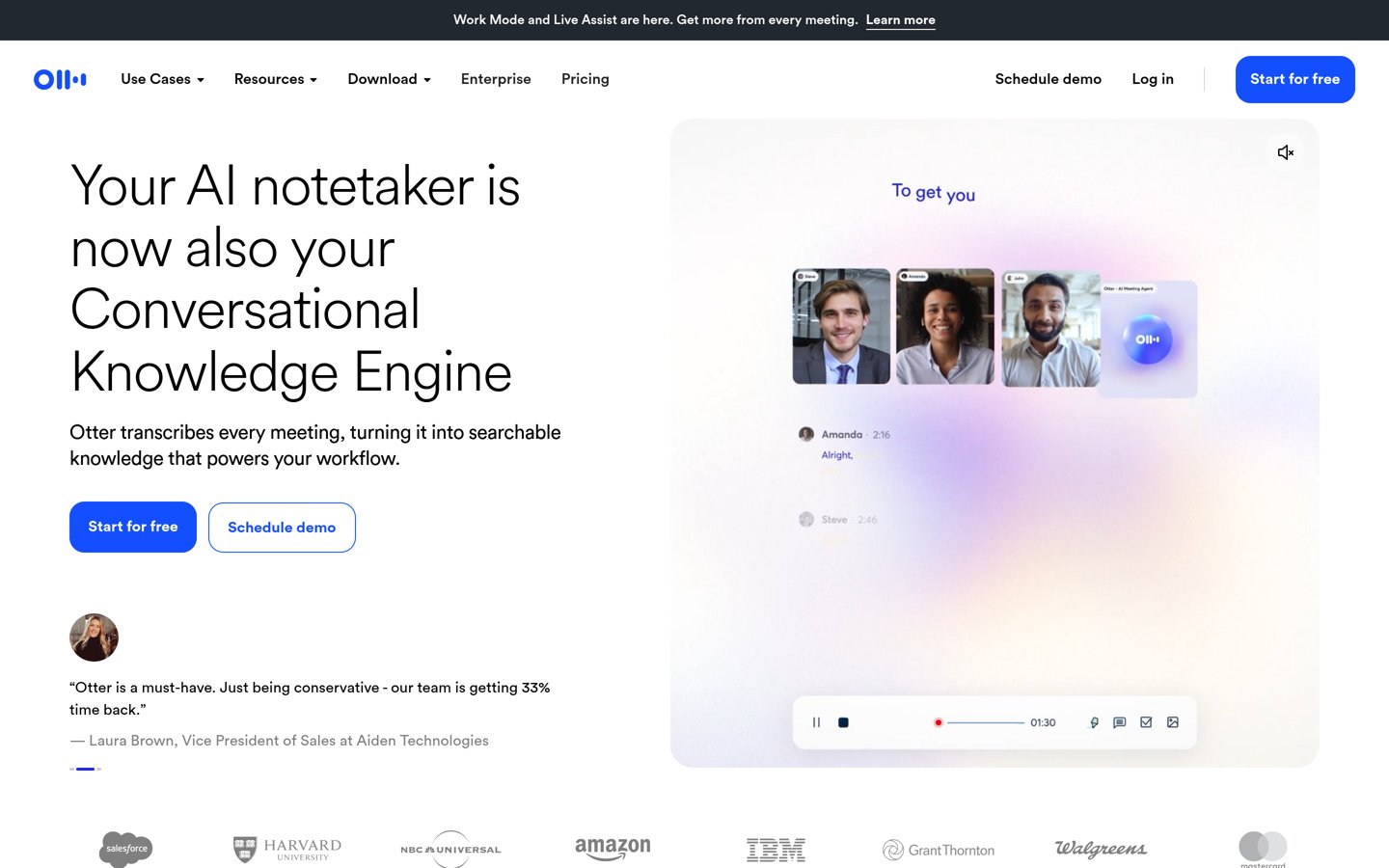
Otter.ai is a meeting transcription tool that joins Zoom, Google Meet and Teams calls, transcribes live and writes AI summaries with action items. Basic is free with 300 minutes a month, and Pro costs $8.33 a user a month billed annually, or $16.99 monthly.
The trade off is meeting focus. Otter is built for live meetings, so it is less suited to transcribing long pre-recorded files, and the monthly price is double the annual price. It suits teams that want automatic meeting notes.
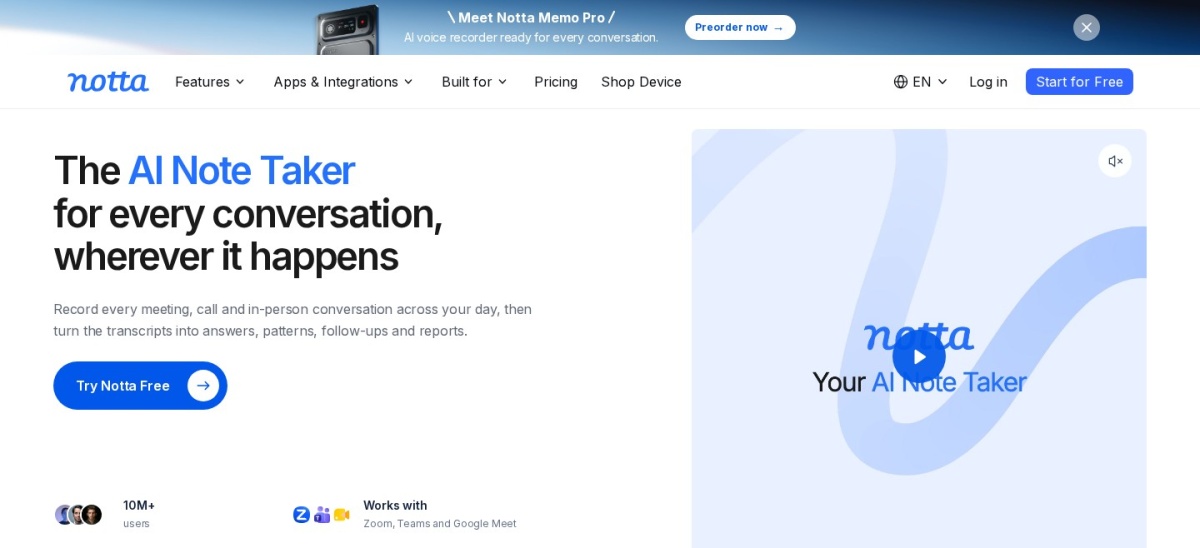
Notta is an AI transcription tool for meetings, interviews and audio files, with real-time transcription in 58 languages, AI summaries and templates. The free plan covers 120 minutes a month, and Pro costs $8.17 a month billed annually.
The trade off is the review base. Notta is rated 4.3 out of 5 on G2 from 347 reviews, lower than Otter, and its interface is simpler with fewer integrations. It suits budget-conscious teams that need meeting transcription in many languages.
Dragon Professional is desktop dictation software from Nuance that turns speech into text in Word, email and other apps, learning your voice and vocabulary over time. It costs $699 as a one-time purchase according to a comparison dated October 2026, and it works offline without sending audio to the cloud.
The trade off is price and age. Dragon is a one-time $699 purchase with the lowest G2 rating in this list at 3.9 out of 5 from 54 reviews, and newer AI tools transcribe more accurately for less. It suits professionals who need offline dictation and own their software outright.
Dictation is speaking live and seeing text appear. Dragon is the classic dictation tool, turning your voice into text in Word or email as you speak.
Transcription is turning a recording into text afterwards. Rev, Transkriptor, Descript and Trint all transcribe audio and video files, which is what most people mean by dictation software today.
Meeting tools are a third category. Otter and Notta join your calls and write summaries, so you get notes without recording anything yourself.
Pick by your workflow. Speak live and you need Dragon. Transcribe recordings and you need Rev or Transkriptor. Take meeting notes and you need Otter or Notta.
How we chose
We started from the dictation and transcription tools with the most G2 reviews and the widest adoption, then kept the seven with a real free tier or trial and a verifiable G2 rating. Every tool here has a G2 rating with a review count.
Prices come from each vendor's pricing page, checked on 25 November 2026. Several vendor pages render with JavaScript, so where a figure could not be read from the page itself we used dated comparisons quoting the vendor page and flagged them in the notes. Trint's price is second-hand, which we flagged in its entry. Ratings and review counts come from G2 on the same day.
We left out tools that are features rather than standalone products, including Apple Dictation, Microsoft Dictate and Google Docs Voice Typing, and tools with no verifiable G2, Capterra or Trustpilot rating, including Speechnotes. No vendor paid for a place, and we do not claim hands-on testing for this list.
How to choose dictation software
Start with whether you speak live, transcribe recordings or take meeting notes, then match the price to your volume.
Decide live dictation or transcription. Speak live and you need Dragon. Transcribe recordings and you need Rev, Transkriptor or Descript. Take meeting notes and you need Otter or Notta.
Check the free tier first. Most tools here offer a free tier or trial. Transcribe a real recording and check accuracy on your voice and accent before paying.
Price by your monthly volume. AI transcription is billed per minute or per month, so estimate your monthly minutes first. A cheap monthly plan beats pay-per-minute pricing at high volume.
Test accuracy on your own audio. Record a sample in your usual environment, with your usual accent and background noise, and compare the transcripts before you commit.
FAQ
What is the best dictation software?
Rev is the best dictation software for most people. It offers accurate AI and human transcription, and it is rated 4.7 out of 5 on G2 from 621 reviews.
What is the best free dictation software?
Otter.ai is the best free dictation software, with a Basic plan covering 300 minutes a month. Notta offers 120 free minutes a month, and Descript includes 1 hour of transcription a month.
How much does dictation software cost?
Published prices in this list run from $8.17 a month at Notta to $25.49 a month at Rev, with Dragon Professional at $699 as a one-time purchase and AI transcription from 25 cents a minute.
Is Dragon still the best dictation software?
Dragon is the best offline dictation software, but newer AI tools transcribe more accurately for less. Dragon is rated 3.9 out of 5 on G2 from 54 reviews, the lowest in this list.
Which dictation software is best for meetings?
Otter.ai is the best dictation software for meetings. It auto-joins Zoom, Google Meet and Teams calls, transcribes live and writes AI summaries with action items.
Can I dictate directly into Microsoft Word?
Yes, Dragon Professional dictates directly into Word, email and other apps, and Microsoft Dictate is built into Word. Both need a microphone and a quiet room for best accuracy.
SaaS SEO and WordPress specialist with about 8 years of experience. Rakib compares WordPress plugins, themes, hosting and software using public pricing, documentation and user reviews. See how we rank.