Mosyle Manager is the best device management software for Apple-focused schools, offering a free edition and Premium licensing at $5.50 per device annually. Choose ManageEngine Mobile Device Manager Plus for mixed operating systems or Scalefusion for centralized management of student tablets and dedicated learning devices.
How we make this list: we compare pricing pages, product documentation and public user reviews, then re-check every price before each update. No product paid for a place. Disclosure.
Mosyle Manager Premium costs $5.50 per device annually with a 30-license minimum.
ManageEngine Mobile Device Manager Plus manages up to 25 devices for free.
Scalefusion starts at $24 per device annually and has a 4.7/5 G2 rating.
Hexnode UEM starts at $2.20 per device monthly with annual billing.
Miradore supports up to 50 devices on its permanent free plan.
What to look for in school device management software
School device management software helps IT administrators configure student computers, distribute educational applications, enforce security policies and maintain accurate device inventories. Centralized administration reduces the need to configure every device individually.
Operating system compatibility should determine your initial shortlist. Apple-focused schools benefit from Apple School Manager integration, while institutions using Chromebooks and Windows laptops need appropriate cross-platform management capabilities.
Classroom management and mobile device management serve different purposes. Teachers need tools for directing classroom activities, while IT administrators need enrollment, application deployment, operating system updates and security enforcement.
Student privacy should remain a priority when configuring monitoring and security policies. Review access permissions, data retention practices and location tracking settings to ensure that device management supports educational needs without unnecessary surveillance.
The 7 best device management software tools for schools
01
Mosyle Manager
4.6/5on G2 (57 reviews, checked Nov 2026)
Paid from$5.50/yr
Best for Apple-focused schools
Paid planManager Premium
Billing unitPer device
Minimum paid licenses30
Education security bundle$9/device/year
school.mosyle.com
Mosyle Manager homepage, captured Nov 2026.
Mosyle Manager is an Apple device management platform developed specifically for educational institutions. Its free edition provides an entry point for school administrators, while Premium costs $5.50 per device annually and supports more extensive Apple management workflows.
The trade off is Apple-only compatibility and a 30-license minimum for paid subscriptions, while the OneK12 security bundle costs $9 per device annually. It suits schools using iPads, Mac computers and Apple TV devices.
ManageEngine Mobile Device Manager Plus homepage, captured Nov 2026.
ManageEngine Mobile Device Manager Plus is a cross-platform management system supporting Apple, Android, Windows and ChromeOS devices. Its free edition covers 25 devices, while the Standard on-premises subscription costs $495 annually for 50 devices.
The trade off is deployment complexity and different licensing costs for cloud installations, which start at $645 annually for 50 devices. It suits school IT departments that maintain diverse hardware and require centralized administrative control.
What we like
Free management for small device fleets
Broad operating system compatibility
Cloud and self-hosted deployment options
Centralized application and policy management
Watch out for
On-premises deployment requires maintenance
Cloud subscriptions cost more than on-premises
Additional technician accounts increase costs
Standard expands device capacity, while Professional adds advanced management capabilities.Visit manageengine.com
03
Scalefusion
4.7/5on G2 (411 reviews, checked Nov 2026)
Starts at$2/mo
Best for student tablets and kiosk devices
Entry planEssential
Minimum devices10
Free trial14 days
Mixed desktop fleet plan$5/device/month
scalefusion.com
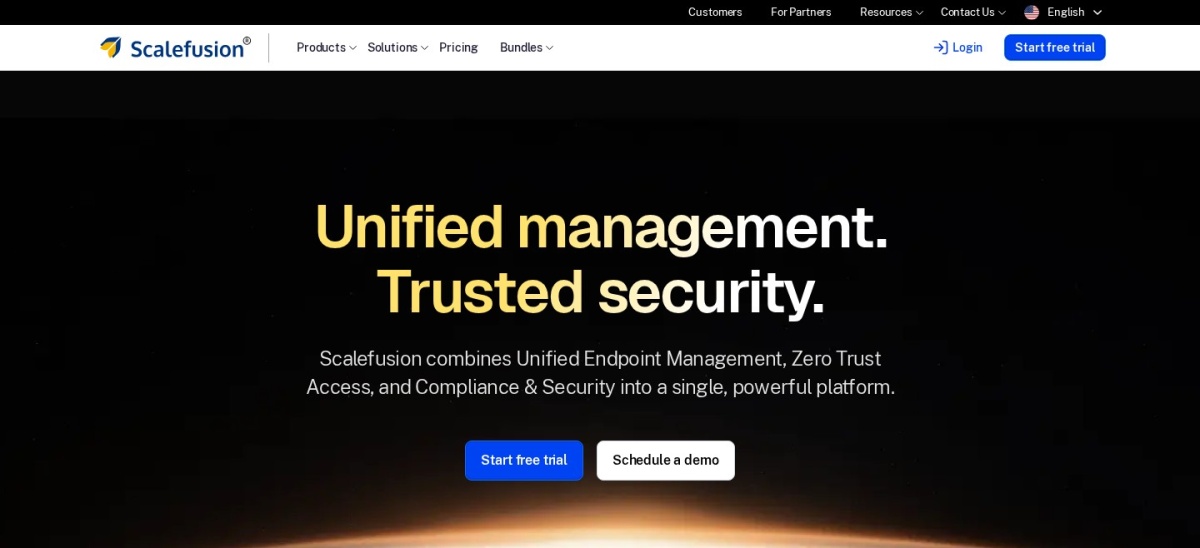
Scalefusion homepage, captured Nov 2026.
Scalefusion is a unified endpoint management platform that helps administrators configure devices, restrict applications and enforce usage policies. Essential costs $2 per device monthly with annual billing and includes Android and iOS management, kiosk functionality and website allowlisting.
The trade off is that Windows, macOS, Linux and ChromeOS management require Business at $5 per device monthly, and subscriptions require at least 10 devices. It suits schools managing dedicated learning tablets or mixed fleets on higher plans.
Hexnode UEM is a device administration platform supporting centralized enrollment, application deployment and usage restrictions. Its Pro subscription costs $2.20 per device monthly with annual billing and includes mobile application management, kiosk functionality and access for 2 technicians.
The trade off is that desktop management and mobile web filtering require Enterprise at $3.20 per device monthly, with further capabilities reserved for higher plans. It suits schools that need configurable policies across supervised tablets and other institutional devices.
What we like
Apple School Manager integration
Flexible device restriction policies
Mobile application distribution
Support for multiple operating systems
Watch out for
Minimum enrollment of 15 devices
Desktop management requires a higher plan
Advanced web filtering is not included in Pro
Enterprise adds desktop management, mobile web filtering and additional technician access.Visit hexnode.com
05
Miradore
4.6/5on G2 (146 reviews, checked Nov 2026)
Paid from$2.75/mo
Best for small schools with limited IT budgets
Free device allowance50
Paid planPremium
Free trial14 days
Supported systemsAndroid, iOS, macOS, Windows
miradore.com
Miradore homepage, captured Nov 2026.
Miradore is a cloud-based device management platform for administering computers, tablets and smartphones through a centralized console. Its free edition supports up to 50 devices, while Premium costs $2.75 per device monthly at the displayed subscription rate.
The trade off is that integrated remote support requires Premium+ at $3.95 per device monthly, and minimum payment terms apply below 15 paid devices. It suits smaller schools that need affordable device security and configuration without maintaining management servers.
What we like
Permanent free plan for small fleets
Cloud-based administration
Apple School Manager application deployment
Educational discounts available
Watch out for
No native ChromeOS management
Remote support requires Premium+
Minimum payment conditions apply
Premium adds device management automation, while Premium+ includes integrated remote support.Visit miradore.com
06
Jamf School
4.7/5on G2 (23 reviews, checked Nov 2026)
PricingCustom pricing
Best for Apple classroom management
Target usersK-12 schools
Free trial14 days
Classroom toolsJamf Teacher
Family controlsJamf Parent
jamf.com
Jamf School homepage, captured Nov 2026.
Jamf School is an Apple device management platform built for educational institutions, with dedicated applications for teachers, students and parents. It offers a 14-day trial and integrates device administration with classroom-focused management workflows.
The trade off is Apple-only compatibility and quote-based education pricing, since the current official pricing page does not confirm a regular standalone Jamf School subscription price. It suits schools that want classroom management alongside centralized Apple device administration.
Education packages combine Apple device management with classroom and security capabilities.Visit jamf.com
07
FileWave
4.7/5on G2 (22 reviews, checked Nov 2026)
PricingCustom pricing
Best for large mixed-platform school deployments
DeploymentCloud or on-premises
Free trial30 days
Community device limit15 per device category
Professional remote support2 TeamViewer licenses
filewave.com
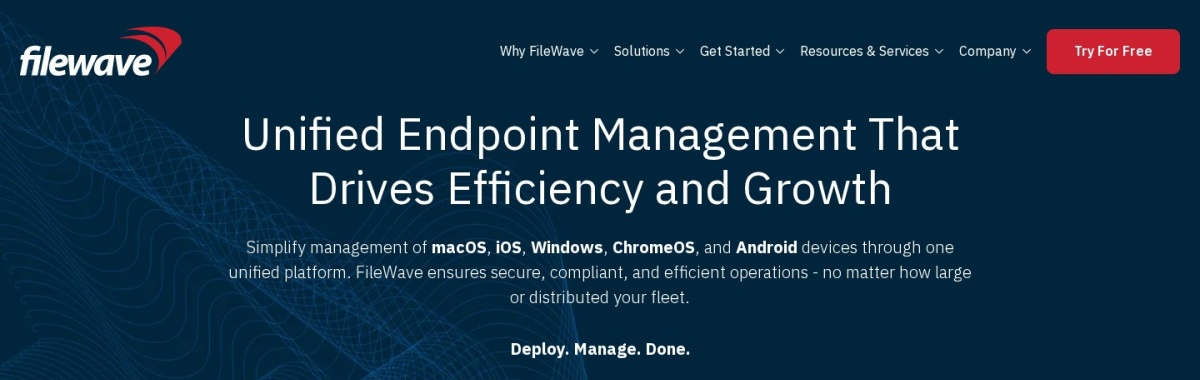
FileWave homepage, captured Nov 2026.
FileWave is a unified endpoint management platform that supports Apple, Windows, Android and ChromeOS devices. Its Community package supports up to 15 devices in each mobile, desktop and Chrome category, while its Professional package expands deployment capacity.
The trade off is that the official website displays Professional pricing from $12.50 per device without clearly specifying the billing period. A confirmed annual subscription therefore requires a quote. It suits schools managing diverse hardware across classrooms, laboratories and administrative offices.
What we like
Cross-platform school device administration
Cloud and on-premises deployment options
Centralized software and patch distribution
Dedicated education deployment workflows
Watch out for
Published starting prices lack clear billing periods
Smaller G2 review sample than major competitors
Advanced deployments may require specialist IT knowledge
Professional expands device capacity and includes enhanced support.Visit filewave.com
How much does device management software for schools cost?
Mosyle Manager Premium starts at $5.50 per device annually, making it an affordable option for Apple-focused institutions. Its 30-license minimum produces a minimum annual subscription cost of $165.
Scalefusion Essential costs $24 per device annually, with a minimum annual commitment of $240 for 10 devices. Schools managing desktop computers and Chromebooks need to budget for its higher subscription tiers.
ManageEngine uses device-count packages rather than individual device subscriptions. Its Standard on-premises package covers 50 devices for $495 annually, while the corresponding cloud package costs $645.
The price ladder mixes per-device rates and fleet subscription packages, so the displayed prices are not directly equivalent. Request education-specific quotes and include hosting, support, minimum licenses and additional security services in your budget.
School device management vs. classroom management software
Mobile device management focuses on enrollment, application distribution, security configuration and device maintenance. IT administrators use it to keep institutional hardware configured consistently and ready for learning.
Classroom management software helps teachers guide digital lessons, restrict distractions and coordinate student activities during instruction. Jamf School and Mosyle Manager offer education-specific workflows that extend beyond general endpoint management.
Schools should establish clear boundaries for teacher permissions and administrator access. Monitoring should be limited to legitimate educational and security requirements, with transparent policies for students, parents and staff.
How we chose
We selected established device management platforms based on educational relevance, operating system compatibility, application distribution, enrollment capabilities, security policies and centralized administration. The selection includes dedicated education products and general-purpose management platforms suitable for schools.
Official pricing pages and G2 ratings were checked on 25 Nov 2026. Mosyle uses the combined business and education product rating. Jamf School and FileWave use custom pricing because confirmed standalone annual prices were unavailable. Published regular prices are shown before separately negotiated educational discounts.
We excluded products focused exclusively on classroom monitoring, web filtering or asset inventory without broader device administration capabilities. No vendor paid for a place, and we do not claim testing for this list.
How to choose the best device management software for schools
Evaluate each platform against your existing school hardware, classroom requirements, student privacy policies and available IT resources.
Inventory your school devices. Identify student tablets, staff laptops, laboratory computers and shared classroom devices. Check operating system compatibility at the subscription tier you intend to purchase.
Define classroom and administrative requirements. Separate teacher-facing controls from IT administration tasks such as device enrollment, application installation, security configuration and operating system maintenance.
Review student privacy and security controls. Check administrator permissions, device monitoring settings, data retention policies and remote wipe safeguards. Establish appropriate restrictions for school-owned and personally owned devices.
Calculate the complete annual cost. Include minimum license requirements, education discounts, deployment services, remote support, hosting and additional security products before comparing subscriptions.
FAQ
What is the best device management software for schools?
Mosyle Manager is our top choice for Apple-focused schools because it combines education-specific management with affordable licensing at $5.50 per device annually. ManageEngine Mobile Device Manager Plus is a better starting point for institutions operating mixed hardware fleets.
Is there free device management software for schools?
Yes. Mosyle Manager offers a permanent free edition for educational institutions using Apple devices. ManageEngine Mobile Device Manager Plus supports 25 devices for free, while Miradore provides free management for up to 50 devices.
What is the best device management software for school iPads?
Mosyle Manager and Jamf School are particularly suitable for school iPads because they focus on educational Apple deployments. Both support centralized administration and education-oriented workflows that help IT departments configure and maintain institutional Apple devices.
Which device management software supports school Chromebooks?
ManageEngine Mobile Device Manager Plus, Scalefusion Business and FileWave support ChromeOS management. Confirm the exact enrollment, application deployment and restriction capabilities available for Chromebooks, including any requirements for separate Google education management licenses.
Can schools manage student-owned devices with MDM software?
Yes, compatible management platforms can support personally owned devices through appropriate enrollment methods. Schools should apply limited management policies, protect personal information and obtain any required authorization before enrolling student-owned computers or smartphones.
What is the difference between MDM and Apple School Manager?
Apple School Manager helps institutions organize Apple accounts, device assignments and application purchasing. An MDM platform such as Mosyle Manager or Jamf School connects to these services to configure enrolled devices, distribute applications and enforce institutional policies.
SaaS SEO and WordPress specialist with about 8 years of experience. Rakib compares WordPress plugins, themes, hosting and software using public pricing, documentation and user reviews. See how we rank.