Vercel is the best developer-friendly frontend cloud platform for most teams, with git-push deploys, preview environments and the deepest framework support, backed by 87 G2 reviews. Pick Render for full-stack apps and Railway for the fastest prototypes.
How we make this list: we compare pricing pages, product documentation and public user reviews, then re-check every price before each update. No product paid for a place. Disclosure.
Vercel leads for frontend teams at $20 per month for Pro, with a $20 usage credit and preview deploys on every pull request.
Render is the closest modern Heroku replacement, with web services, workers and managed Postgres from $7 a month.
Railway deploys a full project in minutes, with Hobby at $5 a month including $5 of usage.
Cloudflare Pages charges nothing for static requests or bandwidth, with dynamic work billed as Workers from $5 a month.
Firebase and AWS Amplify bill pay-as-you-go, so a quiet side project can cost almost nothing and a busy one needs budget monitoring.
What makes a frontend cloud platform developer friendly
A developer-friendly frontend cloud turns a git push into a live site. You connect a repository, the platform builds it, and every pull request gets its own preview URL to share before merging.
Preview environments are the feature that separates the good platforms from the plain hosts. Vercel, Netlify and Render all build a preview per pull request, so design and product reviews happen on the real site.
Pricing is where these platforms diverge. Some charge a flat seat fee, some charge by usage, and some charge for both, so compare the bill at your real traffic and team size.
Free tiers matter for side projects. For frontend hosting, the free tier limits on builds, bandwidth and team seats decide whether a hobby project stays free.
The 9 best developer-friendly frontend cloud platforms
01
Vercel
4.7/5on G2 (87 reviews, checked Nov 2026)
Paid from$20/mo
Best frontend cloud platform overall
Free planYes, Hobby, non-commercial
Preview deploysYes, per pull request
FrameworksNext.js, React, Astro, more
Paid planPro, $20/mo
vercel.com
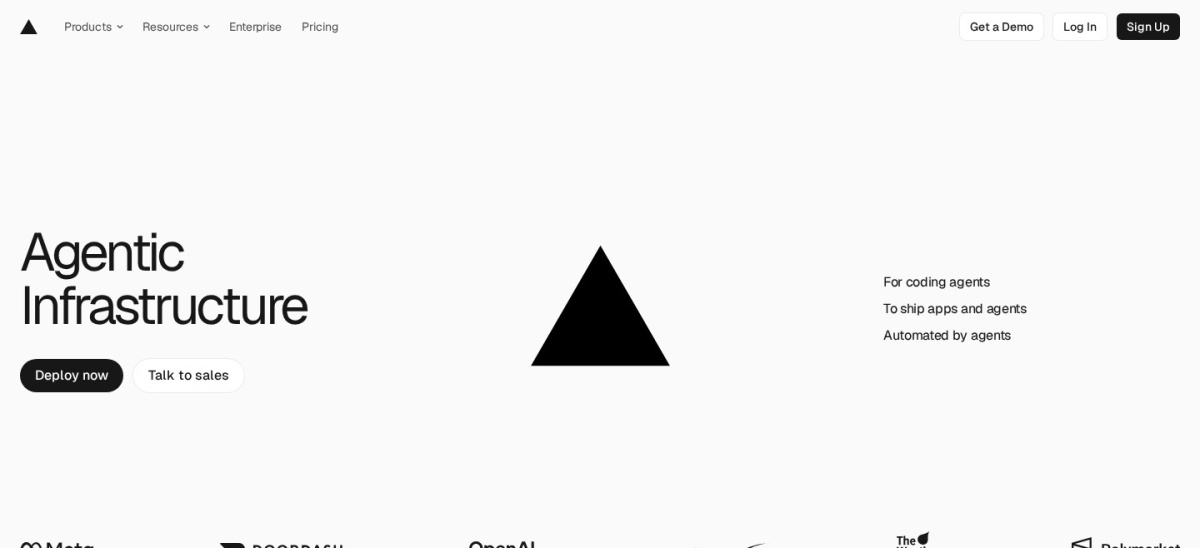
Vercel homepage, captured Nov 2026.
Vercel is a frontend cloud built around Next.js, the framework its own team builds. A git push deploys the site, every pull request gets a preview URL, and the platform handles edge functions, image optimisation and analytics. Pro costs $20 a month per deploying seat and includes a $20 usage credit.
The trade off is that the Hobby plan is non-commercial only, so any business site belongs on Pro, and usage beyond the credit is billed per meter. It suits frontend teams shipping Next.js or React apps who want the fastest path from commit to live site.
What we like
Best Next.js support, from the team that builds it
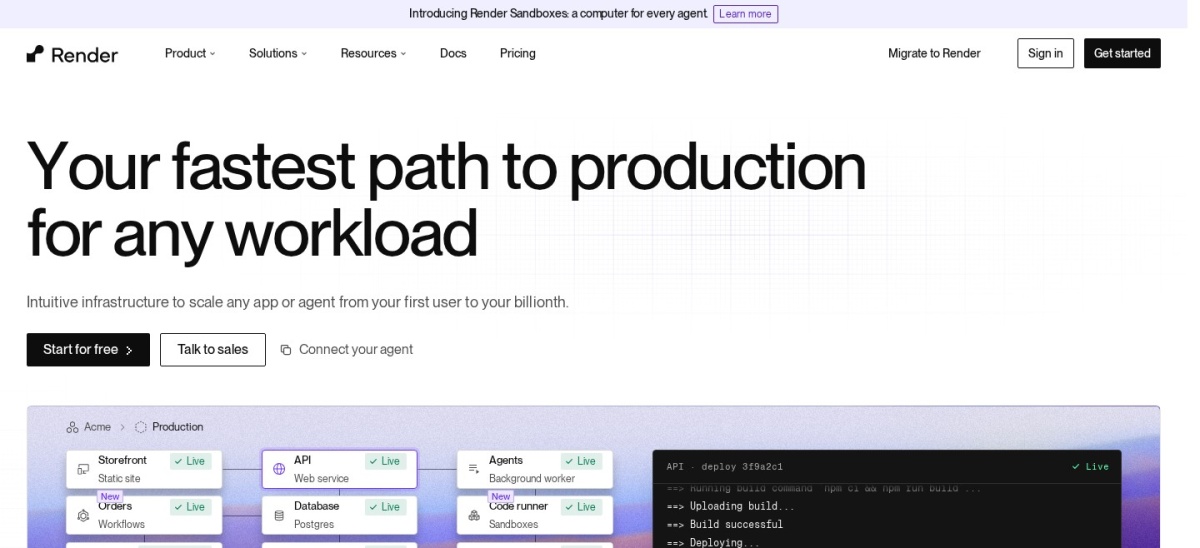
Render is a generalist cloud platform that deploys web services, background workers, cron jobs and managed PostgreSQL and Redis from a git push. Paid web services start at $7 a month for an always-on instance, and the free tier covers 750 hours a month for one web service that spins down when idle.
The trade off is scope. Render runs its own managed regions in the US, EU and Asia, so it cannot match the global edge reach of Cloudflare, and pricing combines a workspace plan with per-service compute. It suits small teams replacing Heroku with a full-stack app and a database.
What we like
Web services, workers and databases in one dashboard
Managed Postgres in the same place as the app
Rated 4.7 out of 5 on G2 from 84 reviews
Watch out for
Free services sleep after 15 minutes idle
Pricing mixes workspace and per-service charges
Fewer regions than the big clouds
Standard at $25 and Pro at $85 a month add autoscalingVisit render.com
03
Railway
4.7/5on G2 (66 reviews, checked Nov 2026)
Starts at$5/mo
Best for fast prototypes
Free planNo, 30-day trial with credits
DatabasesPostgres, MySQL, Redis templates
Preview deploysYes, per pull request
Paid planHobby, $5/mo
railway.com
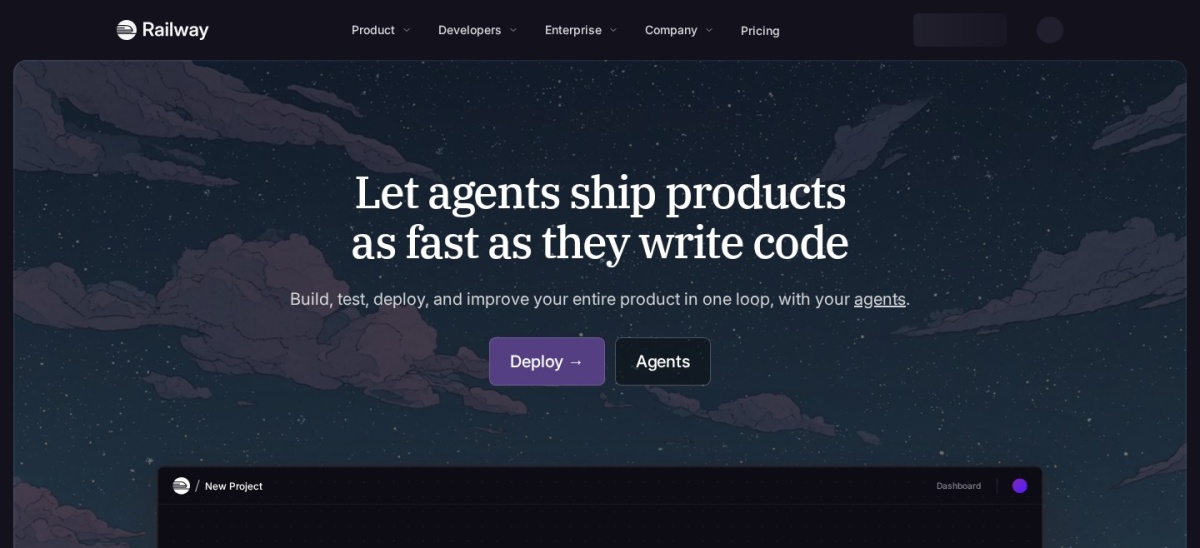
Railway homepage, captured Nov 2026.
Railway is a deployment platform that turns a repository into a live app with databases, variables and preview environments in minutes. It detects the framework, generates the build command and deploys from the dashboard or the command line, and Hobby costs $5 a month including $5 of usage credit.
The trade off is usage billing. Compute, storage and transfer beyond the credit are metered, so a busy service costs more than the headline $5, and there is no permanent free tier. It suits indie teams and rapid prototypes that want the fastest zero-to-deployed experience.
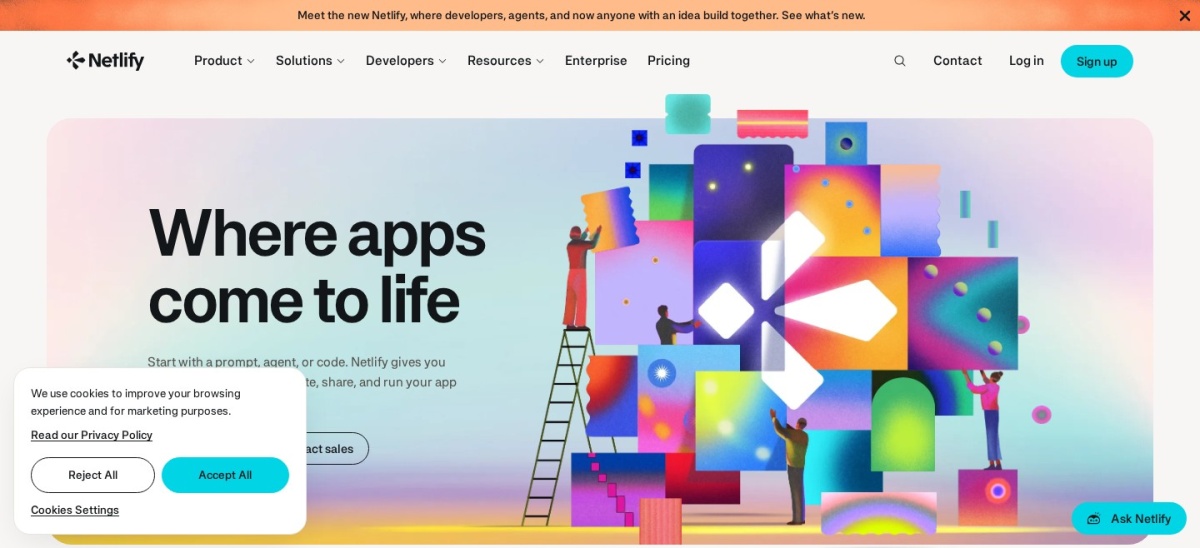
Netlify is a managed web deployment platform that turns a git push into a live site with deploy previews, form handling, split testing and serverless functions. It now bills in credits: the free plan gets 300 credits a month, Personal costs $9 a month with 1,000 credits, and Pro starts at $20 a month with unlimited members.
The trade off is the credit system. Production deploys, bandwidth, compute and web requests all draw from one credit pool, so a traffic spike costs credits across every meter at once. It suits agencies and teams that want one Pro team covering unlimited members.
What we like
Unlimited members on Pro
Mature deploy previews and form handling
Rated 4.5 out of 5 on G2 from 83 reviews
Watch out for
Credit billing is harder to forecast than flat pricing
Free plan has a hard 300-credit monthly limit
Framework support is broad but less Next.js-deep than Vercel
Pro at $20 a month adds 3,000 credits and more team controlsVisit netlify.com
05
Cloudflare Pages
4.7/5on G2 (38 reviews, checked Nov 2026)
Paid from$5/mo
Best for static sites at scale
Free planYes, unlimited static requests
BandwidthUnlimited, no egress charge
Dynamic codeWorkers, from $5/mo
Paid planWorkers Paid, $5/mo
cloudflare.com
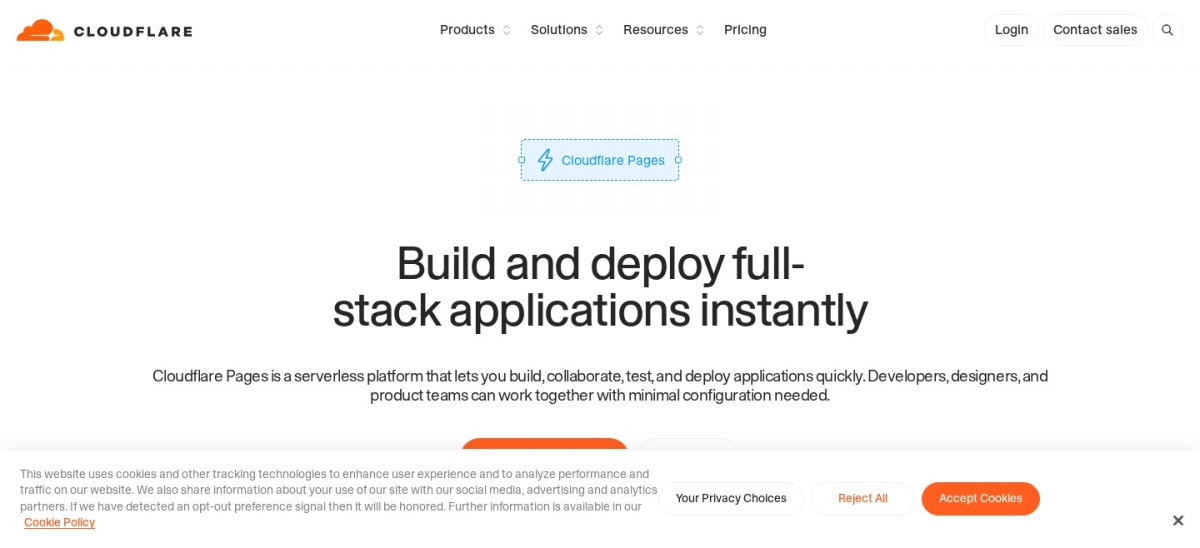
Cloudflare Pages homepage, captured Nov 2026.
Cloudflare Pages is a hosting service for static sites on Cloudflare's global network, with unlimited sites, seats, requests and bandwidth. Static-asset requests are free and unlimited, and dynamic code runs as Workers functions, with the Workers Paid plan starting at a $5 monthly account minimum.
The trade off is that dynamic work needs separate pricing. Workers, storage and other metered services are billed on top of the free static hosting, so a full-stack app needs the Workers pricing page as well as Pages. It suits teams whose workload is mostly static assets and who expect large traffic on a small budget.
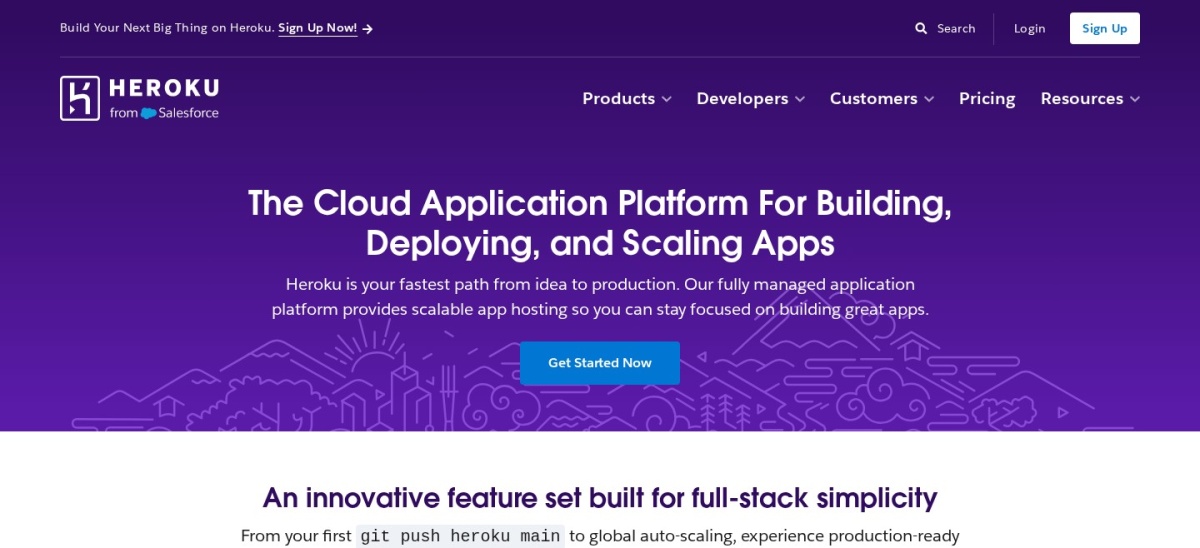
Heroku is the platform that defined the push-to-deploy workflow: push code to git and the platform builds it, runs it and routes traffic to it. Eco dynos start at $5 a month, and the add-on marketplace covers databases, logging, monitoring and more without leaving the dashboard.
The trade off is price at scale. Heroku ended free dynos in 2022, Eco dynos sleep after 30 minutes of inactivity, and larger performance dynos reach hundreds of dollars a month. It suits teams that value zero-operations deployment above all and can accept the premium.
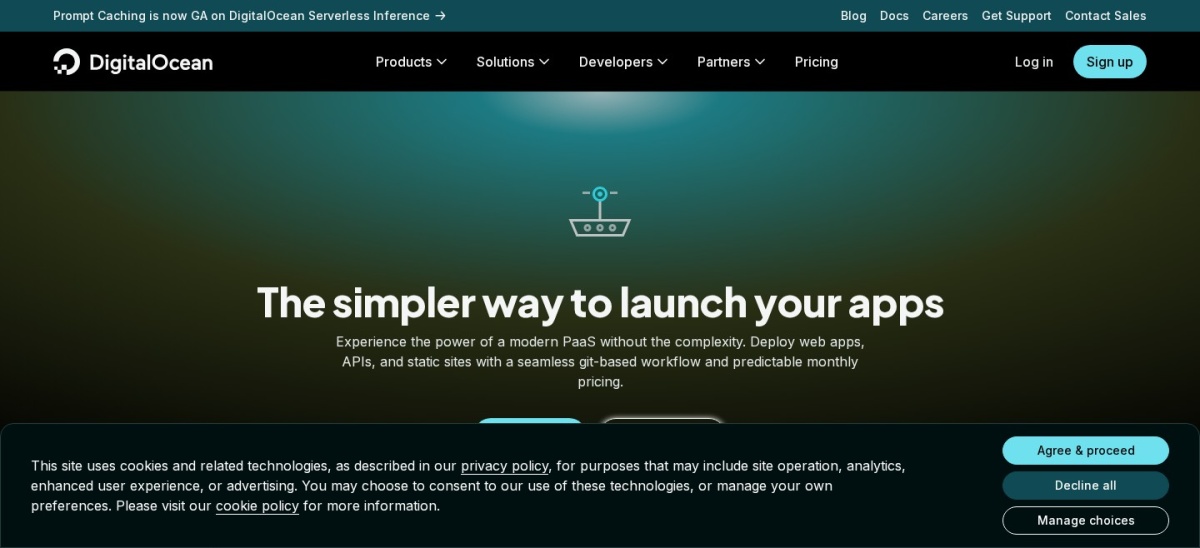
DigitalOcean App Platform homepage, captured Nov 2026.
DigitalOcean App Platform is a platform-as-a-service that deploys apps from git with predictable flat pricing, starting at $5 a month for a basic app, and managed databases in the same dashboard. The free tier covers three static sites, and the platform suits teams already running droplets, spaces or databases in DigitalOcean.
The trade off is reach. App Platform runs in DigitalOcean regions only, so it cannot match the global edge of Cloudflare or Vercel, and the feature set is narrower than the specialist frontend clouds. It suits DigitalOcean users who want one bill and one console.
What we like
Predictable flat pricing
Managed databases in the same dashboard
DigitalOcean platform rated 4.6 out of 5 on G2 from 756 reviews
Watch out for
Fewer regions than the big clouds
Narrower feature set than Vercel or Netlify
Rating is for DigitalOcean overall, not App Platform alone
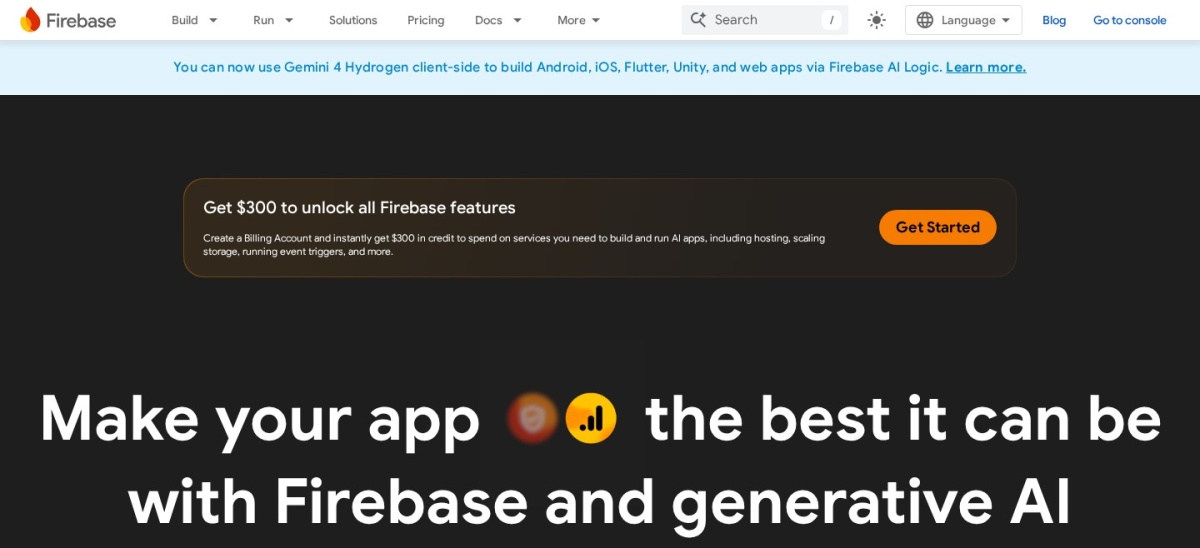
Firebase Hosting is Google's hosting for web apps, with SSL, CDN delivery and preview channels, sitting beside Authentication, Firestore and Cloud Functions in one console. The Spark plan is free, and the Blaze plan is pay-as-you-go, so a quiet project can cost almost nothing.
The trade off is billing. Blaze charges by usage across hosting, database reads and function calls, so a traffic spike shows up on the bill without a flat cap. It suits teams already building on Google Cloud who want hosting next to their backend.
What we like
Hosting beside auth, database and functions
Preview channels for every change
Rated 4.6 out of 5 across G2 and Capterra from 1,073 reviews
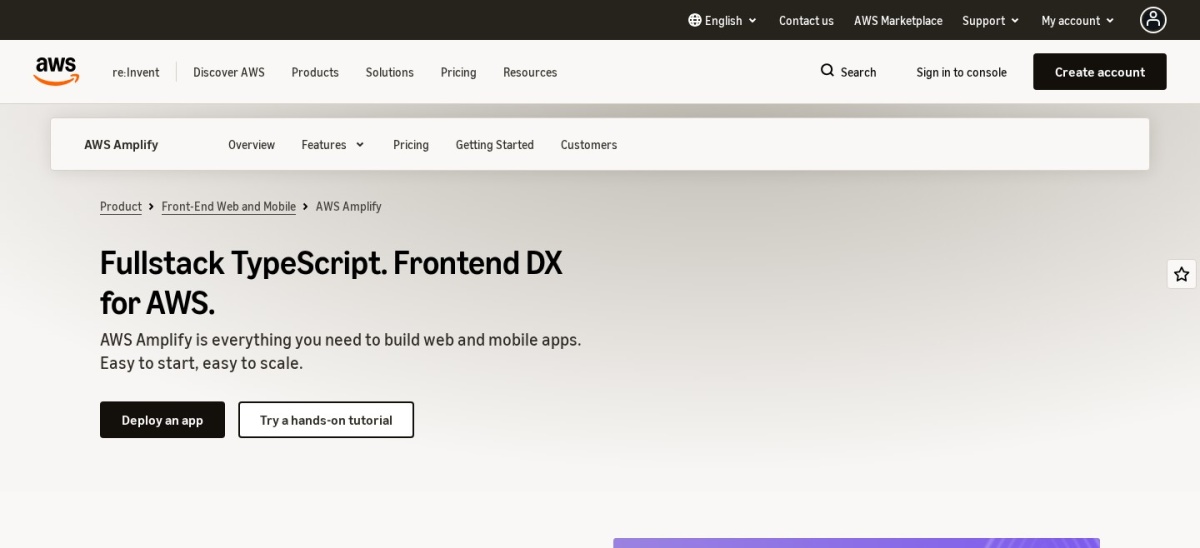
AWS Amplify is Amazon's full-stack frontend platform, hosting web apps with CI and CD, preview deploys and a visual backend for auth, data, storage and functions. It integrates deeply with AWS services, and the free tier covers small projects before usage billing starts.
The trade off is cost predictability. Amplify bills by usage across hosting, builds and backend services, and reviewers cite unpredictable costs as the main drawback. It suits teams already standardised on AWS who want frontend hosting inside the same account.
Flat pricing fits teams that want a predictable bill. Vercel Pro at $20 a month and Render from $7 a month are easy to budget, even if a quiet month costs the same as a busy one.
Usage pricing fits side projects and spiky traffic. Cloudflare Pages charges nothing for static requests, and Firebase and AWS Amplify bill only for what you use, so a quiet month can cost almost nothing.
The catch is the spike. A viral post on a usage-billed platform can cost more than a year of flat pricing, so set billing alerts before you launch.
Before you choose, estimate your monthly builds, bandwidth and function calls. The cheapest headline price is rarely the cheapest bill at your real traffic.
How we chose
We started from the frontend cloud platforms with the most G2 reviews and the widest framework support, then kept the nine with a real free tier or trial and published or pay-as-you-go pricing.
Prices come from each vendor's pricing page, checked on 25 November 2026. Several vendor pages render with JavaScript, so where a figure could not be read from the page itself we used dated comparisons quoting the vendor page and flagged them in the notes. Ratings and review counts come from G2 on the same day.
We left out tools with no verifiable G2 rating and tools sold only as part of a larger cloud contract. No vendor paid for a place, and we do not claim hands-on testing for this list.
How to choose a frontend cloud platform
Start with your framework and your traffic, then match the billing model to both.
Match the platform to your framework. Next.js teams get the most from Vercel, while framework-agnostic teams do well on Netlify, Render or Cloudflare Pages.
Check preview deploys and rollbacks. Every pull request should get a preview URL, and a bad deploy should roll back in one click. Test both before you commit.
Run the numbers at your real traffic. Flat seat fees suit steady traffic, while usage billing suits quiet side projects. Estimate builds, bandwidth and function calls first.
Deploy a real project on the free tier. Connect a repository, push a change and share the preview link. If the workflow feels slow or confusing at one project, it will not improve at ten.
FAQ
What is the best frontend cloud platform?
Vercel is the best pick for most frontend teams. It offers git-push deploys, preview URLs on every pull request and the deepest Next.js support, and it is rated 4.7 out of 5 on G2 from 87 reviews.
How much does frontend cloud hosting cost?
Published prices in this list run from $5 a month at Railway, Heroku and DigitalOcean to $20 a month at Vercel Pro, with Cloudflare Pages free for static sites and Firebase and AWS Amplify billing pay-as-you-go.
Is there a free frontend cloud platform?
Yes. Vercel Hobby, Netlify, Render, Cloudflare Pages, Firebase and AWS Amplify all offer free tiers, though Vercel Hobby is non-commercial only and free tiers cap builds, bandwidth or team seats.
What is the difference between Vercel and Netlify?
Vercel is built around Next.js with the deepest framework support, while Netlify is framework-agnostic and covers unlimited members on Pro. Both offer git-push deploys and preview URLs on every pull request.
Do I need a frontend cloud platform for a static site?
A plain static host can serve a simple site, but a frontend cloud adds preview deploys, rollbacks, edge functions and analytics. Once a site has pull requests to review, the preview workflow repays the switch.
Which platform is best for full-stack apps?
Render is the best pick for full-stack apps in this list. It runs web services, background workers and managed Postgres and Redis from one dashboard, with paid services from $7 a month.
SaaS SEO and WordPress specialist with about 8 years of experience. Rakib compares WordPress plugins, themes, hosting and software using public pricing, documentation and user reviews. See how we rank.