NinjaOne is the best desktop management software for most IT teams, patching Windows, macOS and Linux, monitoring endpoints and opening remote sessions from one console with 5,780 G2 reviews behind it. Pick Jamf Pro for Apple-only fleets and Scalefusion for low per-device pricing.
How we make this list: we compare pricing pages, product documentation and public user reviews, then re-check every price before each update. No product paid for a place. Disclosure.
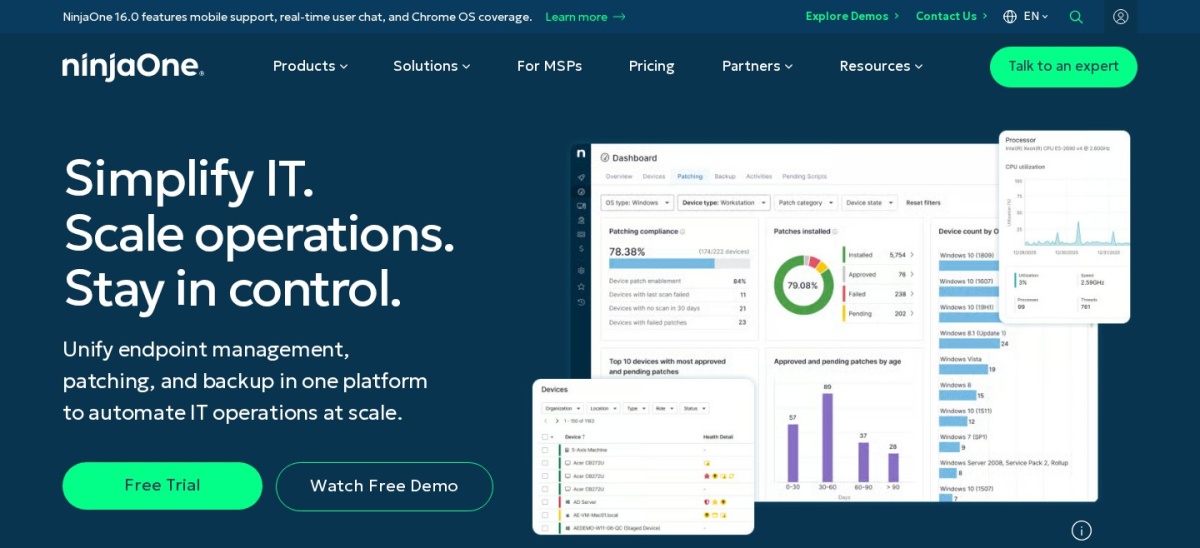
NinjaOne leads on G2 at 4.7 out of 5 from 5,780 reviews, with patching, monitoring and remote access in one console.
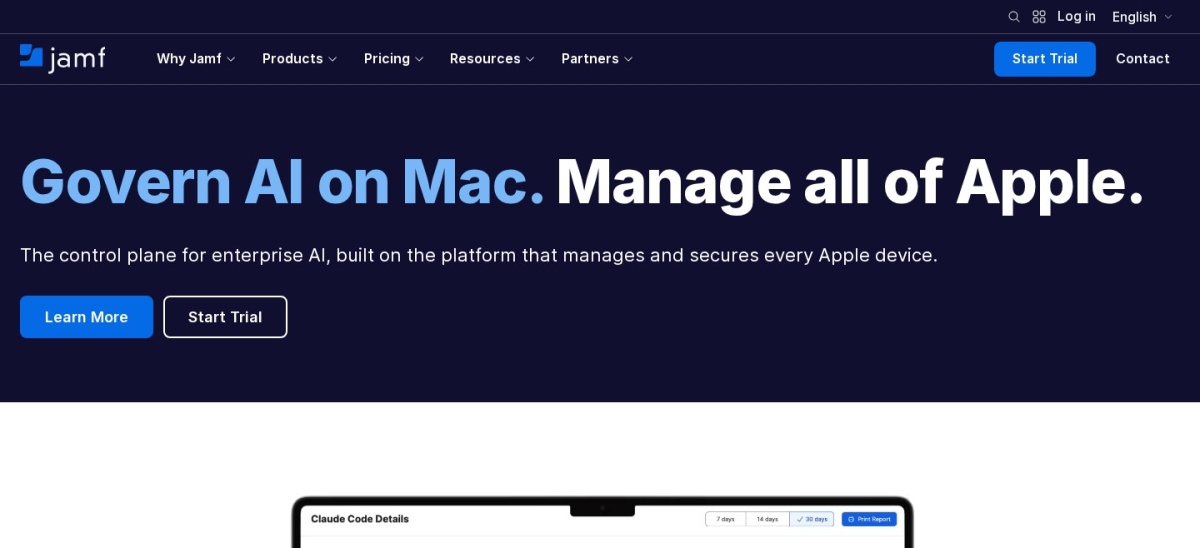
Jamf Pro is the Apple standard, at $12.50 per Mac per month in the Jamf for Mac bundle, with a 25-device minimum.
Scalefusion is the cheapest published per-device price here at $2 per device per month billed annually.
Atera charges per technician, not per device, from $129 per technician per month, so large fleets cost the same as small ones.
ManageEngine Endpoint Central is the only tool here with a free edition, covering 25 endpoints, and published pricing from $795 a year.
What desktop management software should cover
Desktop management software keeps every computer in a company patched, inventoried and reachable. Without it, updates slip, machines drift out of compliance and a broken laptop means a desk visit.
Patching is the core job. Look for automated operating system and third-party patching across Windows, macOS and Linux, plus software deployment and a live inventory of hardware and apps.
Remote access matters as much as patching. A management tool should open a session without a second product, so check that remote control is included before you buy.
Pricing models differ more than features do. Some tools charge per device, some per technician and some per user, so compare the bill at your real device count, not the headline rate.
NinjaOne is a cloud-native endpoint management platform that patches Windows, macOS and Linux, monitors device health, deploys software and opens remote sessions from one console. It covers more than 1,000 third-party apps for patching, and support and training are included at no extra charge.
The trade off is price discovery. NinjaOne publishes a per-device range of $1.50 to $3.75 a month by volume, with $3.75 at 50 or fewer endpoints, and the exact rate comes from a sales quote. It suits IT teams and MSPs that want the highest-rated console and can live with quote-based pricing.
What we like
Highest G2 rating in this list, 4.7 from 5,780 reviews
Patches the operating system and 1,000+ third-party apps
Free support and training included
Watch out for
No published fixed price; exact rate needs a quote
50-endpoint minimum and a soft monthly minimum spend
Jamf Pro is the enterprise standard for managing Apple devices. It handles automated enrolment, app deployment, configuration profiles, patching and compliance for Mac, iPhone and iPad, and supports new Apple operating systems on the day they ship. Jamf says it serves more than 75,000 customers.
The trade off is scope and price. Jamf for Mac costs $12.50 per Mac per month billed annually with a 25-device minimum, and it does not manage Windows or Android devices. It suits organisations that run Apple only and want the deepest macOS control available.
What we like
Deepest macOS and iOS management available
Same-day support for new Apple operating systems
Rated 4.7 out of 5 on G2 from 2,333 reviews
Watch out for
No Windows or Android management
25-device minimum on the Mac bundle
Premium price once bundles and minimums are counted
Jamf Now at $4 per device a month covers smaller Apple fleetsVisit jamf.com
03
Scalefusion
4.7/5on G2 (404 reviews, checked Nov 2026)
Starts at$2/mo
Best value per-device pricing
PlatformsiOS, Android, Windows, macOS
Kiosk modeYes, built in
Free planNo, 14-day trial
Paid planEssential, $2/device/mo
scalefusion.com
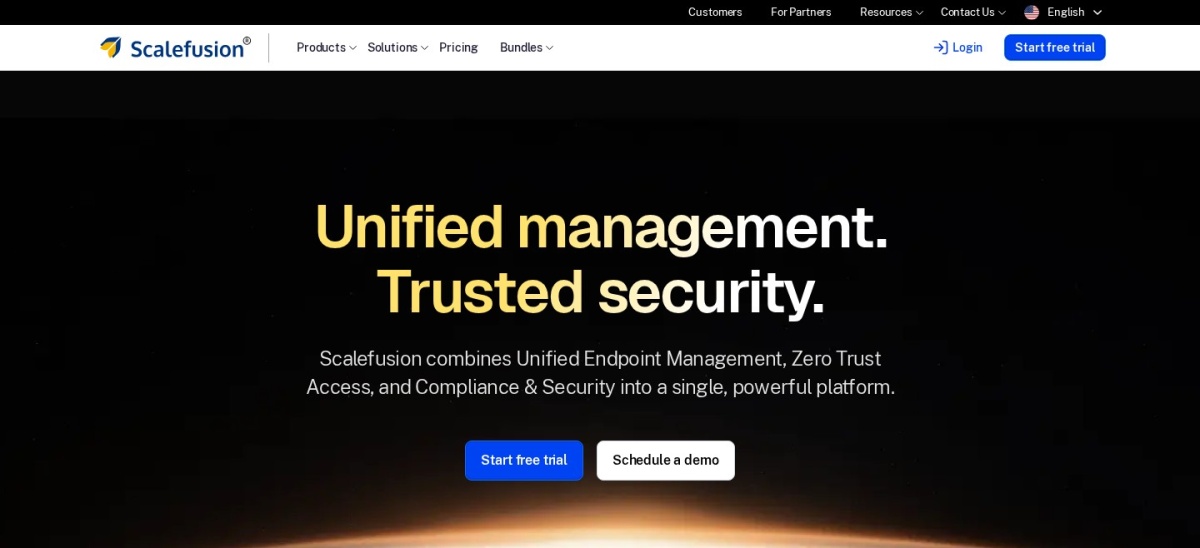
Scalefusion homepage, captured Nov 2026.
Scalefusion is a unified endpoint management platform for mixed fleets of phones, tablets, laptops and desktops. It starts at $2 per device per month billed annually, with a 10-device minimum, and covers enrolment, app management, kiosk lockdown, geofencing and remote troubleshooting from one console.
The trade off is depth on desktops. Advanced features such as remote control, Autopilot and Windows and macOS patching need the higher Business or Enterprise tiers, so the entry price does not buy the full desktop toolset. It suits frontline and kiosk-heavy fleets that want low per-device pricing.
What we like
Lowest published per-device price in this list
Strong kiosk and frontline device features
Rated 4.7 out of 5 on G2 from 404 reviews
Watch out for
Desktop patching and remote control need higher tiers
Add-ons for identity and security raise the bill
Smaller review base than NinjaOne or Jamf
Growth at $3.50 and Business at $5 per device a month add more featuresVisit scalefusion.com
04
Atera
4.6/5on G2 (1,200 reviews, checked Nov 2026)
Starts at$129/mo
Best per-technician pricing
Pricing modelPer technician, unlimited devices
PatchingWindows, macOS, Linux
Free planNo, 30-day trial
Paid planPro, $129/tech/mo
atera.com
Atera homepage, captured Nov 2026.
Atera is an all-in-one IT management platform that combines remote monitoring, patch management, ticketing, billing and remote access in one console. It charges per technician rather than per device, so a team can add endpoints without the bill rising, and every tier includes unlimited devices.
The trade off is the monthly cost per technician. MSP plans start at $129 per technician per month and IT department plans at $149, billed annually, so a one-person shop pays a flat rate whether it manages 50 devices or 500. It suits MSPs and growing IT teams with large fleets per technician.
What we like
Unlimited endpoints on every tier
RMM, ticketing and billing in one platform
Rated 4.6 out of 5 on G2 from 1,200 reviews
Watch out for
Per-technician price is high for a one-person team
No free plan, only a trial
AI features sit on the higher tiers
Growth at $159 and Power at $209 per technician a month add moreVisit atera.com
05
Hexnode UEM
4.6/5on G2 (283 reviews, checked Nov 2026)
Starts at$2.20/mo
Best cross-platform value
PlatformsiOS, Android, Windows, macOS, tvOS
Kiosk modeYes
Free planNo, 14-day trial
Paid planPro, $2.20/device/mo
hexnode.com
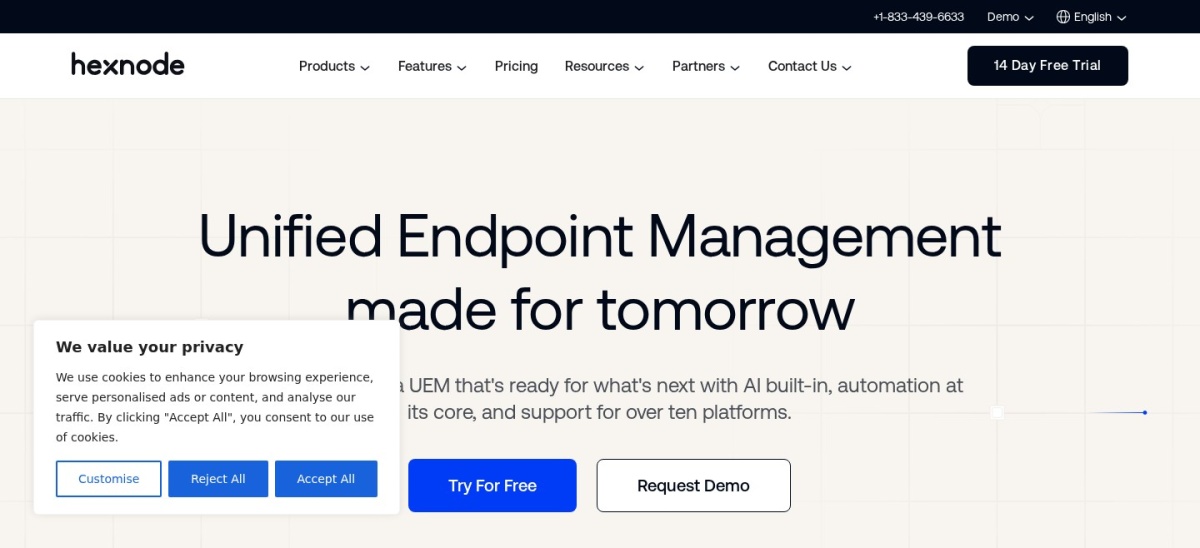
Hexnode UEM homepage, captured Nov 2026.
Hexnode UEM is a cloud-based endpoint management platform that covers iOS, Android, Windows, macOS, Linux, ChromeOS and tvOS from one console. The Pro tier lists at $2.20 per device per month billed annually, with kiosk lockdown, app management, geofencing and remote view included as you move up the tiers.
The trade off is that the cheapest tier is thin. Remote control, Autopilot and Windows and macOS patching sit on the higher plans, and the entry tier needs at least 15 devices. It suits mixed fleets that want broad platform coverage at a low per-device price.
What we like
Widest platform mix at a low price
Kiosk, geofencing and app management included
Rated 4.6 out of 5 on G2 from 283 reviews
Watch out for
Advanced desktop features need higher tiers
15-device minimum on the entry tier
Support quality varies by tier
Enterprise and Ultra tiers add remote control and patchingVisit hexnode.com
06
JumpCloud
4.5/5on G2 (3,931 reviews, checked Nov 2026)
Paid from$9/mo
Best for identity-led device management
PlatformsWindows, macOS, Linux, iOS, Android
IdentitySSO, MFA, directory built in
Free planYes, up to 10 users
Paid planFrom $9/user/mo
jumpcloud.com
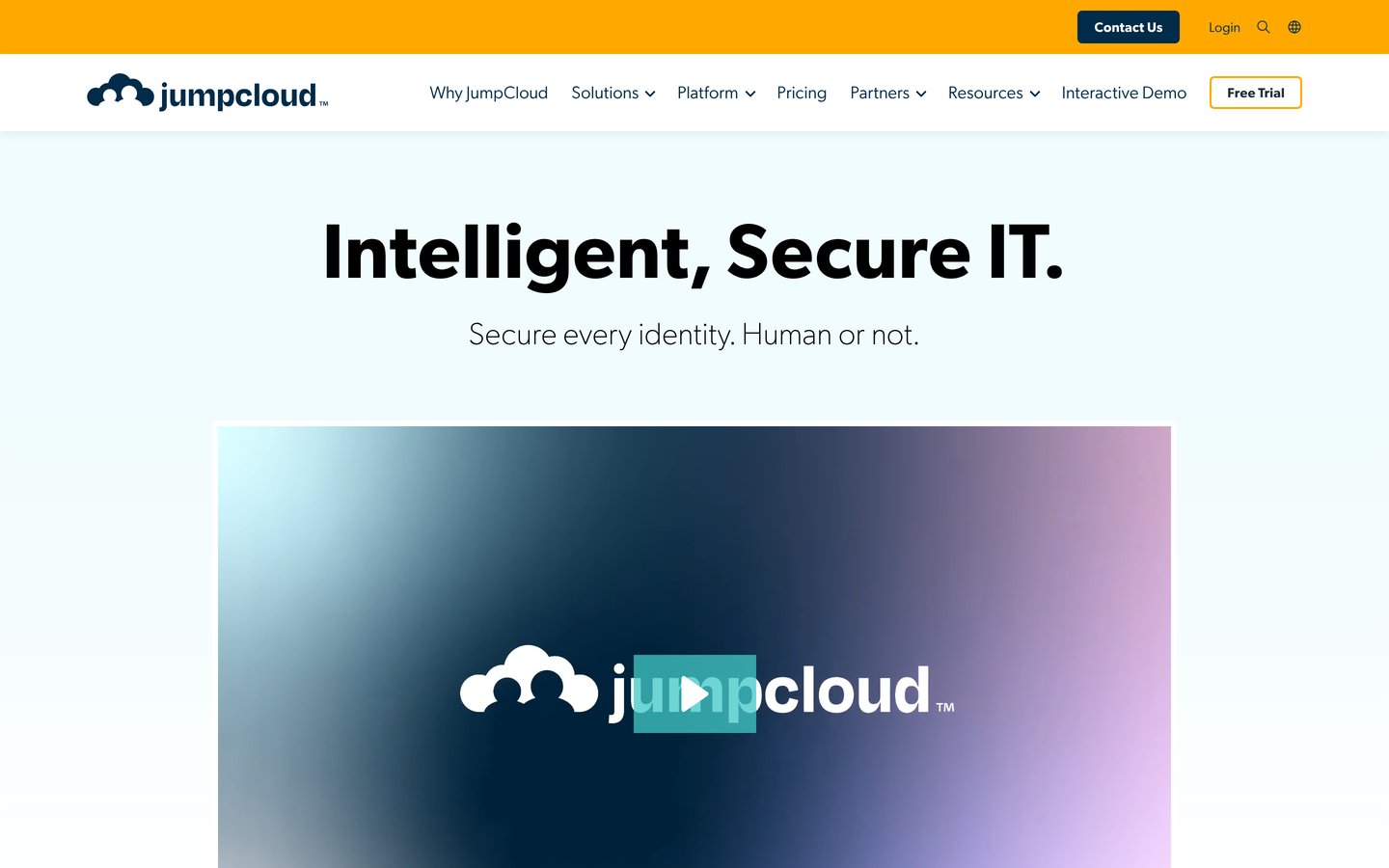
JumpCloud homepage, captured Nov 2026.
JumpCloud is a directory platform that combines identity, access and device management in one place. It manages Windows, macOS and Linux desktops alongside iOS and Android, with single sign-on, multi-factor authentication and policy controls, and a free tier covers up to 10 users and devices.
The trade off is price clarity. The vendor lists paid plans from $9 per user per month, while some review listings show a $3 starting figure, so confirm the current price on the vendor page before budgeting. It suits small teams that want identity and device management without a separate directory.
What we like
Identity and device management in one platform
Free tier for up to 10 users
Rated 4.5 out of 5 on G2 from 3,931 reviews
Watch out for
Starting price differs between sources; verify on the vendor page
Device management is shallower than a dedicated UEM
Per-user pricing grows with headcount, not devices
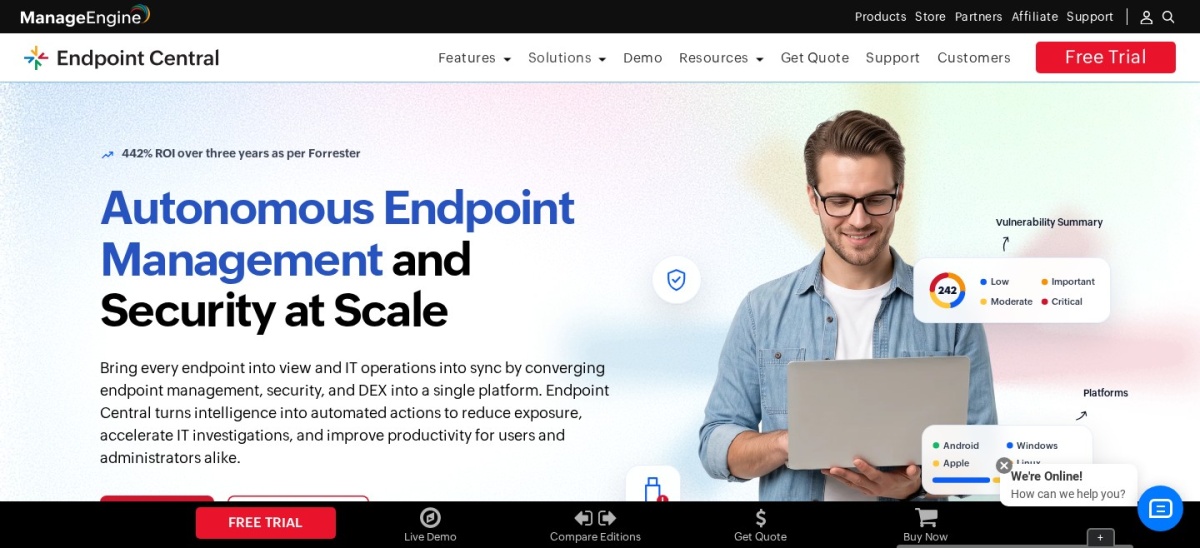
ManageEngine Endpoint Central homepage, captured Nov 2026.
ManageEngine Endpoint Central is the deepest feature set in this list, covering patching, software deployment, OS imaging, remote control, mobile device management and configuration across Windows, macOS, Linux, iOS and Android. The free edition covers 25 endpoints, and Professional starts at $795 a year for 50 endpoints on-premise.
The trade off is complexity. The console feels dense next to NinjaOne or Atera, and the breadth brings a configuration burden before policies and reports feel smooth. It suits cost-conscious mid-market teams that want a full published price list to plan against.
Datto RMM is a cloud-based remote monitoring and management platform built for managed service providers and IT teams overseeing distributed endpoints. It combines monitoring, patching, automation, remote access and ticketing, and G2 reviewers rate its remote reboot and screen-sharing features highly.
The trade off is pricing. Datto RMM does not publish a price list, so the cost comes from a sales quote, which makes budgeting slower than with tools that publish a number. It suits MSPs that already use Datto backup and networking products and want one vendor.
What we like
Strong remote reboot and screen-sharing scores on G2
Built for MSPs with multi-client management
Rated 4.5 out of 5 on G2 from 826 reviews
Watch out for
No published pricing; quote only
Web remote can be slow, per reviewers
Implementation can take weeks
Pricing is by quote; ask for a written quote before committingVisit datto.com
09
Microsoft Intune
4.5/5on G2 (272 reviews, checked Nov 2026)
Starts at$8/mo
Best for Microsoft 365 organisations
PlatformsWindows, macOS, iOS, Android, Linux
IdentityEntra ID built in
Free planNo, free trial
Paid planPlan 1, $8/user/mo
microsoft.com
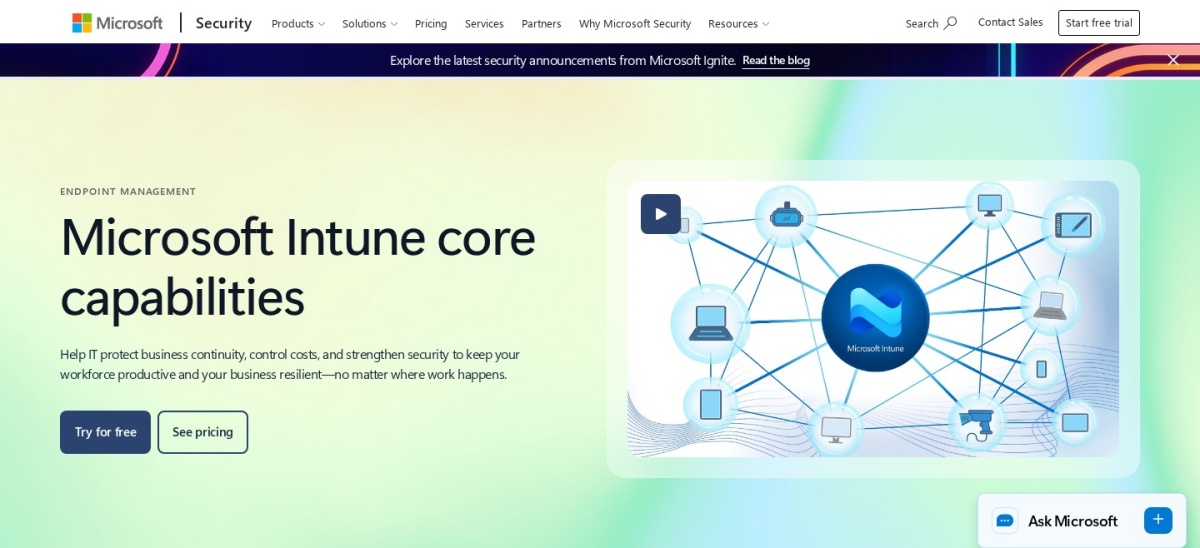
Microsoft Intune homepage, captured Nov 2026.
Microsoft Intune is Microsoft's cloud endpoint management platform, managing Windows, macOS, iOS, Android and Linux from the same console as Entra ID and Microsoft 365. Plan 1 costs $8 per user per month standalone and is included in Microsoft 365 Business Premium, E3 and E5, so many organisations already own it.
The trade off is ecosystem fit. Intune works best inside Microsoft and feels narrower outside it, macOS support trails Windows depth, and per-user licensing means a user with a laptop, phone and tablet still costs $8 a month. It suits organisations already standardised on Microsoft 365.
What we like
Included in Business Premium, E3 and E5
Deep Entra ID and Microsoft 365 integration
One console for Windows, macOS, iOS and Android
Watch out for
macOS management trails Windows depth
Per-user pricing penalises device-heavy users
Sync delays and reporting lag are common complaints
Plan 2 and Intune Suite add-ons cost $4 and $10 per user a monthVisit microsoft.com
Per-device vs per-technician: which pricing model fits you
Per-device pricing fits teams with few devices per person. Scalefusion at $2 and Hexnode at $2.20 per device a month are cheap for a small fleet, but the bill grows with every laptop you add.
Per-technician pricing fits MSPs and large fleets. Atera charges from $129 per technician a month for unlimited devices, so a team managing 500 endpoints pays the same as one managing 50.
Per-user pricing fits Microsoft shops. Intune at $8 per user a month covers up to 15 devices per user, and it is already included in Business Premium, E3 and E5.
Before you choose, count devices, technicians and users separately. The cheapest headline rate is rarely the cheapest bill at your real numbers.
How we chose
We started from the endpoint and desktop management tools with the most G2 reviews and the widest platform coverage, then kept the nine with published or quotable pricing and a real free plan or trial.
Prices come from each vendor's pricing page, checked on 25 November 2026. Several vendor pages render with JavaScript, so where a figure could not be read from the page itself we used dated comparisons quoting the vendor page and flagged them in the notes. Ratings and review counts come from G2 on the same day.
We left out tools with no verifiable G2 rating and tools sold only through resellers. No vendor paid for a place, and we do not claim hands-on testing for this list.
How to choose desktop management software
Start with the devices you actually manage, then match the pricing model to your fleet size.
List every device type you manage. Windows, macOS, Linux, iOS and Android all need coverage. An Apple-only shop can pick Jamf, but a mixed fleet needs a cross-platform tool.
Count devices, technicians and users. Per-device, per-technician and per-user pricing give very different bills. Run the numbers at your real counts before shortlisting.
Check patching depth, not just the feature list. Confirm operating system and third-party patching, software deployment and remote access are included on the tier you would actually buy.
Trial the console with a small group first. Enrol ten devices, push a patch and open a remote session. If the console feels slow or confusing at ten, it will not improve at five hundred.
FAQ
What is the best desktop management software?
NinjaOne is the best pick for most IT teams. It patches Windows, macOS and Linux, monitors endpoints and opens remote sessions from one console, and it is rated 4.7 out of 5 on G2 from 5,780 reviews.
How much does desktop management software cost?
Published prices in this list run from $2 per device per month at Scalefusion to $149 per technician per month at Atera, with ManageEngine from $795 a year for 50 endpoints. Quote-only tools such as Datto RMM need a sales conversation before you can budget.
Is there a free desktop management tool?
ManageEngine Endpoint Central has a free edition for 25 endpoints, and JumpCloud is free for up to 10 users. Most other tools offer a 14-day or 30-day trial instead of a free plan.
What is the difference between MDM and desktop management?
Mobile device management covers phones and tablets, while desktop management covers laptops and desktops. Modern unified endpoint management tools such as NinjaOne, Hexnode and Scalefusion cover both from one console.
Do I need desktop management software for a small team?
A team under ten devices can often manage with built-in update tools and a shared spreadsheet. Once you pass about 25 devices, patching, inventory and remote access repay the cost of a tool.
Which tool is best for Apple-only fleets?
Jamf Pro is the best pick for Apple-only fleets. It offers the deepest macOS and iOS management, supports new Apple operating systems on release day, and costs $12.50 per Mac per month in the Jamf for Mac bundle.
SaaS SEO and WordPress specialist with about 8 years of experience. Rakib compares WordPress plugins, themes, hosting and software using public pricing, documentation and user reviews. See how we rank.