Todoist is the best day planner app for most people, with a free plan covering five projects, fast capture on every device, and Pro adding calendar layouts and 300 projects for five dollars a month billed yearly. TickTick is the best value alternative, while Sunsama suits people who want a guided daily planning ritual.
How we make this list: we compare pricing pages, product documentation and public user reviews, then re-check every price before each update. No product paid for a place. Disclosure.
Todoist is the top pick: fast capture, a free plan with 5 projects, and Pro at $60 a year.
TickTick is the cheapest paid plan here at $49.99 a year, with habits and a focus timer included.
Sunsama and Motion cost far more, at $204 and $228 a year, and neither offers a free plan.
Reclaim, Akiflow and Morgen all score 4.8 out of 5 on G2, but each has under 150 reviews.
Five of the nine tools have a free plan; Sunsama, Motion, Akiflow and Morgen offer trials only.
What a day planner app should do
A day planner app should answer one question each morning: what gets done today, and when. The best ones pull tasks and calendar events into one view, so a plan survives contact with meetings.
There are three styles. Task-first planners such as Todoist and TickTick start from a list and add a calendar view. Ritual planners such as Sunsama walk you through choosing a realistic day. Auto-schedulers such as Motion and Reclaim place the work for you.
Price spreads wide. TickTick Premium costs $49.99 a year, while Sunsama and Motion pass $200 a year. Our guide to to-do list apps for small business compares the task-first side in more detail.
Free plans matter more than they look. A free plan lets you test the daily habit for weeks before paying, and five tools here offer one.
Todoist is a task manager built around fast capture: type a task in plain words and it lands on the right day. The free Beginner plan includes 5 personal projects, task reminders, list and board views, and 3 filter views. Pro adds 300 projects, a calendar layout, task duration, custom reminders and full reporting history.
The trade off is that the calendar layout and reminders beyond the basics sit behind Pro at $5 a month billed yearly. It suits people who capture tasks all day and want the fastest list-to-calendar workflow without a heavy setup.
TickTick is an all-in-one planner that combines tasks, a calendar, a habit tracker and a Pomodoro timer in one app. The free plan covers 9 lists with 99 tasks per list, plus reminders and cross-platform sync. Premium raises that to 299 lists with 999 tasks per list and adds calendar views, task duration and AI features.
The trade off is depth in any one area: its calendar and habit tools are good, not best in class. Premium costs $49.99 a year, the lowest paid plan in this list. It suits people who want one cheap app for tasks, habits and focus sessions.
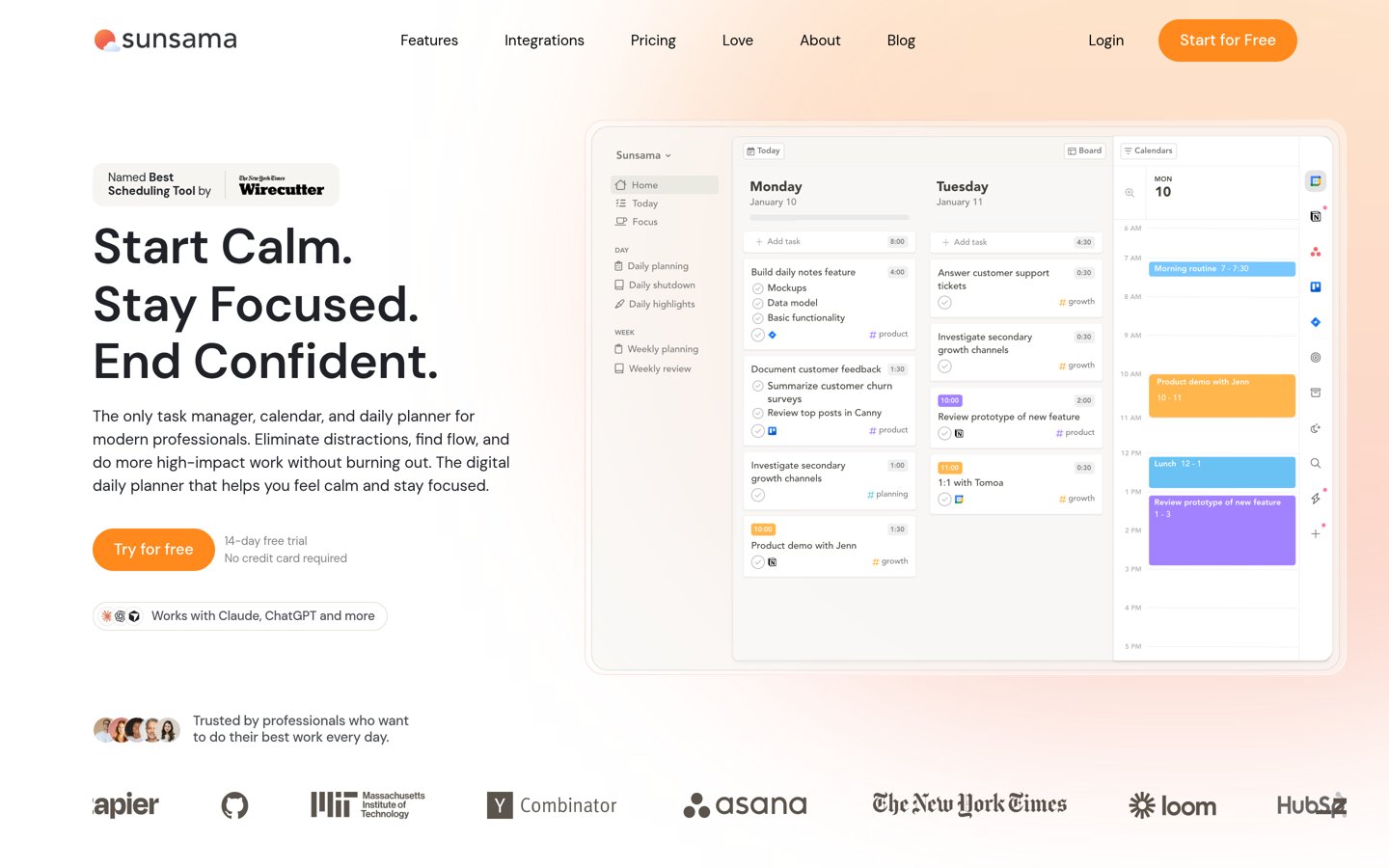
Sunsama is a daily planner built around a guided morning ritual: pull tasks in from your tools, choose what is realistic, timebox each item and close the day with a shutdown review. It connects with Asana, Trello, Todoist, Gmail, Slack and Jira. There is no free plan, only a 14-day trial.
The trade off is price. Sunsama costs $17 a month billed yearly, or $204 a year, with no team plans and no free tier. It suits people who want planning to feel calm and deliberate, and who will pay for a ritual rather than automation.
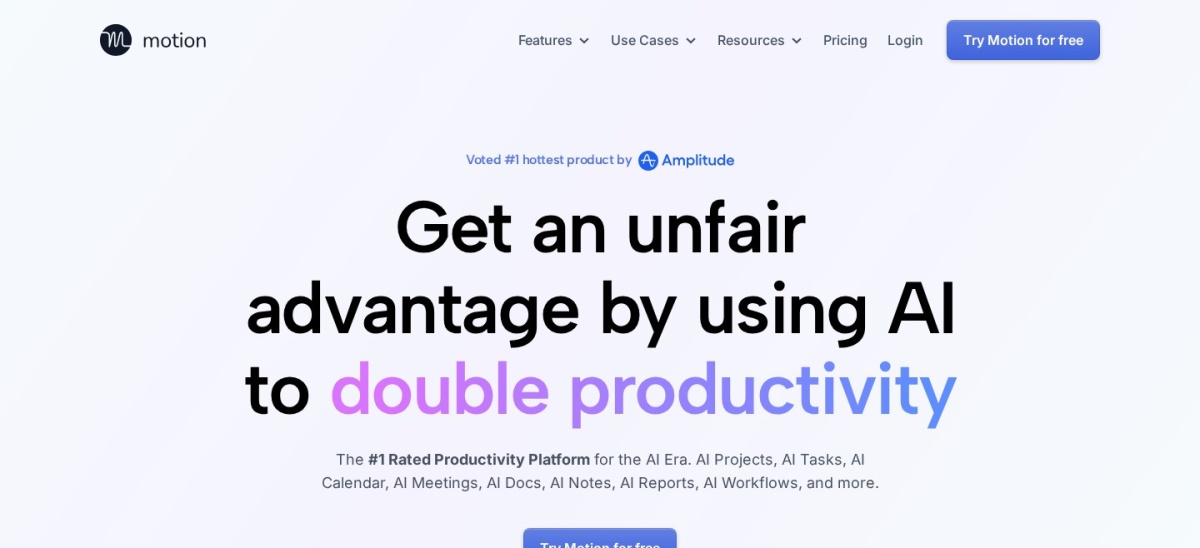
Motion is an AI planner that builds your day for you: give it tasks, deadlines and durations and it places them around meetings, then reshuffles when things slip. It combines tasks, projects, calendar, meetings, docs and notes in one workspace. Pro AI includes 7,500 AI credits per seat each month.
The trade off is cost and control: Pro AI costs $19 a seat a month on the annual plan, and there is no free plan, only a 7-day trial. It suits people with packed calendars who would rather let software place the work than plan each block by hand.
Notion is a flexible workspace of pages and databases that you shape into a planner, with Notion Calendar as a companion app. The free plan covers personal use with limited block storage, and Plus adds unlimited file uploads, 30-day page history and more guests. It runs on web, desktop and mobile.
The trade off is setup time: Notion gives you a blank page, not a ready-made day plan, and Plus costs $10 a seat a month billed yearly. It suits people who enjoy building their own system and want notes, tasks and calendar in one place.
Reclaim is an AI scheduling assistant that protects focus time: it books habits and focus blocks into calendar gaps and moves them when a meeting lands on top. The free Lite plan covers 1 connected calendar and a 1-week scheduling range. Starter adds 2 calendars, an 8-week range and unlimited calendar syncs.
The trade off is that it works best inside Google or Outlook calendars and has no native mobile app. Starter costs $8 a user a month billed yearly. It suits people whose calendar is crowded with meetings and who keep losing focus blocks to them.
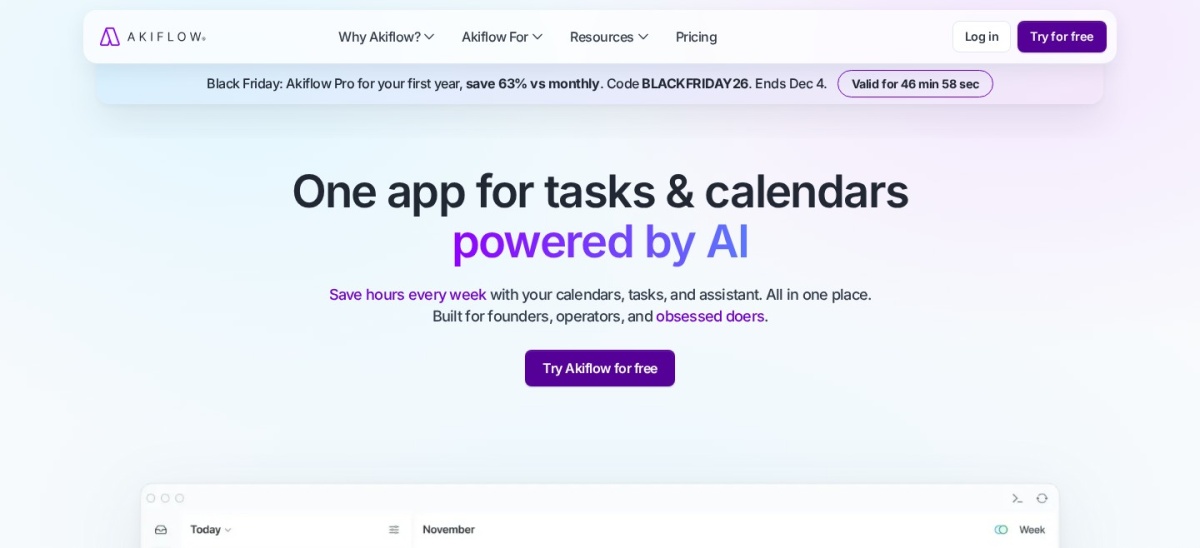
Akiflow is a keyboard-first planner that pulls tasks from Slack, email and other apps into one universal inbox beside your calendar. You capture fast, then time-block each task by hand. Pro includes tasks and subtasks, integrations, power features, the Aki AI assistant and an MCP connector.
The trade off is price and the lack of a free plan: Pro costs $19 a month billed yearly, or $228 a year, after a 7-day trial. It suits founders and professionals who juggle tasks across many tools and want one inbox for the day.
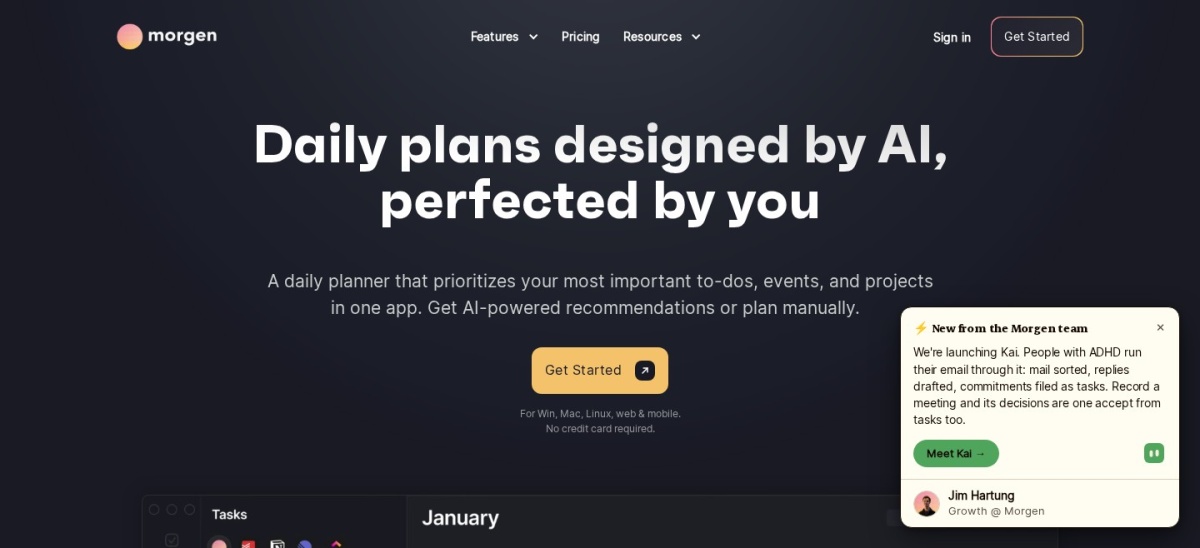
Morgen is a calendar-first planner that unifies Google, Outlook, iCloud and other calendars with your task lists in one view. Its AI Planner suggests time-blocked tasks around your meetings, and you approve each suggestion before it lands. Frames reserve windows for categories such as deep work.
The trade off is that there is no free plan: Pro costs $15 a month billed yearly, or $180 a year, after a 14-day trial. It suits people with calendars spread across several accounts who want AI suggestions without handing over control of the day.
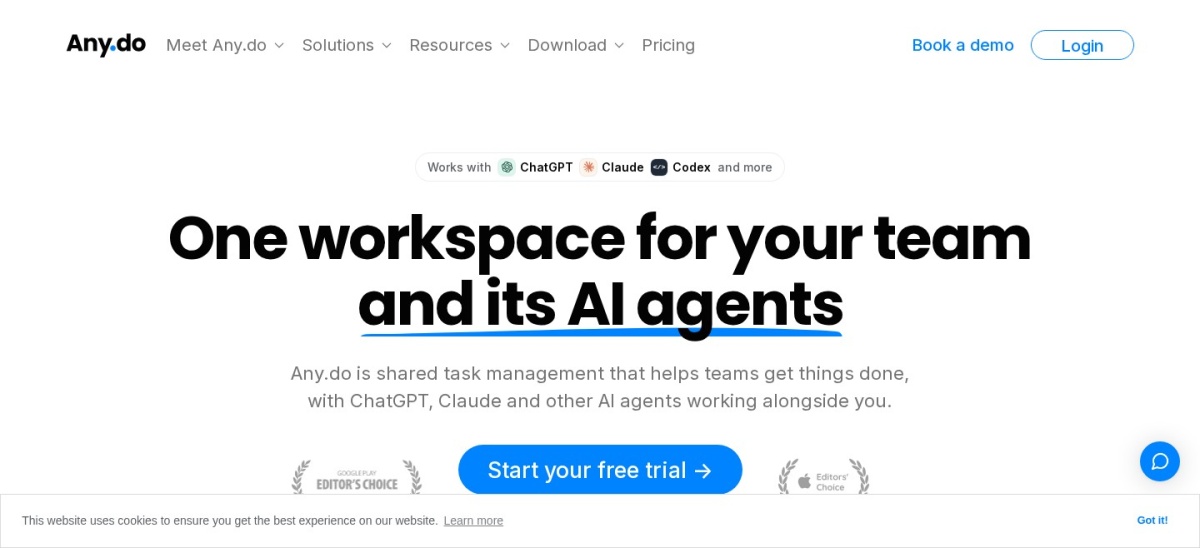
Any.do is a to-do list, calendar and daily planner in one app, with a My Day view that turns each morning into a short planning session. The free Personal plan covers lists, reminders and calendar sync. Premium adds recurring tasks, color tags, location reminders and a WhatsApp bot.
The trade off is that Premium is a solo plan: sharing needs the separate Teams plan, and some users report billing and sync problems. Premium costs $4.99 a month billed yearly. It suits people who want a simple list-plus-calendar planner with reminders that follow them.
What we like
My Day view makes mornings simple
WhatsApp and location reminders
Free Personal plan syncs everywhere
Watch out for
Premium is solo only, no sharing
Users report billing and sync problems
Premium adds recurring tasks and remindersVisit any.do
Free vs paid: what you give up
Free plans here cover the basics well. Todoist, TickTick, Notion, Reclaim and Any.do all let you plan real days without paying.
Paid plans mostly add calendar views, more projects and AI features. TickTick Premium is the cheapest step up at $49.99 a year.
The dearest tools are the ritual and automation ones. Sunsama, Motion and Akiflow all pass $180 a year and offer trials instead of free plans.
Start free where you can. Pay only once the daily planning habit sticks and a paid feature clearly saves you time each week.
How we chose
We started from the most widely used day planner apps, then kept nine with a real planning view, a published price and a verifiable rating on G2 or Capterra.
Prices come from each vendor's pricing page, checked on 25 November 2026, except Notion and Reclaim, whose pages render prices in scripts; their prices rest on corroborating sources and are flagged in our notes. Ratings and review counts come from G2 or Capterra on the same day.
We left out apps with no verifiable rating and no published price. No vendor paid for a place, and we do not claim hands-on testing for this list.
How to choose a day planner app
Start with how you like to plan, then check the price and the calendar it supports.
Pick your planning style first. Choose task-first, ritual or auto-scheduling. The style matters more than the feature list, because you will use it every morning.
Check the calendar it supports. Reclaim works best with Google or Outlook, Morgen spans several calendars, and Notion needs its own calendar app beside it.
Use the free plan or trial for two weeks. A planner only works if the habit sticks. Two weeks shows whether you open it daily or drift back to paper.
Compare the yearly total, not the monthly figure. TickTick costs $49.99 a year while Sunsama costs $204. The monthly figure hides how far apart they really are.
FAQ
What is the best day planner app?
Todoist is the best day planner app for most people. It captures tasks fast, its free plan covers 5 projects, and Pro adds calendar layouts and 300 projects for $5 a month billed yearly, which suits most daily planning needs.
What is the cheapest day planner app?
TickTick is the cheapest paid option here, with Premium at $49.99 a year. Its free plan already covers 9 lists, habits and a Pomodoro timer, so many people never need to pay at all.
Is there a free day planner app?
Yes. Todoist, TickTick, Notion, Reclaim and Any.do all have free plans. Sunsama, Motion, Akiflow and Morgen offer free trials of 7 to 14 days instead, with no free tier.
Which day planner app plans my day for me?
Motion and Reclaim plan for you. Motion places tasks around meetings and reshuffles them when things slip, while Reclaim books focus time and moves it when meetings land on top.
Do I need a paid plan to time-block my day?
No. TickTick Premium adds calendar views, but you can time-block on paper or in a free calendar beside a free task list. Paid plans add convenience, not the core idea.
Which day planner app is best for focus time?
Reclaim is the best pick for focus time. It defends focus blocks on your calendar and moves them automatically when meetings land on top, and it scores 4.8 out of 5 on G2.
SaaS SEO and WordPress specialist with about 8 years of experience. Rakib compares WordPress plugins, themes, hosting and software using public pricing, documentation and user reviews. See how we rank.