Apify leads for automated web data extraction with a 4.7/5 rating across 727 G2 reviews and a $19/month Starter plan. Coupler.io fits scheduled app and spreadsheet syncing starting at $24/month billed annually, while Docparser suits document parsing starting at $39/month.
How we make this list: we compare pricing pages, product documentation and public user reviews, then re-check every price before each update. No product paid for a place. Disclosure.
Apify holds a 4.7/5 G2 rating across 727 reviews with a $19/month Starter plan.
Coupler.io starts at $24/month billed annually and carries a 4.8/5 rating across 104 G2 reviews.
Octoparse lists a $19/month Basic plan and holds a 4.8/5 rating across 52 G2 reviews.
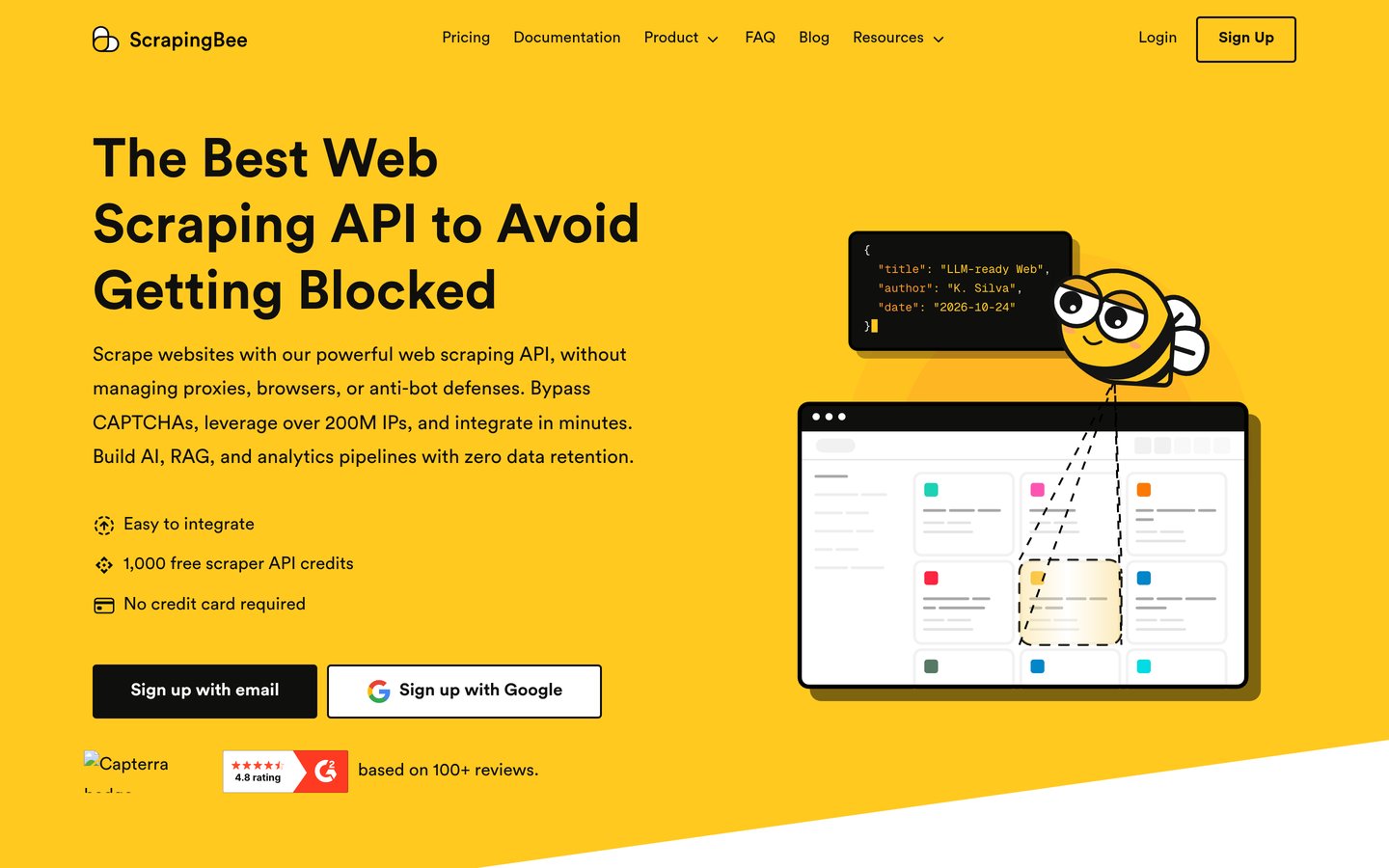
ScrapingBee starts at $19/month for 75,000 API credits and holds a 4.8/5 rating across 36 G2 reviews.
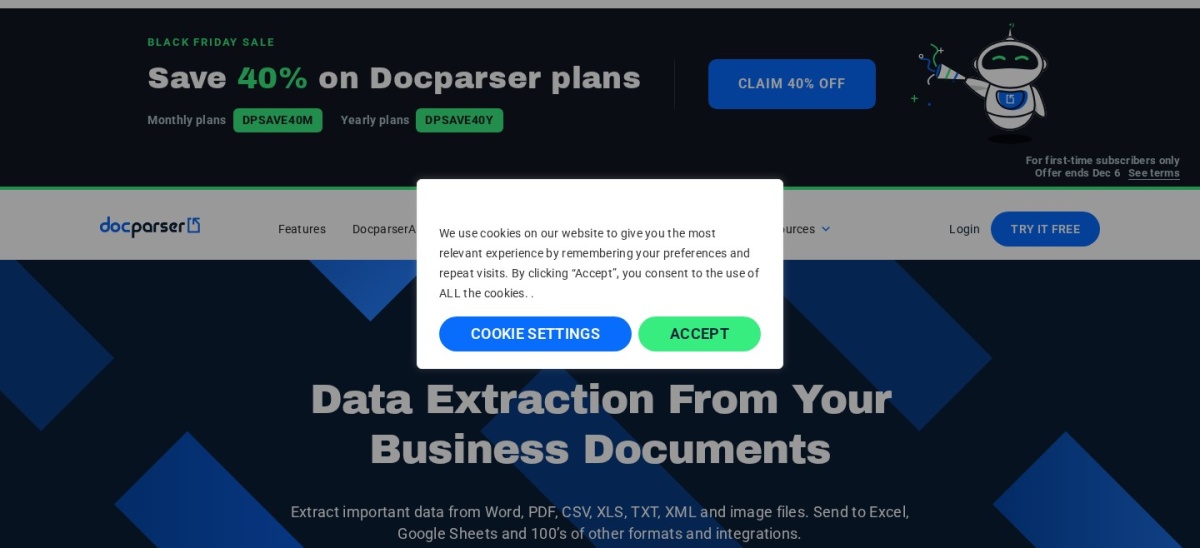
Docparser starts at $39/month for 100 parsing credits and holds a 4.6/5 rating across 53 G2 reviews.
What to look for in automated data extraction software
Automated data extraction software falls into three main buckets: web scrapers and scraping APIs for public websites, document parsers for PDFs and emails, and connectors for SaaS apps, databases, and spreadsheets. Picking the wrong category creates fragile workarounds from day one.
Check how a vendor meters usage before committing to a schedule. Web scrapers often bill by compute units, API credits, or pages per run, while document tools meter pages or parsing credits and app connectors often meter connected accounts or sync frequency.
Look at how extracted data leaves the platform so it fits your existing automation stack. Some tools export CSV, Excel, or JSON files, while others push directly to Google Sheets, warehouses, webhooks, or workflow tools.
Review anti-blocking support and template flexibility if you pull from dynamic websites or varied layouts. JavaScript rendering, proxy rotation, and AI or rule-based extraction reduce manual cleanup when page or document structures shift.
The 7 best data extraction software for automation
01
Apify
4.7/5on G2 (727 reviews, checked Nov 2026)
Paid from$19/mo
Best for automated web scrapers and workflows
Entry plan$19/mo + pay as you go
Free tier$0 with $5 usage
Compute rate$0.20 per compute unit
BillingMonthly or annual (-10%)
apify.com
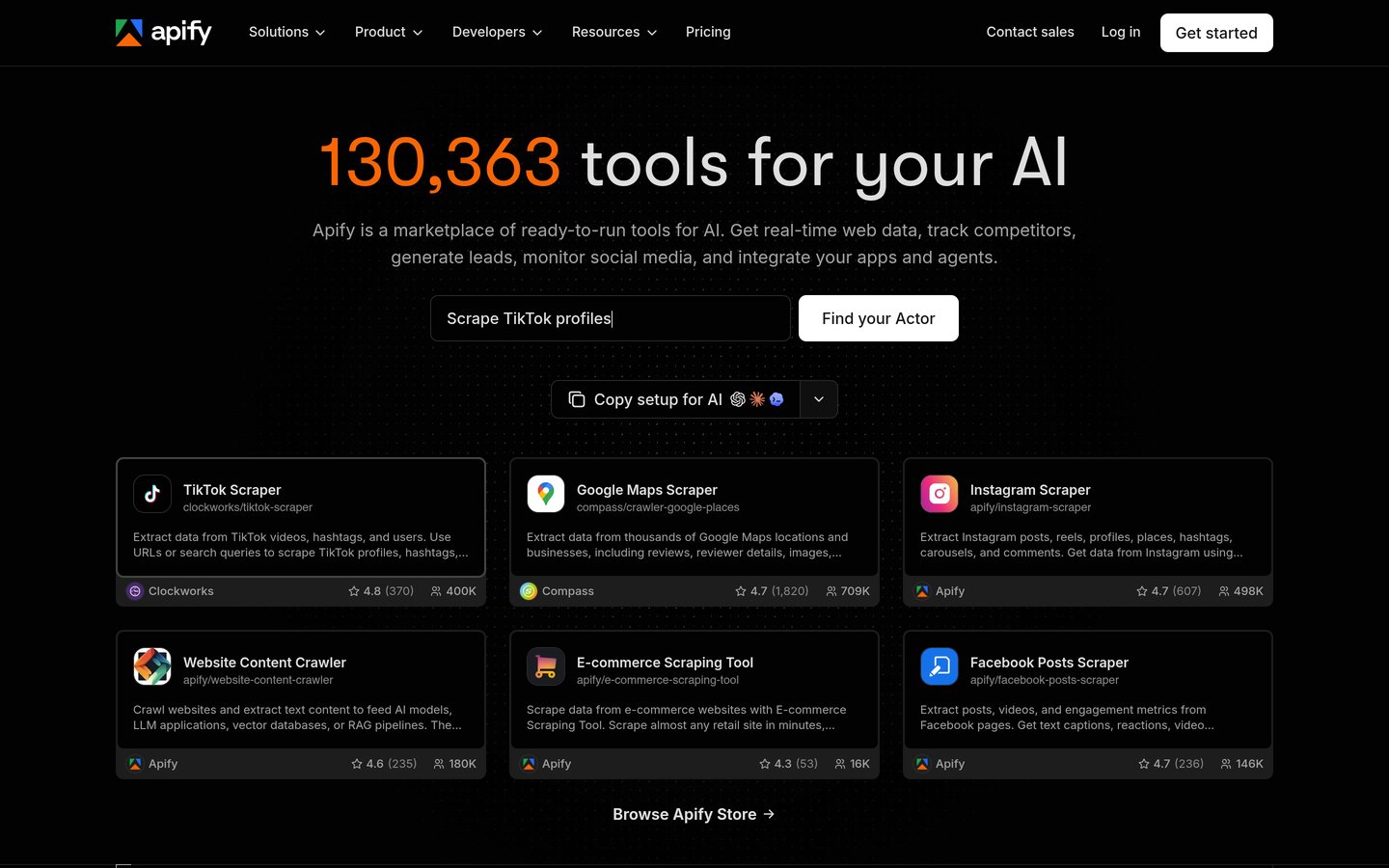
Apify homepage, captured Nov 2026.
Apify is a cloud platform for building and running automated web scrapers and data workflows through reusable Actors, starting with a $0 free tier that includes $5 of monthly usage. Users can run ready-made scrapers, schedule recurring jobs, and connect workflows via API or automation integrations.
The trade off is that usage beyond prepaid plan limits adds pay-as-you-go charges, starting at $19/month ($228/yr) on the Starter plan. It suits developers and technical teams automating recurring web collection at scale.
What we like
Free tier includes $5 in monthly usage without a credit card
Large library of prebuilt scrapers and automation Actors
Supports scheduled runs, APIs, and proxy add-ons
Watch out for
Unused prepaid usage expires at the end of the billing cycle
Heavy scraping can increase pay-as-you-go usage costs
Starter ($19/mo) adds $19 in prepaid usage, chat support, and 30 datacenter proxy IPs.Visit apify.com
02
Coupler.io
4.8/5on G2 (104 reviews, checked Nov 2026)
Paid from$24/mo
Best for automated app and spreadsheet syncing
Entry plan$24/mo billed annually
Free plan1 account, manual refresh
Starter scope3 accounts, 1 destination
Data catalog400+ connectors
coupler.io
Coupler.io homepage, captured Nov 2026.
Coupler.io is a no-code data integration tool that extracts data from business apps and sends it to spreadsheets, databases, or BI tools on a schedule, with a free plan covering one account and manual refresh. It connects over 400 sources across marketing, finance, CRM, and e-commerce tools.
The trade off is that paid plans scale by connected accounts, destinations, and refresh frequency, starting at $24/month billed annually ($288/yr) for Starter. It suits marketing, finance, and operations teams automating recurring reports.
What we like
Starter plan includes access to the full 400+ source catalog
Built-in data blending, filtering, and transformation steps
Exports to spreadsheets, warehouses, and BI dashboards
Watch out for
Free plan does not run automated scheduled refreshes
Adding more accounts, destinations, or faster refreshes raises cost
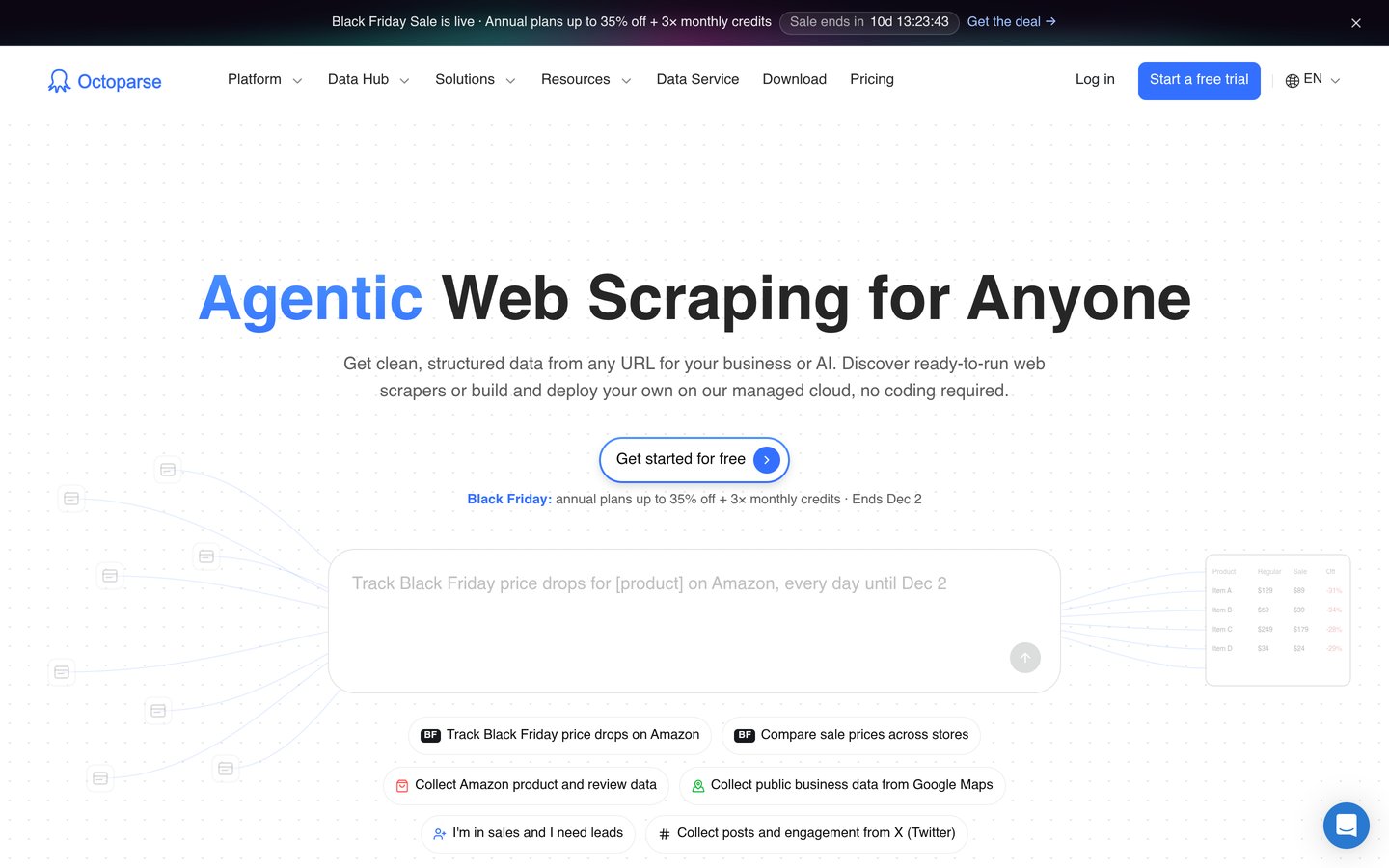
Octoparse is a visual web scraping tool that lets users extract structured data from websites without writing code, starting with a free plan for local extraction. Its point-and-click workflow and preset templates help turn web pages into spreadsheets or API feeds.
The trade off is that the free plan runs locally and cloud-based scraping starts higher on the Standard tier, with Basic at $19/month ($228/yr). It suits non-coders and analysts automating repeatable web data collection.
What we like
Point-and-click builder requires no programming skills
Preset templates speed up setup on common page layouts
Exports to Excel, CSV, APIs, and databases
Watch out for
Free plan is limited to local execution rather than cloud runs
Complex multi-step workflows still have a learning curve
Basic ($19/mo) unlocks paid plan features beyond local free-tier limits.Visit octoparse.com
04
ScrapingBee
4.8/5on G2 (36 reviews, checked Nov 2026)
Starts at$19/mo
Best for headless browser and proxy API extraction
Entry plan$19/mo Hobby
Included credits75,000 API credits
ConcurrencyStarts at 25 concurrent requests
Key featuresJS rendering and proxies
scrapingbee.com
ScrapingBee homepage, captured Nov 2026.
ScrapingBee is a managed web scraping API that handles headless browser JavaScript rendering, proxy rotation, and extraction rules so scripts do not manage browser infrastructure. It integrates with custom code as well as n8n and Make workflows.
The trade off is that requests consume API credits and there is no permanent free tier, starting at $19/month ($228/yr) on Hobby for 75,000 credits. It suits developers automating JavaScript-heavy web extraction inside existing scripts or workflows.
What we like
Handles JavaScript rendering and proxy rotation via API
Supports CSS/XPath extraction rules and AI extraction options
Works with custom scripts, n8n, and Make
Watch out for
No ongoing free plan listed on the pricing page
Credit usage rises when enabling JS rendering or premium proxies
Hobby ($19/mo) includes 75,000 API credits and 25 concurrent requests.Visit scrapingbee.com
05
Docparser
4.6/5on G2 (53 reviews, checked Nov 2026)
Starts at$39/mo
Best for rule-based PDF and document extraction
Entry plan$39/mo Starter
Included credits100 parsing credits/mo
Credit ruleUp to 5 pages per credit
Parsers limitUp to 15 parsers on Starter
docparser.com
Docparser homepage, captured Nov 2026.
Docparser is a document extraction tool that pulls structured fields and tables from PDFs, Word files, images, and spreadsheets using customizable rules and templates. It exports results to Excel, CSV, JSON, XML, or connected apps.
The trade off is that there is no free plan and higher-volume tiers or smart tables cost more, starting at $39/month ($468/yr) for 100 credits. It suits operations and finance teams automating recurring invoices, orders, or reports.
What we like
One parsing credit covers documents up to 5 pages
Exports to Excel, CSV, JSON, XML, and webhooks
Supports templates and custom rule-based extraction
Watch out for
No free plan tier on the pricing page
Layout changes on source documents can require rule updates
Starter ($39/mo) adds 100 monthly parsing credits and up to 15 parsers.Visit docparser.com
06
Parseur
4.9/5on G2 (16 reviews, checked Nov 2026)
Paid from$49/mo
Best for automated email and PDF parsing
Entry plan$49/mo Micro ($468/yr)
Free tier20 pages per month
Micro allowance100 pages per month
Page rule1 email or sheet = 1 page
parseur.com
Parseur homepage, captured Nov 2026.
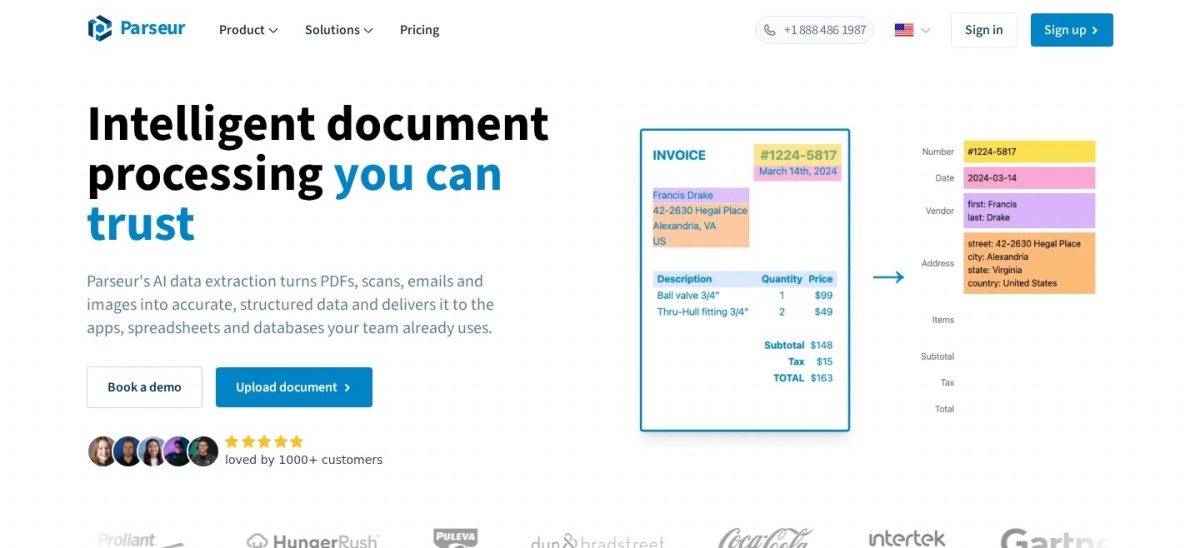
Parseur is a document and email parsing tool that extracts structured data from incoming emails, PDFs, and spreadsheets for automated workflows, starting free with 20 pages per month. Each processed email or spreadsheet counts as one page regardless of length.
The trade off is that paid plans step up quickly by page volume, starting at $49/month ($588/yr billed monthly, or $468/yr billed annually) on Micro. It suits teams automating lead alerts, order emails, or invoices into apps and sheets.
What we like
Free plan lets teams test with 20 pages per month
Emails and spreadsheets count as a single page each
Reprocessing an existing document uses no extra credit
Watch out for
Multi-page PDFs consume one credit per page
Paid monthly pricing starts higher than basic web scrapers
Micro ($49/mo) raises monthly volume to 100 pages with paid plan access.Visit parseur.com
07
Browse AI
4.8/5on G2 (61 reviews, checked Nov 2026)
Paid from$19/mo
Best for scheduled website and price monitoring
Entry planFrom $19/mo Personal
Free tier$0 free plan available
DestinationsGoogle Sheets, Airtable, API
Use casesPrice and change monitoring
browse.ai
Browse AI homepage, captured Nov 2026.
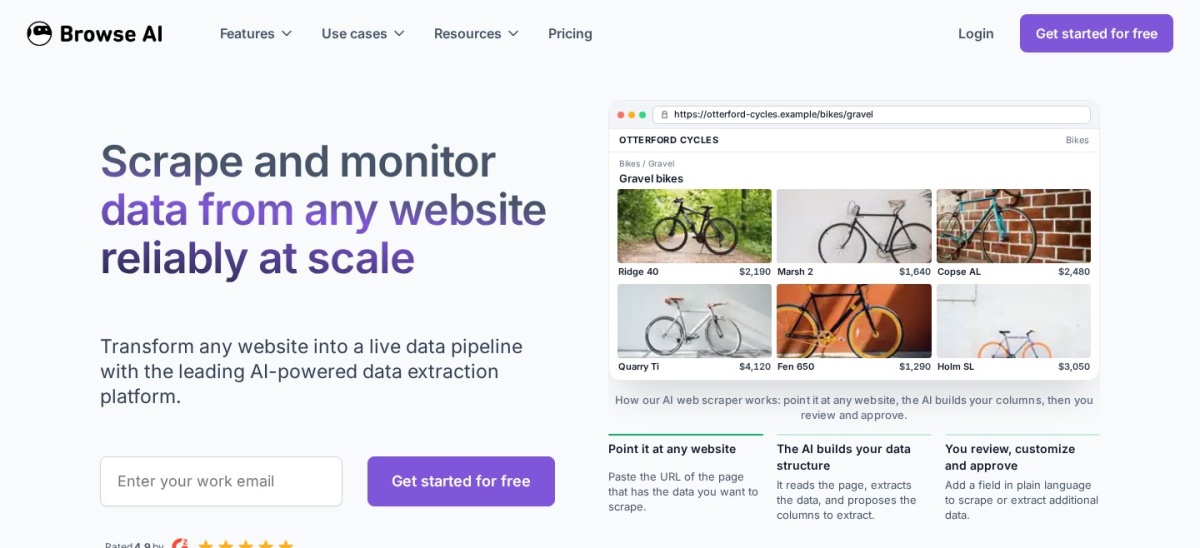
Browse AI is a no-code web extraction and monitoring platform that trains robots to pull structured rows and track page changes on a schedule, starting with a $0 free tier. It sends extracted data to Google Sheets, Airtable, webhooks, CSV, or JSON.
The trade off is that recurring monitoring consumes plan credits and higher tiers scale into hundreds of dollars per month, starting from $19/month ($228/yr) on Personal. It suits teams tracking competitor prices, listings, or site updates automatically.
What we like
No-code robot training with scheduled monitoring runs
Syncs rows directly to Google Sheets, Airtable, and webhooks
Includes a $0 free tier to test extraction robots
Watch out for
Frequent monitoring across many pages uses credits quickly
Upper tiers jump sharply in monthly price for larger teams
Personal (from $19/mo) unlocks paid robot runs beyond the $0 free tier.Visit browse.ai
Web scraping vs. document parsing
Web extraction tools like Apify, Octoparse, ScrapingBee, and Browse AI pull data from live web pages, search results, or dynamic interfaces. They focus on page rendering, selectors, schedules, and avoiding blocks.
Document parsers like Docparser and Parseur focus on unstructured or semi-structured files such as PDFs, attachments, and forwarded emails. Choose based on whether your automated trigger is a web page or an incoming file.
How we chose
We built this list from established data extraction tools with active public pricing pages and verified user review profiles on G2 across web extraction, document parsing, and app syncing.
All prices, review counts, and ratings were checked on 22 Nov 2026 using each vendor's official pricing page and G2 review page, taking the cheapest paid plan at its regular rate.
We excluded tools without transparent public pricing, closed or unmaintained software, and platforms focused purely on enterprise custom quotes without a clear entry price. No vendor paid for a place, and we do not claim testing for this list.
How to choose a data extraction tool
Follow four practical checks to match a tool to your automation workflow:
Match the extractor to your data source. Pick a web scraper or API for websites, a document parser for PDFs and emails, or a connector for SaaS apps and spreadsheets.
Estimate your real monthly volume. Count how many pages, credits, rows, or scheduled runs your workflow needs each month before comparing entry tiers.
Check how data reaches your destination. Confirm whether you need direct spreadsheet sync, webhooks, an API, or CSV/JSON exports for your downstream automation.
Plan for layout and format changes. Choose tools with templates, clear rules, or AI extraction when target pages or documents vary over time.
FAQ
What is the best data extraction software for automation?
Apify is a strong overall choice for automated web data extraction with a 4.7/5 G2 rating across 727 reviews and a $19/month Starter plan. The right fit still depends on whether you extract from websites, PDFs and emails, or SaaS apps.
Are there free plans for automated data extraction?
Yes, several tools offer free tiers, including Apify ($0 with $5 monthly usage), Coupler.io (1 account with manual refresh), Octoparse, Parseur (20 pages per month), and Browse AI. Paid plans are usually needed for higher volume or scheduled runs.
How does pricing usually work on web scrapers and APIs?
Web scrapers and scraping APIs typically charge a monthly base or prepaid balance and meter usage by compute units, API credits, pages per run, or proxy add-ons. Enabling JavaScript rendering or proxies often increases credit consumption.
What is the difference between a scraping API and a visual scraper?
A visual scraper like Octoparse or Browse AI lets you point and click on page elements or use templates with little or no code. A scraping API like ScrapingBee is built for developers calling endpoints from scripts or workflow tools.
How do document parsers count pages and credits?
Document tools vary in how they meter usage. For example, Parseur counts each email or spreadsheet as one page while multi-page PDFs use one page per page, and Docparser assigns one parsing credit to documents up to five pages.
When should I pick an app connector instead of a web scraper?
Use a connector like Coupler.io when data lives inside SaaS platforms, databases, or spreadsheets with existing integrations. Web scrapers are better when data is only published on web pages without a convenient connector.
SaaS SEO and WordPress specialist with about 8 years of experience. Rakib compares WordPress plugins, themes, hosting and software using public pricing, documentation and user reviews. See how we rank.