Tableau is the best dashboarding software for visual polish and analyst workflows, with the largest review base in this list. Pick Power BI for the best value at $14 a user a month, Looker Studio for free Google reporting, and Metabase when open source matters.
How we make this list: we compare pricing pages, product documentation and public user reviews, then re-check every price before each update. No product paid for a place. Disclosure.
Tableau is the top pick for visual quality: 4.4 out of 5 on G2 from 3,787 reviews, with Standard at $15 a user a month.
Power BI has the highest score here at 4.5 out of 5 from 1,661 reviews, and Pro at $14 a user a month is the best value.
Looker Studio is free for unlimited reports, with Pro at $9 a user a month for teams that need workspaces and controls.
Looker, Domo and Sisense sell by quote only, with third-party estimates from about $25,000 a year upward.
Metabase is the open-source pick: free to self-host with unlimited users, and Cloud from $100 a month.
What to look for in dashboarding software
Dashboarding software turns raw data into charts, dashboards and stories that people can read without SQL. The best tools balance visual quality, governance and price, and the right one depends on who builds the dashboards and who reads them.
Tableau and Power BI are the two default choices. Tableau wins on visual polish and analyst workflows, Power BI on price and the Microsoft ecosystem. Our guide to project management software covers the tools teams manage work in, which is a different job from the BI tools here.
Free tiers are real in this category. Looker Studio is free for unlimited reports, Power BI Desktop is free for building, Tableau has a free desktop edition, and Metabase is open source. The catch is sharing: free editions usually cannot publish.
Enterprise BI is quote-only more often than not. Looker, Domo and Sisense publish no prices, and entry contracts run to five figures a year. Get implementation and training costs in writing alongside the licence.
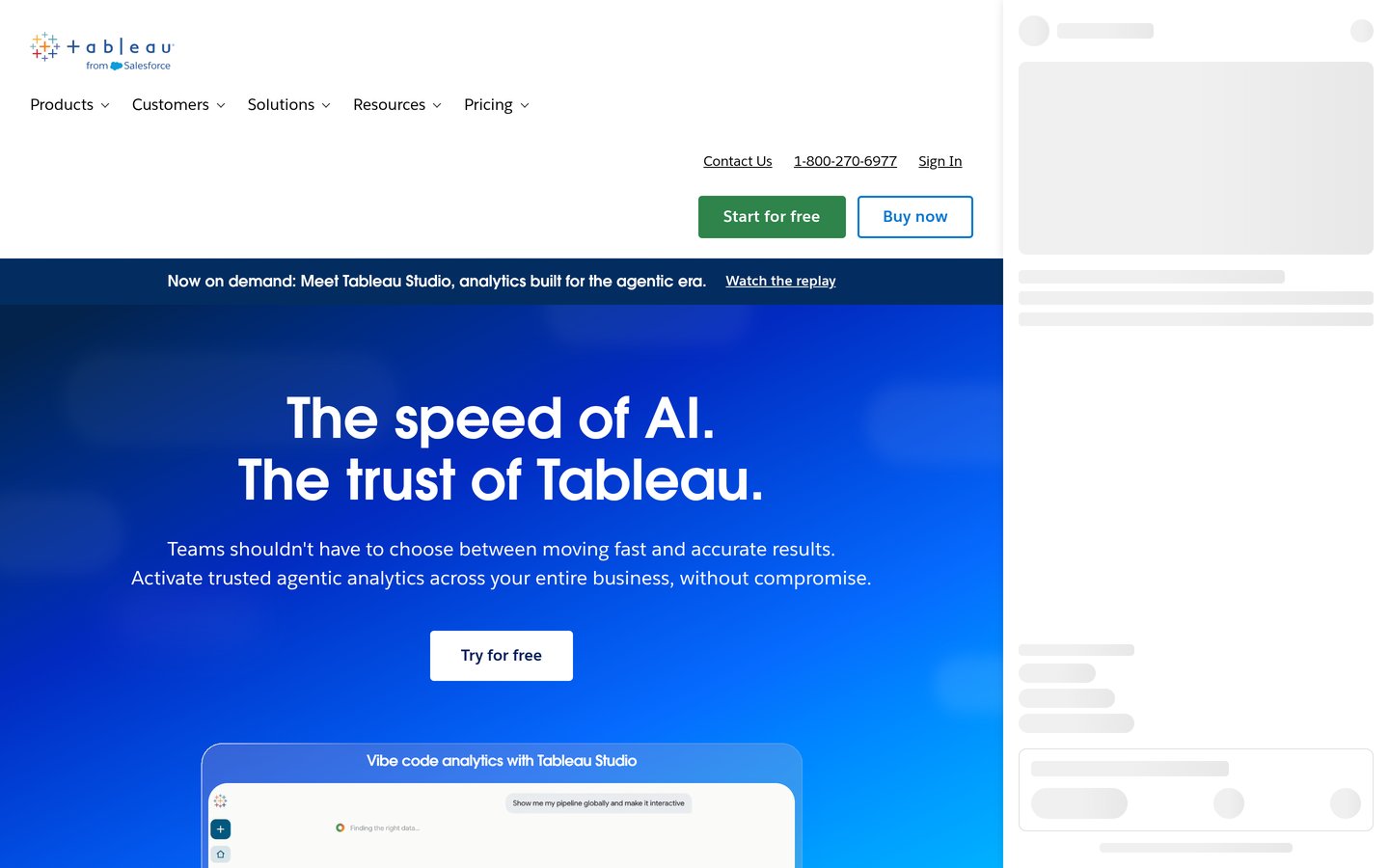
Tableau is the visual analytics benchmark: a drag-and-drop builder, LOD calculations and interactivity that the rest of the industry is still measured against, with Tableau Agent adding AI chart building on top. It holds 4.4 out of 5 on G2 from 3,787 reviews, the largest base in this list.
The trade off is the seat bill. Standard starts at $15 a user a month billed yearly, but anyone who builds needs a Creator seat, and Enterprise starts at $35 a user a month. It suits teams where dashboard quality is the product: client reporting, executive presentations and data journalism.
What we like
Best visual builder in this list
Largest G2 review base at 3,787
Huge community and documentation
Tableau Agent adds AI chart building
Watch out for
Creator seats climb fast in cost
Enterprise starts at $35 a user a month
Needs a Creator licence per deployment
Old Viewer $15 / Explorer $42 / Creator $75 roles now sit inside editionsVisit tableau.com
02
Power BI
4.5/5on G2 (1,661 reviews, checked Nov 2026)
Paid from$14/user/mo
Best value for Microsoft shops
Entry paid planPro, $14/user/mo
Premium Per User$24/user/mo
Free accountDesktop, no sharing
G2 rating4.5 from 1,661 reviews
microsoft.com
Power BI homepage, captured Nov 2026.
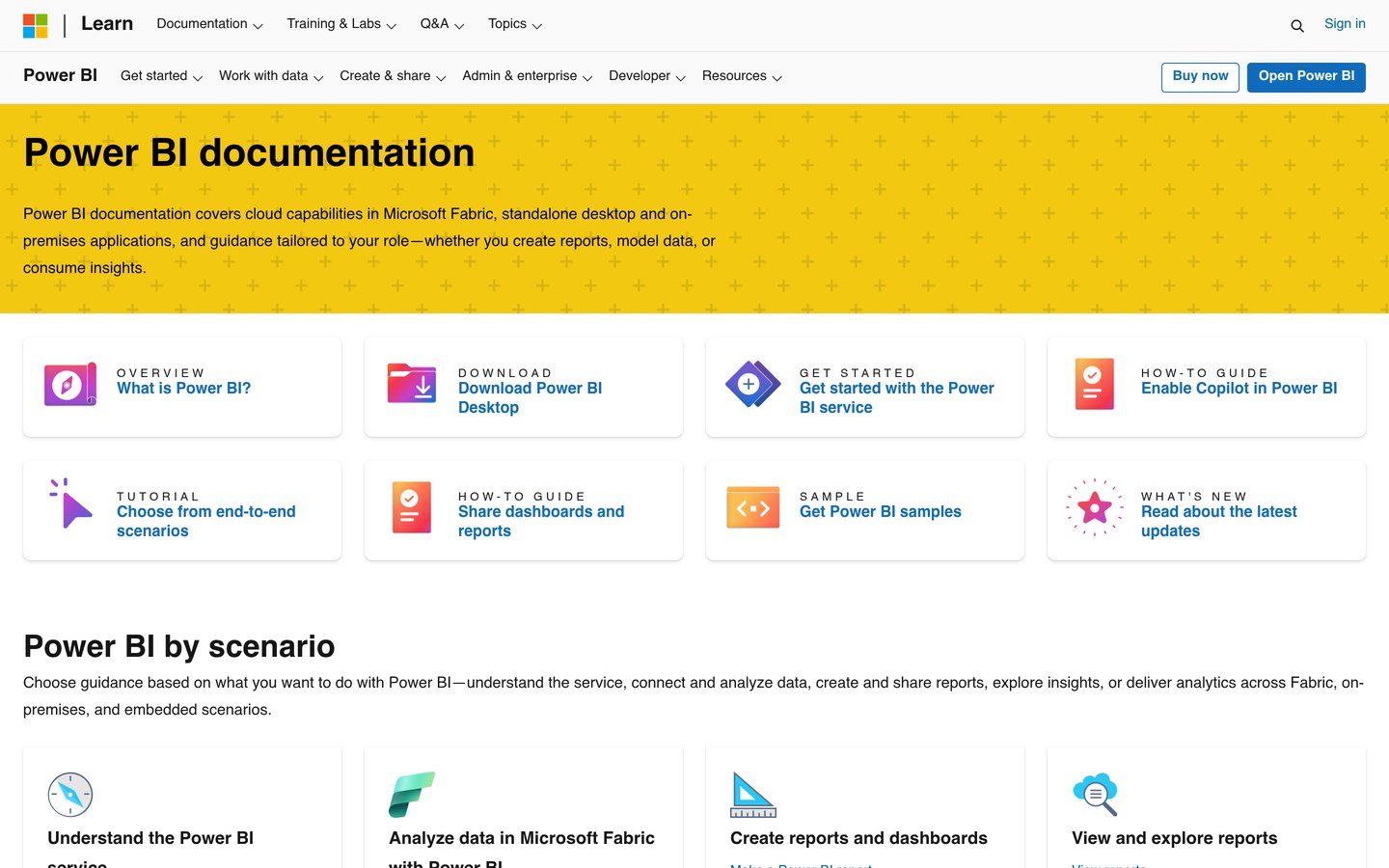
Power BI is Microsoft's business intelligence platform and the value argument in enterprise BI. Pro at $14 a user a month paid yearly covers publishing and sharing, connects to Excel, SharePoint and SQL Server, and it holds 4.5 out of 5 on G2 from 1,661 reviews, the highest score in this list.
The trade off is the Microsoft orbit. Power BI is at its best inside Microsoft 365, and Premium Per User at $24 a user a month adds the larger models and refreshes serious teams need. It suits Microsoft shops that want enterprise BI without Tableau prices.
Looker Studio is Google's free dashboarding tool and the easiest starting point for marketing teams that live in Google tools. The free version builds unlimited reports, connects to Analytics, Ads, Search Console, Sheets and BigQuery, and it holds 4.4 out of 5 on G2 from 794 reviews.
The trade off is governance and scale. Pro at $9 a user a month adds team workspaces, stronger access controls and scheduled delivery, but heavy data volumes and strict governance still need Looker. It suits Google-ecosystem teams reporting on marketing and web data.
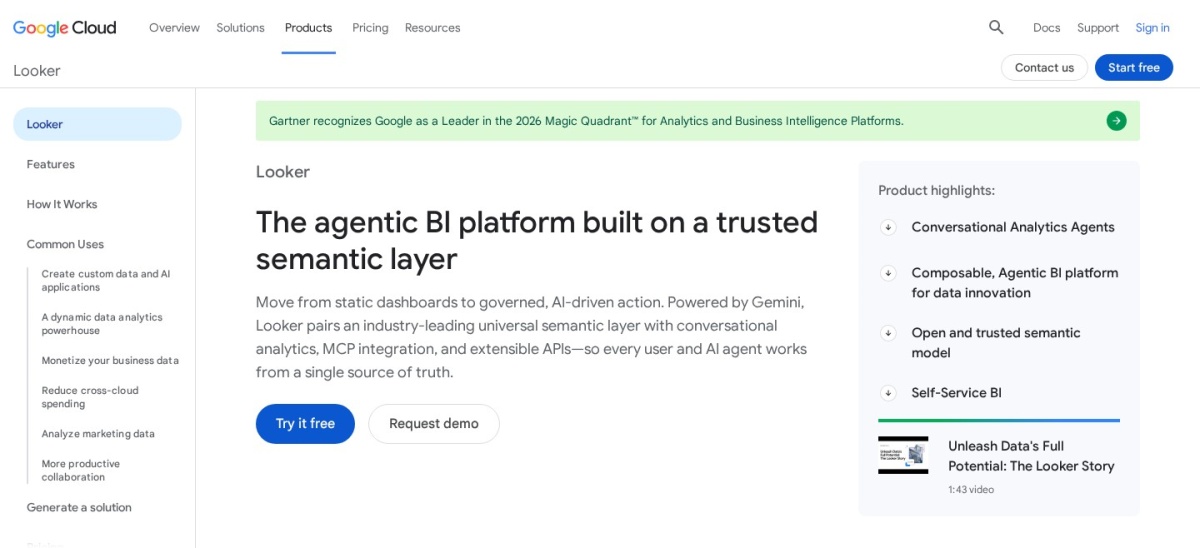
Looker is Google Cloud's enterprise BI platform, built around LookML, the most mature semantic layer in commercial BI, so every team gets the same number for the same question. It holds 4.4 out of 5 on G2 from 2,211 reviews and suits centralised teams with a data warehouse.
The trade off is price and learning curve. Looker sells by quote, with third-party estimates near $5,550 a month, and LookML takes real modelling skill. It suits enterprises that want a governed metric layer across many teams.
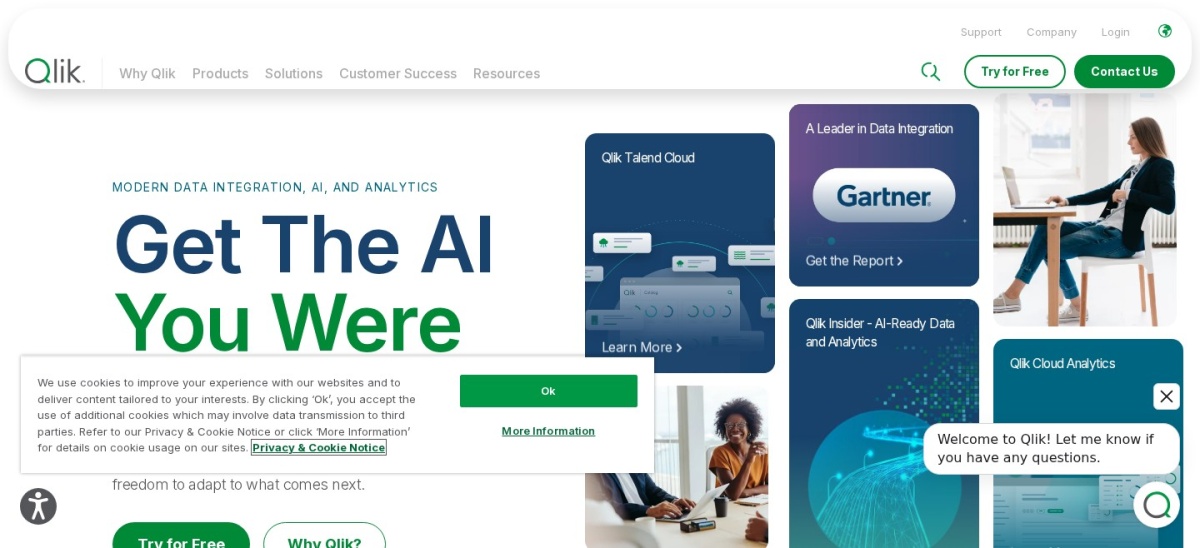
Qlik Sense is a self-service BI platform built on an associative engine that lets users explore data across many sources without pre-built queries. It holds 4.4 out of 5 on G2 from 929 reviews and suits analysts who explore freely rather than read fixed reports.
The trade off is price and polish. Business costs $30 a user a month billed yearly, and Qlik's visuals trail Tableau for presentation-quality dashboards. It suits teams that value exploration over pixel-perfect charts.
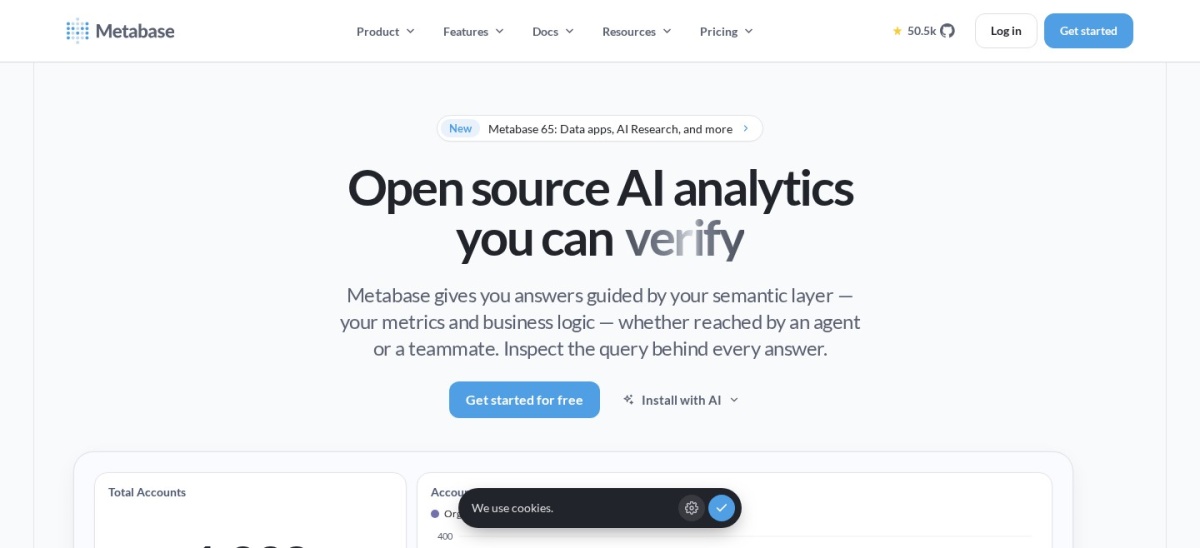
Metabase is an open-source business intelligence platform that startups and technical teams pick when they want to start free and grow. The open-source edition self-hosts with unlimited users, Cloud starts at $100 a month, and it holds 4.4 out of 5 on G2 from 209 reviews.
The trade off is depth and polish. Metabase is simpler than Tableau or Power BI, with fewer connectors and plainer visuals, and the thinnest G2 base in this list. It suits technical teams that want simple dashboards on a tight budget.
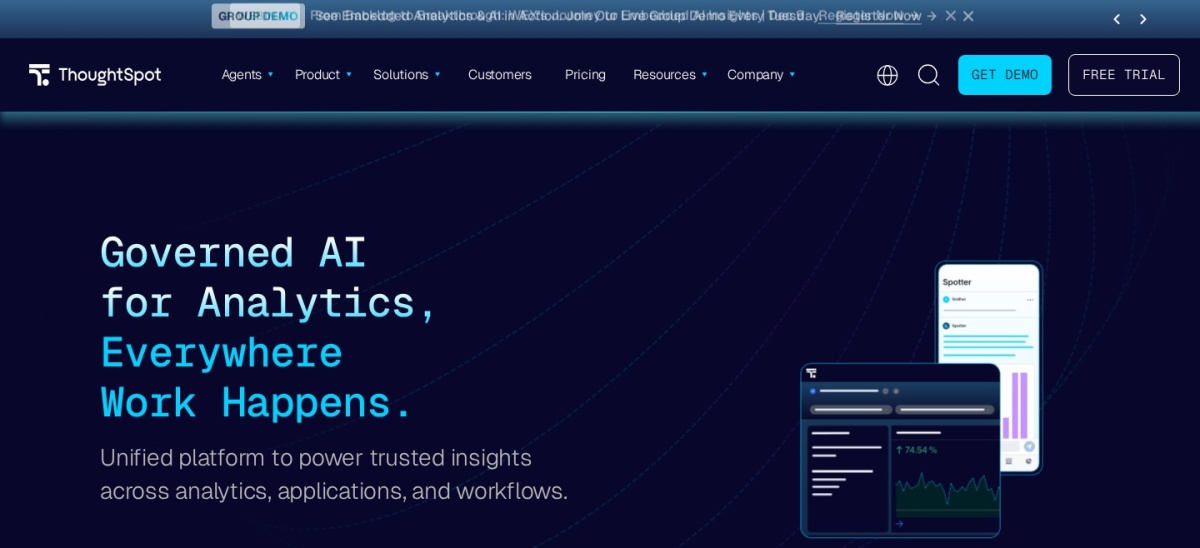
ThoughtSpot is a search-based BI platform that lets business users type questions in plain language and get charts back, without waiting on an analyst. It holds 4.4 out of 5 on G2 from 345 reviews and suits teams where the bottleneck is analyst time.
The trade off is price transparency. ThoughtSpot lists about $25 a user a month in third-party guides, but its own site sells by quote, so confirm the number before you budget. It suits business users who ask questions faster than analysts answer them.
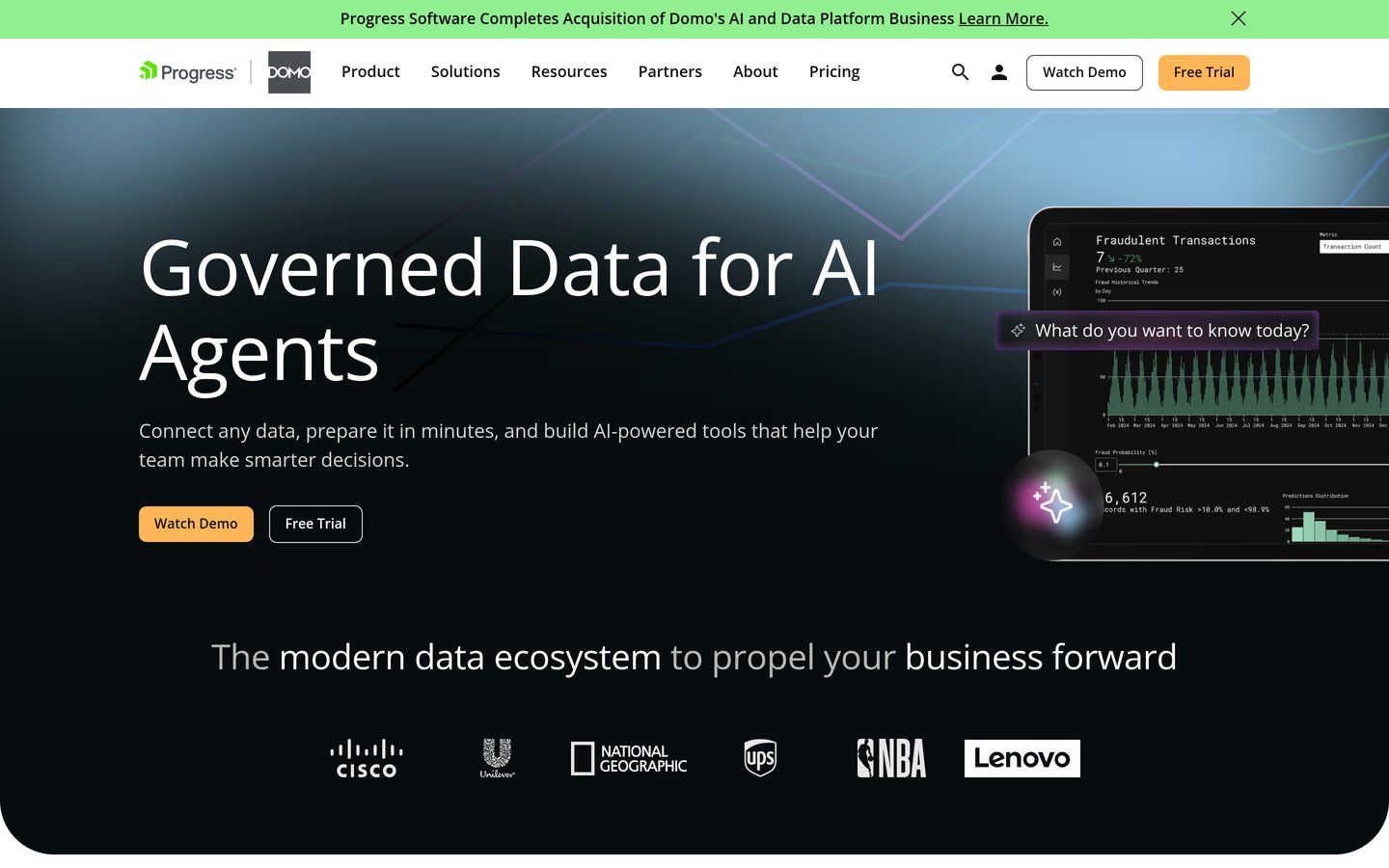
Domo is a cloud BI platform that consolidates data in one cloud and serves non-technical executives with governed dashboards and alerts. It holds 4.3 out of 5 on G2 from 1,092 reviews and suits enterprises that want one place for every team's numbers.
The trade off is the enterprise bill. Domo sells by quote with credit-based pricing, and third-party estimates put entry near $30,000 a year. It suits large teams that consolidate reporting rather than build one-off dashboards.
What we like
One cloud for all team data
Good exec-level dashboards
Alerts and governance built in
Strong connector library
Watch out for
Quote-only, credit-based pricing
Entry near $30,000 a year
Overkill for small teams
Third-party estimates put entry near $30,000 a yearVisit domo.com
09
Sisense
4.2/5on G2 (1,072 reviews, checked Nov 2026)
PricingCustom/yr
Best for embedded analytics
PricingQuote only
Best forEmbedded analytics
G2 rating4.2 from 1,072 reviews
Free trialDemo only
sisense.com
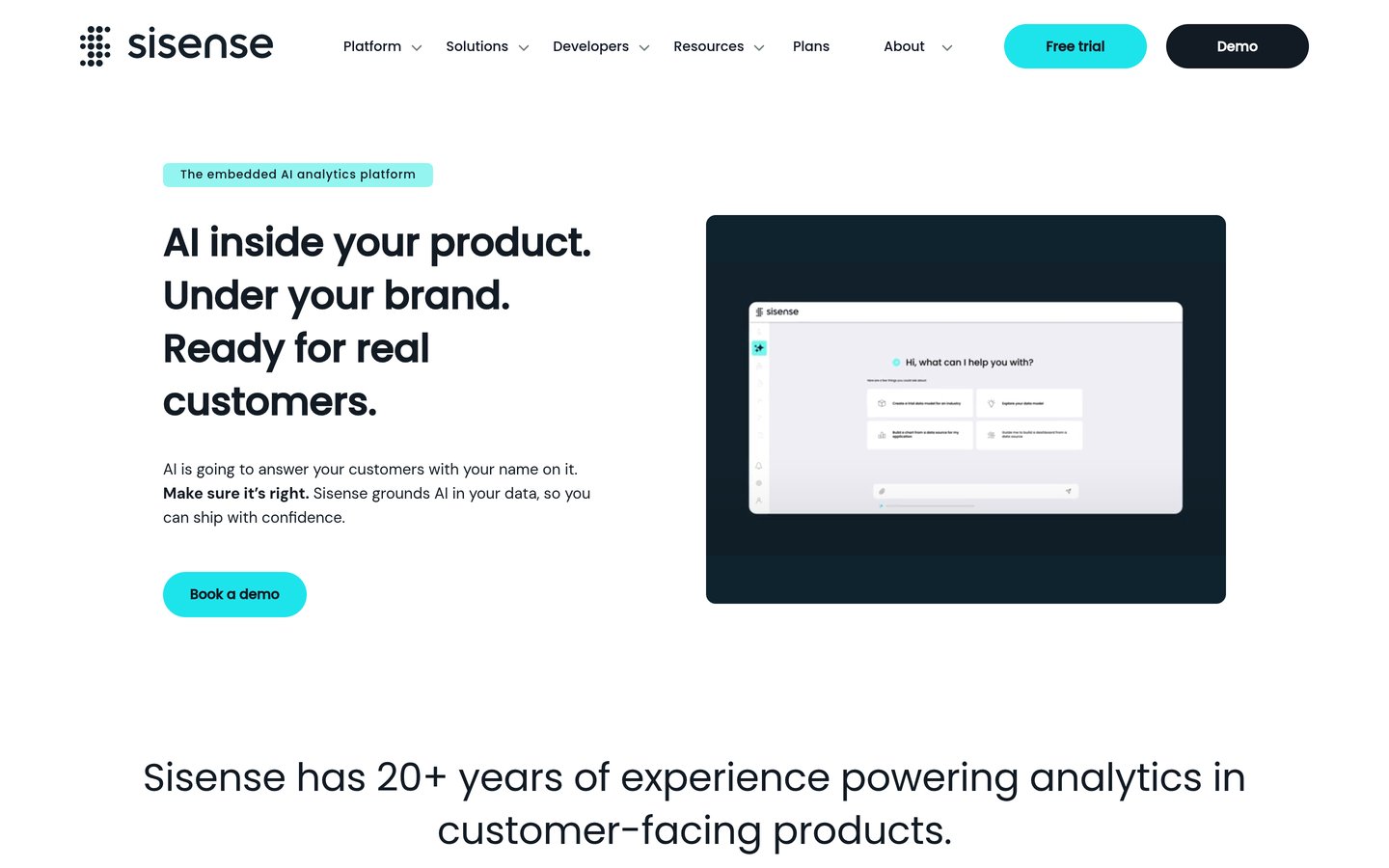
Sisense homepage, captured Nov 2026.
Sisense is a BI platform built for embedded, customer-facing analytics, letting product teams put dashboards inside their own apps. It holds 4.2 out of 5 on G2 from 1,072 reviews and suits SaaS teams that ship analytics as a feature.
The trade off is price and audience. Sisense sells by quote, with third-party estimates near $25,000 a year, and it is built for embedding rather than internal reporting. It suits product teams whose customers need dashboards inside the product.
Four of the nine tools in this list have a genuinely free tier, and the free tiers are good. Looker Studio builds unlimited reports free, Power BI Desktop builds for free, Tableau Desktop Free Edition analyses local files, and Metabase self-hosts free.
The catch is sharing. None of the free editions publishes or shares properly: Power BI needs Pro to share, Tableau Free cannot connect to Cloud or Server, and Metabase Cloud is the paid route to hosted sharing.
If only one person builds dashboards for themselves, free is enough. The moment a team needs to read the same dashboard, budget for Pro, Standard or Cloud.
How we chose
We started from every dashboarding and BI platform with a public rating on G2, then kept the nine with the clearest fit for building and sharing dashboards, from analyst-grade visualisation to embedded analytics.
Prices were checked on 25 November 2026. Tableau Standard at $15 a user a month billed yearly and Power BI Pro at $14 a user a month paid yearly were confirmed on the vendors' own pricing pages. Looker Studio Pro at $9 a user a month is corroborated by November 2026 guides, as the vendor pricing page returns a 404. Looker, Domo and Sisense prices are third-party estimates and are flagged as such.
We left out IBM Cognos and SAP BusinessObjects, whose review bases are thinner and whose buyers are mostly existing enterprise customers, and Zoho Analytics, which fits Zoho shops more than general dashboarding. No vendor paid for a place, and we do not claim hands-on testing for this list.
How to choose dashboarding software
Start with who builds the dashboards, then check sharing, seats and price.
Name the dashboard builder. Analysts need a visual builder like Tableau, business users need search like ThoughtSpot, and developers need APIs like Metabase. The builder decides the tool.
Check who can share. Free editions often cannot publish. Confirm that viewers can see dashboards without a paid licence before you commit.
Price the seats that build. Viewer seats are cheap; Creator seats are not. Count how many people build dashboards, not how many read them.
Trial it on your own data. Connect your messiest source in the trial and build the dashboard your boss actually asks for. Demo data flatters every tool.
FAQ
What is the best dashboarding software?
Tableau is the best pick for visual quality and analyst workflows, with the largest review base in this list at 4.4 out of 5 on G2 from 3,787 reviews. Power BI is the better value at $14 a user a month.
How much does dashboarding software cost?
Entry prices in this list run from free for Looker Studio to $30 a user a month for Qlik Sense Business. Tableau Standard starts at $15 and Power BI Pro at $14, while Looker, Domo and Sisense sell by quote.
Is there free dashboarding software?
Yes. Looker Studio is free for unlimited reports, Power BI Desktop is free for building, Tableau has a free desktop edition, and Metabase is open source. Sharing and collaboration are what the paid plans add.
What is the difference between Tableau and Power BI?
Tableau wins on visual polish, analyst workflows and community, while Power BI wins on price and Microsoft integration. Teams that live in Microsoft 365 usually pick Power BI; teams that sell the dashboard itself pick Tableau.
Do I need a data warehouse for dashboarding software?
Not for the basics. Tableau, Power BI and Metabase all connect to spreadsheets, databases and cloud apps directly. A warehouse matters when data volumes grow or when Looker's semantic layer needs one source of truth.
Which dashboarding tool is best for embedded analytics?
Sisense is built for embedded, customer-facing dashboards inside your own product. Tableau and Power BI both offer embedding too, but Sisense is the pick when analytics ships as a feature, not a report.
SaaS SEO and WordPress specialist with about 8 years of experience. Rakib compares WordPress plugins, themes, hosting and software using public pricing, documentation and user reviews. See how we rank.