PandaDoc is the best customer quoting software for most teams, with a free plan, Starter at $19 a seat a month and the highest G2 rating in this list from nearly 3,900 reviews. Pick Proposify for structured approval workflows and Better Proposals if you need the cheapest paid plan.
How we make this list: we compare pricing pages, product documentation and public user reviews, then re-check every price before each update. No product paid for a place. Disclosure.
PandaDoc leads with a 4.7/5 G2 rating from 3,869 reviews, a free plan and Starter at $19 a seat a month.
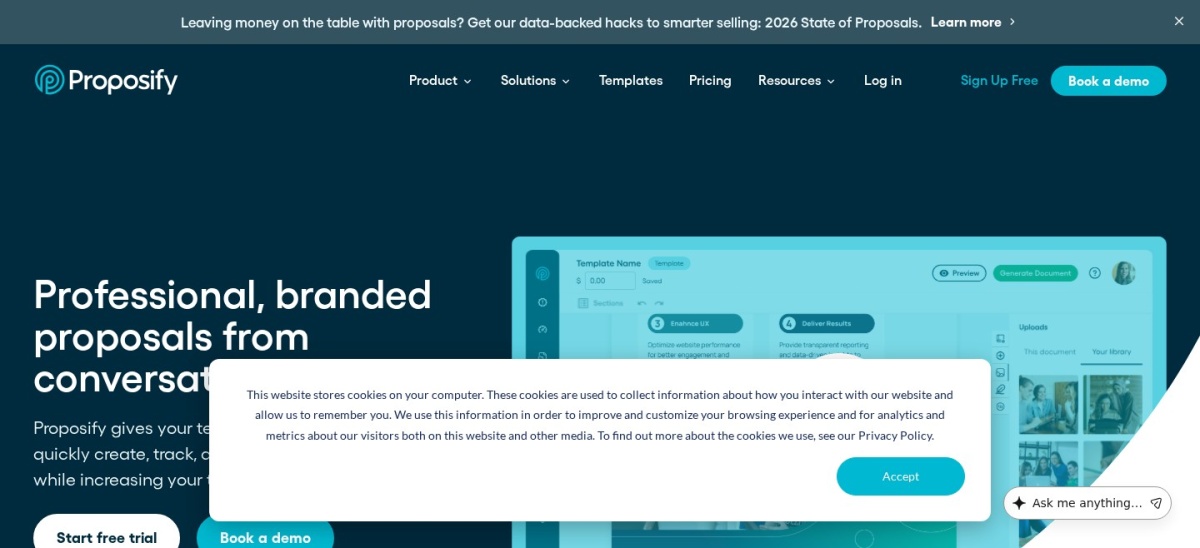
Proposify Build costs $39 a user a month and adds unlimited quotes, signatures and approval controls on Grow.
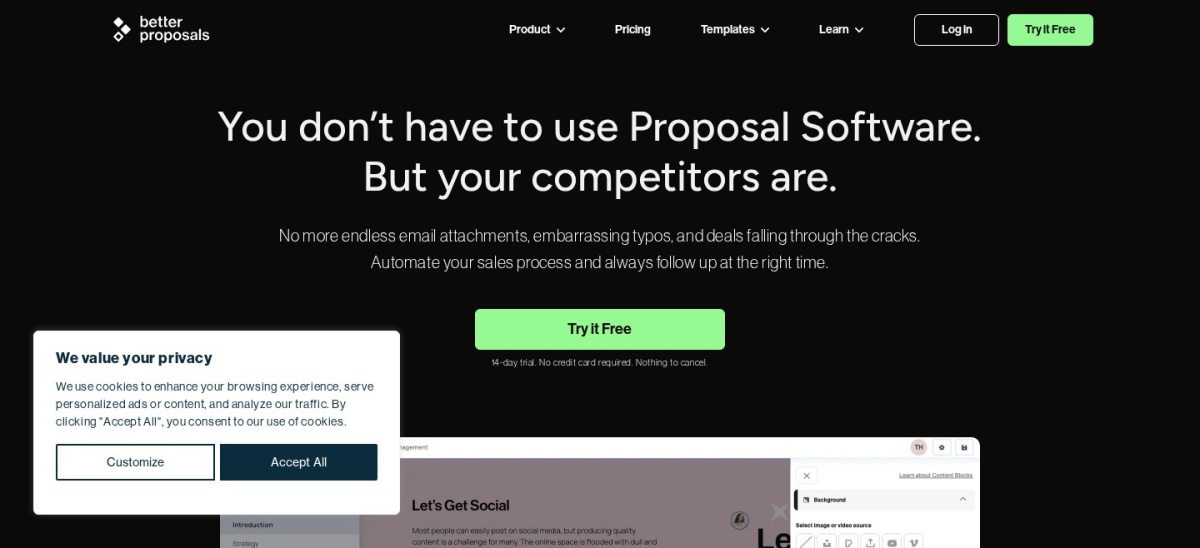
Better Proposals is the cheapest paid start at $13 a month, though Starter covers only 1 user and 10 documents.
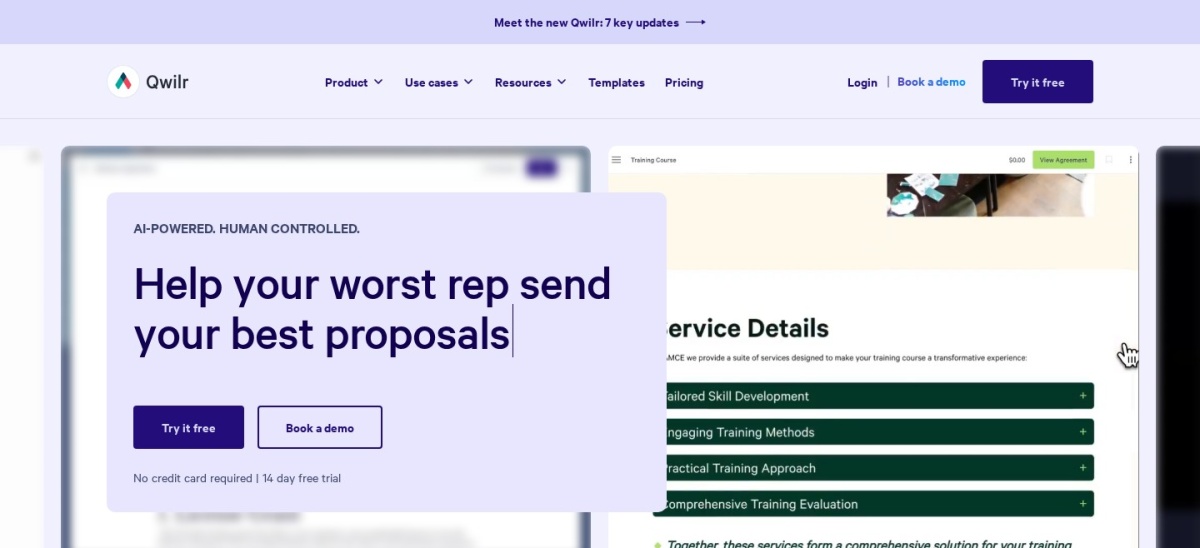
Qwilr turns quotes into interactive web pages at $35 a user a month, with payments collected inside the quote.
DealHub is the only full CPQ platform here, but it is custom-priced and takes about 3 months to implement.
What to look for in quoting software
Quoting software turns a price list into a document a buyer can accept. The best tools handle the quote, the signature and the payment without forcing a buyer to download a file.
Check what the entry plan actually includes. Some tools charge extra for CRM integrations, custom branding or approval workflows, and a low headline price can hide those costs.
Interactive pricing tables matter when buyers choose between options. Our guide to the best proposal software shows how the same tools compare when the document is a full proposal.
For complex deals, CPQ features such as guided selling, discount rules and approval chains save more time than a prettier template. Small teams usually do better with a simple tool and a short trial.
PandaDoc is a document platform for creating, sending, tracking and signing quotes, proposals and contracts. Its free plan allows 5 documents a month, while Starter at $19 per seat monthly billed annually adds unlimited documents, electronic signatures, a drag-and-drop editor and real-time tracking.
The trade off is that CRM integrations, advanced quoting, deal rooms and approval workflows require Business at $49 per seat monthly billed annually, with some capabilities carrying extra charges. It suits sales teams that want quoting and signing in one application.
What we like
Free plan for occasional quoting
Unlimited documents and signatures on Starter
Drag-and-drop editor with tracking
Strong G2 rating from 3,869 reviews
Watch out for
Advanced quoting needs the Business plan
Per-seat pricing grows with team size
Starter adds unlimited documents, signatures, editing and trackingVisit pandadoc.com
02
Proposify
4.6/5on G2 (1,148 reviews, checked Nov 2026)
Starts at$39/mo
Best for structured quoting workflows
Free planNo, 14-day trial
Cheapest paidBuild, $39/user/mo
DocumentsUnlimited on Build
Paid planGrow, $65/user/mo
proposify.com
Proposify homepage, captured Nov 2026.
Proposify is a proposal platform for sales teams that need reusable content, branded documents and visibility into buyer engagement. Its Build plan costs $39 per user monthly billed annually and includes unlimited documents, electronic signatures, a content library, document insights, AI features and integrations.
The trade off is that user permissions, internal approval workflows and account-wide reporting require Grow at $65 per user monthly billed annually. It suits agencies and sales teams that send recurring quotes and want control over document consistency.
What we like
Unlimited quotes and signatures on Build
Reusable content library
Document engagement reporting
Approval controls available on Grow
Watch out for
No permanent free plan
Advanced approvals require the Grow plan
Build adds unlimited quotes, signing, content reuse and insightsVisit proposify.com
03
Qwilr
4.6/5on G2 (938 reviews, checked Nov 2026)
Starts at$35/mo
Best for interactive web-based quotes
Free planNo, 14-day trial
Cheapest paidStarter, $35/user/mo
Electronic signaturesIncluded
Payment collectionQwilrPay
qwilr.com
Qwilr homepage, captured Nov 2026.
Qwilr is a proposal platform that turns quotes into interactive, mobile-friendly web pages. Starter costs $35 per user monthly billed annually and includes electronic signatures, proposal analytics, QwilrPay payment collection, supported CRM integrations and AI assistant integration.
The trade off is that automation, advanced branding and enhanced reporting require Growth at $55 per user monthly with a 5-user minimum. It suits agencies and sales teams that want buyers to explore pricing, review media and accept online.
What we like
Interactive web-based quote design
Signatures and payments in one link
Quote engagement analytics
CRM integrations on Starter
Watch out for
Higher entry price than budget tools
Advanced automations require Growth
Starter includes interactive quotes, analytics, signatures and paymentsVisit qwilr.com
04
Better Proposals
4.3/5on G2 (51 reviews, checked Nov 2026)
Starts at$13/mo
Best affordable quoting for freelancers
Free planNo, 14-day trial
Cheapest paidStarter, $13/mo
Monthly documents10 on Starter
Paid planPremium, $21/user/mo
betterproposals.io
Better Proposals homepage, captured Nov 2026.
Better Proposals is an online proposal platform for creating branded offers, sending contracts and collecting client acceptance. Its Starter plan costs $13 per month billed annually for 1 user and includes up to 10 documents monthly, digital signatures, interactive pricing tables, payment integrations and open tracking.
The trade off is that Starter has a document limit and excludes CRM integrations, custom domains and API access, which arrive with Premium at $21 per user monthly billed annually. It suits freelancers and small firms that need professional quotes on a small budget.
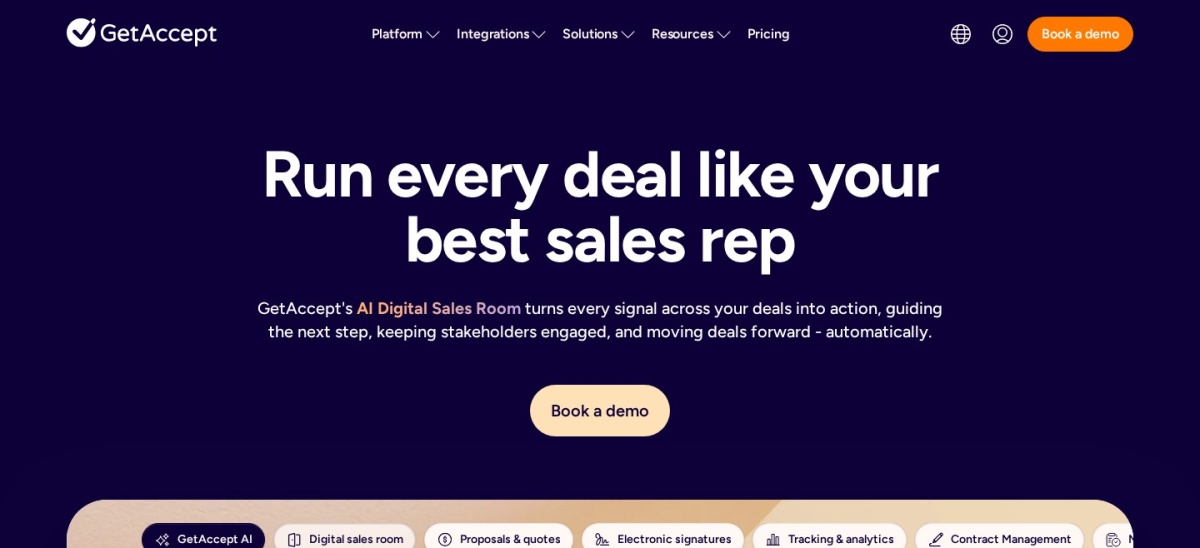
GetAccept is a sales engagement platform combining electronic signatures, document management and collaborative sales rooms. Its eSign plan costs $25 per user monthly and includes unlimited signatures, a simple document editor, templates, automated reminders, engagement video and chat functionality.
The trade off is that full proposal editing, digital sales rooms, CRM integrations and AI functionality require Professional at $49 per user monthly with a 5-user minimum and annual billing. It suits revenue teams managing complex deals with several stakeholders.
Bonsai is a client and project management platform for agencies, consultants and independent professionals. Its Basic plan starts at $9 per user monthly billed annually for project management and time tracking, while Essentials at $19 adds proposals, contracts, invoicing, payments, forms and a client portal.
The trade off is that Basic does not include proposals, making Essentials the practical entry plan for quoting at $228 annually per user. It suits consultants who want to manage work after a quote is accepted.
Storydoc is an interactive document platform for proposals, sales presentations and personalized business content. Starter costs $237.60 annually, equivalent to $19.80 monthly, and includes 5 active documents, 20 AI image credits per month and 25 AI text credits per month.
The trade off is that Starter limits active documents and AI usage, while broader customization, analytics and advanced integrations may require Pro at $36 per month billed annually. It suits teams that want visually engaging quotes with embedded media.
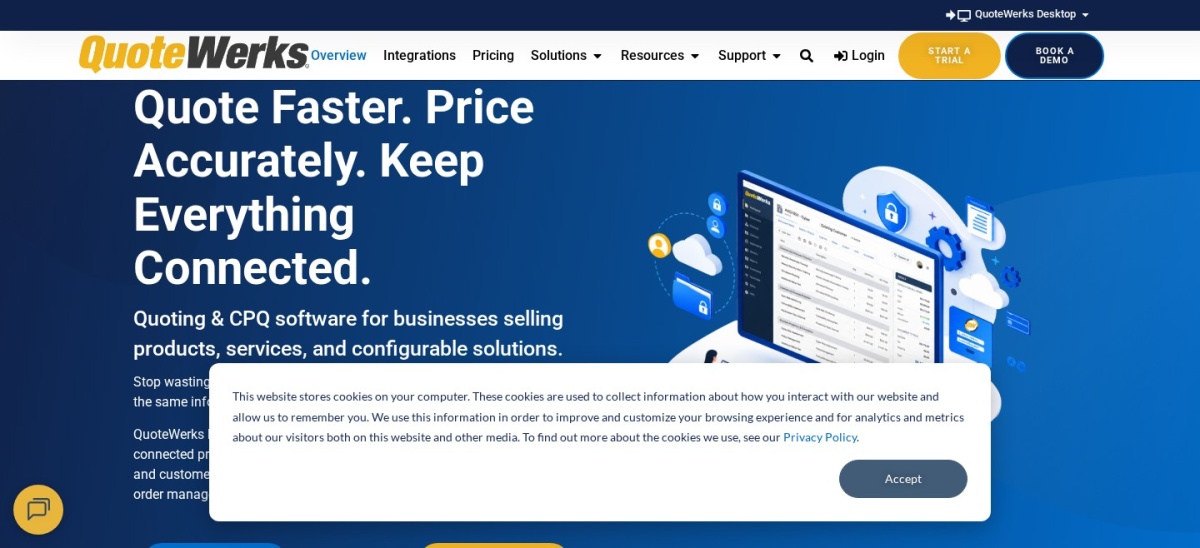
QuoteWerks is sales quoting software built for IT resellers, VARs and manufacturers. Its Essential plan costs $49 per user monthly and covers quoting with real-time pricing and availability from distributors, plus 27 integrations with CRM and accounting tools.
The trade off is that the desktop-first design feels dated next to web-native rivals, and deeper CRM integrations need Balanced at $79 or Pinnacle at $99 per user monthly. It suits hardware and telecom sellers where live distributor pricing protects margins.
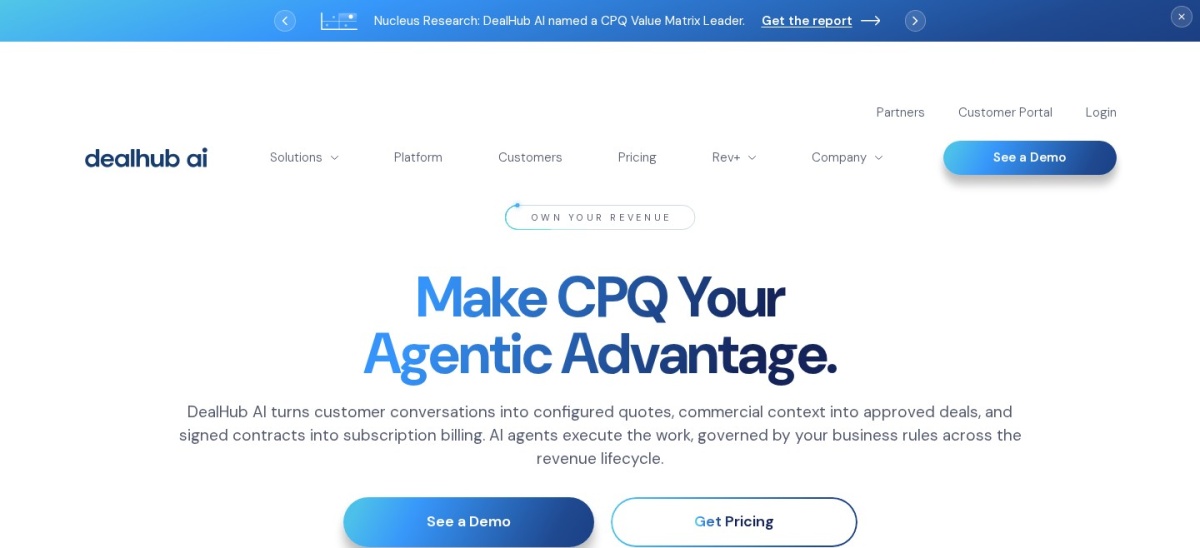
DealHub is a quote-to-revenue platform for complex B2B sales, covering CPQ, deal rooms, contract management, subscriptions and billing. Pricing is custom, and G2 reviewers report an average implementation time of about 3 months, with strong marks for configurability and support.
The trade off is cost and setup time. DealHub is priced for mid-market and enterprise teams, so small teams will find the sales cycle and implementation heavy. It suits revenue operations teams running multi-product deals with approval rules.
What we like
Full CPQ with guided selling
Deal rooms and contract management
Highest G2 rating in this list
Strong approval and discount controls
Watch out for
Custom pricing only, no list price
Implementation takes about 3 months
Talk to sales for a quote based on users and modulesVisit dealhub.io
Free vs paid: what the cheapest plans leave out
Only PandaDoc offers a permanent free plan here, and it covers 5 documents a month. Every other tool starts with a trial, so budget for the first paid month from day one.
Paid plans mostly add integrations and approvals. CRM sync, custom domains and approval workflows usually sit one tier above the entry plan.
If you send fewer than 10 quotes a month, Better Proposals at $13 or Bonsai Essentials at $19 cover the job. Above that volume, unlimited-document plans such as PandaDoc Starter or Proposify Build cost less per quote.
How we chose
We started from the quoting and CPQ tools with the most G2 reviews and a published price or a clear quote-based model, then kept 9 with distinct strengths.
Prices come from each vendor pricing page and G2 pricing data, checked on 25 November 2026. Ratings and review counts come from G2 on the same day. Where a vendor shows a sale, the list shows the regular price. No vendor paid for a place, and we do not claim hands-on testing for this list.
We left out tools with no verifiable G2 rating and Delighted-style sunset products. PandaDoc pricing on its own page renders by script, so its $19 Starter figure is the vendor-supplied G2 price, confirmed by several November 2026 reads.
How to choose customer quoting software
Start with how many quotes you send each month, then check what the entry plan really includes.
Count your monthly quotes. Under 10 a month, a cheap capped plan works. Above that, pick an unlimited-document plan so the per-quote cost stays flat.
Check the signature and payment flow. Buyers should be able to sign and pay inside the quote link. If the tool makes them download a file, expect slower acceptances.
List the integrations you need. CRM sync, accounting and payment tools often sit on higher tiers. Confirm they are on the plan you will buy, not just on the pricing page.
Trial with a real quote. Send one live quote during the trial and watch the open, accept and payment steps. That shows the real workflow better than any feature list.
FAQ
What is the best customer quoting software?
PandaDoc is the best pick for most teams. Its free plan covers 5 documents a month, Starter costs $19 a seat a month billed annually, and it holds a 4.7 out of 5 G2 rating from 3,869 reviews.
What is the cheapest quoting software?
Better Proposals Starter is the cheapest paid plan here at $13 a month billed annually, for 1 user and up to 10 documents a month. Bonsai Basic is $9 a month, but proposals need Essentials at $19.
Do I need CPQ software for quoting?
Only for complex deals. CPQ tools such as DealHub add guided configuration, discount rules and approvals. For standard quotes, a proposal tool such as PandaDoc or Proposify is faster and cheaper.
Can buyers sign and pay inside a quote?
Yes, on most tools here. PandaDoc, Qwilr, Better Proposals and GetAccept all include electronic signatures, and Qwilr and Better Proposals also collect payments inside the quote link.
Is there a free quoting tool?
PandaDoc is the only tool in this list with a permanent free plan, covering 5 documents a month with electronic signatures. The other tools offer 7 to 14 day trials instead.
How much does quoting software cost per year?
Cheapest paid plans in this list run from $108 a year for Bonsai Basic to $588 a year for QuoteWerks Essential. Most teams land between $228 and $468 a year per user.
SaaS SEO and WordPress specialist with about 8 years of experience. Rakib compares WordPress plugins, themes, hosting and software using public pricing, documentation and user reviews. See how we rank.