Best Computer Aided Manufacturing Software in 2026: 7 Tools Compared
WLWPLegible EditorsLast verified 24 Nov 2026How we rank12 min read
★ Short answer
Autodesk Fusion is the best computer aided manufacturing software for most small shops, at $680 a year with CAD and CAM in one subscription. Mastercam remains the production standard, and SolidCAM is the pick for SolidWorks users.
How we make this list: we compare pricing pages, product documentation and public user reviews, then re-check every price before each update. No product paid for a place. Disclosure.
Autodesk Fusion is the only option here with a published price and a free tier: $680 a year for commercial seats.
Mastercam remains the most widely used CAM package in the world, with the largest post-processor library.
SolidCAM and CAMWorks run inside SolidWorks, so toolpaths update when the model changes.
GibbsCAM and Siemens NX CAM serve high-end mill-turn and enterprise work, both priced by quote.
Most CAM vendors do not publish pricing; expect quotes and reseller involvement for everything except Fusion.
What CAM software should cover
CAM software turns a 3D model into toolpaths and G-code for a CNC machine. The core job is the same everywhere: pick a tool, set feeds and speeds, and generate a safe path.
Axis support is the first split. Basic 2.5D and 3-axis work covers most milling, while simultaneous 5-axis, mill-turn and Swiss work needs a specialist system and a bigger budget.
CAD integration is the second split. Fusion bundles CAD with CAM, SolidCAM and CAMWorks live inside SolidWorks, and Mastercam and GibbsCAM stand alone with broad CAD import.
Pricing is mostly quote-based. Fusion publishes $680 a year, while Mastercam, SolidCAM, GibbsCAM and NX CAM sell through resellers with per-module quotes.
The 7 best computer aided manufacturing software tools
01
Autodesk Fusion
4.5/5on G2 (519 reviews, checked Nov 2026)
Paid from$680/yr
Best CAM for small shops
Free planYes, personal use
Paid plan$680/yr commercial
Axes2.5D to 5-axis
CAD includedYes
autodesk.com
Autodesk Fusion homepage, captured Nov 2026.
Autodesk Fusion is a cloud CAD and CAM platform that bundles design, machining and simulation in one subscription. The commercial plan costs $680 a year and includes 3-axis CAM, with a free personal-use edition for hobbyists and startups under $100,000 revenue.
The trade off is full 5-axis simultaneous work needs the Manufacturing Extension at about $1,465 a year on top. It suits small shops and startups that want CAD and CAM in one place.
Mastercam is the most widely used CAM package in the world, covering milling, turning, mill-turn, Swiss work and wire EDM in one system. It holds the largest post-processor library in the industry and its Dynamic Motion toolpaths cut cycle times on production work.
The trade off is pricing runs through resellers by quote, and a full seat is a professional investment, not a hobby purchase. It suits production shops where cycle time and toolpath depth pay for the software.
SolidCAM is a CAM system that runs directly inside SolidWorks, Solid Edge and Autodesk Inventor as a single-window workflow. Its iMachining technology cuts cycle times on high-performance roughing, and machining operations update when the model changes.
The trade off is pricing is quote-only through dealers, with entry 2.5D seats reported from about $5,000. It suits shops already standardised on SolidWorks or Inventor.
GibbsCAM is a CAM platform built for complex mill-turn and Swiss machining, with modular licences for high-volume production. It is known for ease of use on multi-axis work, and a full mill-turn licence is reported from about $10,000 to $15,000.
The trade off is pricing is modular and quote-only, so the total climbs with each module. It suits production shops running mill-turn and Swiss machines.
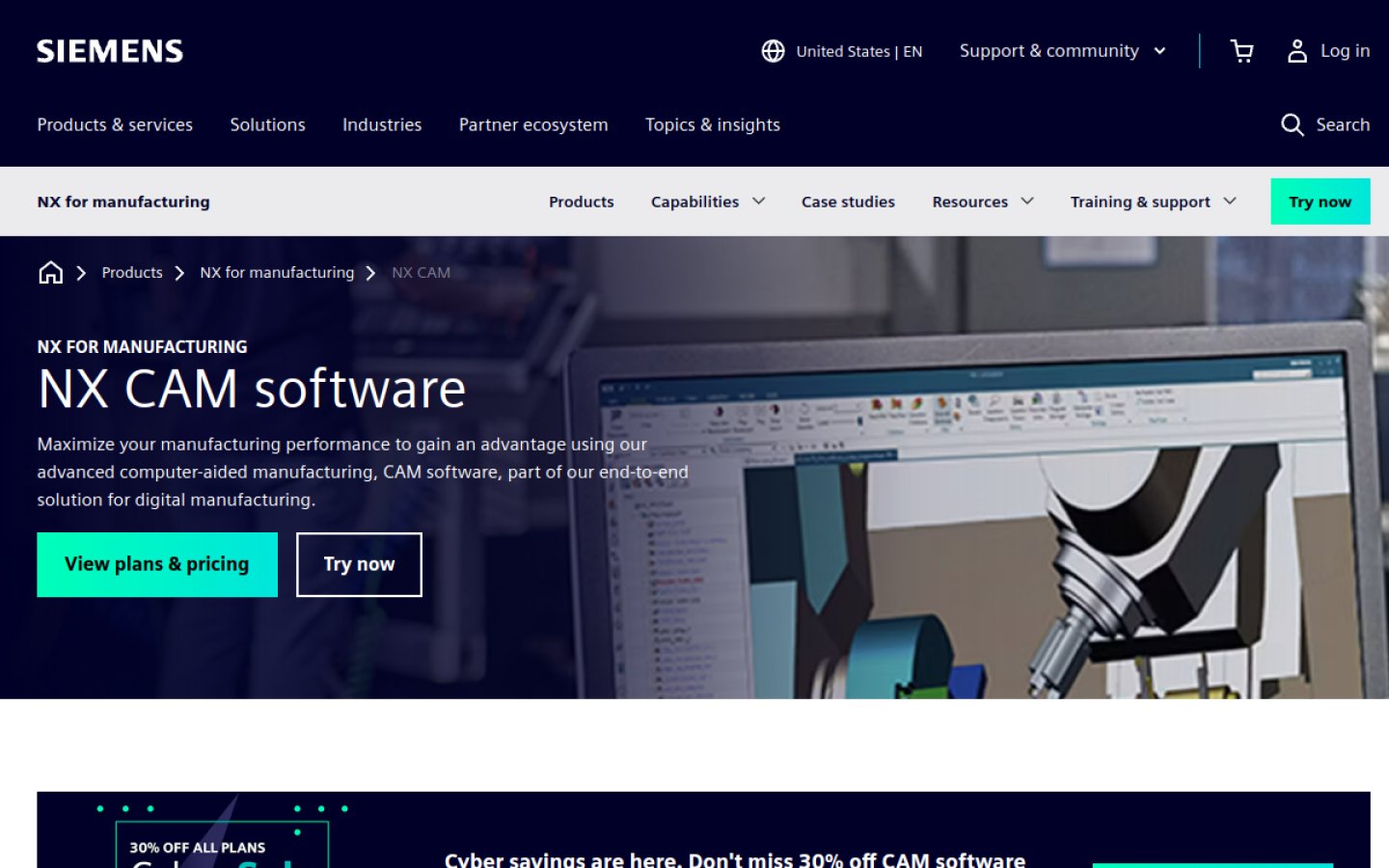
Siemens NX CAM is Siemens' enterprise CAM system, fully integrated with NX CAD for large manufacturers running complex parts at scale. It covers milling, turning, mill-turn and additive work with deep automation, and entry bundles are reported from about $18,000.
The trade off is pricing is quote-only and enterprise-grade, with annual maintenance on top. It suits large manufacturers already running NX CAD.
CAMWorks is a feature-based CAM system that runs inside SolidWorks and Solid Edge, recognising machinable features and generating toolpaths automatically. Its Standard 2.5-axis licence is reported from about $4,000, with Premium bundles near $13,500.
The trade off is pricing is quote-only through resellers, and the review base is small at 18 G2 reviews. It suits SolidWorks shops that want automatic feature recognition.
SolidWorks CAM is the CAM add-on bundled with SolidWorks, giving SolidWorks users basic 2.5D and 3-axis machining without leaving CAD. It is included with SolidWorks Professional and Premium, so existing SolidWorks shops already have it.
The trade off is it covers only basic axes, so 5-axis work needs a separate CAM system. It suits SolidWorks shops doing simple milling and turning.
CAM vendors sell through resellers who quote per module, per seat and per machine, so published prices are rare. Fusion is the exception with a flat $680 a year.
Reported figures from 2026 comparisons put Mastercam Mill 3D near $4,500 to $10,000, SolidCAM from about $5,000 and NX CAM bundles from about $18,000, all before maintenance.
Ask for the licence, the annual maintenance and the post-processor cost in one written quote before you compare vendors.
How we chose
We started from the most widely used computer aided manufacturing software tools with a verifiable rating on G2, Capterra or Trustpilot, then kept those with published pricing or a clear quote-based model.
Prices come from each vendor's pricing page or public list price, checked on 24 November 2026. Ratings and review counts come from G2, Capterra or Trustpilot on the same day. Where a vendor shows a sale, the list shows the regular price.
We left out tools with no verifiable rating on any of the three review sites. No vendor paid for a place, and we do not claim hands-on testing for this list.
How to choose CAM software
Start with your machines and your CAD system, then check the price model.
Match the axes to your machines. A 3-axis mill needs far less than a 5-axis trunnion or a mill-turn centre. Do not pay for axes you will never use.
Check your CAD system first. SolidWorks shops should shortlist SolidCAM and CAMWorks. Fusion suits shops that want CAD and CAM together.
Get a written quote. Most CAM vendors quote per module and per seat. Ask for licence, maintenance and post-processor costs in one figure.
Test the post-processor. A CAM tool is only useful if it posts clean G-code for your machine. Ask for a post for your exact control before you buy.
FAQ
What is the best CAM software?
Autodesk Fusion is the best CAM software for most small shops, at $680 a year with CAD, CAM and CAE in one subscription and a free personal-use edition. Mastercam remains the production standard for multi-axis work, with the largest post-processor library.
How much does Fusion 360 cost?
Autodesk Fusion costs $680 a year for a commercial subscription, or $70 a month. It includes 3-axis CAM, and the Manufacturing Extension adds 5-axis work for about $1,465 a year. A free personal-use edition covers hobbyists.
How much does Mastercam cost?
Mastercam does not publish prices and sells through resellers by quote. 2026 comparisons report Mill 3D near $4,500 to $10,000 for a perpetual seat, with multiaxis modules pushing the total higher and annual maintenance near 20% of the licence.
Which CAM software is best for SolidWorks users?
SolidCAM is the best CAM for SolidWorks users, running directly inside SolidWorks with iMachining toolpaths. CAMWorks is the feature-based alternative, and SolidWorks CAM covers basic 2.5D and 3-axis work bundled with SolidWorks.
Is there free CAM software?
Yes. Autodesk Fusion has a free personal-use edition for hobbyists and startups under $100,000 revenue, covering basic 2.5D and 3D milling. Mastercam offers a free Learning Edition for practice, but it cannot post G-code for production.
What is the difference between CAM and CAD software?
CAD software designs the part, while CAM software turns that design into toolpaths and G-code for a CNC machine. Fusion bundles both in one subscription, while Mastercam and GibbsCAM are pure CAM tools that import CAD files.