WLWPLegible EditorsLast verified 22 Nov 2026How we rank16 min read
★ Short answer
WordPress.com is the best CMS platform for most websites, with a free plan, unlimited pages and posts on Personal, and paid plans starting at $4 per month billed yearly. Webflow is better for custom-designed marketing sites, while Sanity suits developer teams building structured content for multiple channels.
How we make this list: we compare pricing pages, product documentation and public user reviews, then re-check every price before each update. No product paid for a place. Disclosure.
WordPress.com is our overall pick, with a $4/mo annual Personal plan, 6 GB storage and unlimited pages and posts.
Webflow starts at $15/mo annually, but its full CMS requires Premium at $25/mo annually.
Sanity offers a free plan with up to 20 user seats, while Growth costs $15 per seat monthly.
Framer Basic costs $10/mo annually and includes 2 CMS collections and 1,000 CMS items.
Ghost(Pro) Starter costs $18/mo annually and combines website publishing with newsletter features.
Storyblok Growth costs $99/mo on monthly billing and includes 5 seats and 1 million API requests.
What should you look for in a CMS platform?
A content management system helps you create, organize, update and publish website content without manually editing every page. The right CMS depends on whether you manage a blog, company website, online publication, marketing site or content-driven application.
Start with content editing and publishing. Look for an interface that fits your team, reusable page templates, media management and sensible user permissions. Editors should be able to update routine content without depending on developers for every change.
Next, consider technical flexibility. Traditional and hosted CMS platforms often combine content editing with website presentation. Headless systems separate content storage from the frontend, giving developers more freedom while requiring additional implementation work.
Check the essentials for search visibility, including editable metadata, clean URLs, internal linking, redirects and sitemaps. For headless platforms, these capabilities may depend on the frontend application rather than the CMS alone.
Finally, compare the complete cost. Hosting, collaborators, additional sites, API usage, integrations and higher content limits can change the total. A free plan is useful for evaluation, but confirm that the paid plan supports your expected publishing workload.
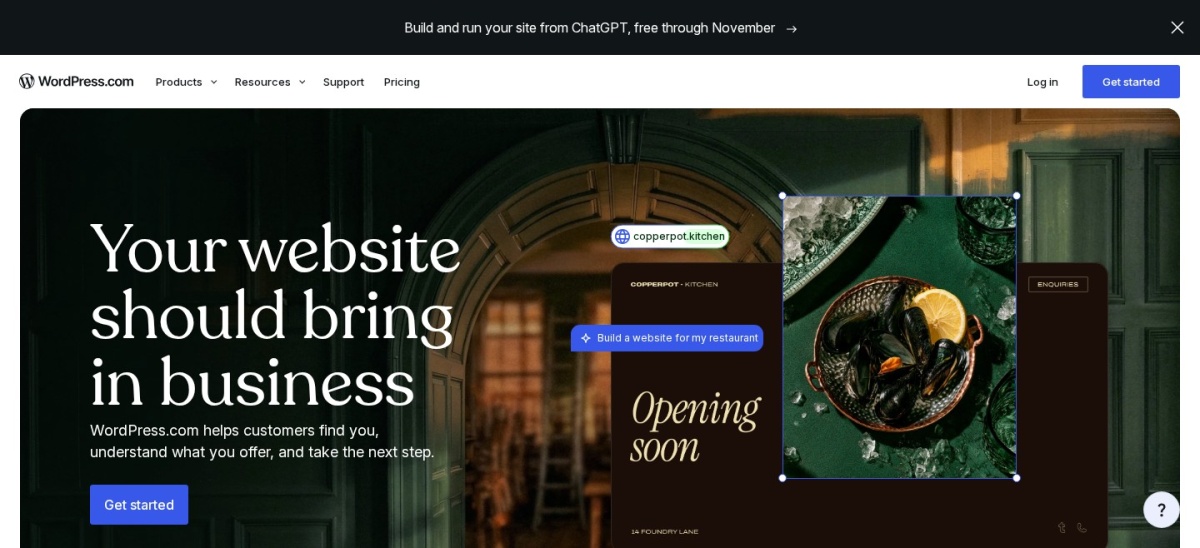
WordPress.com is a hosted content management platform for blogs, business websites and online publications. Its free plan supports basic website creation, while Personal includes 6 GB storage, unlimited pages and posts, managed hosting and access to WordPress plugins. The platform supports themes, media management and collaborative publishing without requiring separate server administration.
The trade off is that hosted WordPress.com plans have different costs and management options from installing open-source WordPress independently. Personal starts at $4 per month billed yearly, while more extensive site requirements can increase costs. It suits bloggers, small businesses and content teams looking for an established CMS with room to expand.
What we like
Unlimited pages and posts on Personal
Managed hosting and platform maintenance
Large ecosystem of themes and plugins
Free plan available
Watch out for
Hosted subscription costs differ from self-hosted WordPress
Some integrations and advanced features may increase expenses
Plugin maintenance and compatibility still require attention
Personal adds custom domain support, 6 GB storage and additional site customization options.Visit wordpress.com
02
Webflow
4.4/5on G2 (998 reviews, checked Nov 2026)
Paid from$15/mo
Best for visual website development
Entry paid planBasic
Basic pages300 static pages
Full CMS tierPremium, $25/mo annually
Basic bandwidth10 GB
webflow.com
Webflow homepage, captured Nov 2026.
Webflow is a visual website development platform combining design tools, managed hosting and structured content management. Its free Starter plan includes limited CMS functionality and 2 static pages. Basic costs $15 per month billed yearly, supports 300 static pages and includes 10 GB bandwidth, while Premium adds the full Webflow CMS.
The trade off is that Basic is designed for sites without a full CMS, so content-heavy websites generally need Premium at $25 per month billed yearly. Complex layouts and content structures also require learning Webflow's design system. It suits designers, agencies and marketing teams that want detailed control over website presentation.
What we like
Visual control over website layouts
Reusable CMS collections and templates
Managed hosting included
Free Starter plan available
Watch out for
Full CMS requires Premium
Learning curve for complex layouts
Content and bandwidth limits depend on the plan
Premium adds the full Webflow CMS, code components, site search and additional publishing features.Visit webflow.com
03
Sanity
4.7/5on G2 (970 reviews, checked Nov 2026)
Paid from$15/mo
Best for developer-led headless CMS projects
Free user seatsUp to 20
Growth pricing$15/seat/mo
Growth permission roles5
Growth seatsUp to 50
sanity.io
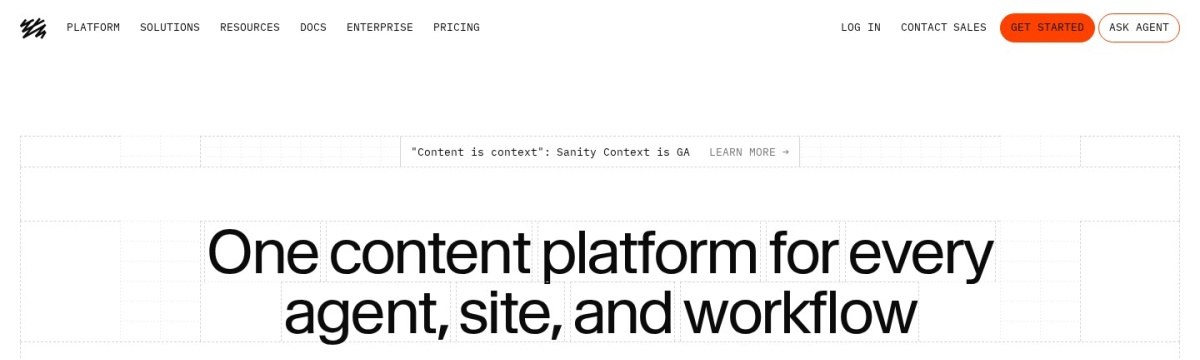
Sanity homepage, captured Nov 2026.
Sanity is a headless CMS built around structured content, customizable editing interfaces and APIs. Its free plan supports up to 20 user seats, 2 permission roles and 2 public datasets. Growth costs $15 per seat monthly and adds private datasets, comments, tasks and scheduled drafts for teams managing more demanding content operations.
The trade off is that Sanity provides the content backend rather than a complete website, so developers must build and maintain the frontend. Growth starts at $15 per seat per month, with additional usage charges possible as projects scale. It suits development teams building websites, applications and content experiences from shared structured data.
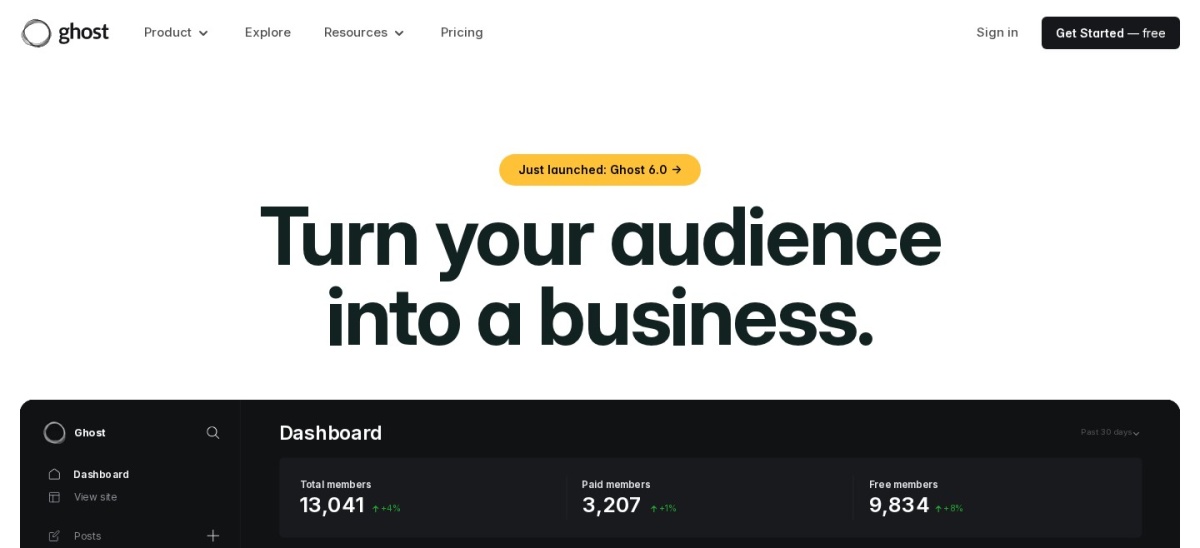
Ghost is an open-source CMS focused on articles, newsletters and membership-based publications. Its managed Ghost(Pro) Starter plan costs $18 per month billed yearly and includes website hosting, a custom domain option and publishing features. The software also provides built-in metadata, XML sitemaps, canonical URLs and structured data.
The trade off is that Ghost prioritizes editorial publishing rather than general-purpose website development, and custom theme installation requires a higher managed plan. Ghost(Pro) Starter costs $18 monthly on annual billing, while self-hosting the open-source software involves separate infrastructure costs. It suits writers, newsletter publishers and membership-focused content businesses.
What we like
Purpose-built editorial interface
Newsletter and membership capabilities
Native SEO features
Open-source self-hosting option
Watch out for
Smaller extension ecosystem than WordPress
Starter limits custom theme flexibility
Not designed primarily for complex ecommerce
Higher Ghost(Pro) plans add custom themes and expanded publishing and integration capabilities.Visit ghost.org
05
Framer
4.5/5on G2 (162 reviews, checked Nov 2026)
Paid from$10/mo
Best for design-focused marketing websites
Entry planBasic
CMS collections2
CMS items1,000
Bandwidth50 GB
framer.com
Framer homepage, captured Nov 2026.
Framer is a visual website design and publishing platform with integrated CMS collections. Its free plan supports website experimentation, while Basic costs $10 per month billed yearly and includes 2 CMS collections, 1,000 CMS items, 50 GB bandwidth and built-in SEO features. Designers can create custom layouts and publish content through managed hosting.
The trade off is that Basic has limited content collections, and features such as site redirects and staging require Pro at $30 per month billed yearly. Large editorial projects may also need more specialized content workflows. It suits startups, portfolios and marketing teams that value visual design alongside relatively simple publishing requirements.
What we like
Visual website editing
Built-in CMS collections
Basic includes 1,000 CMS items
Managed hosting and SEO features
Watch out for
Basic supports only 2 CMS collections
Site redirects require Pro
Less suited to complex editorial workflows
Pro adds 10 CMS collections, redirects, staging and branching previews.Visit framer.com
06
Duda
4.6/5on G2 (797 reviews, checked Nov 2026)
Starts at$19/mo
Best for agencies building client websites
Entry planBasic
Monthly equivalent$19 annually
Included projects1 core project
AI credits150 monthly
duda.co
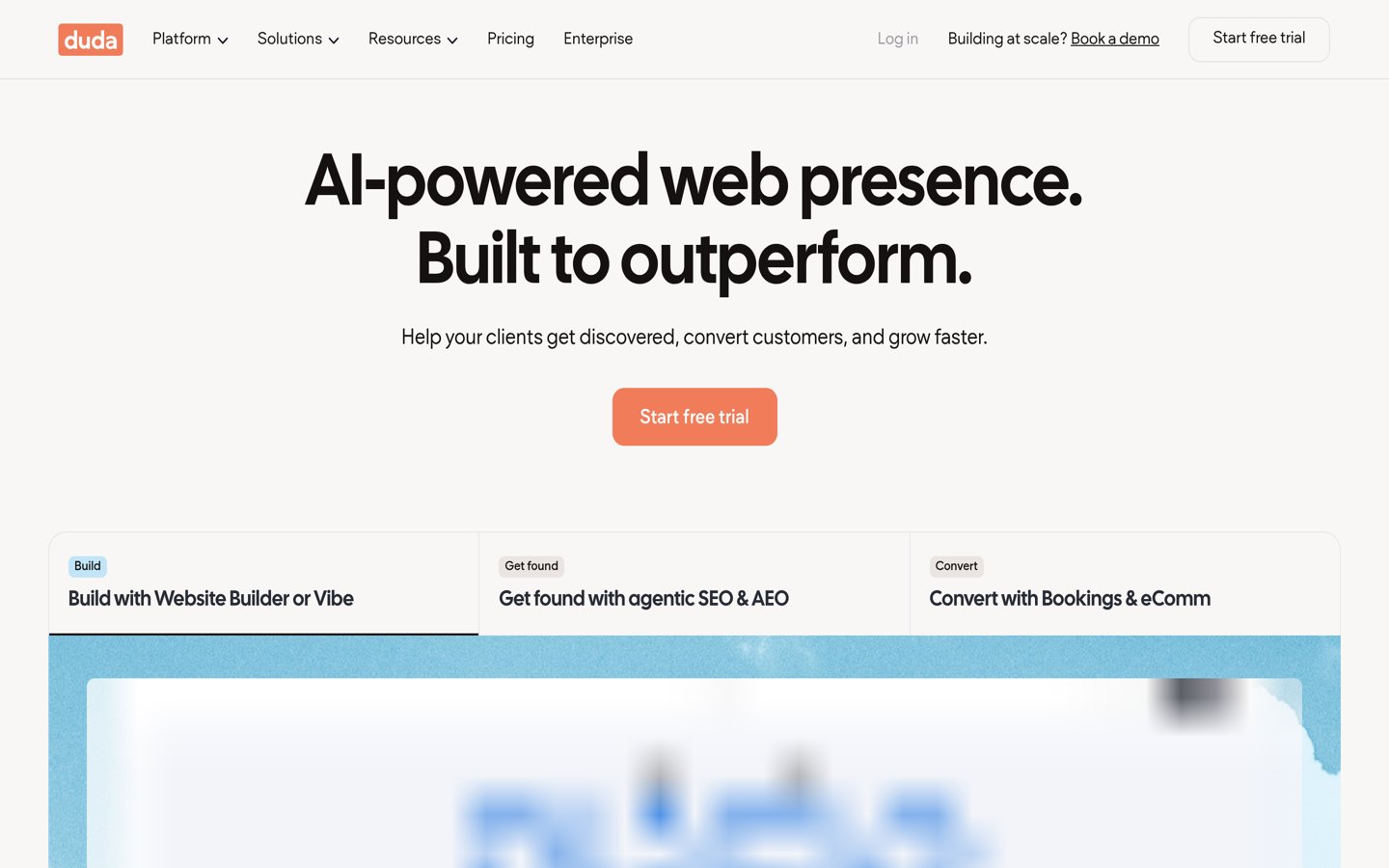
Duda homepage, captured Nov 2026.
Duda is a website creation and management platform designed for agencies and professionals serving clients. Its Basic plan costs $19 per month billed annually and includes 1 core project, site-building features and 150 monthly AI credits. The platform also offers SEO tools, managed website infrastructure and options for expanding client website operations.
The trade off is that Duda's pricing separates platform access from additional site subscriptions, so costs increase as an agency publishes more websites. Basic costs $19 monthly on annual billing, while higher plans expand collaboration and agency functionality. It suits freelancers and agencies producing and maintaining client websites.
What we like
Designed for client website production
Managed hosting and security
Integrated website SEO tools
Reusable site-building workflows
Watch out for
Additional site subscriptions can increase expenses
Advanced agency features require higher plans
Less direct infrastructure control than self-hosted CMS platforms
Higher plans add expanded collaboration, included sites and white-label capabilities.Visit duda.co
07
Storyblok
4.5/5on G2 (635 reviews, checked Nov 2026)
Paid from$99/mo
Best for visual headless content management
Entry paid planGrowth
Included seats5
API requests1M
Traffic allowance400 GB
storyblok.com
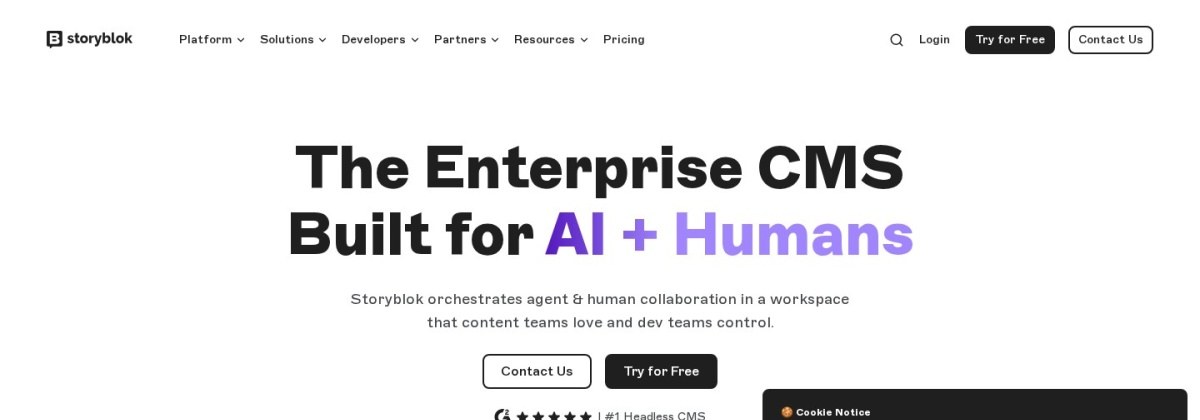
Storyblok homepage, captured Nov 2026.
Storyblok is a headless CMS that combines structured content management with a visual editor and reusable components. Its free Starter plan includes 1 space, 100 GB traffic and 100,000 API requests. Growth costs $99 per month on monthly billing and includes 5 seats, 400 GB traffic, 1 million API requests and additional editorial features.
The trade off is that Storyblok needs a separately developed frontend, and its paid Growth plan costs considerably more than entry-level hosted website builders. Growth costs $99 monthly, with an annual-billing equivalent of $90.75 per month. It suits development and marketing teams that need structured content alongside visual editing and preview workflows.
What we like
Visual editing for headless projects
Reusable structured content components
Free Starter plan available
Supports multiple frontend technologies
Watch out for
Requires separate frontend development
Paid entry price is comparatively high
API and traffic limits require planning
Growth adds additional seats, higher API allowances, scheduling and SEO metadata features.Visit storyblok.com
08
Strapi
4.5/5on G2 (207 reviews, checked Nov 2026)
Paid from$35/mo
Best for open-source headless development
Cloud entry planStarter
API requests100,000
Asset storage50 GB
Asset bandwidth50 GB
strapi.io
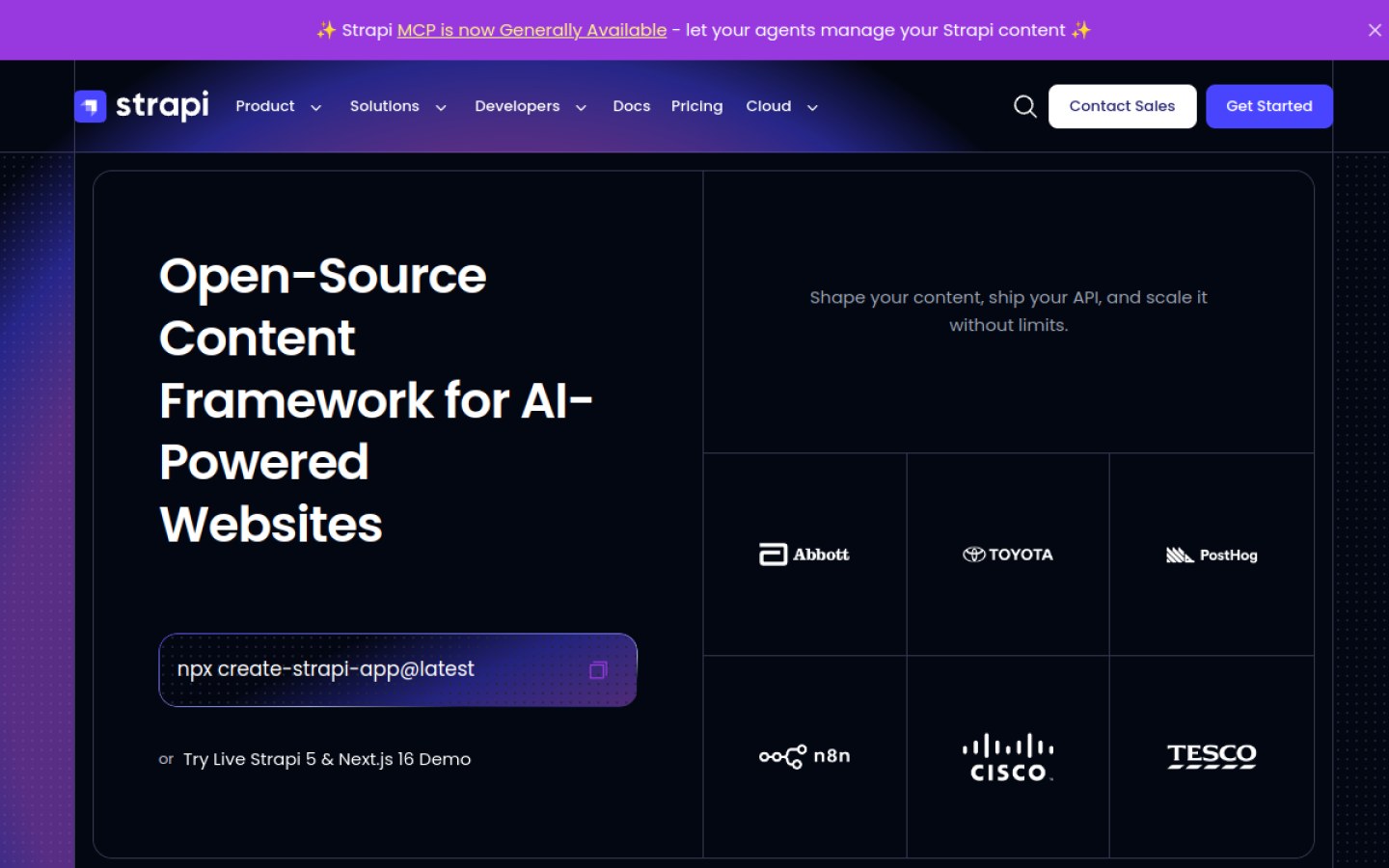
Strapi homepage, captured Nov 2026.
Strapi is an open-source headless CMS that lets developers create structured content models and expose them through APIs. Its software can be self-hosted, while Strapi Cloud Starter costs $35 per project monthly and includes 100,000 API requests, 50 GB asset storage and 50 GB asset bandwidth. The cloud plan also includes custom domains and managed infrastructure.
The trade off is that Strapi manages content rather than providing a complete website, so the frontend must be built separately. Cloud Starter costs $35 per project monthly, and its runtime can sleep when idle. It suits developers who want control over content models, APIs and application architecture.
What we like
Open-source CMS software
Custom content models and APIs
Self-hosting or managed cloud deployment
Unlimited database entries on Cloud Starter
Watch out for
Requires developer setup and frontend implementation
Cloud Starter runtime sleeps when idle
Higher API and storage usage can increase costs
Cloud Pro adds higher usage allowances, weekly backups and an always-on runtime.Visit strapi.io
Traditional, hosted and headless CMS platforms explained
CMS platforms generally fall into different architectural categories. Understanding these differences helps you avoid choosing a system that is too restrictive or unnecessarily complex for your project.
Hosted CMS platforms combine content editing, website publishing and managed infrastructure. WordPress.com, Webflow, Framer and Duda provide examples. They reduce hosting administration but make users dependent on the capabilities and limits of their subscription plans.
Open-source CMS software can provide greater control over hosting, deployment and customization. WordPress and Ghost offer self-hosting options, while Strapi provides an open-source headless approach. Self-hosting introduces additional responsibility for updates, monitoring and infrastructure.
Headless CMS platforms separate content management from presentation. Sanity, Storyblok and Strapi allow developers to deliver content through APIs to websites and applications. This approach offers flexibility, but requires frontend engineering and careful management of content delivery.
How much does a CMS platform really cost?
The advertised subscription is only part of the cost of operating a CMS. Depending on your architecture, you may also need frontend hosting, domain registration, premium extensions, content migrations and ongoing developer maintenance.
Hosted platforms are often easier to budget for because infrastructure is bundled into published plans. However, collaborators, additional sites, advanced publishing functions and larger usage allowances can increase recurring costs.
Headless CMS subscriptions may cover content storage, editorial access and APIs without including a complete public website. A developer must still build, host and maintain the frontend application.
Compare pricing against expected publishing volume, team size and technical requirements. Calculate annual ownership costs before committing to a platform, especially when migrating an existing website.
How we chose
We shortlisted established CMS platforms covering hosted website publishing, visual website building, open-source content management and headless architectures. The comparison focuses on real content management capabilities, editorial usability, technical flexibility, public customer feedback and the requirements of different website projects.
Official vendor pricing pages and G2 review profiles were opened on 23 Nov 2026 for this article dated 22 Nov 2026. Listed prices use regular published entry-plan rates, with annual-billing terms identified where applicable. For products with separate cloud and software offerings, the pricing comparison reflects the named paid service.
We excluded products without verifiable paid pricing, platforms lacking an established public review history and offerings that could not be meaningfully compared as content management systems. We also separated headless CMS subscriptions from complete hosted website packages to avoid misleading cost comparisons. No vendor paid for a place, and we do not claim testing for this list.
How to choose the right CMS platform
Identify the website you need to operate, then match your publishing requirements to the platform's technical architecture, editing tools and ongoing costs.
Define what your website needs to publish. List your main content types, such as articles, service pages, portfolios or structured application content. Consider how frequently the content changes and who will maintain it. A traditional hosted CMS may be sufficient for a business website, while complex multi-channel publishing may justify a headless approach.
Match the CMS to your technical resources. Choose a hosted platform if you want managed infrastructure and visual editing. Consider open-source or headless software when developers need control over integrations, data models or frontend technology. Include implementation and maintenance requirements in the decision rather than comparing features alone.
Review editing, SEO and collaboration tools. Check whether editors can update content independently, manage images and organize reusable templates. Confirm the availability of metadata controls, redirects, permissions and publishing workflows. For headless platforms, determine which features are handled by the CMS and which must be implemented in the frontend.
Calculate costs and plan for growth. Compare the cheapest suitable paid plan with your expected storage, bandwidth, API requests and collaborator requirements. Include hosting, integrations and maintenance where necessary. Review upgrade pricing and migration options so the platform remains practical as content and traffic increase.
FAQ
What is the best CMS platform in 2026?
WordPress.com is our overall choice for most websites because it combines content publishing, themes, managed hosting and a large extension ecosystem. Webflow is a strong alternative for visual marketing websites, while Sanity is better suited to developer-led projects requiring structured content and APIs.
What is the difference between WordPress and WordPress.com?
WordPress is open-source CMS software that can be installed on independently managed hosting. WordPress.com is a hosted service built around WordPress and provides infrastructure, subscriptions and site management tools. Both use WordPress technology, but their pricing, responsibilities and available controls differ.
Which CMS platform is easiest for beginners?
WordPress.com and Framer are accessible starting points for different needs. WordPress.com works well for blogging and general content publishing, while Framer emphasizes visual website creation. Beginners should choose according to their preferred editing workflow and whether they need extensive content structures or custom designs.
What is a headless CMS?
A headless CMS stores and manages content separately from the website or application that displays it. Content is delivered through APIs to independently developed frontends. Sanity, Storyblok and Strapi follow this approach, making them useful when organizations need structured content across multiple digital experiences.
Is a headless CMS better than WordPress?
A headless CMS can be a better fit for teams requiring custom application interfaces, reusable structured content and multiple delivery channels. WordPress is often simpler for conventional websites and editorial publishing. The headless approach typically requires more development work, so architectural flexibility should justify the additional complexity.
Can I use a CMS platform for free?
Yes. WordPress.com, Webflow, Framer, Sanity and Storyblok offer free plans with limitations. Ghost and Strapi also provide open-source software that can be self-hosted, although infrastructure can cost money. Check publishing restrictions, resource limits and custom domain options before relying on a free solution.
Which CMS is best for SEO?
WordPress.com is an appealing general-purpose choice because it provides established publishing tools and access to WordPress extensions. Webflow offers design and metadata controls, while Ghost includes native SEO functionality. Search rankings depend on the resulting website and its content, not the CMS name alone.
How much does a CMS platform cost?
Costs vary by architecture and plan. Framer Basic starts at $10 per month on annual billing, while WordPress.com Personal starts at $4. Sanity Growth costs $15 per seat monthly, and Storyblok Growth starts at $99 monthly. Hosting, development and additional integrations can increase total ownership costs.
Can I migrate from one CMS to another?
Most CMS platforms provide some content export, import or API options, but migration complexity varies. Articles and media may transfer more easily than custom templates, integrations and page structures. Before moving, map URLs, preserve important metadata, prepare redirects and verify the new site's content and functionality.