Best Platforms to Start a Blog in 2026: 7 Platforms Compared
WLWPLegible EditorsLast verified 23 Nov 2026How we rank12 min read
★ Short answer
WordPress.com is the best platform to start a blog for most new bloggers. Its free plan costs $0, Personal costs $9 a month and adds a custom domain, and every plan now allows plugins. Pick self-hosted WordPress.org for full ownership and Ghost if you plan to charge readers for a newsletter.
How we make this list: we compare pricing pages, product documentation and public user reviews, then re-check every price before each update. No product paid for a place. Disclosure.
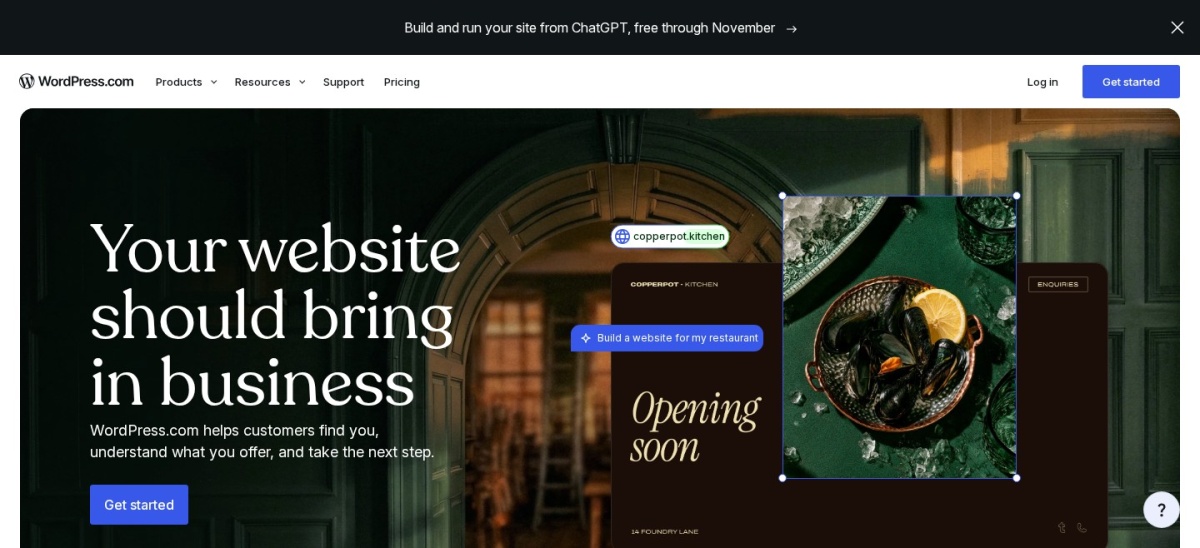
WordPress.com is the safest default: free to start, Personal at $9 a month, and the largest plugin and theme ecosystem.
Self-hosted WordPress.org is free software with full ownership, rated 4.4/5 on G2 from 9,546 reviews.
Ghost charges a flat $18 a month and takes 0% of subscription revenue, beating Substack's 10% cut once revenue grows.
Substack is free to publish with no monthly bill, and its recommendation network helps new writers find readers.
Wix has no clean export for blog posts, so leaving later means rebuilding from scratch.
What to look for in a blogging platform
Starting a blog means choosing between owning your site and renting space on someone else's platform. Owned platforms such as WordPress.org and Ghost give you the domain, the design, the SEO settings and the subscriber list. Network platforms such as Substack and Medium give you readers faster but control the distribution.
The cheapest blog is free. WordPress.com, Wix, Substack and self-hosted WordPress all let you publish at $0, though a custom domain and a clean site usually cost $4 to $9 a month once you pay.
Money changes the math. Substack takes 10% of paid subscription revenue, while Ghost charges a flat $18 a month and takes 0%. Once a publication earns over $500 a month, the flat fee is cheaper.
Check the exit before you enter. WordPress.com, Ghost and Substack let you export posts or subscriber lists. Wix has no clean export for blog posts, so leaving later means rebuilding.
WordPress.com is the hosted version of the software behind a large share of the web, and the safest default for a new blogger. The free plan costs $0 with 1 GB of storage, Personal costs $9 a month and adds a custom domain free for a year, 6 GB of storage and no ads. In 2026, every subscription plan allows plugin installs and third-party theme uploads, which used to be a Business-only benefit.
The trade off is storage and renewal pricing. Personal renews at $5 a month billed yearly, and 6 GB fills fast once photos pile up. It suits new bloggers who want the biggest ecosystem, a cheap honest start and a clear path from a subdomain to a custom domain and plugins.
What we like
Free plan with no card needed
Largest plugin and theme ecosystem
Plugins now allowed on every paid plan
Watch out for
6 GB of storage on Personal fills fast with photos
Business plan is needed for staging and real-time backups
Each site needs its own paid plan
Premium adds more storage and WordAds for $8 a month billed yearlyVisit wordpress.com
02
WordPress.org
4.4/5on G2 (9,546 reviews, checked Nov 2026)
PriceFree
Best for full ownership and SEO control
Free planYes, software is free
HostingSeparate, from about $3 a month
Plugins60,000+ free plugins
Revenue share0%
wordpress.org
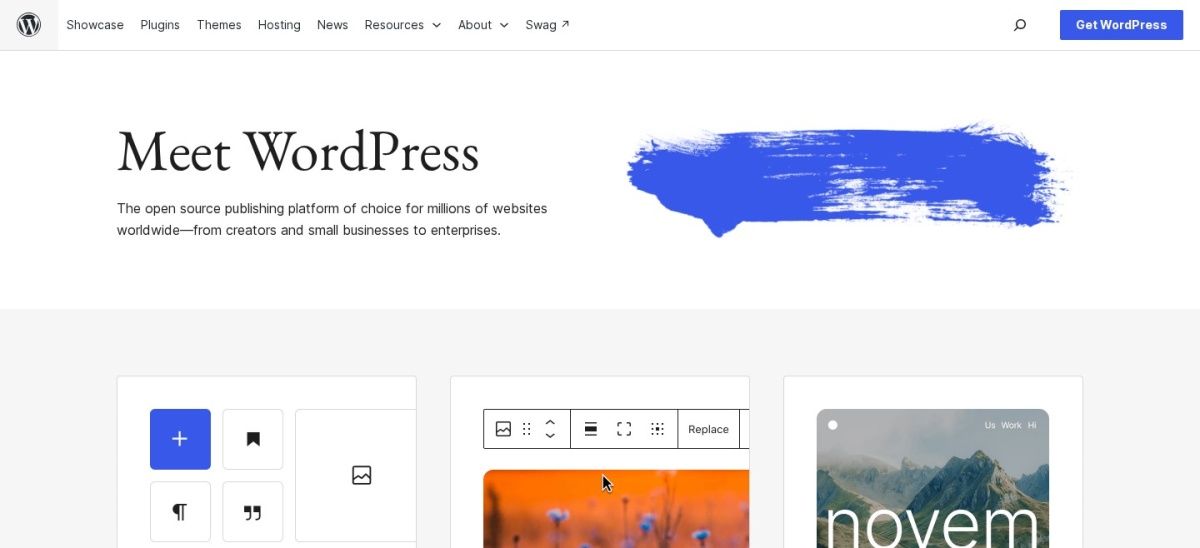
WordPress.org homepage, captured Nov 2026.
WordPress.org is the self-hosted version of WordPress, and the most flexible blog platform there is. The software is free, you choose the host, and every SEO setting, from URLs and redirects to schema and sitemaps, is yours to change, with free plugins such as Rank Math and Yoast SEO doing most of the work. Hosting typically costs $3 to $30 a month.
The trade off is maintenance. You handle updates, backups and security yourself, and costs can rise with premium plugins and themes. It suits bloggers who want full ownership of the site, the data and the revenue, and who do not mind picking a host.
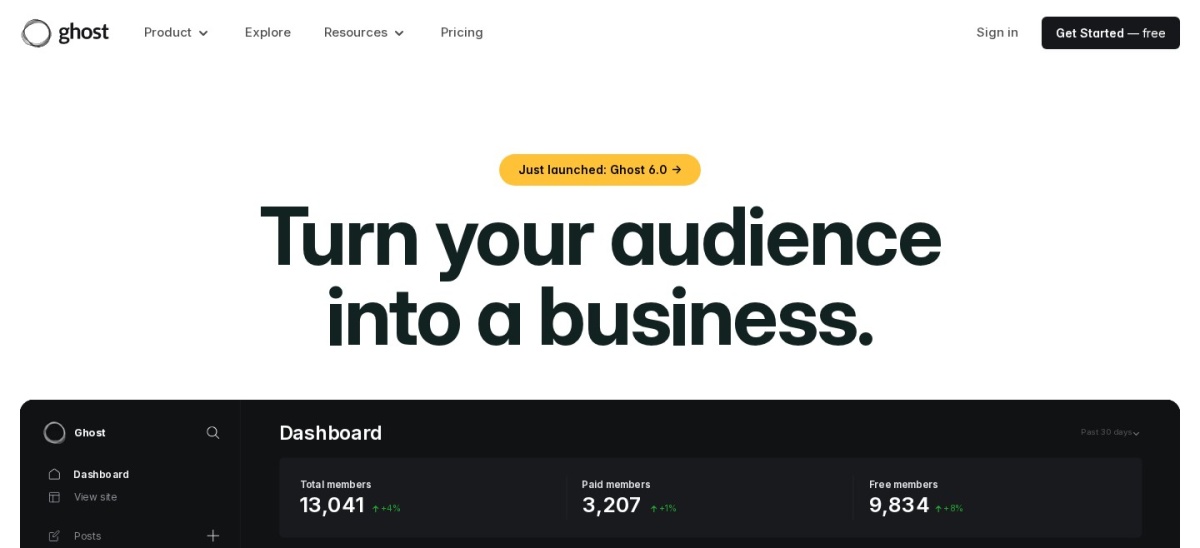
Ghost is the independent publisher's platform: a fast, clean blog with newsletters and paid memberships built in. Ghost(Pro) hosting starts at $18 a month billed yearly for the Starter plan, covering 1,000 members, a free custom domain and an email newsletter. Publisher at $29 a month adds custom themes and paid subscriptions, and Ghost takes 0% of your subscription revenue.
The trade off is that paid subscriptions need the $29 Publisher plan, so most creators who want to charge readers pay more than the Starter price. It suits independent writers who want a membership business with no platform cut and a site they fully own.
What we like
0% of subscription revenue, always
Newsletter and memberships built in
Fast, clean editor built around content
Watch out for
Paid subscriptions need the $29 Publisher plan
Smallest review base here at 40 G2 reviews
No free plan, only a 14-day trial
Publisher adds paid subscriptions for $29 a monthVisit ghost.org
04
Substack
4.3/5on G2 (17 reviews, checked Nov 2026)
PriceFree
Best free start for newsletter writers
Free planYes, unlimited free subscribers
Paid planNone, 10% of paid revenue
Custom domainOne-time $50
NewsletterBuilt in
substack.com
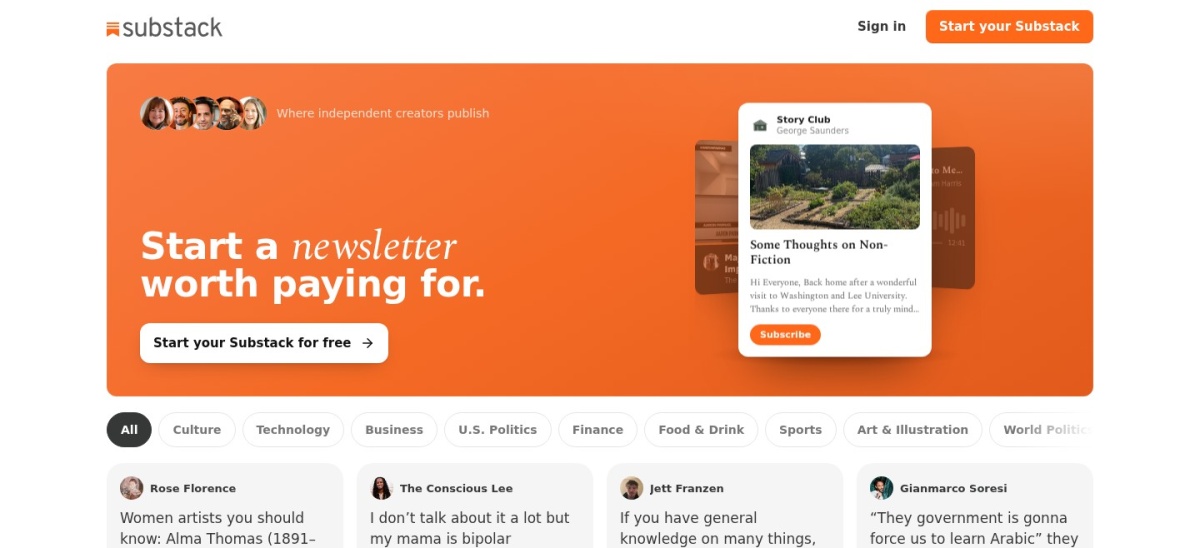
Substack homepage, captured Nov 2026.
Substack made the newsletter-as-blog model mainstream. Publishing is free, with no tiers, no subscriber caps and no monthly bill while you grow a free audience. Paid subscriptions work out of the box with Stripe handling payments, and Substack takes 10% of paid subscription revenue plus payment processing fees. Writers own their mailing list and can export posts, subscribers and stats.
The trade off is the 10% cut. It stings once revenue passes a few hundred dollars a month, and design control is limited. It suits writers who want to monetize an email list without a design decision to make, and who value the recommendation network that helps new publications find readers.
Webflow is the design-led platform for blogs that need a structured CMS and fast pages. In May 2026 it merged its old CMS plan and Business plan into one Premium plan at $25 a month billed annually, with 20,000 CMS items and 40 collections. A free plan exists for trying it out, and the visual editor gives full control over layout without code.
The trade off is price and learning curve. Premium at $25 a month is the dearest blog plan here, and the editor takes longer to learn than Wix or Squarespace. It suits design-led teams that want speed and structured content, and that will not manage servers.
Squarespace is the design-first choice for a blog inside a polished website. The Basic plan costs $25 a month and includes templates, a custom domain free for the first year, and blogging with a 2% online store fee and 7% fee on digital content and memberships. Core at $39 a month removes the store fee. One subscription covers hosting, security and the domain.
The trade off is the fees and the smaller app ecosystem. Blogging is strong, but the 7% digital content fee only clears on a higher plan, and SEO control is lighter than WordPress. It suits creatives and service brands who want a finished look without hiring a designer.
What we like
Best-looking templates of any platform here
Hosting, security and domain in one bill
14-day free trial with no card needed
Watch out for
7% fee on digital content and memberships on Basic
Wix is the easiest builder here to get a good-looking blog live in an afternoon. The free plan lets you publish on a wixsite.com address with Wix ads, and Light costs $24 a month for your own domain, 2 GB of storage and no Wix ads. The blog, bookings, store and marketing tools all sit in one dashboard, with hundreds of templates and no code needed.
The trade off is the exit. Wix has no clean export for blog posts, so moving later means rebuilding, and Light at $24 a month is dearer than WordPress.com Personal at $9. It suits beginners who want drag-and-drop design and a blog plus a full site together.
What we like
Easiest drag-and-drop editor here
Free plan to start building today
Blog, store and bookings in one dashboard
Watch out for
No clean export for blog posts
Light is dearer than WordPress.com Personal
2 GB of storage on Light is small for photo blogs
Core adds ecommerce and more storage for $36 a monthVisit wix.com
Owned blog or network platform?
An owned blog is the better long-term pick. You keep the domain, the search traffic and the email list, and no algorithm change can take your readers away.
A network platform is the faster first reader. Substack's recommendation network and Medium's feed can put a new writer in front of strangers without any marketing effort.
Many writers run both: a network publication for discovery and an owned blog for the archive and the list. Start with the channel your readers already use, then build the owned home once the habit sticks.
How we chose
We started from the blogging platforms that appear most often in 2026 comparisons, then kept those with published pricing and a public G2 rating.
Prices come from each vendor's official pricing page, checked on 23 November 2026. Ratings and review counts come from G2 on the same day. Where a vendor shows a sale price, the list shows the regular price.
We left out platforms with no published pricing and no public G2 rating. No vendor paid for a place, and we do not claim hands-on testing for this list. This list is based on pricing, docs and reviews, not on using the tools ourselves.
How to choose a blogging platform
Start from whether you want to own the site or borrow an audience, then check the real first-year cost.
Decide owned or network first. If you want the domain, the list and the search traffic, pick WordPress or Ghost. If you want readers this week, pick Substack.
Check the first-year cost. Add the plan price and the domain. A $0 start can still cost $48 to $216 in year one once you pay for a domain and a paid plan.
Test the editor before you commit. Write two posts in the trial. If the editor fights you, you will not publish often, and publishing often is the whole job.
Plan how readers find you. A blog needs search, social or email to grow. Pick the platform whose distribution fits how you plan to reach readers.
FAQ
What is the best platform to start a blog?
WordPress.com is the best platform for most new bloggers, with a free plan, a $9 a month Personal plan and the largest plugin and theme ecosystem. Self-hosted WordPress.org is the best pick for full ownership.
Is WordPress free to start a blog?
Yes. WordPress.org software is free, and you pay separately for hosting and a domain. WordPress.com also has a free plan, with Personal at $9 a month adding a custom domain and 6 GB of storage.
What is the difference between WordPress.org and WordPress.com?
WordPress.org is self-hosted software you install on your own hosting, with full control. WordPress.com is the hosted service that runs the same software for you, handling hosting, security and updates.
Is Substack or Ghost better for a paid newsletter?
Ghost is better once revenue grows, because it charges a flat $18 a month and takes 0% of subscription revenue. Substack is free to start but takes 10% of paid subscriptions, which costs more above about $500 a month.
Can I make money blogging on a free plan?
Yes. Substack and Medium let you earn with no monthly bill, and WordPress.com's free plan can run ads through WordAds on higher plans. A custom domain and your own email list pay off once traffic grows.
Which blogging platform is best for SEO?
Self-hosted WordPress.org gives the most SEO control, with full access to URLs, redirects, schema and SEO plugins such as Rank Math and Yoast SEO. WordPress.com and Ghost are strong too, while Wix and Squarespace give you less technical control.