Best Check Printing Software in 2026: 8 Tools Compared
WLWPLegible EditorsLast verified 24 Nov 2026How we rank10 min read
★ Short answer
Checkeeper is the best check printing software for most small businesses, because it prints and mails checks online from a low monthly price. Online Check Writer suits pay-as-you-go users, while ezCheckPrinting is the best one-time purchase.
How we make this list: we compare pricing pages, product documentation and public user reviews, then re-check every price before each update. No product paid for a place. Disclosure.
Checkeeper leads for most small businesses, printing and mailing checks online from $14.99 a month.
Online Check Writer is the cheapest way to start, at $1 per printed check with a $30 minimum recharge and no subscription.
ezCheckPrinting at $59 one-time and Checksoft at $49.99 one-time suit businesses that prefer to buy once and print locally.
VersaCheck at $129.99 a year bundles MICR check stock with its printing software.
PostGrid and CheckPartner are the enterprise and API options, with custom pricing for high-volume check workflows.
What check printing software should cover
Check printing software turns a blank check stock or a digital payment file into a printed, signed check that a bank will accept. The best tools handle the layout, the MICR line and the signature, so the check clears without a trip to the bank.
MICR is the magnetic ink line at the bottom of every check, and it is the detail most buyers get wrong. Some tools print MICR with a standard laser printer, others need MICR toner, and a few mail the check for you. Our guide on accounting software covers the ledgers these tools sit beside.
Pricing splits three ways: monthly subscriptions, one-time purchases and pay-per-check models. A business that prints ten checks a month should not buy the same plan as one that prints a thousand.
Compliance matters too. Printed checks must meet ANSI standards for the MICR line and include the right routing and account numbers, so confirm your tool prints to the bank's standard before you order stock.
Checkeeper is a cloud check printing service that prints and mails checks online, with no printer or MICR toner needed. It syncs with QuickBooks Online, lets you approve checks before they go out, and mails them for a per-check fee.
The trade off is a subscription that starts at $14.99 a month, which adds up for very low volumes. It suits small businesses that print a handful of checks a month and want the vendor to handle the mailing.
4.6/5on Capterra (Not published reviews, checked Nov 2026)
Starts at$59 (one-time)
Best for QuickBooks users that print locally
Free planNo, trial
PrintingDesktop, your printer
MICRYes, with MICR toner
Cheapest plan$59 one-time
halfpricesoft.com
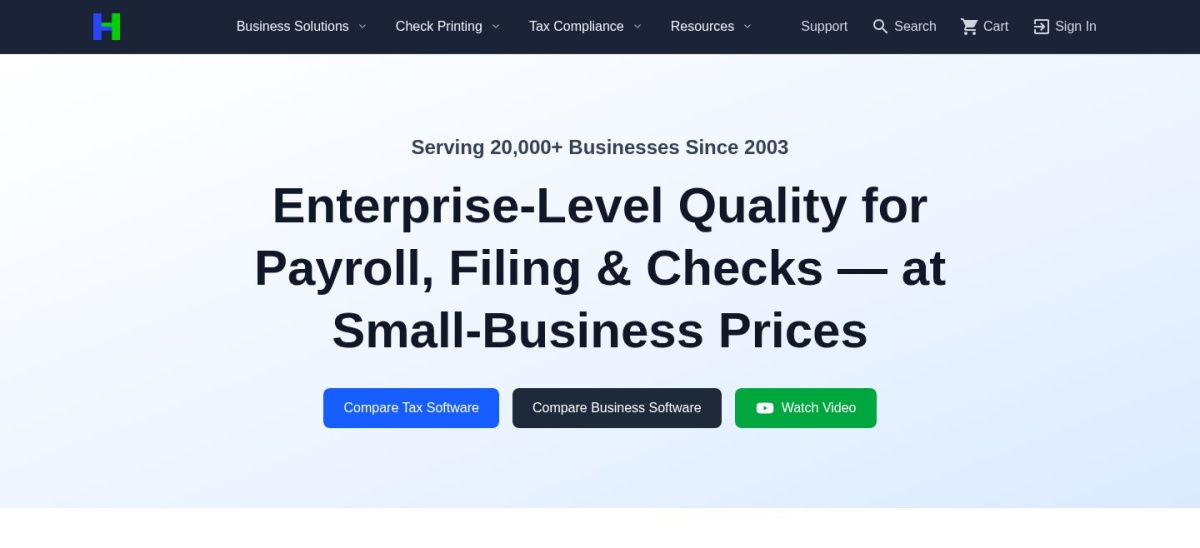
ezCheckPrinting homepage, captured Nov 2026.
ezCheckPrinting is a desktop check printing tool from Halfpricesoft that prints checks from QuickBooks data on any printer, with MICR support and blank check stock. It costs $59 as a one-time purchase, with no subscription.
The trade off is a desktop workflow that needs your own printer, MICR toner and check stock. It suits QuickBooks users that print checks in-house and prefer to buy once.
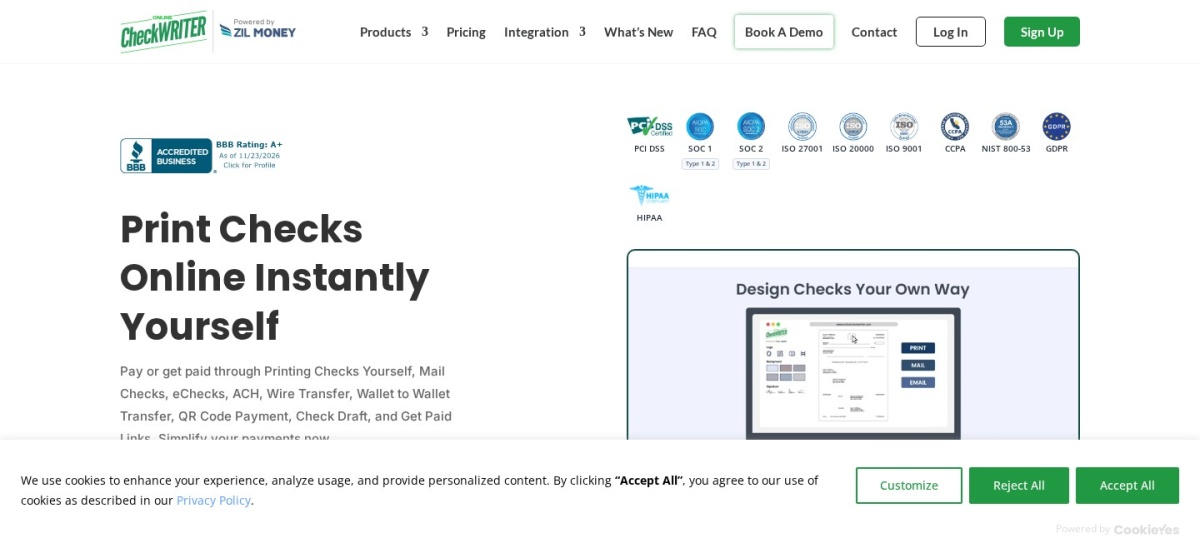
Online Check Writer is a cloud platform that prints and mails checks on a pay-as-you-go basis, charging $1 per printed check and $1.25 to mail it, with a $30 minimum recharge. It also handles ACH and virtual cards from the same account.
The trade off is per-check pricing that adds up at high volume, with no flat subscription for heavy users. It suits businesses that print checks irregularly and want no monthly commitment.
4.4/5on Capterra (Not published reviews, checked Nov 2026)
Starts at$69.95 (one-time)
Best for high-volume check printing
Free planNo, trial
PrintingDesktop, your printer
MICRYes, with MICR toner
Cheapest plan$69.95 one-time
checkbuilderpro.com
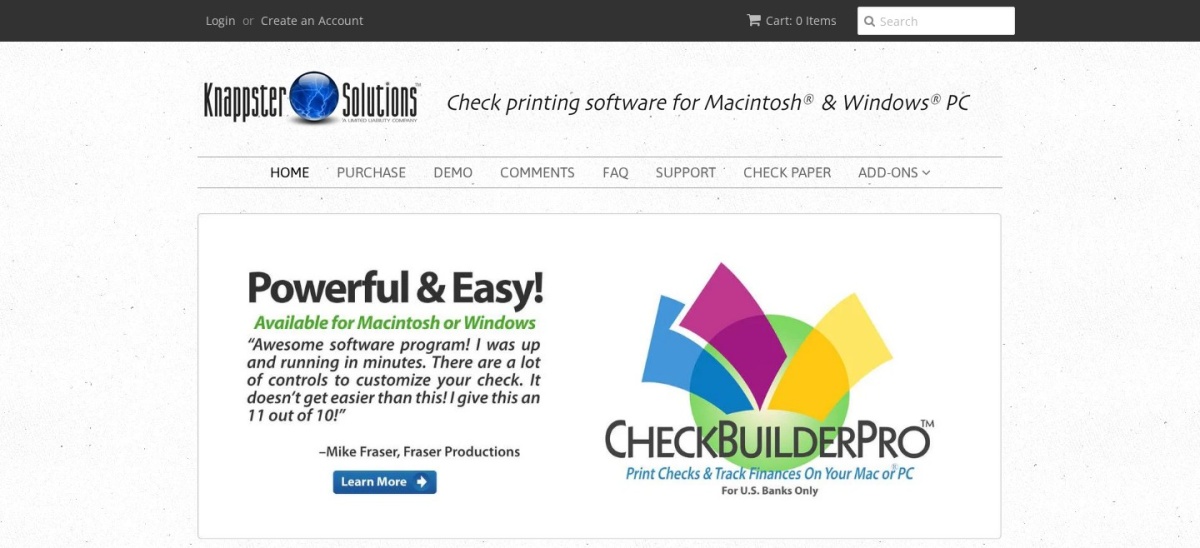
CheckBuilderPro homepage, captured Nov 2026.
CheckBuilderPro is a desktop check printing tool built for high-volume work, printing checks from QuickBooks, Quicken or CSV data on any printer. It costs $69.95 as a one-time purchase, with MICR support and batch printing.
The trade off is a desktop-only workflow with no cloud or mailing option. It suits businesses that print hundreds of checks a month in-house and want a one-time purchase.
4.3/5on Capterra (Not published reviews, checked Nov 2026)
Starts at$129.99/yr
Best for MICR check stock bundles
Free planNo
PrintingDesktop, your printer
MICR stockBundled in the price
Cheapest plan$129.99/yr
versacheck.com
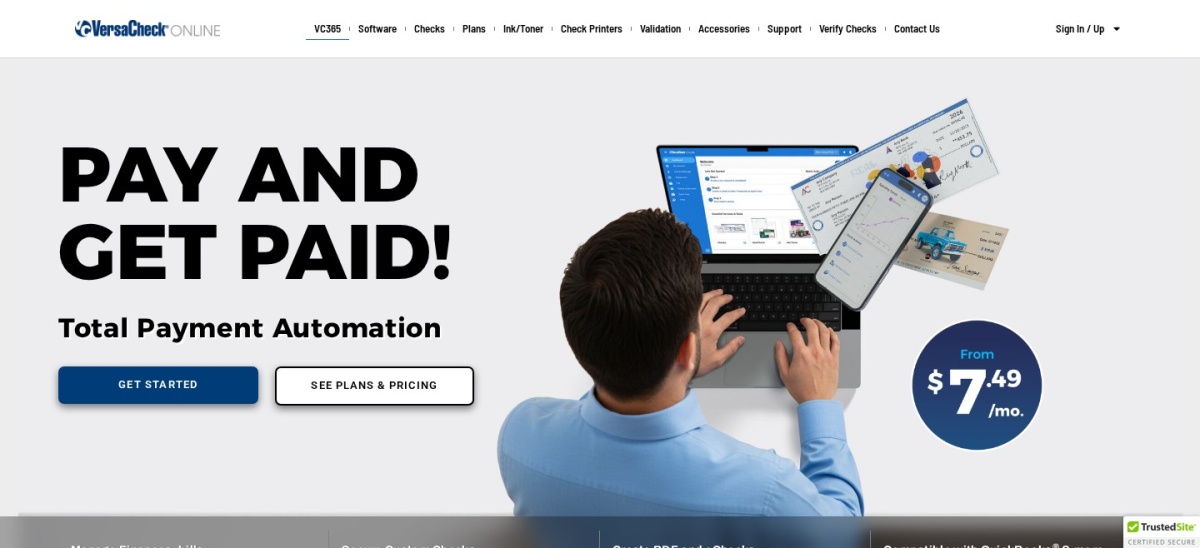
VersaCheck homepage, captured Nov 2026.
VersaCheck is a check printing package that bundles MICR check stock with its printing software, so you get the paper and the tool in one purchase. It prints checks from QuickBooks and Quicken, with a $129.99 a year price.
The trade off is an annual subscription for a tool that is mostly about the stock, with less depth on cloud or mailing features. It suits businesses that want the check stock and the software together.
4.6/5on G2 (Not published reviews, checked Nov 2026)
PricingCustom/yr
Best API for printing checks at scale
Free planNo, trial credits
PrintingAPI, vendor mails
TrackingDelivery confirmation
Paid planCustom, by volume
postgrid.com
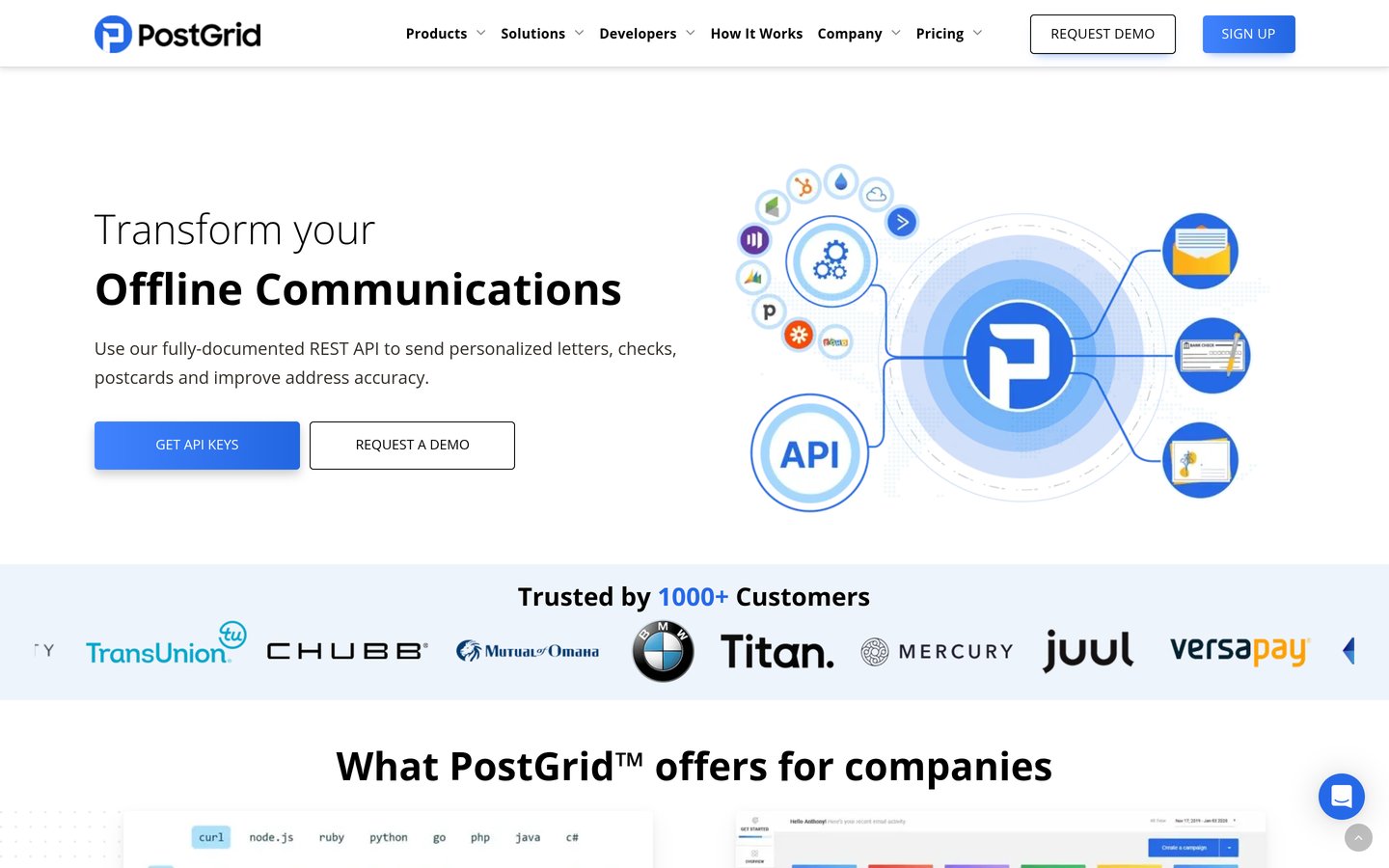
PostGrid homepage, captured Nov 2026.
PostGrid is a print-and-mail API that lets developers send checks, letters and postcards from code, with tracking and delivery confirmation. It is the developer option in this list, with custom pricing by volume.
The trade off is that it is an API, not a ready-made check printing app, so building the interface is your job. It suits software teams that need to print checks from their own product at scale.
4.2/5on Capterra (Not published reviews, checked Nov 2026)
Starts at$49.99 (one-time)
Best budget check printing for home
Free planNo, trial
PrintingDesktop, your printer
MICRYes, with MICR toner
Cheapest plan$49.99 one-time
checksoft.com
Checksoft homepage, captured Nov 2026.
Checksoft is a desktop check printing tool that prints checks from QuickBooks, Quicken or manual entry, with MICR support and a $49.99 one-time price. It is the cheapest one-time purchase in this list.
The trade off is a basic feature set with no cloud, mailing or API option. It suits home businesses and sole traders that print a few checks a month and want the cheapest tool that works.
4.3/5on G2 (Not published reviews, checked Nov 2026)
PricingCustom/yr
Best for enterprise check workflows
Free planNo
PrintingEnterprise, batch
ApprovalsWorkflow and audit trail
Paid planCustom quote
sourcetech.com
CheckPartner homepage, captured Nov 2026.
CheckPartner is a check printing platform built for large organisations, with approval workflows, audit trails and high-volume batch printing. It is the enterprise option in this list, with custom pricing by volume and user count.
The trade off is custom pricing with no public figures, and a feature set that is overkill for small businesses. It suits enterprises that print checks across departments with approval and audit requirements.
MICR is the magnetic ink character recognition line at the bottom of a check. Banks read it with magnetic scanners, so the ink and the font must meet ANSI standards or the check may be rejected.
Most tools print MICR with a standard laser printer using MICR toner, which is a special cartridge. A few tools print the MICR line with regular toner and rely on the bank reading it optically, which is riskier.
Blank check stock is cheaper than pre-printed stock, and it lets one tool print checks for several accounts. Order stock from a supplier your tool recommends, and test one check with your bank first.
If you would rather skip the printer entirely, Checkeeper and Online Check Writer mail the check for you, which removes the MICR and stock problem altogether.
How we chose
We started from the check printing tools with a live G2 or Capterra listing and real adoption among small businesses, then kept the eight with the strongest fit for printing and mailing checks.
Prices come from each vendor's pricing page or a vendor-supplied directory listing, checked on 24 November 2026. Where a vendor publishes no number, the list shows custom pricing rather than a guessed figure. Ratings come from G2 or Capterra on the same day.
We left out tools with no verifiable rating on G2, Capterra or Trustpilot. No vendor paid for a place, and we do not claim hands-on testing for this list.
How to choose check printing software
Start with how many checks you print and whether you want to mail them, then match the tool to that volume.
Count your monthly checks first. Ten checks a month suits pay-per-check, while a hundred or more needs a subscription or a one-time purchase.
Decide whether to mail them. If you want the vendor to mail checks, shortlist Checkeeper and Online Check Writer before the desktop tools.
Check your accounting link. Confirm the tool imports from QuickBooks Online or Desktop, because manual entry defeats the point.
Test one check with your bank. Print a sample, confirm the MICR line reads cleanly, and only then order stock in volume.
FAQ
What is the best check printing software?
Checkeeper is the best pick for most small businesses because it prints and mails checks online from $14.99 a month, rated 4.6 out of 5 on Capterra. Online Check Writer suits pay-as-you-go users, and ezCheckPrinting is the best one-time purchase.
How much does check printing software cost?
Subscriptions start at $14.99 a month for Checkeeper, one-time purchases run from $49.99 for Checksoft to $69.95 for CheckBuilderPro, and Online Check Writer charges $1 per printed check with a $30 minimum recharge.
What is MICR printing?
MICR is the magnetic ink line at the bottom of a check that banks read with magnetic scanners. Check printing software prints this line with MICR toner on a laser printer, so the check meets bank standards and clears normally.
Can I print checks from QuickBooks?
Yes. ezCheckPrinting, CheckBuilderPro and Checksoft all import from QuickBooks, and Checkeeper syncs with QuickBooks Online. Confirm the version your tool supports before you buy, because some only support QuickBooks Desktop.
Is it legal to print my own checks?
Yes, printing your own checks is legal in the United States, provided the checks meet ANSI standards for the MICR line and include correct routing and account numbers. Your bank can confirm the format before you start.
Which tool is best for mailing checks?
Checkeeper mails checks for you from $14.99 a month, and Online Check Writer mails printed checks for $1.25 each. Both remove the need for a printer, MICR toner and check stock.