Best Character Creation Software in 2026: 8 Tools Compared
WLWPLegible EditorsLast verified 24 Nov 2026How we rank9 min read
★ Short answer
Blender is the best character creation software for most artists, because it covers sculpting, rigging and animation in one free package. ZBrush suits sculptors, while Maya is the studio standard for film and games.
How we make this list: we compare pricing pages, product documentation and public user reviews, then re-check every price before each update. No product paid for a place. Disclosure.
Blender is the only tool here that covers sculpting, rigging and animation in one free package, making it the best pick for most artists.
ZBrush at $399 a year is the sculpting standard, and Maya and 3ds Max at $2,010 a year are the studio standards for film and games.
Daz Studio and MakeHuman are free alternatives for poseable figures and parametric humans, with no subscription to pay.
Character Creator 5 is a $299 one-time purchase that builds game-ready characters faster than sculpting from scratch.
Adobe Character Animator is the only 2D option here, sold inside Creative Cloud with no standalone list price.
What character creation software should cover
Character creation software covers the whole pipeline from a sculpted head to a rigged, animated figure ready for a game engine or a film frame. Some tools do one stage brilliantly, others cover the full pipeline in a single package.
Sculpting, rigging and animation are different skills, and tools split along those lines. ZBrush dominates sculpting, Maya dominates rigging and animation, and Blender covers all three for free. Our guide on 3D design software compares the wider 3D category these tools sit in.
Licensing matters more than features for many artists. Blender and MakeHuman are free and open source, Daz Studio is free with a paid content store, and the Autodesk tools cost more than $2,000 a year each.
If your characters need to move, check the rigging and animation tools before you commit. A beautiful sculpt with no rig is a statue, not a character.
Blender is a free, open-source 3D suite that covers sculpting, retopology, rigging, animation and rendering in one package. Its Grease Pencil and geometry nodes extend it further, and a huge community supplies tutorials and add-ons.
The trade off is a learning curve that new artists find steep, and a sculpting experience that is good but not as refined as ZBrush. It suits independent artists, students and small studios that want the full pipeline for free.
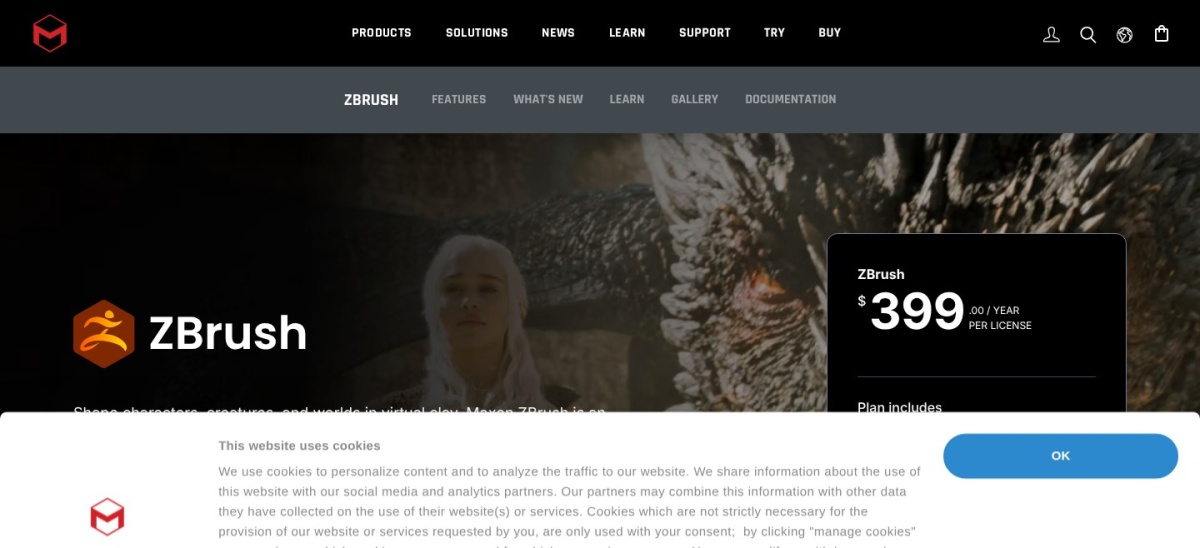
ZBrush is the digital sculpting standard, built for high-resolution organic forms with brushes that handle millions of polygons smoothly. It is the tool most character artists reach for when a face or creature needs fine detail.
The trade off is price and scope. ZBrush costs $399 a year or $49 a month, and it is a sculpting tool, not a full pipeline, so rigging and animation happen elsewhere. It suits sculptors and concept artists that need the best brushes available.
Maya is the industry-standard 3D application for rigging, animation and rendering, used across film and game studios for character work. Its rigging tools are the deepest in this list, with a node-based architecture that technical artists extend freely.
The trade off is price. Maya costs $2,010 a year, or $255 a month, which is hard to justify outside a studio or a commercial project. It suits professional animators and studios that need the deepest rigging and animation tools.
3ds Max is a 3D modelling and rendering application widely used in game development, with strong polygon modelling and a large library of character tools. It exports cleanly to Unity and Unreal Engine and pairs well with ZBrush for sculpting.
The trade off is the same $2,010 a year price as Maya, with less depth in rigging and animation. It suits game artists and studios that model characters in Max and animate them in an engine.
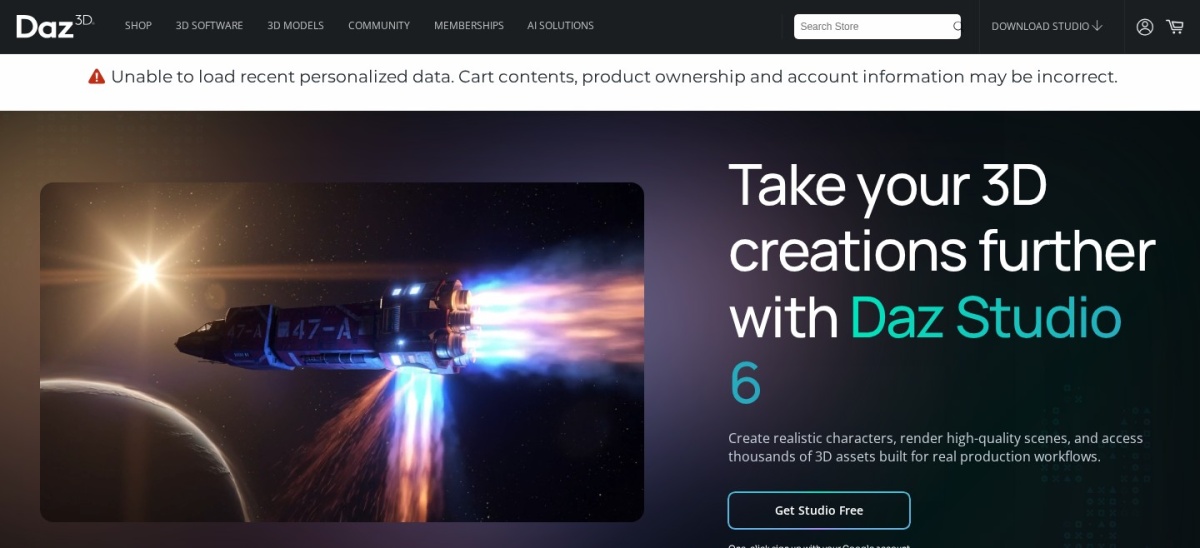
Daz Studio is a free 3D figure posing and rendering application built around a library of poseable human figures. Artists can pose, dress and render characters quickly, with a paid content store for extra figures, clothing and scenes.
The trade off is dependence on the content store. The base software is free, but Daz+ costs $69 a year and many of the best figures are paid. It suits illustrators and hobbyists that want posed figures without sculpting them.
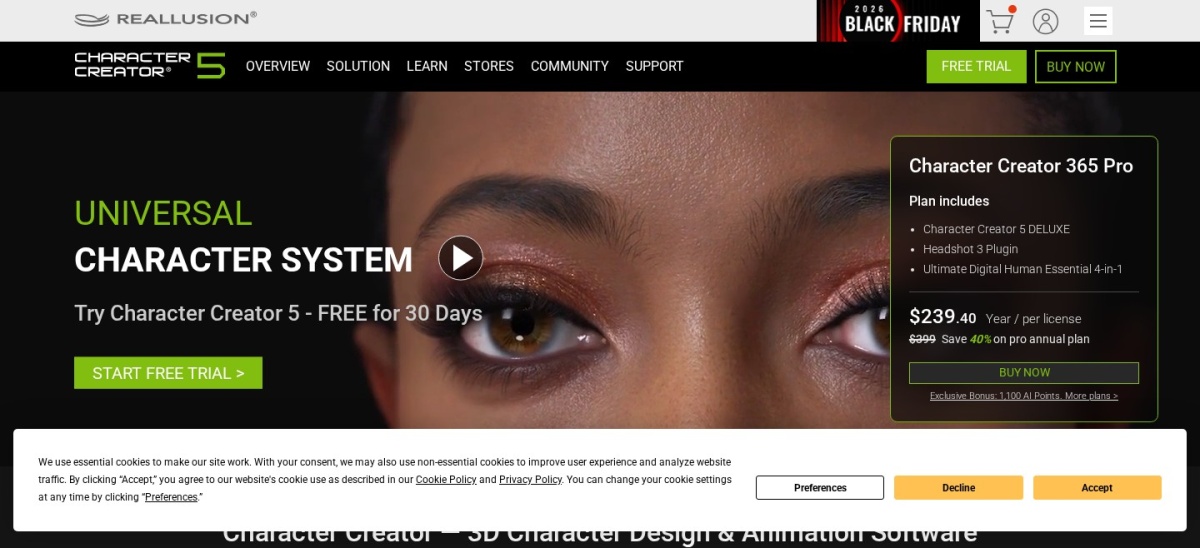
Character Creator 5 is a character creation tool from Reallusion that builds game-ready, rigged characters in minutes, with sliders for body, face and clothing. It exports to Unity and Unreal Engine with motion capture support.
The trade off is a thin review base, with a 5.0 rating from a single G2 review, and a $299 one-time Standard price that rises to $479 for Deluxe. It suits game developers that need rigged characters quickly without sculpting.
MakeHuman is a free, open-source tool for creating parametric 3D human characters, with sliders for age, gender, body type and ethnicity. It exports rigged models to Blender, Unity and Unreal Engine.
The trade off is a narrower scope than Blender, with no sculpting or animation tools of its own. It suits artists and developers that need a human base mesh to customise elsewhere.
Adobe Character Animator homepage, captured Nov 2026.
Adobe Character Animator is a 2D character animation tool that turns a drawn puppet into a live performer, driven by a webcam and microphone in real time. It is built for livestreams, explainer videos and social content.
The trade off is that it is sold inside Creative Cloud, with no standalone list price, and it only animates 2D puppets, not 3D characters. It suits creators that need a character talking on screen quickly.
Free tools cover the full pipeline. Blender sculpts, rigs and animates, Daz Studio poses figures for free, and MakeHuman builds parametric humans at no cost.
Paid tools buy polish and pipeline. ZBrush sculpting is finer, Maya rigging is deeper, and both plug into studio pipelines that free tools cannot match.
The middle ground is Character Creator 5, a $299 one-time purchase that builds game-ready characters quickly, with a paid asset store for extras.
For most independent artists, start free with Blender and add ZBrush only when sculpting becomes the bottleneck.
How we chose
We started from the character creation tools with a live G2 or Capterra listing and real adoption among artists and studios, then kept the eight with the strongest fit for making characters.
Prices come from each vendor's pricing page, checked on 24 November 2026. Where a vendor publishes no number, the list shows custom pricing rather than a guessed figure. Ratings come from G2 or Capterra on the same day.
We left out tools with no verifiable rating on G2, Capterra or Trustpilot. No vendor paid for a place, and we do not claim hands-on testing for this list.
How to choose character creation software
Start with what your character must do, then match the tool to that job.
Name the end use first. A game character needs rigging and engine export, while a film character needs deep sculpting and rendering.
Start free unless you need studio depth. Blender covers the full pipeline at no cost, so add a paid tool only when a stage becomes the bottleneck.
Check the export formats. Confirm your tool exports FBX or Alembic to Unity, Unreal or your render pipeline before you commit.
Budget for the asset store. Daz Studio and Character Creator are cheap to start, but paid assets add up over a project.
FAQ
What is the best character creation software?
Blender is the best pick for most artists because it covers sculpting, rigging and animation in one free package, rated 4.6 out of 5 on G2. ZBrush is the stronger choice for pure sculpting, and Maya is the studio standard for film and games.
How much does character creation software cost?
Blender, Daz Studio and MakeHuman are free. ZBrush costs $399 a year, Character Creator 5 is a $299 one-time purchase, and Maya and 3ds Max each cost $2,010 a year from Autodesk.
Is Blender good for character creation?
Yes. Blender covers sculpting, retopology, rigging, animation and rendering in one free package, with a large community and hundreds of character tutorials. It is the best free option and the best pick in this list.
What is the difference between ZBrush and Maya?
ZBrush is a digital sculpting tool for creating detailed organic forms, while Maya is a full 3D application for rigging, animation and rendering. Many artists sculpt in ZBrush, then rig and animate in Maya or Blender.
Can I make game characters for free?
Yes. Blender and MakeHuman are free and export to Unity and Unreal Engine, and Daz Studio is free for posing figures. Character Creator 5 is a paid shortcut that builds game-ready characters faster.
Which tool is best for 2D character animation?
Adobe Character Animator is the best pick for 2D live animation, because it animates a puppet in real time from a webcam and microphone. It is sold inside Creative Cloud, so there is no standalone list price.