WLWPLegible EditorsLast verified 24 Nov 2026How we rank8 min read
★ Short answer
PlotBox is the best cemetery software for most cemeteries, because it combines mapping, records and workflows in one cloud platform. CIMS suits large operations, while Cemify is the best value at a fixed yearly price.
How we make this list: we compare pricing pages, product documentation and public user reviews, then re-check every price before each update. No product paid for a place. Disclosure.
PlotBox leads for most cemeteries, combining interactive mapping, records, deeds and workflows in one cloud platform.
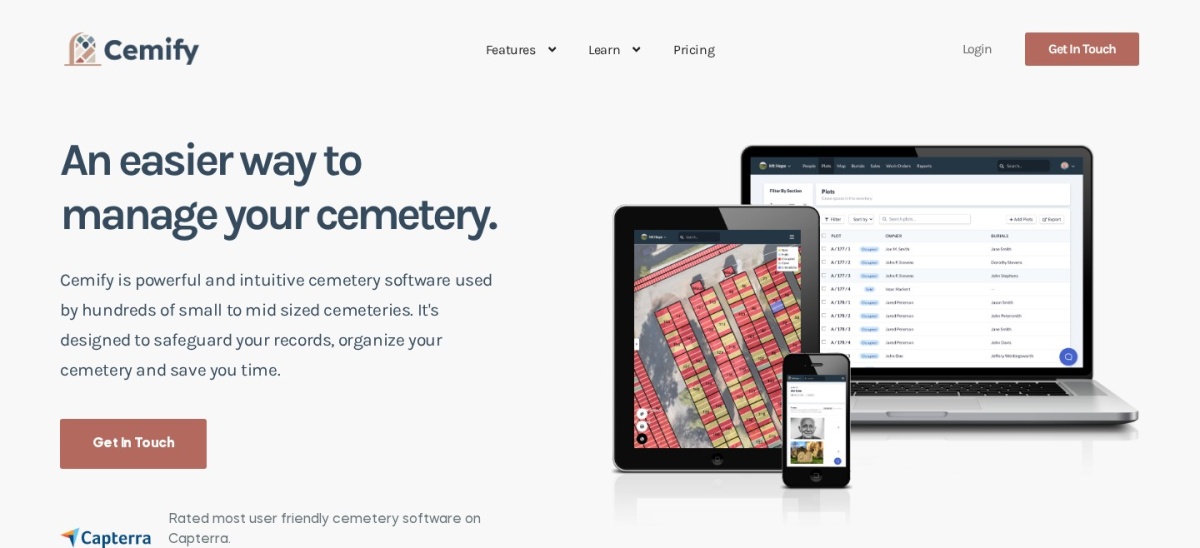
Cemify is the only tool here with a published fixed price at $799 a year, making it the best value for small cemeteries.
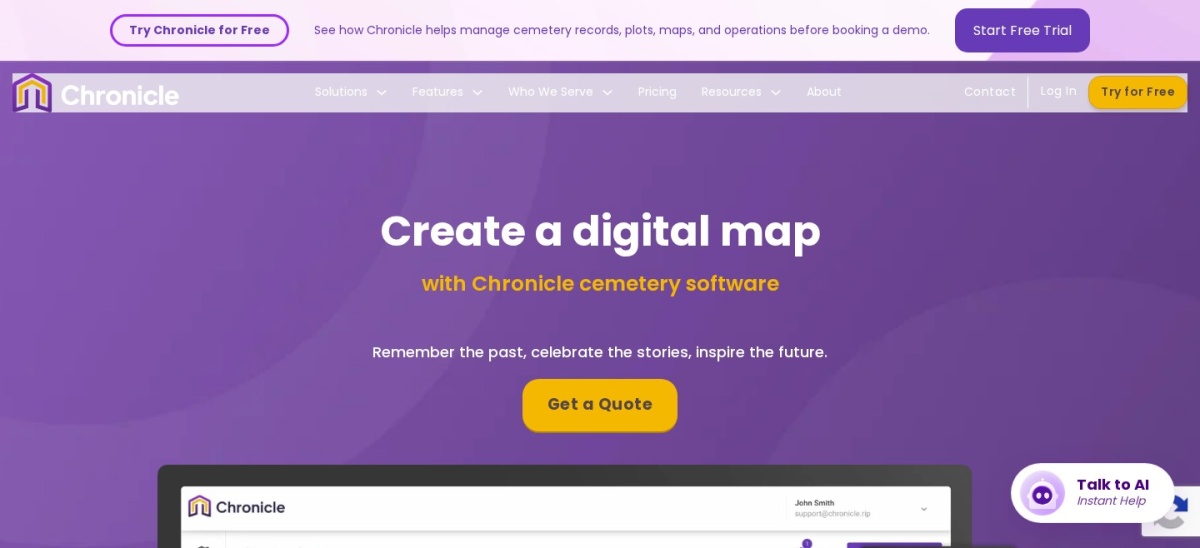
Chronicle is listed at $165 a month and includes cloud records with online search, but the price is vendor-supplied to a directory.
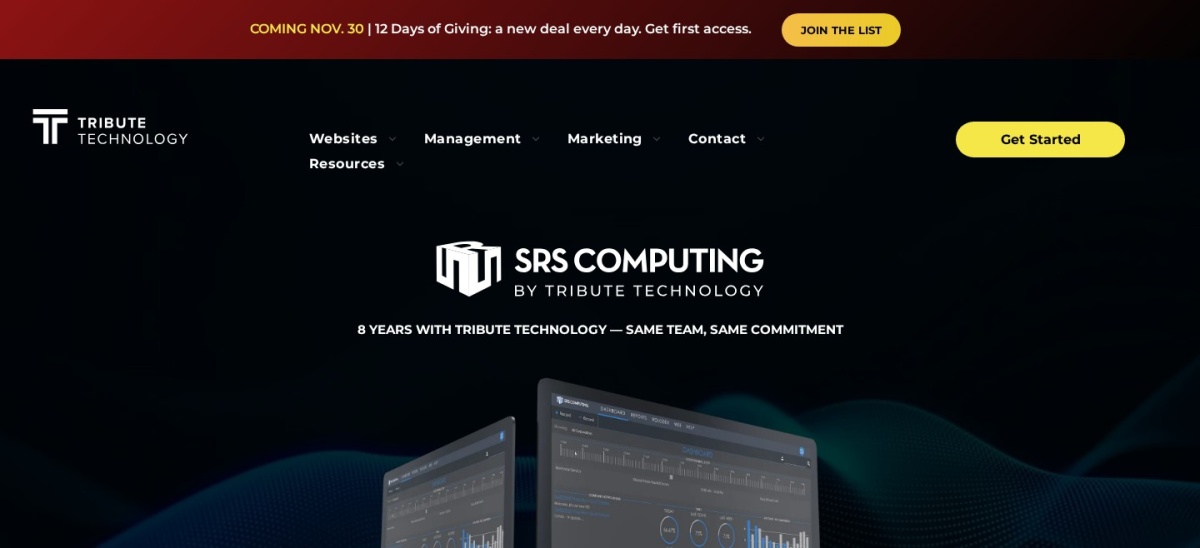
SRS Computing sells a one-time licence at $2,495 per user, so there is no annual subscription to budget for.
CemSites and Grave Discover have only a handful of Capterra reviews each, so treat their ratings as early evidence, not proof.
What cemetery software should cover
Cemetery software manages the records a cemetery holds for every plot: who is buried where, which deeds are sold, and what maintenance is due. The best tools pair a mapped plot inventory with those records, so staff stop hunting through paper books.
Mapping is the biggest difference between tools. Some platforms include an interactive map of every plot, others keep records only and leave the map as an add-on or a separate purchase.
Public search matters too. Families increasingly expect to find a grave online, so several tools publish a searchable public site alongside the staff system. Running a cemetery also means coordinating grounds crews and volunteers, which is where the team workflows in project management software overlap with the daily work.
Pricing is almost always quoted, except for Cemify at $799 a year and SRS Computing at a one-time $2,495 per user. Expect a demo and a written quote for everything else.
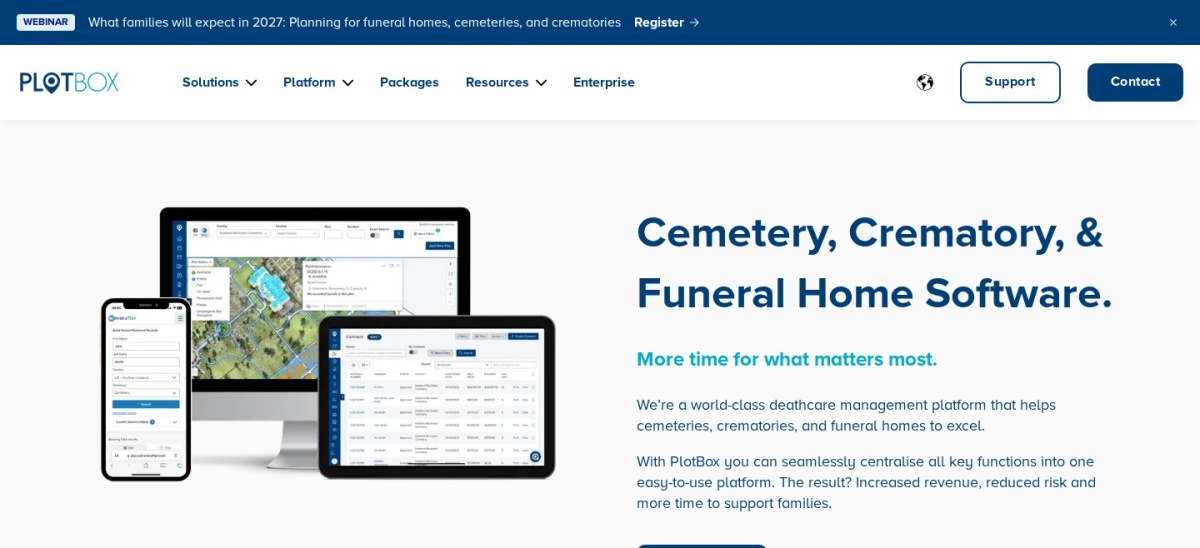
PlotBox is a cloud platform built for cemeteries, combining interactive mapping with burial records, deeds, contracts and work orders. Staff can click a plot and see its occupant, deed status and maintenance history in one place.
The trade off is quote-based pricing, with the cost scaling to plot count and modules, so budgeting needs a sales conversation. It suits cemeteries of any size that want mapping, records and workflows in one system.
CIMS is a cemetery information management system built for large operations, covering interments, deeds, plot inventory, maintenance and reporting. It is the longest-established tool in this list, with a deep feature set for complex sites.
The trade off is custom pricing and a traditional interface that new staff may find dated. It suits large cemeteries and multi-site operators that need a proven system with a wide feature set.
Chronicle is a cloud cemetery platform that pairs burial records with an interactive map and a public search site, so families can find a grave from a phone. Its modern interface is built for staff who expect consumer-grade software.
The trade off is a vendor-supplied directory price of $165 a month, which is not confirmed on the vendor site, though the free Basic plan is published on the vendor site. It suits cemeteries that want a modern cloud platform with public search.
Cemify is a cloud cemetery management tool priced at $799 a year, the only fixed published price in this list. It covers burial records, plot inventory, mapping and a public search site, with setup support included.
The trade off is a smaller feature set than PlotBox or CIMS, with less depth on deeds and work orders. It suits small cemeteries that want a complete cloud system at a predictable yearly price.
SRS Computing is a desktop cemetery management tool sold as a one-time licence at $2,495 per user, with no annual subscription. It covers burial records, plot management, deeds and reporting, and the vendor claims more than 5,000 installations since 1999.
The trade off is a desktop product rather than a cloud platform, with no public search or interactive map in the core licence. It suits cemeteries that prefer to buy once and run the software on their own machines.
What we like
One-time purchase, no subscription
Longest track record in this list
Covers records, deeds and reporting
Watch out for
Desktop software, not cloud
No public search or interactive map in core licence
CemSites is a web-based cemetery platform focused on publishing a searchable public grave site alongside staff records. Families can search by name, view plot details and leave tributes, while staff manage the underlying records.
The trade off is a thin review base of only 4 Capterra reviews and quote-only pricing, so there is little independent evidence to judge it by. It suits cemeteries whose main goal is a public online presence for their plots.
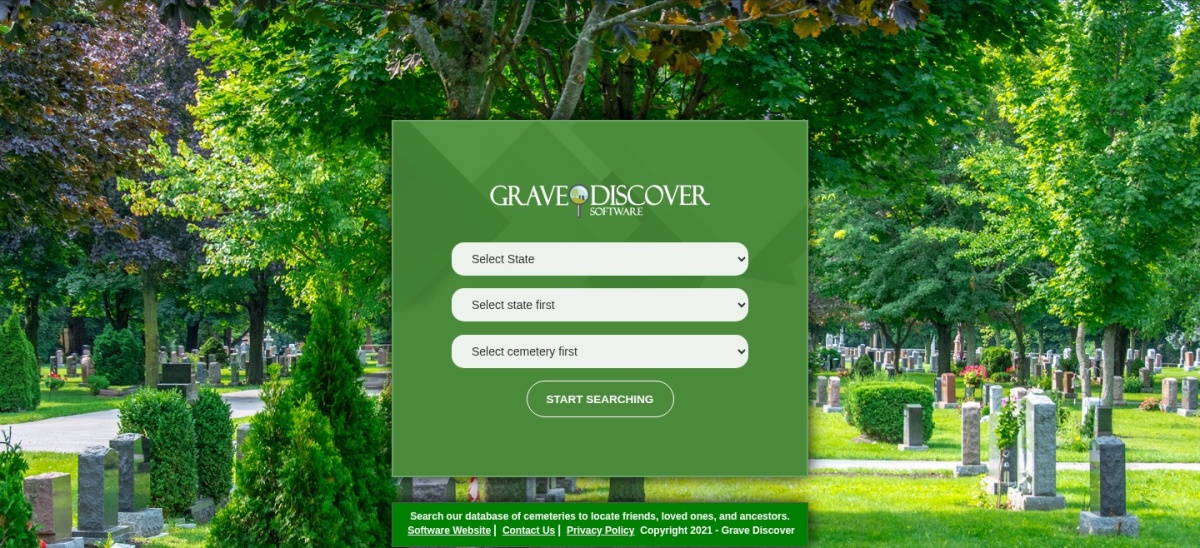
Grave Discover is a simple online grave records platform that publishes cemetery plots and burial records for public search. It is the lightest tool in this list, with a focus on lookup rather than full cemetery management.
The trade off is the weakest evidence in this list, with a 3.0 rating from a single Capterra review and no published pricing. It suits very small cemeteries that only need a public record lookup, not a management system.
A mapped platform lets staff click a plot and see its occupant, deed status and maintenance history in one place. It also lets visitors find a grave from a phone, which paper records never do.
Records-only tools cost less and suit small cemeteries with a few hundred plots. They still digitise deeds and burials, but they cannot show a visitor where a plot sits.
If your cemetery has more than a thousand plots or expects public visitors, mapping pays for itself in staff time and fewer phone calls.
Check whether the map is included or priced separately. Some vendors quote mapping as an add-on module with its own annual fee.
How we chose
We started from the cemetery management tools with a live G2 or Capterra listing and real adoption among cemeteries, then kept the seven with a verifiable rating.
Prices come from each vendor's pricing page or a vendor-supplied directory listing, checked on 24 November 2026. Where a vendor publishes no number, the list shows custom pricing rather than a guessed figure. Ratings come from Capterra on the same day.
We left out tools with no verifiable rating on G2, Capterra or Trustpilot. No vendor paid for a place, and we do not claim hands-on testing for this list.
How to choose cemetery software
Start with your plot count and your paper problem, then match the tool to both.
Count your plots first. A few hundred plots suits a records tool like Cemify, while a thousand or more needs mapping from PlotBox or Chronicle.
Decide who needs public search. If families should find graves online, shortlist tools with a published public search site.
Ask what mapping costs. Some vendors include the map, others charge a module fee, so get the full price in writing.
Trial with your real records. Load a sample of deeds and burials during the trial and check that staff can find a plot in seconds.
FAQ
What is the best cemetery software?
PlotBox is the best pick for most cemeteries because it combines interactive mapping, records, deeds and workflows in one cloud platform, rated 4.7 out of 5 on Capterra. CIMS is the stronger choice for large multi-site operations.
How much does cemetery software cost?
Most vendors quote by plot count and modules, so expect a demo and a written quote. Cemify publishes $799 a year, Chronicle is listed at $165 a month, and SRS Computing sells a one-time licence at $2,495 per user.
What does cemetery management software do?
It manages plot inventory, burial records, deed sales, maintenance schedules and public grave search. The best platforms add an interactive map so staff and visitors can find any plot from a phone or a desk.
Is there free cemetery software?
Chronicle offers a free entry tier according to third-party listings, and several vendors offer free trials. There is no widely used fully free cemetery platform, so most cemeteries should budget for a paid plan.
Which tool is best for a small cemetery?
Cemify at $799 a year is the best value for small cemeteries, with cloud records and mapping at a fixed price. SRS Computing suits small cemeteries that prefer a one-time purchase over a subscription.
Do these tools publish a public grave search?
Yes, several do. PlotBox, CemSites and Grave Discover all publish searchable public sites so families can find a grave online, and Chronicle includes public search in its cloud platform.