Best Calendar Management Tools in 2026: 9 Tools Compared
WLWPLegible EditorsLast verified 24 Nov 2026How we rank12 min read
★ Short answer
Calendly is the best calendar management tool for most teams, with the most recognised booking pages, a free plan and team routing, rated highly on G2 from more than 2,600 reviews. Pick Reclaim when AI should defend focus time and Acuity when you take client appointments with payments and intake forms.
How we make this list: we compare pricing pages, product documentation and public user reviews, then re-check every price before each update. No product paid for a place. Disclosure.
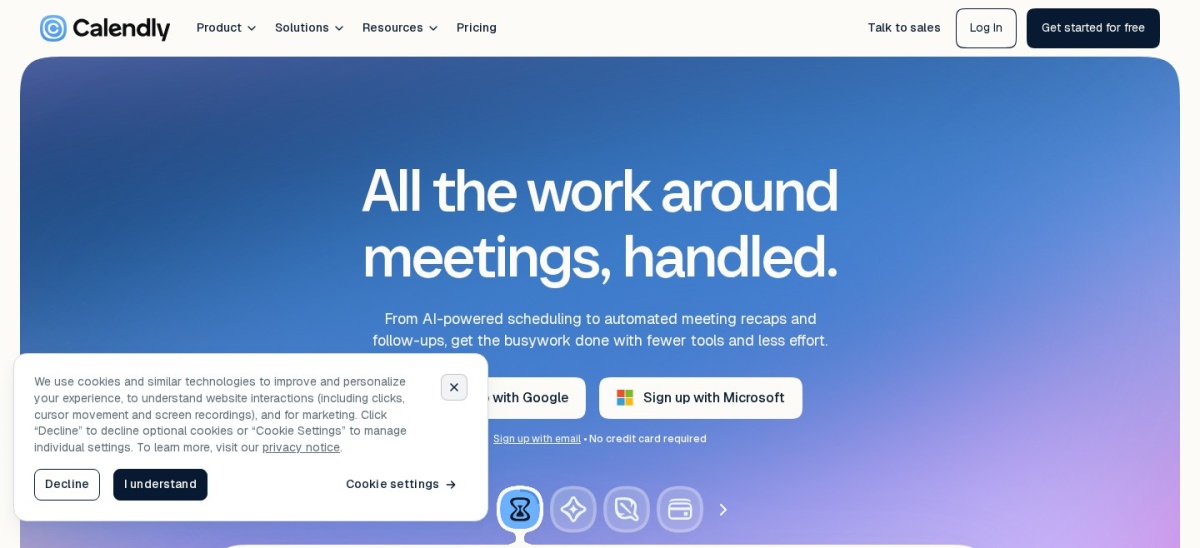
Calendly leads overall, with Standard at $10 a seat a month and the most recognised booking pages.
Reclaim is the AI pick, defending focus time automatically from $10 a seat a month.
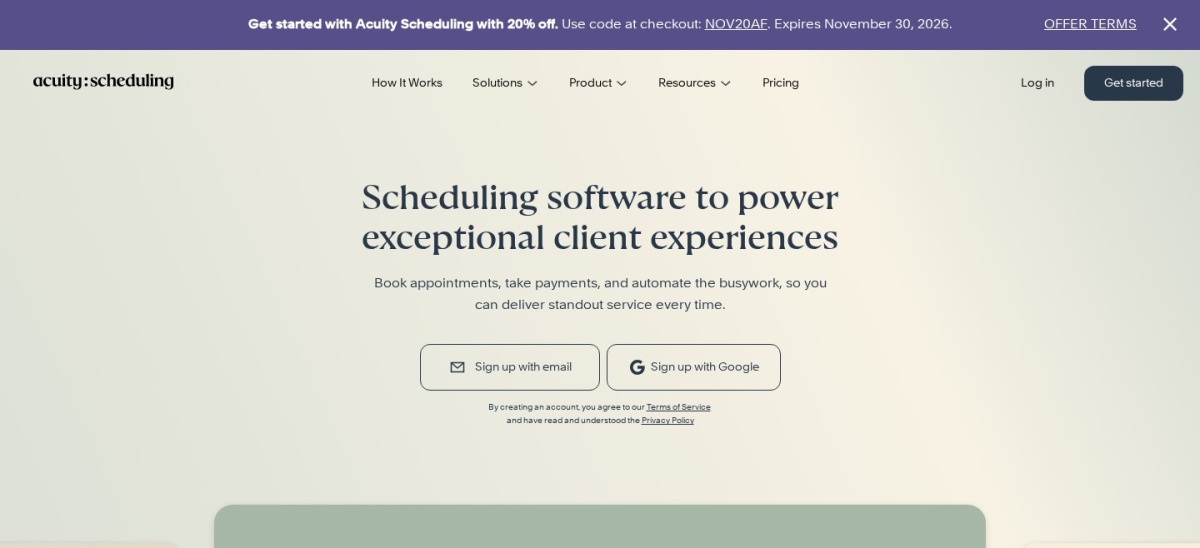
Acuity suits service businesses, with intake forms and payments from $16 a month.
Cal.com has the strongest free plan, with unlimited event types for one user.
Setmore is the cheapest paid option, with Pro at $5 a user a month and a free plan for 4 users.
What a calendar management tool should cover
Calendar management tools stop the back-and-forth of finding a time. They share your availability, let people book, and keep the meeting on your calendar without emails.
The core features are booking links, calendar sync, reminders and group polls. The best tools also add routing, payments and AI that protects focus time.
Most tools charge per user per month, from $9 to $16 at the first paid tier. Free plans cover light use, but they usually limit event types or branding.
Calendly is the scheduling standard, and its booking pages are the ones invitees recognise. It covers one-to-one meetings, group events, round robin, routing forms and reminders, with apps for web, iOS and Android.
The trade off is the free plan. It covers only one event type and one calendar, and payments need the Teams plan at $16 a seat a month. Standard costs $10 a seat a month billed yearly. It suits professionals and sales teams who want the most polished and widely recognised scheduling tool.
Reclaim is an AI calendar assistant that defends your time. It auto-schedules focus time, habits, lunch and buffers around meetings, reschedules them when conflicts arise, and syncs availability across Google and Outlook calendars.
The trade off is the learning curve. It takes time to set up scheduling rules, and there is no full mobile app. The free Lite plan covers basic use, with Starter at $10 a seat a month and Business at $15. It suits busy people whose calendars are full and need protection, not just booking.
Acuity Scheduling is built for service businesses that take appointments online. It combines booking pages with intake forms, payments, packages, subscriptions and client records, so a booking becomes a paid appointment with paperwork attached.
The trade off is the price ladder. Starter costs $16 a month billed annually for one calendar, Standard $27, and there is no free plan, only a 7-day trial. It suits coaches, therapists, salons and consultants who need appointments plus payments in one tool.
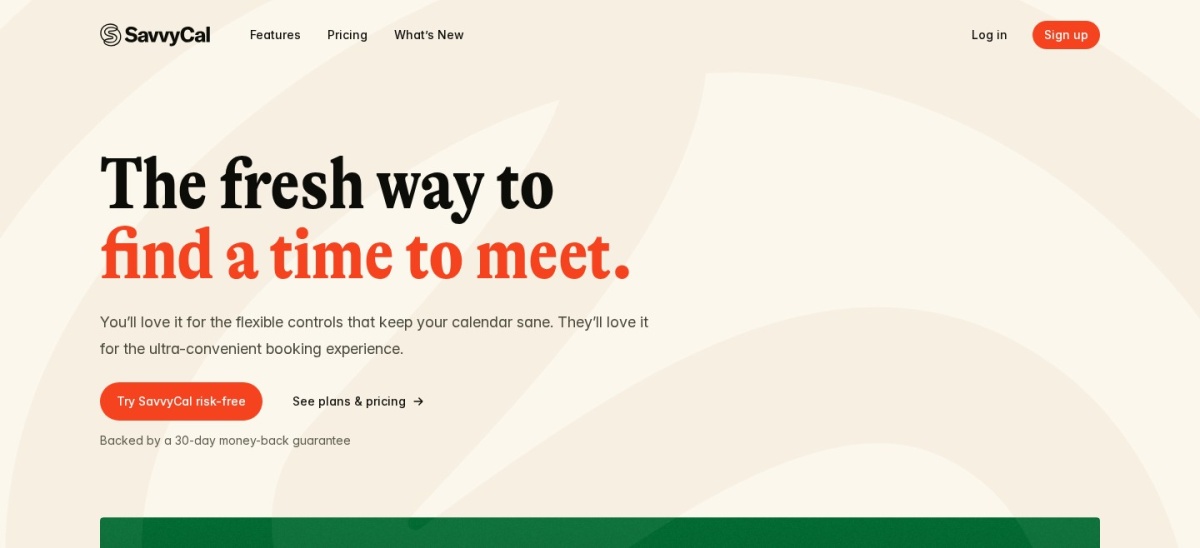
SavvyCal is built around the booking experience. Its calendar overlay lets invitees see their own schedule while they pick a time, which cuts the back-and-forth that other tools still need.
The trade off is scale and evidence. Its G2 rating of 4.8 out of 5 rests on only 36 reviews, and there is no free booking plan, only a trial. Basic costs $10 a user a month and Premium $17. It suits professionals who want the most personal booking link for their invitees.
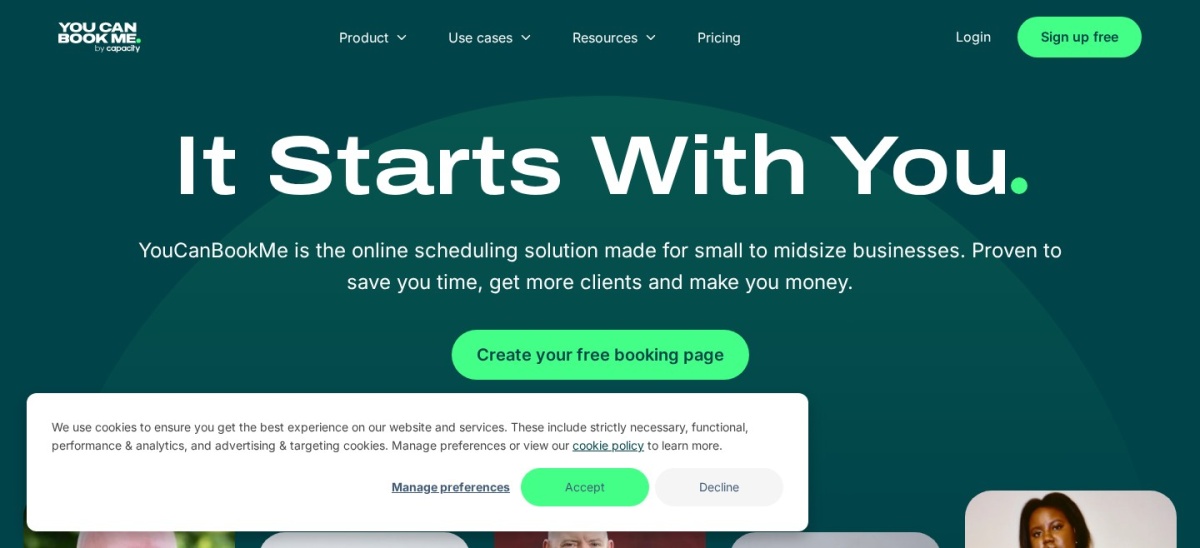
YouCanBook.me is a booking-page tool for service businesses, clinics, tutors and consultants. It offers customizable booking pages, calendar sync, automated reminders, payments and team scheduling, with a free plan for light use.
The trade off is polish. It is less modern than Calendly and its paid tiers start at $9 a month for an individual, with Team from $18 a user a month. It suits solo consultants and small service teams who want a reliable booking page without paying Calendly prices.
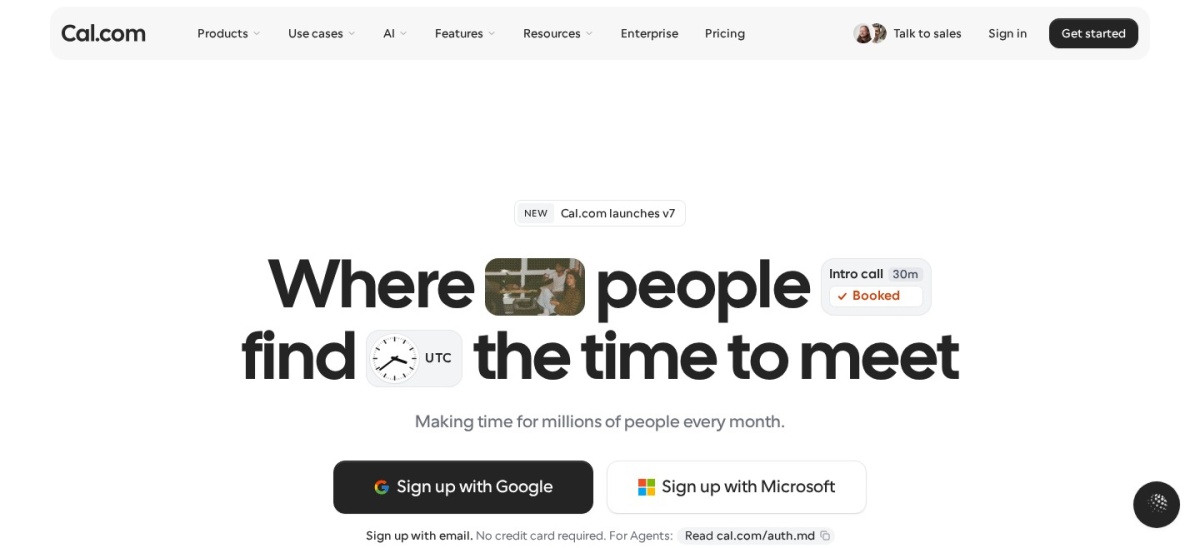
Cal.com is the open-source scheduling platform for teams that want flexibility without vendor lock-in. It offers booking links, team scheduling, routing and payments, and it can be self-hosted for full control.
The trade off is setup. Self-hosting needs technical skill, and the hosted Teams plan costs $12 a user a month, with Organizations at $28. The free plan for individuals is the strongest here, with unlimited event types, calendars and payments. It suits technical teams that want to own their scheduling.
What we like
Strongest free plan here
Open source and self-hostable
No vendor lock-in
Watch out for
Self-hosting needs technical skill
Smaller G2 review base
Fewer native integrations
Free for individuals; Teams $12 a user a monthVisit cal.com
07
Doodle
4.4/5on G2 (2,070 reviews, checked Nov 2026)
Paid from$11/seat/mo
Best for group polls
Free planYes, with ads
Pro plan$11/seat/mo
Team plan$16/seat/mo
Group pollsYes
doodle.com
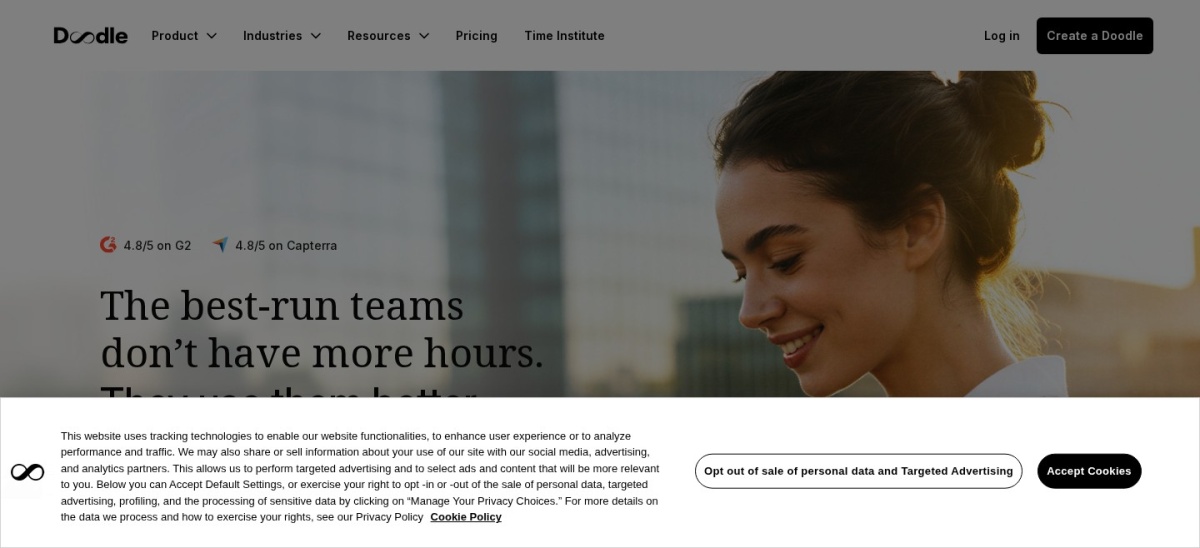
Doodle homepage, captured Nov 2026.
Doodle is the tool for finding one time for a group. Participants vote on slots without an account, and Doodle also covers booking pages, one-to-ones and sign-up sheets for teams that poll often.
The trade off is depth. It has no round robin, no deposits and no client records, and its Trustpilot rating is poor at 1.5 out of 5. The free plan covers polls with ads, with Pro at $11 a seat a month billed annually. It suits teams that need to poll groups for the best meeting time.
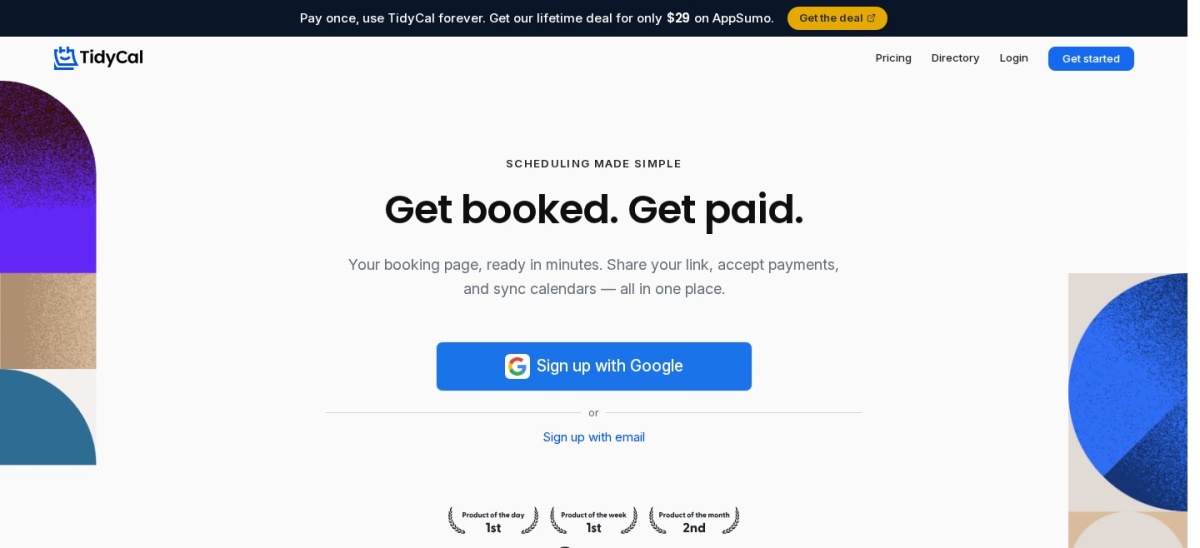
TidyCal is popular for simple booking pages with a one-time lifetime pricing option. The free plan covers basic booking, and the lifetime deal costs $29 once, with Pro at $12 a month or $99 a year for more features.
The trade off is evidence and scope. Its G2 rating of 4.7 out of 5 rests on only 25 reviews, and it is built for solo coaches and service providers rather than teams. It suits solo users who want paid bookings cheaply, without a subscription.
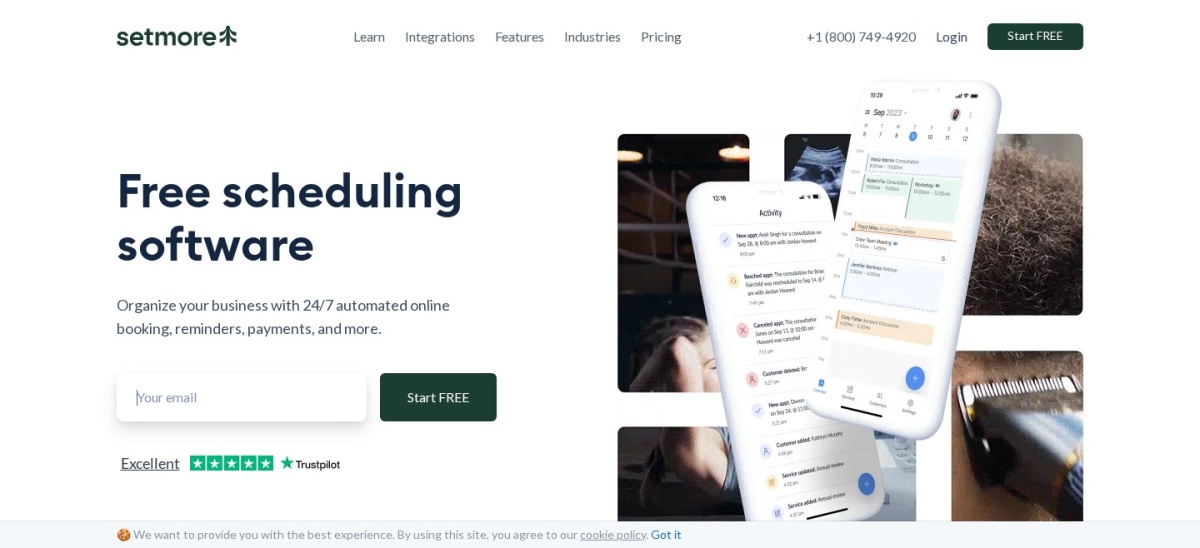
Setmore is a booking tool for small service businesses, billed per staff calendar and free for up to 4 users. It covers booking pages, staff calendars, automated reminders and payments, with 200 appointments a month on the free plan.
The trade off is depth at scale. Two-way calendar sync, SMS reminders and recurring appointments need Pro at $5 a user a month billed annually, and reviewers flag sync reliability and thin features once a business grows. The vendor pricing page itself shows conflicting Pro figures, so confirm at checkout. It suits salons, studios and solo operators who want a free start and the lowest paid rate in this list.
Booking links are the default. You share a link, the invitee picks a time, and the meeting lands on both calendars. Calendly, Cal.com and Acuity all work this way.
Group polls solve a different problem: finding one time for many people. Doodle lets participants vote on slots without an account, which is why it leads for group scheduling.
AI calendars manage the time you already have. Reclaim auto-schedules focus time, habits and buffers, then moves them when meetings shift. It suits people whose calendars are full, not empty.
Most teams need one of each. A booking link for clients, a poll for group decisions, and an AI layer to protect the work time in between.
How we chose
We started from the scheduling tools ranked on G2 and in 2026 buyer guides, then kept those with a verifiable G2 rating and real calendar features such as booking links, group polls or AI scheduling.
Prices come from vendor pages and vendor-page reads checked in November 2026. Where the vendor page rendered no prices, the list uses the most recent corroborated read and notes it.
We left out calendar apps with no scheduling features and tools with no verifiable G2 rating. No vendor paid for a place, and we do not claim hands-on testing for this list.
How to choose a calendar management tool
Start with who books you, then check the sync and the free plan.
Count who books you. Solo professionals need one booking link. Teams need round robin and routing. Service businesses need client records and payments. The count decides the tool.
Check the calendar sync. Confirm the tool syncs with Google Calendar, Outlook or both, and checks for conflicts before someone books. Without two-way sync, double bookings follow.
Try the free plan on real bookings. Send your booking link to real clients for a week. If invitees struggle to pick a time, the tool is costing you meetings.
Add payments and reminders last. Once booking works, add Stripe or PayPal payments and automated reminders. They cut no-shows, but they sit on paid tiers in most tools.
FAQ
What is the best calendar management tool?
Calendly is the best pick for most teams. It has the most recognised booking pages, a free plan, team routing and integrations with Google and Outlook, and it is rated 4.7 out of 5 on G2 from more than 2,600 reviews.
Is there a free calendar scheduling tool?
Yes. Calendly, Cal.com, Doodle, TidyCal and Reclaim all have free plans, and Cal.com has the strongest free plan, with unlimited event types for one user. Paid plans start at $9 to $12 a month for most tools.
What is the difference between Calendly and Doodle?
Calendly is built for one-to-one booking links with team routing and payments. Doodle is built for group polls, where participants vote on the best time. Use Calendly to let people book you, and Doodle to find one time for a group.
Can AI manage my calendar?
Reclaim is the strongest AI option here: it auto-schedules focus time, habits and buffers, then reschedules them when meetings move. Calendly's Callie assistant can also book meetings over email. Both sync with Google and Outlook calendars.
Which scheduling tool is best for service businesses?
Acuity Scheduling is the best pick for service businesses. It combines booking pages with intake forms, payments, packages and client records, starting at $16 a month. Calendly needs its Teams plan for payments, which costs more.
Which scheduling tool is cheapest?
Setmore is the cheapest paid option here. Its free plan covers up to 4 users and 200 appointments a month, and Pro costs $5 a user a month billed annually. TidyCal's $29 one-time lifetime plan is the cheapest way to pay once and stop.