Best Cabinet Design Software in 2026: 8 Tools Compared
WLWPLegible EditorsLast verified 24 Nov 2026How we rank12 min read
★ Short answer
2020 Design Live is the best cabinet design software for kitchen dealers, with live manufacturer catalogs, photorealistic rendering and integrated quoting, rated highly on Capterra from more than 300 reviews. Pick Chief Architect for construction-accurate plans across a whole home and SketchUp Pro when you want flexible 3D modelling at a lower price.
How we make this list: we compare pricing pages, product documentation and public user reviews, then re-check every price before each update. No product paid for a place. Disclosure.
2020 Design leads for dealers, with live manufacturer catalogs and quoting from $1,895 a year.
Chief Architect suits remodelers who need construction-accurate plans, at $1,995 a year.
SketchUp Pro is the flexible budget pick at $399 a year, with the biggest extension library.
Planner 5D and RoomSketcher cover quick client visuals, with free plans and Pro from $12 a month.
Cabinet Vision and Mozaik have no G2 or Capterra rating, so they are not in this list despite their shop-floor strength.
What cabinet design software should cover
Cabinet design software falls into two groups. Dealer tools sell kitchens from manufacturer catalogs, while shop tools turn a design into cut lists and CNC files for the factory floor.
The core features are parametric cabinets, accurate dimensions, photorealistic rendering and a usable output: a quote for dealers, or a cut list for shops. Without the right output, the tool is just a drawing program.
Price ranges from free planners to about $2,000 a year for professional tools. Support plans and training add to the first-year cost, so count the full bill before you buy.
2020 Design Live is the kitchen and bath industry standard for dealers and showrooms. It carries live manufacturer catalogs, so the cabinet you place is a real SKU with a price, and the design becomes a quote-ready document without retyping anything.
The trade off is cost and focus. The product is now sold as Cyncly Design Flex, with Foundation from $1,895 a year without the Success Plan and $2,195 with it, and the full Design Flex from $2,495 a year. It suits dealers who sell branded cabinetry and need photorealistic renders and live pricing.
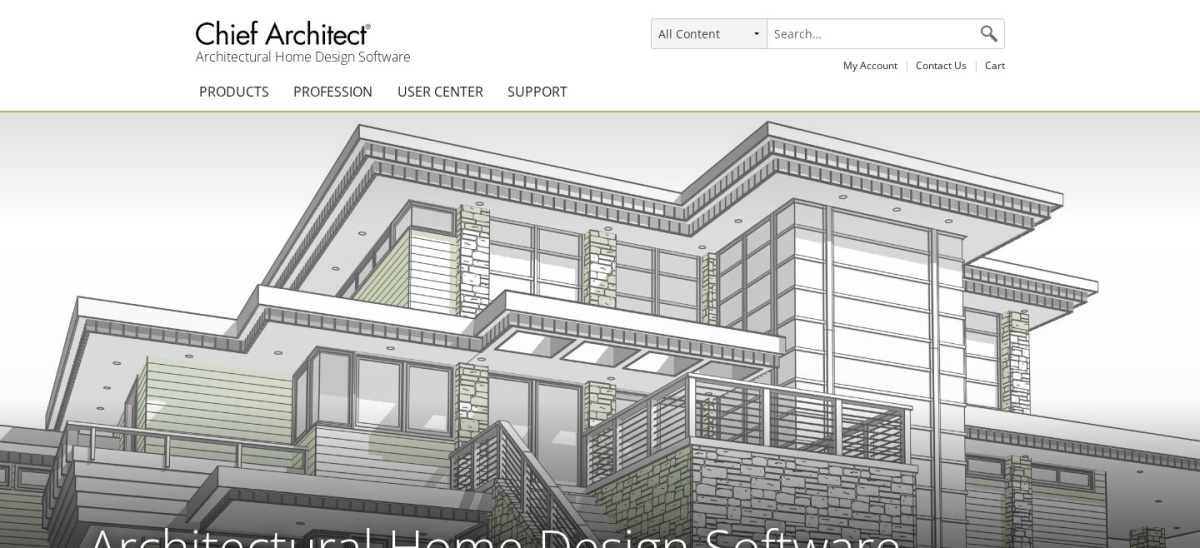
Chief Architect Premier homepage, captured Nov 2026.
Chief Architect Premier is professional home design software that covers kitchens inside a whole building model. It produces dimensioned floor plans, elevations, sections and 3D views from the same model, with real material layers behind the drawing.
The trade off is price. Premier costs $1,995 a year billed annually, or $229 a month, and the cheaper Home Designer line at $495 a year is built for homeowners rather than professionals. It suits remodelers and architects who need construction documents, not just renders.
SketchUp is the most flexible 3D modeller in this list, with a free web version and a Pro tier at $399 a year. Its 3D Warehouse holds thousands of free cabinet and appliance models, and the Extension Warehouse adds cabinet-specific tools such as CabWriter for parametric carcasses.
The trade off is that it is a general modeller, not a cabinet tool. Cut lists, parametric cabinets and quoting all need extensions or manual work. It suits designers and small shops that want one flexible tool for many jobs, not just cabinets.
Planner 5D is the easiest path from an empty room to a realistic 3D view. You draw or upload a floor plan, drop in furniture from a catalog of more than 8,000 items, and generate a 4K render without touching a tutorial.
The trade off is precision. It is built for speed and visuals, not measured layouts or cabinet shop drawings, and Premium costs $59.99 a year billed annually. It suits designers and homeowners who need a quick client-ready concept, not construction documents.
RoomSketcher is floor plan and home design software for real estate teams, remodelers and interior designers. You draw walls once, and from that single plan you get accurate 2D floor plans, furnished 3D views, 3D photos and 360 walkthroughs.
The trade off is depth. It has a specific kitchen tool, but it will not be as detailed as a dedicated cabinet platform for construction work. Pro costs $12 a month billed annually, with a free plan for basic floor plans. It suits teams that need clean, measured plans and listing visuals.
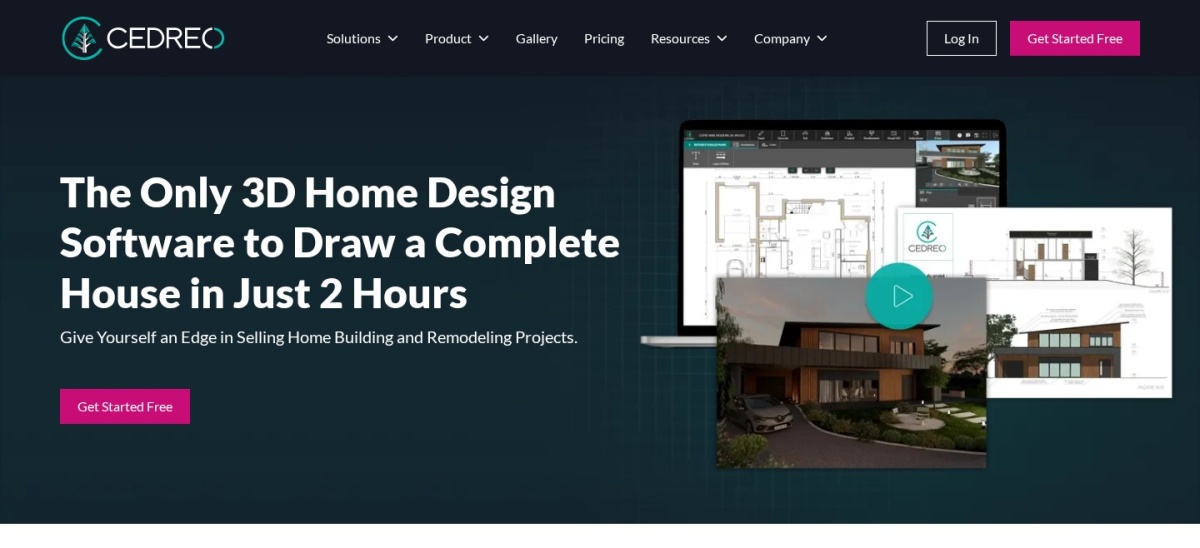
Cedreo is a cloud-based 3D home design platform for contractors, home builders and remodelers. It includes a dedicated Kitchen Planner, and it turns a floor plan into photorealistic interior and exterior renders in minutes.
The trade off is price for the depth. Pro costs $129 a month, and the free plan covers only one project with basic drawing features. It suits builders who need to present a complete project fast enough to keep the sale moving.
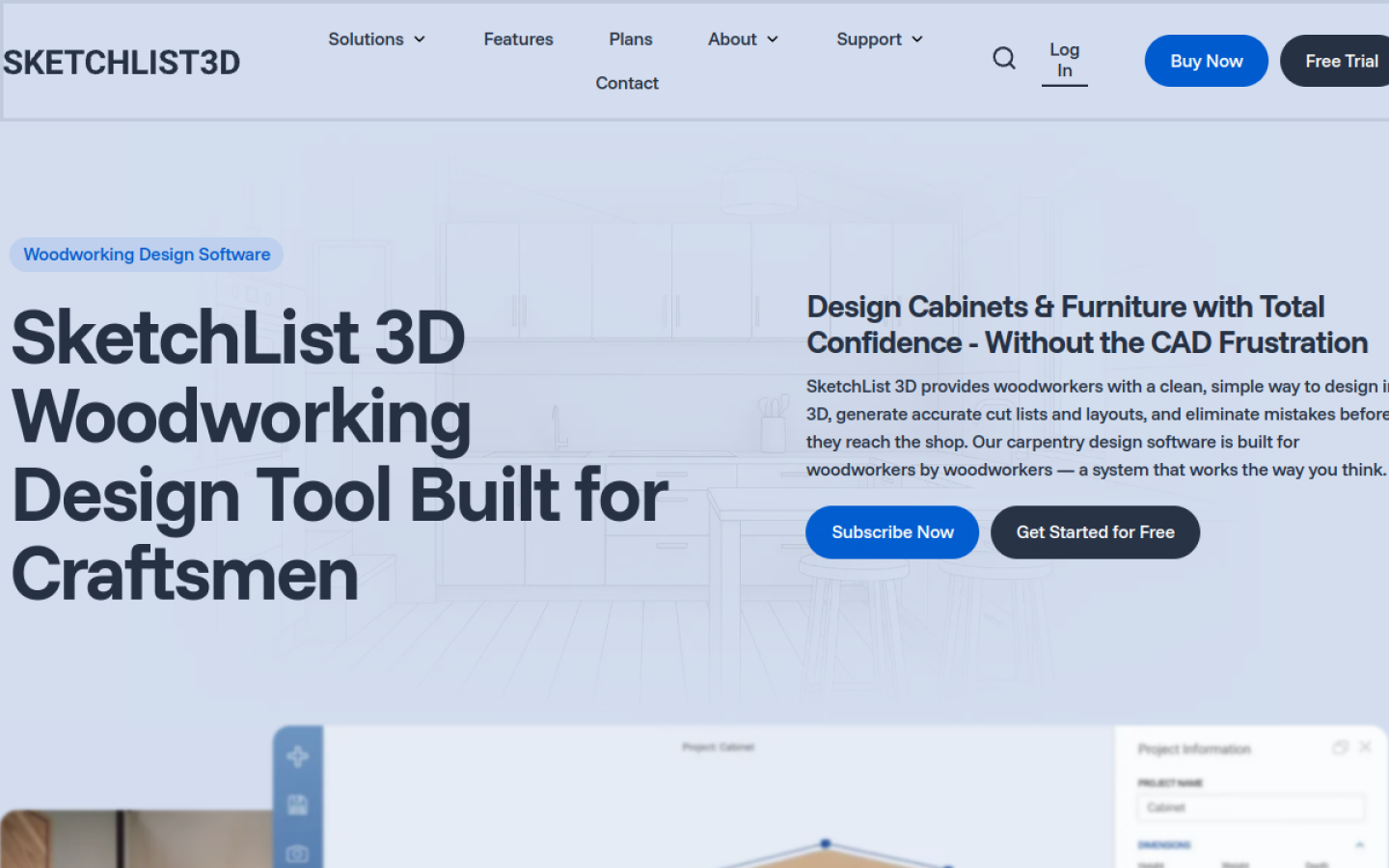
SketchList 3D is built around the way woodworkers think. It designs cabinets board by board, with cut lists and board planning, without the CAD learning curve of a production suite.
The trade off is scale. It suits one-person shops and small cabinet work, not high-volume production, and plans cost $79.99 a month or $599.99 a year, with a $999.99 perpetual licence. It suits solo woodworkers who want cabinet cut lists without enterprise complexity.
ProKitchen is kitchen and bath design software built for dealers who want browser access and real-time 3D walkthroughs. It carries branded catalogs and produces client deliverables and fabrication orders from the same design.
The trade off is evidence and price. Its G2 rating of 3.5 out of 5 rests on only 6 reviews, and pricing runs $1,795 to $2,395 a year. It suits independent kitchen professionals who want a cloud tool with strong rendering.
Dealer tools such as 2020 Design and ProKitchen are built around manufacturer catalogs. The cabinet you place is a real SKU with a price, so the design becomes a quote without retyping anything.
Shop tools such as Cabinet Vision and Mozaik model real construction: face-frame or frameless, the 32 mm system, hardware and reveals. Their output is cut lists, shop drawings and CNC code.
The expensive mistake is buying for a shop bigger than yours. A dealer does not need CNC output, and a one-person shop does not need a $2,000-a-year catalog licence.
General 3D tools such as SketchUp sit between the groups. They model anything, but they need extensions for cabinet-specific work such as parametric carcasses and cut lists.
How we chose
We started from the cabinet design tools ranked in 2026 buyer guides, then kept those with a verifiable G2 or Capterra rating and real cabinet features such as parametric cabinets, cut lists or manufacturer catalogs.
Prices come from vendor pages and vendor-page reads checked in October and November 2026. Where a vendor sells by quote or bundles support plans, the list shows the starting figure and notes the variants.
We left out tools with no verifiable G2, Capterra or Trustpilot rating, including Cabinet Vision and Mozaik. No vendor paid for a place, and we do not claim hands-on testing for this list.
How to choose cabinet design software
Start with whether you sell or build, then match the tool to that job.
Decide whether you sell or build. Dealers who sell branded cabinetry need manufacturer catalogs and quoting. Shops that build need cut lists and CNC output. The two jobs need different tools.
Check the catalog before the features. A tool is only as good as its cabinet, appliance and material libraries. Confirm your brands are in the catalog before you buy.
Try the trial on a real job. Design one real kitchen end to end, including the quote or cut list. If the output is not usable, the tool is not ready for your shop.
Count the full cost. Add the Success Plan, support and training to the licence price. Several tools in this list charge extra for support, and the first year is the expensive one.
FAQ
What is the best cabinet design software?
2020 Design Live is the best pick for kitchen dealers. It carries live manufacturer catalogs, photorealistic rendering and integrated quoting, and it is rated 4.3 out of 5 on Capterra from more than 300 reviews.
Why are Cabinet Vision and Mozaik not on this list?
Cabinet Vision and Mozaik are the production-shop standards, but neither has a verifiable rating on G2, Capterra or Trustpilot, so they do not meet our inclusion rule. Both are worth a demo if you run a CNC shop: Mozaik starts at $125 a month and Cabinet Vision is quote-based.
How much does cabinet design software cost?
Prices range from free planners to about $2,000 a year for professional tools. SketchUp Pro is $399 a year, SketchList 3D is about $600 a year, and 2020 Design starts at $1,895 a year. Cabinet Vision is quote-based and Mozaik starts at $125 a month.
Do I need CNC output in cabinet design software?
Only if you build the cabinets yourself. Shops with a CNC router need cut lists and G-code output, which Cabinet Vision and Mozaik provide. Dealers who sell branded cabinetry do not need it and should pick a catalog tool such as 2020 Design.
What is the cheapest serious cabinet design tool?
SketchList 3D is the cheapest serious option for solo woodworkers, at about $600 a year or $80 a month, with a 14-day free trial. SketchUp Pro at $399 a year is cheaper still, but it is a general 3D modeller, not a cabinet tool.
Can I design cabinets on a Mac?
Yes, with the right tool. SketchUp, ProKitchen, Planner 5D and RoomSketcher run on Mac or in a browser. Cabinet Vision, Mozaik and KCD Software are Windows-only, so Mac shops need a different pick.