Best Business Intelligence Tools in 2026: 9 Tools Compared
WLWPLegible EditorsLast verified 24 Nov 2026How we rank12 min read
★ Short answer
Microsoft Power BI is the best business intelligence tool for most teams, with low per-user pricing, a free desktop app and deep Microsoft 365 integration, rated highly on G2 from more than 1,500 reviews. Pick Tableau for the deepest visual exploration and Qlik Sense when you want associative exploration across several data sets.
How we make this list: we compare pricing pages, product documentation and public user reviews, then re-check every price before each update. No product paid for a place. Disclosure.
Power BI leads on value, with Pro at $14 a user a month and a free desktop app for building reports.
Tableau is the visualization benchmark, now sold as editions starting at $15 a user a month for Standard.
Qlik Sense suits teams that explore relationships across data sets, at $30 a user a month for Business.
Looker, Domo and Sisense are quote-based enterprise platforms, so get a scoped quote before budgeting.
Metabase and Zoho Analytics are the budget picks, with a free self-hosted option and plans from $24 a month.
What a business intelligence tool should cover
Business intelligence tools turn raw data into dashboards people can act on. The best ones connect to your sources, model the data once and let anyone explore it without writing SQL.
The core features are visualization, a governed data model, sharing and scheduling, and AI help such as natural-language questions. Without a shared model, every team builds its own numbers.
Price is mostly per user per month, so the bill scales with the audience. Free tiers and viewer licences matter when a whole company needs to read dashboards.
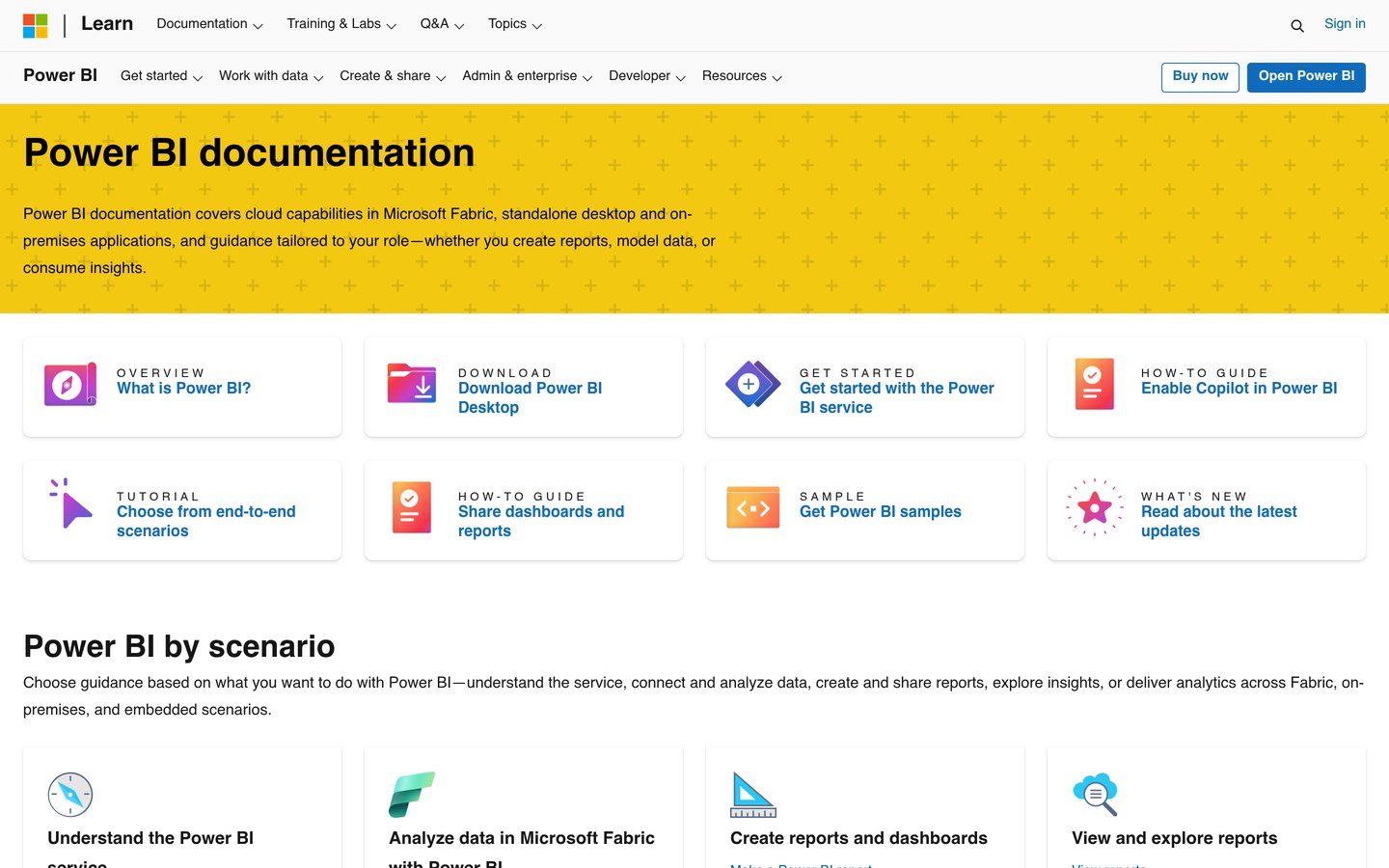
Microsoft Power BI is the default BI choice for any team already running Microsoft 365. It connects to hundreds of sources, builds reports in a desktop app and shares them through a cloud service, with Copilot AI features for data professionals.
The trade off is the Microsoft orbit. It works best inside Azure and Microsoft 365, and sharing reports needs a paid Pro or Premium licence. Pro costs $14 a user a month paid yearly, with a free account for building reports. It suits Microsoft-centred teams that want broad BI depth at the lowest per-user price.
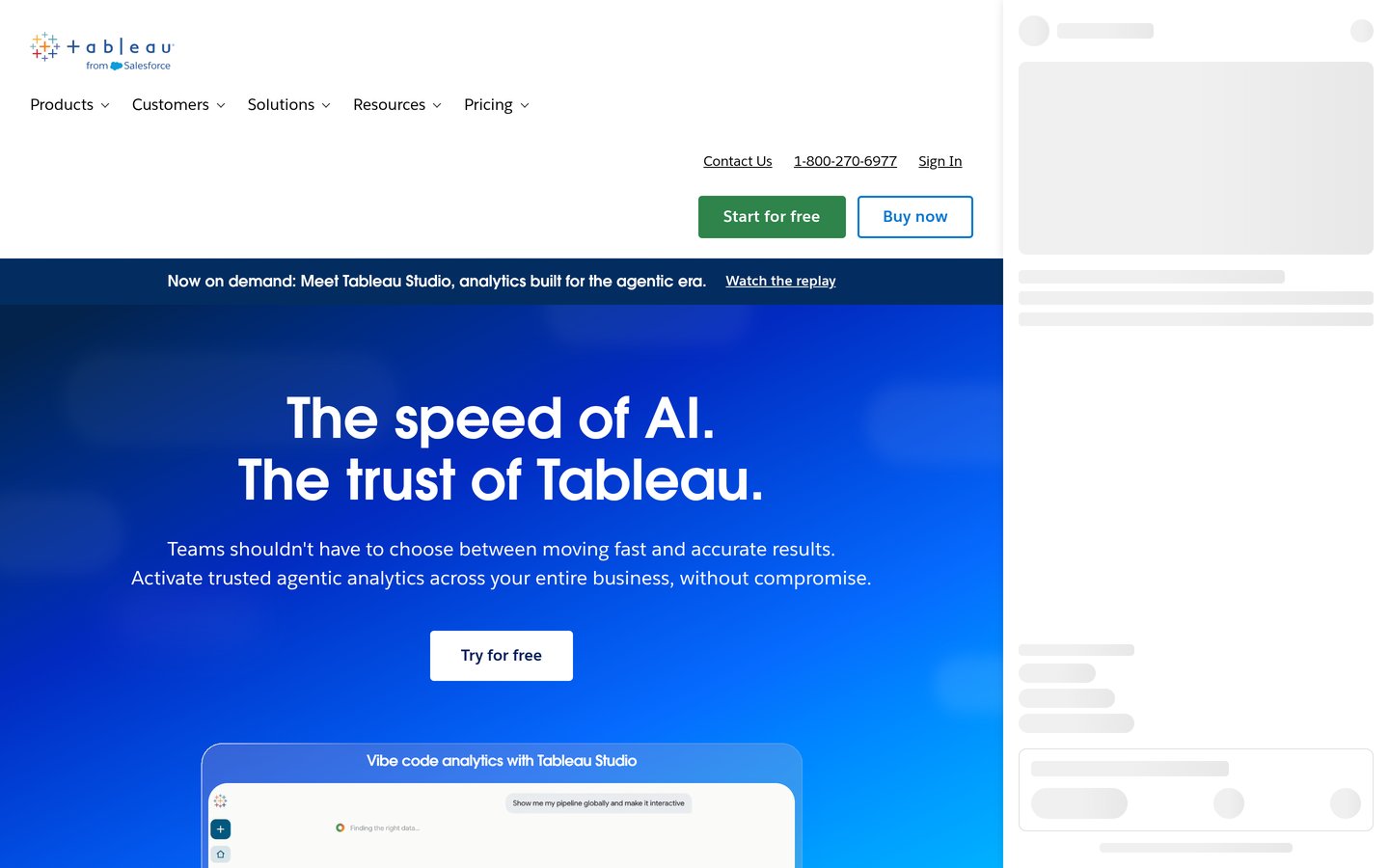
Tableau is the visual analytics benchmark, and analysts ask for it by name. It handles messy, exploratory questions well, and the dashboards it produces are polished enough for a board pack.
The trade off is price and packaging. Tableau now sells editions: Standard starts at $15 a user a month and Enterprise at $35, billed annually, replacing the old Creator, Explorer and Viewer tiers. A free Desktop edition covers local analysis. It suits analysts who want the most flexible visual exploration and can build a business case for it.
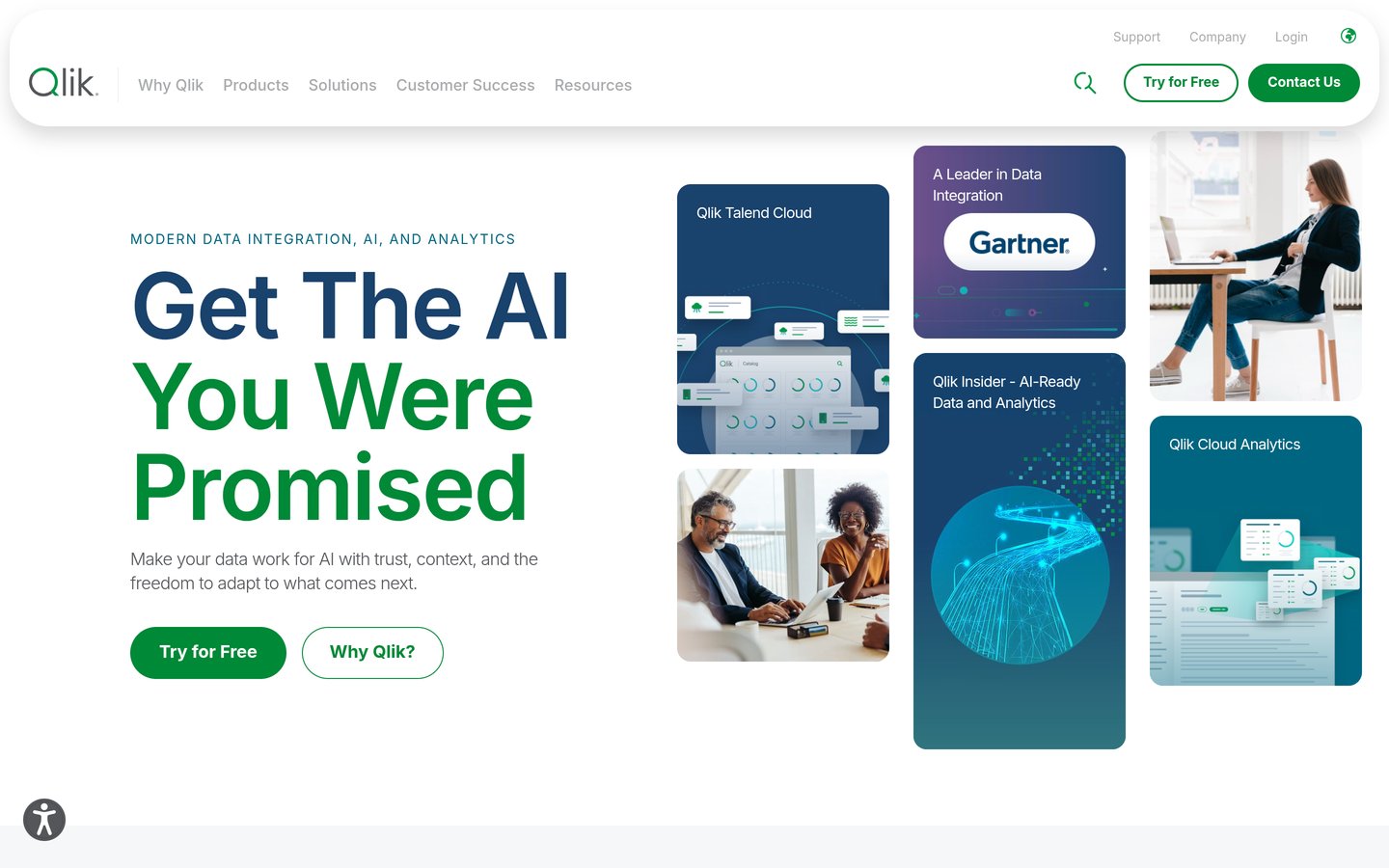
Qlik Sense is an associative analytics platform, so a click on one value highlights what is related and unrelated across all loaded tables. It shines when users want to explore without a fixed path.
The trade off is governance depth on the entry tier. Qlik Sense Business costs $30 a user a month billed annually, with a 5-user minimum, while Enterprise SaaS is quote-only. It suits teams exploring relationships across several data sets who do not need heavy IT governance.
What we like
Associative engine reveals hidden links
Strong augmented analytics
Used by most of the Fortune 500
Watch out for
Entry tier has limited governance
Enterprise is quote-only
Smaller community than Power BI or Tableau
Business is $30 a user a month; Enterprise by quoteVisit qlik.com
04
Looker
4.4/5on G2 (1,656 reviews, checked Nov 2026)
PricingCustom/yr
Best for governed, warehouse-native BI
Free planNo
Semantic layerLookML
DeploymentGoogle Cloud
PricingQuote-based
cloud.google.com
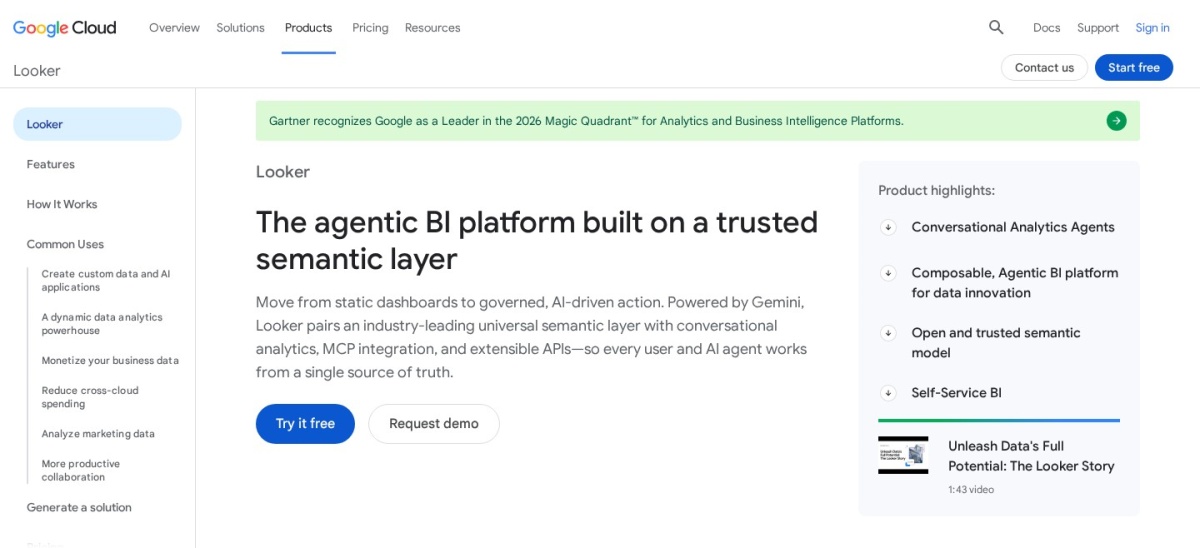
Looker homepage, captured Nov 2026.
Looker is Google's governed BI platform for teams that run on Google Cloud and a modern data warehouse. Its LookML semantic layer defines each metric once, so every dashboard shows the same number.
The trade off is cost and setup. Looker sells by quote, with third-party reports citing a price floor near $60,000 a year, and it needs data modelling skill to run well. It suits Google Cloud-native organizations that need strict metric governance.
ThoughtSpot is an AI-driven analytics platform built around search. Users type a question in plain language and get charts back, which makes it the easiest tool here for non-technical staff to self-serve.
The trade off is depth for analysts. It is weaker than Tableau or Power BI for custom visual work, and the Essentials plan costs $25 a user a month. It suits teams that want natural-language, self-service search over governed data.
Domo is a cloud analytics platform for enterprises that want connectors, dashboards and apps under one roof. It is strongest for cross-functional executive reporting, with real-time dashboards and a strong mobile app.
The trade off is cost. Domo sells on credit-based custom pricing, with third-party reports citing around $30,000 a year as a starting point, which puts it out of reach for small teams. It suits mid-market and enterprise teams that need fast, real-time dashboards for executives.
Sisense is an analytics platform built for embedding. Its API-first design lets product teams put white-labelled dashboards inside their own SaaS product, so analytics live inside the app users already open.
The trade off is implementation effort. Embedded analytics needs developer time and data modelling skill, and pricing is quote-based, with third-party reports citing around $25,000 a year. It suits SaaS companies shipping customer-facing analytics.
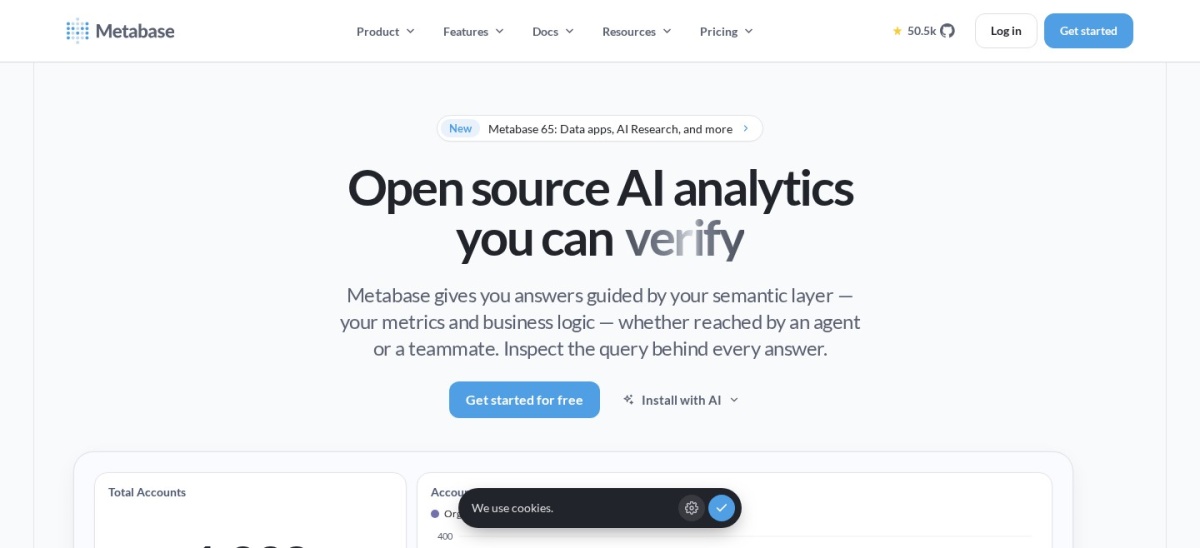
Metabase is an open-source analytics platform that is free to self-host, which makes it the cheapest way to start with BI. It offers a simple question builder for business users and full SQL for analysts, with dashboards and alerts included.
The trade off is scale and polish. The free version lacks the governance and support of enterprise platforms, and Metabase Cloud starts at $100 a month. It suits budget-conscious technical teams that can run their own server.
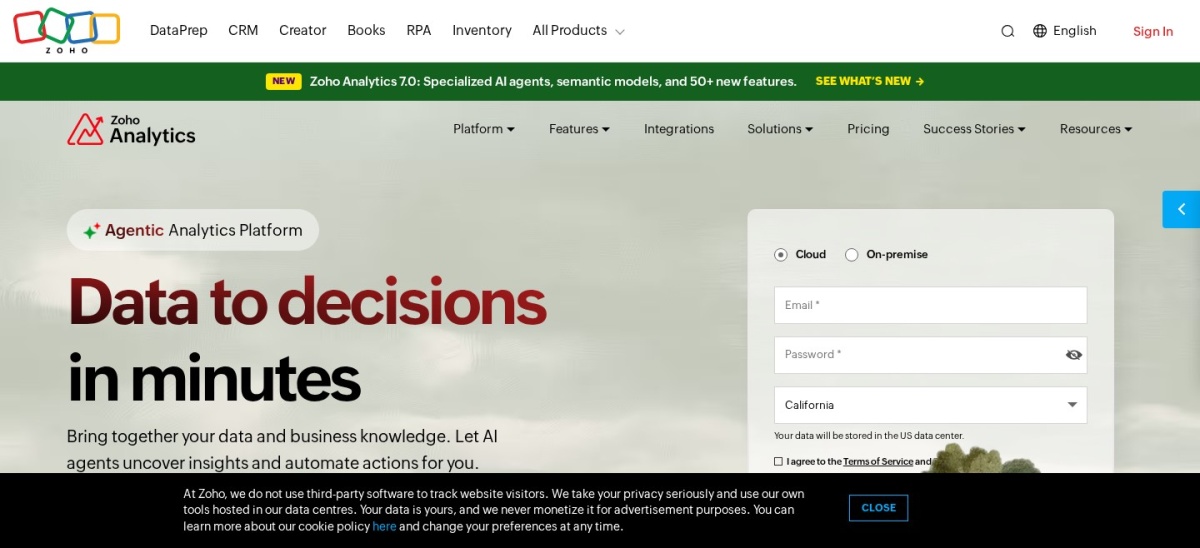
Zoho Analytics is a small-business analytics platform with a free plan for two users and a Basic plan at $24 a month. It covers dashboards, reports and data blending, and it integrates tightly with the rest of Zoho.
The trade off is depth. It suits small teams and Zoho users, but it lacks the modelling depth and scale of Power BI or Tableau for large programs. It suits small teams already on Zoho that want low-cost dashboards.
Free options cover the basics well. Metabase is free to self-host, Looker Studio is free for Google data, and Power BI Desktop is free for building reports.
Paid platforms add governance and scale. You get a shared semantic model, scheduled refreshes, row-level security and support for hundreds of viewers.
If only a few analysts need dashboards, a free tool plus a paid viewer plan is often enough. For a whole company, the per-user cost of Power BI or Tableau is the number to budget.
Watch the licence tiers. Tableau and Qlik charge more for people who build than for people who only view, so count your authors before you count your readers.
How we chose
We started from the BI platforms ranked on G2 and in 2026 buyer guides, then kept those with a verifiable G2 rating and real BI features such as visualization, data modelling and sharing.
Prices come from each vendor's pricing page or vendor-supplied pricing listings, checked on 24 November 2026. Where a vendor sells by quote, the list shows Custom and notes the published estimates.
We left out tools with no verifiable G2 rating. No vendor paid for a place, and we do not claim hands-on testing for this list.
How to choose a business intelligence tool
Start with your data and your audience, then pick the tool that fits both.
List your data sources first. Count the warehouses, spreadsheets, CRMs and apps the tool must connect to. A tool that cannot reach your data is useless, however good its charts look.
Decide who builds and who reads. Authors need full licences, viewers need cheaper ones. Count both groups before pricing, because the viewer count is usually much larger.
Check the governance model. Confirm the tool has one shared data model with row-level security, so every dashboard shows the same numbers and people only see their own data.
Try the free tier before buying. Build one real dashboard on your own data with the free desktop app or trial. If analysts struggle with it in a week, they will struggle with it all year.
FAQ
What is the best business intelligence tool?
Microsoft Power BI is the best pick for most teams. It costs $14 a user a month for Pro, includes a free desktop app and integrates deeply with Microsoft 365, and it is rated 4.5 out of 5 on G2 from more than 1,600 reviews.
How much does Tableau cost in 2026?
Tableau now sells editions instead of the old Creator, Explorer and Viewer tiers. Tableau Standard starts at $15 a user a month billed annually, and Tableau Enterprise starts at $35 a user a month. A free Desktop edition is available for local analysis.
Is Power BI really cheaper than Tableau?
Yes, for most teams. Power BI Pro is $14 a user a month, while Tableau Standard starts at $15 and Enterprise at $35 a user a month. The gap widens for large viewer audiences, where Power BI Premium capacity can be cheaper still.
What is the difference between Looker and Looker Studio?
Looker is Google's governed enterprise BI platform with a LookML semantic layer, sold by quote. Looker Studio is a free dashboard builder for Google data with no governance layer. They suit different buyers: Looker for governed teams, Looker Studio for quick free dashboards.
Can small businesses use these BI tools?
Yes. Zoho Analytics starts at $24 a month, Metabase is free to self-host, and Power BI has a free desktop app with a $14 Pro plan. The enterprise platforms here are priced for larger teams, but their free tiers still work for small ones.
Which BI tool is best for embedded analytics?
Sisense is the strongest pick for embedded analytics, with an API-first design for putting dashboards inside customer-facing products. Domo also offers an embedded option, and ThoughtSpot and Looker support embedding for internal portals.