Best Brand Guideline Software in 2026: 7 Tools Compared
WLWPLegible EditorsLast verified 22 Nov 2026How we rank10 min read
★ Short answer
zeroheight is the best brand guideline software for digital design teams, with a free plan covering one style guide, one editor and one design token set. Choose Canva for affordable brand kits and everyday marketing content or Marq for creating branded materials from controlled templates.
How we make this list: we compare pricing pages, product documentation and public user reviews, then re-check every price before each update. No product paid for a place. Disclosure.
zeroheight offers a free style guide and starts at $49 per editor per month for expanded documentation and customization.
Canva Pro costs $144 per year and includes 5 Brand Kits for managing visual identity across marketing materials.
Marq Pro starts at $120 per year and provides reusable brand assets and premium design templates.
Frontify earns a 4.5/5 G2 rating from 238 reviews and combines interactive guidelines with digital asset management.
Bynder has a 4.5/5 G2 rating from 1,201 reviews and supports enterprise brand asset governance.
Four of the 7 platforms require custom pricing, so enterprise buyers should request detailed subscription quotes.
What to look for in brand guideline software
Brand guideline software gives businesses a centralized location for documenting their visual identity, messaging standards and approved creative assets. Unlike static PDF documents, online guidelines can be updated without distributing replacement files.
Look for tools that support logo usage instructions, color palettes, typography, imagery examples and brand voice documentation. These elements help employees, agencies and external partners understand how to represent the business consistently.
Businesses with distributed marketing teams should prioritize access permissions, reusable templates and asset version management. These features help prevent employees from using outdated logos or modifying approved design elements.
Digital product teams may also need design system documentation, reusable components and design tokens. These capabilities connect brand identity with application interfaces and development workflows.
Consider whether you need a dedicated online guideline, a design application with brand management features or a complete digital asset management platform. Each approach has different subscription costs, implementation requirements and administrative responsibilities.
For shared brand style guides and asset distribution
Custom pricing
No free plan
4.4/5
Price ladder: cheapest paid plan per year
List prices, USD, checked Nov 2026
FrontifyCustom
BynderCustom
BrandfolderCustom
CantoCustom
MarqFREE$120
CanvaFREE$144
zeroheightFREE$588
The 7 best brand guideline software tools
01
zeroheight
4.3/5on G2 (21 reviews, checked Nov 2026)
Paid from$49/mo
Best for digital brand guidelines and design systems
Free style guides1
Starter style guides2
Design integrationsFigma and development tools
Paid planStarter, per editor
zeroheight.com
zeroheight homepage, captured Nov 2026.
zeroheight is an online design system documentation platform that helps businesses maintain brand standards, interface components and implementation guidance. Its free plan includes 1 editor, 1 style guide and 1 design token set, with customizable brand colors and logo uploads.
The trade off is that expanded customization, commenting and protected documentation require Starter at $49 per editor per month at the published yearly rate. The platform also focuses more on design systems than traditional marketing asset libraries. It suits digital product teams and agencies maintaining interactive brand documentation.
What we like
Dedicated online style guide documentation
Free plan includes custom colors and logos
Connects design and development tools
Supports structured design token documentation
Custom domains available on Starter
Watch out for
Relatively small public review sample
Per-editor pricing can increase collaboration costs
Not a complete marketing asset management platform
Best for small businesses managing everyday brand consistency
Free Brand Kits1, limited to 3 colors
Pro Brand Kits5
Pro storage100 GB
Paid planPro, one user
canva.com
Canva homepage, captured Nov 2026.
Canva is a visual design platform that combines marketing content creation with centralized brand identity settings. Its free plan includes a basic Brand Kit limited to 3 colors, while Pro provides 5 Brand Kits for organizing logos, fonts and color palettes.
The trade off is that Canva Pro costs $144 annually or $18 with monthly billing, and advanced team governance requires a higher subscription. Brand Kits also focus on applying brand elements rather than maintaining comprehensive guideline websites. It suits freelancers and small businesses producing regular marketing content.
What we like
Affordable annual subscription
Brand assets accessible inside the design editor
Suitable for users without specialist design experience
Supports presentations, social graphics and documents
Extensive public customer review history
Watch out for
Pro subscription is intended for individual users
Advanced brand approvals require a higher subscription
Less suitable for detailed external guideline portals
Pro adds 5 Brand Kits, premium design resources and 100 GB of cloud storage.Visit canva.com
03
Marq
4.5/5on G2 (210 reviews, checked Nov 2026)
Paid from$10/mo
Best for applying brand guidelines through reusable templates
Free projects3
Free storage2 GB
Brand asset managementPro and higher
Paid planPro, billed annually
marq.com
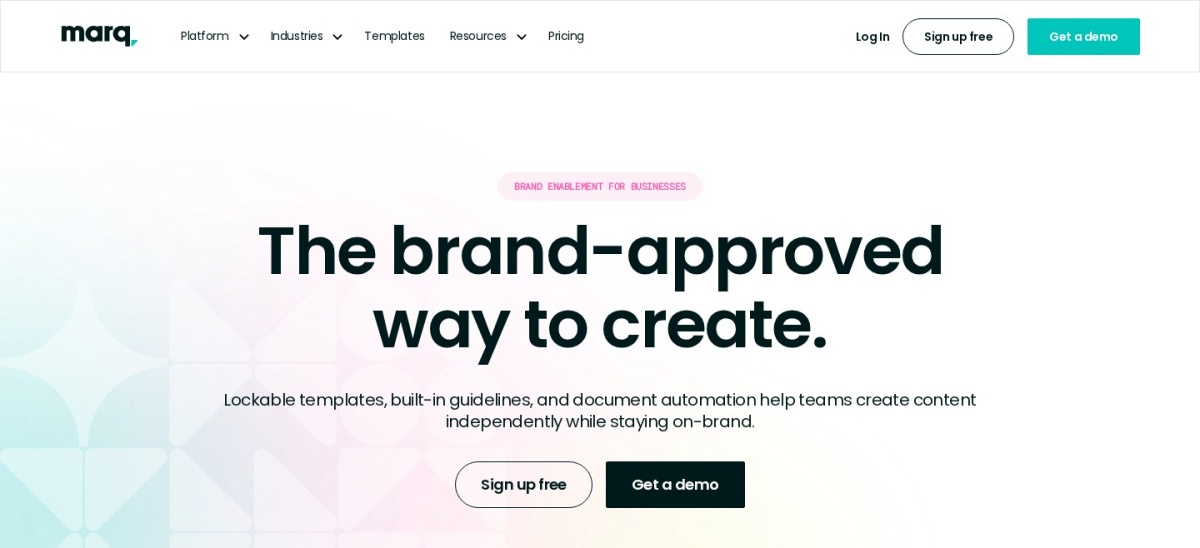
Marq homepage, captured Nov 2026.
Marq is a browser-based design and brand management platform that helps businesses create marketing materials from reusable layouts. Its free plan supports 3 projects and 2 GB of storage, while Pro adds smart brand assets, premium designs and publishing options.
The trade off is that advanced template locking and administrative controls require Team rather than the individual Pro subscription. Pro starts at $10 per month with annual billing or $15 with monthly billing. It suits marketing departments and businesses that want employees to create materials within established brand rules.
What we like
Reusable branded design templates
Supports digital and printed marketing materials
Affordable individual subscription
Template locking available on team subscriptions
Centralized management of recurring design elements
Watch out for
Advanced brand governance requires Team or Enterprise
Free subscription has limited project capacity
Not primarily a standalone style guide publishing platform
Pro adds smart brand assets, premium designs and expanded publishing capabilities.Visit marq.com
04
Frontify
4.5/5on G2 (238 reviews, checked Nov 2026)
PricingCustom pricing
Best for comprehensive enterprise brand management
Online guidelinesInteractive brand documentation
Asset managementIntegrated DAM
Pricing modelMonthly active users
Paid planCustom package
frontify.com
Frontify homepage, captured Nov 2026.
Frontify is an enterprise brand management platform that connects interactive guidelines with approved assets, reusable templates and branded portals. Its documentation and asset management capabilities help distributed teams maintain consistent standards, with a 4.5/5 G2 rating from 238 reviews.
The trade off is that Frontify requires a custom subscription quote rather than publishing fixed prices. Charges depend on monthly active users, with usage fluctuations assessed through rolling averages. It suits established organizations managing complex brand identities across employees, agencies and external partners.
Connects documentation directly to approved assets
Role-based brand portal access
Supports controlled marketing templates
Usage-based subscription model
Watch out for
No publicly available fixed subscription price
Implementation requires planning and asset organization
May exceed the requirements of small businesses
Commercial packages combine guidelines, asset management, templates and analytics according to requirements.Visit frontify.com
05
Bynder
4.5/5on G2 (1,201 reviews, checked Nov 2026)
PricingCustom pricing
Best for enterprise brand asset governance
Asset managementEnterprise DAM
Brand documentationContent Experiences for User Community
Integrations145+
Paid planCustom modular package
bynder.com
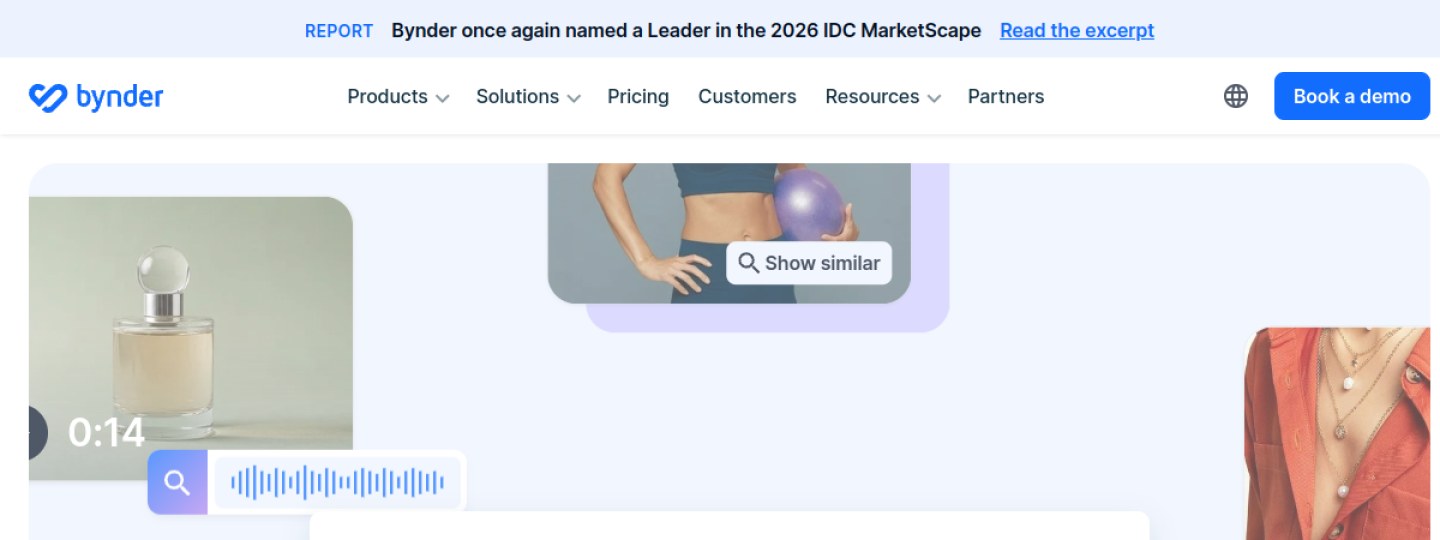
Bynder homepage, captured Nov 2026.
Bynder is an enterprise digital asset management platform that helps organizations maintain approved creative content and distribute brand guidance. Its platform supports more than 145 integrations, combining searchable asset libraries with content experiences and brand governance workflows.
The trade off is that Bynder does not publish fixed subscription prices, and buyers must request a custom package covering their required modules. Organizations may also need implementation support and asset migration planning. It suits larger businesses managing extensive creative libraries and complex brand compliance requirements.
What we like
Centralized enterprise asset management
Extensive integration options
Searchable approved content libraries
Supports structured brand guidance
Established customer review history
Watch out for
Subscription pricing requires a sales quote
Additional modules can increase overall costs
Implementation may require dedicated administrative resources
Best for connecting brand guidelines with approved assets
Asset managementCentralized digital library
Brand documentationBrandguide
Asset discoverySearch and tagging
Paid planPremium, custom quote
brandfolder.com
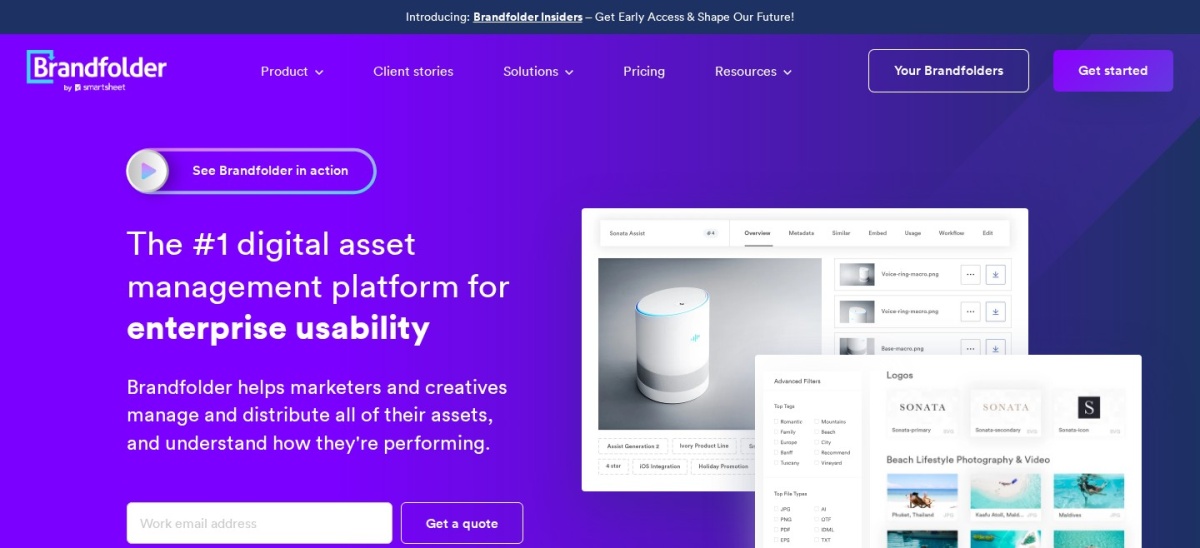
Brandfolder homepage, captured Nov 2026.
Brandfolder is a digital asset management platform that helps creative and marketing teams organize approved content and distribute brand information. Its Brandguide functionality complements asset libraries, while the wider platform has a 4.4/5 G2 rating from 1,435 reviews.
The trade off is that Brandfolder publishes Premium and Enterprise package descriptions without fixed subscription prices. Buyers must obtain a custom quote and confirm whether their preferred guideline features are included. It suits established marketing teams that prioritize asset discovery, controlled distribution and consistent creative resources.
What we like
Combines brand information with approved creative assets
Centralized searchable asset libraries
Supports external asset distribution
Asset usage analytics available
Large public review sample
Watch out for
No fixed public subscription prices
More extensive than a dedicated guideline publishing tool
Feature availability depends on the commercial package
Best for shared brand style guides and asset distribution
Style guidesPublic and private
Brand portalsUnlimited
Access controlsUser and group permissions
Paid planCustom package
canto.com
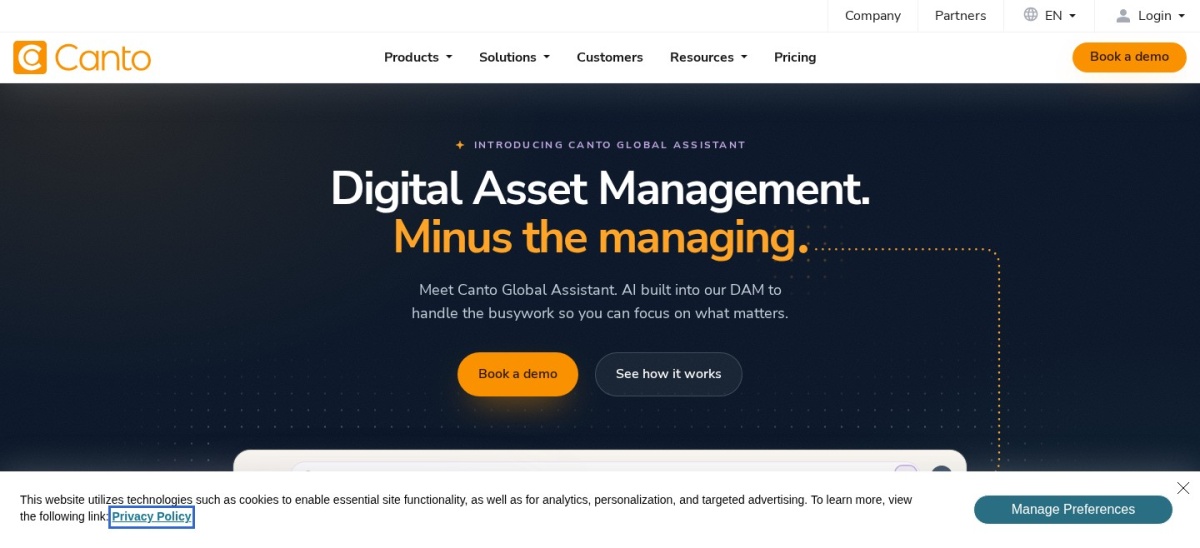
Canto homepage, captured Nov 2026.
Canto is a digital asset management platform that lets businesses organize creative resources and publish brand style guides. Its published package information includes unlimited portals and style guides, while the platform earns a 4.4/5 G2 rating from 1,828 reviews.
The trade off is that Canto uses custom pricing based on team size, storage and selected capabilities. Businesses should also confirm whether optional branded template features are included in their subscription. It suits marketing departments that need accessible brand documentation alongside a searchable library of approved content.
What we like
Supports public and private style guides
Unlimited brand portals and style guides
User and group access permissions
Centralized asset discovery and distribution
Suitable for internal and external creative collaboration
Watch out for
No publicly available fixed subscription price
Optional template functionality may cost extra
Requires asset organization during implementation
Commercial packages include DAM capabilities, branded portals and selected workflow features.Visit canto.com
How much does brand guideline software cost?
The lowest published paid subscription in this comparison is Marq Pro at $120 annually. Canva Pro costs $144 per year, while zeroheight Starter starts at $588 annually per editor.
Frontify, Bynder, Brandfolder and Canto use custom commercial pricing. Their subscription costs depend on factors such as users, storage, selected modules and implementation requirements. A custom pricing entry in the price ladder does not represent a free subscription.
Calculate total costs according to your actual workflow rather than comparing starting prices alone. Additional editors, enterprise permissions, branded portals, asset migration and onboarding can change the overall expense substantially.
Brand guideline software vs digital asset management
Brand guideline software documents how a business should present itself. It explains logo usage, typography, color combinations, imagery direction, messaging and other rules that maintain a consistent identity.
Digital asset management software stores, organizes and distributes the creative files used to implement those rules. Its features typically include searchable libraries, metadata, access permissions and asset distribution controls.
Dedicated guideline documentation is often sufficient for small design teams. Larger organizations may benefit from platforms such as Frontify, Bynder, Brandfolder and Canto because they connect brand standards with approved creative resources.
How we chose
We selected established software products with brand guideline documentation, brand identity management or controlled template functionality. The comparison includes dedicated design system tools, creative applications and digital asset management platforms to address different business requirements.
Official pricing pages and public G2 ratings were checked on 24 Nov 2026 for this guide dated 22 Nov 2026. Published subscription prices were converted into annual equivalents, while enterprise platforms without fixed public prices are identified as custom pricing.
We excluded products with insufficient public reviews, unconfirmed subscription prices or limited relevance to brand guideline management. Public ratings refer to the complete reviewed software products rather than individual brand guideline modules. No vendor paid for a place, and we do not claim testing for this list.
How to choose the best brand guideline software
Identify your brand documentation requirements, creative workflows and collaboration needs before choosing a subscription.
Determine what your brand guidelines need to cover. Choose zeroheight for structured digital design documentation or Canva for managing visual identity during everyday design work. Consider dedicated brand portals when external partners need detailed usage instructions and downloadable resources.
Decide whether you need asset management. Businesses with extensive photo, video and design libraries should consider Frontify, Bynder, Brandfolder or Canto. Smaller teams may only need a style guide and organized folders containing approved creative files.
Evaluate collaboration and access controls. Confirm which employees and external partners need editing or viewing access. Review available permissions, password protection, template locking and approval workflows before purchasing a plan intended for organization-wide use.
Compare complete annual subscription costs. Calculate expenses based on required editors, active users, storage and optional modules. Request written enterprise quotes and confirm whether onboarding, asset migration and ongoing support are included.
FAQ
What is the best brand guideline software?
zeroheight is our top pick for digital teams that need structured online style guides and design system documentation. Canva is suitable for smaller marketing teams, while Frontify provides more extensive enterprise brand guideline and asset management capabilities.
What is brand guideline software?
Brand guideline software helps businesses document and distribute standards governing their visual identity and communication. It typically covers logos, colors, fonts, imagery, messaging and approved creative assets, helping employees and external partners represent the business consistently.
Is there free brand guideline software?
Yes. zeroheight provides a free plan with one style guide and one editor. Canva offers a limited free Brand Kit, while Marq provides free design functionality for up to 3 projects. Advanced customization generally requires a paid subscription.
How much does brand guideline software cost?
Marq Pro starts at $120 annually, Canva Pro costs $144 per year, and zeroheight Starter starts at $588 annually per editor. Enterprise brand management platforms usually require custom quotes based on organizational requirements.
Can Canva be used to create brand guidelines?
Yes. Canva provides Brand Kits for organizing colors, fonts and logos, along with design tools for creating guideline documents and presentations. Its Pro subscription includes 5 Brand Kits, although dedicated documentation platforms provide more specialized guideline publishing features.
What should a digital brand guideline include?
A digital brand guideline should explain logo usage, typography, color palettes, imagery direction, messaging standards and prohibited design treatments. Include practical examples and access to approved files so employees and external partners can apply the rules correctly.
Can brand guideline software prevent unauthorized design changes?
Platforms with locked templates and configurable permissions can restrict changes to approved design elements. Marq and Frontify offer relevant template governance capabilities, although buyers should confirm which subscription includes the required editing restrictions and approval controls.
What is the difference between a brand kit and brand guidelines?
A brand kit typically stores reusable identity elements such as logos, fonts and colors. Brand guidelines explain how those elements should be applied, including acceptable combinations, spacing, tone of voice, imagery direction and examples of incorrect usage.
What is the best brand guideline software for enterprises?
Frontify is a suitable enterprise option because it connects interactive guidelines, digital assets and controlled templates. Bynder, Brandfolder and Canto are alternatives for organizations that prioritize large creative libraries, asset distribution and permission-based access.