Best Attendance Tracking Software in 2026: 7 Tools Compared
WLWPLegible EditorsLast verified 22 Nov 2026How we rank9 min read
★ Short answer
Connecteam is the best attendance tracking software for most businesses, with GPS clock-ins and scheduling starting at $29 per month for the first 30 users on annual billing. Choose Buddy Punch for dedicated employee time clocks or Homebase for location-based scheduling and attendance management.
How we make this list: we compare pricing pages, product documentation and public user reviews, then re-check every price before each update. No product paid for a place. Disclosure.
Connecteam covers the first 30 users for $29 per month on annual Operations Basic billing.
Buddy Punch has a 4.8/5 Capterra rating and combines attendance records with paid time-off tracking.
Homebase provides free basic scheduling and time tracking for up to 10 employees at one location.
Clockify and TimeCamp offer regular annual subscription rates starting at $3.99 per user per month.
Deputy starts at $5 per user per month and combines employee scheduling with time clocks.
Time Doctor starts at $6.67 per user per month on annual billing, but dedicated attendance features require Standard.
What good attendance tracking software should include
Attendance tracking software records when employees start work, finish shifts, take breaks, and request time off. It replaces manual attendance sheets with digital records that managers can review before processing payroll.
Reliable clock-in methods are important for businesses with employees working across different locations. Mobile applications, GPS verification, and shared workplace kiosks help managers confirm attendance without relying on paper records.
Scheduling integration makes attendance records more useful. Managers can compare scheduled shifts against actual working hours to identify late arrivals, missed shifts, and unexpected overtime.
Pricing structures differ considerably. Some vendors charge per employee, while others charge a fixed subscription per workplace or employee group. Compare the total subscription cost for your actual workforce rather than relying on the advertised starting price.
Employee privacy also matters. Choose attendance verification methods that serve a legitimate business purpose, explain how information is collected, and restrict access to sensitive employee records.
4.6/5on Capterra (5,322 reviews, checked Nov 2026)
Paid from$29/mo
Best for overall employee attendance management
Entry planOperations Basic
Attendance verificationGPS clock-ins
SchedulingIncluded
BillingFirst 30 users, annual billing
connecteam.com
Connecteam homepage, captured Nov 2026.
Connecteam is an employee management platform that brings attendance, scheduling, and operational tasks into a shared workspace. Its Operations Basic plan covers the first 30 users and includes location-enabled time clocks, job tracking, shift scheduling, and connections to payroll systems.
The trade off is its modular pricing structure, with separate subscriptions for additional management hubs. Operations Basic costs $29 per month with annual billing or $35 month-to-month. It suits businesses managing frontline employees across multiple workplaces without purchasing a separate attendance application.
Broader feature set requires additional configuration
Operations Basic adds expanded time clocks, scheduling, and job management.Visit connecteam.com
02
Buddy Punch
4.8/5on Capterra (1,143 reviews, checked Nov 2026)
Starts at$4.99/mo
Best for dedicated employee time clocks
Entry planStarter
Attendance verificationGPS punch records
Time-off managementIncluded
BillingPer user plus $19 monthly base fee
buddypunch.com
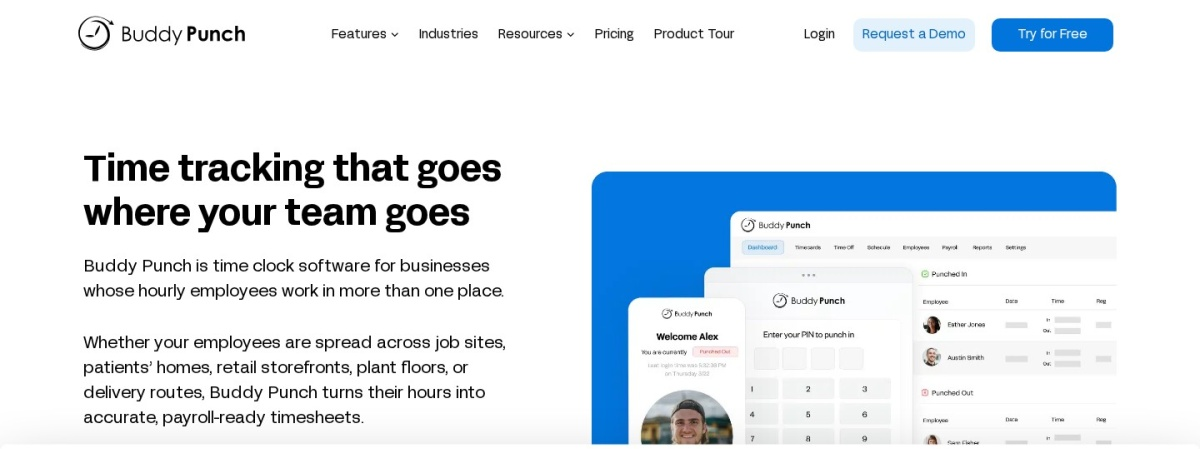
Buddy Punch homepage, captured Nov 2026.
Buddy Punch is a dedicated employee time clock platform rated 4.8/5 across 1,143 Capterra reviews. Its Starter subscription records working hours, punch locations, leave requests, and time assigned to individual jobs through desktop and mobile applications.
The trade off is the additional subscription base fee and the absence of a permanent free plan. Starter lists at $4.99 per user per month plus a $19 monthly base fee. It suits businesses that prioritize accurate timecards and straightforward employee attendance administration.
What we like
Dedicated clock-in and clock-out workflows
Location information attached to punches
Employee leave requests and tracking
Administrator accounts without additional seat charges
Automated attendance reminders
Watch out for
Mandatory base fee increases costs for small teams
No permanent free subscription
Employee scheduling requires a higher plan
Starter includes attendance essentials, GPS punch records, and leave tracking.Visit buddypunch.com
03
Homebase
4.6/5on Capterra (1,158 reviews, checked Nov 2026)
Paid from$30/mo
Best for hourly employees and local workplaces
Entry planEssentials
Free employee limit10 employees
Paid employee limitUnlimited per location
BillingPer location
joinhomebase.com
Homebase homepage, captured Nov 2026.
Homebase is a workforce management application designed around hourly employees and workplace schedules. Its free Basic subscription supports up to 10 employees at one location, with standard time tracking, shift planning, and point-of-sale integration.
The trade off is location-based billing, which increases costs for businesses operating many small workplaces. Essentials lists at $30 per location per month, while a temporary promotion applies to higher-tier payroll packages. It suits restaurants, retail stores, and service businesses with concentrated teams.
What we like
Free attendance and scheduling for small workplaces
Paid plans support unlimited employees per location
Scheduling and timecards share a workspace
Payroll is available as an optional addition
Watch out for
Free subscription is limited to one workplace
Advanced leave controls require a higher tier
Payroll adds separate subscription costs
Essentials expands scheduling, attendance controls, and employee communication.Visit joinhomebase.com
04
Clockify
4.8/5on Capterra (9,276 reviews, checked Nov 2026)
Paid from$3.99/mo
Best for affordable timekeeping and project reporting
Entry planBasic
Clock-in methodsTimer, timesheet, kiosk
Free trackingUnlimited recorded time
BillingPer full seat, annually
clockify.me
Clockify homepage, captured Nov 2026.
Clockify is a timekeeping platform with project timers, employee timesheets, reporting, and shared clock-in devices. Its free subscription supports unlimited recorded time and lets users invite up to 4 people, while Capterra lists a 4.8/5 overall rating.
The trade off is that more advanced workforce administration features require subscription upgrades. Basic costs $3.99 per full seat per month with annual billing, while kiosk-only seats have separate reduced rates starting at $0.79. It suits agencies and small teams combining attendance with project time reporting.
What we like
Affordable full-seat subscription
Reduced pricing for kiosk-only employees
Free time tracking option
Useful project-level time reports
Multiple ways to enter working hours
Watch out for
Free collaboration has a user limit
Advanced workforce controls require higher plans
Project tracking features may be unnecessary for some workplaces
Basic expands administrative controls and timekeeping management.Visit clockify.me
05
Deputy
4.6/5on Capterra (775 reviews, checked Nov 2026)
Starts at$5/mo
Best for shift-based attendance tracking
Entry planLite
AttendanceDigital time clocks
SchedulingIncluded
BillingPer user
deputy.com
Deputy homepage, captured Nov 2026.
Deputy is a workforce scheduling and attendance platform with a 4.6/5 Capterra rating. Its Lite subscription combines digital attendance records, employee schedules, shift replacement requests, availability management, reporting, and connections to payroll and HR systems.
The trade off is that biometric clock-ins, automated timesheet approvals, and more advanced scheduling are reserved for Core at $6.50 per user per month. Lite starts at $5 per user per month. It suits employers that regularly adjust staff schedules and need accurate records of completed shifts.
What we like
Employee scheduling included in the starting subscription
Shift swaps and replacement workflows
Employee availability management
Payroll and HR system integrations
Watch out for
No permanent free subscription
Automatic timesheet approvals require Core
Biometric time clocks require a higher subscription
Lite covers core scheduling, attendance, timesheets, and availability management.Visit deputy.com
06
TimeCamp
4.7/5on Capterra (600 reviews, checked Nov 2026)
Paid from$3.99/mo
Best for attendance and billable work tracking
Entry planStarter
Attendance calendarIncluded in Starter
Overtime trackingIncluded in Starter
BillingPer user, annually
timecamp.com
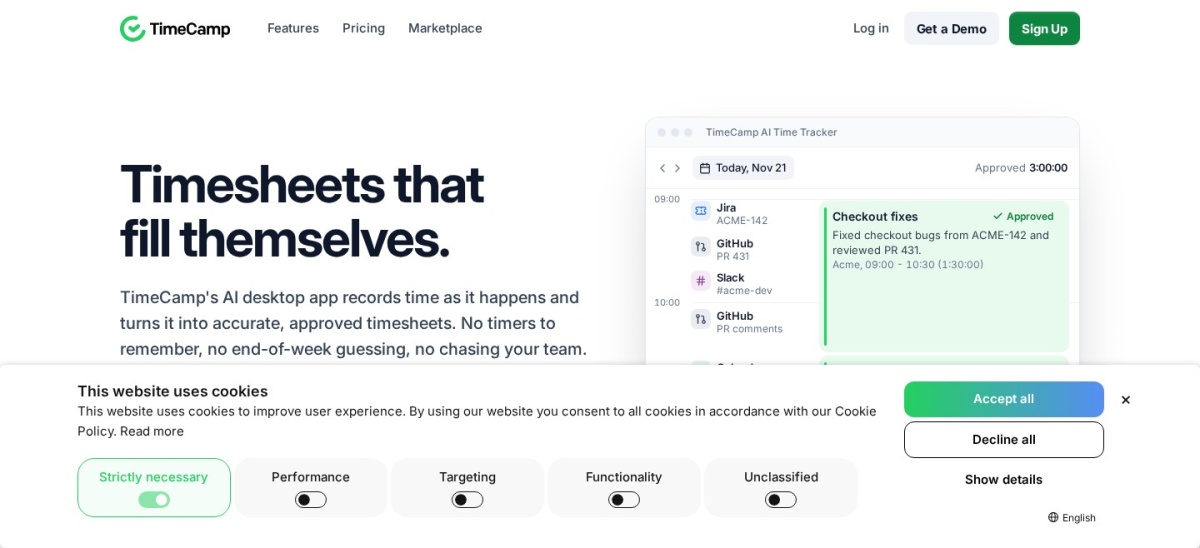
TimeCamp homepage, captured Nov 2026.
TimeCamp is a time tracking and billing platform that combines employee attendance records with project administration. Its Starter subscription costs $3.99 per user per month on annual billing and includes attendance calendars, working-hour records, leave tracking, overtime calculations, and invoicing.
The trade off is that dedicated attendance features require a paid subscription despite the availability of a free time tracking plan. Starter costs $5.49 per user when billed monthly, and AI usage may involve separate charges. It suits professional service businesses tracking both employee presence and client work.
What we like
Affordable annual subscription
Attendance calendar on the entry paid tier
Overtime and leave records
Project time and invoicing in one system
Watch out for
Attendance management is not included in the free plan
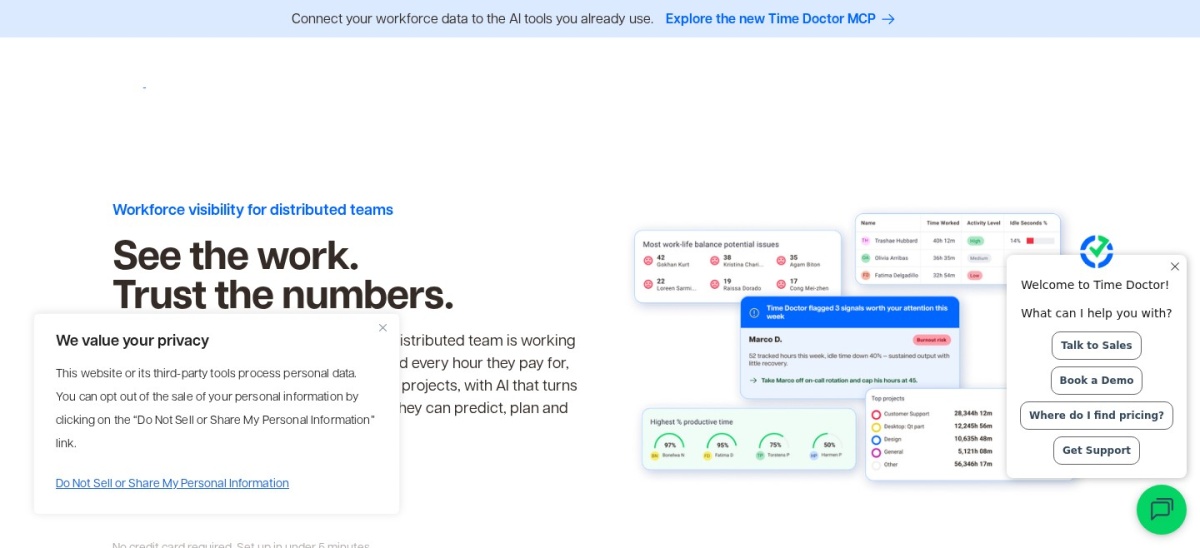
Time Doctor is a workforce analytics and time tracking platform for distributed teams, with a 4.5/5 Capterra rating. Its Basic subscription provides automatic time records, project tracking, timeline reports, and online or offline tracking, while Standard adds dedicated attendance management.
The trade off is the difference between entry-level pricing and the subscription required for complete attendance workflows. Basic starts at $6.67 per user per month on annual billing, but Standard starts at $11.67. It suits remote employers that need attendance analysis alongside detailed working-hour reports.
What we like
Working-hour records for remote employees
Project and task time tracking
Attendance and leave reporting on Standard
Timesheet approvals on Standard
Watch out for
Dedicated attendance requires a higher subscription
Basic adds automatic time records; Standard provides dedicated attendance features.Visit timedoctor.com
Attendance tracking vs. employee time tracking
Attendance tracking answers whether employees were present when expected. It focuses on arrival times, departures, missed shifts, breaks, leave, and scheduled working hours.
Employee time tracking answers how working hours were spent. It often organizes time by project, client, job, or task to support invoicing, budgeting, and resource planning.
Businesses with hourly employees generally benefit from dedicated attendance features, while professional service companies may need both attendance and project time reports. Select a platform that reflects your payroll process rather than purchasing unnecessary monitoring features.
How much does attendance tracking software cost?
Regular annual per-user subscription rates in this comparison start at $3.99 per month. Fixed-price alternatives include Connecteam at $29 per month on annual billing and Homebase at $30 per location per month at its displayed regular rate.
The price ladder converts advertised starting subscriptions into annual amounts. Per-user products generally represent the cost of a single full seat, while fixed-price products represent their starting employee group or location. Buddy Punch includes its mandatory base fee in the annual figure.
The cheapest starting subscription may not include every attendance feature. Time Doctor reserves dedicated attendance management for Standard, while Clockify offers separate pricing for employees who only need kiosk access.
Request a complete cost breakdown before subscribing. Additional employee seats, workplace locations, scheduling modules, payroll services, and implementation requirements can change the overall cost.
How we chose
We selected established attendance and time tracking platforms with public Capterra review profiles, active commercial offerings, and features relevant to employee attendance. We compared clock-in methods, scheduling, leave management, reporting, payroll connectivity, and subscription structures.
The article uses 22 Nov 2026 as its editorial verification date, with vendor prices and Capterra ratings subsequently retrieved on 24 Nov 2026. Prices reflect publicly displayed regular subscriptions rather than temporary promotional offers, and annual amounts are calculated from the stated billing rates.
We excluded products whose official pricing could not be confirmed, along with tools that lacked sufficient independent reviews or meaningful attendance-related capabilities. No vendor paid for a place, and we do not claim testing for this list.
How to choose the best attendance tracking software
Start by identifying your workforce structure, attendance policies, payroll requirements, and preferred employee clock-in methods before comparing subscription prices.
Identify where employees work. Determine whether your employees work at fixed workplaces, travel between job sites, or operate remotely. Fixed workplaces may benefit from shared kiosks, while mobile employees need accessible clock-in applications and appropriate location verification.
Check scheduling and leave requirements. Decide whether attendance records must connect directly to employee schedules, overtime policies, and leave balances. Check which subscription tier includes these features rather than assuming they are available in the cheapest plan.
Calculate the complete subscription cost. Compare per-user subscriptions against location-based and fixed-team pricing. Include mandatory base fees, additional workplaces, payroll integrations, and any upgrades required for your attendance policies.
Review integrations and employee privacy. Confirm compatibility with your existing payroll and HR systems. Evaluate data retention, employee access, administrator permissions, and the ability to disable monitoring features that are unnecessary for attendance management.
FAQ
What is the best attendance tracking software?
Connecteam is our top overall pick because it combines employee clock-ins, scheduling, job tracking, and payroll connectivity under its Operations subscription. Buddy Punch is preferable for dedicated time clocks, while Homebase is suitable for location-based hourly teams.
Is there free attendance tracking software?
Yes. Connecteam offers permanent free subscription options, and Homebase provides basic scheduling and time tracking for up to 10 employees at one workplace. Clockify also offers free timekeeping, although collaboration limits apply.
How much does employee attendance software cost?
Pricing depends on employee numbers, workplace locations, and required features. Clockify and TimeCamp start at $3.99 per user per month with annual billing, while Connecteam starts at $29 per month for its initial employee group.
Which attendance tracking software is best for small businesses?
Homebase is a practical option for small hourly teams operating from a single workplace. Connecteam is worth considering for businesses that need additional operational tools, while Clockify works well for small teams focused on basic timekeeping.
Can attendance software prevent buddy punching?
Attendance platforms can reduce unauthorized clock-ins through location verification, employee authentication, shared kiosks, and biometric options where appropriate. These features do not eliminate attendance fraud completely, so managers should maintain clear policies and review unusual records.
Can attendance tracking software integrate with payroll?
Many attendance platforms connect with payroll systems or export working-hour records for payroll processing. Before subscribing, confirm that your preferred payroll provider is supported and determine whether integration requires a subscription upgrade or additional payment.
What is the difference between attendance software and time tracking software?
Attendance software records employee presence, absences, late arrivals, and completed shifts. Time tracking software measures hours spent on tasks or projects. Some platforms combine both functions, making them suitable for businesses managing payroll and client billing.
Which attendance tracking software is best for remote employees?
Time Doctor is worth considering for remote attendance analysis, particularly when employers also need project time reports. Its dedicated attendance functionality requires Standard. Clockify is a simpler alternative for remote teams that primarily need working-hour records and timesheets.