Best Construction Machine Tracking Software in 2026: 7 Tools Compared
WLWPLegible EditorsLast verified 22 Nov 2026How we rank6 min read
★ Short answer
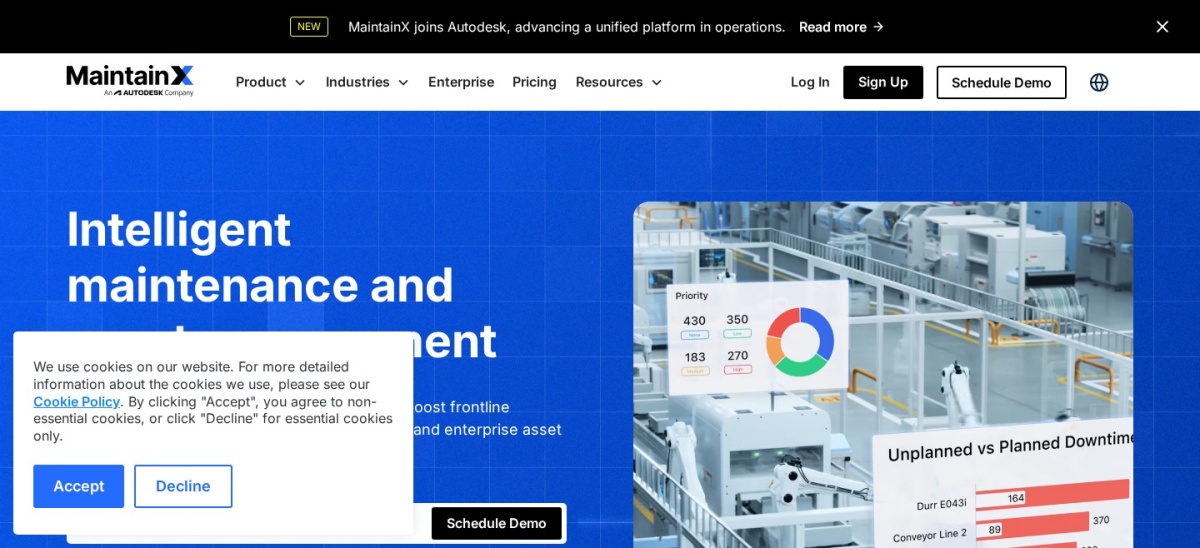
MaintainX leads for mobile field maintenance and machine work orders, holding a 4.8 rating across 1,605 G2 reviews. Fleetio fits fleets wanting per-asset maintenance tracking starting at $4 per vehicle per month billed annually, while Limble suits teams focused on structured preventive maintenance schedules.
How we make this list: we compare pricing pages, product documentation and public user reviews, then re-check every price before each update. No product paid for a place. Disclosure.
MaintainX holds a 4.8/5 rating from 1,605 reviews on G2, with a $0 Basic plan and paid tiers starting at $20 per user per month billed annually.
Fleetio starts at $4 per vehicle per month billed annually ($5 billed monthly) with a 4.6/5 rating across 233 G2 reviews.
Limble offers a 4.8/5 rating on G2 from 702 reviews and starts at $28 per user per month on its Standard plan.
SafetyCulture provides a free plan for small teams up to 10 users and a $24 per seat per month annual plan, rated 4.6/5 across 486 G2 reviews.
eWorkOrders charges a flat $380 per month for unlimited users on Starter and holds a 4.9/5 rating from 121 reviews on Capterra.
What to look for in construction machine tracking software
Construction machine tracking software helps contractors monitor heavy equipment status, log meter readings, schedule preventive maintenance, and keep work orders organized across job sites. Depending on the platform, tracking may focus on mobile inspections, meter-based service triggers, parts inventory, or telematics and sensor integrations.
Pricing models vary widely across vendors. Some tools charge per user each month, some charge per tracked asset or vehicle, and others use flat monthly tiers for unlimited users.
Before committing to an annual contract, check whether your crew needs offline mobile access, barcode or QR scanning, meter-based maintenance triggers, and free requester accounts for field operators who only submit issues.
MaintainX is a mobile-first maintenance and workflow platform used by more than 14,000 organizations worldwide. Its Basic plan costs $0 per user per month, while free requester accounts let field staff submit issues without a paid seat.
The trade off is per-user pricing that adds up as your technician headcount grows, starting at $20 per user per month billed annually ($25 billed monthly) on Essential and $240 per user per year. It suits contractors prioritizing fast mobile checklists and meter-triggered work orders.
What we like
Offers a $0 Basic plan and free requester accounts
Supports meter-based maintenance and repeating work orders on paid plans
High user rating of 4.8/5 across 1,605 reviews on G2
Available across mobile and desktop apps with 24/7 support
Watch out for
Per-user fees scale with licensed team size
Condition-based machine monitoring and OT connectors sit on higher tiers
Essential ($20/user/mo billed annually) adds unlimited repeating work orders, meter-based maintenance, and expanded analytics history.Visit getmaintainx.com
02
Fleetio
4.6/5on G2 (233 reviews, checked Nov 2026)
Starts at$4/vehicle/mo (billed annually)
Best for per-asset fleet and equipment maintenance
Entry paid tierEssential ($4/vehicle/mo annual)
Monthly billingEssential at $5/vehicle/mo
G2 rating4.6/5 (233 reviews)
User limitUnlimited users on plans
fleetio.com
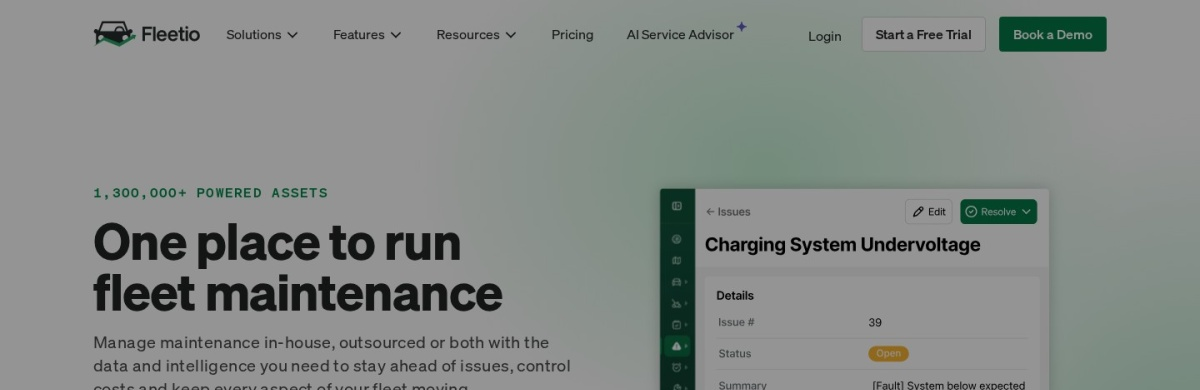
Fleetio homepage, captured Nov 2026.
Fleetio is a fleet and equipment maintenance platform built around service histories, inspections, work orders, and parts inventory across more than 1.3M vehicles. It offers a 14-day free trial without a credit card and per-asset pricing with unlimited users.
The trade off is that there is no permanent free tier, and Essential starts at $4 per vehicle per month billed annually ($5 billed monthly), or $48 per vehicle per year. It suits fleets that want asset-based pricing rather than per-seat fees.
What we like
Starts at $4 per vehicle per month billed annually with unlimited users
Includes mobile inspection and service logging via the Fleetio Go app
Supports telematics and fuel card integrations plus an optional Tools add-on
Watch out for
No free plan after the 14-day trial ends
API access and webhooks are not included on the Essential tier
Professional ($7/vehicle/mo billed annually) adds service tracking workflows, expanded reporting, API access, and webhooks.Visit fleetio.com
03
SafetyCulture
4.6/5on G2 (486 reviews, checked Nov 2026)
Paid from$24/seat/mo (billed annually)
Best for equipment safety inspections and checklists
Free planFree up to 10 users ($0)
Entry paid tierPremium ($24/seat/mo annual)
G2 rating4.6/5 (486 reviews)
Monthly optionPremium at $29/user/mo
safetyculture.com
SafetyCulture homepage, captured Nov 2026.
SafetyCulture is an inspection, audit, and operational checklist platform used by over 80,000 organizations to document site and equipment checks. Its free plan supports up to 10 users at $0 with inspections, reports, and up to 300 AI credits per seat per month.
The trade off is per-seat pricing once you pass the free limit or need unlimited templates, starting at $24 per seat per month billed annually ($29 monthly) or $288 per seat per year. It suits teams focused on pre-shift machine checks and compliance records.
What we like
Free plan covers up to 10 users for basic inspections and reporting
Strong mobile photo and note capture for site and machine audits
Rated 4.6/5 across 486 reviews on G2
Watch out for
Per-seat costs apply above the small-team free plan
Focused on inspections and workflows rather than full heavy-fleet telematics
Premium ($24/seat/mo billed annually) adds unlimited active inspection templates, multi-language templates, and advanced analytics.Visit safetyculture.com
04
UpKeep
4.5/5on G2 (1,119 reviews, checked Nov 2026)
Starts at$24/user/mo
Best for mobile-first preventive maintenance teams
Entry paid tierEssential ($24/user/mo)
Next tierPremium ($55/user/mo)
G2 rating4.5/5 (1,119 reviews)
Work ordersUnlimited on Essential
upkeep.com
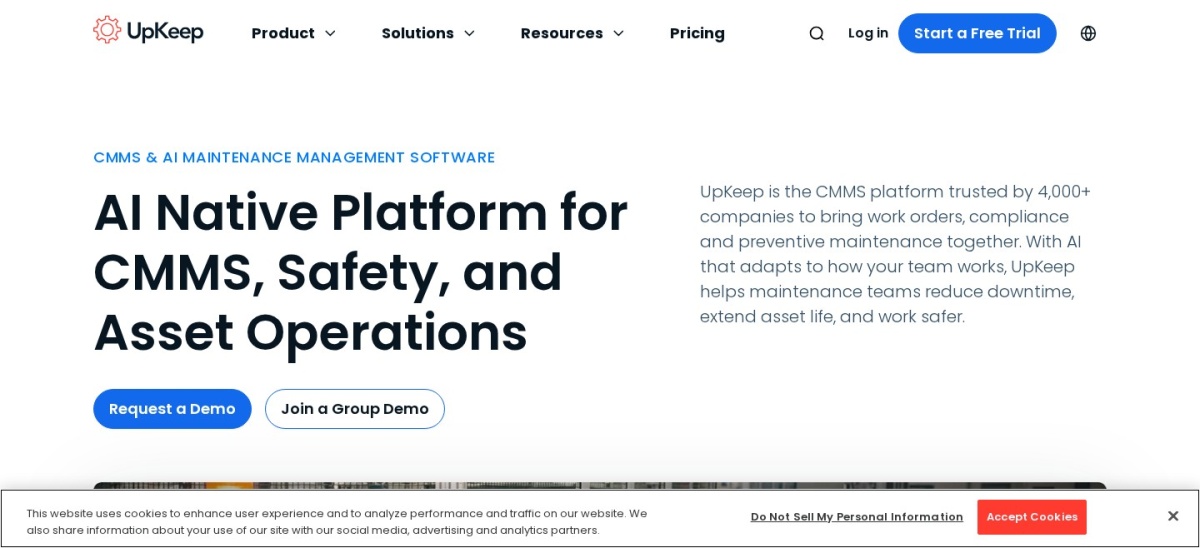
UpKeep homepage, captured Nov 2026.
UpKeep is a maintenance management platform built around mobile work orders, asset tracking, and preventive schedules for field and facility teams. Its Essential plan starts at $24 per user per month and includes unlimited work orders, unlimited locations, and 250 Nova Credits per month.
The trade off is no permanent free tier and per-user pricing that rises to $55 per user per month on Premium, or $288 per user per year on Essential. It suits small teams moving off paper or spreadsheets onto mobile maintenance tracking.
What we like
Essential plan includes unlimited work orders and locations at $24/user/mo
Easy mobile work order updates for field technicians
Broad review footprint with 4.5/5 across 1,119 G2 reviews
Watch out for
Per-user pricing increases costs for larger crews
Mobile offline mode and asset lifecycle tracking require higher tiers
Premium ($55/user/mo) increases monthly Nova Credits to 500–750 and supports teams shifting from reactive to preventive maintenance.Visit upkeep.com
05
Limble
4.8/5on G2 (702 reviews, checked Nov 2026)
Starts at$28/user/mo
Best for preventive maintenance and work requests
Entry paid tierStandard ($28/user/mo)
Higher tierPremium+ ($69/user/mo)
G2 rating4.8/5 (702 reviews)
Core focusPMs, work requests, analytics
limblecmms.com
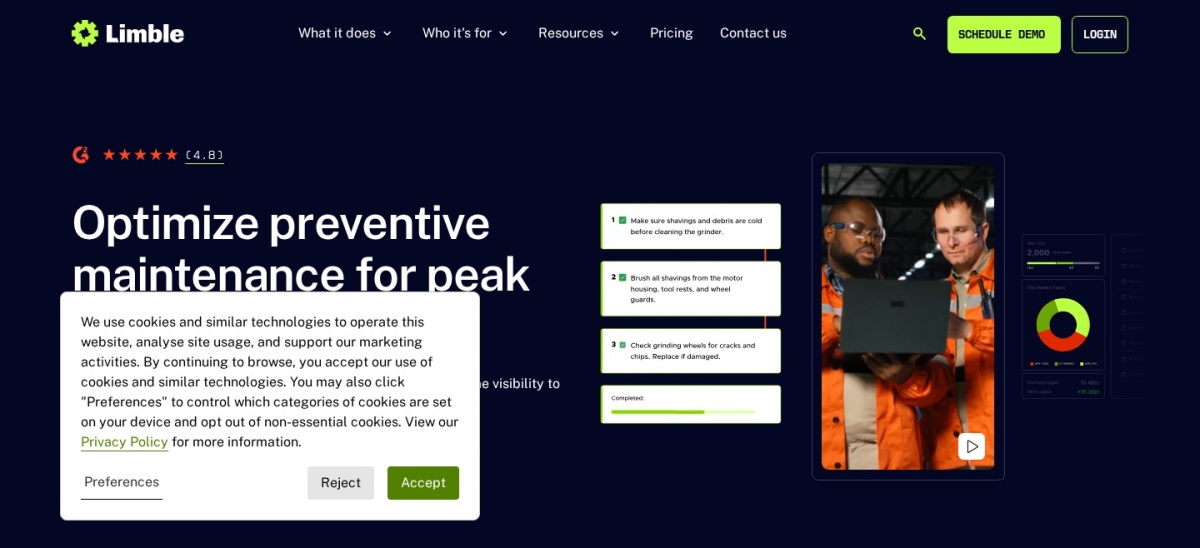
Limble homepage, captured Nov 2026.
Limble is a maintenance management platform focused on work orders, preventive maintenance schedules, asset tracking, and reporting. Its Standard plan starts at $28 per user per month and adds work requests, dashboards, and analytics.
The trade off is no free tier and per-user pricing that reaches $69 per user per month on Premium+, or $336 per user per year on Standard. It suits maintenance teams that want clear PM histories and simple request workflows.
What we like
High 4.8/5 rating across 702 reviews on G2
Includes work requests, dashboards, and analytics on the $28/user/mo Standard plan
Strong PM tracking and reporting feedback from users
Watch out for
Inventory management and time tracking require upgrading to Premium+ ($69/user/mo)
No free plan tier available
Premium+ ($69/user/mo) adds inventory management, time tracking, and expanded maintenance capabilities.Visit limblecmms.com
06
MPulse
4/5on G2 (1 reviews, checked Nov 2026)
Starts at$29/user/mo (billed annually)
Best for meter-based schedules and free requesters
Entry paid tierProfessional ($29/user/mo annual)
Minimum seats3-user minimum on Professional
Next tierAdvanced ($79/user/mo annual)
RequestersFree and unlimited requesters
mpulsesoftware.com
MPulse homepage, captured Nov 2026.
MPulse is a maintenance management platform offering time- and meter-based preventive schedules, work orders, and dashboards. Its Professional edition starts at $29 per user per month billed annually and includes free, unlimited maintenance requesters.
The trade off is a three-user minimum on Professional ($348 per user per year) and a jump to $79 per user per month on Advanced for inventory costs and downtime tracking. It suits teams wanting unlimited requester accounts and structured maintenance schedules.
What we like
Includes free and unlimited maintenance requesters on Professional
Supports time- and meter-based preventive maintenance scheduling
Offers discounted technician license bundles as teams grow
Watch out for
Requires a 3-user minimum on the $29/user/mo Professional tier
Downtime tracking and inventory cost records sit on the $79/user/mo Advanced tier
Advanced ($79/user/mo billed annually) adds inventory records with cost, time and cost tracking, failure analysis, downtime tracking, and unlimited asset meters.Visit mpulsesoftware.com
07
eWorkOrders
4.9/5on Capterra (121 reviews, checked Nov 2026)
Starts at$380/mo
Best for flat-rate pricing with unlimited users
Entry paid tierStarter ($380/mo flat)
Next tierAdvanced ($480/mo flat)
Capterra rating4.9/5 (121 reviews)
Users includedUnlimited users on Starter
eworkorders.com
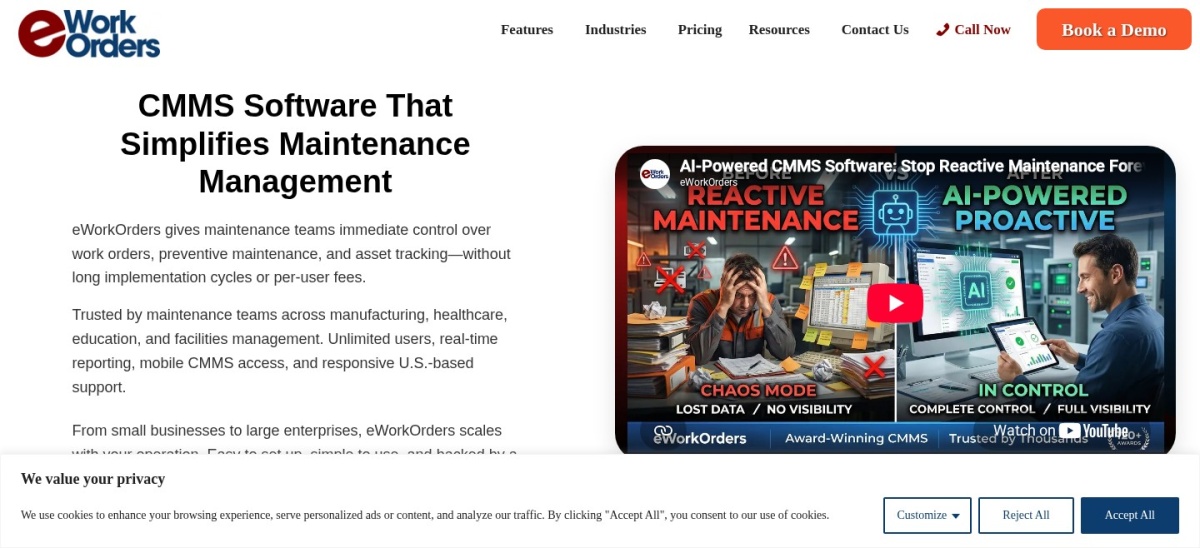
eWorkOrders homepage, captured Nov 2026.
eWorkOrders is a web-based maintenance and asset management platform offering work orders, preventive maintenance, and reporting. Its Starter plan costs a flat $380 per month for unlimited users and includes 25 GB of file storage and up to 500 MB of database storage.
The trade off is a higher monthly floor than per-seat entry plans—$4,560 per year on Starter—and no mobile smartphone/tablet access until Advanced at $480 per month. It suits larger crews that prefer predictable flat pricing over per-user counts.
What we like
Flat $380/mo pricing includes unlimited users on Starter
Holds a 4.9/5 rating across 121 reviews on Capterra
Includes a dedicated subdomain, scheduled backups, and 25 GB file storage
Watch out for
Higher upfront monthly cost for small teams compared to per-seat plans
Smartphone, tablet, and QR/barcode scanning require the $480/mo Advanced tier
Advanced ($480/mo flat, unlimited users) adds smartphone and tablet access plus QR and barcode scanning.Visit eworkorders.com
How we chose
We selected established maintenance, inspection, and fleet tracking platforms that support equipment and machine workflows across job sites and maintenance teams.
All prices, plan tiers, ratings, and review counts were checked on 22 Nov 2026 from each vendor's pricing or product page and public review listings on G2 or Capterra.
We excluded products that do not publish clear entry pricing or lack verifiable public review counts on our checked sources. No vendor paid for a place, and we do not claim testing for this list.
How to pick the right machine tracking tool
Follow four practical steps to match a platform to your crew and budget.
Count who needs full logins versus view-only or request access. Platforms that offer free requester accounts or unlimited users can keep costs predictable when many operators report issues.
Compare per-user, per-asset, and flat monthly pricing. Per-asset tools like Fleetio scale with equipment count, while per-user tools like MaintainX or UpKeep scale with active seats.
Check mobile and inspection requirements for job sites. Confirm whether field crews need photo uploads, QR or barcode scanning, or meter-based work order triggers.
Verify annual versus monthly billing before signing. Annual billing often lowers the monthly rate, such as $20 versus $25 per user per month on MaintainX Essential.
FAQ
Which construction machine tracking tool has a free plan?
MaintainX offers a $0 Basic plan with free requester accounts, and SafetyCulture offers a free plan for small teams up to 10 users. Fleetio provides a 14-day free trial rather than a permanent free tier.
How does per-asset pricing differ from per-user pricing?
Per-asset pricing charges by each tracked vehicle or machine, such as Fleetio starting at $4 per vehicle per month billed annually with unlimited users. Per-user pricing charges per licensed seat, which can grow faster if you add many technicians.
What does Fleetio charge on its entry plan?
Fleetio's Essential plan starts at $4 per vehicle per month when billed annually, or $5 per vehicle per month when billed monthly. Fleetio also offers a 14-day free trial with no credit card required.
Does MaintainX charge for users who only submit requests?
MaintainX notes that requester accounts are free on its platform, while full users with unique logins follow Basic ($0) or paid tiers starting at $20 per user per month billed annually.
Which option uses flat monthly pricing for unlimited users?
eWorkOrders lists a Starter plan at a flat $380 per month for unlimited users, including 25 GB of file storage and up to 500 MB of database storage.
What is the minimum seat count on MPulse Professional?
MPulse lists its Professional edition at $29 per user per month billed annually with a minimum of three users. Moving to Advanced costs $79 per user per month billed annually.