Best Blu-ray Copy Software in 2026: 7 Tools Compared
WLWPLegible EditorsLast verified 24 Nov 2026How we rank11 min read
★ Short answer
DVDFab Blu-ray Copy is the best Blu-ray copy software for collectors, with five copy modes and the strongest decryption for new commercial discs, at about $70 for a lifetime license. MakeMKV is the best free option for lossless MKV backups, and HandBrake pairs with it for compression.
How we make this list: we compare pricing pages, product documentation and public user reviews, then re-check every price before each update. No product paid for a place. Disclosure.
DVDFab Blu-ray Copy is the benchmark for protected commercial discs, with five copy modes and cloud decryption at $69.99 for a lifetime license.
MakeMKV is free while in beta and produces perfect-quality MKV backups with no re-encoding; the $60 registration removes the beta key hassle.
Leawo Blu-ray Copy is the friendliest paid option at $44.95 a year, rated 4.4 from 159 Trustpilot reviews.
VideoByte is the best ripper for media-server builders, converting discs to more than 300 formats at $69.95 a year.
HandBrake is free and open source but cannot decrypt commercial discs on its own; pair it with MakeMKV.
What Blu-ray copy software should cover
Blu-ray copy software backs up discs you own to another disc, an ISO image or a folder, preserving the disc structure. Ripping software instead extracts the video into files like MKV or MP4 for a media server, usually without menus.
Decryption is the deciding feature. Commercial Blu-rays carry AACS and BD+ encryption plus region coding, and only decryption-capable software can read them. Free tools stall on newer discs while DVDFab's cloud engine stays current.
Copying and ripping are different jobs. Copy when you want an identical backup; rip when you want files for Plex or Jellyfin. The classic free workflow is MakeMKV for extraction and HandBrake for compression.
Prices move with promotions in this category, so confirm the current offer on the vendor site before buying. Our guide to the best screen recording software covers capturing video from your screen instead of a disc.
4.5/5on Trustpilot (712 reviews, checked Nov 2026)
Starts at$69.99 (one-time)
Best for large collections and new protections
Copy modes5 modes
DecryptionAACS, BD+, BD-J
GPUYes
PlatformsWindows, Mac
dvdfab.cn
DVDFab Blu-ray Copy homepage, captured Nov 2026.
DVDFab Blu-ray Copy is the benchmark the category is measured against. Its cloud-based decryption engine stays current with new protections on commercial releases, which is the feature that justifies the price: free tools stall on newer discs. Five copy modes cover every archival strategy, from full-disc 1:1 clones through main-movie-only copies to compressing dual-layer BD-50 discs onto cheaper single-layer BD-25 media.
The trade off is price and complexity. The $69.99 lifetime license, or $44.99 a year, is the top of this market, and the interface assumes you know what you are doing. It suits collectors with hundreds of discs, including recent releases, where nothing else matches the decryption currency.
What we like
Cloud decryption handles current AACS, BD+ and region protections
Five copy modes from 1:1 clone to BD-50 compression onto BD-25
GPU acceleration keeps copies fast
Highest Trustpilot review base here at 712 reviews
Watch out for
Interface is dense for beginners
Premium pricing versus simpler tools
Some advanced features such as Cinavia removal cost extra
$44.99 a year option also available; Cinavia removal sold separatelyVisit dvdfab.cn
02
MakeMKV
3.2/5on Trustpilot (6 reviews, checked Nov 2026)
PriceFree
Best free lossless backup
OutputMKV only
QualityLossless, no re-encode
PlatformsWindows, Mac, Linux
DecryptionAACS, BD+
makemkv.com
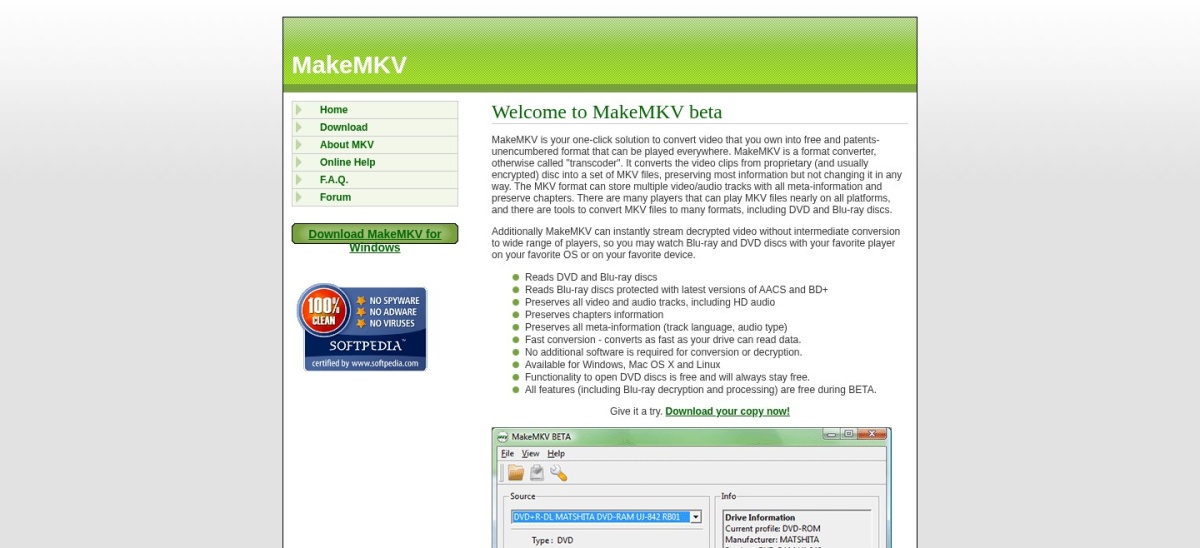
MakeMKV homepage, captured Nov 2026.
MakeMKV is a free tool that does one thing with total integrity: it takes everything on the disc and puts it into MKV files without touching the video or audio quality. No re-encoding means no quality loss and fast processing, and it has been in beta for years, with the beta remaining free through renewable keys posted on the official forum.
The trade off is scope, not quality. There is no disc-to-disc copy mode, no compression options and no format choice beyond MKV, and the beta key dance of refreshing the key every month or two annoys some users into the $60 registration. It suits anyone building a media-server library of perfect copies.
4.4/5on Trustpilot (159 reviews, checked Nov 2026)
Starts at$44.95/yr
Best for beginners
Copy modes3 modes
DecryptionRegion codes, common
GPUYes
PlatformsWindows, Mac
leawo.com
Leawo Blu-ray Copy homepage, captured Nov 2026.
Leawo Blu-ray Copy is the paid option for users DVDFab intimidates. Full-disc backup, main-movie copy and ISO output are all a few clicks away, with region-code handling and decryption for common protections built in, and the interface is noticeably friendlier than the powerhouse tools.
The trade off is at the bleeding edge: brand-new releases with the latest protection revisions sometimes wait for Leawo updates while DVDFab's cloud engine handles them immediately. It suits beginners backing up catalog titles and personal discs at $44.95 a year.
What we like
Straightforward full-disc and main-movie copy modes
Handles region codes and common protections
Cleaner interface than DVDFab
Strong Trustpilot rating at 4.4 from 159 reviews
Watch out for
Decryption currency trails DVDFab on the newest releases
Trial limits need checking before committing
No Cinavia removal
Lifetime Professional plan at $99.95 also availableVisit leawo.com
04
VideoByte BD-DVD Ripper
4.5/5on Trustpilot (335 reviews, checked Nov 2026)
Starts at$69.95/yr
Best for media-server ripping
Output300+ formats
DecryptionAACS, BD+, CSS
GPUYes
PlatformsWindows, Mac
videobyte.org
VideoByte BD-DVD Ripper homepage, captured Nov 2026.
VideoByte BD-DVD Ripper is for the media-server builder rather than the disc archivist. It decrypts and converts Blu-ray and DVD content into MP4, MKV and device-specific formats, with hardware acceleration and batch queues for working through a shelf of discs, and it is rated 4.5 from 335 Trustpilot reviews.
The trade off is the category distinction: this converts discs to files with quality choices to make, rather than cloning discs bit-for-bit. It suits anyone whose end goal is Plex or Jellyfin rather than burned backups, at $69.95 a year.
What we like
Handles both Blu-ray and DVD in one tool
Wide output format support for phones, tablets and TVs
Hardware acceleration speeds up batch ripping
Strong Trustpilot rating at 4.5 from 335 reviews
Watch out for
Ripper, not a disc copier: no 1:1 disc-to-disc mode
Newer protections can require waiting for updates
Price conflicts across secondaries: $39.95 to $69.95 a year
4.2/5on Trustpilot (239 reviews, checked Nov 2026)
PricingSee website/yr
Best all-rounder with conversion
Copy modes4 modes
OutputDisc, ISO, folder
DecryptionCommon protections
PlatformsWindows, Mac
anymp4.com
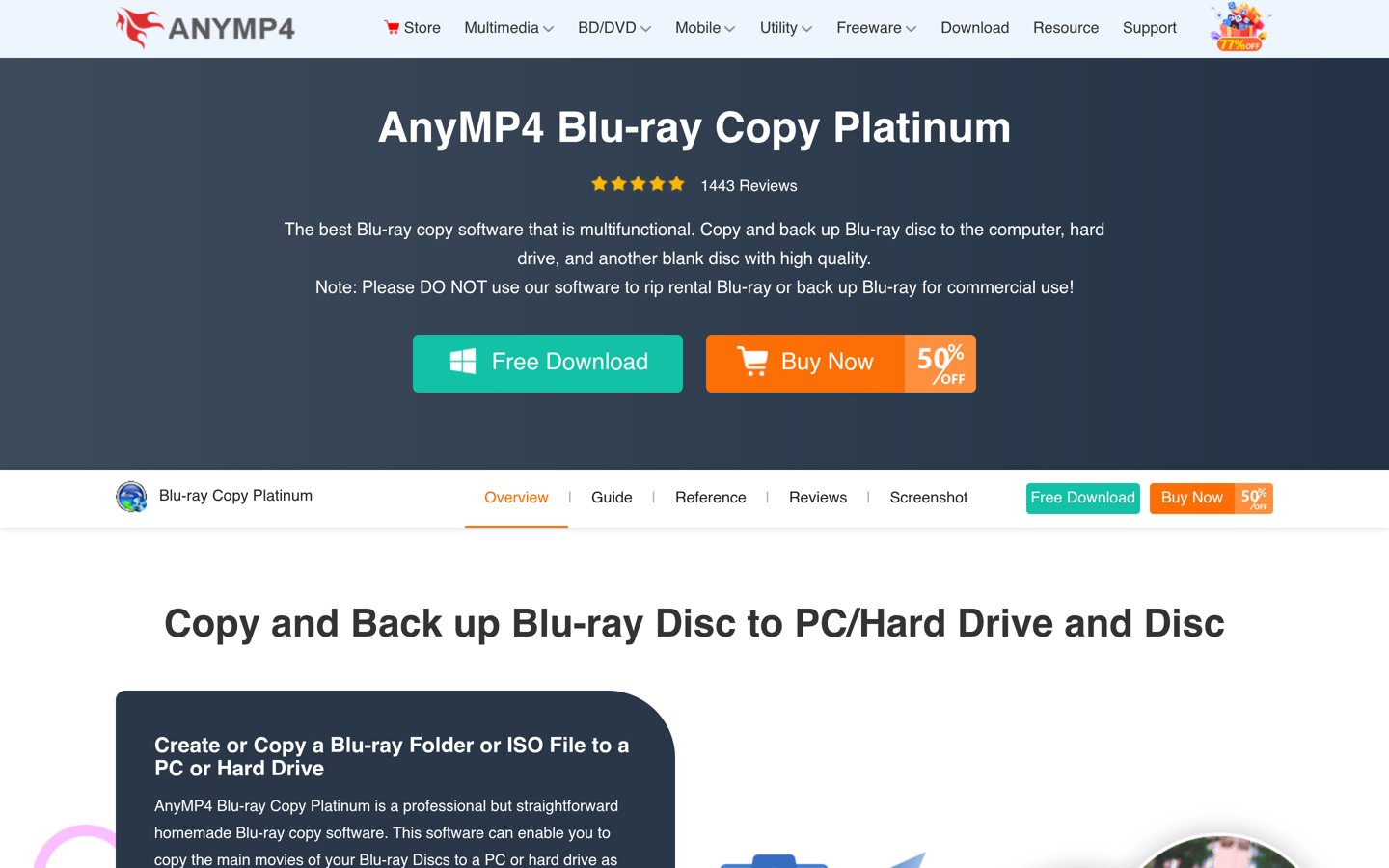
AnyMP4 Blu-ray Copy Platinum homepage, captured Nov 2026.
AnyMP4 Blu-ray Copy Platinum is a mid-tier contender that covers the standard archival modes of full disc, main movie, clone and write data with a clean workflow and support for common protections. Where it differentiates is the Platinum feature set's nod toward conversion, for users who want both disc backup and digital-file flexibility in one purchase.
The trade off is position. Decryption depth and update speed sit below DVDFab, and the vendor's pricing shifts with sales, so verify current terms on the site. It suits buyers who want a competent all-rounder at a mid-range price and do not need the absolute newest protection support.
What we like
Four copy modes including full disc, main movie and clone
Decent decryption for mainstream titles
Platinum edition adds conversion-oriented features
4.6/5on Trustpilot (100 reviews, checked Nov 2026)
PricingSee website/yr
Best lossless ripper alternative
OutputMKV, MP4, ISO
QualityLossless
GPUYes
PlatformsWindows, Mac
easefab.com
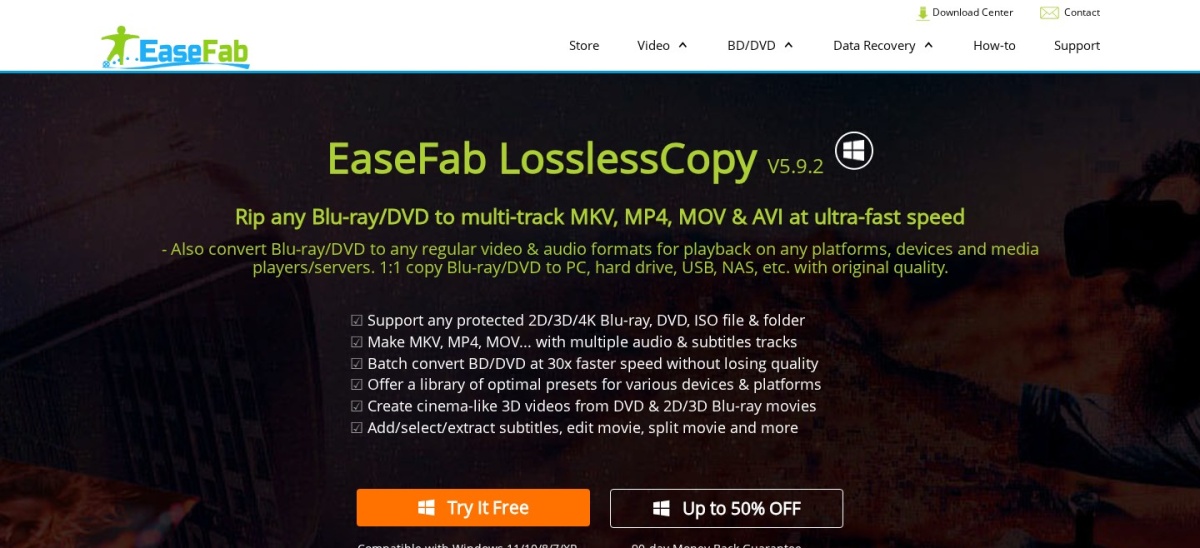
EaseFab LosslessCopy homepage, captured Nov 2026.
EaseFab LosslessCopy is a lossless Blu-ray and DVD ripper that copies discs to MKV, MP4 or ISO without re-encoding, keeping the original quality intact. It is rated 4.6 from 100 Trustpilot reviews, the highest score in this list, with users praising its support and straightforward workflow.
The trade off is visibility. EaseFab is a smaller brand than DVDFab or Leawo, and no published starting price was found, so check the vendor site before buying. It suits users who want MakeMKV-style lossless output with a friendlier interface and real support.
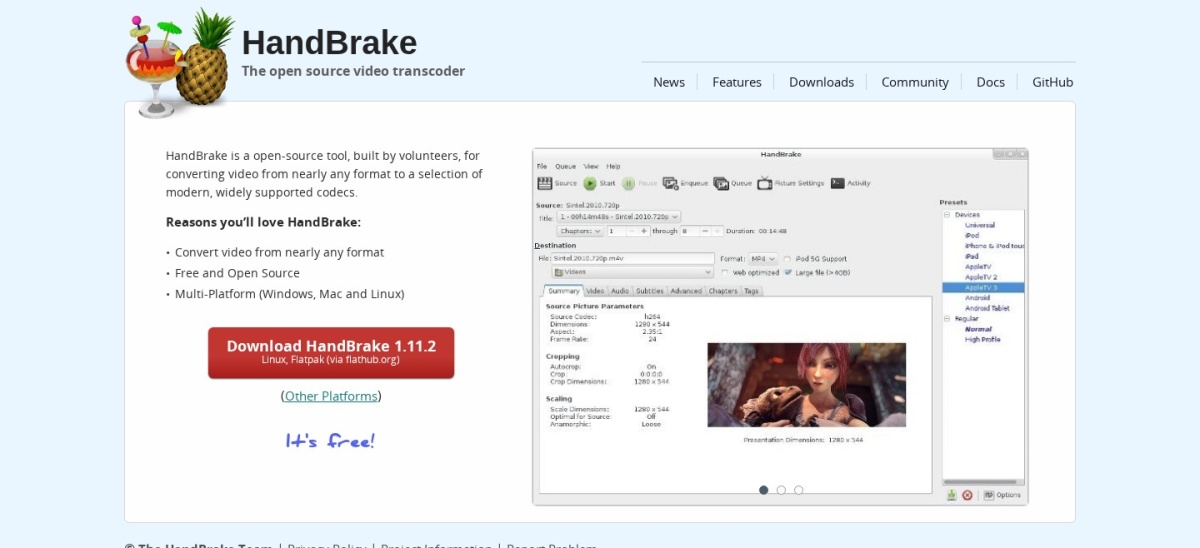
HandBrake is the free encoder everyone should know, with one critical limitation for this category: it does not decrypt commercial discs by itself. Pair it with a decrypter, and it becomes the best free way to compress rips into efficient H.265 or AV1 files for storage, with presets, filters and batch queues that are professional-grade.
The trade off is the workflow. Used correctly, the pair is MakeMKV for extraction and HandBrake for compression: perfect source in, efficient files out, zero dollars spent. It suits every media-server builder, since the question is only what feeds it.
What we like
Completely free and open source
Excellent H.264, H.265 and AV1 encoding with fine control
Batch queues and presets for every device
Highest G2 rating here at 4.7 from 155 reviews
Watch out for
Cannot defeat copy protection on its own
No disc-to-disc copying
Encoding is CPU-intensive and slow at high quality
Copying duplicates the disc structure to another disc or an ISO, preserving menus and everything bit-for-bit. DVDFab, Leawo, AnyMP4 and CloneBD-style tools do this; MakeMKV and EaseFab remux to MKV instead.
Ripping extracts the video into files like MKV or MP4, usually without menus, for a media server. VideoByte and HandBrake do this best, and ripping is the right call when the end goal is Plex or Jellyfin.
The free workflow covers both: MakeMKV extracts a perfect lossless copy, then HandBrake compresses it into efficient H.265 or AV1 files. Zero dollars spent, and the only cost is your time.
For commercial discs, decryption currency decides. DVDFab's cloud engine handles the newest protections first; every other tool waits for updates, so check currency for recent releases before buying.
How we chose
We started from the established Blu-ray copy and rip tools that still maintain decryption for current discs, then kept those with a verifiable G2 or Trustpilot rating.
Prices come from vendor pricing pages and vendor-page reads, checked on 24 November 2026. Ratings and review counts come from G2 or Trustpilot on the same day. Where a vendor publishes no starting price, the list says See website instead of inventing a number.
We left out tools with no verifiable G2, Capterra or Trustpilot rating, including CloneBD and WonderFox DVD Ripper Pro, and WinX DVD Ripper Platinum, which does not support Blu-ray. No vendor paid for a place, and we do not claim hands-on testing for this list.
How to choose Blu-ray copy software
Start with the discs you own, then match the tool to the job.
Name the job first. Copying duplicates the disc bit-for-bit; ripping extracts video files for a media server. Pick your camp before you compare tools.
Check decryption currency. Free tools stall on newer discs. If your collection includes recent releases, DVDFab's cloud decryption is the safest bet.
Try before you buy. Every paid tool here offers a free trial. Test it on your hardest disc, not your easiest, before paying.
Check the law where you live. In the US, fair use arguably covers personal backups, but the DMCA prohibits circumventing copy protection. Your local laws decide what you may do.
FAQ
What is the best Blu-ray copy software?
DVDFab Blu-ray Copy is the best Blu-ray copy software for collectors, with five copy modes and the strongest decryption at $69.99 for a lifetime license. MakeMKV is the best free option for lossless MKV backups.
Is it legal to copy Blu-ray discs I own?
In the US, the law is genuinely murky. Fair use arguably covers personal backups, but the DMCA prohibits circumventing copy protection, which most commercial Blu-rays carry. No individual has been sued for backing up discs they own, but your local laws decide what you may do.
What is the difference between copying and ripping a Blu-ray?
Copying duplicates the disc structure to another disc or an ISO, preserving menus and everything bit-for-bit. Ripping extracts the video into files like MKV or MP4, usually without menus. Copy when you want an identical backup; rip when you want files for a media server.
Is MakeMKV really free?
Yes, while in beta. MakeMKV has been in beta for years, and the beta remains free through renewable keys posted on the official forum. The $60 registration removes the key hassle and supports development.
Why do I need special software instead of just copying files?
Commercial Blu-rays carry encryption such as AACS and BD+ plus region coding that block simple file copying. The software here decrypts the content as it copies or rips. Without decryption-capable software, your computer sees the disc but cannot read the movie.
How long does it take to copy a Blu-ray?
A full Blu-ray typically takes under two hours with MakeMKV and faster with GPU-accelerated tools such as DVDFab or VideoByte. Encoding with HandBrake afterwards is CPU-intensive and can take much longer at high quality settings.