WordPress is the best blogging software for most people, with a free plan, strong SEO and a huge theme and plugin library. The self-hosted version suits bloggers who want full control, Squarespace suits design-led blogs and Ghost suits paid newsletters.
How we make this list: we compare pricing pages, product documentation and public user reviews, then re-check every price before each update. No product paid for a place. Disclosure.
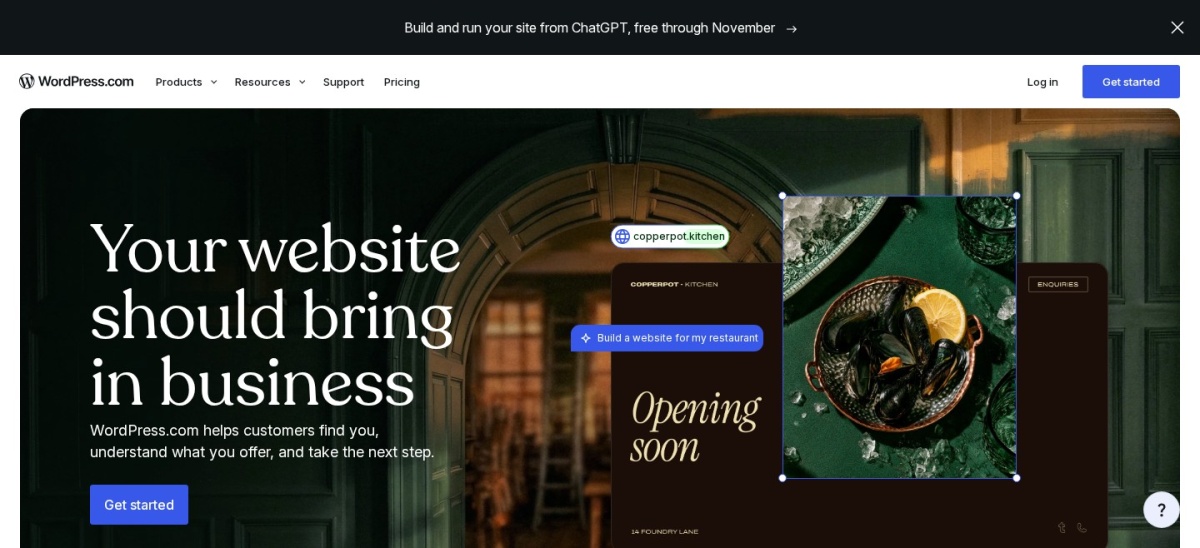
WordPress.com is the best all-round blogging platform, free to start with a $4 a month Personal plan.
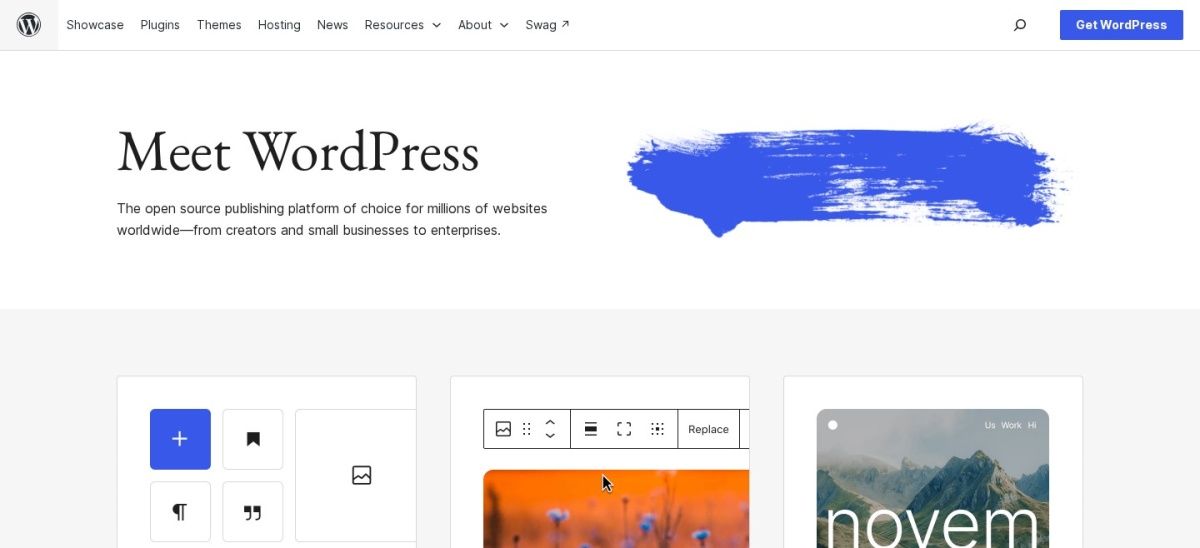
WordPress.org is free software with full control, but you pay for hosting and handle updates yourself.
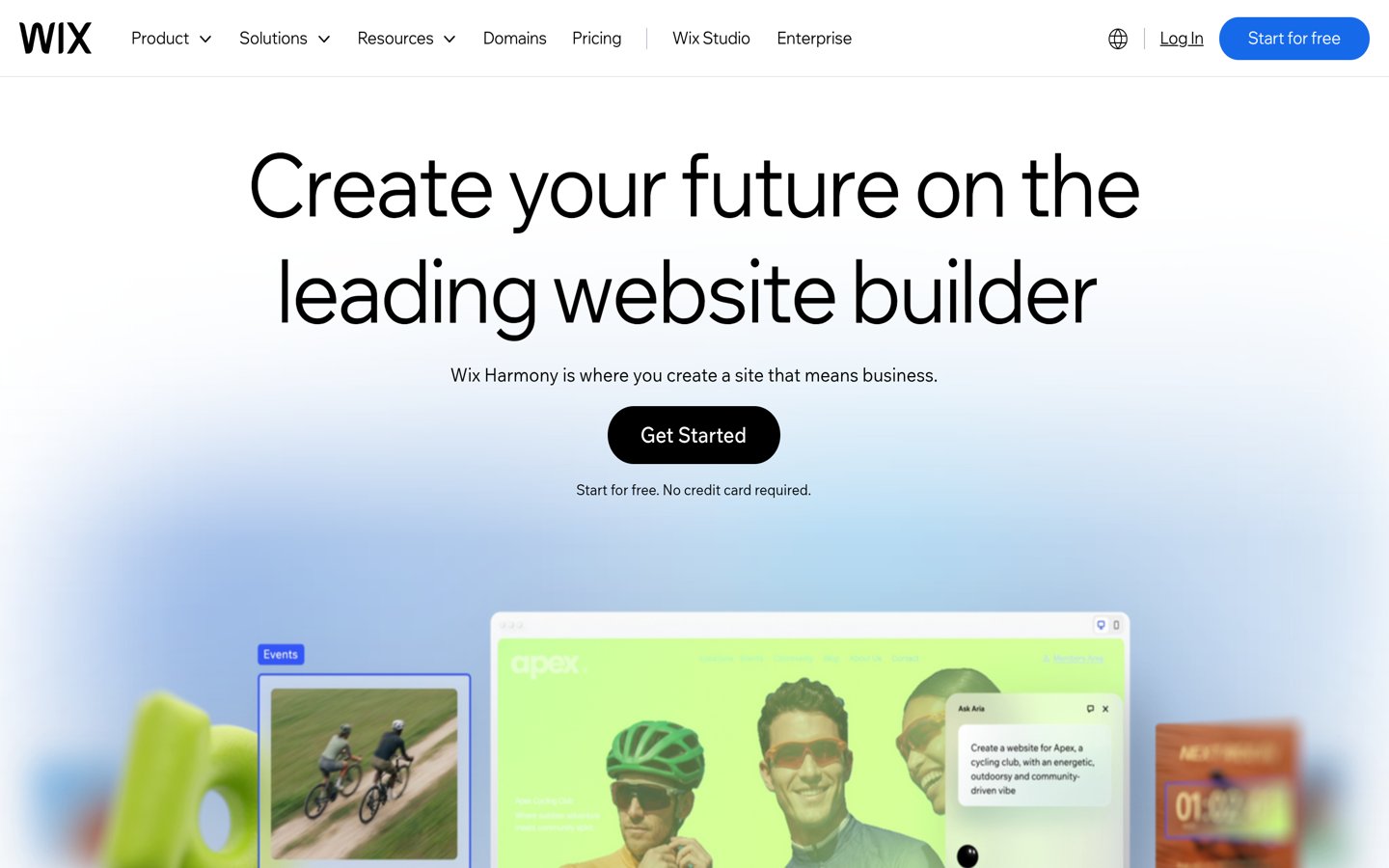
Squarespace and Wix suit design-led blogs, with polished templates from $19 and $17 a month.
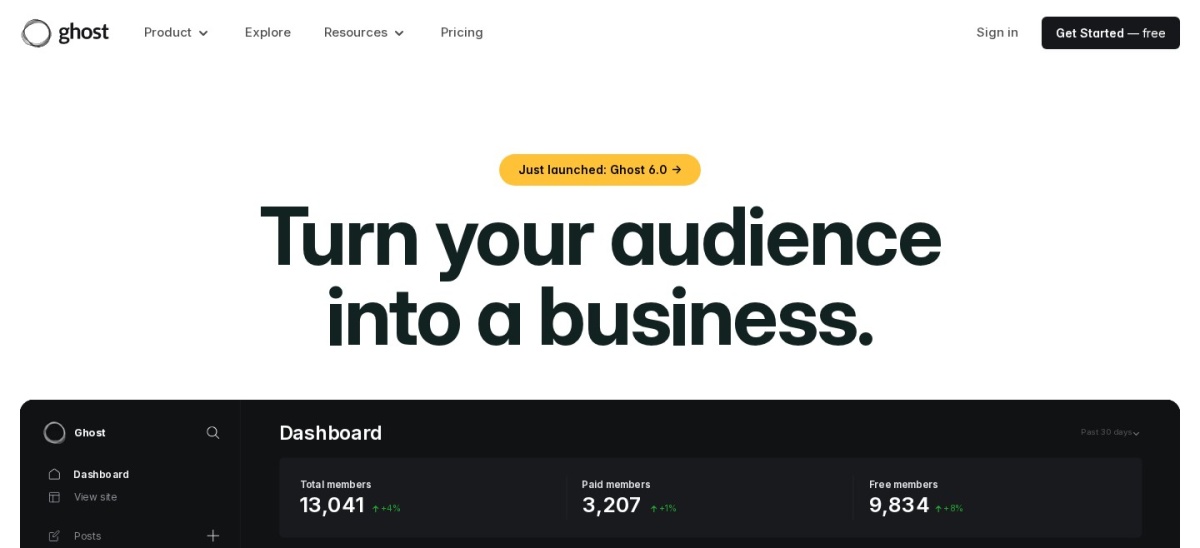
Ghost is the best blog-plus-membership platform at $18 a month, with paid subscriptions built in.
Substack and beehiiv are free until you earn, then take 10 percent or charge from $43 a month.
What to look for in blogging software
Blogging software splits into two camps: platforms you own, such as WordPress.org and Ghost, and hosted platforms such as WordPress.com, Wix and Squarespace, where the company runs the servers.
Ownership matters most when a blog grows. Our guide on choosing accounting software shows why checking who owns your data matters before you commit, and the same logic applies to a blog.
Newsletters changed blogging. Substack and beehiiv treat the blog as an email list with a public archive, while Ghost combines a blog with paid memberships in one product.
Start with the free plan. Every tool here except Ghost and Squarespace lets you publish for free, so test the editor before you pay for a plan.
WordPress.com is the hosted version of WordPress, the software that powers 43 percent of the web. It scores 4.4 out of 5 on G2 from 2,717 reviews, with a free plan, strong SEO, and thousands of themes and plugins.
The trade off is control. The free and Personal plans limit plugins and themes, so full control needs a higher plan or self-hosted WordPress.org. It suits bloggers who want a solid, low-cost start without managing a server.
WordPress.org is the free, open-source software behind WordPress.com, and it scores 4.4 out of 5 on G2 from 9,546 reviews. You host it yourself, so you control every theme, plugin and line of code, and you keep all of your data.
The trade off is work. You pay for hosting, handle updates and security, and fix problems yourself or hire help. It suits bloggers who want full ownership and plan to grow a serious site.
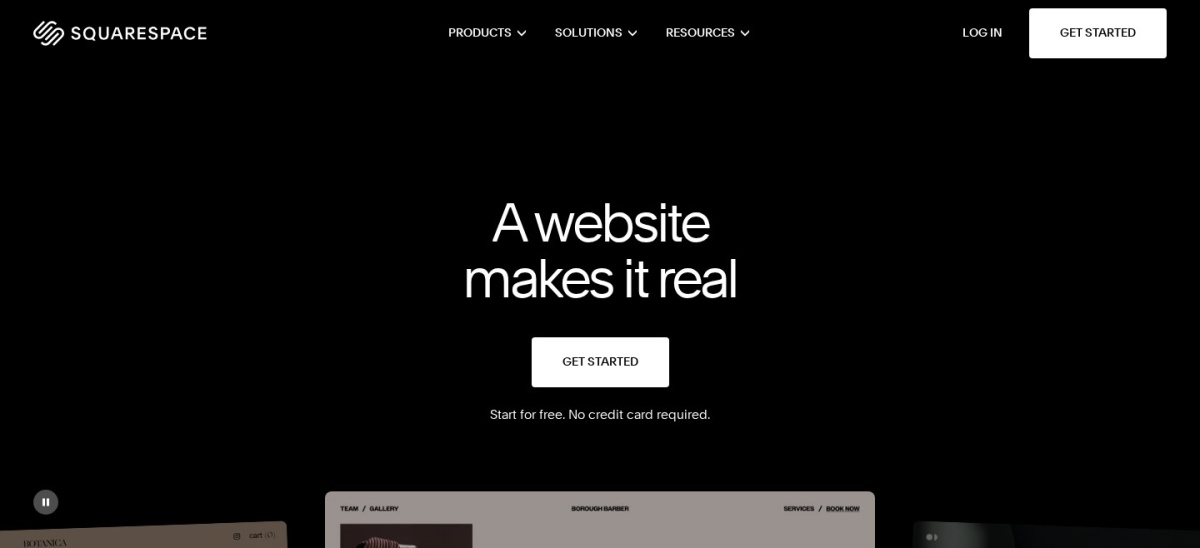
Squarespace is the blogging platform for design-led sites, with polished templates that look finished from day one. It scores 4.4 out of 5 on G2 from 1,133 reviews, and its Basic plan costs $19 a month billed annually.
The trade off is flexibility. Squarespace has fewer plugins than WordPress and less newsletter depth than Ghost, so heavy customization is harder. It suits creative bloggers and small brands that want a beautiful blog without hiring a designer.
Wix is the easiest blogging platform to start on, with a drag-and-drop editor and hundreds of templates. It scores 4.2 out of 5 on G2 from 1,888 reviews, and its Light plan costs $17 a month billed annually.
The trade off is scale. Wix blogs work well for beginners but offer less SEO depth and fewer advanced tools than WordPress, and moving away later is hard. It suits new bloggers who want a blog live today with no code.
Ghost is a clean, fast publishing platform built around memberships, with paid subscriptions, newsletters and SEO built in. It scores 4.0 out of 5 on G2 from 40 reviews, and its Starter plan costs $18 a month billed annually.
The trade off is cost and setup. Ghost has no free plan beyond a trial, and self-hosting it needs technical skill. It suits writers who want a blog and paid memberships on their own domain without a platform fee.
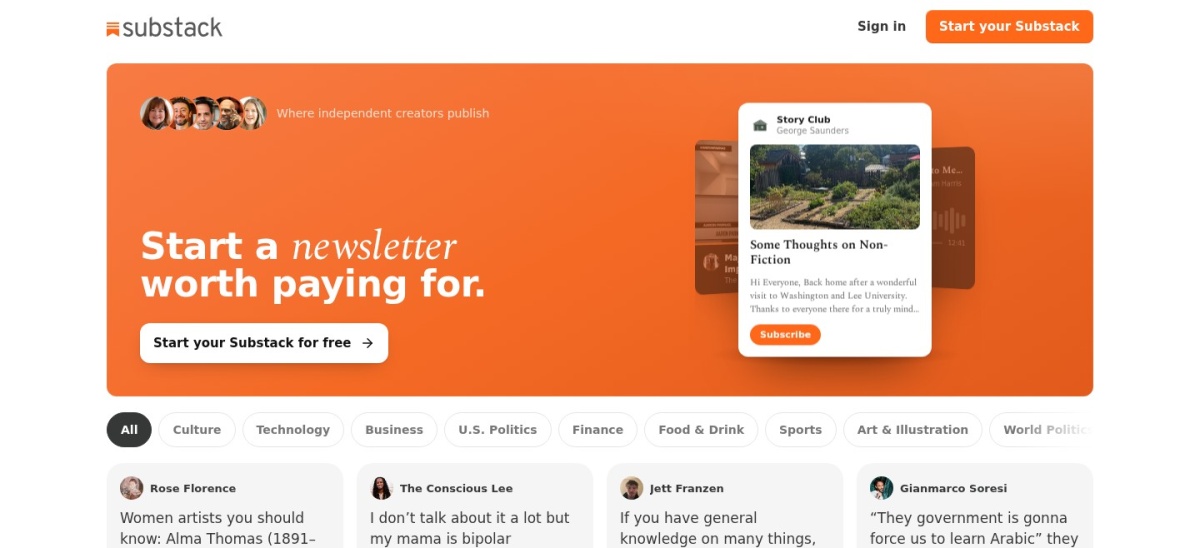
Substack is the simplest way to start a newsletter blog: write, publish and email subscribers from one place, with no design decisions to make. It scores 4.3 out of 5 on G2 from 17 reviews, and it is free until you charge for paid subscriptions.
The trade off is the fee. Substack takes 10 percent of paid subscription revenue, and you do not own the platform your audience sits on. It suits writers who want to monetize an email list without setup.
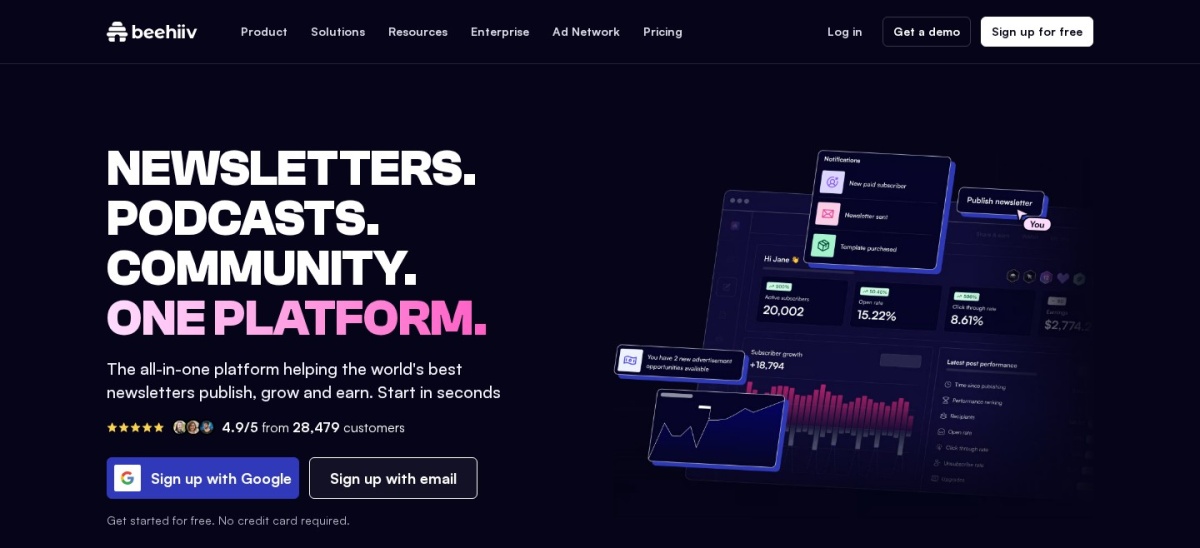
beehiiv is a newsletter-first platform built by former Morning Brew engineers, with growth tools, referral programs and an ad network built in. It scores 4.5 out of 5 on G2 from 40 reviews, and it is free up to 2,500 subscribers.
The trade off is price at scale. The Scale plan costs $43 a month billed annually, and costs rise as your list grows. It suits writers whose blog is really a newsletter with a public archive attached.
Webflow is a visual website builder with a CMS that powers blogs, portfolios and marketing sites without code. It scores 4.4 out of 5 on G2 from 997 reviews, and its CMS plan costs $25 a month billed annually.
The trade off is learning curve and cost. Webflow is more complex than Wix or Squarespace, and blogging needs the CMS plan rather than the cheaper Basic plan. It suits designers and teams that want a polished site with a blog attached.
1.5/5on Trustpilot (279 reviews, checked Nov 2026)
Paid from$50/yr
Best for built-in readers
Free planYes, to write
Custom domainNo
Built-in audienceYes
Paid planMember $50 a year
medium.com
Medium homepage, captured Nov 2026.
Medium is a writing platform with a built-in audience, so new writers get readers without building traffic first. It scores 1.5 out of 5 on Trustpilot from 279 reviews, with readers complaining about paywalls and billing, and membership costs $50 a year.
The trade off is ownership. You do not own your domain or your audience, and Medium can change the rules. It suits writers who want distribution first and will trade ownership for it.
Decide who owns the blog. Self-hosted WordPress.org and Ghost let you export everything and move hosts, while Medium and Substack keep your audience on their platform.
Check the SEO basics. A custom domain, clean URLs and control over titles and meta descriptions matter more than any theme.
Test the editor first. Write three posts on the free plan before you pay, because you will live in that editor every week.
Plan for growth. A free plan that charges a lot when you add paid subscribers, such as Substack's 10 percent fee, costs more later than a flat monthly plan.
How we chose
We started from the most established blogging software tools with public ratings on G2, Capterra or Trustpilot, then kept those with a clear price and a real user base.
Prices come from each vendor's pricing page, checked on 25 November 2026. Ratings come from the review source named on each tool, checked the same day. Where a vendor shows a sale, the list shows the regular price.
We left out tools with no verifiable public rating or no published price. No vendor paid for a place, and we do not claim hands-on testing for this list.
How to choose blogging software
Match the platform to how you want to publish and earn.
Decide hosted or self-hosted. Hosted platforms handle the servers; self-hosted WordPress.org gives full control but needs hosting and updates.
Test the editor free. Write three posts on the free plan before you pay, because the editor is where you will spend your time.
Check SEO and ownership. Make sure you can use a custom domain, control meta titles and export your posts if you leave.
Pick a plan that fits growth. Compare the monthly price with fees on paid subscriptions, since a 10 percent cut costs more as you grow.
FAQ
What is the best blogging software?
WordPress.com is the best blogging software for most people, with a free plan, strong SEO and a huge theme and plugin library. The Personal plan costs $4 a month billed annually and adds a custom domain.
Is WordPress.com or WordPress.org better for blogging?
WordPress.com is easier: hosting, security and updates are handled for you from $4 a month. WordPress.org is free software you host yourself, giving full control over themes, plugins and monetization, but you pay for hosting and handle updates.
What is the best free blogging platform?
WordPress.com and Blogger are free, and Substack and beehiiv are free until you earn from paid subscriptions. Medium is free to write on, with a $50 a year membership for readers who want full access.
Is Ghost better than Substack?
Ghost suits bloggers who want a blog and paid memberships on their own domain, from $18 a month billed annually. Substack suits writers who want zero setup and will pay its 10 percent fee on paid subscriptions instead.
How much does it cost to start a blog?
You can start free on WordPress.com, Substack, beehiiv or Medium. A paid blog costs $4 a month on WordPress.com, $17 on Wix, $18 on Ghost and $19 on Squarespace, all billed annually.
Does Wix or Squarespace have better SEO for blogs?
Both cover the basics: custom domains, meta titles and descriptions, and clean URLs. WordPress.com and WordPress.org go further, with plugins such as Yoast and Rank Math and full control over structure.
SaaS SEO and WordPress specialist with about 8 years of experience. Rakib compares WordPress plugins, themes, hosting and software using public pricing, documentation and user reviews. See how we rank.