WLWPLegible EditorsLast verified 22 Nov 2026How we rank17 min read
★ Short answer
WordPress.com is the best CMS for SEO for most content publishers, with a free plan, paid plans starting at $4 a month on annual billing, and a 4.4/5 G2 rating from 2,724 reviews. Webflow is better for design-led marketing sites needing structured content, while Wix suits beginners who want SEO settings without managing hosting.
How we make this list: we compare pricing pages, product documentation and public user reviews, then re-check every price before each update. No product paid for a place. Disclosure.
WordPress.com is our overall pick for content publishing. Its Personal plan starts at $4/mo billed yearly, while more advanced site features may require upgrades.
Webflow's Premium plan costs $25/mo billed yearly and includes a CMS supporting up to 20,000 items and 40 collections.
Wix Light starts at $17/mo on annual billing, with 2 GB of storage and built-in tools for managing SEO settings.
Ghost(Pro) Starter costs $18/mo billed yearly and includes built-in metadata, canonical URLs, structured data and XML sitemaps.
Framer Basic costs $10/mo billed yearly and includes 2 CMS collections, while Pro adds redirects and more collections.
Shopify Basic starts at $29/mo billed yearly, making it a commerce-focused choice rather than a general publishing CMS.
What makes a CMS good for SEO?
A content management system affects how easily your team can publish useful pages, maintain site architecture and fix technical search problems. The best CMS for SEO is not necessarily the one with the most features. It is the one that gives your team enough control without making routine publishing difficult.
Start with indexability and metadata control. You should be able to edit page titles, meta descriptions, URL slugs, canonical tags and indexing instructions. XML sitemaps, redirects and structured data also matter when managing large collections of content.
Performance is another consideration. A CMS should support optimized images, responsive layouts and efficient page delivery. However, hosting, themes, third-party scripts and implementation choices can affect performance as much as the platform itself.
Consider how content scales. Reusable templates, custom content fields, editorial permissions, internal linking and bulk updates become increasingly important as your website grows. A platform that is convenient for a small brochure site may be restrictive for a large publishing operation.
Finally, assess the full recurring cost. Hosting, ecommerce functionality, integrations, collaborators and advanced SEO features may require additional plans or services. Compare the features your website actually needs rather than the entry price alone.
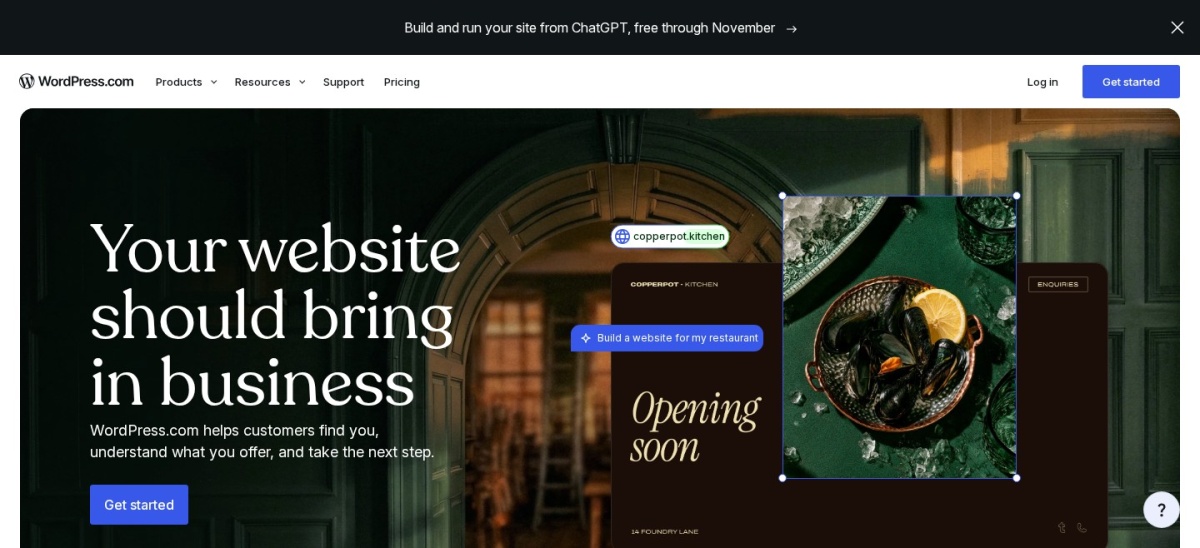
WordPress.com is a hosted publishing platform built on WordPress, with blogging tools, themes and managed hosting. Its free plan lets you create a website, while Personal provides 6 GB of storage and a custom domain option. WordPress.com also offers more advanced site customization and plugin capabilities through its broader plan structure.
The trade off is that WordPress.com's hosted plans differ from installing open-source WordPress on your own server. Personal costs $4 per month billed yearly, while more advanced features may require a higher plan. It suits bloggers, content marketers and businesses that want WordPress publishing without maintaining their own hosting environment.
What we like
Established platform with extensive publishing documentation
Hosted plan limitations differ from self-hosted WordPress
Advanced customization can increase subscription costs
Plugin and theme choices require compatibility checks
Personal adds a custom domain option and expanded storage; higher plans offer additional capabilities.Visit wordpress.com
02
Webflow
4.4/5on G2 (997 reviews, checked Nov 2026)
Paid from$15/mo
Best for design-led SEO websites
Cheapest paid planBasic, $15/mo annually
Full CMS planPremium, $25/mo annually
Premium CMS items20,000
Premium collections40
webflow.com
Webflow homepage, captured Nov 2026.
Webflow is a visual website builder with CMS collections, reusable templates and editable SEO metadata. Its free Starter plan supports limited CMS use, while the $15 monthly Basic plan is intended for static websites. The Premium plan, at $25 per month billed yearly, includes the full CMS with 20,000 items and 40 collections.
The trade off is that Basic excludes the CMS needed for a substantial content-driven website. Although the cheapest paid plan is $15 monthly on annual billing, most publishing projects need Premium at $25 monthly. It suits marketing teams, designers and agencies that need precise visual layouts alongside structured content.
What we like
Visual control over page layouts and content templates
Editable page metadata and image alt text
CMS collections support reusable content structures
Managed hosting and content delivery
Watch out for
Cheapest paid plan does not include the full CMS
Learning curve for complex collections and interactions
CMS and bandwidth limits require planning
Premium adds the full CMS, site search, code components and expanded publishing capacity.Visit webflow.com
03
Wix
4.2/5on G2 (1,943 reviews, checked Nov 2026)
Paid from$17/mo
Best for beginners managing SEO
Entry planLight
Storage2 GB
Collaborators2
Billing$17/mo billed yearly
wix.com
Wix homepage, captured Nov 2026.
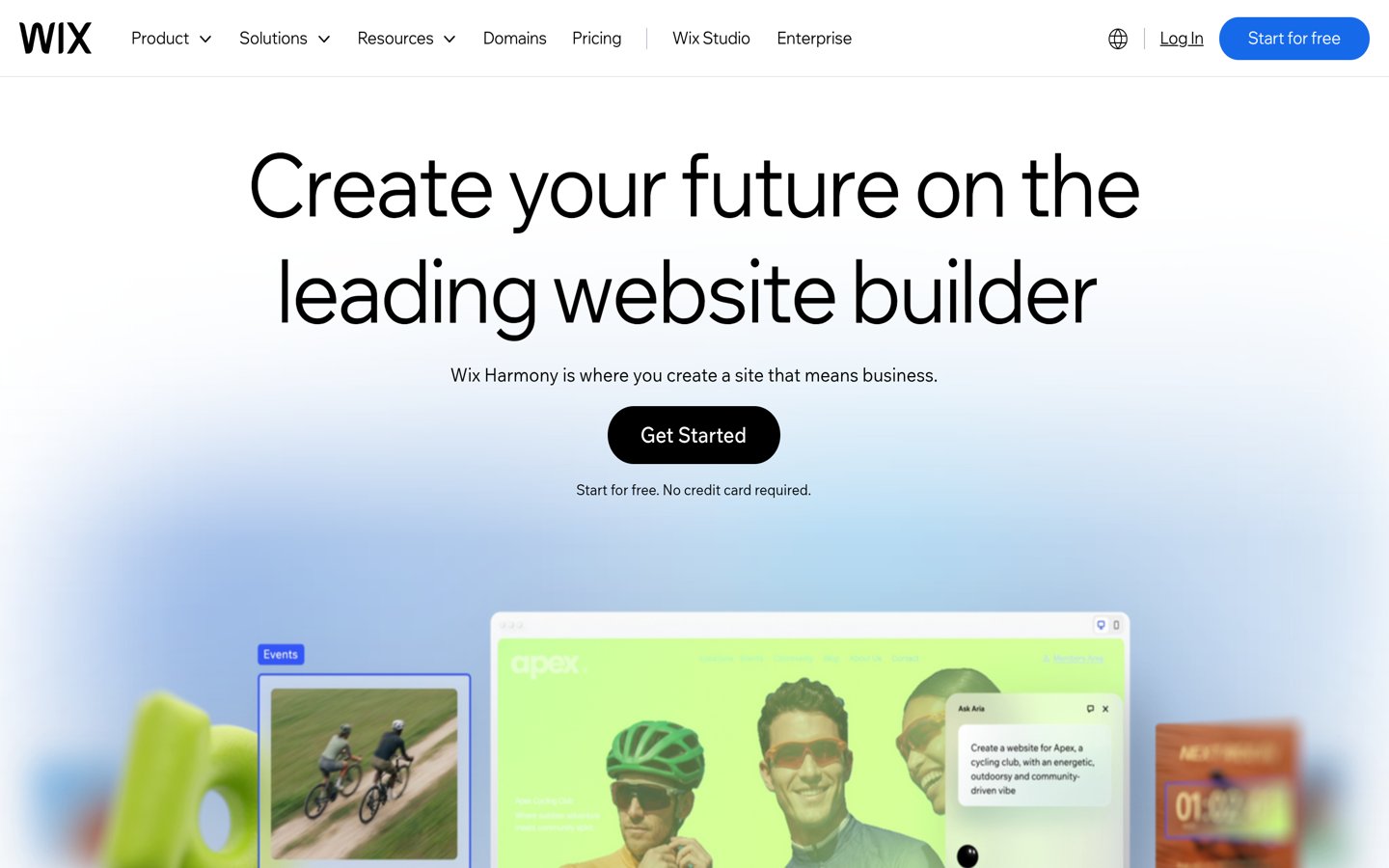
Wix is a hosted website builder that combines visual editing, blog publishing and built-in SEO settings. Its free plan provides a starting point, while Light costs $17 per month on annual billing and includes 2 GB of storage, a custom domain option and 2 collaborators. Users can manage titles, descriptions, URL settings and other search-related website details.
The trade off is that Wix offers less direct infrastructure control than a self-hosted CMS, and its Light plan does not support online payment acceptance. Light starts at $17 per month billed yearly, with Core costing more for commerce functionality. It suits small businesses and beginners who prefer guided website management over server administration.
What we like
Beginner-friendly visual editing
Built-in SEO settings and guidance
Managed hosting and website security
Free plan for initial website creation
Watch out for
Less infrastructure control than self-hosted alternatives
Some business functionality requires higher plans
Complex site migrations can require additional work
Light connects a custom domain and removes Wix branding; Core adds online payment capabilities.Visit wix.com
04
Ghost
4/5on G2 (40 reviews, checked Nov 2026)
Paid from$18/mo
Best for SEO-focused publishing
Managed entry planStarter
MetadataBuilt in
XML sitemapBuilt in
Billing$18/mo billed yearly
ghost.org
Ghost homepage, captured Nov 2026.
Ghost is an open-source publishing CMS focused on articles, newsletters and memberships. Its managed Ghost(Pro) Starter plan costs $18 per month billed yearly and includes a website, managed hosting and newsletter features. Ghost includes native SEO features such as metadata, structured data, XML sitemaps and canonical URLs without requiring a separate SEO plugin.
The trade off is that Ghost prioritizes publishing rather than general-purpose site building, and Starter restricts custom theme installation. Ghost(Pro) starts at $18 monthly on annual billing, while the open-source software can be self-hosted separately. It suits publishers, independent writers and content businesses that want search visibility and email subscriptions in one system.
What we like
Native metadata, canonical tags and XML sitemaps
Built for article publishing and newsletters
Open-source software available for self-hosting
Managed hosting includes automatic updates
Watch out for
Smaller extension ecosystem than WordPress
Custom themes require a higher managed plan
Less suitable for complex ecommerce or application websites
Higher Ghost(Pro) plans add custom themes, expanded integrations and more advanced publication features.Visit ghost.org
05
Framer
4.5/5on G2 (162 reviews, checked Nov 2026)
Paid from$10/mo
Best for visual marketing pages
Entry planBasic
CMS collections2 on Basic
Bandwidth50 GB
Billing$10/mo billed yearly
framer.com
Framer homepage, captured Nov 2026.
Framer is a visual website creation platform combining design tools, CMS collections and managed publishing. Its free plan supports experimentation, while Basic costs $10 per month on annual billing and includes 2 CMS collections, 50 GB of bandwidth and built-in SEO features. It is particularly useful for landing pages, portfolios and smaller marketing websites.
The trade off is that the Basic plan has limited CMS capacity and advanced publishing controls such as site redirects are included in Pro. Basic costs $10 per month billed yearly, while Pro costs $30 monthly on annual billing. It suits designers, startups and marketing teams publishing visually distinctive sites with relatively simple content structures.
What we like
Visual editor suited to custom marketing layouts
Built-in SEO features on paid plans
Managed hosting and custom domain support
Free plan available
Watch out for
Basic includes only 2 CMS collections
Redirect management requires Pro
Less suited to very large editorial operations
Pro adds more CMS collections, redirects, staging and branching previews.Visit framer.com
06
Duda
4.6/5on G2 (798 reviews, checked Nov 2026)
Starts at$19/mo
Best for agencies managing client sites
Entry planBasic
Annual billing$19/mo
Core projects1
HostingManaged AWS hosting
duda.co
Duda homepage, captured Nov 2026.
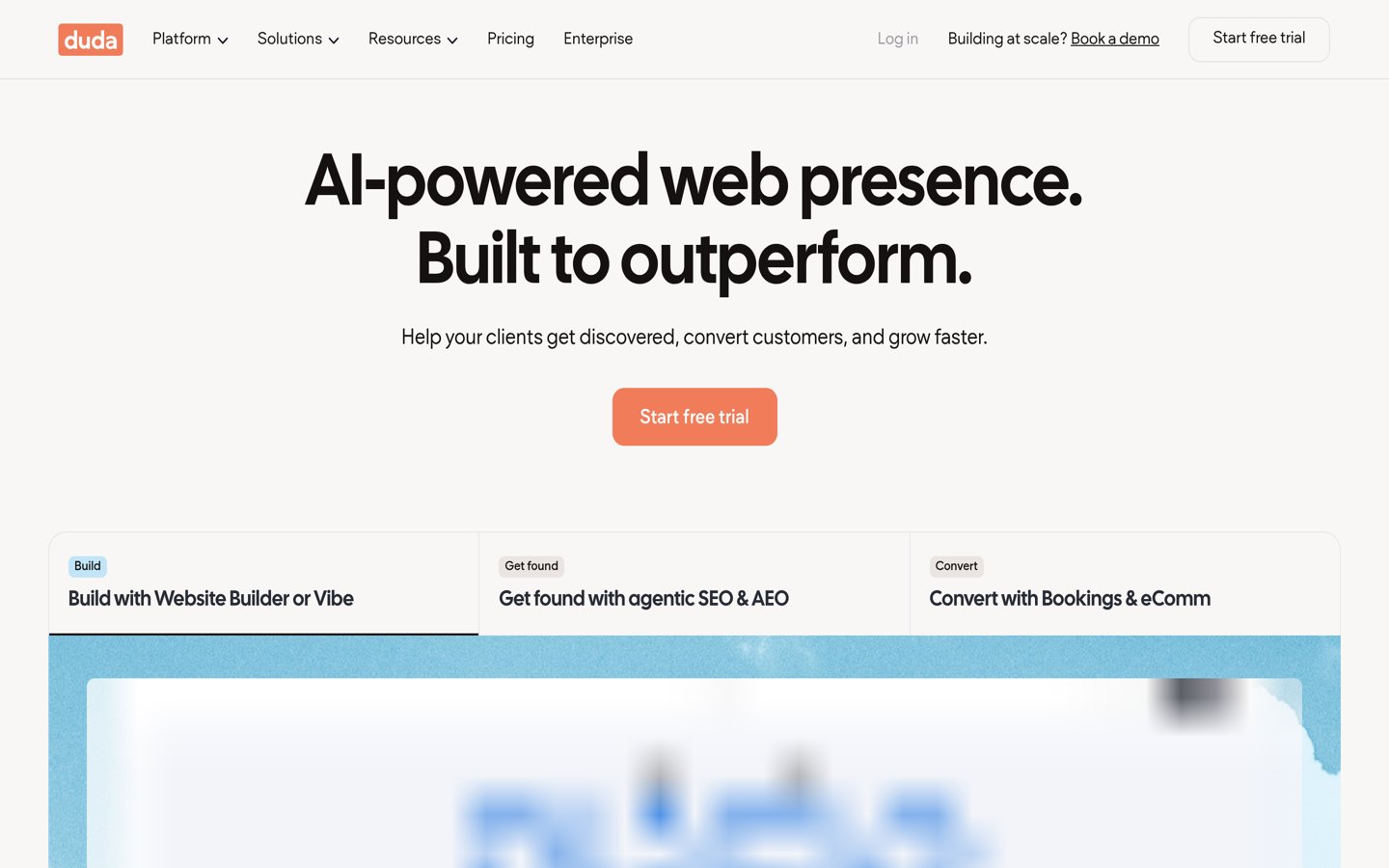
Duda is a website development platform designed for agencies, service providers and teams managing customer websites. Its Basic plan costs $19 per month on annual billing and includes 1 core project, managed hosting and website-building tools. The platform also provides SEO capabilities, collaboration features and options for handling client content.
The trade off is that Duda is oriented toward professional website production rather than individual bloggers, and additional published sites can increase costs. Basic costs $19 monthly with annual billing or $25 on monthly billing. It suits agencies and service providers that need repeatable website production and client management.
What we like
Designed for managing client websites
Managed hosting and maintenance
SEO capabilities integrated into site creation
Client collaboration and content collection tools
Watch out for
Additional published websites increase costs
Less flexible than open-source systems for server-level changes
Advanced agency requirements may need higher plans
Higher plans expand included projects, team collaboration and agency management capabilities.Visit duda.co
07
Shopify
4.4/5on G2 (5,172 reviews, checked Nov 2026)
Starts at$29/mo
Best CMS for ecommerce SEO
Entry planBasic
ProductsUnlimited
HostingManaged
Billing$29/mo billed yearly
shopify.com
Shopify homepage, captured Nov 2026.
Shopify is a hosted commerce platform with a CMS for product pages, collections, informational pages and blog content. Basic starts at $29 per month billed yearly and supports unlimited products alongside managed hosting and checkout functionality. Merchants can edit product SEO fields, organize collections and extend their stores with applications.
The trade off is that Shopify uses established URL structures and templates that provide less flexibility than a fully custom CMS. Basic costs $29 per month billed yearly, with app subscriptions and other fees potentially increasing the total. It suits online stores where product discovery, category organization and transactions matter alongside organic search traffic.
What we like
Commerce features integrated with content management
Product and collection publishing tools
Editable SEO metadata for store content
Managed hosting and checkout
Watch out for
Less flexible URL architecture than some alternatives
Additional apps can raise recurring costs
General editorial publishing is not its primary focus
Higher plans add more staff and advanced commerce capabilities.Visit shopify.com
08
HubSpot
4.5/5on G2 (2,205 reviews, checked Nov 2026)
Paid from$20/mo
Best for CRM-connected content marketing
Entry paid tierStarter
Standard list rate$20/mo/seat
Content platformContent Hub
CRM integrationNative
hubspot.com
HubSpot homepage, captured Nov 2026.
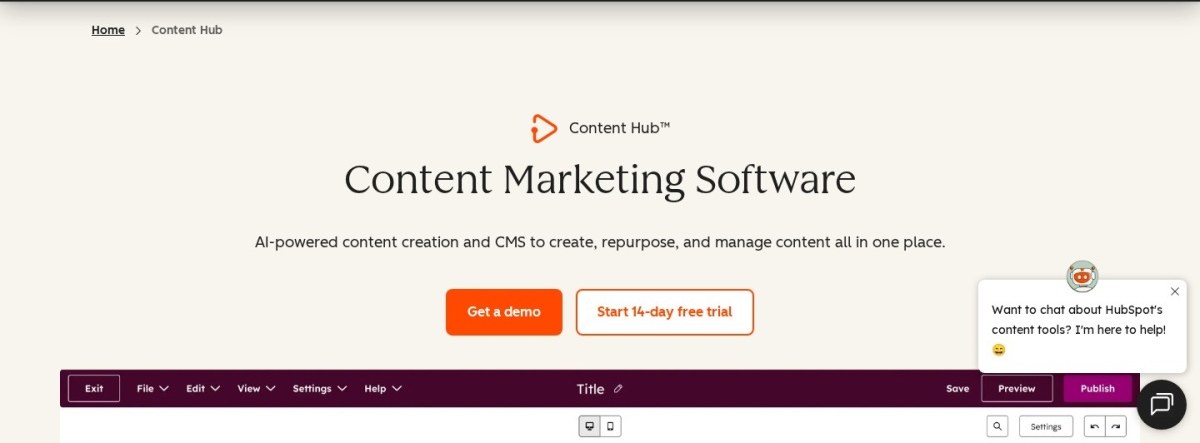
HubSpot is a marketing and customer platform that includes Content Hub for website content and related publishing workflows. Its free tools provide an entry point, while the Starter pricing page lists a standard rate of $20 per month per seat, alongside promotional offers. Content Hub connects content activity with CRM records and other HubSpot marketing tools.
The trade off is that HubSpot's content capabilities are organized into feature tiers, and more advanced website and marketing functions may require additional subscriptions. The standard Starter list rate shown is $20 per month per seat before new-customer discounts. It suits businesses that want website content, lead generation and customer data in a connected platform.
What we like
Content connected with CRM and marketing tools
Managed website infrastructure
Integrated lead-generation workflows
Free tools available
Watch out for
Advanced content capabilities may require higher tiers
Per-seat and product costs can become complex
Less attractive when CRM integration is unnecessary
A CMS does not guarantee search rankings. It determines how easily website owners can implement SEO improvements. Search performance still depends on useful content, site architecture, accessibility, backlinks and technical execution.
Titles and metadata should be editable at the page level. A CMS should let you write descriptive titles and meta descriptions without changing website templates. For large sites, reusable fields and templates help keep metadata consistent.
Canonical URLs and redirects become important when content moves or multiple URLs serve similar information. Check whether redirects are available on the entry plan and whether canonical settings can be adjusted without custom development.
Structured data helps search engines interpret eligible content types. Some systems generate markup automatically, while others require integrations or custom code. Confirm which schema types can be managed and how errors can be corrected.
Performance and crawlability depend on the delivered website, not simply the CMS brand. Review page rendering, image delivery, navigation links, sitemap generation, robots directives and caching before committing to a platform.
Should you choose a hosted or self-hosted CMS for SEO?
Hosted platforms bundle software delivery, infrastructure and maintenance into a subscription. WordPress.com, Wix, Webflow, Shopify, Framer, Duda and HubSpot offer managed environments, making them appealing to teams without dedicated technical administrators.
Self-hosted platforms offer more control over infrastructure, application code and deployment. The open-source WordPress and Ghost projects can be installed independently, but hosting, security updates, backups and performance management become the website owner's responsibility.
The SEO decision is about operational fit. Choose hosted software when the available controls meet your requirements and reducing maintenance matters. Choose self-hosting when technical flexibility, infrastructure ownership or specialized integrations justify additional work.
How we chose
We selected established CMS and website publishing platforms with relevant capabilities for content creation, search metadata, site management and technical SEO. Our shortlist covers general-purpose publishing, visual website creation, ecommerce and marketing-focused content systems. Product documentation and publicly available customer reviews informed the comparisons.
Official pricing pages and public G2 review profiles were checked on 23 Nov 2026 for this guide dated 22 Nov 2026. Annual figures use the published annual-billing rates where specified. We distinguish entry plans from plans required for full CMS functionality and exclude promotional pricing where a standard list rate is available.
We excluded discontinued platforms, products without sufficiently established public review histories, and services whose entry pricing could not be substantiated. We did not rank products on unsupported claims about search performance or guaranteed ranking improvements. No vendor paid for a place, and we do not claim testing for this list.
How to choose the best CMS for SEO
Start by identifying your website's content requirements, then compare the available technical controls, publishing workflows and long-term costs. Use these steps to narrow the shortlist.
Define your main website purpose. Decide whether your priority is editorial content, a company website, landing pages or ecommerce. WordPress.com and Ghost focus on publishing, Shopify concentrates on commerce, and platforms such as Webflow and Framer emphasize visual website production. Your content format should determine which platforms deserve further consideration.
Check the SEO settings you can edit. Confirm support for custom metadata, URL slugs, canonical tags, redirects, XML sitemaps, image alt text and indexing controls. Check the specific subscription tier rather than assuming every feature is included in the cheapest plan. Ask how the CMS handles reusable metadata across large content collections.
Evaluate the publishing workflow. Review how editors create articles, manage categories, update navigation and reuse page templates. Larger teams should also consider approvals, permissions, integrations and content APIs. A technically flexible CMS can still be a poor fit if everyday publishing requires developer involvement.
Calculate the full ownership cost. Compare annual subscription fees with expected hosting, paid applications, integrations and maintenance costs. Consider migration requirements and future growth. A less expensive entry plan may cost more over time if important SEO functions require additional services or expensive upgrades.
FAQ
What is the best CMS for SEO in 2026?
WordPress.com is our overall choice for businesses and publishers that want established blogging tools, managed hosting and room to expand. Webflow is attractive for structured marketing websites, while Ghost is a focused alternative for editorial publishing. The right choice depends on your technical requirements and content workflow.
Is WordPress better for SEO than Wix?
WordPress offers a broad ecosystem and can provide extensive technical flexibility, particularly when self-hosted. Wix provides built-in SEO controls and handles hosting for you. Neither platform automatically ranks higher in search results. Content quality, indexing, performance and website architecture are more important than the CMS name.
Is Webflow a good CMS for SEO?
Yes. Webflow supports metadata editing, structured CMS content and customizable website layouts. Its visual tools can help teams manage content-driven marketing websites. However, the Basic site plan does not include the full CMS, so publishers should examine Premium and its content limits before selecting a subscription.
Which CMS is best for ecommerce SEO?
Shopify is a strong choice for stores that need product management, collections, checkout and content publishing in the same platform. It provides editable SEO fields and commerce-focused templates. Businesses requiring unusual URL structures or extensive technical customization should compare these limitations before choosing it.
Does a CMS affect Google rankings?
A CMS can influence the technical foundation of a website, including crawlability, page rendering, internal linking and metadata management. However, choosing a particular CMS does not guarantee better rankings. Search engines evaluate the resulting pages and their usefulness rather than awarding rankings based on platform names.
Which CMS is easiest for beginners to optimize?
Wix is a practical choice for beginners because hosting, editing and many SEO controls are provided in one interface. WordPress.com is another accessible option for blogs and content websites. Beginners should prioritize understandable settings, clear documentation and a publishing workflow they can maintain consistently.
Is Ghost better than WordPress for blogging SEO?
Ghost includes native publishing features such as canonical URLs, XML sitemaps and structured data, reducing the need for separate SEO extensions. WordPress offers greater ecosystem breadth and more customization possibilities. Ghost may suit focused editorial publications, while WordPress is attractive when content requirements extend beyond blogging.
Can a free CMS website rank on Google?
Yes. Search engines can index eligible public pages created with free CMS software or free hosted plans. However, free plans may limit custom domains, technical settings or integrations. Check indexing permissions and whether the platform exposes the controls needed to manage your website's long-term search visibility.
Should I migrate my website to a different CMS for SEO?
A migration makes sense when your existing CMS prevents important technical fixes, creates persistent publishing problems or limits necessary functionality. Migration itself carries risks, including broken URLs and lost internal links. Audit current limitations first, then prepare redirects, metadata mapping and post-launch indexing checks before changing platforms.