Best Barcode Generator Software in 2026: 7 Tools Compared
WLWPLegible EditorsLast verified 24 Nov 2026How we rank10 min read
★ Short answer
BarTender is the best barcode generator software for most teams, covering every common symbology, pulling data from spreadsheets and databases, and starting at $199 a year. Pick ZebraDesigner if you already own Zebra printers, since its Essentials edition is free.
How we make this list: we compare pricing pages, product documentation and public user reviews, then re-check every price before each update. No product paid for a place. Disclosure.
BarTender is the enterprise standard, with over 250,000 customers and a $199 a year Starter edition.
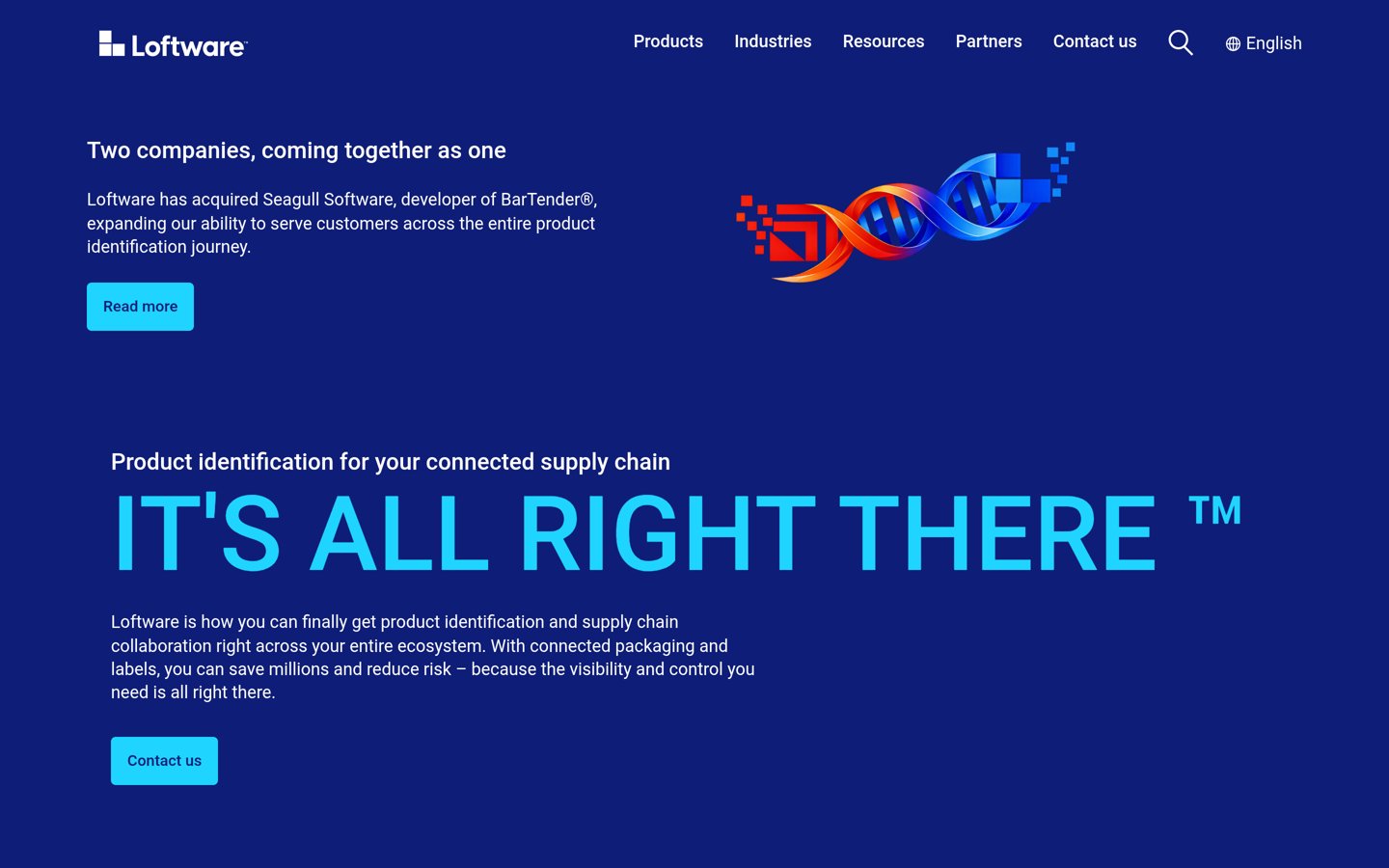
Loftware NiceLabel is the strongest cloud option for label control across many sites, but it is priced by quote.
ZebraDesigner Essentials and Avery Design and Print cost nothing and cover basic labels well.
QR TIGER is the cheapest way to generate QR codes at scale, from $7 a month with 176 G2 reviews.
One-time licences still exist: Labeljoy costs $39 once and CODESOFT costs $492 once.
What a barcode generator should cover
A barcode generator turns text or numbers into a scannable code. The best tools cover the symbologies your buyers and warehouses expect, from EAN-13 and UPC-A to Code 128, QR Code and Data Matrix.
Batch generation matters as soon as you label more than a few products. Look for CSV import, serial-number sequences and database connections so you do not type each code by hand.
Print quality decides whether a code scans. Vector output, quiet-zone control and a readability preview help a code survive printing, shrinking and rough handling.
Most teams need label design as well as code generation. Our guide to the best ERP software explains how labels fit into wider inventory and order workflows.
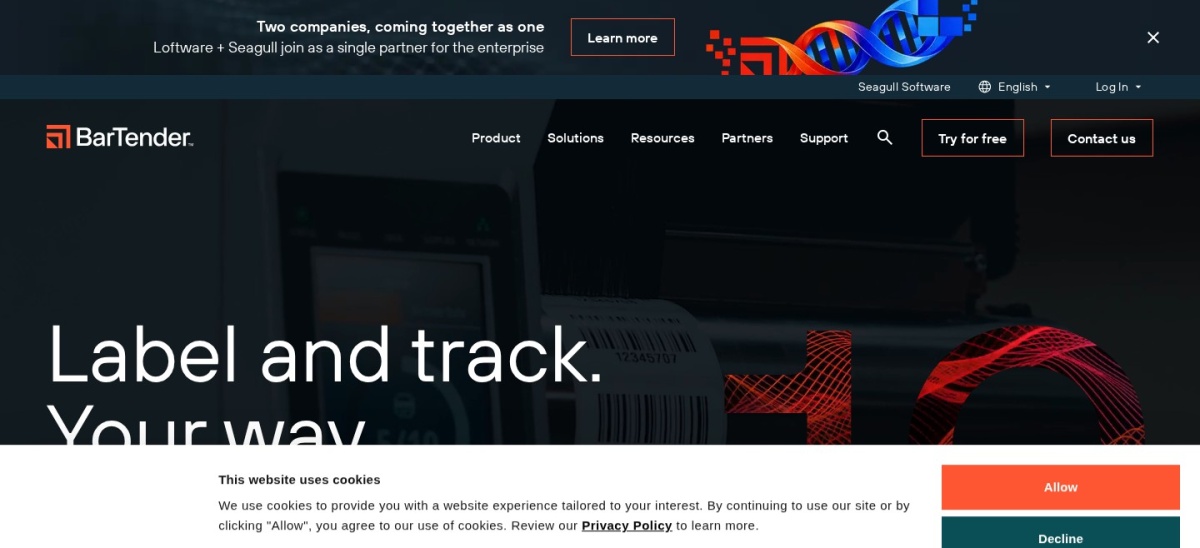
BarTender is the barcode label design and printing platform from Seagull Scientific, used by more than 250,000 companies. It designs labels with every symbology a warehouse or factory needs, pulls variable data from spreadsheets, databases and ERP systems, and prints across hundreds of printers from one console.
The trade off is depth. The full feature set takes time to learn, and licences are priced per printer or workstation, so costs grow with the print fleet. Starter starts at $199 a year. It suits teams that print labels at volume and need the output to scan every time.
Loftware NiceLabel is a cloud label management platform for teams that print the same labels at many sites. Templates are designed once, approved through a controlled workflow with version history, and printed the same way at every factory, warehouse or store.
The trade off is price and weight. Loftware does not publish prices, so every deployment is quoted by sales and priced per printer or site. It suits regulated and multi-site operations where a label error can trigger a recall, and it is too heavy for a single small warehouse.
What we like
Central template control across all sites
Approval workflows and audit trails
Browser-based design and printing
Strong fit for regulated industries
Watch out for
No published prices, quote only
Overkill for one printer or one site
Setup assumes label governance needs
Paid tiers add designer, LMS and cloud options by printer countVisit loftware.com
03
ZebraDesigner
4.7/5on Capterra (27 reviews, checked Nov 2026)
PriceFree
Best free pick for Zebra printers
PriceEssentials free
Printer supportZebra Link-OS
Barcode typesAll common types
Database linksPro edition only
zebra.com
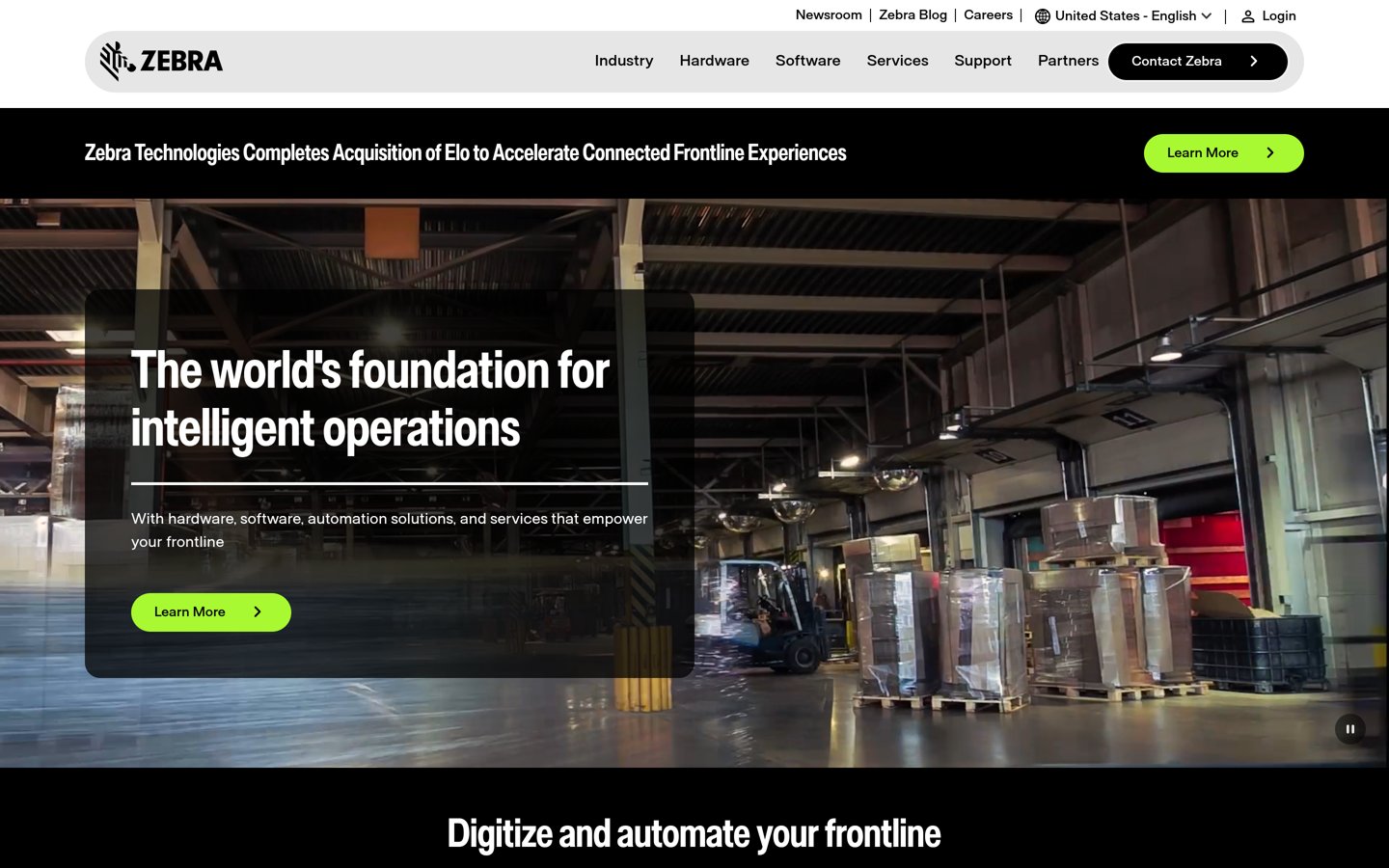
ZebraDesigner homepage, captured Nov 2026.
ZebraDesigner is the label design software Zebra ships for its own printers. The free Essentials edition covers label design with text, barcodes and graphics, keyboard input, date and time fields, counters and a GS1-128 wizard, speaking the ZPL printer language natively.
The trade off is scope. Essentials has no database connection, RFID encoding or scripting, and it is tuned for Zebra hardware rather than other brands. Professional adds those features for around $228 through resellers. It suits any team that already owns Zebra printers and prints basic labels.
What we like
Essentials edition is free with no expiry
Native ZPL support avoids translation quirks
Quick to learn for basic labels
GS1-128 wizard included
Watch out for
Built for Zebra printers first
No database link in the free edition
Professional price is not published by Zebra
Professional adds database links, RFID and scriptingVisit zebra.com
04
Labeljoy
4/5on G2 (2 reviews, checked Nov 2026)
Starts at$39 (one-time)
Best budget label designer
Price$39 one-time
Spreadsheet importYes
Serial numbersYes
Free trialYes, watermarked
labeljoy.com
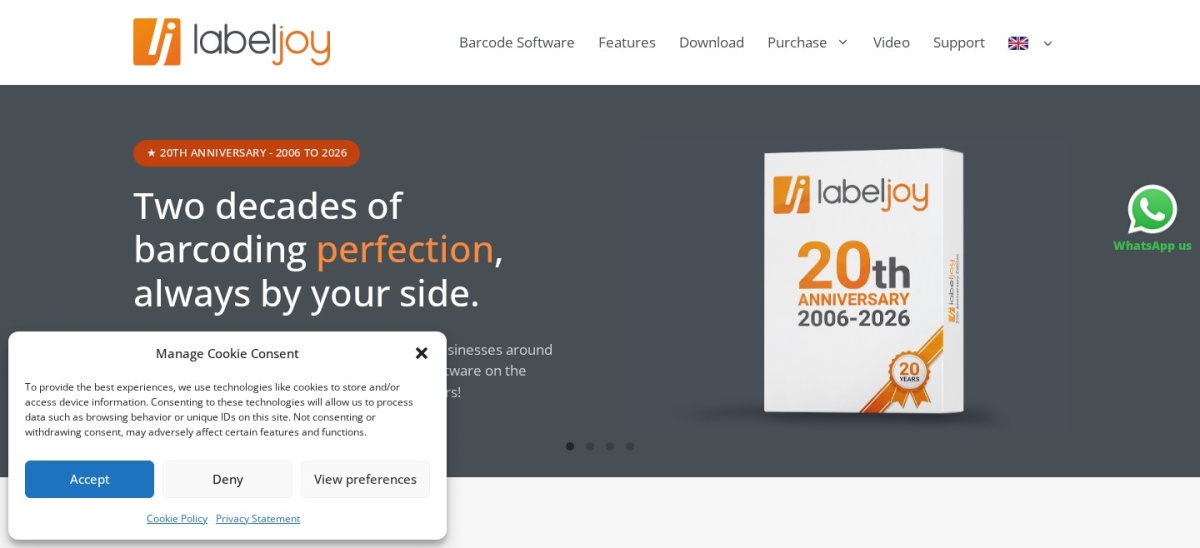
Labeljoy homepage, captured Nov 2026.
Labeljoy is a Windows label designer for small businesses that print their own product labels, price tags and barcodes. It maps spreadsheet data to label layouts, adds serial numbers for repeatable batch runs, and covers the common symbologies without a subscription.
The trade off is polish and proof. It costs $39 once for a Basic licence, but the rating base is thin at 2 G2 reviews, and the free trial exports with a watermark. It suits small shops that want a cheap perpetual licence and print from one PC.
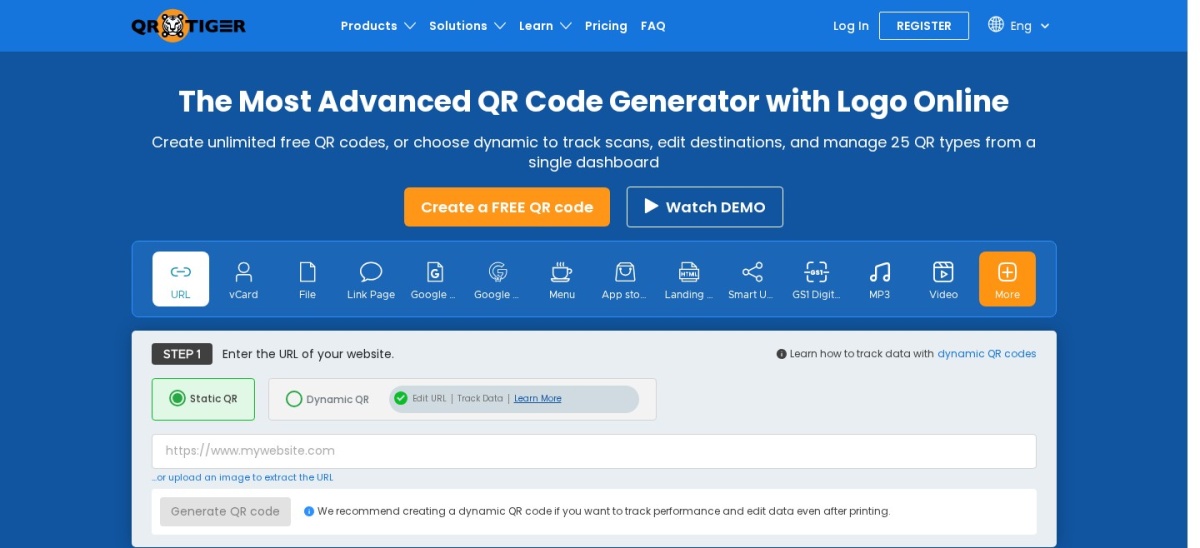
QR TIGER is a QR code generator built for marketing and packaging teams that need dynamic codes they can edit after printing. The free plan includes 3 dynamic codes, and the $7 a month Regular plan raises that to 12 codes with unlimited scans, custom designs and tracking.
The trade off is the free plan limit. Each free code stops at 500 scans and shows a QR TIGER logo popup before the destination opens, so printed campaigns outgrow it fast. It suits teams that print QR codes on packaging, posters or menus and need to change the destination later.
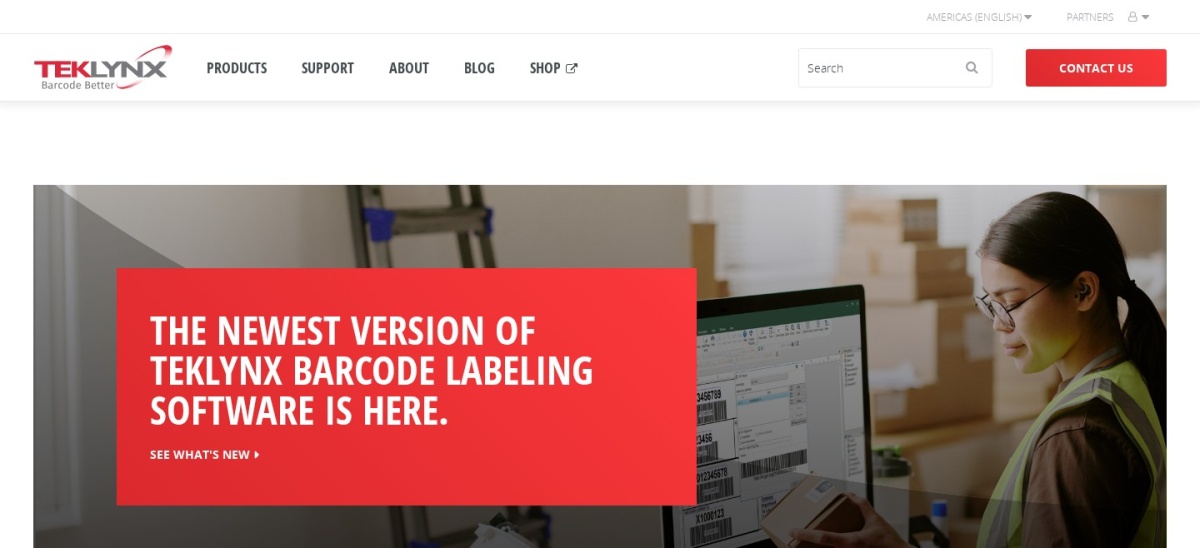
TEKLYNX CODESOFT is a label designer for demanding print work, including complex barcodes, GS1 and HIBC codes, RFID encoding and database-driven variable data. It is sold through integrators and resellers, and it fits environments where label accuracy is audited.
The trade off is cost and reach. It costs $492 once, and the rating base is thin at 3 G2 reviews with a 3.7 score, the lowest in this list. It suits integrators and regulated teams that need precise layout control, and it is more than most small shops need.
What we like
Handles complex GS1, HIBC and RFID labels
Database-driven variable data
One-time licence, no subscription
Strong reseller and integrator channel
Watch out for
Lowest G2 rating in this list at 3.7
Only 3 G2 reviews
Priced for professional use
Higher TEKLYNX editions add print automation and central controlVisit teklynx.com
07
Avery Design and Print
4.7/5on G2 (10 reviews, checked Nov 2026)
PriceFree
Best free sheet-label tool
PriceFree
Label stockAvery templates
Barcode typesCommon types
Mail mergeYes
avery.com
Avery Design and Print homepage, captured Nov 2026.
Avery Design and Print is a free web tool for sheet labels printed on office printers. It matches Avery label stock by product number, adds barcodes, text and graphics to each label, and supports mail merge from a spreadsheet for batch runs.
The trade off is the printer. It is built for Avery sheet labels on inkjet or laser printers, not for thermal label printers or high-volume lines. It suits offices and small sellers that print address labels, product labels and price tags in small batches.
What we like
Free with no expiry
Huge template library by Avery product number
Mail merge for batch labels
Works in the browser, nothing to install
Watch out for
Tied to Avery sheet-label stock
Not built for thermal printers
No database or ERP connections
Avery sells the label stock; the software stays freeVisit avery.com
Free vs paid: what you give up
Free tools cover basic labels well. ZebraDesigner Essentials, Avery Design and Print and the QR TIGER free plan all generate scannable codes at no cost.
Paid tools mostly add batch generation and data links. Spreadsheets, databases and ERP connections turn label printing from a manual job into a repeatable run.
One-time licences suit small shops. Labeljoy at $39 once and CODESOFT at $492 once cost less over three years than a subscription at the same annual price.
For regulated labels, the price buys control. Central templates, approvals and audit trails are what NiceLabel and BarTender charge for, not just the barcode itself.
How we chose
We started from every established barcode generator and label designer with a verifiable G2 or Capterra rating, then kept those that generate codes rather than only scan them.
Prices come from vendor pricing pages and vendor-supplied listings, checked on 24 November 2026. Ratings and review counts come from G2 and Capterra on the same day. Where a vendor shows a sale, the list shows the regular price.
We left out tools with no verifiable rating on G2, Capterra or Trustpilot, including the free Zint Barcode Studio. No vendor paid for a place, and we do not claim hands-on testing for this list.
How to choose barcode generator software
Start with what you print on, then match the tool to the volume.
Check your printer first. If you own Zebra printers, start with the free ZebraDesigner Essentials. If you print on office printers, Avery Design and Print costs nothing.
List the symbologies you must support. Retail needs EAN-13 and UPC-A, logistics needs Code 128 and GS1-128, and marketing needs QR codes. Every tool here covers the common types.
Count how many labels you print. A few dozen labels a month fit a free tool. Hundreds a day need batch generation from a spreadsheet or database, which is where BarTender and NiceLabel earn their price.
Decide who approves label changes. One person printing from one PC needs no governance. Several sites or a regulated product need central templates and approvals, so shortlist NiceLabel or BarTender.
FAQ
What is the best barcode generator software?
BarTender is the best barcode generator software for most teams. It covers every common symbology, links to spreadsheets and databases, and starts at $199 a year, with a 30-day free trial and support for hundreds of printers.
Is there a free barcode generator?
Yes. ZebraDesigner Essentials is free for Zebra printer owners, Avery Design and Print is free for office printers, and QR TIGER has a free plan with 3 dynamic QR codes capped at 500 scans each.
What is the cheapest barcode generator?
Labeljoy is the cheapest paid option at $39 once for a Basic licence. Avery Design and Print and ZebraDesigner Essentials are free, and QR TIGER starts at $7 a month for dynamic codes.
Can barcode software print from Excel?
Yes. BarTender, Labeljoy, CODESOFT and ZebraDesigner Professional all link to spreadsheets or databases so each row becomes a label. Free editions usually need manual entry instead.
What is the difference between BarTender and NiceLabel?
BarTender is a desktop-first platform with deep printer and database support, while NiceLabel is cloud-native with central template control and approval workflows across many sites. Both are enterprise tools with free trials.
Do I need a subscription for barcode software?
No. Labeljoy costs $39 once and CODESOFT costs $492 once, while BarTender and QR TIGER charge yearly or monthly. Free tools such as ZebraDesigner Essentials need no payment at all.