Playwright is our #1 automated software testing tool in 2026 because it runs Chromium, Firefox, and WebKit tests in parallel for free under an Apache 2.0 license. Teams needing a JavaScript browser runner with hosted flake analytics should look at Cypress, while mixed-skill QA teams wanting record-and-playback can use Katalon.
How we make this list: we compare pricing pages, product documentation and public user reviews, then re-check every price before each update. No product paid for a place. Disclosure.
Playwright ($0, Apache 2.0) leads for new web projects with built-in auto-waiting, trace debugging, and parallel workers across three browser engines.
Cypress ($0 open-source runner; Cypress Cloud Team starts at $799/yr) gives frontend teams in-browser debugging and 120,000 annual recorded test results.
Selenium ($0, Apache 2.0, 4.5/5 on G2) remains the polyglot standard with official bindings for Java, Python, C#, Ruby, JavaScript, and Kotlin.
BrowserStack Automate ($99/mo billed annually, or $1,188/yr per parallel test) and Sauce Labs ($59/mo billed annually, or $708/yr on Chrome) remove local grid maintenance.
BugBug ($99/mo billed annually, or $1,188/yr for Core) and Ghost Inspector ($109/mo billed annually, or $1,308/yr for Starter) offer codeless browser recording with scheduled cloud runs.
What to look for in automated software testing tools
Automated testing tools fall into two practical buckets: open-source code frameworks you run on your own CI infrastructure, and commercial SaaS platforms that host browsers, real mobile devices, or low-code recorders. Choosing between them comes down to who writes the tests and where those tests execute.
Code-first frameworks such as Playwright, Cypress, and Selenium cost $0 in license fees, yet you still pay for CI minutes, cloud runners, and engineering time spent fixing brittle selectors. Tools with built-in auto-waiting and DOM trace viewers cut debugging time considerably when pull requests fail.
Hosted execution grids and low-code platforms shift spending from developer hours to predictable subscriptions. When comparing commercial plans, check whether pricing scales by seat, parallel test slot, or monthly test runs, because concurrency limits often determine how fast a CI pipeline finishes.
Best for modern cross-browser web and API automation
LicenseApache 2.0 (100% open source)
BrowsersChromium, Firefox, WebKit
LanguagesTS/JS, Python, Java, .NET
Key toolsAuto-wait, Trace Viewer, Codegen, MCP
playwright.dev
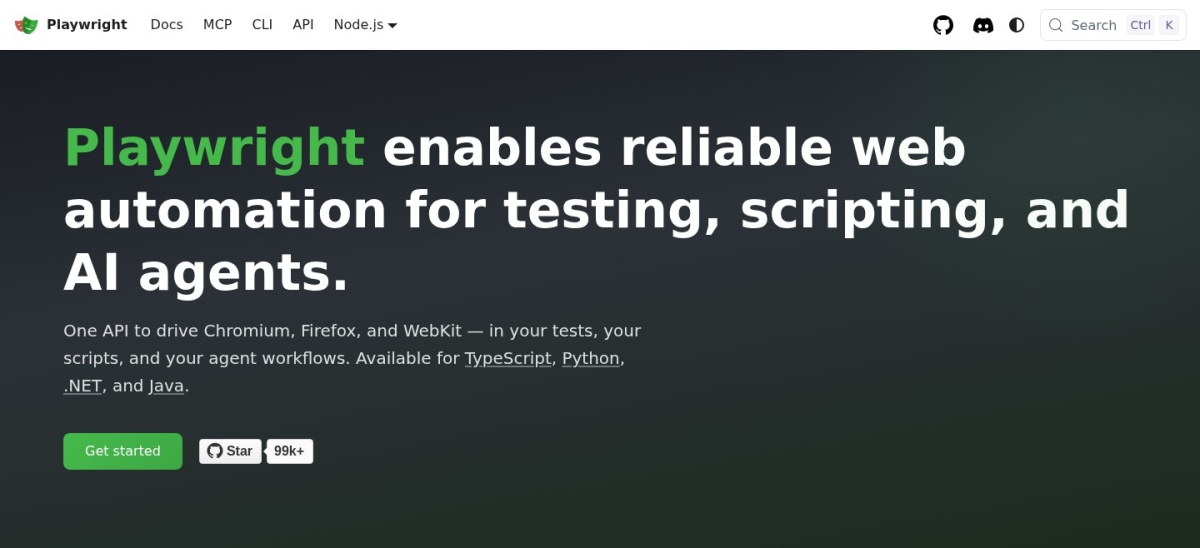
Playwright homepage, captured Nov 2026.
Playwright is Microsoft's open-source end-to-end testing framework that drives Chromium, Firefox, and WebKit through a single API. Every feature—including parallel worker execution, auto-waiting assertions, the interactive Trace Viewer, Codegen test recorder, and the Playwright MCP server—is free under the Apache 2.0 license with no commercial feature gating.
The trade off is that Playwright is strictly code-first and requires your team to supply its own CI runners or third-party cloud browsers for large parallel suites. It suits engineering teams writing TypeScript, JavaScript, Python, Java, or .NET who want fast, low-flake browser and API tests without license fees.
What we like
Completely free under Apache 2.0 with local parallel execution included
Tests Chromium, Firefox, and WebKit natively on Windows, macOS, and Linux
Built-in auto-waiting and Trace Viewer simplify debugging failed CI runs
Supports both browser UI flows and REST API testing in one suite
Watch out for
Requires programming skills; no hosted no-code dashboard
Native iOS and Android apps require separate tooling such as Appium
No paid tiers exist; all framework features are included in the free open-source package.Visit playwright.dev
02
Cypress
4.7/5on G2 (107 reviews, checked Nov 2026)
Paid from$799/yr
Best for JavaScript and TypeScript frontend teams
Free tierMIT runner + 500 Cloud results/mo
Entry paidTeam at $799/yr ($67/mo annual)
LanguagesJavaScript and TypeScript
DebuggingTime-travel DOM snapshots & Test Replay
cypress.io
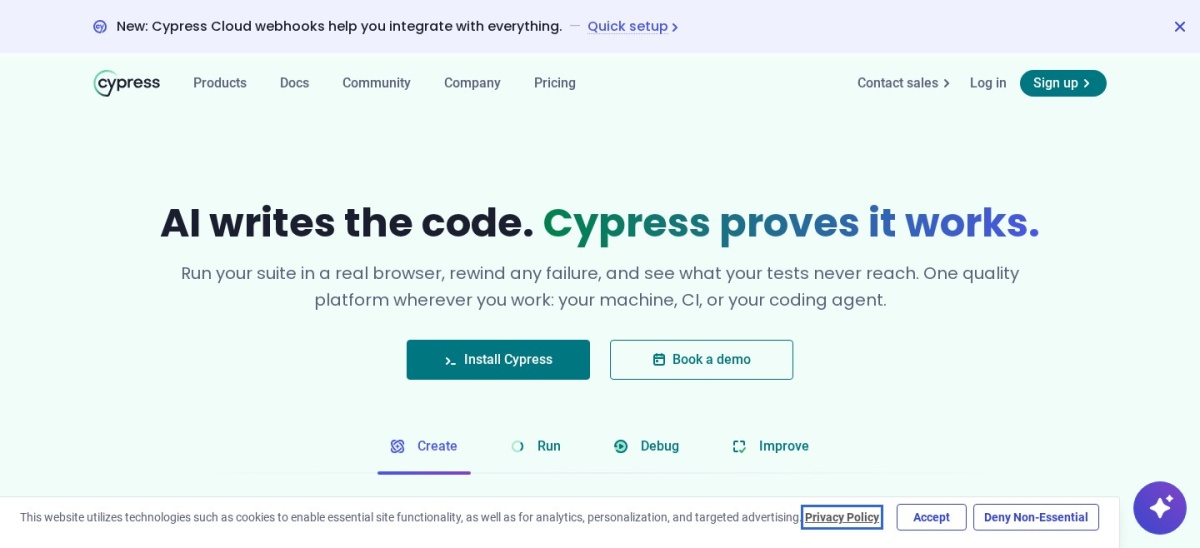
Cypress homepage, captured Nov 2026.
Cypress is an open-source JavaScript test runner that executes directly inside the browser loop for real-time reloading and step-by-step DOM snapshots. The local MIT-licensed app is free, and Cypress Cloud Starter includes 10 users, 500 recorded test results per month, Test Replay, and parallelization at $0.
The trade off is language lock-in to JavaScript or TypeScript and usage-based Cloud billing once suites scale, starting at $799 per year ($67 per month billed annually) for the Team plan with 50 users and 120,000 annual test results. It suits frontend teams testing React, Angular, Vue, or Svelte apps.
What we like
Runs inside the browser for fast feedback and time-travel debugging
Free open-source runner plus 500 free monthly Cloud recordings
Component testing mounts modern frontend frameworks directly
Flake detection and Jira integration included on the Team tier
Watch out for
Supports JavaScript and TypeScript only
Multi-tab workflows and cross-origin iframes have architectural limits
Cypress Cloud Team ($799/yr) unlocks 120,000 annual test results, 50 users, flake detection, and Jira integration.Visit cypress.io
03
Katalon
4.5/5on G2 (100+ reviews, checked Nov 2026)
Paid from$2,199/yr
Best for mixed-skill QA teams needing one unified IDE
Free tierLocal web, mobile, and API authoring
Entry paidProfessional at $2,199/seat/yr regular
PlatformsWeb, iOS, Android, API, Desktop
AuthoringRecord-and-playback, keywords, Groovy
katalon.com
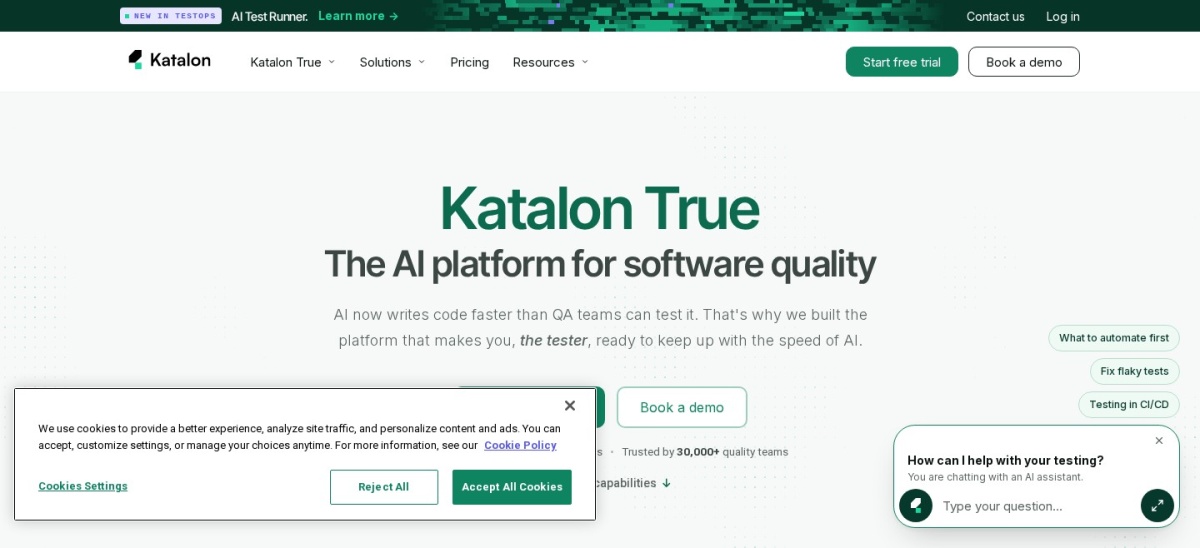
Katalon homepage, captured Nov 2026.
Katalon is an all-in-one test automation IDE built on Selenium and Appium that blends record-and-playback, built-in keywords, and Groovy scripting. Its Free plan covers local authoring and execution for web, mobile, and API tests with up to 10 static test suites per project and HTML, PDF, CSV, or JUnit reports.
The trade off is steep per-seat pricing for team features: Professional Studio regularly costs $2,199 per seat per year (discounted to $1,800 per year on annual promo), and CI command-line execution via Runtime Engine or cloud browsers via TestCloud cost extra. It suits QA teams transitioning from manual testing to automation.
What we like
Combines no-code recording, low-code keywords, and full Groovy scripting
Covers web, mobile, API, and desktop testing in a single download
Free plan allows local test creation and execution with no time limit
AI self-healing and failure analysis included in Professional Studio
Watch out for
Regular Professional license is $2,199/seat/yr and excludes CI Runtime Engine
Desktop IDE can feel resource-heavy on large test suites
Professional Studio ($2,199/seat/yr regular) adds desktop testing, parallel runs, AI self-healing, and ALM integrations.Visit katalon.com
04
Selenium
4.5/5on G2 (26 reviews, checked Nov 2026)
PriceFree
Best for multi-language enterprise browser suites
LicenseApache 2.0 (100% open source)
LanguagesJava, Python, C#, Ruby, JS, Kotlin
ComponentsWebDriver, Selenium Grid, Selenium IDE
ProtocolW3C WebDriver & WebDriver BiDi
selenium.dev
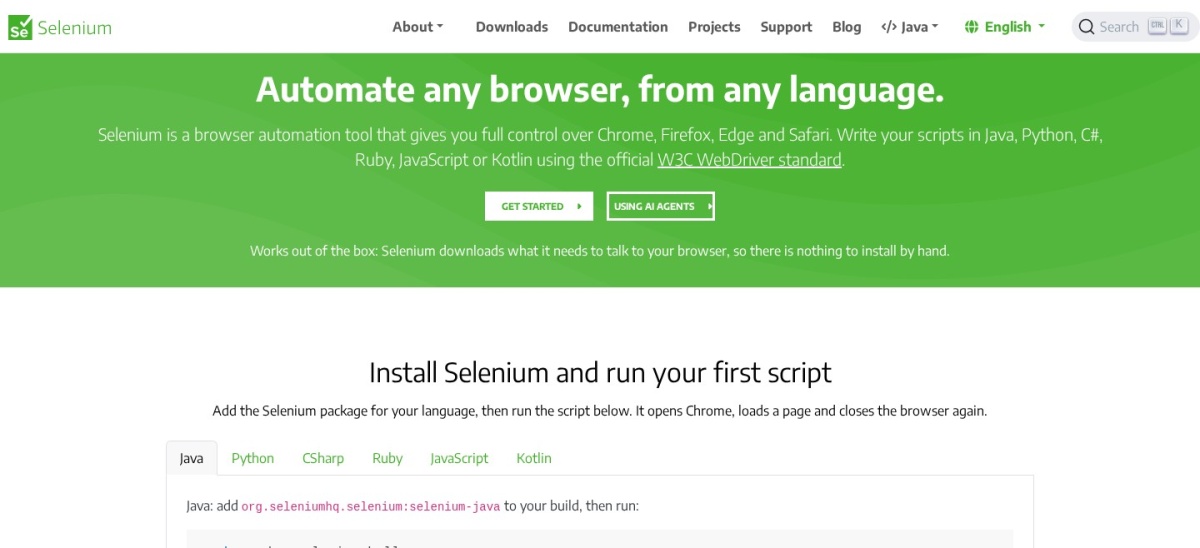
Selenium homepage, captured Nov 2026.
Selenium is the foundational open-source browser automation project governed by the Software Freedom Conservancy under the Apache 2.0 license. It provides official W3C WebDriver bindings across six programming languages—Java, Python, C#, Ruby, JavaScript, and Kotlin—alongside Selenium Grid for distributed execution and a browser-based Selenium IDE recorder.
The trade off is higher setup and maintenance effort compared with newer runners, since Selenium lacks built-in trace viewers and requires explicit wait strategies or third-party reporting libraries. It suits large organizations standardized on Java or C# that need W3C-compliant cross-browser automation at $0 license cost.
What we like
Free and open source under Apache 2.0 with zero vendor lock-in
Six official language bindings fit polyglot enterprise engineering teams
Selenium Grid distributes browser runs across Docker or Kubernetes nodes
Supported natively by every major cloud testing grid
Watch out for
Requires more boilerplate and wait handling than Playwright or Cypress
No built-in visual debugging trace or managed dashboard
No paid tiers exist; teams self-host Selenium Grid or connect scripts to third-party cloud grids.Visit selenium.dev
05
BrowserStack Automate
4.4/5on G2 (750+ reviews, checked Nov 2026)
Starts at$1,188/yr
Best for running existing suites on real devices and browsers
Entry paidAutomate Desktop at $99/mo annual
Coverage3,500+ browsers & 35,000+ real devices
FrameworksPlaywright, Selenium, Cypress, Appium
ArtifactsVideo recordings, network & console logs
browserstack.com
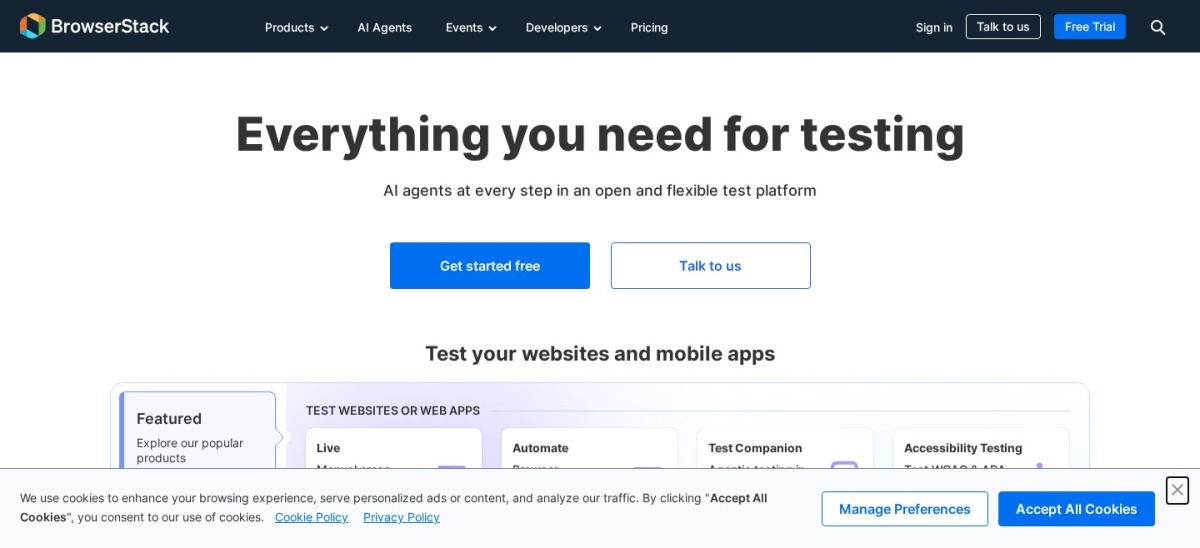
BrowserStack Automate homepage, captured Nov 2026.
BrowserStack Automate is a cloud execution grid that lets you run Selenium, Playwright, Cypress, and Appium test suites across 3,500+ desktop browser combinations and 35,000+ real iOS and Android devices. A free trial includes 100 minutes of automated browser testing and 100 minutes of automated mobile app testing.
The trade off is per-parallel pricing that climbs quickly for large CI pipelines: Automate Desktop starts at $99 per month billed annually ($1,188 per year) for 1 parallel test, while Automate Desktop & Mobile starts at $175 per month billed annually. It suits teams that want real Safari and mobile device coverage without maintaining an in-house device lab.
What we like
Tests against real physical iOS and Android devices rather than emulators
Plugs directly into existing Playwright, Selenium, Cypress, and Appium suites
Includes video recordings, network logs, and local tunnel testing
Unlimited automated testing minutes per parallel slot
Watch out for
No permanent free tier for automated execution after the trial
Scaling to 5 or 10 concurrent threads multiplies monthly costs linearly
Automate Desktop ($1,188/yr) provides unlimited automated browser minutes for 1 parallel thread across 3,500+ desktop browsers.Visit browserstack.com
06
BugBug
4.7/5on G2 (35+ reviews, checked Nov 2026)
Paid from$1,188/yr
Best for fast, low-cost codeless web regression tests
Free tierUnlimited local runs, 15 tests, 1 user
Entry paidCore at $99/mo billed annually
Browser supportChromium-based browsers
ExportHuman-readable YAML and ZIP archives
bugbug.io
BugBug homepage, captured Nov 2026.
BugBug is a low-code web test automation tool that records user flows through a Chrome extension and replays them with adaptive locators and custom JavaScript steps. Its Free plan costs $0 forever and supports unlimited local test runs in your own browser for 1 user, 1 project, 4 suites, and up to 15 tests.
The trade off is that BugBug only tests Chromium browsers and gates CI/CD triggers and CLI runs to the Pro tier at $189 per month billed annually, while Core starts at $99 per month billed annually ($1,188 per year) for 50 tests and scheduled cloud runs. It suits product managers and small QA teams automating web smoke tests.
What we like
Permanently free tier with unlimited local browser runs and no credit card
Fast point-and-click recorder with built-in email inbox testing
Exports tests as readable YAML files for version control
Scheduled cloud monitoring runs every five minutes on Core and Pro
Watch out for
Limited to Chromium browsers; no Safari, Firefox, or native mobile apps
CI/CD pipeline triggers require upgrading to the $189/mo Pro plan
Ghost Inspector is a hosted browser testing and monitoring service that pairs a point-and-click test recorder with automatic screenshot comparison on every run. Its Starter plan costs $109 per month billed annually ($1,308 per year, or $125 month-to-month) and includes 10,000 cloud test runs per month.
The trade off is the lack of a permanent free plan and higher run-based pricing than self-hosted frameworks once test volume grows past 10,000 monthly runs, where Growth jumps to $225 per month billed annually for 30,000 runs. It suits small web teams that want scheduled synthetic monitoring and visual regression checks without managing servers.
What we like
Combines functional browser steps with automatic visual screenshot diffs
10,000 monthly cloud runs included on the entry Starter tier
Supports importing and exporting tests in Selenium formats
Runs scheduled tests and CI webhooks out of the box
Watch out for
No permanent free tier beyond the initial trial
Focused on web browsers rather than native iOS or Android apps
Starter ($1,308/yr) includes 10,000 cloud browser test runs per month, scheduling, and visual screenshot comparisons.Visit ghostinspector.com
Open-source frameworks vs. commercial cloud platforms
Open-source frameworks like Playwright and Selenium charge $0 for software licenses, which makes them attractive when developers already maintain GitHub Actions, GitLab CI, or Jenkins pipelines. Your real cost is engineering time to write scripts, update locators, and keep browser containers healthy.
Commercial platforms like BrowserStack, Katalon, and BugBug trade higher annual subscription fees for pre-configured browsers, real mobile devices, or codeless recorders. Many teams combine both: writing core end-to-end suites in Playwright or Cypress, then routing pull-request runs to BrowserStack when Safari or real iOS hardware coverage is required.
How we chose
We selected seven established automated software testing tools across open-source frameworks, cloud device grids, and low-code recorders so teams can compare code-first and codeless workflows side by side.
All pricing tiers, annual billing totals, review scores, and usage limits were verified against vendor pricing pages and public G2 review profiles on 22 Nov 2026.
We excluded enterprise-only platforms that hide all pricing behind mandatory sales quotes—such as mabl, Testsigma, and Rainforest QA—as well as tools lacking verified public review track records. No vendor paid for a place, and we do not claim testing for this list.
How to choose an automated software testing tool
Match your team's coding skills, target platforms, and CI concurrency needs before committing to a framework or subscription.
Decide who will author and maintain tests. If software engineers own QA in pull requests, code-first frameworks like Playwright or Cypress fit directly into Git workflows. If manual testers or product managers write tests, low-code recorders like BugBug or Katalon Studio lower the barrier.
Map your required browsers and devices. Web apps targeting Chromium, Firefox, and WebKit can run locally with Playwright, whereas apps requiring physical iOS and Android devices or legacy Safari versions benefit from a real-device grid like BrowserStack.
Check how pricing scales with parallel runs. Open-source runners parallelize across as many CI workers as your hardware allows, while SaaS grids bill per parallel slot or monthly test run—verify concurrency costs before automating large regression suites.
Verify debugging artifacts and CI integrations. Look for tools that capture DOM snapshots, video recordings, network logs, or execution traces on failure so engineers can diagnose flaky tests without reproducing bugs locally.
FAQ
What is the best free automated software testing tool?
Playwright is the strongest free option for modern web apps because Microsoft releases all features—including parallel execution, Trace Viewer, and three browser engines—under the open-source Apache 2.0 license with no paid tiers.
Is Playwright better than Selenium in 2026?
Playwright is faster to set up for new web projects thanks to built-in auto-waiting, native WebKit support, and trace debugging. Selenium remains better when an organization requires official bindings in Java, C#, or Ruby.
Which automated testing tool works without coding?
BugBug, Ghost Inspector, and Katalon Studio all provide browser recorders that let non-developers capture clicks and assertions visually, with BugBug offering a permanently free local tier.
How do cloud testing tools like BrowserStack price their plans?
Cloud grids typically price by concurrent parallel threads rather than user seats; BrowserStack Automate starts at $99 per month billed annually ($1,188 per year) for one parallel desktop browser thread.
Can one tool automate web, mobile, and API tests together?
Katalon Studio combines web, mobile, API, and desktop testing inside one IDE, while code-first teams often pair Playwright for web and API checks with Appium for native iOS and Android apps.
SaaS SEO and WordPress specialist with about 8 years of experience. Rakib compares WordPress plugins, themes, hosting and software using public pricing, documentation and user reviews. See how we rank.