MSI Afterburner is the best overclocking tool for most PCs: it is free, works with graphics cards from any brand, and covers clocks, voltage, power limits and fan curves. Use Intel XTU for unlocked Intel CPUs, AMD Ryzen Master for Ryzen desktops, and ASUS GPU Tweak III for a modern GPU alternative.
How we make this list: we compare pricing pages, product documentation and public user reviews, then re-check every price before each update. No product paid for a place. Disclosure.
MSI Afterburner is free, works with NVIDIA and AMD cards from any brand, and adds OC Scanner one-click overclocking.
Intel XTU and AMD Ryzen Master are the only first-party CPU tuners: XTU for unlocked Intel chips, Ryzen Master for Ryzen desktops.
ASUS GPU Tweak III is the freshest GPU tuner here, with version 2.2.2.3 released on 13 November 2026.
AMD Software and the NVIDIA App bundle GPU tuning into the drivers, so Radeon and GeForce owners need no extra download.
Every tool on this list is free. The cost of overclocking is heat, power draw and warranty risk, not software.
What overclocking software actually does
Overclocking software splits in two. CPU tools tune the processor, and GPU tools tune the graphics card, and no single app covers both well. Start from the chip you own: Intel or AMD for the CPU, NVIDIA or AMD for the GPU.
Look for per-core or per-curve controls, voltage adjustment, fan curves, saved profiles and live monitoring of temperatures and power. Automatic tuning helps beginners, but every automatic result still needs a stability check.
Heat is the real limit. A good cooler matters more than the tool you pick, and our guide on fixing high CPU usage explains how to tell heat throttling apart from other slowdowns.
Overclocking can void a warranty and, pushed too far, can damage hardware. Change one setting at a time, note the old value, and keep temperatures in view while you test.
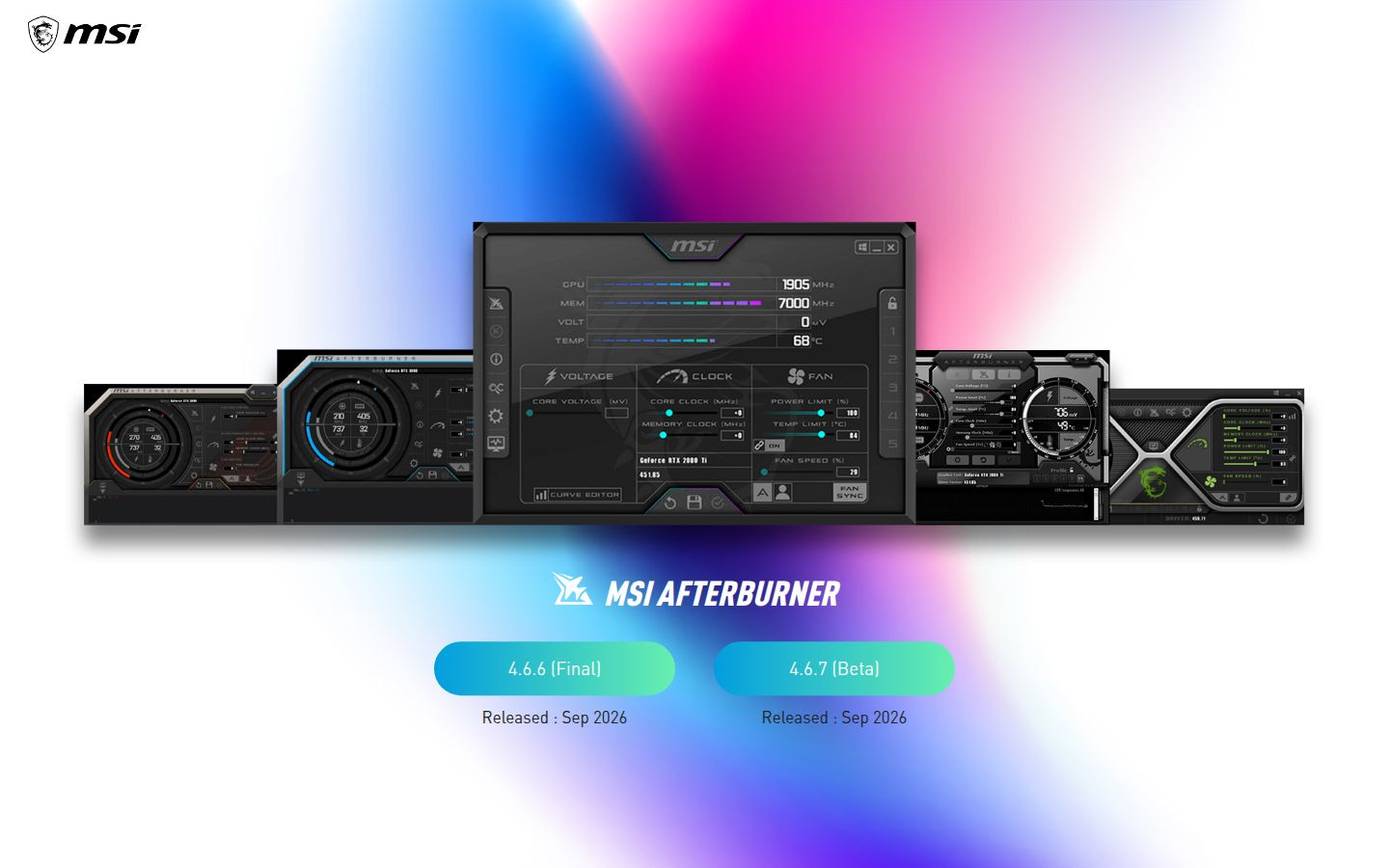
MSI Afterburner is a free graphics card utility that works with NVIDIA and AMD cards from any brand, not just MSI. It covers core clock, memory clock, voltage, power limit and custom fan curves, and the OC Scanner finds a stable overclock for you with one click. An on-screen display shows temperatures, usage and frame rates while you play.
The trade off is that Afterburner only touches the graphics card. Your processor needs a separate tool from this list, such as Intel XTU or AMD Ryzen Master. It suits almost any desktop gamer who wants one free tool for GPU tuning and monitoring.
What we like
Works with graphics cards from every brand, not just MSI
Full control of clocks, voltage, power limit and fan curves
OC Scanner finds a stable overclock automatically
On-screen display and hardware monitoring included
Watch out for
GPU-only, so it does nothing for your CPU
Fake download sites impersonate it, so only use msi.com or Guru3D
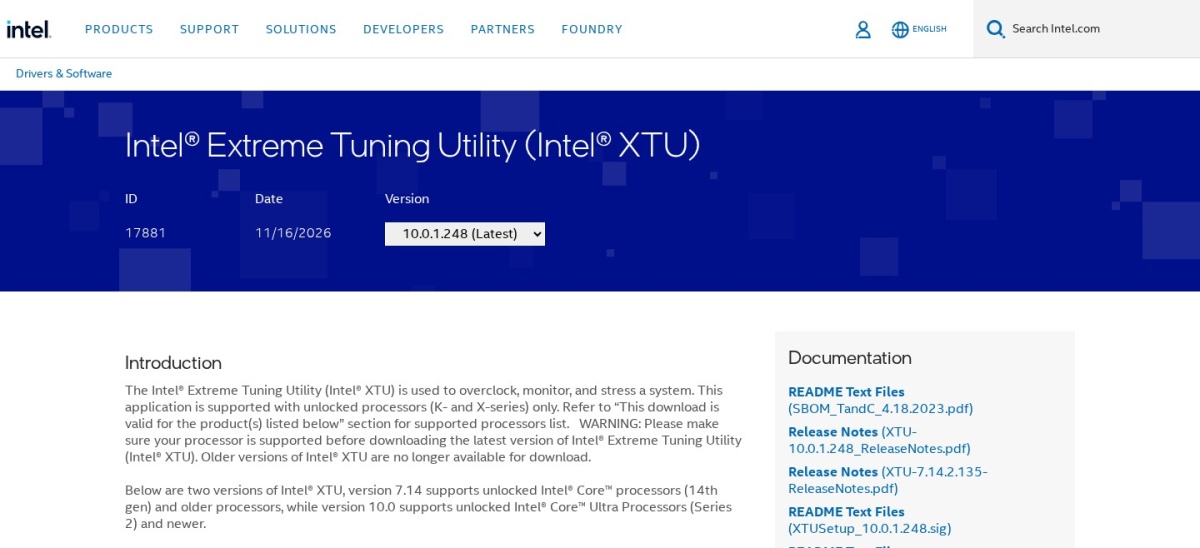
Intel Extreme Tuning Utility homepage, captured Nov 2026.
Intel Extreme Tuning Utility is Intel's own free tuning tool for unlocked Intel processors. It gives per-core frequency control, voltage adjustment, memory tuning and built-in stress tests with benchmark scores, so you can check whether a change helped before keeping it. Two branches exist: 7.14 for 14th-generation and older chips, and 10.0 for Core Ultra Series 2.
The trade off is compatibility. It only works on unlocked K and X-series processors with a Z chipset, so most laptop and locked desktop chips show greyed-out sliders. It suits owners of unlocked Intel desktops who want the official tool with the newest chip support.
What we like
Made by Intel, so new chip features arrive here first
Per-core overclocking and undervolting on supported processors
Built-in stress testing and benchmark scoring
Watch out for
Only works with unlocked Intel CPUs, mostly K and KF series
Voltage control is restricted on recent generations
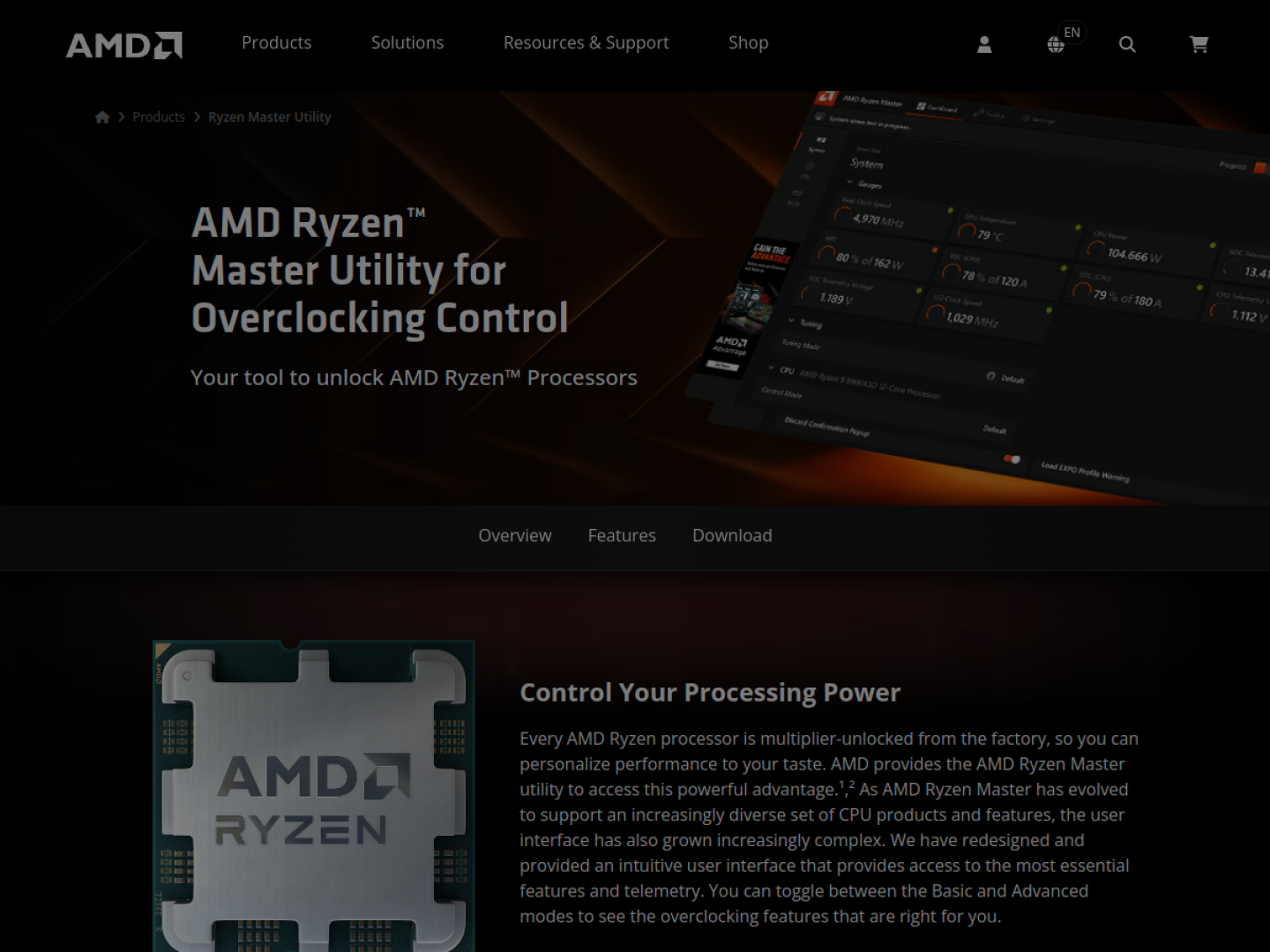
AMD Ryzen Master is AMD's free tuning utility for Ryzen desktop processors. It offers automatic overclocking, real-time monitoring of per-core clocks, temperatures and voltages, and profiles that store settings for the CPU, integrated Radeon graphics and DDR5 memory. Precision Boost Overdrive and Curve Optimizer controls are built in.
The trade off is scope. Laptop Ryzen chips and some workstation parts are not supported, and settings apply in Windows, so a bad profile can vanish after a reboot. It suits Ryzen desktop owners who want to tune without opening the BIOS.
What we like
Official AMD software with automatic overclocking
Per-core monitoring and custom profiles
Covers CPU, integrated graphics and DDR5 memory in one app
Watch out for
Desktop Ryzen only, with no support for laptop processors
Changes apply in Windows and reset unless you save a profile
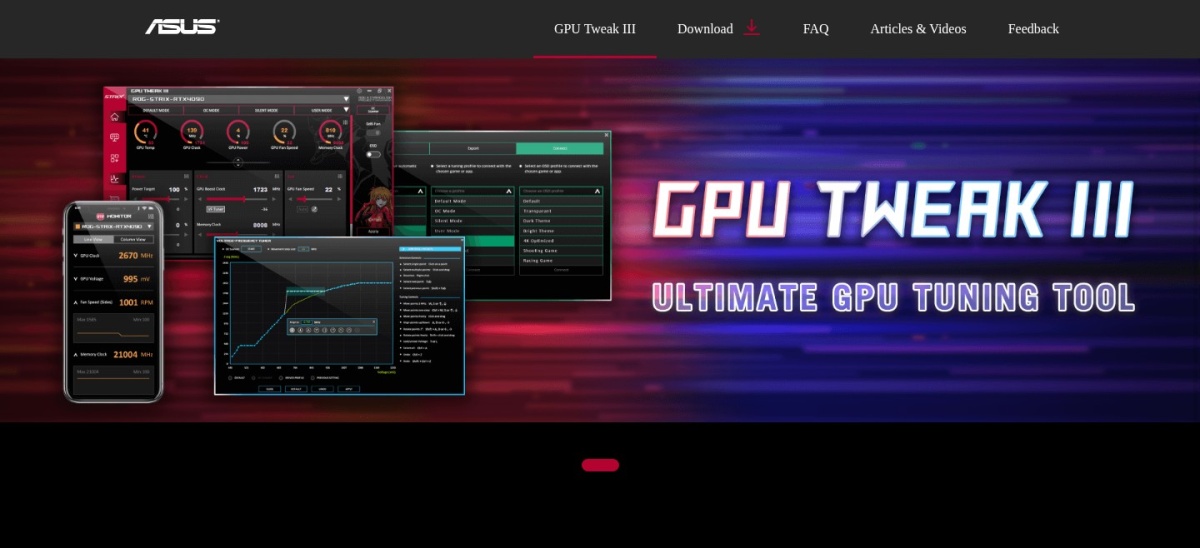
ASUS GPU Tweak III is a free graphics card tuner with a modern interface and the freshest release in this list, version 2.2.2.3 from 13 November 2026. The OC Scanner runs an automated test and applies a stable overclock, while manual controls cover voltage, power target, temperature target, memory clocks and per-fan curves. An on-screen display and a mobile monitor app are included.
The trade off is clutter. The interface carries more panels and widgets than Afterburner, which some users find noisy. It suits owners who want a polished, current GPU tuner and do not mind extra panels.
What we like
Clean modern interface with one-click OC Scanner
Detailed voltage and fan control with profile switching
Works on non-ASUS graphics cards too
Watch out for
Interface can feel busy if you only want a simple clock slider
Extra features like the mobile app add little for most users
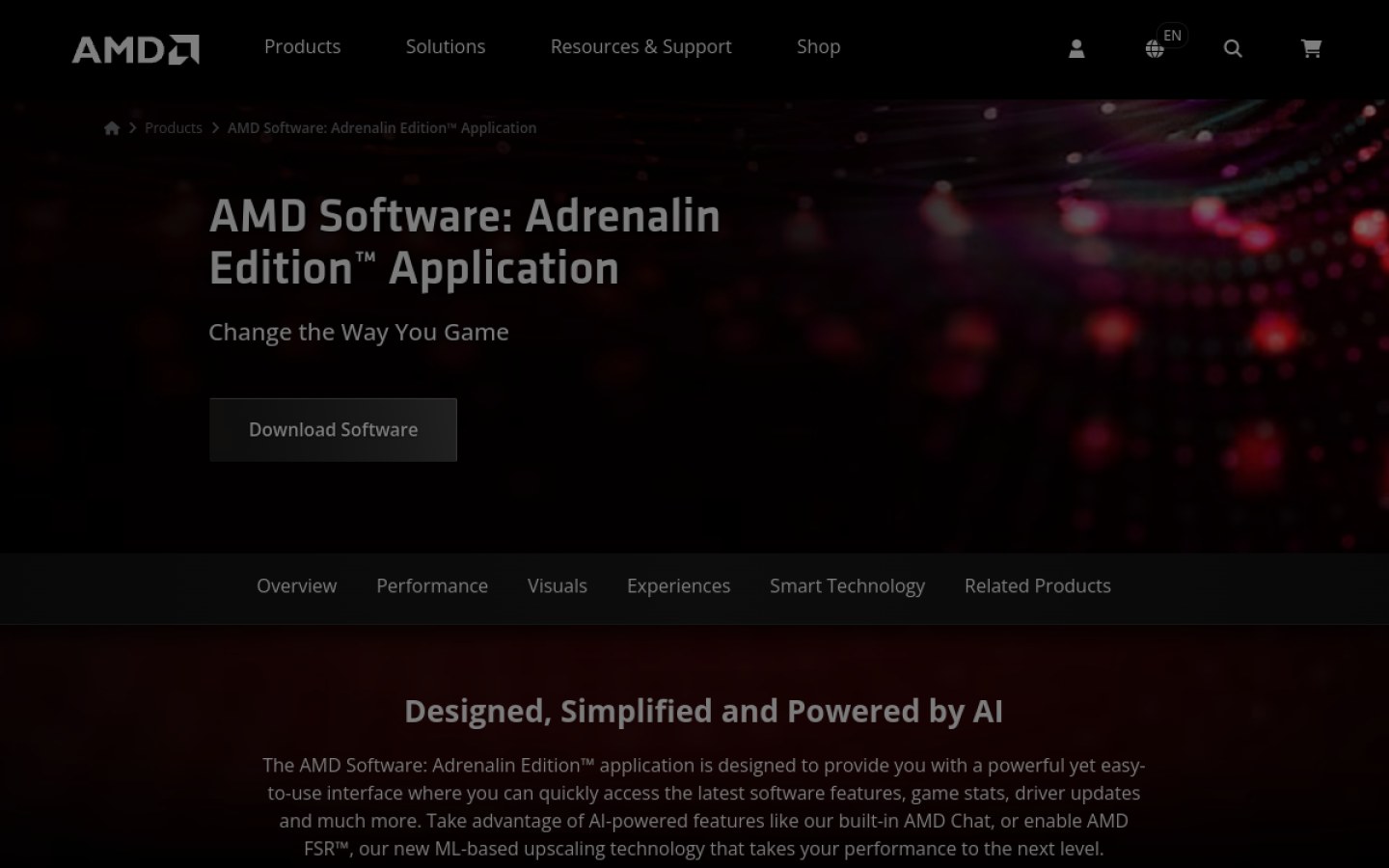
AMD Software: Adrenalin Edition homepage, captured Nov 2026.
AMD Software: Adrenalin Edition is the driver suite for Radeon graphics cards, and it includes built-in performance tuning at no extra cost. You can adjust clocks and voltage, set HYPR-RX one-click profiles, and use FSR upscaling and Anti-Lag from the same app. Because it ships with the driver, Radeon owners need no second download.
The trade off is that it only works with Radeon graphics, and its tuning is simpler than a dedicated tool such as Afterburner. It suits Radeon owners who want driver updates and basic GPU tuning in one place.
What we like
No extra download: tuning ships with the Radeon driver
One-click HYPR-RX profiles for performance or power saving
FSR upscaling and Anti-Lag in the same app
Watch out for
Radeon cards only, no NVIDIA support
Tuning is simpler than dedicated tools like Afterburner
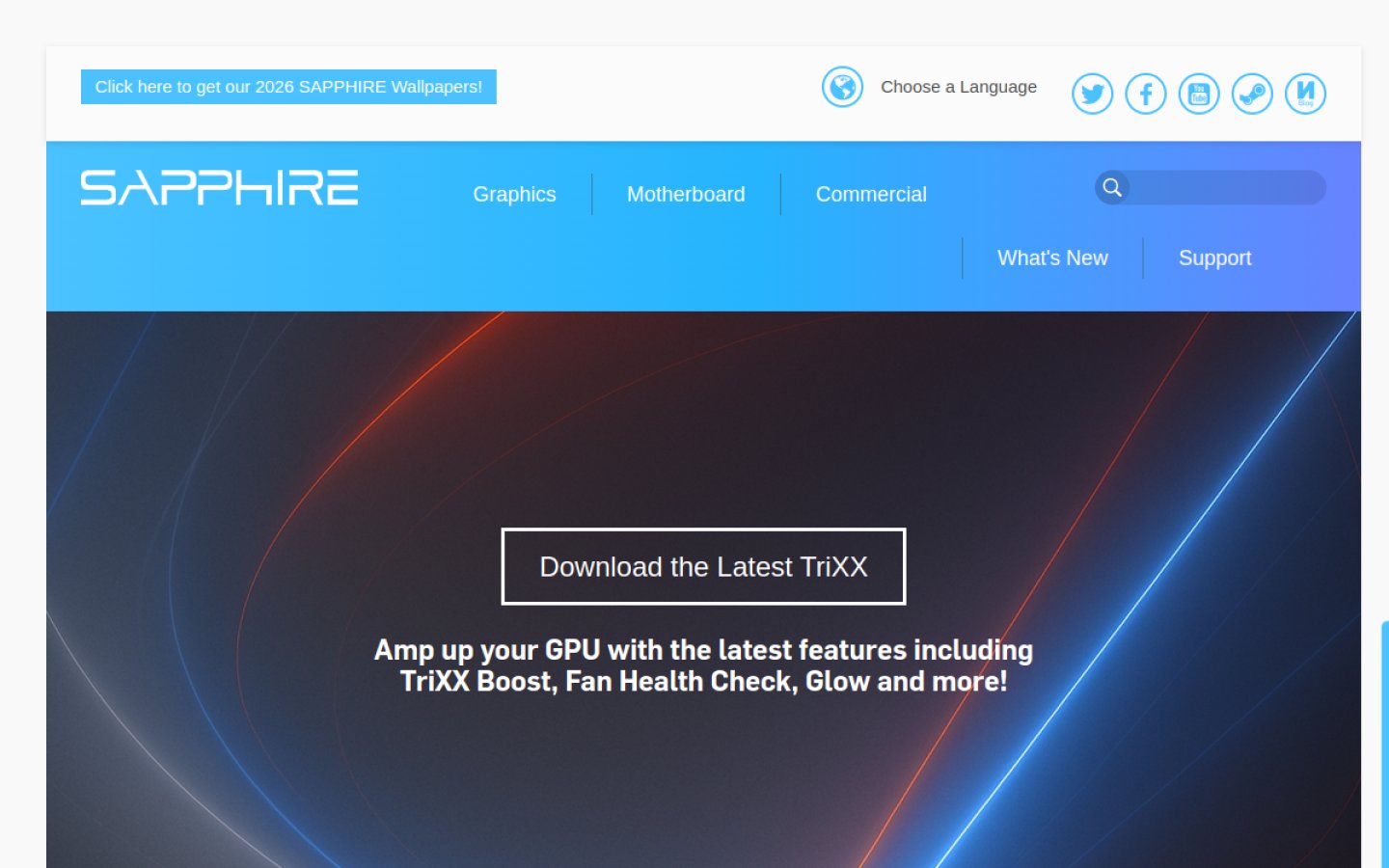
SAPPHIRE TriXX is the free tuning tool for Sapphire graphics cards, now at version 11.2.0. TriXX Boost lowers the render resolution slightly and upscales with Radeon Image Sharpening for higher frame rates, while Fan Health Check spins each fan and reports problems. Live data monitoring, performance presets and Glow ARGB lighting controls round it out.
The trade off is that it is built for Sapphire cards. Owners of other brands get little from it, and the Glow lighting and Fan Health Check need NITRO+ models. It suits Sapphire card owners who want the vendor's own extras.
What we like
TriXX Boost raises frame rates with upscaling
Fan Health Check spots failing fans early
Live monitoring and performance presets included
Watch out for
Built for Sapphire cards, with limited value for other brands
NVIDIA App is NVIDIA's free companion for GeForce owners, replacing GeForce Experience and the classic Control Panel. Its System > Performance page includes Automatic Tuning, which scans the card and applies a stable overclock for you. Driver updates, DLSS Override, game settings and recording sit in the same app.
The trade off is depth. Automatic Tuning is conservative, so manual tools extract more performance, and the app only works with GeForce cards. It suits GeForce owners who want a safe, one-click overclock without installing a separate tuner.
What we like
Automatic Tuning finds a stable overclock with one click
Driver updates and game settings in one place
No login needed except for rewards
Watch out for
GeForce cards only, no AMD support
Automatic Tuning is conservative next to manual tools
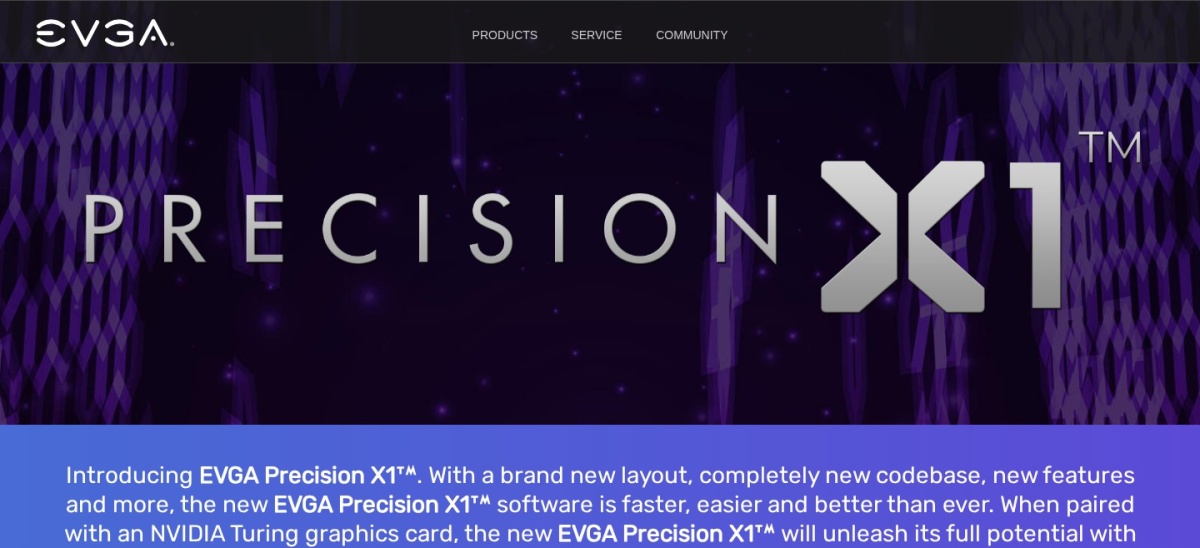
EVGA Precision X1 is a free tuner for NVIDIA graphics cards with a voltage-frequency curve editor for fine control. The OC Scanner finds a stable overclock automatically, and the app adds RGB lighting control, an on-screen display and up to 10 profiles with hotkeys. The latest version is 1.3.7.0.
The trade off is the vendor. EVGA stopped making graphics cards in 2022, so Precision X1 will never gain support for newer cards. It suits owners of older EVGA and other NVIDIA cards who already know the tool.
What we like
Voltage-frequency curve editor for fine control
OC Scanner automates the overclock
Up to 10 profiles with hotkeys
Watch out for
NVIDIA cards only, no AMD support
EVGA stopped making graphics cards in 2022, so newer cards are not supported
4.8/5on Download Zone (1,250 reviews, checked Nov 2026)
PriceFree
Best monitoring companion
MonitoringCPU, GPU, memory
Fan controlWith NZXT hardware
Users1.4M+
Account neededNo
nzxt.com
NZXT CAM homepage, captured Nov 2026.
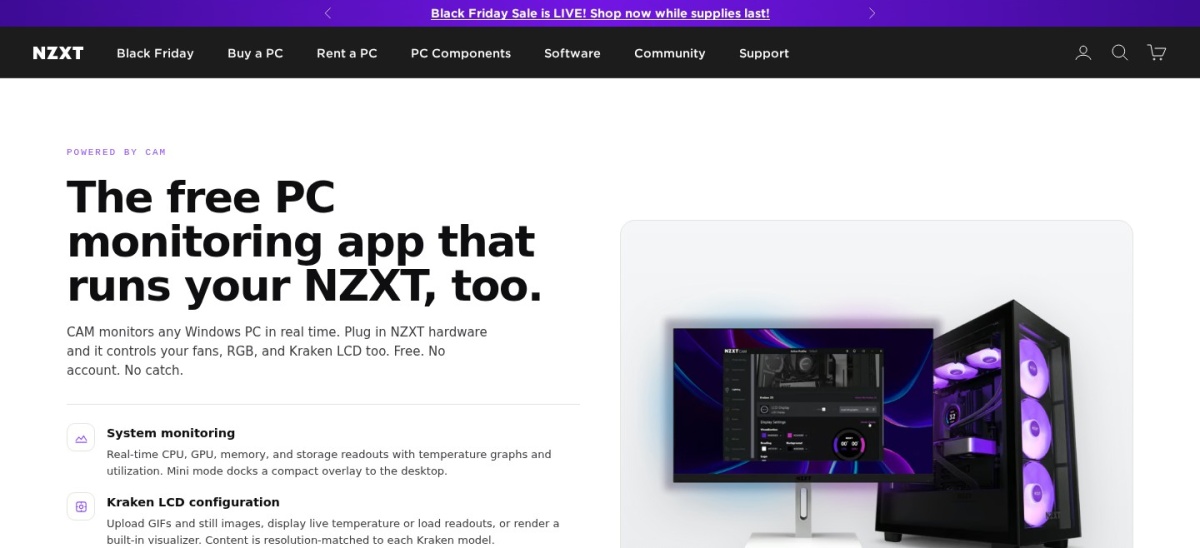
NZXT CAM is a free monitoring app for any Windows PC, and it is the companion to pair with a tuner from this list. It shows real-time CPU, GPU, memory and storage readouts with temperature graphs, plus a mini-mode overlay for the desktop. With NZXT hardware it also controls fans, RGB lighting and Kraken cooler displays.
The trade off is that it is mainly a monitor. Its tuning controls are modest next to Afterburner, and fan control needs an NZXT controller. It suits anyone who wants clear temperature and load readouts while overclocking with another tool.
What we like
Clear real-time readouts for CPU, GPU, memory and storage
Raise clocks in small steps. A 25 to 50 MHz step, then a short stress test, tells you more than one large jump. If the system crashes or shows artifacts, step back to the last stable setting.
Watch temperatures the whole time. Keep a monitor open while you test, and stop if temperatures climb past the range your cooler can hold. A cooler card at a lower clock often beats a hot card that throttles.
Save a known-good profile before you experiment. Every tool on this list stores profiles, so a bad change costs a click to undo instead of a fresh setup.
How we chose
We started from the tuning tools that hardware makers and download sites list for overclocking in 2026, then kept the nine that are free, maintained and widely used.
Prices come from each vendor's own pages, checked on 24 November 2026. Every tool here is free with no paid tier. Ratings and review counts come from TechSpot, FileCroco, Gramfile, Uptodown and Download Zone on the same day, because these desktop tools have no G2 or Capterra listings.
We left out tools we could not verify, either because no published user rating existed or because no clean screenshot could be captured. No vendor paid for a place, and we do not claim hands-on testing for this list.
How to choose CPU overclocking software
Match the tool to the chip in your PC, then check what else it needs.
Check which chip you are tuning. Intel CPUs need Intel XTU, Ryzen desktops need Ryzen Master, and graphics cards need a GPU tuner. Picking the wrong side wastes the download.
Start with the maker's own tool. The vendor tool knows your hardware best and is free. Add a universal tool like Afterburner only if you need deeper controls.
Use automatic tuning first. OC Scanner or Automatic Tuning finds a safe starting point. Move to manual sliders only after the automatic result proves stable.
Pair every tuner with monitoring. Watch temperatures, clocks and power while you stress test. NZXT CAM or the tuner's own overlay both work for this job.
FAQ
What is the best CPU overclocking software?
MSI Afterburner is the best pick for most PCs because it is free, works with graphics cards from any brand, and covers clocks, voltage, power limits and fan curves. For the processor itself, use Intel XTU on unlocked Intel chips or AMD Ryzen Master on Ryzen desktops.
Is overclocking software free?
Yes, every tool on this list is free with no paid tier. The real costs are a better cooler, higher power draw and the warranty risk if a chip is pushed too far.
Can MSI Afterburner overclock a CPU?
No. Afterburner only tunes the graphics card. Use Intel XTU for unlocked Intel processors or AMD Ryzen Master for Ryzen desktops, and keep Afterburner for the GPU.
Is overclocking safe?
It is safe when done in small steps with temperature monitoring and stability checks after each change. Large voltage jumps, poor cooling or ignoring crashes can damage hardware and void the warranty.
Do I need a separate tool for my laptop?
Laptops need care because cooling is limited and many mobile chips lock voltage control. Intel XTU works on some unlocked laptop chips, while undervolting is limited on 12th-generation and newer Intel laptops.
What is the easiest overclocking tool for beginners?
The NVIDIA App and AMD Software are the easiest starts because their automatic tuning finds a stable overclock with one click. MSI Afterburner's OC Scanner does the same job for graphics cards from any brand.
SaaS SEO and WordPress specialist with about 8 years of experience. Rakib compares WordPress plugins, themes, hosting and software using public pricing, documentation and user reviews. See how we rank.