NinjaOne is the best computer management software for most IT teams, with patching, monitoring and remote access in one console and a 4.7 out of 5 rating on G2. Pick ManageEngine Endpoint Central for the lowest-cost full UEM, and Jamf Pro if your fleet is all Apple.
How we make this list: we compare pricing pages, product documentation and public user reviews, then re-check every price before each update. No product paid for a place. Disclosure.
NinjaOne leads on breadth and reviews: 4.7 out of 5 on G2 from 5,840 reviews, with patching, monitoring and remote access in one console.
ManageEngine Endpoint Central is the cheapest full UEM here, with a free edition and Professional from $795 a year.
Jamf Pro is the Apple specialist at 4.7 out of 5, but it manages no Windows or Android devices.
Microsoft Intune costs $8 per user a month standalone, and many Microsoft 365 teams already have it included.
Automox starts at $1 per device a month for patching, the lowest paid entry price in this list.
Two of the nine tools publish no fixed price, so budget for a sales quote with NinjaOne and Jamf Pro.
What computer management software should cover
Computer management software keeps every device in a fleet patched, monitored and reachable from one console. The core jobs are patching the operating system and apps, watching device health, deploying software and opening a remote session when something breaks.
Patching is the feature that separates the tools most. Some cover Windows, macOS and Linux plus third-party apps, while others patch the operating system only and leave apps to a second tool.
Pricing models split three ways: per device, per technician with unlimited endpoints, and per user. Per-device pricing is cheap for small fleets and grows with every endpoint; per-technician pricing stays flat as you add devices.
A patch that breaks a machine costs more than the patch itself. Our guide on fixing a site broken after a WordPress update shows the same lesson on the web side: test updates on a small group before rolling them out everywhere.
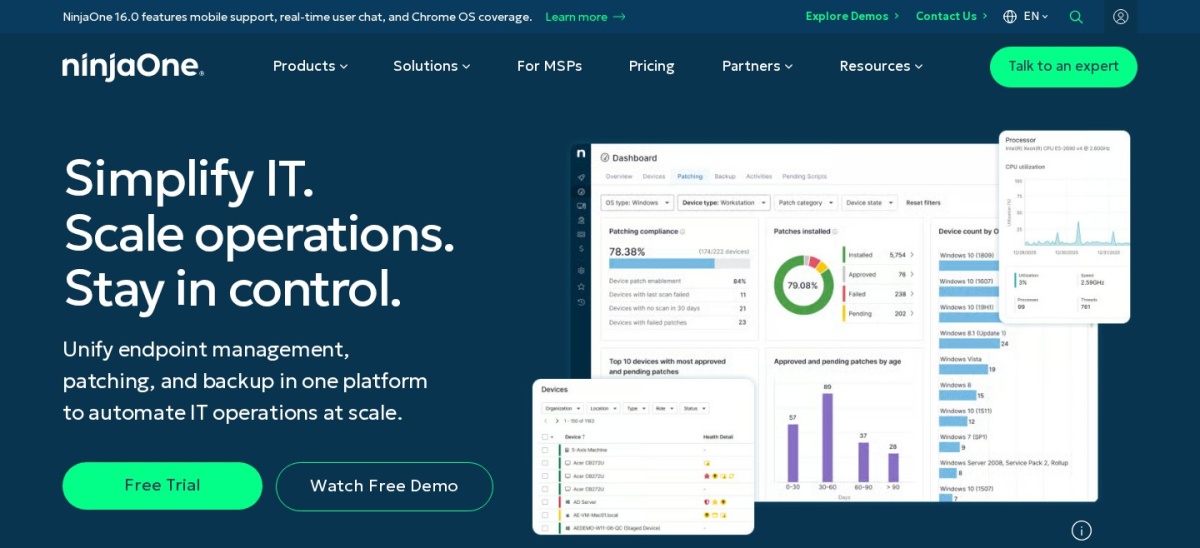
NinjaOne is a cloud RMM and unified endpoint management platform for IT teams and MSPs. It patches Windows, macOS and Linux plus third-party apps, monitors device health, deploys software, opens remote sessions and covers mobile devices, with support and training included at no extra charge.
The trade off is pricing. NinjaOne publishes a per-device range of $1.50 to $3.75 a month by volume, with $3.75 at 50 or fewer endpoints, and the exact rate comes from a sales quote. It suits teams that want the most proven console and do not mind a quote.
What we like
Highest review volume here: 4.7 out of 5 from 5,840 G2 reviews
Patching across operating systems and third-party apps
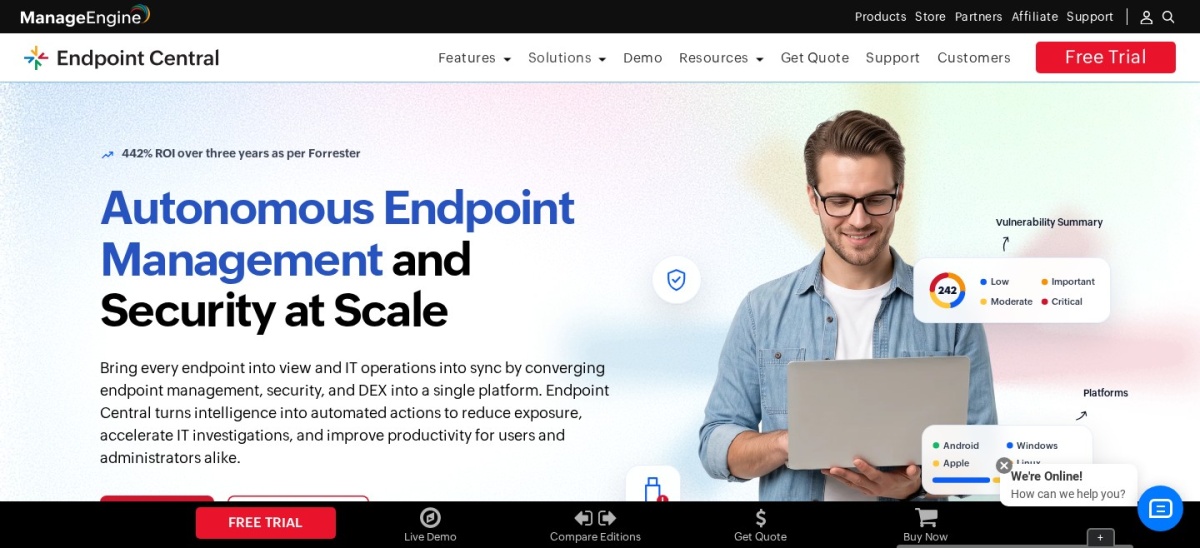
ManageEngine Endpoint Central homepage, captured Nov 2026.
ManageEngine Endpoint Central is a unified endpoint management platform for Windows, macOS, Linux and mobile devices. It covers automated patching, software deployment, remote desktop, asset inventory and OS imaging, and a free edition covers small fleets.
The trade off is complexity. Licensing spans on-premises and cloud editions with different prices, and reviewers note the console takes time to learn. It suits mid-size IT teams that want deep control at a low price.
What we like
Free edition for small fleets
Lowest-cost full UEM in this list
Broad software deployment catalogue
On-premises or cloud deployment
Watch out for
Console has a learning curve
On-premises and cloud prices differ and confuse buyers
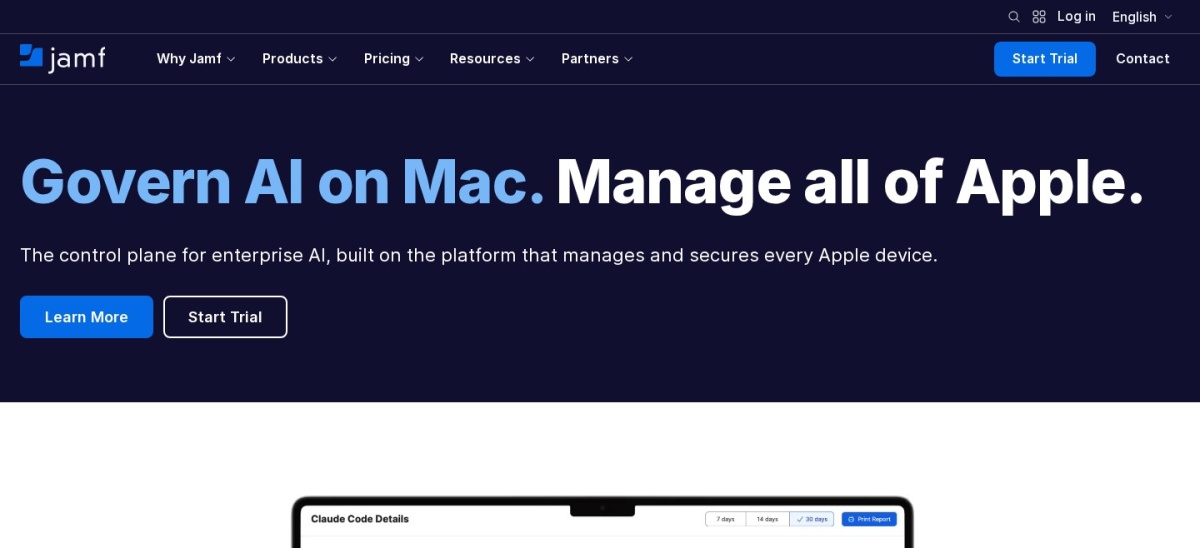
Jamf Pro is the Apple device management platform, sold as part of Jamf's Business Plan bundle. It handles automated enrolment, app deployment, configuration profiles, patching and compliance for Mac, iPhone and iPad, with same-day support for new Apple operating systems.
The trade off is scope and price. Jamf Pro manages no Windows or Android devices, and the vendor publishes no price, so buyers need a quote. It suits schools and companies whose fleet is all Apple.
What we like
Deepest macOS and iOS management available
Same-day support for new Apple OS releases
Mature app packaging and Smart Groups
Rated 4.7 out of 5 on G2
Watch out for
Apple only, so mixed fleets need a second tool
No published price; budgeting needs a quote
Premium pricing for large Apple fleets
Paid bundles add identity, security and remote accessVisit jamf.com
04
Microsoft Intune
4.5/5on G2 (272 reviews, checked Nov 2026)
Starts at$8/mo
Best for Microsoft 365 teams
Free planNo, free trial
PlatformsWindows, macOS, iOS, Android
IdentityMicrosoft Entra ID
Cheapest paidPlan 1, $8/user/mo
microsoft.com
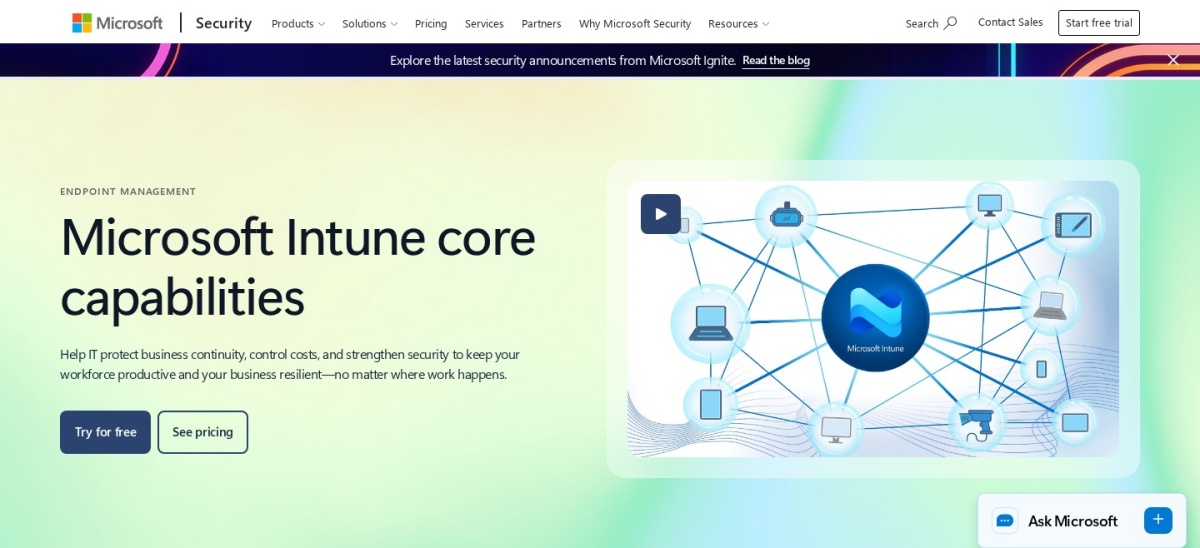
Microsoft Intune homepage, captured Nov 2026.
Microsoft Intune is a cloud endpoint manager for Windows, macOS, iOS, Android and Linux. It manages device policies, app deployment and compliance beside Entra ID identity and conditional access, and Windows Autopilot automates new device setup.
The trade off is ecosystem fit. Intune works best inside Microsoft 365, and macOS management still trails its Windows depth. It suits teams that already pay for Microsoft 365, where Plan 1 is often included.
What we like
Included in Microsoft 365 E3, E5 and Business Premium
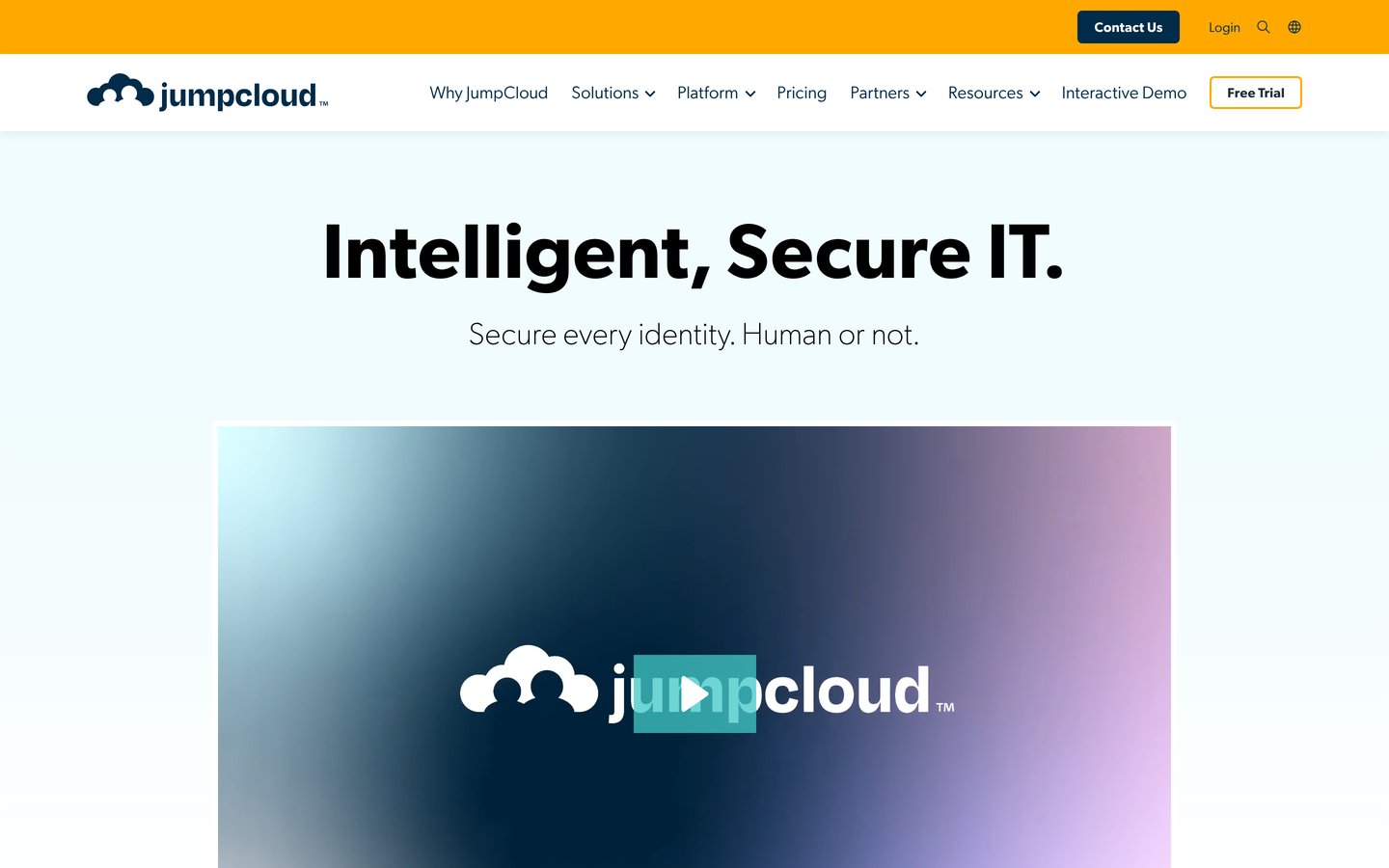
JumpCloud is a cloud directory platform that unifies identity, access and device management. It manages Windows, macOS and Linux devices with policies, patching and remote assist, while single sign-on and multi-factor authentication cover the apps those users open.
The trade off is price creep. Device Management lists at $9 per user a month billed annually, or $11 monthly, and extra features such as SSO sit on higher tiers. It suits cloud-first teams that want to replace on-premises Active Directory.
What we like
Identity and device management in one platform
Largest review base after NinjaOne: 4,064 G2 reviews
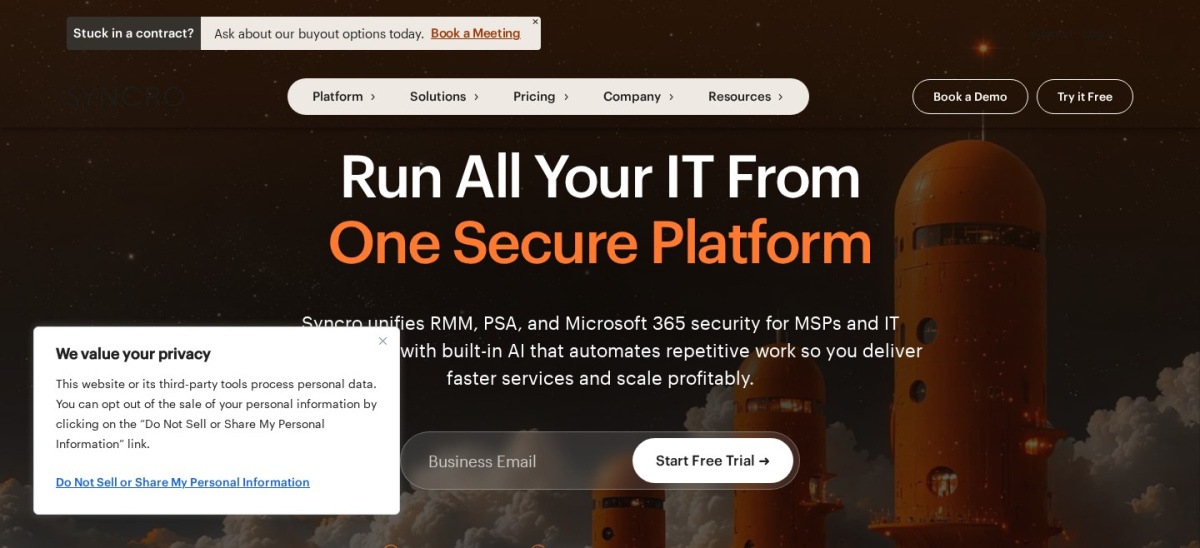
Syncro is a unified RMM and PSA platform for MSPs and small IT teams. It combines monitoring, patching and scripting with ticketing, billing and Microsoft 365 management, and charges per technician with unlimited endpoints at every tier.
The trade off is depth. Some features buyers expect at the base price, such as network discovery and advanced ticket automation, sit on the Team plan at $179 a month. It suits small MSPs that want one bill for RMM and PSA.
What we like
Per-technician pricing with unlimited endpoints
RMM and PSA in one platform
Strong Microsoft 365 management
Monthly or annual billing with no long lock-in
Watch out for
Key features reserved for the Team tier
Smaller review base than NinjaOne or JumpCloud
Support speed is a common complaint in reviews
Team adds network discovery and advanced automationsVisit syncro.com
07
Automox
4.5/5on G2 (329 reviews, checked Nov 2026)
Starts at$1/mo
Best for low-cost autonomous patching
Free planNo, free trial
PatchingWindows, macOS, Linux
AutomationPolicies and scripting
Cheapest paidPatchOS, $1/device/mo
automox.com
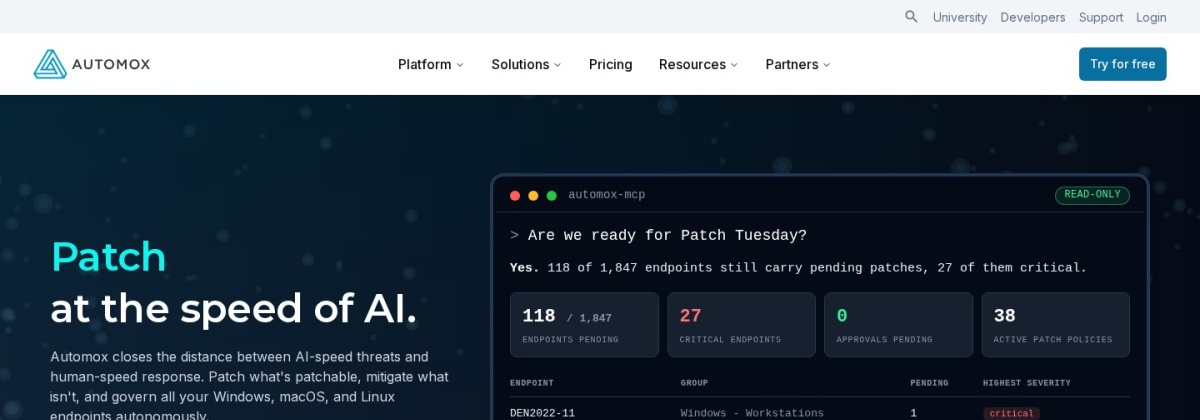
Automox homepage, captured Nov 2026.
Automox is an autonomous endpoint management platform built around patching. It automates operating system and third-party app updates across Windows, macOS and Linux, enforces configuration policies and reports on patch compliance from one cloud console.
The trade off is breadth. Full automation features sit on the Automate tiers, which are quote-only, so the $1 PatchOS plan covers patching rather than whole-device management. It suits lean teams that want patching handled with little manual work.
What we like
Lowest paid entry price in this list at $1 per device a month
Autonomous patching across three operating systems
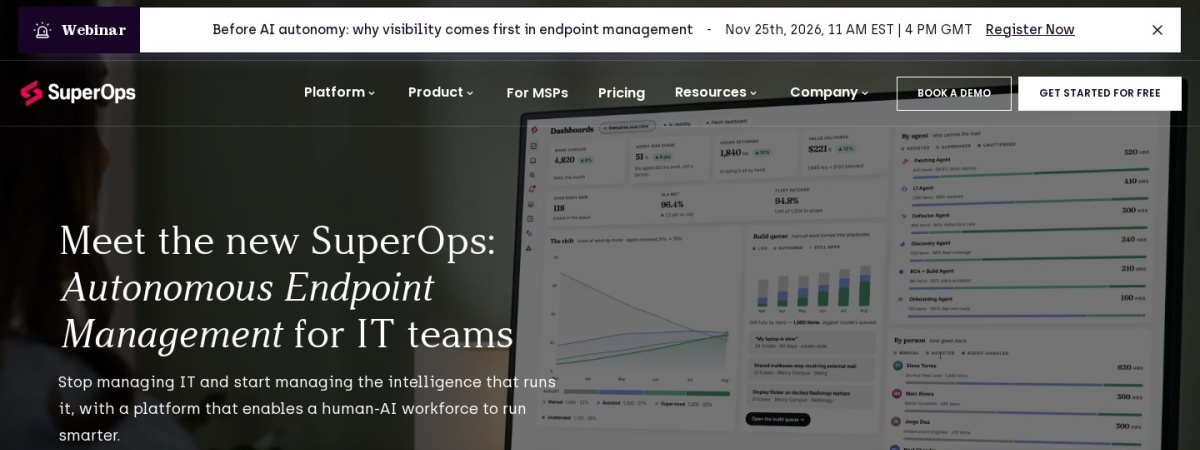
SuperOps is a cloud-native PSA and RMM platform built on one codebase for MSPs. It combines monitoring, patching and remote access with ticketing, billing and AI-assisted triage, and publishes per-technician prices from $99 a month for RMM only.
The trade off is maturity. SuperOps launched in 2020, so it has a smaller community and fewer third-party integrations than older RMM tools. It suits newer MSPs that want a modern interface and one shared dataset.
What we like
PSA and RMM on one shared dataset, no syncing
Published per-technician pricing
Modern interface reviewers praise for onboarding
AI-assisted ticket triage included
Watch out for
Smallest review base in this list at 205 G2 reviews
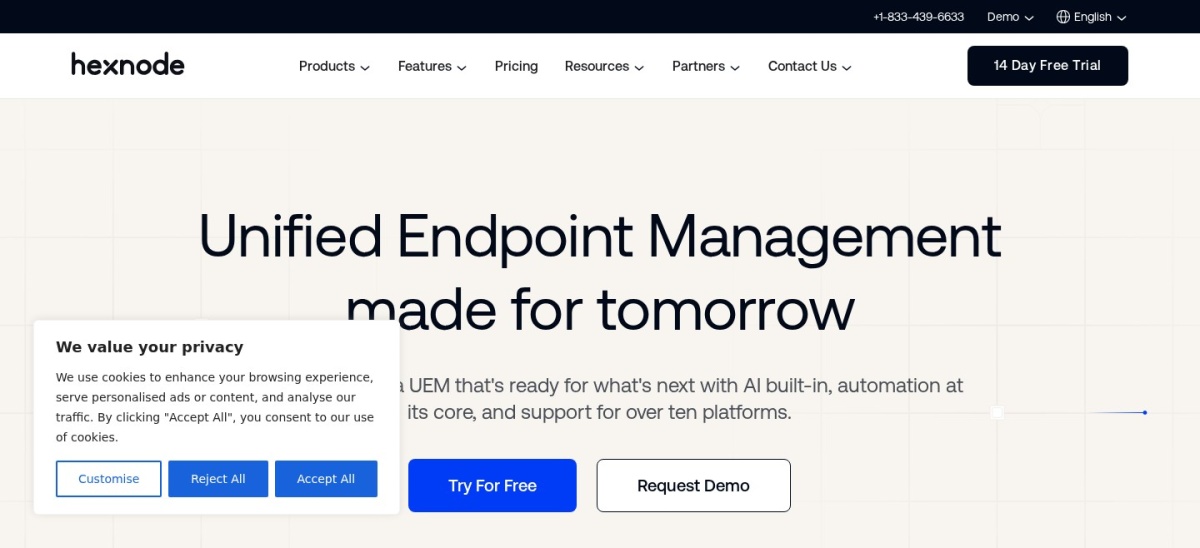
Hexnode is a unified endpoint management platform from Mitsogo for iOS, Android, Windows, macOS and tvOS. It covers enrolment, app management, policies and kiosk lockdown, which makes it a strong fit for frontline and shared devices as well as office fleets.
The trade off is patching. Desktop patching for Windows and macOS sits only in the Ultra tier, which is quote-only, so the public tiers cover management more than patching. It suits teams with many mobile, kiosk or frontline devices.
What we like
Public per-device pricing from $2.20 a month
Kiosk and lockdown in the entry plan
Strong support scores on G2
Covers ten-plus platforms in one console
Watch out for
Desktop patching needs the quote-only Ultra tier
15-device minimum even for small teams
Smallest G2 review base after SuperOps
Higher tiers add desktop management, scripting and patchingVisit hexnode.com
RMM vs UEM: what the terms mean
RMM, or remote monitoring and management, is the MSP term for this category. RMM tools watch devices, patch them, run scripts and open remote sessions, usually across many client companies from one console.
UEM, or unified endpoint management, is the enterprise term for the same job with a wider device mix. UEM tools add mobile devices, kiosk modes and identity controls, and usually serve one organisation rather than many clients.
In practice the lists overlap. NinjaOne, Syncro and SuperOps sell to MSPs as RMM, while ManageEngine, Intune, Jamf and Hexnode sell to internal IT teams as UEM, but all nine manage computers from one console.
Pick by who manages the fleet, not by the label. An MSP billing clients needs multi-tenant RMM; an internal team with phones and kiosks needs UEM breadth.
How we chose
We started from the established computer management platforms on G2 with the largest review bases, covering RMM tools for MSPs and UEM tools for internal IT teams, then kept nine that manage Windows computers alongside other platforms.
Prices come from each vendor's pricing page, checked on 24 November 2026. Ratings and review counts come from G2 on the same day. Where a vendor shows a sale, the list shows the regular price, and where a vendor publishes no price the list says so.
We left out tools whose homepages could not be captured after several attempts, including Atera, Action1, Datto RMM and N-able N-central, and replaced them with established alternatives. No vendor paid for a place, and we do not claim hands-on testing for this list.
How to choose computer management software
Start with who manages the fleet, then match the pricing model to how it grows.
Count devices and technicians separately. Per-device tools get dearer with every endpoint, while per-technician tools stay flat as devices grow.
Check the operating systems first. Jamf Pro covers Apple only and Hexnode leans mobile, so mixed Windows and Mac fleets need a cross-platform tool.
Test patching on a small group. Use the trial to patch ten devices across operating systems before rolling the tool out to the whole fleet.
Ask what the quote includes. For quote-only tools, get remote access, backup and support in writing so the price cannot grow later.
FAQ
What is the best computer management software?
NinjaOne is the best pick for most IT teams. It covers patching, monitoring, remote access and mobile management in one console, and it holds a 4.7 out of 5 rating from 5,840 reviews on G2.
What is the difference between RMM and UEM software?
RMM tools serve MSPs managing many client companies, while UEM tools serve one organisation with a wider device mix, including phones and kiosks. The features overlap heavily, so pick by who manages the fleet rather than by the label.
How much does computer management software cost?
Entry prices run from $1 per device a month with Automox to $129 per technician a month with Syncro. Two tools in this list publish no fixed price, so their cost comes from a sales quote based on device count.
Is there free computer management software?
ManageEngine Endpoint Central has a free edition for small fleets, and most others offer a 14-day or 30-day trial. No tool in this list is free without limits, so small teams should check the free edition caps before committing.
Which tool is best for Apple devices?
Jamf Pro is the best choice for Apple-only fleets, with the deepest macOS and iOS management and same-day support for new Apple operating systems. For mixed fleets, NinjaOne or ManageEngine Endpoint Central cover Macs alongside Windows.
Can I manage Windows, Mac and Linux from one tool?
Yes. NinjaOne, ManageEngine Endpoint Central, Automox and JumpCloud all manage Windows, macOS and Linux from one console. Intune covers Linux too, while Jamf Pro is Apple only.
SaaS SEO and WordPress specialist with about 8 years of experience. Rakib compares WordPress plugins, themes, hosting and software using public pricing, documentation and user reviews. See how we rank.