CAST Highlight is the best application modernization tool for most teams, rated 4.5 out of 5 on G2 from 91 reviews, because it ranks a whole portfolio by cloud readiness before any code moves. Azure Migrate is the free pick for Azure moves, and OutSystems is the strongest choice for rebuilding legacy apps with low-code.
How we make this list: we compare pricing pages, product documentation and public user reviews, then re-check every price before each update. No product paid for a place. Disclosure.
CAST Highlight is the portfolio-first pick, ranking apps by cloud readiness before any code moves, with a single-app plan at $6,800 a year.
Azure Migrate, AWS Transform MGN and Google Cloud Migration Center are free to start; you pay for the cloud resources and, after a free window, a per-server fee.
vFunction is the only tool that splits Java and .NET monoliths into services, but it is priced per application by quote.
OutSystems and Mendix rebuild legacy apps with low-code; OutSystems starts at $36,300 a year, Mendix Standard at $1,090 a month.
SAP LeanIX and IBM watsonx Code Assistant for Z are enterprise-only in practice, with custom quotes and no published prices.
What to look for in an application modernization tool
Application modernization covers several different jobs. Some teams need to rank hundreds of old applications first, others need to move servers to the cloud, and others need to break a monolith apart or rebuild it.
Start with the job, not the vendor. A portfolio tool such as CAST Highlight or SAP LeanIX answers which apps to touch first. A cloud tool such as Azure Migrate or AWS Transform MGN moves the servers. A refactoring tool such as vFunction changes the code itself.
Pricing is the hardest part to compare. Five tools in this list have a free plan or a free window, and three sell by quote with no public price. Where a vendor publishes a price, this list shows the regular price, not a sale price. A planned move with a checklist beats a rushed one; our guide on migrating a site with UpdraftPlus shows the same discipline at a smaller scale.
Ratings in this list come from G2, except for AWS Transform MGN, where no G2 page exists and the rating comes from PeerSpot. Two tools have only 3 G2 reviews each, so treat those scores as thin evidence.
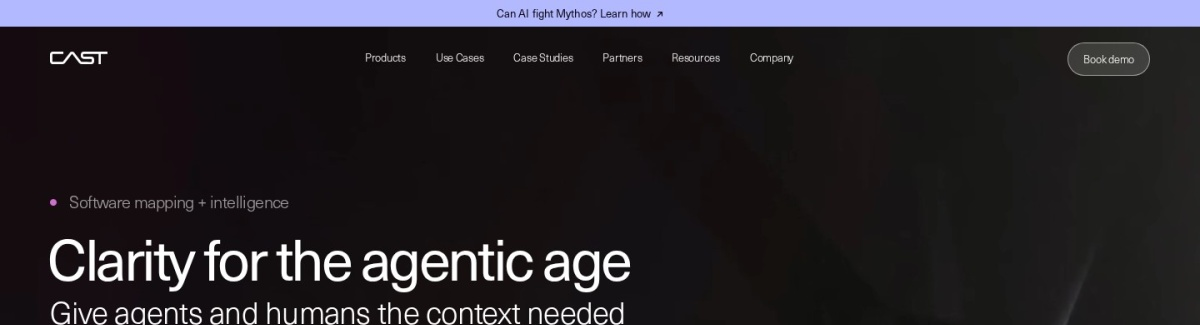
CAST Highlight is a portfolio analysis tool that scans source code and ranks applications by cloud readiness, technical debt and open-source risk. It can assess hundreds of applications in a week, then sorts them into rehost, refactor, rearchitect, rebuild or retire with its Portfolio Advisor for Cloud.
The trade off is price. A single named application costs $6,800 a year, and the Complete Edition for up to 25 applications starts at $44,000 a year. It suits large teams that need an objective order for modernization before spending on moves.
What we like
Ranks a whole portfolio before any code moves
Covers cloud readiness, tech debt and open-source risk
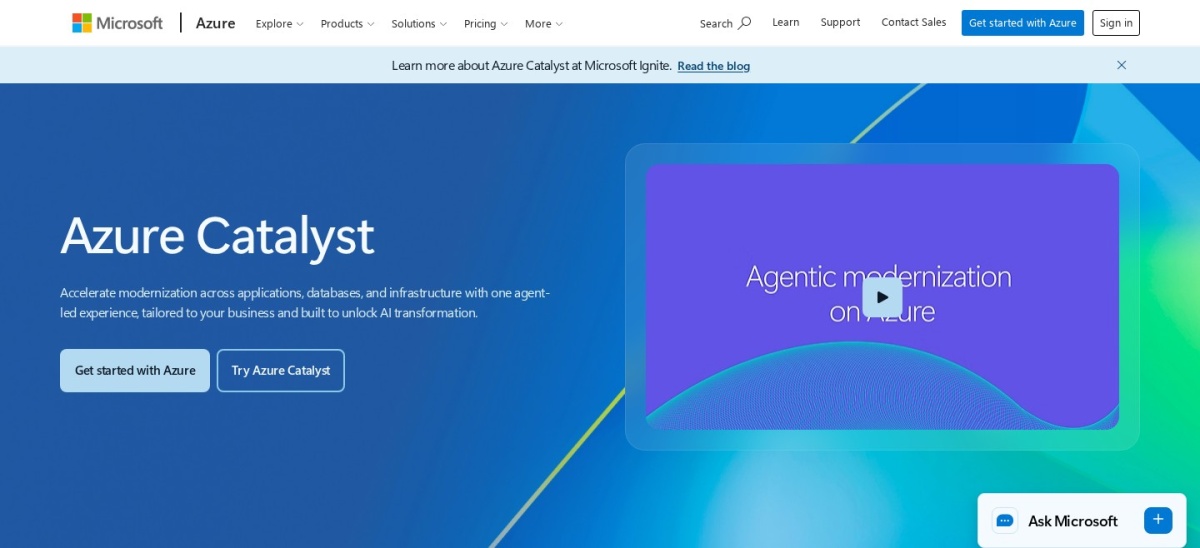
Azure Migrate is Microsoft's free hub for discovering, assessing and moving servers, databases and web apps to Azure. A small appliance inventories VMware, Hyper-V, physical and other-cloud servers, then grades each one for readiness, size and cost. Microsoft now brands it Azure Catalyst.
The trade off is that the free part ends at the move. Server migration is free for 180 days per machine, then costs $25 a month per replicated instance, and storage and transfer bill at normal Azure rates. It suits teams already committed to Azure.
OutSystems is a low-code platform for rebuilding legacy applications as modern web and mobile apps. Visual development, built-in DevSecOps and AI help generate apps and agents, and Gartner lists it as a Leader in AI-augmented low-code platforms. It is rated 4.5 out of 5 on G2 from 1,798 reviews.
The trade off is price. The Personal Edition is free for learning, but production starts with Developer Cloud at $36,300 a year for 100 internal users and one medium application. It suits enterprises rebuilding business-critical apps they plan to run for years.
AWS Transform MGN is AWS's rehosting service, formerly AWS Application Migration Service, renamed in June 2026. It copies physical, virtual and other-cloud servers to Amazon EC2 with continuous block-level replication and a controlled cutover, with little downtime.
The trade off is scope. Each server gets 90 days of free replication, then costs about $30 a month per server, and AWS resources for staging and cutover bill separately. It suits teams moving a large server estate to AWS without changing code.
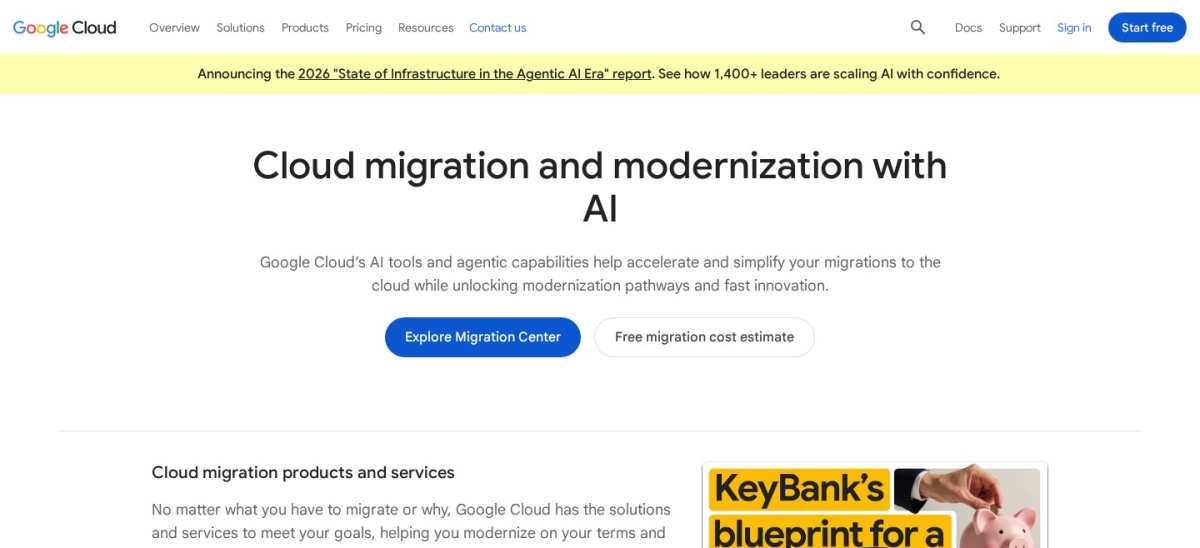
Google Cloud Migration Center homepage, captured Nov 2026.
Google Cloud Migration Center is Google's free hub for discovering, assessing and planning moves to Google Cloud. It inventories servers and databases, runs fit assessments and builds TCO reports, then hands virtual machines to Migrate to Virtual Machines for the move.
The trade off is thin review evidence. It scores 5.0 out of 5 on G2, but from only 3 reviews, and it only plans moves into Google Cloud. It suits teams that want a costed plan before committing to Google Cloud.
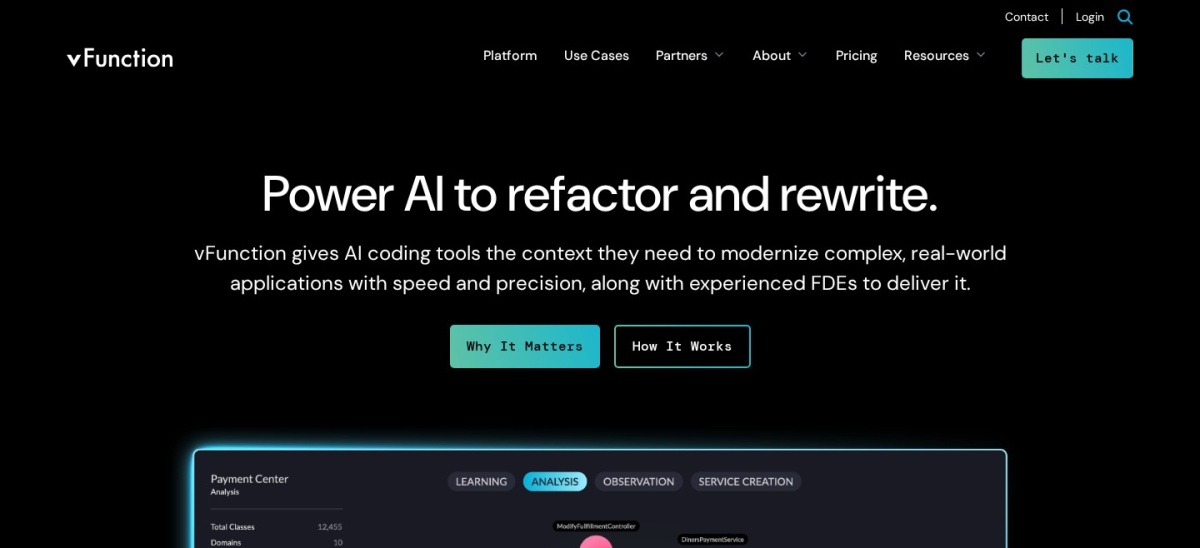
vFunction is an AI-driven platform that refactors large Java and .NET monoliths into modular services. It collects static and dynamic data from the running application, maps domains and dependencies, then guides code assistants to extract services with specs and integration tests.
The trade off is that it is sold by quote, priced per application, with no published price. Its agents run in production for hours to days at 1 to 2 percent overhead. It suits teams whose monolith, not their hosting, is the real problem.
What we like
Only tool here that splits monoliths into services
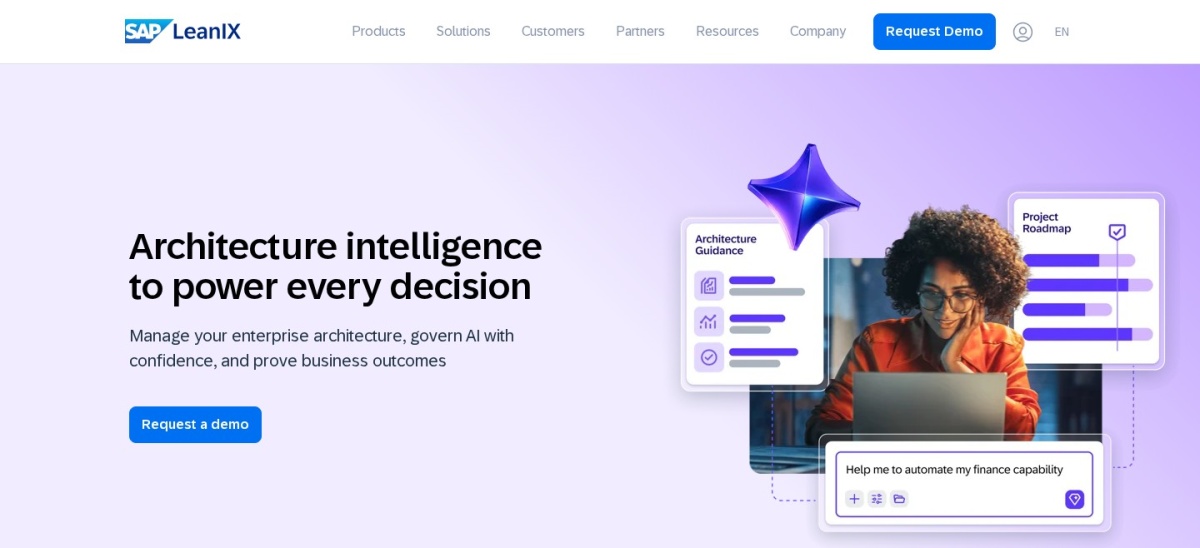
SAP LeanIX is an enterprise architecture platform that keeps a live inventory of applications, their owners, dependencies and costs. It scores technical and functional fit, applies the Gartner TIME model for rationalization, and plans roadmaps to a target architecture.
The trade off is that it is built for large portfolios and sold by quote, priced per application with unlimited users. G2 reviewers put average implementation at 3 months. It suits enterprises that need one shared view of the estate before deciding what to modernize.
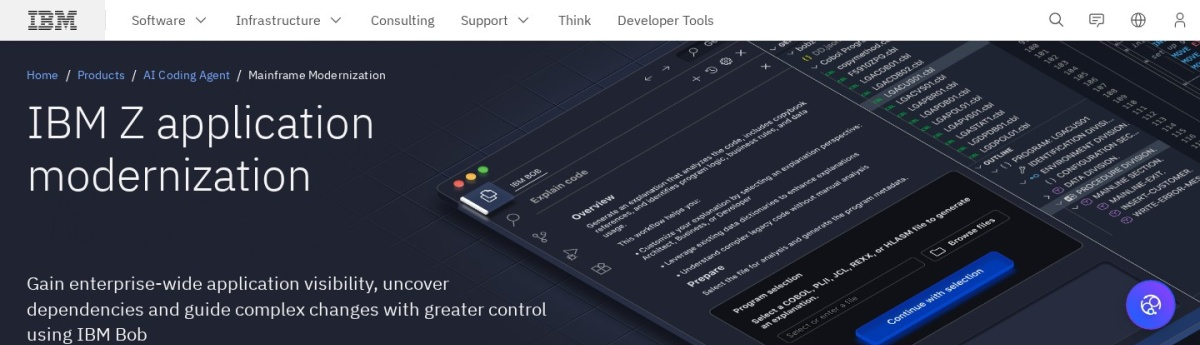
IBM watsonx Code Assistant for Z homepage, captured Nov 2026.
IBM watsonx Code Assistant for Z is an AI assistant for mainframe modernization, now presented under IBM's Bob name for Z. It explains COBOL and PL/I code, maps dependencies with application discovery, refactors code and converts COBOL to Java with generated unit tests.
The trade off is that the Z edition has no public price and is sold as an enterprise package. IBM says one customer cut analysis of unused COBOL from 8 hours to 30 minutes. It suits IBM Z shops that plan to stay on the mainframe.
What we like
Built for COBOL and PL/I, not generic code
Discovery maps dependencies before changes
Generated unit tests check the new Java code
Watch out for
No public price; enterprise quote only
Reviewers report inaccurate suggestions at times
Only fits teams staying on IBM Z
Paid plans are quoted as an enterprise packageVisit ibm.com
09
Mendix
4.4/5on G2 (418 reviews, checked Nov 2026)
Paid from$1,090/mo
Best low-code value for department apps
Free planYes, $0
Paid planStandard, $1,090/mo
Uptime SLA99.5% on Standard
EnvironmentsUp to 3 per app on Standard
mendix.com
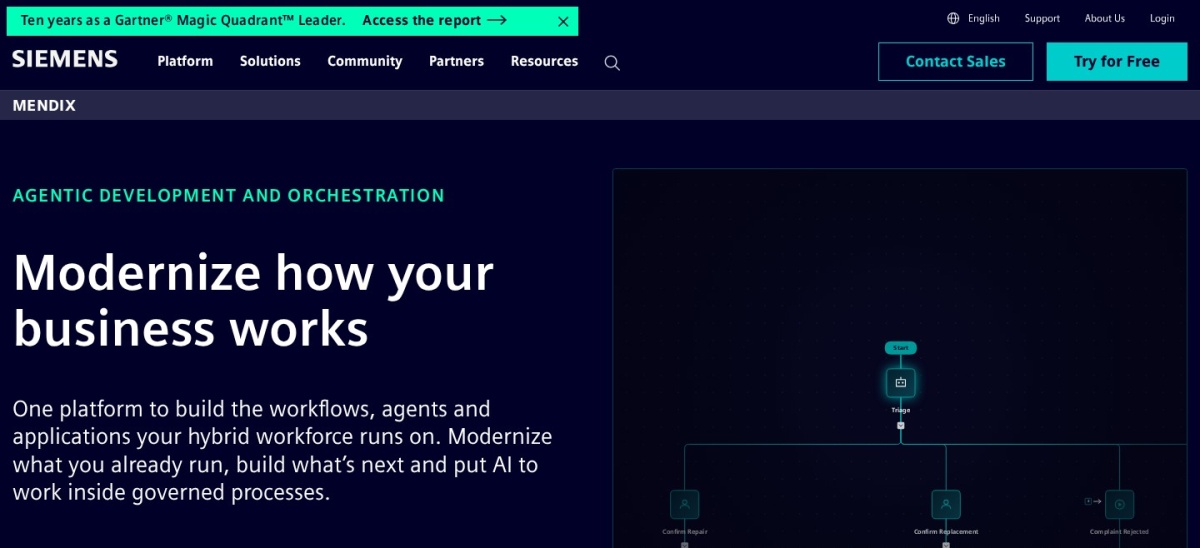
Mendix homepage, captured Nov 2026.
Mendix is a low-code platform from Siemens for building and modernizing business applications. The free plan covers prototypes and small apps, while Standard adds a 99.5 percent uptime guarantee, business-hours support and up to 3 environments per app.
The trade off is price at production scale. Standard costs $1,090 a month for one app or $2,725 a month for unlimited apps, and cloud deployment may cost extra. It suits departments rebuilding one or a few business apps without a large development team.
AWS renamed Application Migration Service to AWS Transform MGN in June 2026. The service is the same lift-and-shift tool, and the old name still appears in AWS docs and on review sites.
Microsoft renamed Azure Migrate to Azure Catalyst, adding agent-led planning on top of the same discovery, assessment and migration tools. Existing Azure Migrate projects still work.
IBM now presents watsonx Code Assistant for Z as part of its IBM Bob offering for Z mainframes. The Z edition still focuses on COBOL and PL/I modernization, with no public price.
AWS Migration Hub, the old tracking console, stopped accepting new customers on 7 November 2025. New AWS programs should start with AWS Transform instead.
How we chose
We started from the tools named most often in modernization guides and on G2, then kept nine established products that cover portfolio analysis, cloud migration, refactoring, low-code rebuilds and mainframe work.
Prices come from each vendor's pricing page, checked on 24 November 2026. Ratings come from G2 on the same day, except AWS Transform MGN, which has no G2 page, so its rating comes from PeerSpot. Where a vendor shows a sale, the list shows the regular price.
We left out AWS Migration Hub because it closed to new customers on 7 November 2025. No vendor paid for a place, and we do not claim hands-on testing for this list.
How to choose an application modernization tool
Match the tool to the job your portfolio needs first, then check the price shape before you shortlist.
Rank the portfolio before you move anything. If you have dozens of apps and no clear order, start with CAST Highlight or SAP LeanIX. Moving the wrong app first wastes the budget.
Pick the tool that matches your target cloud. Azure Migrate, AWS Transform MGN and Google Cloud Migration Center each work best for moves into their own cloud. A multi-cloud estate may need a portfolio tool on top.
Decide whether to change the code. Rehosting keeps the code as it is. If the monolith itself is the problem, vFunction or a low-code rebuild with OutSystems or Mendix is the honest comparison.
Get the quote in writing before you commit. Three tools here sell by quote, and the cloud tools bill for the resources they use. Ask what the first year costs, including the free window and any per-server fee after it.
FAQ
What is the best application modernization tool?
CAST Highlight is the best pick for most teams. It ranks a whole application portfolio by cloud readiness, technical debt and open-source risk, and it is rated 4.5 out of 5 on G2 from 91 reviews.
How much do application modernization tools cost?
Three tools are free to start: Azure Migrate, AWS Transform MGN and Google Cloud Migration Center. Published paid prices run from $25 a month per Azure Migrate instance to $36,300 a year for OutSystems, and CAST Highlight starts at $6,800 a year for one application, while three tools sell by quote.
What is the difference between rehosting and refactoring?
Rehosting moves an application to the cloud without changing its code, which is what AWS Transform MGN does. Refactoring changes the code, for example splitting a monolith into services, which is what vFunction does.
Can I modernize a mainframe application?
Yes. IBM watsonx Code Assistant for Z explains COBOL and PL/I code, refactors it and converts COBOL to Java with generated unit tests. It is enterprise-only, with a custom quote and no public price.
Is Azure Migrate still available?
Yes, under a new name. Microsoft renamed Azure Migrate to Azure Catalyst, adding agent-led planning to the same discovery, assessment and migration tools. Existing Azure Migrate projects continue to work.
Do I need a portfolio tool as well as a migration tool?
It helps when you have many applications. A portfolio tool ranks which apps to modernize, retire or leave alone, while a migration tool moves the ones you chose. Small estates with one or two apps can skip the portfolio step.
SaaS SEO and WordPress specialist with about 8 years of experience. Rakib compares WordPress plugins, themes, hosting and software using public pricing, documentation and user reviews. See how we rank.