Azure Logic Apps is the best Azure automation tool for most teams, with 4,000 free actions a month before metered pricing kicks in. Pick Power Automate for Microsoft 365 teams, or Azure Automation for scripted runbooks.
How we make this list: we compare pricing pages, product documentation and public user reviews, then re-check every price before each update. No product paid for a place. Disclosure.
Azure Logic Apps leads for native Azure work: 4,000 actions a month free, then $0.000025 per action.
Power Automate Premium costs $15 per user a month and is the easiest pick for Microsoft 365 teams.
Azure Automation gives 500 runbook minutes a month free, then $0.002 a minute, for scripted jobs.
Zapier connects 8,000+ apps but charges per task, so busy workflows cost more than Make at $9 a month.
n8n is the only pick here with a free self-hosted edition and no per-seat pricing, rated 4.7/5 on G2.
Every tool here has a free tier, and paid plans start at $6 a user a month for Azure DevOps.
What to look for in an Azure automation tool
Azure automation covers three different jobs: connecting cloud services with visual workflows, running scheduled scripts, and building event-driven code. The right tool depends on which job you do most.
Native tools win on Azure fit. Logic Apps, Power Automate, Azure Automation and Azure Functions sit inside the same billing, identity and monitoring as the rest of your Azure estate, so there is less to connect and secure.
Pricing models differ more than the feature lists. Some tools charge per user, some per task or execution, and the Azure services charge per action or minute. Match the meter to your volume before you commit, and check the free allowance first.
Our guide on enabling automatic updates for plugins shows the same idea on a smaller scale: automate the routine job once, then let it run without attention.
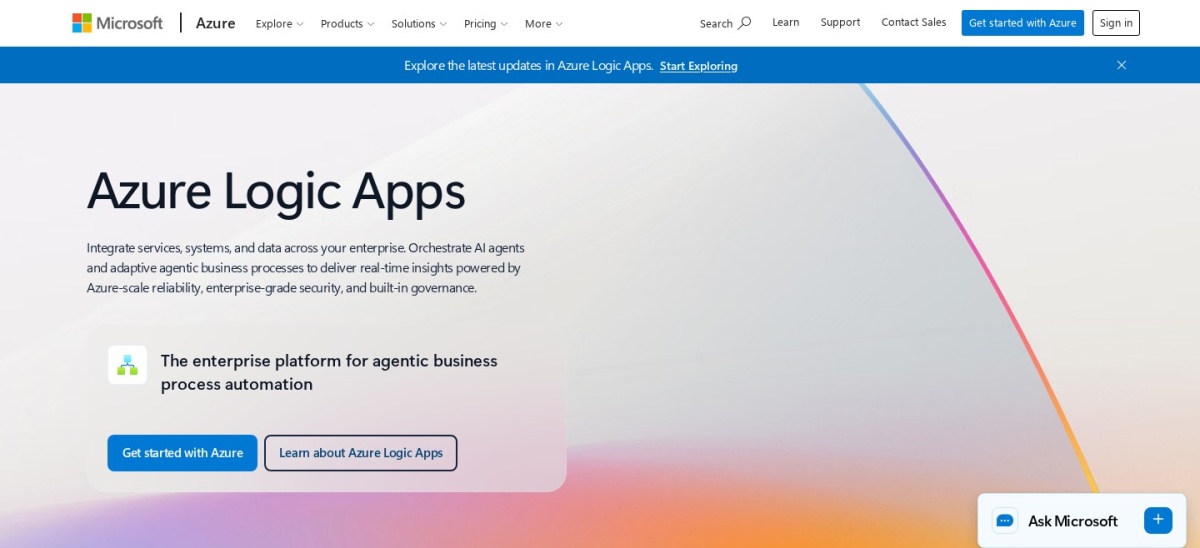
Azure Logic Apps is Microsoft's native workflow service for Azure, with a visual designer and connectors for Azure services and hundreds of other apps. The Consumption plan includes 4,000 actions a month free, then charges $0.000025 per built-in action, with standard connectors at $0.000125 per call.
The trade off is cost control at scale. Connector calls and data retention at $0.12 per GB a month can add up on busy workflows, and the fixed Standard plan starts at about $175.16 a month. It suits teams that already run on Azure and want workflows beside their other resources.
What we like
Native to Azure, with the same billing and identity
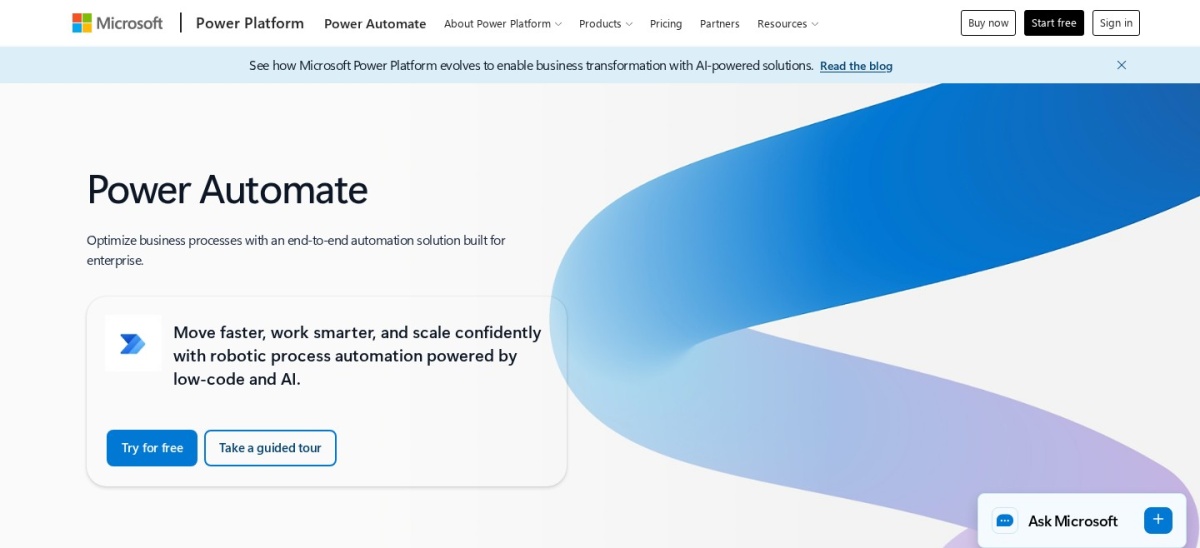
Microsoft Power Automate homepage, captured Nov 2026.
Microsoft Power Automate is the automation layer inside Microsoft 365 and the Power Platform, for cloud flows between apps and attended desktop flows that drive Windows apps. Premium costs $15 per user a month billed yearly and adds premium connectors, attended RPA and process mining.
The trade off is licensing. The free version included with Microsoft 365 covers standard connectors only, and every user who benefits from a premium flow generally needs a licence. It suits Microsoft 365 teams that want one automation tool for office apps and Azure services.
What we like
Included with most Microsoft 365 plans
Cloud flows plus attended desktop RPA in one licence
Azure Automation is Microsoft's runbook service for scheduled and event-driven jobs on Azure, hybrid servers and other clouds. It runs PowerShell and Python runbooks, with 500 job minutes free each month and extra minutes at $0.002 each.
The trade off is that it is built for scripts, not visual flows. There is no drag-and-drop designer, so teams need PowerShell or Python skills to build runbooks. It suits IT teams that automate patching, start-stop schedules and routine Azure operations with code.
Zapier is the simplest way to connect Azure services with the apps a team already uses, with 8,000+ apps in its library. The free plan covers 100 tasks a month, and Professional starts at $19.99 a month billed yearly for 750 tasks, with multi-step Zaps and premium apps.
The trade off is price per task. Every step counts as a task, so a busy multi-step workflow burns through the 750-task allowance fast and the bill climbs with volume. It suits small teams that want working automations the same day without writing code.
Make is a visual automation builder where scenarios branch, loop and handle errors on a canvas, with 1,800+ apps. The free plan includes 1,000 credits a month, and Core costs $9 a month billed yearly for 10,000 credits, with most steps costing one credit.
The trade off is the learning curve. The canvas is more powerful than Zapier's linear Zaps, but it takes longer to learn and error handling needs care. Make also shows a US price list of $12 a month for Core, so check the price at checkout. It suits builders who want more power per dollar.
n8n is a node-based automation tool for technical teams, with code steps, branching and AI agent nodes, and 500+ integrations. The self-hosted Community edition is free with no execution cap, and Cloud Starter costs $20 a month billed yearly for 2,500 executions.
The trade off is setup. Cloud is simple, but self-hosting means running and updating a server, and the visual builder still expects comfort with APIs and JavaScript. It suits developers who want full control and flat pricing with no per-seat charge.
What we like
Free self-hosted edition with no execution cap
No per-seat pricing on any Cloud plan
Code nodes and AI agent nodes included
Highest G2 rating in this list at 4.7/5
Watch out for
Steep learning curve for non-developers
Self-hosting needs server care
Cloud price climbs fast past 2,500 executions
Pro adds 10,000 executions at $50 a monthVisit n8n.io
07
Azure Functions
4.4/5on G2 (215 reviews, checked Nov 2026)
PriceFree
Best for code-first serverless jobs
Free executions1M/mo
Execution price$0.20 per million
LanguagesC#, Python, JS, Java
Max timeout10 min, Consumption
azure.microsoft.com
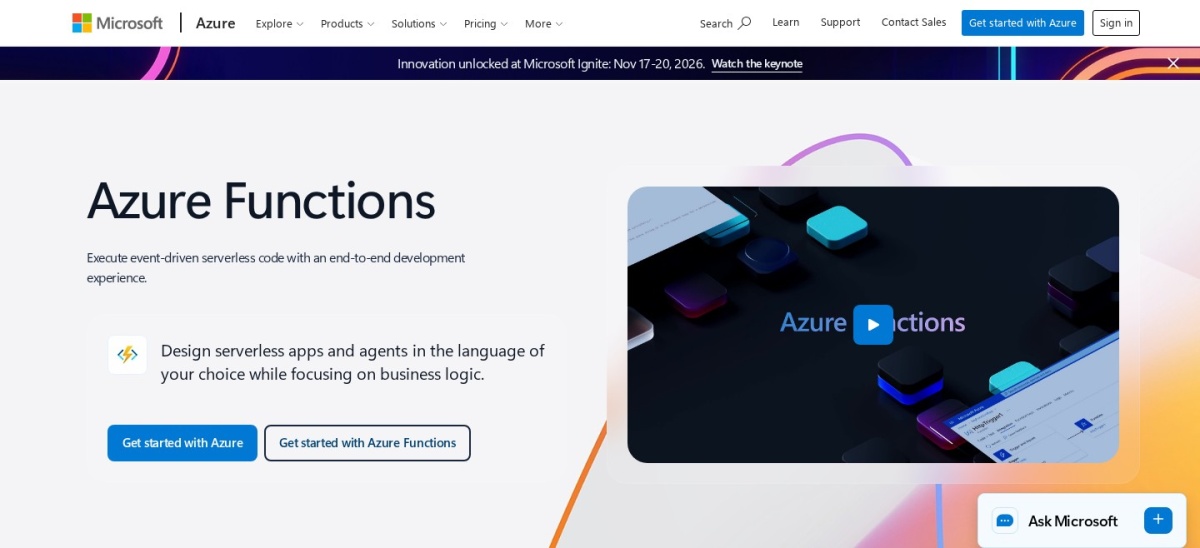
Azure Functions homepage, captured Nov 2026.
Azure Functions is Microsoft's serverless compute service, for event-driven code that runs on timers, queues, HTTP calls and Azure events. The Consumption plan includes 1 million executions and 400,000 GB-seconds free each month, then charges $0.20 per million executions.
The trade off is that it is code, not a workflow builder. There is no visual designer, and cold starts can delay the first run of an idle function. It suits developers who automate Azure jobs in C#, Python, JavaScript or Java and want to pay only when code runs.
What we like
1 million executions free every month
Pay only when code runs, scales to zero
Triggers from timers, queues and Azure events
Works in C#, Python, JavaScript, Java and PowerShell
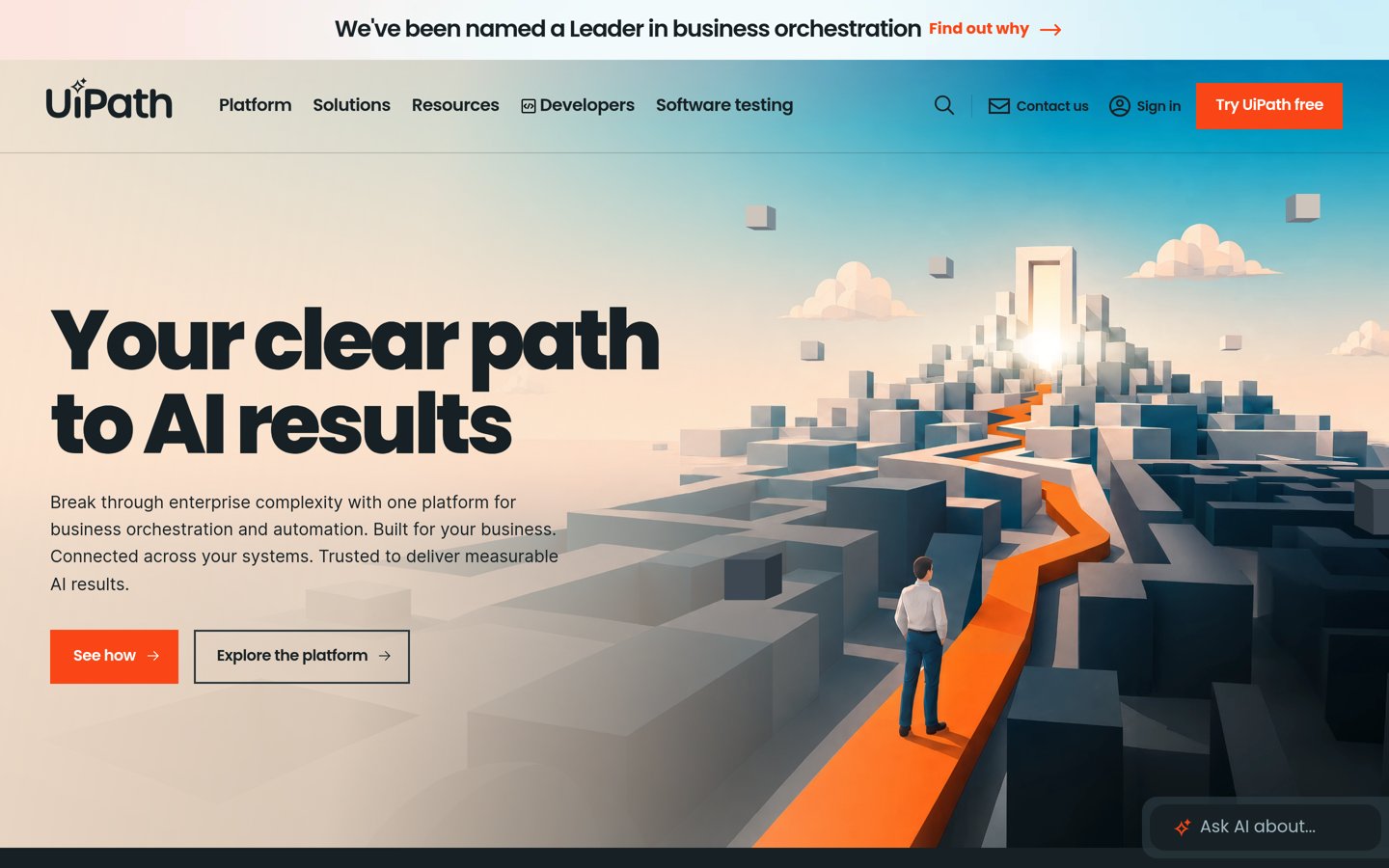
UiPath is the enterprise RPA platform for automating desktop apps, browsers and Azure-hosted workloads with attended and unattended bots. The free Community edition covers learning and small projects, and Automation Cloud Basic starts at $25 a month.
The trade off is that the entry plan is limited. Unattended bots, orchestration at scale and agentic features sit in higher tiers, and G2 reviewers flag the learning curve. It suits funded automation programmes that need governed bot fleets rather than one-off flows.
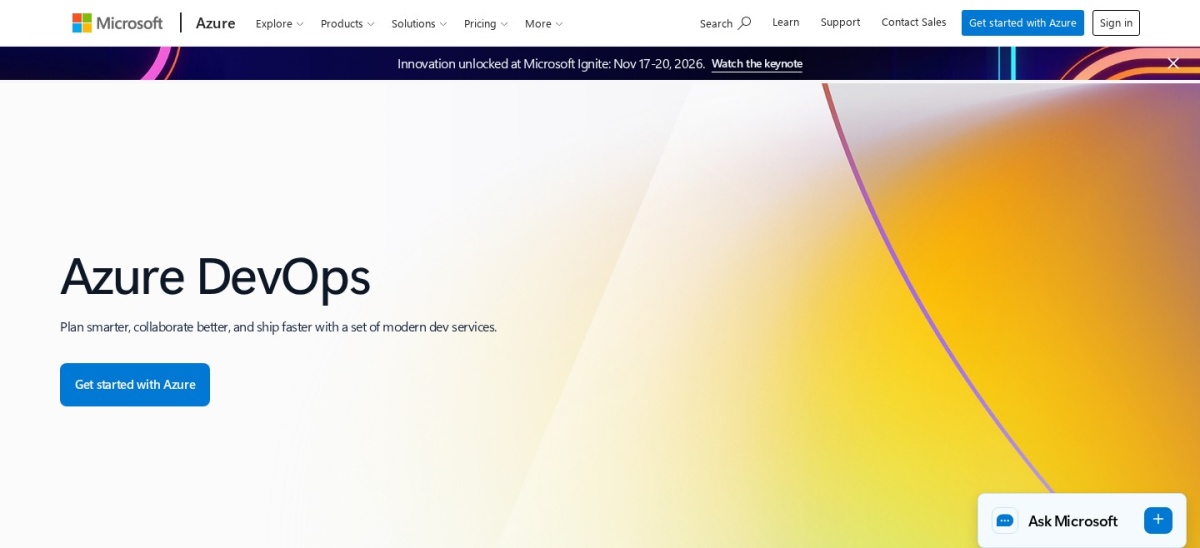
Azure DevOps is Microsoft's suite for automating builds, tests and releases on Azure, with Repos, Pipelines, Boards and Artifacts in one bill. The first five users are free, then Basic costs $6 per user a month, and one Microsoft-hosted pipeline job with 1,800 minutes a month is free.
The trade off is breadth. It is a full lifecycle suite, so teams that only need simple workflow automation will find it heavy, and extra parallel jobs cost $40 a month each. It suits .NET and Azure teams that want code, builds and releases in one place.
What we like
First five users free with full Basic access
Repos, boards, pipelines and artifacts in one bill
1,800 hosted pipeline minutes a month free
Free for Visual Studio Enterprise subscribers
Watch out for
Heavy for teams that only need simple workflows
Extra parallel jobs cost $40 a month each
Interface scores lowest for ease of use in its class
Native Azure tools share billing, identity and monitoring with the rest of your Azure estate. That usually means less setup and fewer credentials to manage.
Third-party tools win on breadth. Zapier, Make and n8n connect Azure to apps Microsoft does not build, such as Slack, Salesforce and Airtable, without custom code.
Many teams use both: a native tool for jobs inside Azure, and a connector tool for jobs that cross into other apps. That split keeps each workflow where it runs best.
How we chose
We started from Microsoft's own Azure automation services, then added the third-party workflow tools most often used beside them, keeping only established tools with public pricing and G2 ratings.
Prices come from each vendor's pricing page, checked on 24 November 2026. Ratings and review counts come from G2 on the same day. Where a vendor shows a sale, the list shows the regular price.
We left out tools with no published price or no G2 rating. No vendor paid for a place, and we do not claim hands-on testing for this list.
How to choose an Azure automation tool
Start with where the work happens, then match the pricing meter to your volume.
Map the job first. List the triggers and the apps involved. A job that stays inside Azure fits a native tool; a job that crosses into other apps fits a connector tool.
Check the free allowance. Every tool here has a free tier. Run a real workflow on it for a week and watch the meter before you pay.
Price your volume, not the headline. Per-user, per-task and per-action pricing behave very differently at scale. Estimate a month of runs and compare the totals.
Keep one owner per workflow. Give each automation a named owner who watches failures and updates it when an app changes, so silent failures do not pile up.
FAQ
What is the best Azure automation tool?
Azure Logic Apps is the best pick for most teams. It is native to Azure, has a visual designer with connectors for Azure and third-party services, and its Consumption plan includes 4,000 free actions a month before charging $0.000025 per action.
Is Azure Logic Apps free?
Partly. The Consumption plan includes 4,000 actions a month free per subscription, and the first Standard connector calls are not free. After the free grant, built-in actions cost $0.000025 each, standard connectors $0.000125 per call and enterprise connectors $0.001 per call.
What is the difference between Logic Apps and Power Automate?
Logic Apps is built for Azure integration work and bills per action, while Power Automate is built for business users in Microsoft 365 and bills per user at $15 a month for Premium. Teams often use Logic Apps for system workflows and Power Automate for approval and office flows.
Can I automate Azure without writing code?
Yes. Logic Apps and Power Automate both offer visual designers with ready connectors, and Zapier and Make add thousands more apps. You only need code for custom logic, which is where Azure Functions or Azure Automation runbooks fit.
How much does Azure Automation cost?
Azure Automation includes 500 runbook job minutes free each month, then charges $0.002 per minute. Watchers include 744 free hours a month, then cost $0.002 per hour. Light schedules often stay inside the free allowance.
Which tool is cheapest for high-volume automation?
Usage-priced Azure services are usually cheapest at high volume: Logic Apps charges fractions of a cent per action and Functions $0.20 per million executions. Among flat plans, Make Core at $9 a month for 10,000 credits is the lowest entry price.
Do I need Azure DevOps for automation?
Only if you automate builds and releases. Azure DevOps Pipelines run CI/CD for code, with one free hosted job and 1,800 minutes a month. For business workflows such as approvals or alerts, Logic Apps or Power Automate fit better.
SaaS SEO and WordPress specialist with about 8 years of experience. Rakib compares WordPress plugins, themes, hosting and software using public pricing, documentation and user reviews. See how we rank.