Best Auto Clipping Software in 2026: 8 Tools Compared
WLWPLegible EditorsLast verified 24 Nov 2026How we rank10 min read
★ Short answer
OpusClip is the best auto clipping software for most creators, with virality scores, animated captions and scheduling from $15 a month. Vizard is the best value for teams, and the cheapest paid plan in this list costs under $10 a month.
How we make this list: we compare pricing pages, product documentation and public user reviews, then re-check every price before each update. No product paid for a place. Disclosure.
OpusClip is the best all-round clipper, with virality scores, B-roll and scheduling from $15 a month.
Vizard is the best value for teams, with transcript editing and captions in more than 100 languages.
2short.ai is the cheapest paid clipper at $9.90 a month, with un-watermarked 1080p exports on its free tier.
Submagic is the pick when animated captions do the work, with Starter at $12 a month billed yearly.
Descript is the best pick for editing clips by transcript, rated 4.6 out of 5 on G2 from 930 reviews.
quso.ai bundles clipping with scheduling and analytics, but its G2 rating rests on a single review.
What auto clipping software should cover
Auto clipping software turns one long video into many short vertical clips. It finds the strongest moments, reframes them for phones, adds captions and posts them to Shorts, Reels and TikTok.
Credits decide the real cost. Most tools charge one credit per minute of uploaded video, so a 60-credit free tier covers about one hour of source video a month.
Virality scores are each vendor's own estimate. OpusClip and Vizard both score clips for viral potential, but treat the score as a sorting aid, not a prediction.
Free tiers watermark exports. If you post daily, budget for a paid plan, because free exports are watermarked, capped at 720p or expire after a few days.
OpusClip is the best-known AI clipping tool, built to turn long talking videos into short vertical clips. It scores clips for viral potential, finds specific moments from a plain-language prompt, and handles videos up to 10 hours long, with B-roll, dubbing and scheduling.
The trade off is credit math. The free plan gives 60 credits a month, Starter costs $15 a month, and Pro costs $29 a month or $14.50 billed yearly, with media expiring after 3 days on Free and 29 days on Starter. It suits creators who post daily shorts across platforms.
What we like
Virality scores sort the best moments
ClipAnything finds moments by prompt
B-roll, dubbing and scheduling built in
Rated 4.6 out of 5 on G2 from 123 reviews
Watch out for
Credits do not roll over freely
Media expires quickly on free plans
Support complaints in recent reviews
Pro adds more credits and scheduling at $29/moVisit opus.pro
02
Vizard
4.7/5on G2 (425 reviews, checked Nov 2026)
Paid from$14.50/mo
Best value for teams
Free planYes, 60 credits/mo
Caption languages100+
4K exportYes, on Creator
Paid planCreator, $14.50/mo annual
vizard.ai
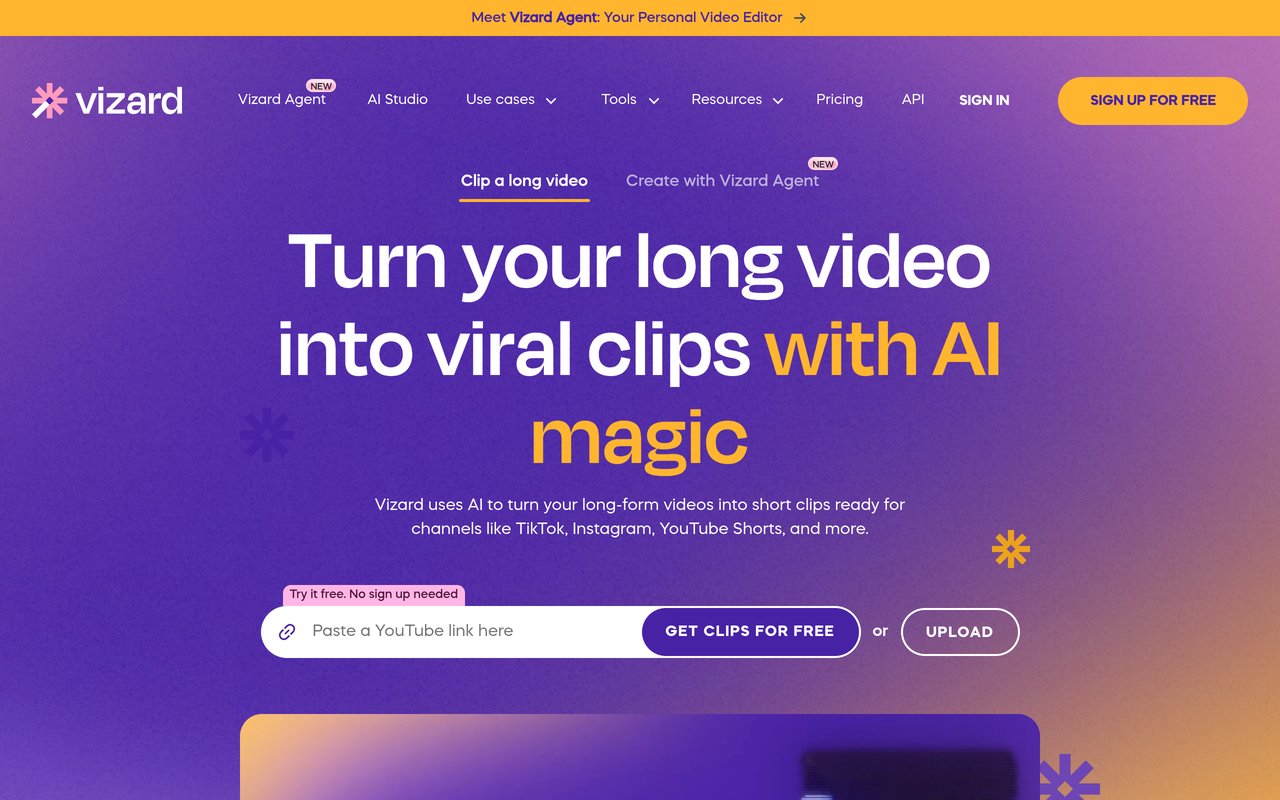
Vizard homepage, captured Nov 2026.
Vizard is an AI clipping and editing tool that ranks clips by viral potential and posts them from a built-in calendar. It pulls up to 40 clips from a one-hour video, centers the active speaker, and translates captions into more than 100 languages.
The trade off is credit handling. The free plan gives 60 credits a month with 720p watermarked exports, and Creator costs $29 a month or $14.50 billed yearly for 600 minutes, 4K export and scheduling. It suits podcasters and teams that publish on a schedule.
What we like
Strongest G2 score here at 4.7 from 425 reviews
Captions in more than 100 languages
Built-in scheduling to 6 accounts
1 credit equals 1 minute, easy to budget
Watch out for
Credits lost when you cancel
Limited caption customization
Free exports are 720p and watermarked
Creator adds 4K export and scheduling at $14.50/moVisit vizard.ai
03
Klap
4.6/5on G2 (85 reviews, checked Nov 2026)
Starts at$14/mo
Best for clean 4K clips
Free planNo, 1 test video
Caption languages52
4K exportYes
Paid planBasic, $14/mo annual
klap.app
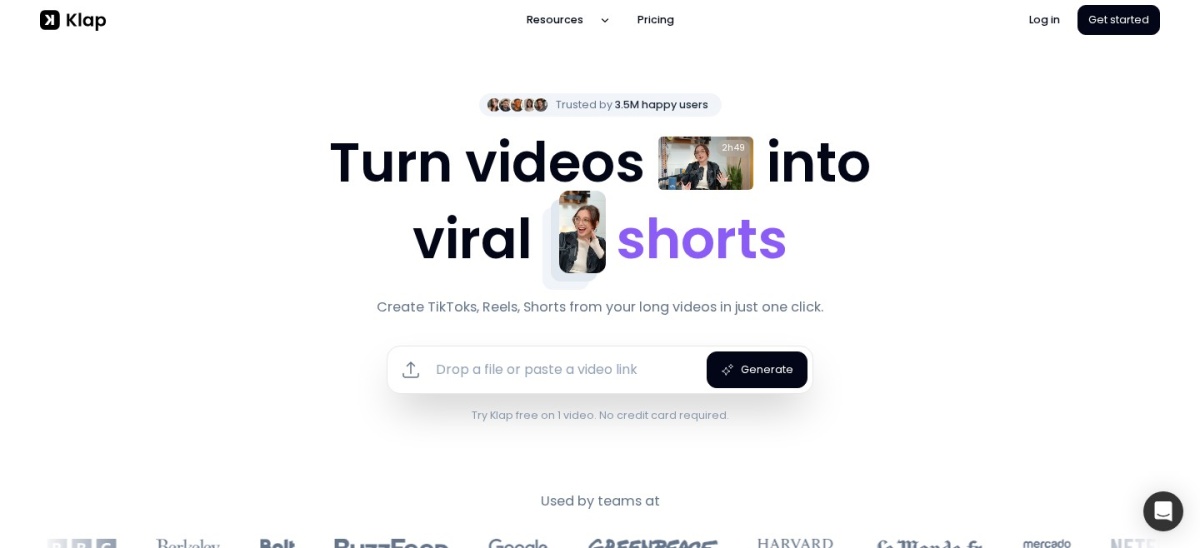
Klap homepage, captured Nov 2026.
Klap is a clipping tool built for clean, simple workflows. It finds clips from YouTube links, reframes with scene-aware tracking, scores each clip, and exports in 4K with multilingual dubbing in 52 languages.
The trade off is price and free access. Basic costs $14 a month billed yearly, Pro costs $29 a month, and there is no standing free plan, only one free test video. It suits creators who want fewer, cleaner clips rather than the most clips.
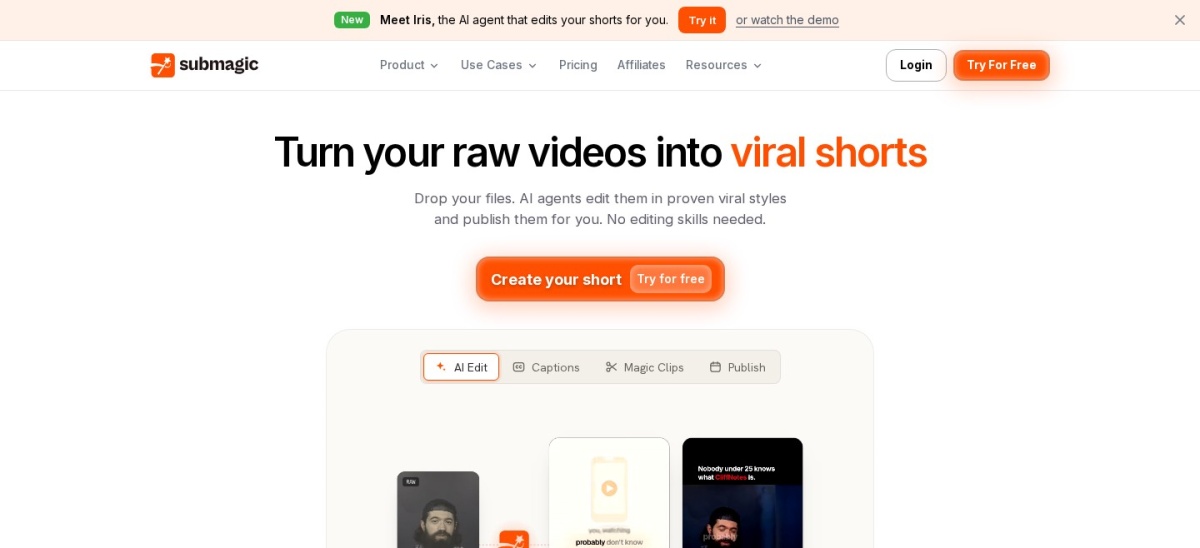
Submagic is a caption-first clipping tool. It turns long videos into shorts with animated captions, emoji and keyword highlights, and it adds B-roll and scheduling so clips are ready to post without a second editor.
The trade off is price spread. Starter costs $19 a month billed monthly or $12 a month billed yearly, and the Magic Clips add-on costs extra. It suits creators whose captions do the work of holding attention.
Descript is an editor that cuts video by editing the transcript. Delete a sentence from the text and the video cut lands on the timeline, with Studio Sound and filler-word removal in the same project. It also pulls Reels-length clips from long video.
The trade off is price for heavy publishers. Hobbyist costs $24 a month billed monthly or $16 billed annually for 10 media hours, and Creator at $24 a month billed annually is the realistic plan for weekly publishers. It suits podcasters and interview-format creators.
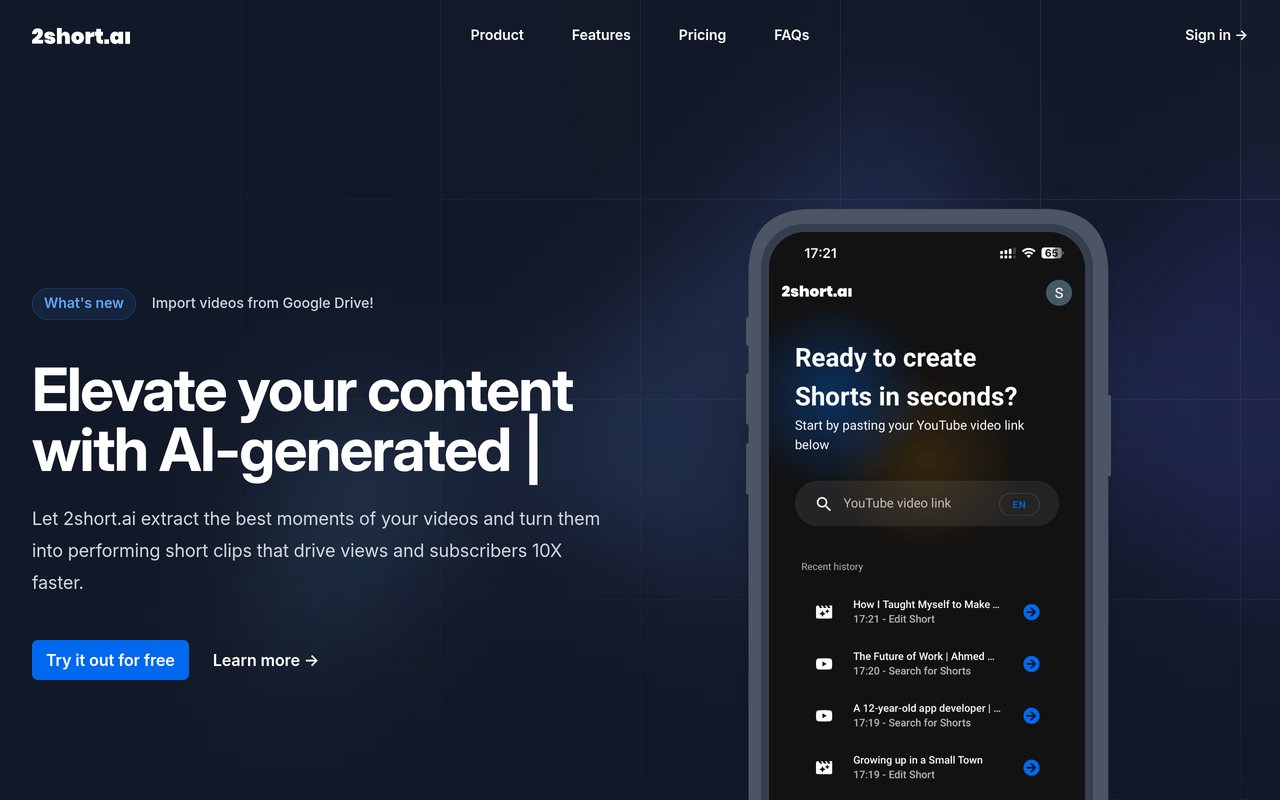
2short.ai is a lean YouTube-to-Shorts clipper. It takes a YouTube link, finds the strongest moments fast, and exports clips with animated subtitles, speaker tracking and brand presets, with no signup friction on the free tier.
The trade off is scope. It works from YouTube links only, so it suits YouTubers rather than multi-source creators. Lite costs $9.90 a month for five hours of analysis, Pro $19.90 for fifteen hours, and Premium $49.90 for fifty.
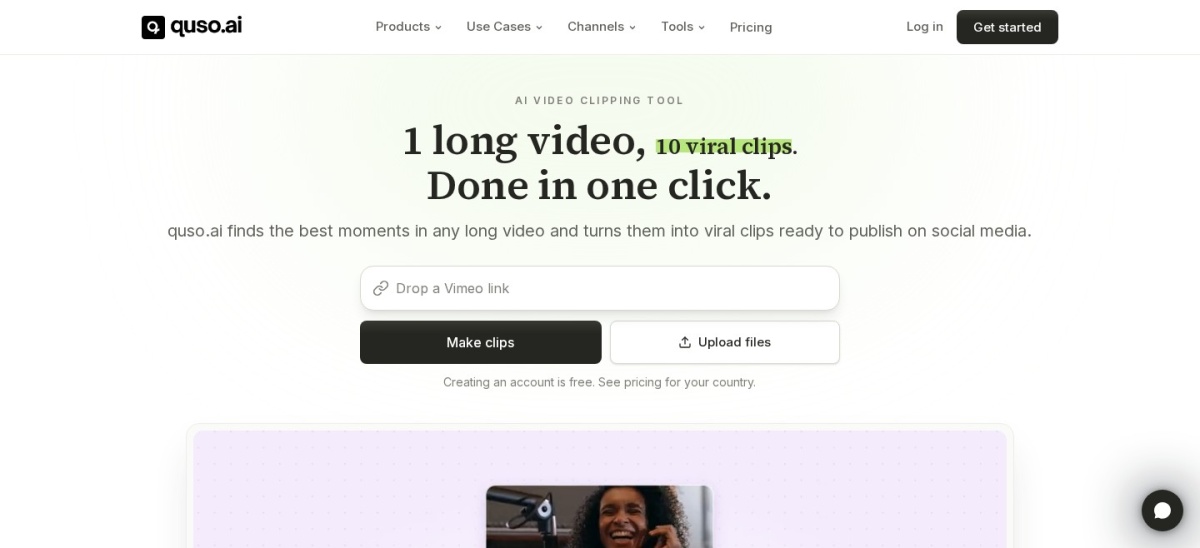
quso.ai is a platform that bundles clipping with scheduling and analytics. Beyond finding highlights and captioning them, it schedules posts to TikTok, Instagram, YouTube, LinkedIn and more, then tracks performance in one place.
The trade off is proof. Its G2 rating of 5.0 out of 5 rests on a single review, and Lite costs $29 a month or $19 billed yearly, so it is not the cheapest way to clip alone. It suits creators who want one subscription instead of three.
Riverside is a remote recording platform with Magic Clips built in. Record a podcast or interview in studio quality, then turn it into vertical clips without leaving the platform, with captions and reframing included on paid plans.
The trade off is that clipping is an add-on, not the main job. Riverside is first a recorder, and its free plan watermarks Magic Clips. Pro costs $29 a month or $24 billed yearly. It suits podcasters who already record on Riverside.
Free plans are for testing. Most give 60 credits a month, watermarked exports and short storage, which is enough to learn the workflow.
Paid plans start at $9.90 a month and remove the watermark, raise the resolution and add scheduling. The cheapest paid plan is usually the best value for weekly posting.
Watch the credit rules. Some tools lose unused credits when you cancel, and media can expire after a few days on free plans.
How we chose
We started from every auto clipping tool still sold in 2026, then kept those with a verifiable G2 rating and a working vendor site.
Prices come from vendor pricing pages and November 2026 comparisons, checked on 24 November 2026. Ratings come from G2 on the same day. Where a vendor shows a sale, the list shows the regular price.
We left out Eklipse because its current price could not be confirmed, and CapCut because it has no G2 rating. No vendor paid for a place, and we do not claim hands-on testing for this list.
How to choose auto clipping software
Start with how much long video you publish each week, then match the tool to that volume.
Count your weekly long video first. A weekly podcast needs a credit plan that covers the full episode, not a free tier that runs out mid-month.
Test the free tier with a real episode. Run one full episode through the free plan and check the clips, captions and reframing before you pay.
Check the caption languages you need. Klap covers 52 languages and Vizard more than 100, so multilingual creators should check this early.
Confirm scheduling covers your channels. If you post to Shorts, Reels and TikTok, pick a tool that schedules to all three from one place.
FAQ
What is the best auto clipping software?
OpusClip is the best auto clipping software for most creators, with virality scores, animated captions, B-roll and scheduling from $15 a month. Vizard is the best value for teams, and 2short.ai is the cheapest paid option.
How much does auto clipping software cost?
Paid plans in this list cost $9.90 to $24 a month when billed yearly. 2short.ai is the cheapest at $9.90 a month, while OpusClip Starter costs $15 a month and Vizard Creator costs $14.50 a month billed yearly.
Is there free auto clipping software?
Yes. OpusClip, Vizard, Descript, 2short.ai, quso.ai and Riverside all have free plans, usually with about 60 credits a month. Free exports are watermarked and capped at 720p on most of them.
What is the best auto clipping software for podcasts?
Vizard is the best pick for podcasters, with transcript editing, captions in more than 100 languages and scheduling to 6 social accounts on Creator. Riverside suits podcasters who already record there, since Magic Clips is built in.
What is the best auto clipping software for gaming streams?
Eklipse is built for gaming streams and recognizes in-game moments across more than 3,000 games, but it is not in this list because its price could not be confirmed. OpusClip is the best general pick for streams.
Do virality scores actually predict views?
No. A virality score is each vendor's own estimate of how a clip might perform, and it is best used to sort clips, not to predict views. Pick clips that match your audience, not only the highest score.