1Password is the best authenticator app for most people, storing passwords and one-time codes in one place. Google Authenticator is the best free pick, with no account and no subscription.
How we make this list: we compare pricing pages, product documentation and public user reviews, then re-check every price before each update. No product paid for a place. Disclosure.
1Password leads, with passwords and one-time codes in one vault for $2.99 a month.
Google Authenticator is the best free pick, with no account and no subscription.
Bitwarden is the best free open source pick, with a $10 yearly Premium option.
Microsoft Authenticator is the best pick for Microsoft 365 users, with passwordless sign-in.
Authy is free, but its 2022 data leak and thin G2 base count against it.
What an authenticator app should do
An authenticator app generates one-time codes that change every 30 seconds. You enter the code after your password, so a stolen password alone is not enough to get in.
Backup matters most. If you lose your phone without a backup, you can be locked out of every account, so pick an app with encrypted cloud backup or export.
Some apps do more than codes. 1Password, Bitwarden and LastPass store passwords and codes together, while Google Authenticator and Authy only generate codes.
Free is normal here. Our guide to the best password managers covers the vault apps in this list in more depth, and most authenticators here cost nothing.
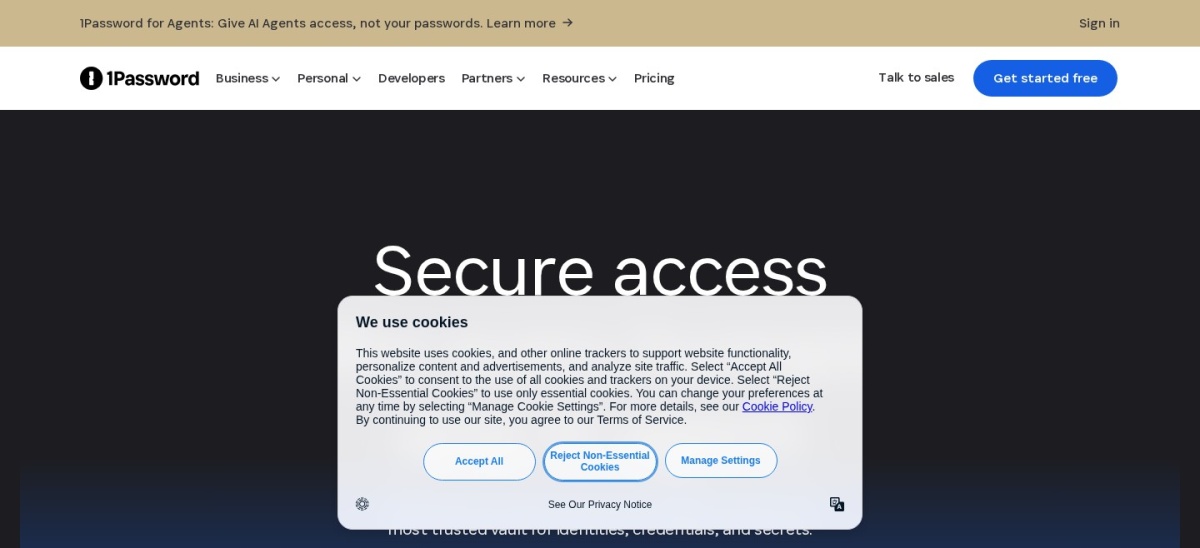
1Password is a password manager that also generates one-time codes, so passwords and codes live in one encrypted vault. The Individuals plan costs $2.99 a month when billed yearly, and it works on every platform with family and team plans available. It is rated 4.7 out of 5 on G2 from 1,655 reviews.
The trade off is that there is no free plan, only a trial. Google Authenticator and Bitwarden cost nothing for codes alone, so 1Password only makes sense if you want the full vault. It suits people who want one app for passwords and codes.
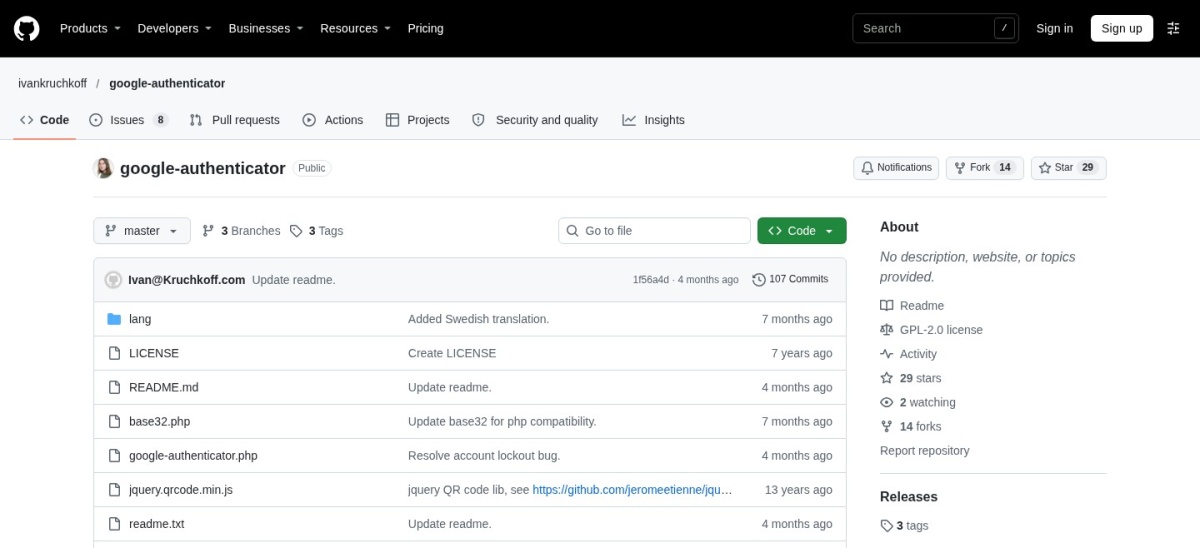
Google Authenticator is a free app from Google that generates one-time codes for any service, with no account and no subscription. It now syncs codes to a Google account, so a new phone can recover them, and it has more than 350 million installs. It is rated 4.6 out of 5 on G2 from 588 reviews.
The trade off is features. There is no password storage, no desktop app and no way to organise codes into folders. It suits anyone who wants a simple, free code generator and nothing else.
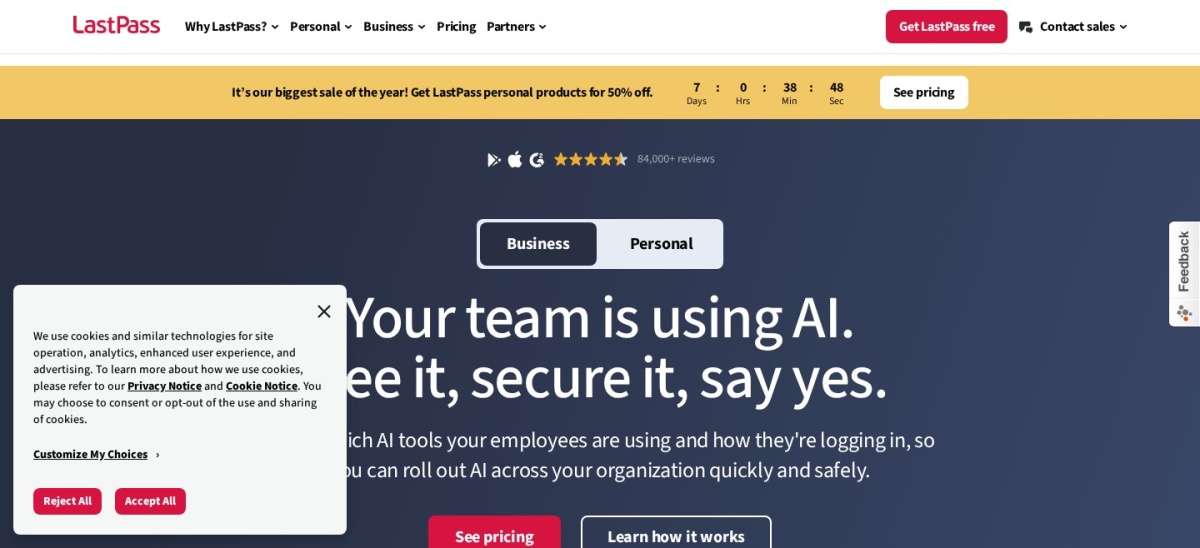
LastPass is a password manager with a free authenticator app, so codes and passwords can live in one vault. The authenticator app is free, and LastPass Premium at $3 a month adds the full vault with more features. It is rated 4.5 out of 5 on G2 from 1,921 reviews.
The trade off is trust. LastPass reported security incidents in 2022, and some users moved to rivals, though the product still has the largest review base here. It suits people who want a free authenticator with a vault option.
Okta Verify is the authenticator app for Okta, the identity platform used by many workplaces. It generates one-time codes and handles push approvals, and it is free to install. The G2 rating of 4.5 from 1,428 reviews covers Okta's identity platform, which Verify fronts. Okta Starter costs $6 per user a month.
The trade off is that Okta Verify is tied to Okta. It works best inside an Okta workplace and is less useful as a standalone app for personal accounts. It suits employees whose company already runs on Okta.
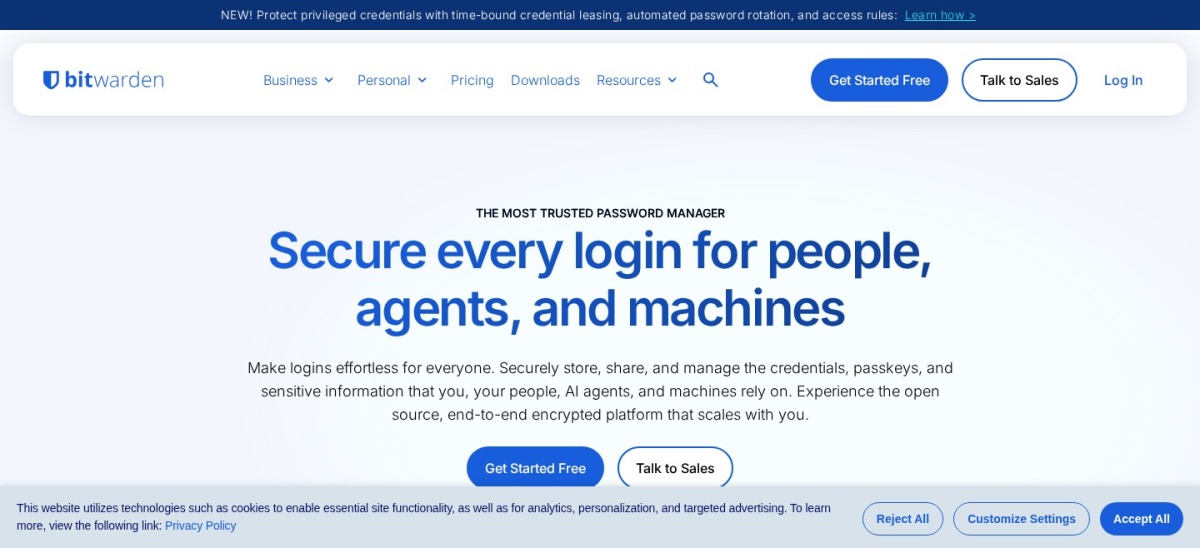
Bitwarden is an open source password manager with a free authenticator, and Premium at $10 a year adds one-time codes inside the vault. The free tier covers passwords and the standalone authenticator app, and the code is open for inspection. It is rated 4.5 out of 5 on G2 from 956 reviews.
The trade off is that codes inside the vault need Premium. The standalone authenticator app is free, but it is a separate app from the vault. It suits people who want open source security for very little money.
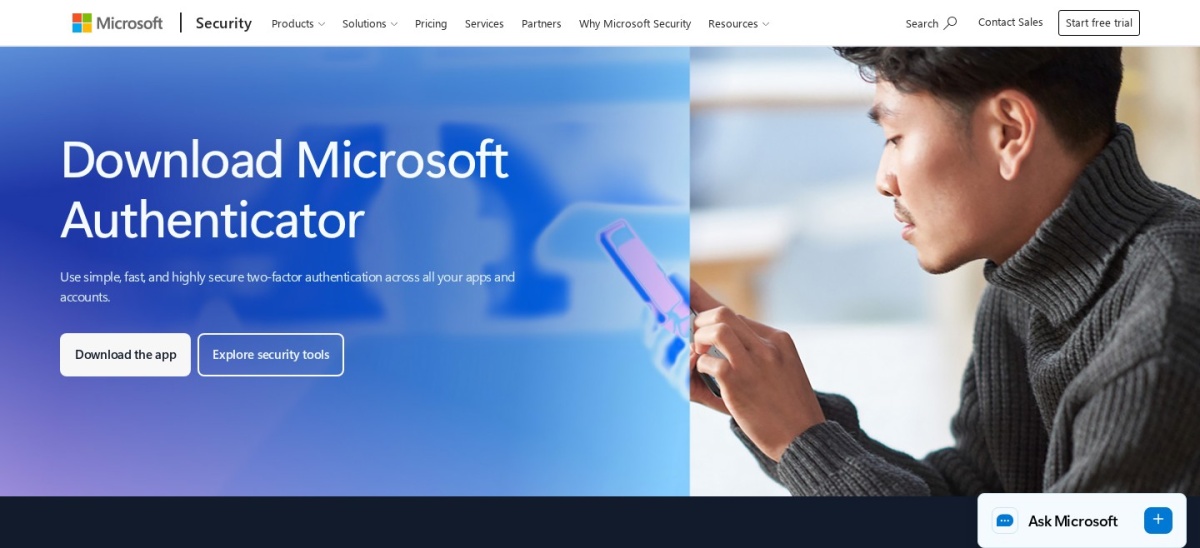
Microsoft Authenticator homepage, captured Nov 2026.
Microsoft Authenticator is a free app that generates one-time codes and handles passwordless sign-in for Microsoft accounts. It has more than 250 million installs and works with Microsoft 365, Azure and third-party accounts. The G2 rating of 4.5 from 912 reviews covers Microsoft Entra MFA, which the app fronts.
The trade off is that it is built for Microsoft first. It works with other accounts, but the best features need a Microsoft account. It suits anyone who already uses Microsoft 365.
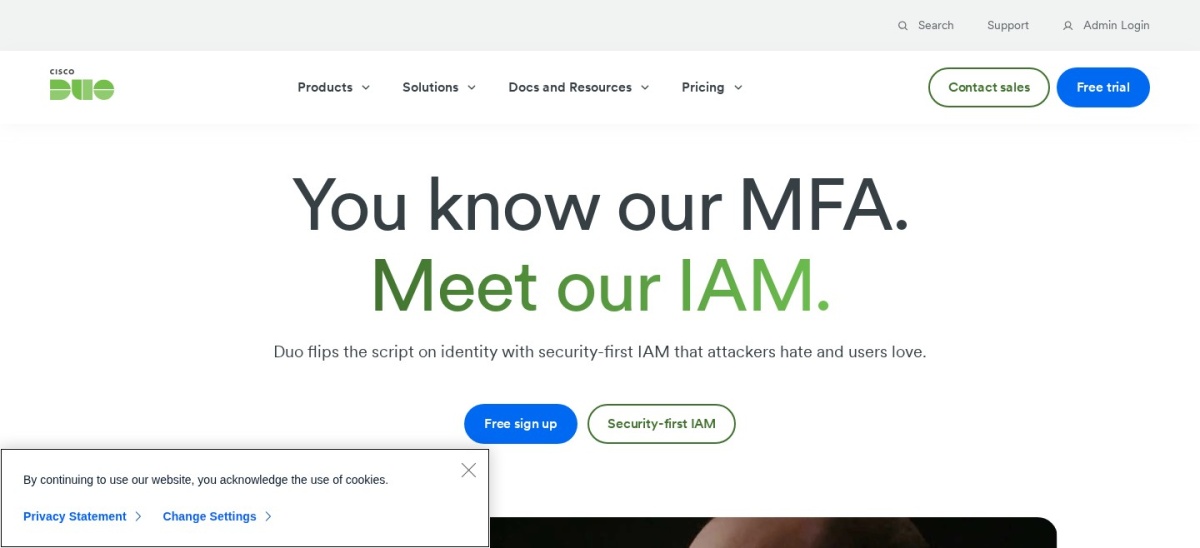
Cisco Duo is an enterprise multi-factor platform, and the Duo Mobile app generates codes and push approvals for it. Duo Free covers up to 10 users, and Essentials at $3 per user a month adds more features. It is rated 4.5 out of 5 on G2 from 633 reviews.
The trade off is that Duo is a business product. The free tier is small, and the full platform is priced for companies, not individuals. It suits small teams that want managed multi-factor login.
What we like
Free tier for up to 10 users
Push approvals built in
Strong admin controls
Watch out for
Business product, not personal
Essentials costs $3 a user
Setup needs an admin
Essentials adds more features at $3 per user a monthVisit duo.com
08
Keeper
4.4/5on G2 (1,096 reviews, checked Nov 2026)
Starts at$2.92/mo
Best for secure vault plus codes
Cheapest paid plan$2.92/mo
Free planNo, trial only
One-time codesYes, in vault
BackupCloud vault
keepersecurity.com
Keeper homepage, captured Nov 2026.
Keeper is a password manager with one-time codes built into the vault, so passwords and codes stay together. The Individuals plan is listed at $2.92 a month when billed yearly, and it works on every platform with family and business plans. It is rated 4.4 out of 5 on G2 from 1,096 reviews.
The trade off is price and proof. The $2.92 figure was not confirmed on the vendor site in this session, and there is no free plan. It suits people who want a secure vault with codes included.
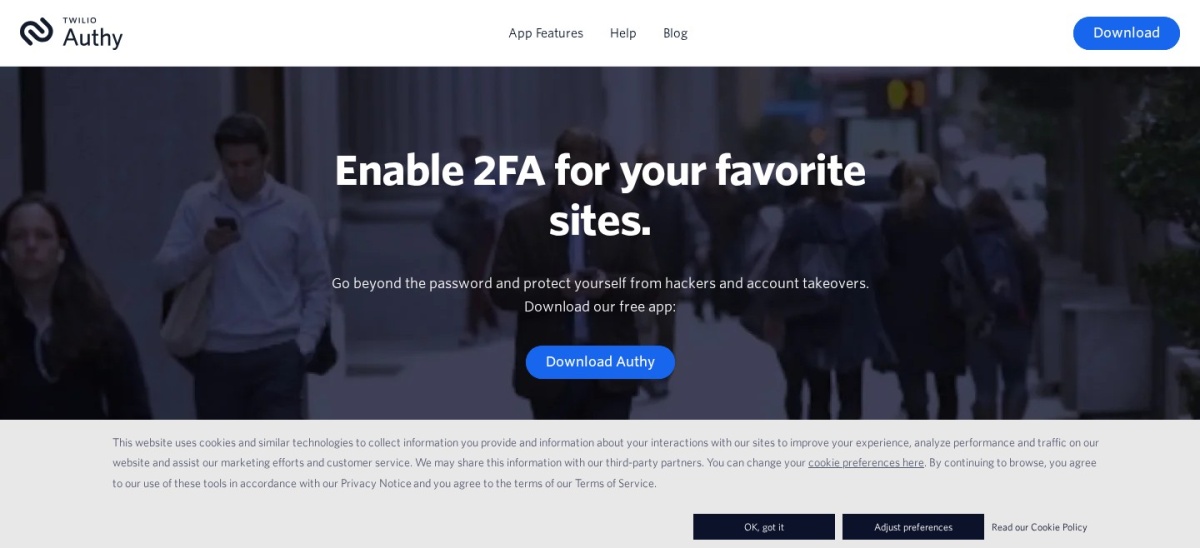
Authy is a free authenticator app from Twilio with encrypted cloud backup and multi-device sync, so a new phone can recover your codes. It generates codes for thousands of services and works on phone, tablet and desktop. It is rated 4.4 out of 5 on G2 from 111 reviews.
The trade off is trust. Twilio reported that 33 million phone numbers were leaked in 2022, and the desktop apps were retired. It suits people who want free multi-device sync and accept the history.
The most common authenticator disaster is a lost phone with no backup. Google Authenticator now syncs codes to a Google account, and Authy syncs to the cloud, but both need setup first.
Password managers solve this by storing codes in the same vault as passwords. 1Password, Bitwarden and LastPass all back up codes with the vault.
Save your recovery codes too. Every service that offers two-factor login gives backup codes when you turn it on, and those codes are your last resort.
Test the backup once. Sign out and back in on a second device, and confirm the codes appear before you rely on the backup.
How we chose
We started from the best-known authenticator apps with a profile on G2, then kept nine that cover personal use, password managers and enterprise teams.
Prices come from each vendor's site, checked in November 2026. Ratings and review counts come from G2 on the same day. Where a vendor shows a sale, the list shows the regular price.
We left out apps with no verifiable G2 rating, including Ente Auth, 2FAS and Aegis. No vendor paid for a place, and we do not claim hands-on testing for this list.
How to choose an authenticator app
Start with backup, then check the price and the platform.
Check the backup first. Pick an app with encrypted cloud backup or export. A lost phone without backup locks you out of everything.
Decide codes only or a full vault. Google Authenticator and Authy only generate codes. 1Password and Bitwarden store passwords and codes together.
Match your work accounts. Microsoft Authenticator suits Microsoft 365 users. Duo suits teams on Cisco. Okta Verify suits Okta users.
Set it up on two devices. Install the app on a phone and a tablet, and save the recovery codes somewhere safe.
FAQ
What is the best authenticator app?
1Password is the best authenticator app for most people. It stores passwords and one-time codes in one vault for $2.99 a month, and it is rated 4.7 out of 5 on G2 from 1,655 reviews. Google Authenticator is the best free pick.
Is Google Authenticator free?
Yes. Google Authenticator is free with no subscription and no paid tier. It generates one-time codes for any service, and it now syncs codes to a Google account so you can recover them on a new phone.
What happened to Authy?
Authy is still free and working, but Twilio reported that 33 million phone numbers were leaked in 2022, and the desktop apps were retired. The app still works on mobile, but its G2 base is thin at 111 reviews.
Do I need an authenticator app if I use a password manager?
You may not. 1Password, Bitwarden and LastPass all generate one-time codes inside the vault, so the password manager is the authenticator. A separate app is only needed if you prefer codes kept apart from passwords.
Is Microsoft Authenticator free?
Yes, the app is free. It generates one-time codes and handles passwordless sign-in for Microsoft accounts, and it works with Microsoft 365. The G2 rating of 4.5 comes from Microsoft Entra MFA, which the app fronts.
Which authenticator app is best for business?
Cisco Duo is the best pick for business, with admin controls and a free tier for up to 10 users. Okta Verify suits teams already on Okta, and 1Password suits small teams that want one vault.
SaaS SEO and WordPress specialist with about 8 years of experience. Rakib compares WordPress plugins, themes, hosting and software using public pricing, documentation and user reviews. See how we rank.