WeTransfer is the best app to share videos for most people, because it turns any video into a download link in seconds with no account needed. Pick Google Drive when the video needs to live somewhere afterwards, and YouTube when anyone should be able to watch it without downloading.
How we make this list: we compare pricing pages, product documentation and public user reviews, then re-check every price before each update. No product paid for a place. Disclosure.
WeTransfer is the easiest way to send a finished video, with a free plan covering 3 GB a month and no account needed.
Google Drive is the cheapest paid step at $1.99 a month, and the video stays stored after you share it.
YouTube is free and unlimited, but it shares a stream, not the original file.
MASV and Smash handle the huge files other tools refuse, with MASV charging by the gigabyte.
Frame.io is the only tool here built for client review, with comments tied to exact frames.
What sharing a video actually means
Sharing a video is not one job. Sending a finished file to a client, hosting a video anyone can watch, and getting feedback on a cut need different tools, and this list covers all three.
Check the size limit before you choose. Free plans cap transfers at 3 GB on WeTransfer and 2 GB of priority on Smash, while MASV has no cap at all. Our guide to the best file transfer software compares the senders in depth.
Links expire on senders but not on hosts. A WeTransfer link lasts 3 days on the free plan, while a YouTube unlisted link works until you delete the video.
Recipients should not need an account. Every tool in this list lets the other person watch or download without signing up, which is the whole point of sharing.
WeTransfer is a link-based sender built for one-off deliveries. Upload a video, copy the link or send it by email, and anyone can download the original file without an account. The free plan covers 3 GB a month and 10 transfers, with links that last up to 3 days. Starter raises the volume to 300 GB a month.
The trade off is that WeTransfer is a sender, not a home for your videos. Files expire, there is no video player or streaming, and the Starter plan now costs $10 a month after the $7 yearly rate disappeared. It suits anyone who needs to send a finished video to a client or friend today.
4.8/5on Capterra (28,616 reviews, checked Nov 2026)
Paid from$1.99/mo
Best for videos that need a home
Free plan15 GB shared with Gmail
Basic plan$1.99/mo, 100 GB
Largest file5 TB per file
Recipient accountNot needed to view
drive.google.com
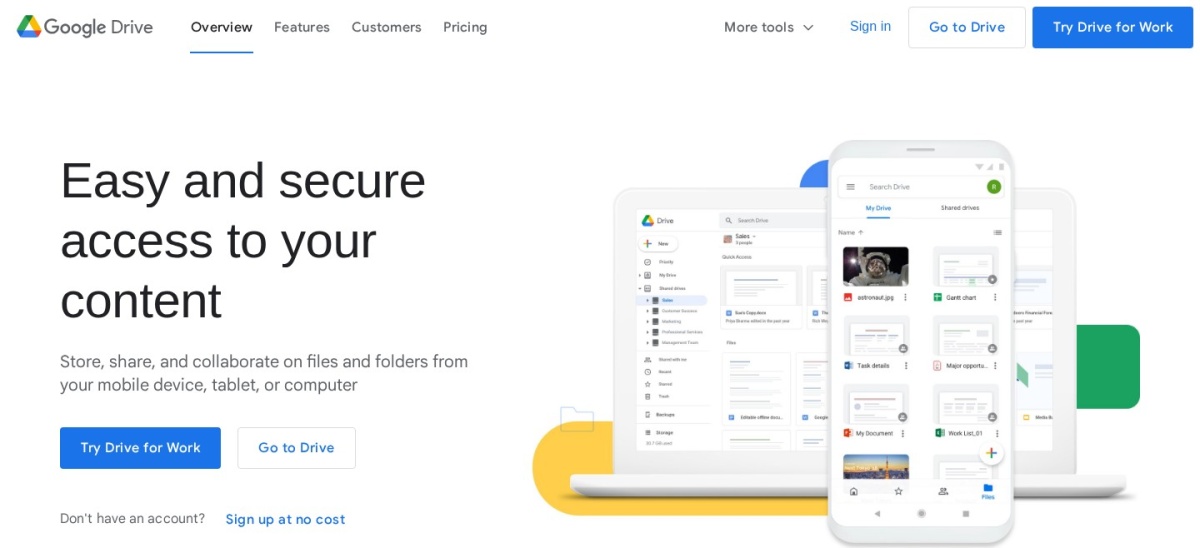
Google Drive homepage, captured Nov 2026.
Google Drive is the storage and sharing service that comes with every Google account. Upload a video, share a link, and the recipient can stream it in the browser or download it, with no account needed to view. The free plan gives 15 GB shared across Drive, Gmail and Photos. Google One Basic adds 100 GB for $1.99 a month.
The trade off is playback. Drive streams most videos fine, but large or high-resolution files can stutter, and the 15 GB free allowance fills fast with video. It suits anyone whose videos need to live somewhere after sharing, not just pass through a link.
Dropbox is a cloud drive with a built-in transfer tool, so files you already store can be sent as a link. The free Basic plan includes 2 GB of storage, and Plus at $9.99 a month billed yearly adds 2 TB of storage and Dropbox Transfer up to 50 GB. Shared links work without the recipient having an account.
The trade off is the price on the vendor page right now. Dropbox is running a 3-free-months offer that shows Plus at $7.99 a month, but that is a promotion, and the regular price is $9.99. It suits people whose files already live in Dropbox and who send videos often.
YouTube is the simplest way to share a video anyone can watch. Upload it as unlisted and only people with the link can find it, or keep it private and invite specific accounts. Viewers stream it in any browser with no download and no account needed. Sharing is free, with no size cap beyond the 256 GB upload limit.
The trade off is control. An unlisted link can be forwarded to anyone, YouTube compresses your video, and there is no way to stop downloads of the original file. It suits public or semi-public videos, tutorials and anything the audience should watch rather than keep.
Vimeo is a video hosting platform built for professionals who want a clean player and no ads. Upload a video, set it to unlisted or password-protected, and share a link that plays in a branded player. The free plan covers basic hosting, and Starter at $12 a month billed yearly adds 100 GB a year. It suits portfolio and client work.
The trade off is that Vimeo is a host, not a sender. Recipients stream the video, they do not get the original file, and the free plan is limited. It suits creators who care how the video looks when it plays, not just that it arrives.
Loom is a screen and camera recorder that turns a quick recording into a shareable link in seconds. Record your screen, camera or both, and the link opens a page where anyone can watch, comment and react. The free plan covers 25 videos of up to 5 minutes each. Business at $15 a month removes the limits.
The trade off is that Loom is for recordings you make, not videos you already have. It cannot send a finished edit or raw footage. It suits walkthroughs, feedback videos and async updates where recording the screen is the whole job.
What we like
Recording to shareable link in seconds
Viewers can comment and react
Free plan covers casual use
Watch out for
Only for videos you record yourself
Cannot send finished edits or raw files
Business adds unlimited videos and team controlsVisit loom.com
07
MASV
4.8/5on G2 (48 reviews, checked Nov 2026)
Paid from$58/mo
Best for very large video files
Free plan15 GB free each month
Subscription$58/mo, 250 GB included
Largest sendNo size limit
Billing$0.25 per GB after free credit
masv.io
MASV homepage, captured Nov 2026.
MASV is a transfer service built for video and media teams whose files break other tools. Packages have no size limit, transfers resume after an interrupted connection, and the desktop and browser apps move files as fast as the connection allows. On-Demand gives 15 GB free each month, then charges $0.25 per GB.
The trade off is the bill. A single terabyte downloaded once costs about $250 on pay as you go, and files stored past 5 days cost $0.07 per GB a month. Subscriptions from $58 a month lower the rate for steady volume. It suits post-production teams moving terabytes.
What we like
No package size limit at all
Transfers resume if the connection drops
No per-seat fees for teams
Watch out for
A terabyte costs about $250 pay as you go
Subscriptions need a 12-month commitment
Larger subscriptions cover 500 GB to 2 TB a monthVisit masv.io
08
Smash
4.9/5on Trustpilot (42,000 reviews, checked Nov 2026)
Paid from$6/mo
Best free sender for huge videos
Free planNo size limit, 2 GB priority
Pro plan$6/mo billed yearly
Link lifetime7 days free, 30 days Pro
Recipient accountNot needed
fromsmash.com
Smash homepage, captured Nov 2026.
Smash is a file transfer service that sends videos with no size limit and no account. Drop a video on the page, Smash produces a download link, and the recipient downloads from the browser. The free plan gives priority to transfers up to 2 GB and keeps files 7 days. Pro at $6 a month billed yearly removes the queue.
The trade off is the queue. Free transfers above 2 GB wait behind paying users, which can be slow at busy times, and Smash is transfer only, with no storage or video player. It suits anyone who needs to send a very large video once, for free, without signing up.
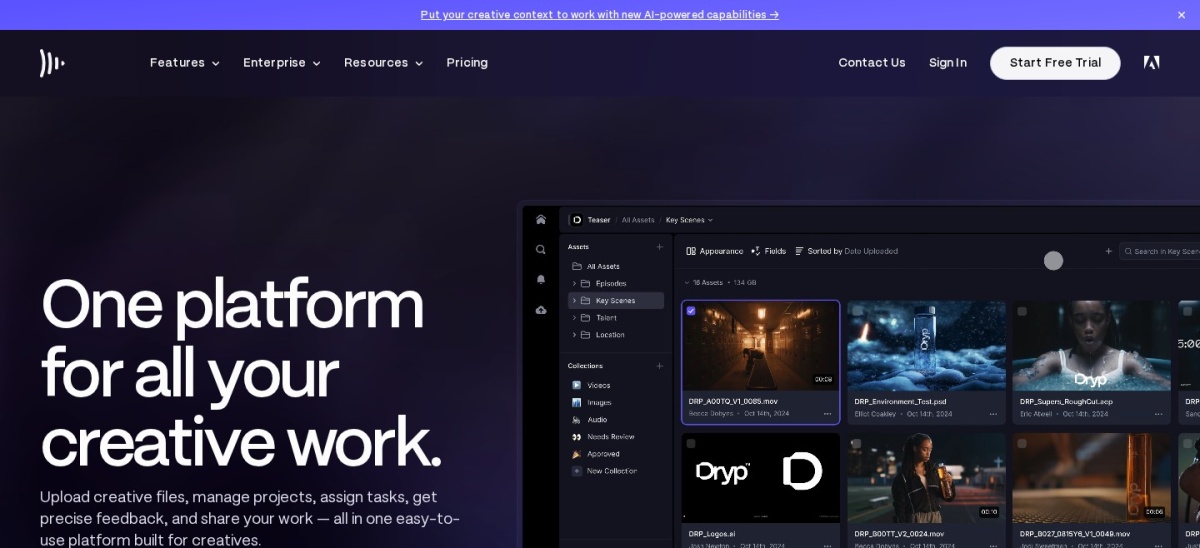
Frame.io is a video review platform from Adobe that shares cuts with clients for time-coded feedback. Upload a video, send a review link, and clients comment on exact frames without an account. The free plan covers 2 users, 2 GB of storage and 2 projects. Pro at $15 per user a month adds 2 TB and unlimited projects.
The trade off is price per seat. Pro costs $15 for each user every month, and the free plan is too small for real client work. It suits video teams that send cuts for approval every week and need comments tied to exact frames.
What we like
Time-coded comments on exact frames
Clients review without an account
Deep Adobe Premiere integration
Watch out for
$15 per user adds up fast
Free plan too small for real work
Team adds 3 TB and restricted projects for $25 a userVisit frame.io
Video sharing mistakes to avoid
Do not email a video file. Email caps attachments at 25 MB, so a phone video will bounce or arrive compressed beyond use.
Do not share a public link by accident. Check the privacy setting before you send, since a public YouTube link is searchable by anyone.
Do not send the only copy. Keep the original file on your drive, because transfer links expire and shared folders can be deleted by the other side.
How we chose
We started from the apps people actually use to share videos, then kept the 9 with a free plan or trial, a verifiable rating on G2, Capterra or Trustpilot, and a published price.
Prices come from each vendor's pricing page, checked on 25 November 2026. Ratings and review counts come from G2, Capterra or Trustpilot on the same day. Where a vendor shows a sale, the list shows the regular price.
We left out messaging apps such as WhatsApp and Telegram, which compress videos heavily, and enterprise-only tools with no published price. No vendor paid for a place, and we do not claim hands-on testing for this list.
How to choose an app to share videos
Start with what the other person should get, then match the tool to it.
Decide file or stream. If they need the original file, pick a sender such as WeTransfer or Smash. If they only need to watch, pick YouTube or Vimeo.
Check the size. Free plans cap transfers at a few gigabytes. For raw footage over 50 GB, use MASV or Smash.
Check the expiry. Transfer links last days, hosting links last until you delete them. Pick hosting for anything the recipient may open later.
Send a test link. Every tool here has a free plan. Send yourself a test video before you send the real one to a client.
FAQ
What is the best app to share videos?
WeTransfer is the best app to share videos for most people. It turns any video into a download link in seconds, the recipient needs no account, and the free plan covers 3 GB a month.
How can I share a large video for free?
Smash sends videos of any size for free with no account, though transfers over 2 GB join a queue. WeTransfer covers 3 GB a month free, and YouTube hosts videos of any size free as unlisted links.
Is it better to share a video on YouTube or WeTransfer?
Use YouTube when anyone should watch the video without downloading it, since unlisted links stream in any browser for free. Use WeTransfer when the other person needs the original file, since YouTube only shares a stream.
Can I share a video without the recipient signing up?
Yes. Every app in this list lets the recipient watch or download without an account, including WeTransfer, Google Drive, Dropbox, YouTube, Vimeo, MASV, Smash and Frame.io.
What is the best app to share videos with clients?
WeTransfer is best for sending finished files, since clients get the original video from a simple link. Frame.io is best when clients need to approve a cut, since they can comment on exact frames.
Does Google Drive compress videos when sharing?
No. Google Drive shares the original file, and recipients can download it untouched. Playback in the browser uses a transcoded preview, so the stream may look softer than the file itself.
SaaS SEO and WordPress specialist with about 8 years of experience. Rakib compares WordPress plugins, themes, hosting and software using public pricing, documentation and user reviews. See how we rank.