Best File Transfer Software in 2026: 9 Tools Compared
WLWPLegible EditorsLast verified 23 Nov 2026How we rank12 min read
★ Short answer
WeTransfer is the best file transfer software for most people, with a free plan for 3 GB and 10 transfers a month and Starter at $7 a month billed yearly. Pick Filemail for 5 GB free sends, MASV for video files with no size limit, and Google Drive if you also need storage.
How we make this list: we compare pricing pages, product documentation and public user reviews, then re-check every price before each update. No product paid for a place. Disclosure.
WeTransfer leads for quick client sends: free covers 3 GB and 10 transfers per 30 days, and Starter lifts volume to 300 GB for $7 a month billed yearly.
Filemail's free plan sends 5 GB per transfer with no account, and Pro at $14 a month raises the cap to 250 GB.
MASV has no package size limit and charges $0.25 per GB after 15 GB free each month, so video teams pay by volume, not by seat.
Google Drive is the cheapest paid step at $1.99 a month for 100 GB, and its 15 GB free plan beats most rivals.
ShareFile is the only tool here with no free plan, and its $16.50 per user a month needs at least 3 users.
What to look for in file transfer software
Email caps attachments at about 25 MB, so large files need a link-based sender or a shared drive. The tools in this list cover both: dedicated senders for one-off deliveries, and drives that store files as well as send them.
The right pick depends on size and frequency. Check the per-transfer cap, the monthly volume cap, how long links stay live, and whether the recipient needs an account to download.
If the file lives on a WordPress site, the upload limit is often the first wall. Our guide on fixing a small upload limit in WordPress explains the server settings behind it.
Prices below are regular prices from each vendor's pricing page, checked on 23 November 2026. Ratings come from G2, except Smash, which uses Trustpilot.
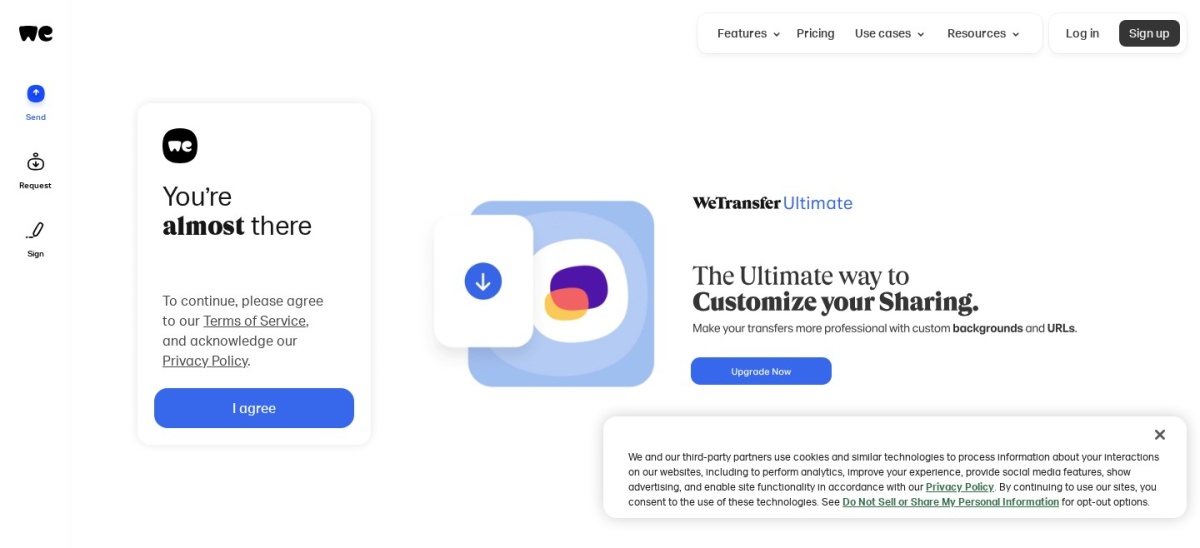
WeTransfer is a link-based sender built for one-off deliveries to clients. The free plan covers 3 GB and 10 transfers in a rolling 30 days, with links that last up to 3 days and no account needed. Starter raises the volume to 300 GB in the same window and adds password protection and file requests.
The trade off is the 10-transfer cap, which Starter keeps, and the 3-day link expiry on the free and Starter plans. Only the top plan at $19 a month billed yearly lifts both limits. It suits freelancers and creatives who send finished files to clients a few times a month.
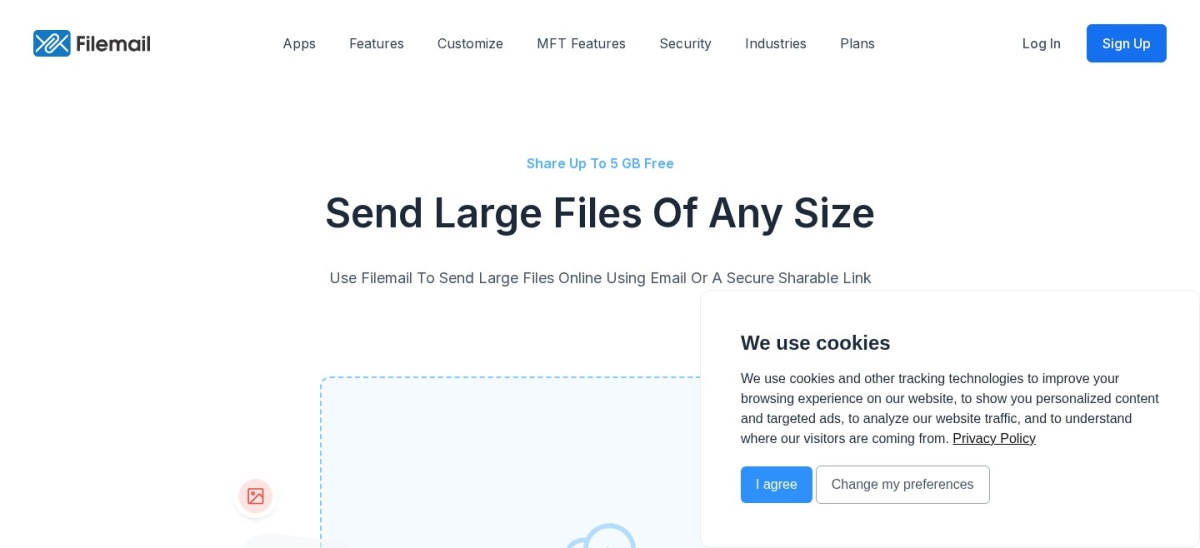
Filemail is a workhorse sender for large files by email or shareable link. The free Basic plan sends up to 5 GB per transfer with no account, and paid plans add unlimited transfers and bandwidth. Personal costs $6 a month and keeps files for 30 days with 250 GB of storage.
The trade off is size on the cheaper plans, since Personal still stops at 5 GB per transfer and Pro at $14 a month is needed for 250 GB sends. The interface also looks dated next to WeTransfer. It suits people who send big files often and want tracking without a storage subscription.
MASV is a transfer service built for video and media teams whose files break other tools. Packages have no size limit, transfers resume after an interrupted connection, and the desktop and browser apps move files as fast as the connection allows. On-Demand gives 15 GB free each month, then charges $0.25 per GB.
The trade off is the bill, since a single terabyte downloaded once costs about $250 on pay as you go, and files stored past 5 days cost $0.07 per GB a month. Subscriptions from $58 a month lower the rate for steady volume. It suits post-production and media teams moving terabytes.
What we like
No package size limit
No per-seat fees for teams
Automatic retry and resume
Portals, automation and API
Watch out for
Usage billing can surprise on heavy months
Storage past 5 days costs extra
No flat plan for light users
Subscriptions from $58 a month lower the per-GB rateVisit masv.io
04
Dropbox
4.4/5on G2 (31,453 reviews, checked Nov 2026)
Paid from$9.99/mo
Best if your files already live in Dropbox
Free plan2 GB storage
Largest send50 GB (Plus Transfer)
Storage2 TB (Plus)
Paid planPlus, $9.99/mo billed yearly
dropbox.com
Dropbox homepage, captured Nov 2026.
Dropbox is a cloud drive with a built-in transfer tool, so files you already store can be sent as a link. The free Basic plan includes 2 GB of storage, and Plus at $9.99 a month billed yearly adds 2 TB of storage and Dropbox Transfer up to 50 GB. Shared links work without the recipient having an account.
The trade off is price for sending alone, since Plus costs more than a dedicated sender and the free plan holds only 2 GB. Transfer limits also follow the storage plan, not a separate sending allowance. It suits people whose files already live in Dropbox and who send from there daily.
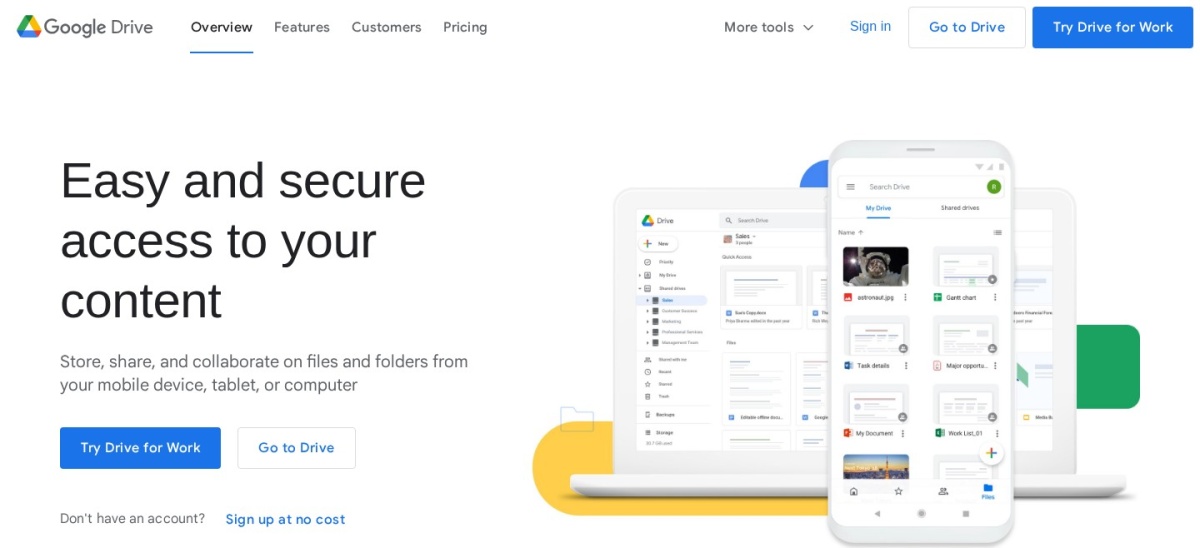
Google Drive is the storage and sharing service that comes with every Google account. The free plan gives 15 GB shared across Drive, Gmail and Photos, and paid storage runs through Google One from $1.99 a month for 100 GB. Files share by link, and Docs, Sheets and Slides open in the browser.
The trade off is that it is a drive first and a sender second, with no transfer expiry controls like a dedicated sender and a 750 GB daily upload limit. Large video files also count against the same shared storage pool. It suits Google users who need cheap storage and simple link sharing.
4.9/5on Trustpilot (43,846 reviews, checked Nov 2026)
Paid from$6/mo
Best cheap paid plan with no size cap
Free plan2 GB per transfer
Largest sendNo cap (Pro)
Storage1 TB (Pro)
Paid planPro, $6/mo billed yearly
fromsmash.com
Smash homepage, captured Nov 2026.
Smash is a browser-based sender with no sign-up on the free plan. Free transfers cover 2 GB per transfer with files available for 7 days, and anything larger queues behind Pro transfers. Pro at $6 a month billed yearly removes the size cap and keeps files for 30 days with 1 TB of storage.
The trade off is the queue, since free sends over 2 GB wait behind paid ones, and the free plan stores nothing between sends. Prices are also shown without VAT, so the final bill can be higher. It suits anyone who wants the cheapest paid plan with no size limit.
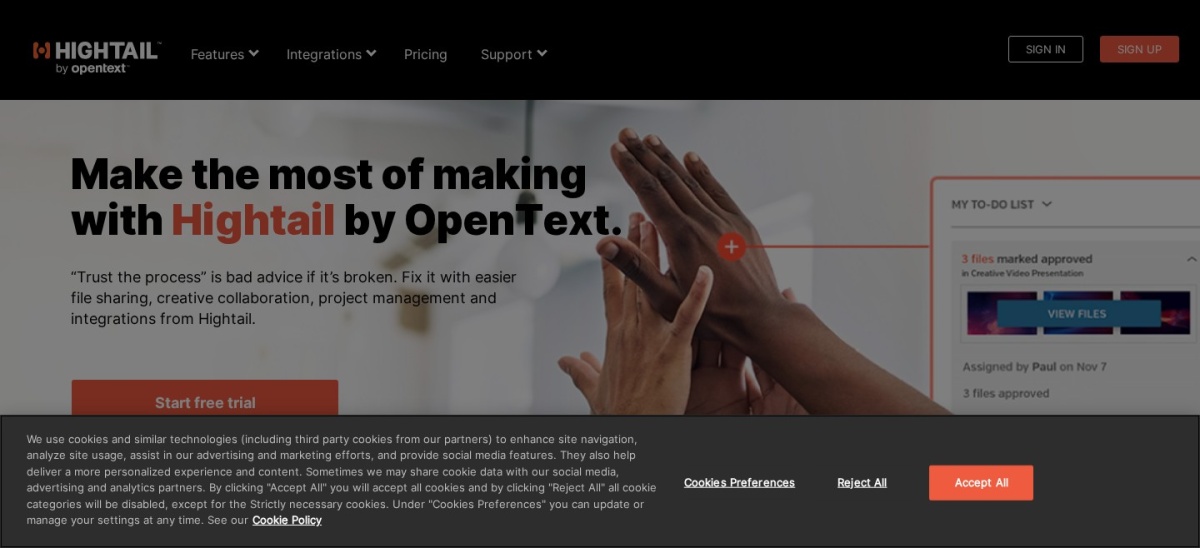
Hightail is a file sender built around the creative review loop, now part of OpenText. Clients comment directly on visuals, versions stay in one place, and approvals are tracked instead of living in email threads. The free Lite plan covers 2 GB of storage with files up to 100 MB.
The trade off is the small free tier, since 100 MB per file blocks most video and design work, and Pro at $12 a month billed yearly is needed for 25 GB sends. Branding is also an extra on top of Pro. It suits agencies that review creative work with clients every day.
Box is a cloud content platform with file sharing, e-signatures and admin controls. The free Individual plan gives 10 GB of storage with a 250 MB upload cap per file. Personal Pro at $10 a month billed yearly raises storage to 100 GB and the upload cap to 5 GB per file.
The trade off is value for sending alone, since $10 a month buys only 100 GB while rivals give far more storage for less, and business plans need at least 3 users. Box earns its price on governance, not on sending. It suits teams that need content controls beside Office or Google.
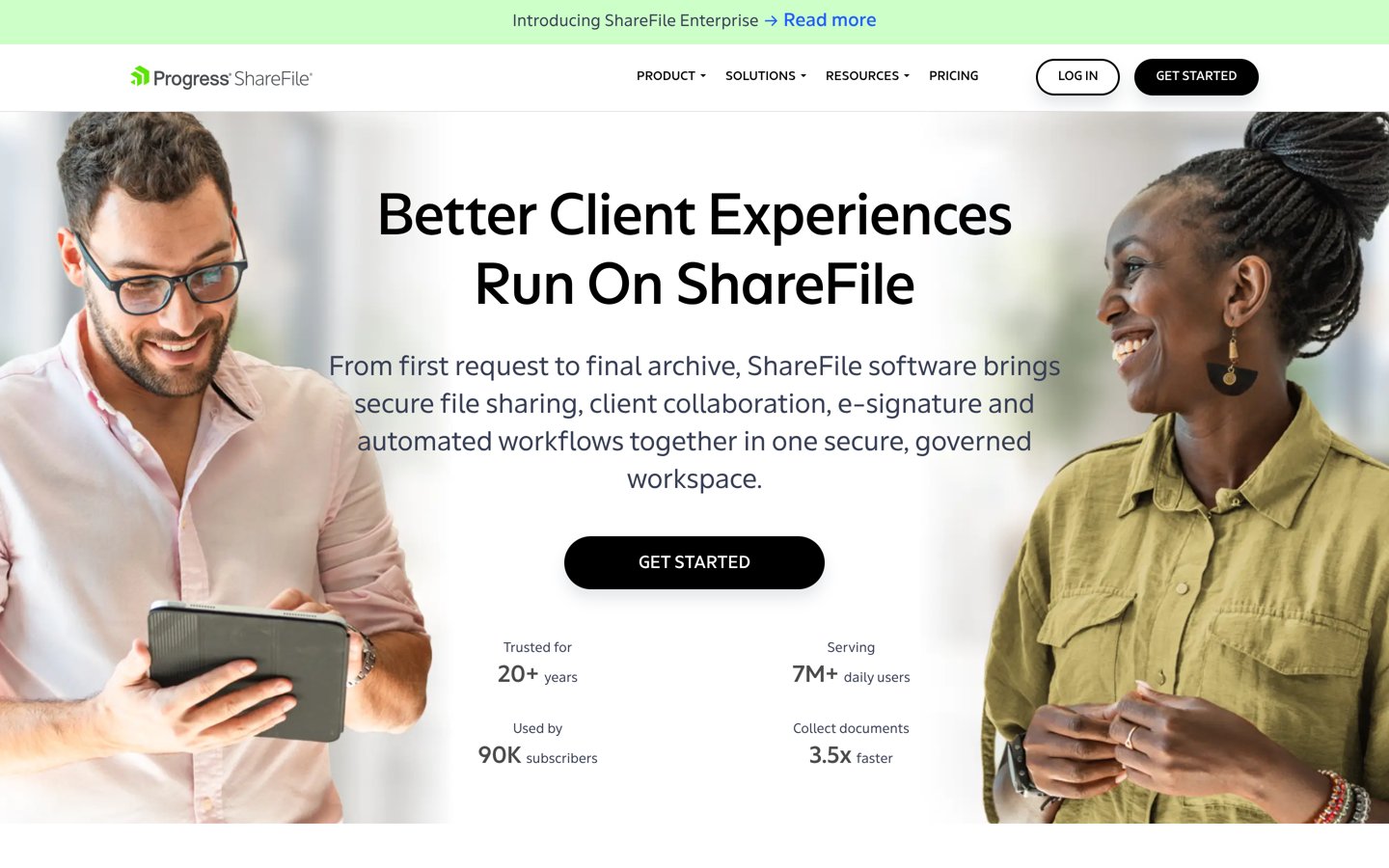
ShareFile is a secure client file-sharing platform from Progress, built for accounting, legal and financial firms. It combines encrypted sharing, a client portal, document requests and e-signatures in one governed workspace. Advanced starts at $16.50 per user a month billed yearly.
The trade off is cost and access, since there is no free plan, only a trial, and every plan needs at least 3 users, so a solo user pays for seats they do not need. HIPAA and FINRA support also start at Premium, not Advanced. It suits firms that exchange regulated client files daily.
Free plans cover one-off sends well. Most give 2 GB to 5 GB per transfer, or a monthly credit like the 15 GB MASV gives each month.
Paid plans mostly add size, time and control. You get larger sends, longer link life, password protection and tracking.
If you send client files every day, a flat plan such as Smash Pro at $6 a month billed yearly costs less than per-gigabyte billing once volume grows.
For regulated work, the free tier is the wrong place to start. ShareFile and Box charge for audit trails and client controls that free senders do not offer.
How we chose
We started from the file transfer tools named most often in buyer guides and review round-ups, then kept 9 established services with a free plan or a trial and a public pricing page.
Prices come from each vendor's pricing page, checked on 23 November 2026. Ratings come from G2, except Smash, which uses Trustpilot, and review counts are from the same date. Where a vendor shows a sale, the list shows the regular price.
We left out automation-only platforms such as Files.com and peer-to-peer tools with no business controls. No vendor paid for a place, and we do not claim hands-on testing for this list.
How to choose file transfer software
Start with the size and frequency of your sends, then check the limits that would stop you.
Check the per-transfer cap first. A 2 GB cap blocks a single raw video file, while a monthly volume cap blocks a busy week. Match the cap to your largest usual file.
Check how long links stay live. Free links last 3 to 7 days on most tools here. If clients open files late, pick a plan with longer expiry or no expiry.
Decide if you need storage or just sending. Google Drive, Dropbox and Box keep files as well as send them. WeTransfer, Filemail, MASV and Smash only send, so pair them with a drive you already use.
Add up the real monthly cost. Per-gigabyte billing suits rare large sends, while a flat plan suits daily sending. Include seat minimums, such as the 3 users ShareFile needs, before you compare prices.
FAQ
What is the best file transfer software?
WeTransfer is the best pick for most people. Its free plan covers 3 GB and 10 transfers a month, Starter costs $7 a month billed yearly, and recipients need no account to download.
What is the best free file transfer software?
Filemail sends 5 GB per transfer free with no account, the largest free single send in this list. Smash is the best free option if you send files over 2 GB rarely and can wait in the queue.
How much does file transfer software cost?
Paid plans in this list run from $1.99 a month for Google Drive storage to $58 a month for a MASV subscription. Most dedicated senders cost $6 to $12 a month, billed yearly.
Is WeTransfer still free?
Yes, with limits. The free plan covers 3 GB and 10 transfers in a rolling 30 days, and links last up to 3 days. The old Pro plan was retired, and Starter is now the entry paid plan.
Can I send files larger than 2 GB for free?
Yes. Filemail sends up to 5 GB free, MASV gives 15 GB free each month, and Smash sends larger files free but queues them behind paid transfers.
Which file transfer tool is best for video?
MASV is the best pick for video teams, with no package size limit and pay-per-gigabyte billing. Filemail Pro is the cheaper flat option for sends up to 250 GB.