Reclaim is the best app for routine for most people, because it blocks time for habits and focus work on your calendar automatically. Akiflow is the best daily planner, and Fabulous is the best guided routine coach, with a strong free option for recurring routines.
How we make this list: we compare pricing pages, product documentation and public user reviews, then re-check every price before each update. No product paid for a place. Disclosure.
Reclaim is the best routine app overall, with a 4.8 out of 5 G2 rating and automatic time blocking for habits and focus work.
Akiflow is the best daily planner, with tasks, calendar and a planning ritual in one fast workspace from 19 dollars a month.
Any.do is the best free routine app, with recurring tasks and a daily planner in its free Personal plan.
Fabulous is the best guided routine coach, but its Trustpilot score is only 3.2 out of 5 and Premium pricing varies by offer.
Dedicated routine apps such as Routinery and Streaks publish only app-store ratings, so they could not be verified under this list's rules.
What to look for in a routine app
A routine app turns a list of good intentions into a day that runs itself. The best ones handle the repeating parts: morning and evening routines, weekly habits and the tasks that come back every day, week or month.
Two styles compete. Planners such as Reclaim, Akiflow and Todoist put routines on a calendar or task list, with reminders and recurring dates. Coaches such as Fabulous guide you through a program, adding one habit at a time with lessons and check-ins.
Reminders make or break a routine. An app that only lists habits will not help if it never tells you when to do them, so check notification options, calendar sync and whether the app works on all your devices before you commit.
Price ranges from free to about 19 dollars a month. Free plans cover the basics for most people, while paid plans add calendar sync, unlimited habits, AI scheduling and coaching. Start free and pay only when a limit actually blocks you.
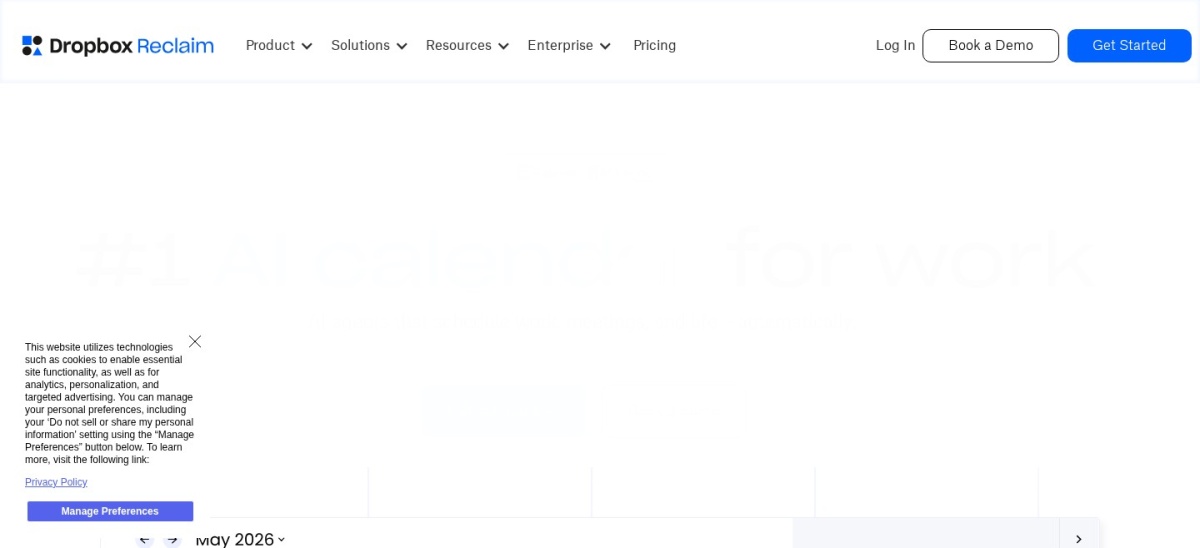
Reclaim.ai is an AI scheduling app that defends time on your calendar for habits, focus work, lunch and meetings. You set a weekly goal for each habit, and Reclaim finds the best slot around your existing events, rescheduling automatically when conflicts appear. It holds a 4.8 out of 5 G2 rating from 144 reviews.
The trade off is price and platform. Starter costs 10 dollars a user a month, with a second source citing 8 dollars, and the vendor pricing page shows no prices in its text, so confirm before you pay. Reclaim also works best with Google Calendar, with Outlook support less deep, and the mobile app is mainly for viewing.
What we like
Automatic time blocking for habits
Focus time and lunch defended daily
Habit templates for work and life
Free Lite plan to start
Watch out for
Starter price is 10 dollars in one source, 8 in another
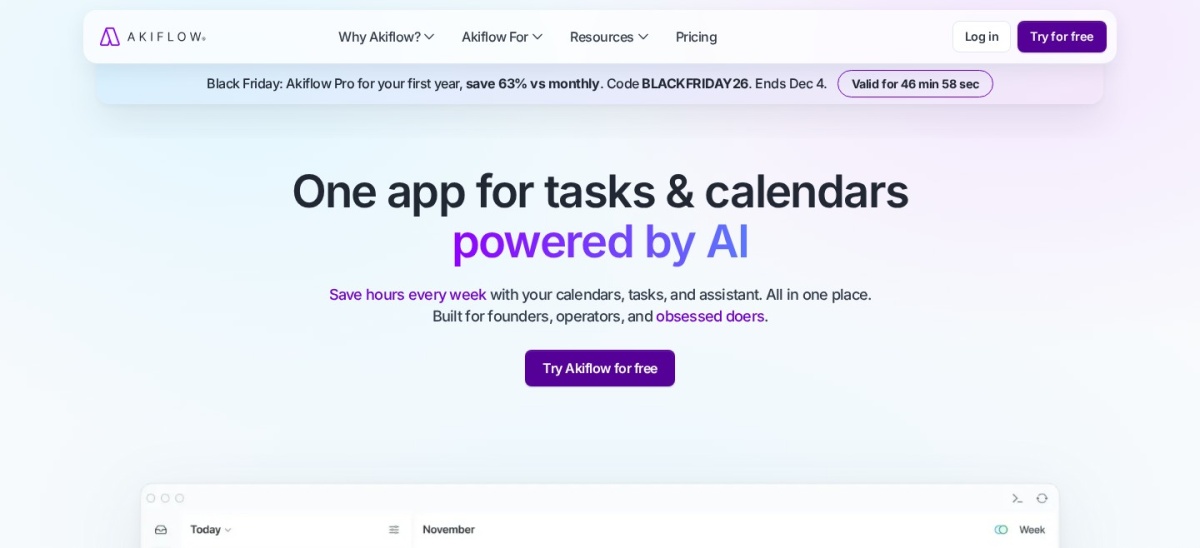
Akiflow is a daily planning app that merges tasks, calendar and meetings into one fast workspace. Its planning ritual pulls tasks from your tools, lets you drag them onto the calendar, and keeps a command bar and shortcuts for quick capture. It holds a 4.8 out of 5 G2 rating from 99 reviews.
The trade off is price. Pro costs 19 dollars a month billed yearly, or 34 dollars billed monthly, with no free plan, only a 7-day trial that needs a card. It is also built for busy professionals rather than casual routine tracking, so the price is high for a simple morning routine.
4.7/5on Capterra (1,166 reviews, checked Nov 2026)
Paid from$59.88/yr
Best free routine app
Free planYes, Personal
Premium$4.99/month, annual
Recurring tasksPremium only
PlatformsiOS, Android, web, desktop
any.do
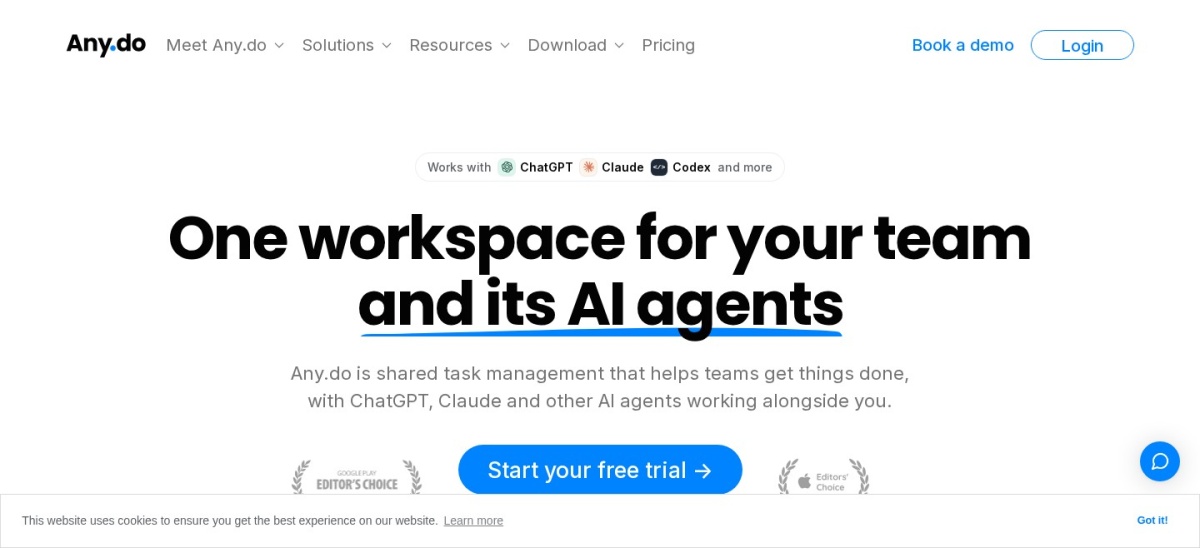
Any.do homepage, captured Nov 2026.
Any.do is a to-do and calendar app whose free Personal plan covers tasks, lists, reminders, calendar and a daily planner, with sync across devices. Premium adds recurring tasks, location reminders, WhatsApp reminders and AI features. It holds a 4.7 out of 5 Capterra rating from more than 1,100 reviews.
The trade off is the Premium gate. Recurring tasks, the heart of any routine, need Premium at 4 dollars 99 a month billed annually, so the free plan alone cannot run a repeating routine. The app is also a general task manager rather than a dedicated routine coach, with no timed steps or voice prompts.
What we like
Free Personal plan with daily planner
Recurring tasks in Premium
Sync across all devices
WhatsApp and location reminders
Watch out for
Recurring tasks need Premium
No timed steps or voice prompts
General task app, not a routine coach
Personal free, Premium 4 dollars 99 a monthVisit any.do
04
Notion
4.6/5on G2 (14,028 reviews, checked Nov 2026)
Paid from$120/yr
Best routine templates and tracking
Free planYes
Plus$10/user/mo, annual
Habit trackingTemplates and tables
RemindersNo built-in routine alerts
notion.com
Notion homepage, captured Nov 2026.
Notion is a workspace app where routines live as templates, databases and habit trackers you build yourself. Morning routine pages, habit tables with streak counts and weekly reviews are all free community templates, and Plus adds unlimited file uploads and longer history. It holds a 4.6 out of 5 G2 rating from more than 14,000 reviews.
The trade off is setup. Notion gives you a blank page, not a routine, so you must build or find a template and maintain it yourself. There are no built-in reminders for routine steps, and the app can feel slow and heavy for a simple daily checklist.
Todoist is a task manager built for repeating work, with natural language dates such as every weekday at 7am and recurring tasks that reset automatically. Routines become a project of repeating tasks, with reminders, priorities and a karma score for streaks. It holds a 4.5 out of 5 G2 rating from 866 reviews.
The trade off is the Pro gate. Reminders, the feature a routine depends on, need Pro at 5 dollars a month billed annually, or 60 dollars a year. Todoist is also a list, not a timeline, so it cannot show your routine as a visual day plan or time each step.
TickTick is an all-in-one app that combines a to-do list, calendar, Pomodoro timer and built-in habit tracking. Habits get their own streak view with reminders, while recurring tasks handle the repeating steps of a routine, and the calendar shows the day as a timeline. It holds a 4.5 out of 5 G2 rating from 114 reviews.
The trade off is the Premium gate and the review base. Habit reminders and calendar views need Premium at 35 dollars 99 a year, and the G2 rating rests on only 114 reviews, the smallest base among the planners here. The app can also feel crowded, with many features competing for attention.
Microsoft To Do is a free task app that runs routines as repeating tasks, with due dates, reminders and a My Day view for planning each morning. It syncs with Outlook tasks and works on iPhone, Android, Windows and web. It holds a 4.4 out of 5 G2 rating from 99 reviews.
The trade off is simplicity. There is no habit tracking, no streak view and no step timers, so it tracks routines only as repeating tasks. Shared lists also stopped taking new members in late October 2026, and the design is plain next to the prettier planners here.
Motion is an AI scheduling app that takes your tasks, deadlines and meetings and builds the day itself, then rebuilds it when the day breaks. Routines become tasks with deadlines that Motion slots into your calendar automatically. It holds a 4.1 out of 5 G2 rating from 157 reviews.
The trade off is price and the 2026 billing change. Motion costs 19 dollars a user a month billed yearly, and it moved to a metered AI-credit system in 2026, which drew complaints from existing users. It also has the lowest G2 rating here, and there is no free plan.
3.2/5on Trustpilot (4,118 reviews, checked Nov 2026)
Paid from$49.99/year
Best guided routine coach
Free planYes, basic routines
Premium$49.99/year
Premium quarterly$39.99/quarter
OriginDuke University lab
thefabulous.co
Fabulous homepage, captured Nov 2026.
Fabulous is a self-care app that builds your day around routines, adding habits a little at a time through guided programs. The first program usually builds a morning routine, starting with one habit like drinking water, with coaching audio, a journal and short workouts around it. It began at Duke University behavioral science lab.
The trade off is billing and price. Trustpilot rates Fabulous 3.2 out of 5 from more than 4,000 reviews, with the most common complaints about charges after cancelling and slow refunds. Premium also has no single price, with the App Store listing 49 dollars 99 a year and 39 dollars 99 a quarter.
We started from the routine and daily planning apps with verifiable G2, Capterra or Trustpilot ratings, then kept 9 with published scores. Every app here has a rating from at least 99 reviews, collected in November 2026.
We compared recurring tasks, habit tracking, reminders, calendar support and price. Top picks handle repeating routines without a subscription, or add real automation for the money.
Dedicated routine apps such as Routinery, Streaks, Structured, Productive and Way of Life publish only app-store ratings, so they could not be verified under this list's rules and were left out. Their prices are noted in the notes, not in the ranking.
How to choose a routine app
Start with how you like to plan, then check price, reminders and platforms.
Write down the routine first. List the steps of your morning or evening routine on paper before you open any app. If you cannot name the steps, no app will build the routine for you.
Pick the style that fits you. Choose a planner if you like lists and calendars, or a coach such as Fabulous if you want guidance. A gamified app only works if the game itself motivates you.
Set reminders for the hard steps. A routine fails at the step you forget, not the step you dislike. Put a reminder on the first step of each routine and let momentum carry the rest.
Keep the routine small for two weeks. Start with three to five steps and run them daily for two weeks before adding more. A short routine you actually finish beats a long one you abandon.
FAQ
What is the best app for routine?
Reclaim is the best app for routine for most people. It holds a 4.8 out of 5 G2 rating from 144 reviews and automatically blocks time for habits, focus work and lunch on your calendar. Akiflow is the best daily planner, and Any.do is the best free option for recurring routines.
Is there a free routine app?
Yes. Any.do Personal is free forever and covers recurring tasks, reminders and a daily planner. Reclaim has a free Lite plan, Todoist has a free Beginner plan, and Microsoft To Do is completely free. Fabulous also has a free version, but most programs need Premium.
What is the difference between a routine app and a habit tracker?
A routine app runs a sequence of steps at a set time, such as a morning routine of water, stretch and journal. A habit tracker only records whether you did something, such as exercising three times a week. Many apps do both, but routines need timers and reminders while trackers need streaks and charts.
How much does a routine app cost?
Most routine apps cost between 0 and 19 dollars a month. Todoist Pro is 60 dollars a year, TickTick Premium is about 36 dollars a year, and Akiflow and Motion are 19 dollars a month. Fabulous Premium has no single price, with the App Store listing 49 dollars 99 a year.
Which routine app is best for ADHD?
Routinery is the most recommended routine app for ADHD, with timed steps and voice prompts, but it has no G2, Capterra or Trustpilot rating, so it is not ranked here. Among ranked apps, Reclaim blocks time automatically and Fabulous adds one habit at a time, which both help with starting.
Can I use a routine app on Android and iPhone?
Yes, most apps here work on both. Reclaim, Akiflow, Notion, Todoist, TickTick, Any.do and Fabulous all have iPhone and Android apps, plus web or desktop versions. Microsoft To Do also works on both, while Motion is mainly web and desktop.
SaaS SEO and WordPress specialist with about 8 years of experience. Rakib compares WordPress plugins, themes, hosting and software using public pricing, documentation and user reviews. See how we rank.