Best App for Business Expenses in 2026: 7 Tools Compared
WLWPLegible EditorsLast verified 22 Nov 2026How we rank6 min read
★ Short answer
Zoho Expense is our top pick for most teams because its Standard plan starts at $3 per user per month billed annually and adds automated receipt scanning and approvals. Ramp suits companies wanting a free core spend card platform, while Everlance fits drivers tracking business mileage.
How we make this list: we compare pricing pages, product documentation and public user reviews, then re-check every price before each update. No product paid for a place. Disclosure.
Zoho Expense starts at $3/user/month billed annually ($36/yr per user) and includes up to 3 users on its free plan.
Ramp offers a free tier with corporate card controls and starts Plus at $15/user/month before any platform fee.
Expensify starts Collect at $5/member/month (pay-per-use) with receipt scanning, reimbursements, and accounting sync.
Wave sets its Pro plan at $19/month or $190/year for receipt capture, bank feeds, and accounting in one workspace.
Everlance starts Starter at $10.99/month or $89.99/year for unlimited automatic mileage tracking.
What to look for in a business expense app
Business expense tracking breaks down quickly when receipts sit in camera rolls and card charges arrive weeks before statements close. A dedicated expense app pairs receipt capture with merchant categories, tax fields, and approval chains so finance teams do not rebuild records at month end.
Pricing models vary sharply across the category. Some platforms charge per user or per active member each month, while card-led platforms monetize through interchange and optional paid tiers.
Check how each tool handles your existing cards and accounting ledger before committing. A tool with strong receipt OCR and clean exports saves hours only if your team actually submits expenses on mobile and your bookkeeper receives matched entries.
Solo contractors usually care most about mileage logs, deduction tagging, and clean tax exports, whereas multi-person teams need policy rules, approval routing, and reimbursements.
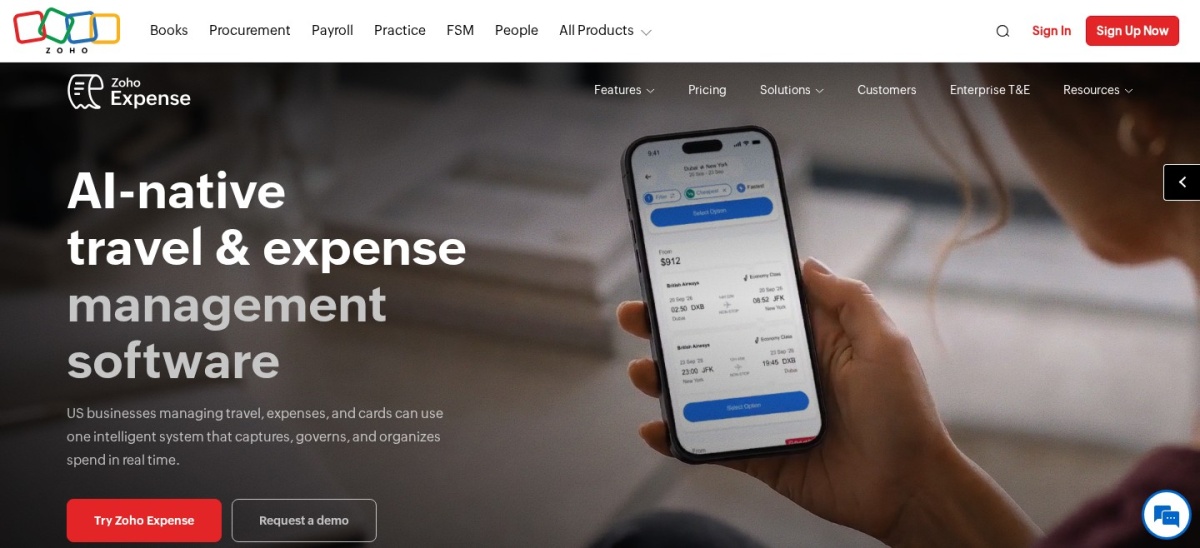
Zoho Expense is a spend and expense management app built for small teams through enterprises, with a free plan for up to 3 users and 20 AI receipt autoscans per user each month. It covers receipt capture, mileage tracking, multi-currency expenses, and basic audit trails out of the box.
The trade off is that moving past basic 3-user tracking or higher scan allowances requires a paid seat at $36/yr per user on Standard ($3 per user/month billed annually). It suits growing teams that want structured approvals and project tagging without high per-seat software fees.
What we like
Low entry price at $3 per user/month billed annually on Standard
Free plan covers up to 3 users with mileage and multi-currency support
Supports billable expenses, project tags, and multi-level approval flows
Includes mobile receipt capture and travel management options
Watch out for
Free tier caps users at 3 and receipt autoscans at 20 per user/month
Enterprise ERP and HRMS integrations cost extra as add-ons
Phone and dedicated relationship support sit on paid support tiers
Standard adds 200 autoscans/user/mo, corporate card feeds, ACH reimbursements, and expense policies.Visit zoho.com
02
Expensify
4.5/5on G2 (5,701 reviews, checked Nov 2026)
Paid from$60/yr
Best for fast receipt scanning and reimbursements
Free tierFree Submit plan for individuals
Entry paid planCollect ($5/member/mo)
IntegrationsQuickBooks Online, Xero, ERPs
G2 rating4.5/5 (5,701 reviews)
expensify.com
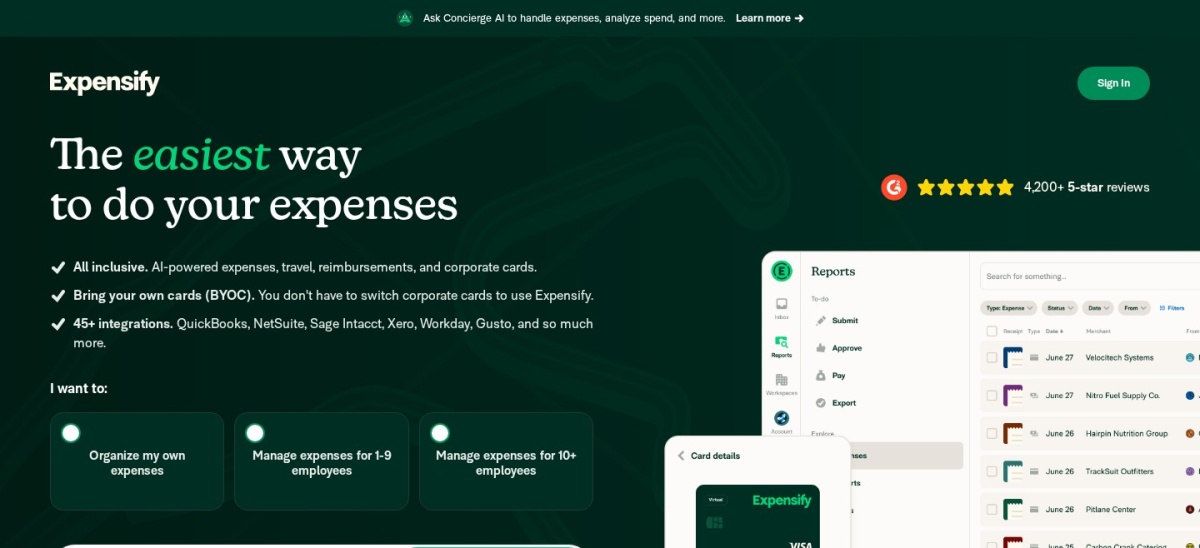
Expensify homepage, captured Nov 2026.
Expensify is an expense, travel, and corporate card platform that offers a free Submit plan for individuals to scan receipts, log mileage, and submit reports. Teams get receipt scanning, distance tracking, and report chat across mobile and web.
The trade off is that team reimbursements, approvals, and accounting integrations require the Collect plan at $60/yr per member ($5/member/month pay-per-use), billed per workspace member. It suits small to mid-sized teams that want quick receipt capture and reimbursement workflows.
What we like
Flat $5/member/month Collect plan with no annual commitment required
Free Submit plan lets individuals scan receipts and track mileage
Connects directly with QuickBooks Online, Xero, and enterprise ERPs
Supports expense chat threads, approvals, and global reimbursements
Watch out for
Collect bills per workspace member rather than only active submitters
Control tier pricing jumps when businesses do not use the Expensify Card
Some reviewers report occasional receipt scan or card sync corrections
Collect adds expense approvals, reimbursements, corporate card visibility, and QuickBooks or Xero sync.Visit expensify.com
03
Everlance
4.4/5on G2 (134 reviews, checked Nov 2026)
Paid from$131.88/yr
Best for automatic mileage and trip tracking
Free tier30 auto trips/mo + manual logs
Entry paid planStarter ($10.99/mo)
ReportingMileage and expense reports, exports
G2 rating4.4/5 (134 reviews)
everlance.com
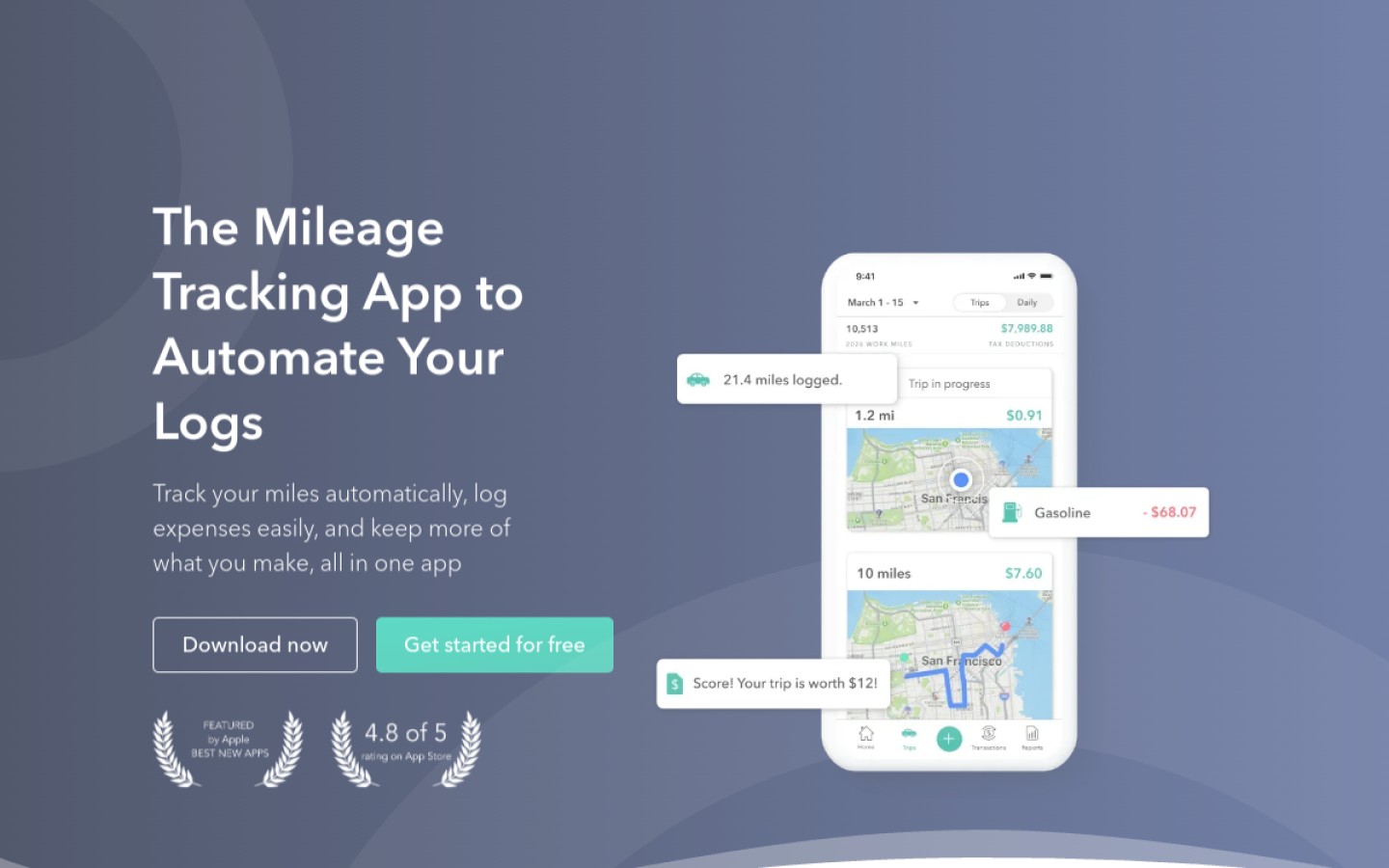
Everlance homepage, captured Nov 2026.
Everlance is a mileage and expense tracking app for self-employed workers and teams, offering a free Basic plan with 30 automatically detected trips per month plus unlimited manual trips and receipt uploads. It generates mileage and expense reports with CSV exports for tax or reimbursement records.
The trade off is that unlocking unlimited automatic trip detection costs $131.88/yr at the monthly rate ($10.99/month) on Starter. It suits drivers, field reps, and contractors who log frequent business miles.
What we like
Automatic GPS trip detection with work-hour classification rules
Free plan includes 30 auto trips/month plus unlimited manual trips and receipts
Produces mileage and expense reports alongside CSV data exports
Simple mobile workflow for swiping trips between work and personal
Watch out for
Free tier limits automatic trip detection to 30 trips per month
Background GPS tracking can increase battery usage on mobile devices
Less focused on multi-tier AP or complex corporate card spend rules
Starter removes the 30-trip monthly auto-detection cap for unlimited automatic mileage tracking.Visit everlance.com
04
Shoeboxed
4.4/5on G2 (30 reviews, checked Nov 2026)
Starts at$108/yr
Best for paper receipt piles and mail-in scanning
Free tierNone (30-day money-back guarantee)
Entry paid planLite ($9/mo)
Extra featureMileage tracking and mail-in options
G2 rating4.4/5 (30 reviews)
shoeboxed.com
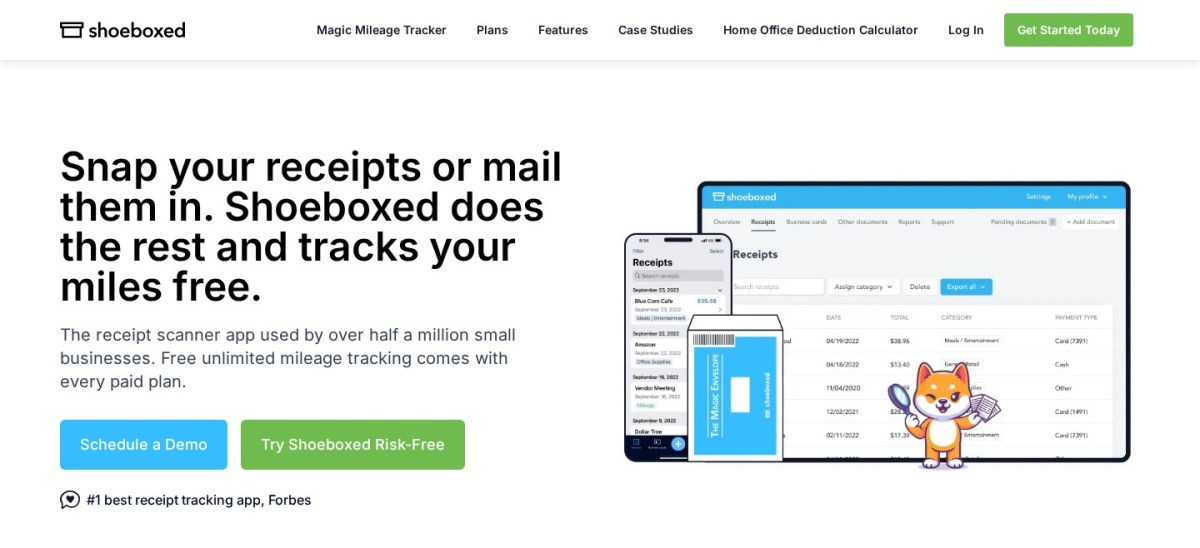
Shoeboxed homepage, captured Nov 2026.
Shoeboxed is a receipt scanning and mileage tracking platform used by over 552,000 small businesses to turn paper and digital receipts into organized expense records. Its mobile app and web dashboard capture receipts and track trips in one place.
The trade off is that there is no free plan, with paid plans starting at $108/yr ($9/month) and higher tiers required for prepaid mail-in envelopes and multi-user seats. It suits solo owners and small businesses dealing with physical receipts and mileage.
What we like
Combines receipt capture with mileage tracking in one workspace
Offers mail-in paper receipt processing on supported plans
Searchable digital receipt archive helps organize tax and audit records
Backed by a 30-day money-back guarantee on plans
Watch out for
No free tier, starting at $9/month
Lower plans restrict document volume, team users, and mail-in perks
Smaller review count on G2 compared with major finance suites
Higher plans expand monthly document limits, add multi-user access, and include prepaid mail-in envelopes.Visit shoeboxed.com
05
Ramp
4.8/5on G2 (5,679 reviews, checked Nov 2026)
Paid from$180/yr
Best for free card-led expense and spend controls
Free tierFree plan ($0/mo/user)
Entry paid planPlus ($15/mo/user + platform fee)
Core toolsCards, expense controls, bill pay, travel
G2 rating4.8/5 (5,679 reviews)
ramp.com
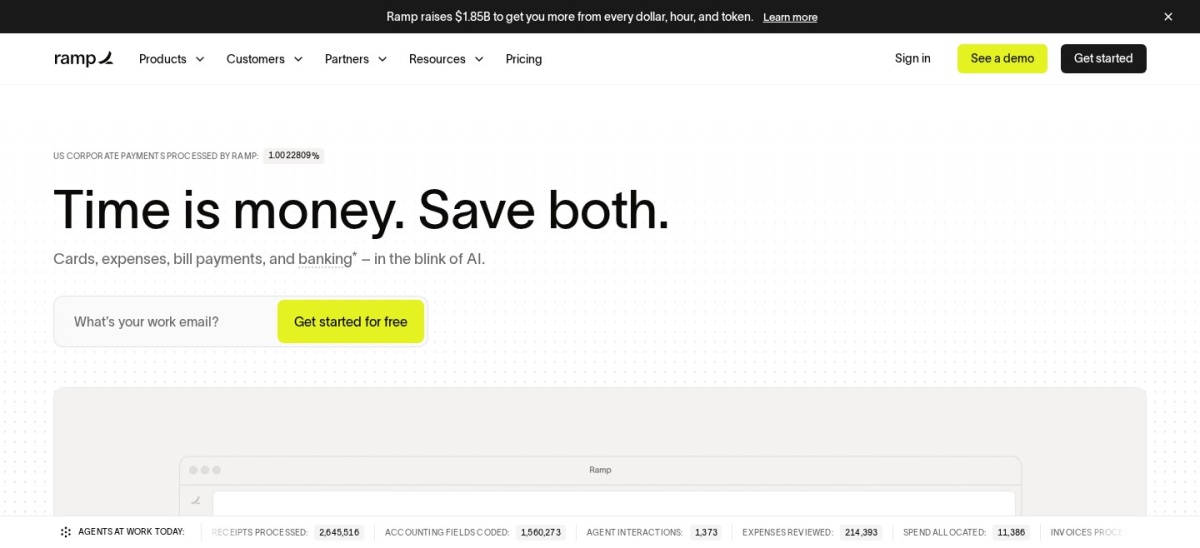
Ramp homepage, captured Nov 2026.
Ramp is a corporate card and spend management platform whose core expense management software starts at $0/mo/user on its Free plan. It pairs virtual and physical cards with spend limits, receipt matching, reimbursements, and bill pay.
The trade off is that upgrading to Ramp Plus costs $180/yr per user ($15/mo/user) plus a team-size platform fee, and it centers on business spend workflows rather than standalone bookkeeping. It suits companies that want card controls and automated receipt matching without paying base software fees.
What we like
Free tier covers core corporate card and expense management at $0/mo/user
High user rating on G2 with thousands of verified business reviews
Enforces spend limits, receipt rules, and approval routing in one system
Combines expense tracking with bill pay and travel management
Watch out for
Plus tier adds $15/mo/user plus a platform fee based on team size
Designed around business spend and cards rather than full general-ledger accounting
Advanced procurement and custom workflows sit on higher tiers
Ramp Plus adds AI-driven automation, expanded controls, and advanced workflows on top of the free tier.Visit ramp.com
06
Wave
4.3/5on G2 (328 reviews, checked Nov 2026)
Paid from$190/yr
Best for small-business accounting plus receipt capture
Wave is a small-business accounting and invoicing platform whose free Starter plan ($0) covers basic invoicing, bills, and bookkeeping records. It keeps income, expenses, and financial statements in one small-business dashboard.
The trade off is that automating bank feeds, categorizing transactions, and capturing unlimited receipts requires the Pro plan at $190/yr ($19/month). It suits freelancers and small businesses that want expense tracking tied directly to invoicing and books.
What we like
Free Starter plan handles basic invoicing, bills, and bookkeeping records
Keeps expenses, invoices, and basic reports together without extra accounting software
Pro plan includes bank transaction auto-import and unlimited receipt capture
Straightforward interface for owners without accounting backgrounds
Watch out for
Bank transaction auto-import and unlimited receipt capture require Pro ($190/yr)
Some reviewers note limited mobile app depth and slower support replies
Less suited to complex multi-entity or enterprise expense policies
Pro adds bank transaction auto-import, auto-categorization, unlimited receipt capture, and discounted card rates.Visit waveapps.com
FreshBooks is a cloud accounting and invoicing app for service businesses that tracks expenses, logs time, and bills client costs back on invoices. Users can capture receipts on mobile and group expenses alongside client work.
The trade off is that there is no free plan, with Lite at $23/month regular price ($276/yr annualized) capped at 5 billable clients and extra team members costing $11/mo each. It suits consultants, agencies, and service freelancers that pass expenses through to clients.
What we like
Easy to mark expenses as billable and roll them onto client invoices
Clean web and mobile interface with receipt capture and time tracking
Strong fit for client-based service workflows and recurring billing
Backed by a 30-day money-back guarantee on plans
Watch out for
No free plan, and Lite caps billable clients at 5
Additional team members cost $11/mo per user across plans
Less depth for inventory-heavy retail or complex double-entry needs
Higher plans raise client limits, add email receipt forwarding, and support line-item bill receipt scanning.Visit freshbooks.com
Card-led spend tools vs. receipt and accounting apps
Expense apps generally split into two models: spend platforms built around corporate cards and approvals, and receipt or accounting tools built around snapping receipts and reconciling books. Teams issuing employee cards often prefer spend controls first, while solo operators and service firms usually prioritize receipt capture and client or tax reporting.
Before choosing, check whether your current bank or card already feeds transactions cleanly into your accounting software. Paying for an extra expense layer only helps if it removes manual re-entry or tightens approval accountability.
How we chose
We compiled established business expense and receipt-tracking apps across small-business finance, card spend management, mileage logging, and client billing.
Every rating, review count, and regular pricing tier was checked on 22 Nov 2026 from vendor pricing pages and public G2 listings, noting promotional discounts separately where shown.
We excluded discontinued or unverified tools as well as apps without transparent public pricing or clear business expense workflows. No vendor paid for a place, and we do not claim testing for this list.
How to choose the right expense app
Follow four practical checks to match an expense app to how your business actually spends money.
Count who submits and approves expenses. Solo contractors mostly need receipt capture and mileage logs, while multi-person teams need approval steps and reimbursements.
Check per-user and per-member pricing rules. Compare monthly versus annual rates and confirm whether plans charge for every added member or only active users.
Verify card feeds and accounting sync. Make sure the app connects with your existing bank cards and exports or syncs cleanly with your accounting workflow.
Match receipt capture to how you collect proof. Decide whether mobile photo scanning, email forwarding, mileage logs, or paper receipt handling matters most for your day-to-day work.
FAQ
What is the best app for business expenses overall?
Zoho Expense is a strong overall choice for teams because its Standard plan starts at $3 per user per month billed annually and includes receipt scanning, mileage tracking, and approval workflows. Teams that prefer card-centric spend controls can also look at Ramp.
Are there free apps for tracking business expenses?
Yes, several tools offer free tiers, including Zoho Expense for up to 3 users, Ramp on its core Free plan, Expensify on its individual Submit plan, and Wave on Starter. Free tiers usually cap users, scan counts, or accounting automation.
What should I look for in receipt scanning features?
Look for fast mobile capture, automatic extraction of merchant name, date, and total, and clean matching against card or bank transactions. Checking accuracy on your own typical receipts during a trial helps catch formatting gaps early.
Do I need a dedicated business credit card to use expense software?
Not always, as many apps let you upload receipts manually, log mileage, or connect personal and company cards depending on the plan. However, card-integrated platforms can match transactions automatically and enforce spending limits.
How do per-user pricing models affect growing teams?
Per-user or per-member fees scale directly with headcount, and some plans bill every invited member while others bill active users. Always calculate total team cost across both monthly and annual billing options before signing up.
What is the difference between expense apps and accounting software?
Expense apps focus on capturing receipts, tracking mileage, routing approvals, and handling reimbursements or card spend. Accounting software handles broader double-entry ledgers, invoicing, financial statements, and tax reporting, though some tools overlap.