Best Website Audit Software in 2026: 7 Tools Compared
WLWPLegible EditorsLast verified 22 Nov 2026How we rank11 min read
★ Short answer
Screaming Frog is the best website audit software for detailed technical SEO, with 300+ issue checks, a free 500-URL crawl limit and a $279/year license. SE Ranking is better for cloud-based audits and ongoing monitoring, while SEO PowerSuite suits teams wanting desktop audits alongside other SEO tools.
How we make this list: we compare pricing pages, product documentation and public user reviews, then re-check every price before each update. No product paid for a place. Disclosure.
Screaming Frog audits 300+ SEO issues, crawls 500 URLs for free and costs $279/year for a paid license.
SE Ranking scores 4.8/5 from 1,495 G2 reviews and includes 250,000 monthly audit pages in its $129/month Core plan.
SEO PowerSuite scores 4.5/5 from 559 G2 reviews. Its free edition crawls 500 URLs, while Professional costs $349/year.
Ubersuggest starts at $29/month and includes weekly audits of 1,000 pages on its Individual plan.
Sitechecker scores 4.6/5 from 130 G2 reviews and combines technical auditing with continuous change monitoring.
Ahrefs starts at $29/month, while Semrush's entry SEO subscription starts at $139/month with site auditing included.
What website audit software should actually check
Website audit software crawls pages to discover technical problems that can prevent search engines and visitors from accessing important content. Common findings include broken links, redirect chains, missing metadata, duplicate pages and incorrect indexing instructions.
The main distinction is between desktop crawlers and cloud auditing platforms. Desktop tools give specialists detailed crawl configuration and data exports. Cloud platforms make recurring scans, dashboards and team reporting easier to manage.
Look for checks covering canonical tags, robots directives, XML sitemaps, internal links, structured data and JavaScript rendering. These reveal problems that basic single-page SEO checkers often miss.
Audit limits matter as much as the number of available features. Compare URLs per crawl, monthly page allowances, scheduled scans and the number of projects included before choosing a subscription.
An audit report identifies potential problems but does not automatically establish their business impact. Prioritize issues affecting important pages, organic visibility and user journeys rather than treating every warning as equally urgent.
Screaming Frog is a desktop website crawler that audits more than 300 technical SEO issues and has a 4.7/5 G2 rating from 84 reviews. Its free edition crawls 500 URLs and checks broken links, redirects, metadata, directives, duplicate pages and site structure across Windows, macOS and Linux.
The trade off is that JavaScript rendering, scheduled crawling, crawl comparisons and saving projects require its $279/year paid license. Large crawls also depend on your computer's available memory and storage. It suits technical SEO specialists and agencies that need detailed exports and configurable audits.
What we like
Detailed technical crawling and filtering
Free access for smaller crawls
JavaScript rendering with paid license
Integrates with Search Console and analytics
Strong custom extraction and export options
Watch out for
Requires desktop installation
Large crawls can consume substantial memory
Less convenient for shared cloud dashboards
Paid licensing removes the crawl cap and adds scheduling, rendering, integrations and advanced exports.Visit screamingfrog.co.uk
02
SE Ranking
4.8/5on G2 (1,495 reviews, checked Nov 2026)
Starts at$129/mo
Best for recurring cloud audits and SEO monitoring
Audit allowance250,000 pages/month
Projects10 on Core
Rank tracking2,000 keywords
Paid planCore, $129/month
seranking.com
SE Ranking homepage, captured Nov 2026.
SE Ranking is a cloud SEO platform combining technical site audits, keyword monitoring, competitor research and backlink analysis. Its Core plan supports 10 projects, tracks 2,000 keywords and allows 250,000 audit pages monthly, while its G2 rating stands at 4.8/5 from 1,495 reviews.
The trade off is that Core costs $129/month, or $103.20/month with annual billing, making it more expensive than a dedicated desktop crawler. The vendor also advertises an additional promotional discount on annual subscriptions. It suits agencies and in-house teams that need repeatable audits alongside broader SEO reporting.
What we like
Cloud-based audits without desktop installation
Large monthly crawl allowance
Keyword, backlink and competitor research included
Integrations with Google analytics tools
Watch out for
Higher recurring cost than standalone crawlers
Audit allowances depend on subscription
Advanced collaboration and reporting may require upgrades
Core adds recurring website audits, rank tracking, competitor research and API access.Visit seranking.com
03
SEO PowerSuite
4.5/5on G2 (559 reviews, checked Nov 2026)
Paid from$349/yr
Best desktop SEO toolkit for multiple projects
Free crawl500 URLs
Free projects1, without saving
Paid projectsUnlimited
Paid planProfessional, $349/year
link-assistant.com
SEO PowerSuite homepage, captured Nov 2026.
SEO PowerSuite is a desktop SEO toolkit containing WebSite Auditor, Rank Tracker, SEO SpyGlass and LinkAssistant. Its free edition crawls 500 URLs in WebSite Auditor but does not save projects, while its G2 listing reports a 4.5/5 rating from 559 reviews and more than two million software installations.
The trade off is that saving projects, auditing complete websites and expanded research capabilities require Professional at $349/year. The suite also relies on locally installed applications instead of a shared browser dashboard. It suits consultants managing technical audits, keyword rankings and backlink research together.
What we like
Free desktop audit edition
Includes dedicated WebSite Auditor application
Professional supports unlimited projects
Combines technical, ranking and backlink tools
Local project workflow
Watch out for
Free edition cannot save projects
Multiple applications increase learning time
Cloud collaboration is less direct than SaaS tools
Professional adds saved projects, full-site crawling and expanded SEO research capabilities.Visit link-assistant.com
04
Ubersuggest
4.2/5on G2 (160 reviews, checked Nov 2026)
Paid from$29/mo
Best for affordable website SEO checks
Paid crawl1,000 pages/week
Projects1 on Individual
Tracked keywords125
Paid planIndividual, $29/month
ubersuggest.com
Ubersuggest homepage, captured Nov 2026.
Ubersuggest is an SEO platform offering website audits, keyword research, backlink reports and rank tracking through a browser interface. Its Individual plan audits 1,000 pages weekly, covers one project and tracks 125 keywords, while the free account provides limited access to SEO research features.
The trade off is that Individual costs $29/month, or $16/month billed annually, and its project and crawl limits may be restrictive for agencies. Its G2 rating is 4.2/5 from 160 reviews. It suits small website owners who want straightforward audit recommendations without paying for an extensive enterprise toolkit.
What we like
Accessible pricing for small websites
Simple audit findings and recommendations
Keyword and backlink research included
Free account for limited research
Watch out for
Individual plan supports one project
Weekly audit limits restrict larger websites
Less technical crawl configuration than desktop specialists
Best for monitoring website changes and SEO issues
Audit checks300+
Site monitoringContinuous alerts
UsersUnlimited
Paid planBasic, $99/month
sitechecker.pro
Sitechecker homepage, captured Nov 2026.
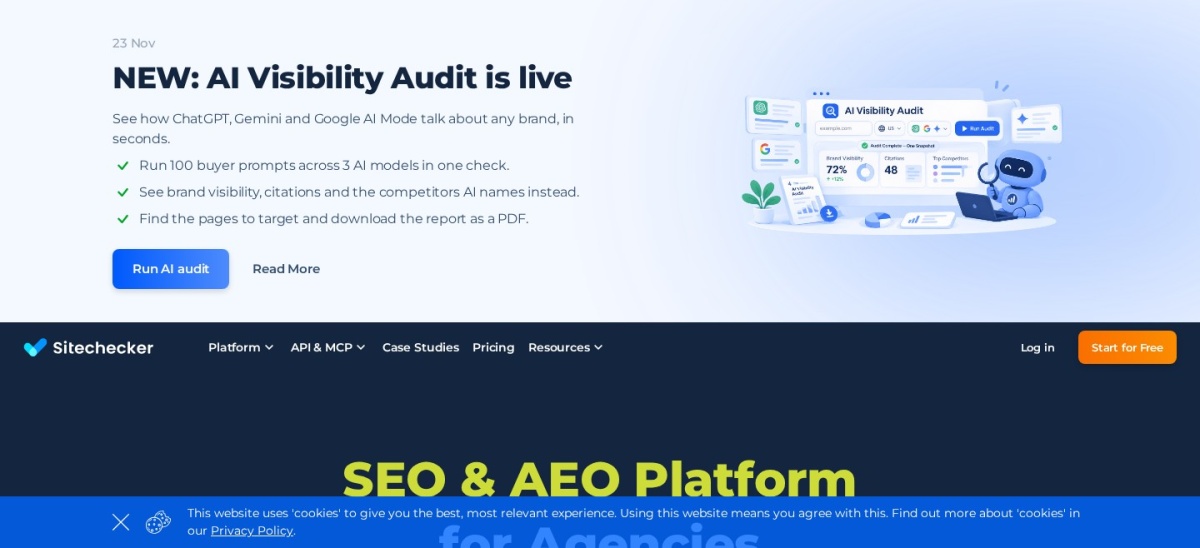
Sitechecker is a cloud website audit and monitoring platform with a 4.6/5 rating from 130 G2 reviews. It combines technical crawling, change alerts, rank tracking, Google Search Console insights and Google Analytics integration, with more than 300 technical checks described in its product documentation.
The trade off is that the published Basic plan starts at $99/month, with annual billing discounts and higher subscriptions for expanding agencies. G2's older pricing information differs from the current vendor listing. It suits website managers who want alerts when important pages, technical settings or site health conditions change.
What we like
Continuous website monitoring
Technical audits with prioritized findings
Google Search Console and analytics integration
Unlimited users advertised on current plans
Watch out for
Higher subscription cost for small websites
Pricing differs across older review listings
Advanced agency features require higher plans
Basic includes cloud auditing, recurring monitoring, rank tracking and reporting.Visit sitechecker.pro
06
Ahrefs
4.5/5on G2 (725 reviews, checked Nov 2026)
Paid from$29/mo
Best for combining site audits with backlink research
Free optionAhrefs Free
Paid entryStarter, $29/month
Full SEO suiteLite, $129/month
Lite crawl credits100,000
ahrefs.com
Ahrefs homepage, captured Nov 2026.
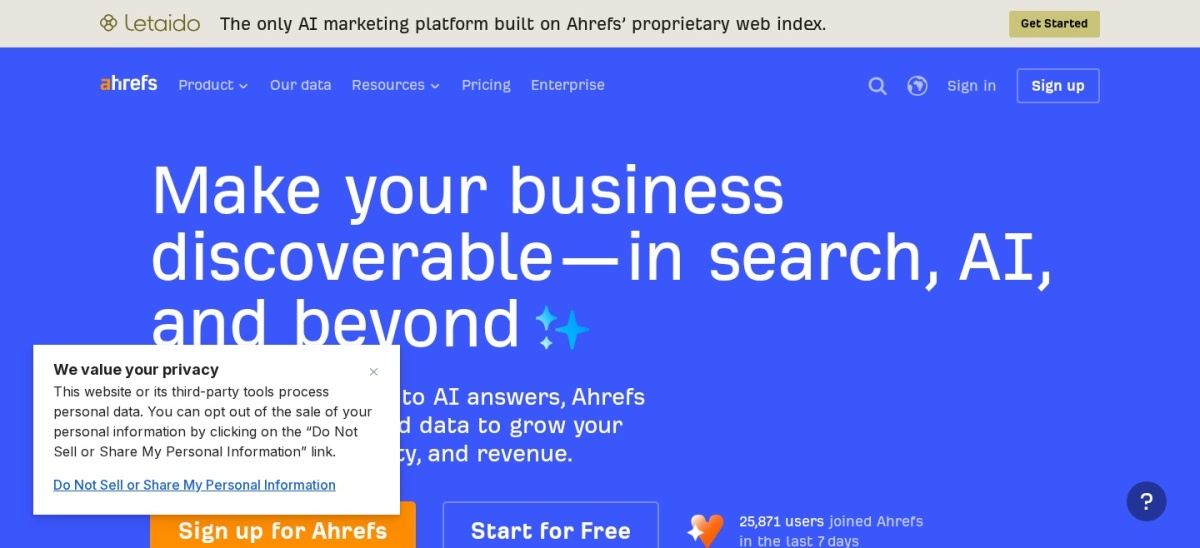
Ahrefs is an SEO research platform with site auditing, backlink analysis, keyword exploration and rank tracking. Ahrefs Free provides site health information for verified websites, while the paid Starter product costs $29/month. Its G2 rating is 4.5/5 from 725 reviews.
The trade off is that Starter is a limited entry product rather than the complete SEO subscription. Lite costs $129/month and includes Site Audit with 100,000 crawl credits, alongside broader research tools. It suits SEO teams that want technical audit findings connected to backlink and organic search data.
What we like
Free site health checks for verified websites
Backlink research alongside technical audits
Cloud dashboards and recurring SEO analysis
Broad keyword and competitor research tools
Watch out for
Cheapest paid plan has restricted capabilities
Full suite costs substantially more
Usage credits and plan limits require attention
Starter expands limited research access; Lite adds the broader Site Audit and SEO toolkit.Visit ahrefs.com
07
Semrush
4.4/5on G2 (4,323 reviews, checked Nov 2026)
Paid from$139/mo
Best for integrated technical and marketing audits
Entry projects5 websites
Rank tracking500 keywords
Site AuditIncluded
Paid planSEO, $139/month
semrush.com
Semrush homepage, captured Nov 2026.
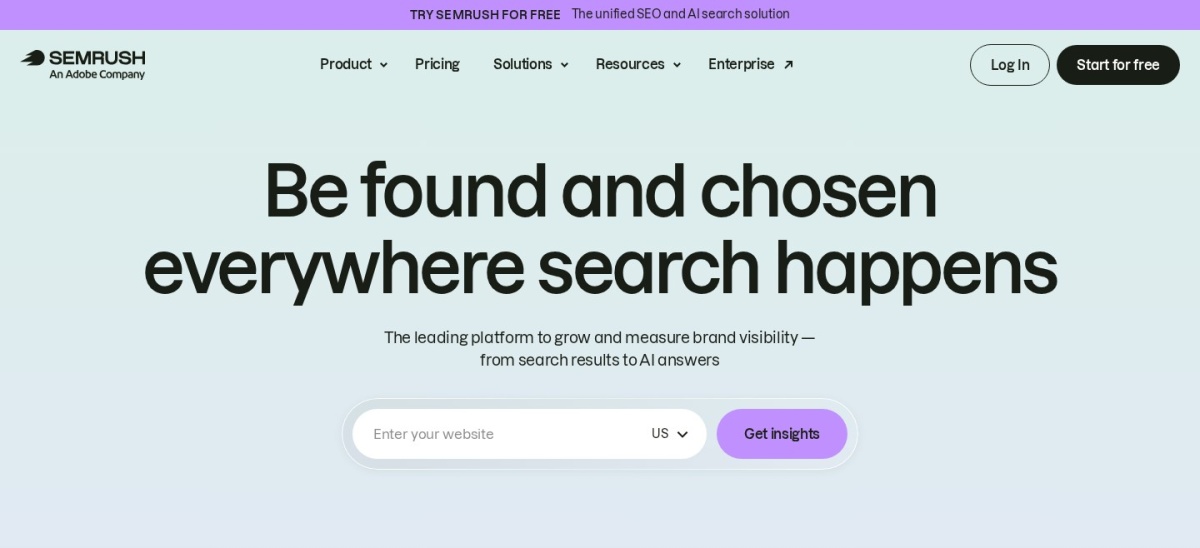
Semrush is a cloud search visibility platform combining Site Audit, keyword research, competitor analysis and position tracking. Its entry SEO plan includes monitoring for five websites and tracking 500 keywords, while G2 reports a 4.4/5 rating from 4,323 reviews.
The trade off is cost: the entry SEO subscription is $139/month, or $117.33/month billed annually, and broader AI visibility features can require higher plans. A free account offers limited access to selected tools. It suits marketing teams that want technical auditing integrated with search performance and competitive research.
What we like
Integrated technical SEO and search research
Cloud-based audit reporting
Competitor and keyword analysis included
Broad established review base
Watch out for
Expensive for occasional audits
Plan allowances limit projects and tracking
Advanced AI visibility features may cost extra
The SEO plan adds Site Audit, project monitoring, keyword tracking and competitor analysis.Visit semrush.com
Technical SEO audits vs performance and accessibility audits
Technical SEO audits focus on how search engines discover, crawl and interpret website pages. Common checks cover broken links, redirects, canonical URLs, metadata, indexing controls and XML sitemaps.
Performance auditing investigates loading speed, resource delivery and user experience. Some SEO tools integrate PageSpeed Insights or Core Web Vitals information, but these measurements can require additional configuration.
Accessibility audits examine issues such as missing image alternatives, form labeling, keyboard navigation and document structure. A technical crawler can flag selected accessibility issues, but automated checks do not establish complete accessibility compliance.
For financial transactions, payment security or formal compliance requirements, use dedicated security and compliance assessment processes. The tools compared here are primarily website SEO auditors, not financial auditing systems.
How to turn website audit findings into a fix list
Begin with a complete crawl and confirm that the crawler can access the pages you want to evaluate. Review robots directives, authentication requirements and JavaScript rendering before interpreting missing URLs.
Group findings by the affected pages and their business importance. Problems involving revenue pages, primary navigation or indexed landing pages often deserve attention before isolated warnings on low-value URLs.
Assign each issue an owner and document its expected fix. Developers may handle redirects and rendering problems, while content teams address duplicate titles, missing descriptions and internal linking.
Run another crawl after deploying changes. Compare findings against the baseline and use recurring monitoring to detect problems introduced by future website updates.
How we chose
We reviewed established desktop crawlers and cloud-based SEO platforms offering website audit capabilities. The shortlist includes tools with meaningful public review histories and documented features for finding technical issues, examining site structure or monitoring ongoing changes.
Prices and ratings were checked against official vendor pages and G2 listings on 24 November 2026, using 22 November 2026 as the editorial reference date. Monthly prices are converted to yearly amounts in price_year, and the comparison distinguishes regular monthly prices from lower annual-billing rates.
We excluded products whose official pricing could not be confirmed, tools with insufficient public review evidence and general SEO utilities without meaningful website audit functions. Review scores are third-party user ratings, not independent measurements of technical detection accuracy. No vendor paid for a place, and we do not claim testing for this list.
How to choose website audit software
Identify your website's technical risks and reporting needs before paying for an auditing platform.
Match the crawler to your website size. Estimate how many URLs need auditing and check whether crawl limits cover them. A free 500-URL crawler may be enough for a small website, while larger sites need higher limits or recurring crawl allowances.
Decide between desktop and cloud auditing. Choose desktop software when you need detailed crawl configuration and raw technical exports. Choose cloud platforms when scheduled scans, alerts and shared reports are more important.
Check the technical audit capabilities. Prioritize canonical analysis, redirect chains, robots directives, internal links, JavaScript rendering and structured data according to your website. Confirm that essential features are available in the actual plan you intend to purchase.
Compare total annual costs and reporting needs. Review subscription limits, account seats, recurring scans and export options. Compare regular prices rather than promotional discounts, and consider whether additional keyword or backlink tools justify a larger SEO suite.
FAQ
What is the best website audit software in 2026?
Screaming Frog is the top choice in this comparison for detailed technical website audits because it identifies more than 300 types of SEO issues and offers a free 500-URL crawl. SE Ranking is a strong alternative for scheduled cloud audits and broader SEO monitoring.
Is there free website audit software?
Yes. Screaming Frog provides a free desktop crawler limited to 500 URLs, and SEO PowerSuite offers a free edition with a similar crawl allowance. Ahrefs Free provides site health information for verified websites. Free tools may limit saving, crawl scheduling or advanced integrations.
How much does website audit software cost?
The cheapest paid options in this comparison include Ubersuggest and Ahrefs Starter at $29/month. Dedicated Screaming Frog licensing costs $279/year, while SEO PowerSuite Professional costs $349/year. Full cloud SEO suites generally cost more, depending on crawl allowances and included tools.
What does website audit software check?
Typical website audit software checks broken links, redirect chains, duplicate pages, metadata, canonical tags, robots directives, XML sitemaps and internal linking. Some platforms also examine page performance, structured data and selected accessibility issues. The exact coverage depends on the crawler and subscription.
Is Screaming Frog better than Semrush for website audits?
Screaming Frog is better suited to specialists who need configurable technical crawls, detailed filters and local data exports. Semrush is more convenient when site auditing must connect with keyword tracking, competitor research and marketing reports. The better option depends on how the findings will be used.
Can website audit software automatically fix SEO problems?
Most auditing platforms primarily detect issues and recommend corrections. Some support workflows that simplify content changes, but technical problems such as broken navigation, redirects and rendering failures usually require manual implementation. Always verify that a recommended change is appropriate before publishing it.
How often should I run a website audit?
Run a comprehensive audit before major redesigns, migrations or structural changes, and repeat it after deployment. Regular monitoring is useful for sites publishing frequent updates. The appropriate schedule depends on the site's complexity and how quickly technical issues could affect important pages.
Can website audit software improve search rankings?
Website audit software helps identify problems that may restrict crawling, indexing or user experience. Fixing relevant technical issues can support organic visibility, but no audit tool guarantees better rankings. Content quality, competition, search intent and other factors also influence search performance.
What is the difference between a website audit and an SEO audit?
An SEO audit evaluates factors affecting search visibility, including crawlability, indexing, content and internal links. A broader website audit may additionally cover accessibility, security, performance, usability and conversion problems. The tools in this guide concentrate primarily on technical SEO and website health.