WLWPLegible EditorsLast verified 22 Nov 2026How we rank11 min read
★ Short answer
Postman is the best API testing tool for most developers, with a 4.6/5 G2 rating from 1,803 reviews and paid plans starting at $9 per month. Apidog is better for collaborative API testing and design, while Insomnia suits developers who prefer Git-based workflows and local project storage.
How we make this list: we compare pricing pages, product documentation and public user reviews, then re-check every price before each update. No product paid for a place. Disclosure.
Postman earns a 4.6/5 G2 rating from 1,803 reviews and offers a free individual testing plan.
Apidog supports up to 4 users on its free plan and charges $9 per user per month for Basic with annual billing.
Insomnia includes unlimited collection executions and 1,000 monthly mock requests on its free Essentials plan.
Checkly provides 10,000 monthly API check runs for free, with Starter costing $24 per month on annual billing.
Katalon Professional has a regular price of $2,199 per seat annually, with a currently advertised discounted price of $1,800.
Apache JMeter and SoapUI Open Source provide free testing alternatives with G2 ratings of 4.3/5 and 4.4/5 respectively.
What should an API testing tool include?
API testing tools help developers verify communication between software applications without relying on a graphical user interface. They send requests to endpoints, inspect responses and check whether services behave according to their documented requirements.
A good testing platform should support the protocols your applications use. REST is common in modern development, while SOAP remains important in established enterprise environments. GraphQL and gRPC support may also influence your decision.
Look for automated assertions, reusable variables and environment management. These features make it easier to validate response structures, status codes and business logic across development, staging and production environments.
Continuous integration support allows teams to execute API tests whenever application code changes. Command-line runners and deployment integrations help developers detect regressions before introducing changes into production.
Distinguish functional testing from performance testing and continuous monitoring. Some platforms combine these capabilities, while specialized tools focus on simulated traffic or scheduled checks against deployed endpoints.
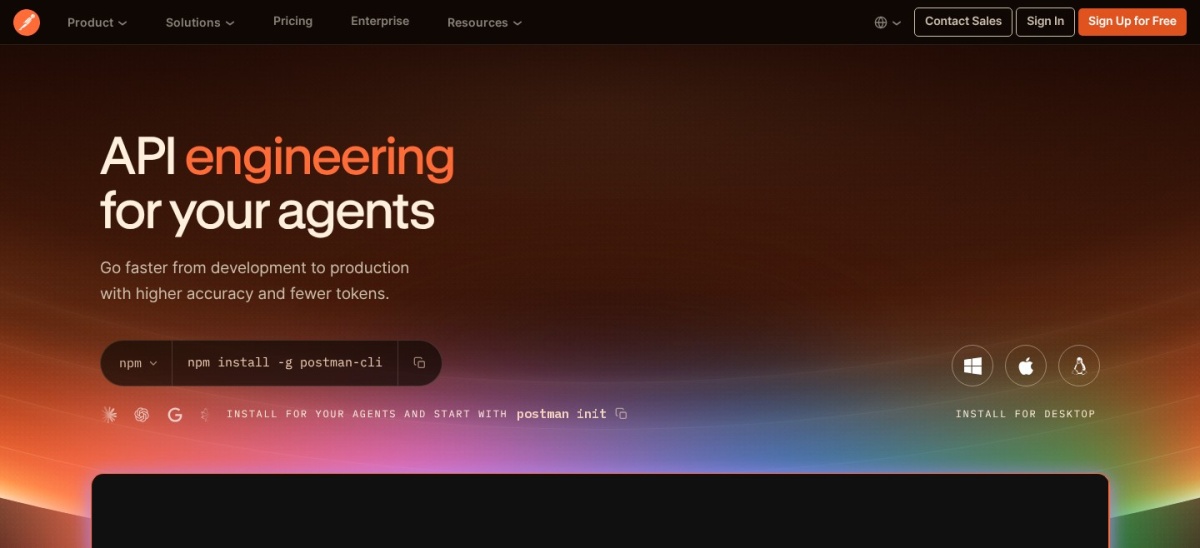
Postman is an API development and testing platform that combines request execution, reusable collections, automated assertions and mock services. Its free individual plan includes 100 AI credits, collection execution and performance testing features, while native Git support helps developers maintain API assets alongside their existing workflows.
The trade off is that the $9 monthly Solo subscription remains intended for individual developers, while shared workspaces require the Team plan at $19 per user per month with annual billing. It suits developers and QA teams that need an established environment for exploratory and automated API testing.
What we like
Accessible interface for sending and inspecting API requests
Reusable collections and automated assertions
Integrated mock services and performance testing
Native Git integration
Largest G2 review base in this comparison
Watch out for
Free and Solo plans focus on individual use
Team collaboration increases subscription costs
Advanced governance requires Enterprise
Solo adds data-driven testing exports, additional AI credits and expanded monitoring.Visit postman.com
02
Apidog
4.8/5on G2 (237 reviews, checked Nov 2026)
Paid from$9/mo
Best for collaborative API testing and design
Free collaboratorsUp to 4
Test executionsUnlimited
Test authoringVisual scenarios and scripts
Paid planBasic, $9/user/mo billed annually
apidog.com
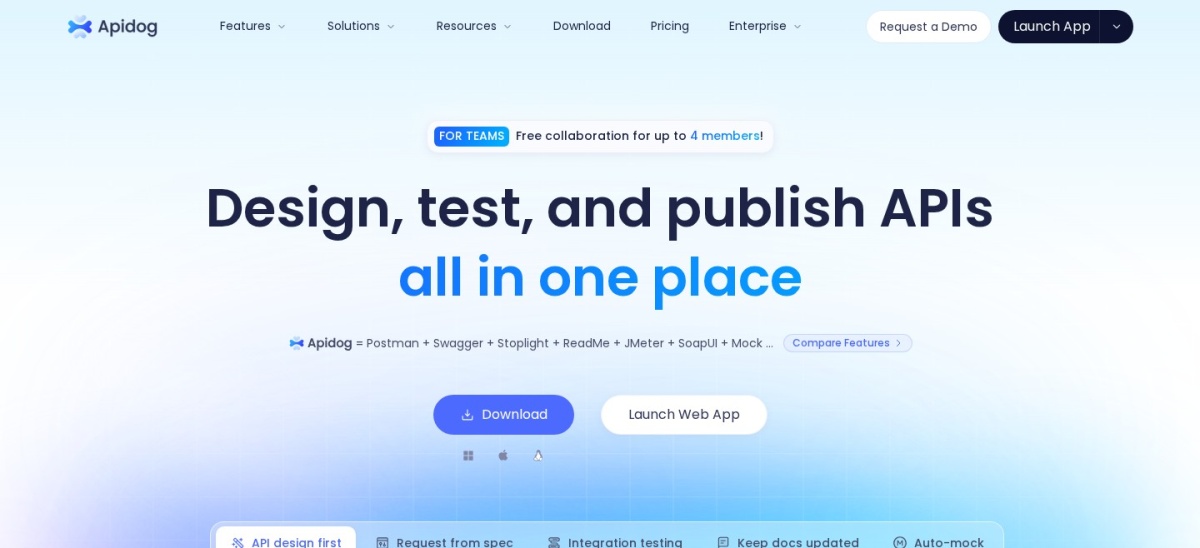
Apidog homepage, captured Nov 2026.
Apidog is an integrated API development platform that connects specification editing, request debugging, mock servers and automated testing. Its free subscription supports up to four users and unlimited test executions, allowing small development teams to maintain shared API definitions and executable test scenarios within the same project.
The trade off is that additional team members require Basic at $9 per user per month with annual billing or $12 with monthly billing. It suits teams that want API definitions, documentation and automated test cases connected without maintaining separate applications for every development activity.
What we like
Highest G2 rating in this comparison
Free collaboration for small development teams
Visual test scenario builder
Supports command-line testing within CI/CD pipelines
Scheduled testing differs from dedicated production monitoring
Migration may require rebuilding specialized workflows
Basic removes the free team size restriction and expands project collaboration.Visit apidog.com
03
Insomnia
4.3/5on G2 (20 reviews, checked Nov 2026)
Paid from$12/mo
Best for Git-based API testing
Free collection executionsUnlimited
Free Git collaboratorsUp to 3
Free mock requests1,000/month
Paid planPro, $12/user/mo
insomnia.rest
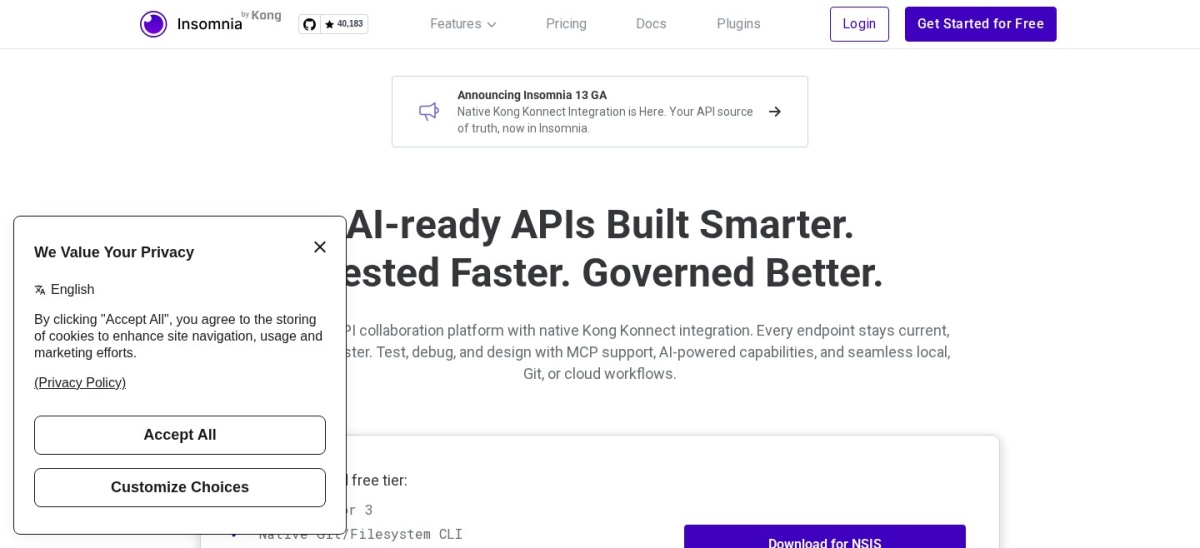
Insomnia homepage, captured Nov 2026.
Insomnia is an open-source API client maintained by Kong that supports request testing, specification validation and automated collection execution. Its Essentials subscription includes unlimited collection runs, Git synchronization for teams of up to three users and 1,000 monthly mock server requests, alongside command-line tools for deployment pipelines.
The trade off is that larger Git-based teams need Pro at $12 per user per month, while enterprise authentication and storage policies require a higher subscription. It suits developers who prefer local or repository-based project management and want API tests integrated into existing software development processes.
What we like
Supports local, Git and cloud project storage
Unlimited free collection executions
Command-line automation through Inso CLI
Supports REST, GraphQL and gRPC
Custom specification linting rules
Watch out for
Free Git collaboration has a membership limit
Enterprise identity management requires a higher plan
Smaller G2 review sample than other leading products
Pro expands Git collaboration, introduces role-based permissions and includes 10,000 monthly mock requests.Visit insomnia.rest
04
Checkly
4.6/5on G2 (33 reviews, checked Nov 2026)
Paid from$24/mo
Best for continuous API testing and monitoring
Free API check runs10,000/month
Starter API check runs25,000/month
Starter uptime monitors50
Paid planStarter, $24/mo billed annually
checklyhq.com
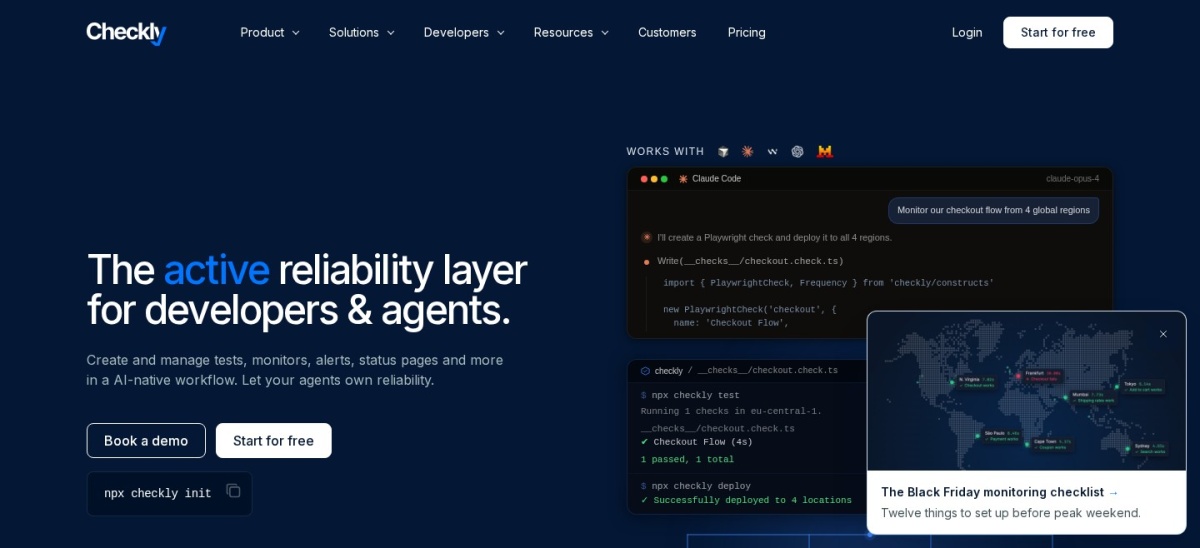
Checkly homepage, captured Nov 2026.
Checkly is a synthetic monitoring platform that lets engineering teams execute scheduled API checks and maintain monitoring configurations as code. Its free Hobby subscription provides 10,000 monthly API check runs and 1,000 browser check executions, making it useful for monitoring deployed applications without maintaining separate testing infrastructure.
The trade off is that higher execution volumes require Starter at $24 per month with annual billing, while private monitoring locations require a higher plan. It suits development and reliability engineering teams that need ongoing validation of deployed endpoints rather than only manually executing requests during development.
What we like
Generous free API check allowance
Supports multistep API checks
Monitoring configurations can live alongside application code
Starter expands monthly API checks to 25,000 and adds SMS alerting.Visit checklyhq.com
05
SoapUI
4.4/5on G2 (142 reviews, checked Nov 2026)
PriceFree
Best for free SOAP and REST API testing
Software licenseOpen source
Core protocolsSOAP and REST
Test organizationProjects and test suites
Commercial alternativeReadyAPI, separate product
soapui.org
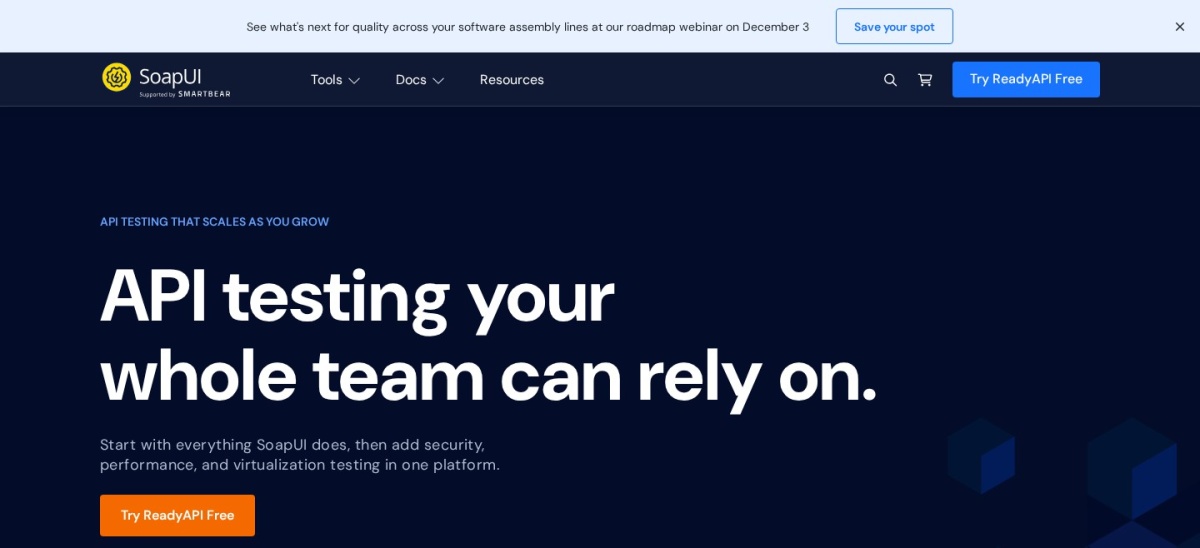
SoapUI homepage, captured Nov 2026.
SoapUI is an open-source desktop application for building and executing functional tests against web services. It supports SOAP and REST testing, WSDL-based service definitions and reusable test cases, earning a 4.4/5 rating from 142 G2 reviews.
The trade off is that the free application lacks some advanced commercial testing capabilities available through the separate ReadyAPI product, which uses customized pricing. It suits developers working with established SOAP services or teams that need local functional testing without recurring software subscription costs.
What we like
Free open-source application
Established support for SOAP and WSDL
Supports REST service testing
Reusable functional test suites
No recurring seat-based subscription
Watch out for
Desktop interface is less modern than newer alternatives
Advanced commercial features require a separate product
Complex test scenarios can require scripting knowledge
SoapUI Open Source has no paid subscription; ReadyAPI is the separate commercial option.Visit soapui.org
06
Apache JMeter
4.3/5on G2 (157 reviews, checked Nov 2026)
PriceFree
Best for API load and performance testing
Software licenseApache open-source license
RuntimeJava
Supported web servicesSOAP and REST
ExecutionLocal and distributed
jmeter.apache.org
Apache JMeter homepage, captured Nov 2026.
Apache JMeter is an open-source Java application designed to evaluate system performance and functional behavior under simulated traffic. It supports HTTP, REST and SOAP workloads, along with distributed test execution, and holds a 4.3/5 G2 rating from 157 reviews.
The trade off is that the software is free but developers must provide and manage the infrastructure required for larger performance tests. It suits engineering teams that need to measure API response times, throughput and reliability under concurrent traffic without purchasing a commercial testing subscription.
What we like
No software licensing charges
Designed for load and performance measurement
Supports distributed traffic generation
Extensible test plans and plugins
Supports multiple communication protocols
Watch out for
Requires technical performance testing knowledge
Large tests require adequate computing resources
Less convenient for exploratory API debugging
There is no official paid plan; infrastructure and maintenance costs are separate.Visit jmeter.apache.org
07
Katalon
4.4/5on G2 (235 reviews, checked Nov 2026)
Paid from$2,199/yr
Best for API and application test automation
Free static test suitesUp to 40
Free executionLocal
Testing coverageAPI, web and mobile
Regular Professional price$2,199/seat/yr
katalon.com
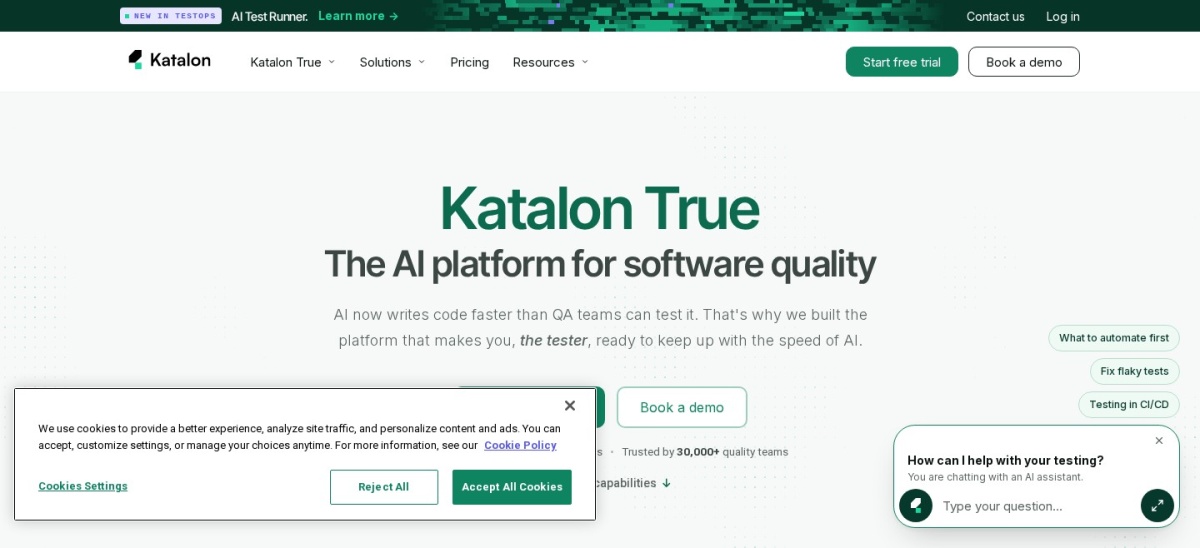
Katalon homepage, captured Nov 2026.
Katalon is a test automation platform that combines API, web, mobile and desktop testing within a shared development environment. Its free Studio edition supports local automated execution, basic data-driven testing and up to 40 static test suites, helping QA teams begin building reusable tests without commercial licenses.
The trade off is the regular Professional subscription of $2,199 per seat annually, currently advertised at a discounted $1,800, with runtime and cloud execution capabilities potentially requiring additional purchases. It suits established QA departments that want to manage API testing alongside broader application test automation.
What we like
Combines API and user interface testing
Supports visual and scripted test development
Permanent free Studio edition
Data-driven testing capabilities
Parallel execution on Professional
Watch out for
High regular subscription price
Runtime and cloud execution may require add-ons
Free edition lacks several advanced automation capabilities
Professional adds parallel execution, advanced data-driven tests and unlimited dynamic test suites.Visit katalon.com
08
ReadyAPI
4.4/5on G2 (74 reviews, checked Nov 2026)
PricingCustom pricing
Best for enterprise API quality assurance
Primary vendorSmartBear
Independent rating4.4/5 from 74 G2 reviews
Testing focusEnterprise API quality assurance
Paid planVendor quotation
smartbear.com
ReadyAPI homepage, captured Nov 2026.
ReadyAPI is SmartBear's commercial API testing environment for organizations that need structured functional testing and advanced service validation. It supports data-driven test workflows and enterprise quality assurance requirements, with a 4.4/5 G2 rating based on 74 independent reviews.
The trade off is custom pricing, since the current official pricing page directs prospective buyers to contact the vendor rather than providing a public package price. It suits established QA teams that need more extensive API testing capabilities than the free SoapUI application provides.
What we like
Designed for enterprise API testing workflows
Supports complex functional test scenarios
Data-driven test development
Suitable for established SOAP and REST environments
Commercial vendor support
Watch out for
No publicly disclosed current package price
Requires more configuration than basic API clients
Commercial licensing may be unnecessary for smaller projects
Commercial packages provide advanced API testing capabilities according to the selected contract.Visit smartbear.com
Which types of API testing do you need?
Functional API testing checks whether endpoints return the expected results for particular inputs. It covers response codes, returned data, authentication behavior and business rules. Postman, Apidog and Insomnia are suitable starting points for this work.
Regression testing repeats existing test cases after application changes. Automated suites help teams identify whether new features or bug fixes have unintentionally affected established functionality. Katalon and integrated API clients support this approach.
Performance testing evaluates how services behave under simulated traffic. Apache JMeter is particularly useful for measuring throughput, response times and failure rates when concurrent requests place pressure on an application.
Continuous monitoring executes scheduled checks against deployed services. Checkly specializes in this approach, allowing teams to identify service availability issues and unexpected responses after an application has entered production.
How much does API testing software cost?
Postman and Apidog have published entry subscriptions of $108 annually based on their regular annual-billing rates. Postman's Solo subscription covers individual use, while Apidog charges its Basic subscription per team member.
Insomnia Pro has an annualized starting cost of $144 per user. Checkly Starter costs $288 annually, but its pricing focuses on monitoring capacity and execution allowances rather than individual API client subscriptions.
SoapUI Open Source and Apache JMeter have no software subscription charges. However, businesses should consider the engineering time, infrastructure and maintenance required to execute automated tests at scale.
Katalon Professional has a regular annual price of $2,199 per seat and currently advertises a discounted annual price of $1,800. ReadyAPI requires a vendor quotation, so its zero price ladder value represents undisclosed pricing rather than a free commercial subscription.
How we chose
We selected established API testing products based on functional testing capabilities, protocol compatibility, automation, collaboration, deployment integration and independent customer feedback. The comparison includes general-purpose API clients, dedicated monitoring platforms, performance testing applications and enterprise test automation products.
The requested editorial verification date is 22 Nov 2026. Official pricing information, vendor documentation and G2 product ratings were accessed on 24 Nov 2026. Annualized prices use regular published subscription rates, excluding promotional discounts. Apidog's pricing was additionally confirmed through its official subscription documentation because its main pricing page did not render readable text.
We excluded products without sufficient independent reviews, discontinued applications and commercial tools whose pricing could not be confirmed or identified as quote-based. Open-source products without official paid subscriptions were retained because they provide relevant API testing capabilities. No vendor paid for a place, and we do not claim testing for this list.
How to choose the best API testing tool
Identify your testing requirements, application protocols and existing development infrastructure before choosing an API testing platform. Use the following steps to compare products against your actual engineering needs.
**Identify the testing tasks you need to automate.** Determine whether your primary requirements involve exploratory requests, functional validation, regression testing, load testing or production monitoring. Select a general-purpose platform or specialized application according to the testing activities that matter most.
**Check protocol and specification compatibility.** Confirm that the application supports your API protocols, authentication methods and specification formats. Teams maintaining established SOAP services may need WSDL support, while modern distributed applications may require REST, GraphQL or gRPC compatibility.
**Evaluate automation and collaboration features.** Examine command-line execution, source control integration, reusable test environments and access permissions. Choose software that allows developers and QA engineers to maintain tests together and execute them consistently during application development and deployment.
**Calculate the complete cost of testing.** Compare regular subscription prices, required seats, execution allowances and infrastructure expenses. Review whether scheduled monitoring, parallel execution, enterprise governance or cloud testing require additional subscriptions before committing to a commercial platform.
FAQ
What is the best API testing tool in 2026?
Postman is our top overall pick because it combines exploratory API requests, automated assertions, reusable collections and performance testing. Apidog is a suitable alternative for collaborative specification-based testing, while Insomnia is useful for developers who prefer Git-based project management.
What is the best free API testing tool?
Postman offers a free individual subscription for general API testing. Apidog provides free collaboration for up to four users, while SoapUI Open Source and Apache JMeter offer free desktop applications without official paid subscription requirements.
Can API testing be automated without coding?
Yes. Tools such as Apidog and Katalon provide visual test authoring features that reduce the amount of scripting required. However, complex assertions, specialized authentication workflows and application-specific business logic may still require programming knowledge or custom scripts.
Is Postman better than SoapUI?
Postman is generally more suitable for exploratory API development, reusable request collections and modern collaboration workflows. SoapUI remains a useful option for established SOAP and WSDL services, particularly when developers need a free desktop application for functional testing.
Which tool is best for API performance testing?
Apache JMeter is a suitable choice for dedicated API load and performance testing because it supports simulated traffic and distributed execution. Postman also includes performance testing capabilities, making it an accessible alternative for teams already using its API collections.
What is the difference between API testing and API monitoring?
API testing validates expected service behavior during development and quality assurance. API monitoring repeatedly checks deployed endpoints to identify availability problems, slow responses or unexpected behavior. Checkly specializes in continuous monitoring, while Postman and Apidog support broader development testing workflows.
Can API testing tools run inside CI/CD pipelines?
Yes. Products such as Postman, Apidog, Insomnia and Apache JMeter support automated execution workflows that can be incorporated into development pipelines. Check the specific subscription requirements, command-line capabilities and reporting options before integrating your chosen application.
Is API testing suitable for beginners?
Yes. Visual API clients provide an accessible way to send requests and inspect responses without building complete applications. Beginners should learn HTTP methods, status codes, authentication and JSON structures before progressing to automated assertions, regression testing and performance analysis.
How much does API testing software cost?
Entry subscriptions in this comparison start at $9 per month with annual billing for Postman and Apidog. Free applications are available for basic functional and performance testing, while enterprise automation platforms may require considerably higher subscriptions or customized contracts.