Best API Integration Platform in 2026: 7 Tools Compared
WLWPLegible EditorsLast verified 22 Nov 2026How we rank10 min read
★ Short answer
Zapier is the best API integration platform for most businesses, offering connections to over 9,000 applications and paid plans from $19.99 per month. Choose Power Automate for Microsoft-centered business processes or Boomi for enterprise application integration and centralized API management.
How we make this list: we compare pricing pages, product documentation and public user reviews, then re-check every price before each update. No product paid for a place. Disclosure.
Zapier connects over 9,000 applications and includes 100 monthly tasks on its free plan.
Power Automate Premium costs $15 per user per month with annual billing.
Boomi provides enterprise integration capabilities from $99 per month plus $0.05 per processed message.
Workato earns a 4.7/5 G2 rating from 859 reviews, making it the highest-rated platform in this comparison.
Celigo has a 4.6/5 G2 rating from 1,133 reviews and offers customized enterprise subscriptions.
MuleSoft starts at $2,000 per month for enterprise connectivity, automation and API governance.
What makes a good API integration platform?
An API integration platform connects applications, databases and services through their application programming interfaces. Instead of maintaining separate integration scripts, businesses can manage data exchanges and automated processes through a shared environment.
Prebuilt connectors reduce the development required to connect popular business applications. However, custom HTTP requests, authentication options and data transformation tools are equally important when integrating proprietary software or less common services.
Reliable integration platforms provide visibility into failed requests, authentication problems and unexpected responses. Logging, retries and error notifications help technical teams identify issues before they interrupt business operations.
Security becomes increasingly important when integrations handle financial records, customer information or internal systems. Look for permission controls, credential management, audit logs and appropriate deployment options.
Pricing models vary considerably between platforms. Some charge for completed tasks, others charge per user, and enterprise providers often combine subscription fees with usage charges. Compare the billing model against your expected integration volume.
Zapier is a cloud-based integration platform that connects more than 9,000 applications through automated workflows. Its free subscription provides 100 monthly tasks and basic trigger-action automation, allowing businesses to connect everyday applications without developing individual API integrations.
The trade off is that webhooks, premium application connections and workflows with multiple actions require Professional, starting at $19.99 per month. It suits small businesses, marketing teams and operational departments that want to automate routine data exchanges without dedicated integration engineers.
What we like
Extensive selection of application connectors
Permanent free subscription
Accessible visual workflow builder
Supports webhook-based integrations
Large independent review base
Watch out for
Task-based charges increase with usage
Free workflows have limited complexity
Less suitable for intricate enterprise integration architecture
Professional adds multi-action workflows, webhooks and premium application access.Visit zapier.com
02
Power Automate
4.4/5on G2 (1,094 reviews, checked Nov 2026)
Starts at$15/mo
Best for Microsoft business environments
Free trial30 days
Billing modelPer user
Automation typesCloud and desktop
Premium subscription$15/user/mo, paid yearly
microsoft.com
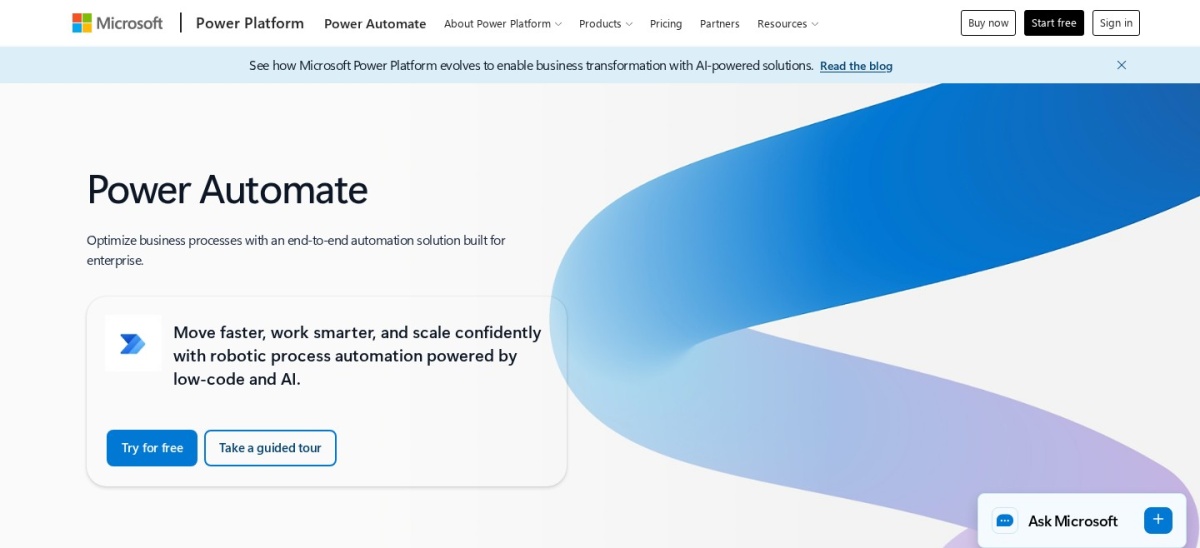
Power Automate homepage, captured Nov 2026.
Power Automate is Microsoft's low-code platform for connecting applications and automating business processes. Its 30-day trial lets users explore standard connectors and cloud workflows, while the Premium subscription includes cloud automation, attended desktop automation and process mining.
The trade off is licensing complexity, particularly when workflows require unattended automation beyond the $15 per user monthly Premium subscription. It suits organizations that already depend on Microsoft business applications and want to manage integrations within their existing technology environment.
What we like
Close integration with Microsoft business applications
Combines application and desktop automation
Supports custom API connectors
Published entry-level subscription price
Enterprise administration capabilities
Watch out for
Licensing can be difficult to navigate
Unattended automation requires different licensing
Less attractive for businesses outside Microsoft's ecosystem
Premium includes advanced cloud workflows, attended automation and process analysis.Visit microsoft.com
03
Boomi
4.4/5on G2 (516 reviews, checked Nov 2026)
Starts at$99/mo
Best for enterprise application integration
Free trial30 days
Usage charge$0.05/message
API managementIncluded
DeploymentCloud and hybrid integration
boomi.com
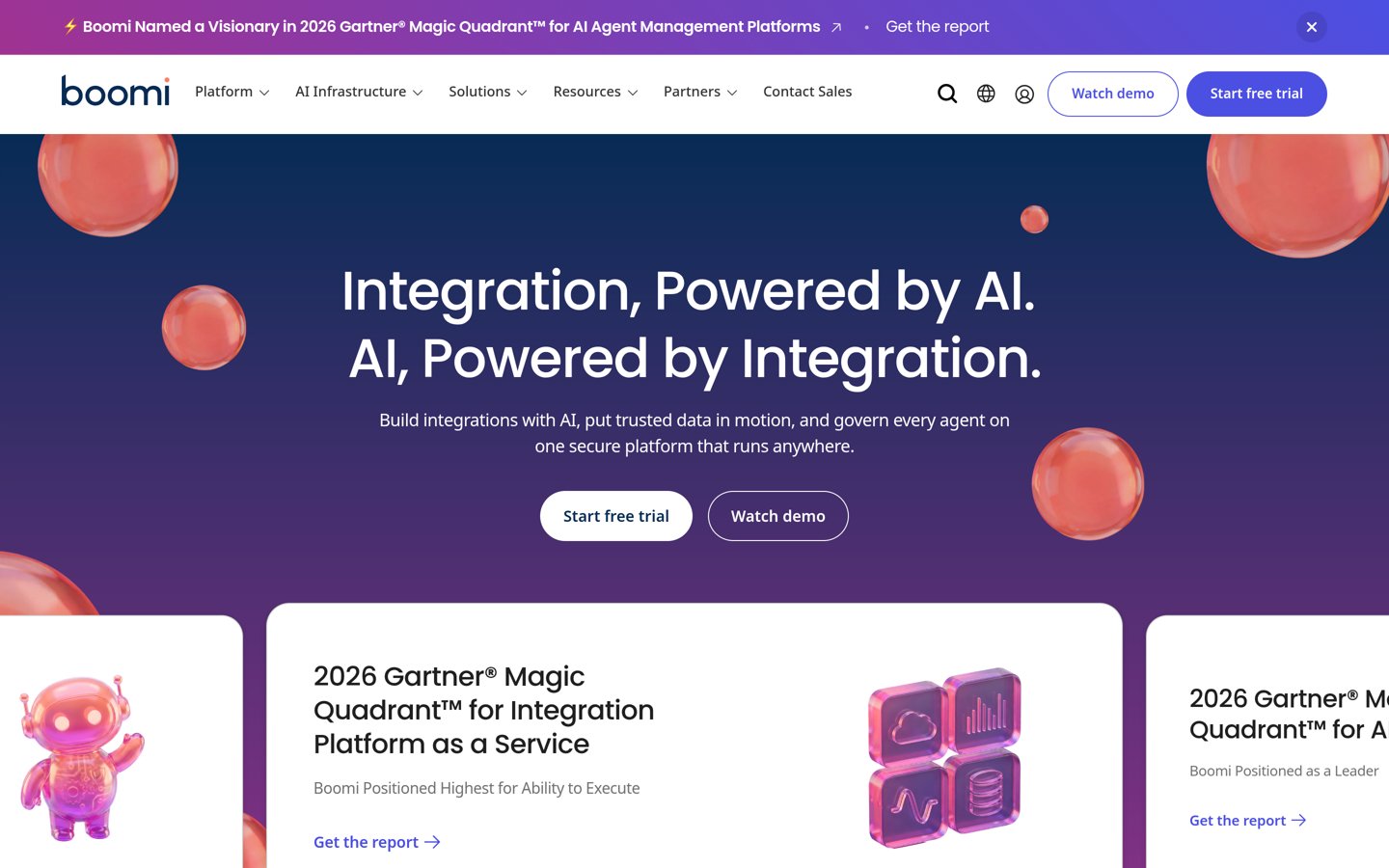
Boomi homepage, captured Nov 2026.
Boomi is an enterprise integration platform combining application connectivity, data transformation, API management and workflow automation. Its 30-day evaluation gives businesses access to integration development and API tools, while its usage-based subscription removes the need for a fixed annual contract.
The trade off is variable operating costs because the $99 monthly platform fee excludes the additional $0.05 charge per processed message. It suits IT departments connecting business-critical systems that need broader integration and API management capabilities than basic workflow automation software provides.
What we like
Combines integration and API lifecycle management
Supports complex data mapping requirements
Monthly subscription available without annual commitment
Suitable for hybrid infrastructure
Enterprise data management capabilities
Watch out for
Message charges can increase operating expenses
Requires technical integration knowledge
Not designed primarily for simple personal automation
Pay-As-You-Go unlocks production integration capabilities with metered usage charges.Visit boomi.com
04
Workato
4.7/5on G2 (859 reviews, checked Nov 2026)
PricingCustom pricing
Best for cross-department enterprise automation
Prebuilt connectors1,200+ on pricing page
Workflow terminologyRecipes
Usage monitoringCentralized dashboard
Billing modelCustomized subscription
workato.com
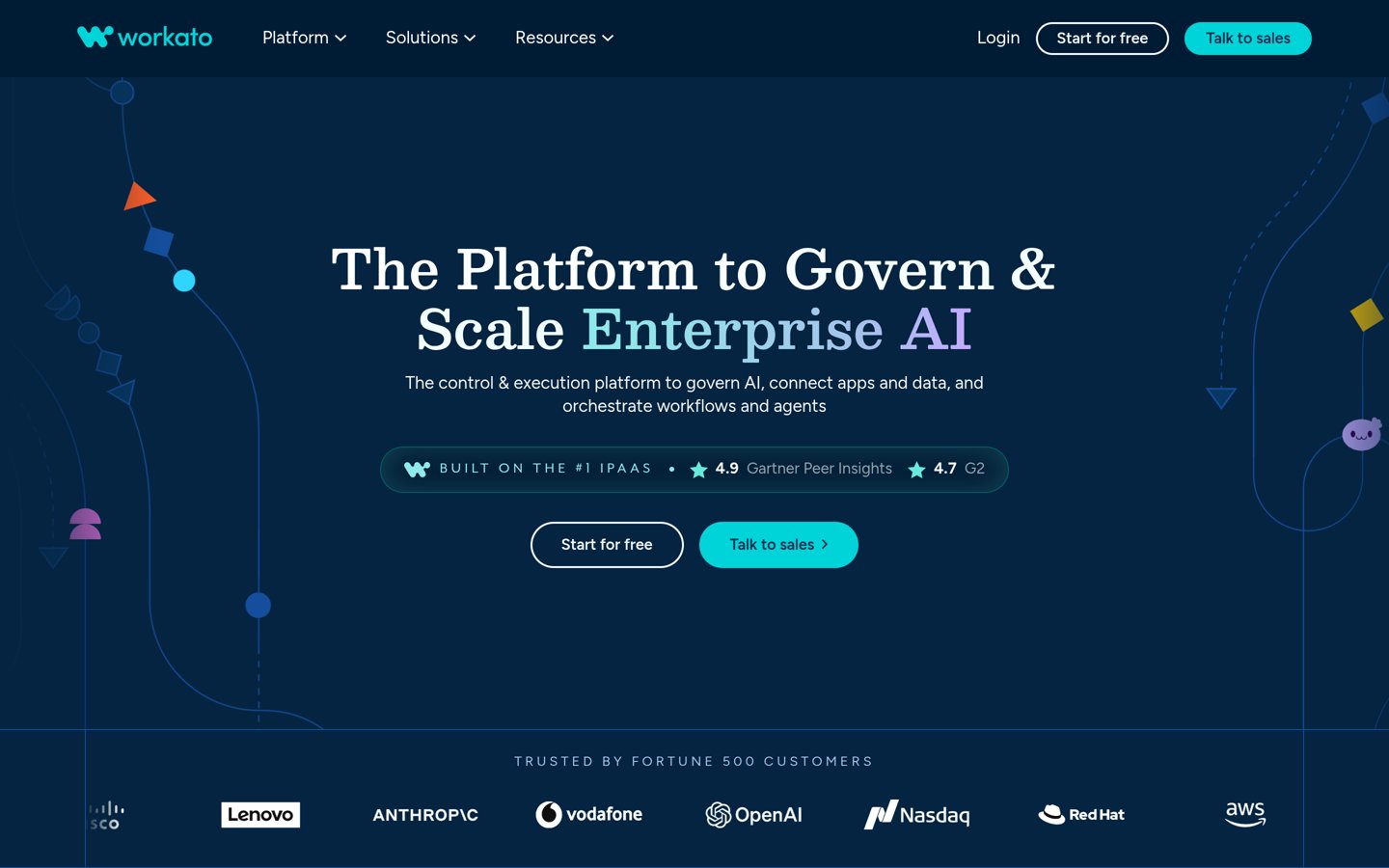
Workato homepage, captured Nov 2026.
Workato is an enterprise integration and orchestration platform designed to coordinate processes across business departments. Its official pricing page lists more than 1,200 prebuilt connectors, centralized consumption monitoring and support for integrations involving cloud applications and internal infrastructure.
The trade off is custom pricing, which requires a sales consultation before businesses can calculate their subscription costs. It suits larger organizations that need centralized integration management, collaboration across departments and administrative oversight of automated business processes.
What we like
Extensive enterprise integration capabilities
Highest G2 rating in this comparison
Supports complex cross-department workflows
Centralized usage monitoring
Offers enterprise connectivity and governance options
Watch out for
No publicly disclosed standard entry price
Advanced capabilities may require add-ons
Excessive for straightforward small business automation
Commercial packages provide production integrations, with additional capabilities available by contract.Visit workato.com
05
Celigo
4.6/5on G2 (1,133 reviews, checked Nov 2026)
PricingCustom pricing
Best for ecommerce and ERP integration
Primary use casesERP, ecommerce and finance
API managementAvailable
Access controlsMFA and role-based permissions
Billing modelEdition and usage-based quote
celigo.com
Celigo homepage, captured Nov 2026.
Celigo is an integration platform focused on connecting business applications and automating operational processes involving commerce, finance and enterprise resource planning. It holds a 4.6/5 G2 rating from 1,133 reviews and includes administrative access controls and support across its commercial editions.
The trade off is custom pricing determined by the selected edition and expected platform usage, while advanced API development features require appropriate licensing. It suits ecommerce businesses, financial operations teams and organizations that need reliable data synchronization between their operational systems.
What we like
Strong focus on operational business integrations
Supports ecommerce and ERP workflows
Centralized integration error management
Role-based access controls
Large independent review base
Watch out for
Requires a customized pricing consultation
Advanced API capabilities depend on the edition
Implementation may require specialist knowledge
Paid editions expand integration capacity, API functionality and organizational administration.Visit celigo.com
06
Tray.ai
4.5/5on G2 (159 reviews, checked Nov 2026)
Starts at$50/mo
Best for complex visual API orchestration
Connectivity12,000+ apps, APIs and services
Pro workspaces3
Pro log retention7 days
Billing modelUsage-based, from $50/mo
tray.ai
Tray.ai homepage, captured Nov 2026.
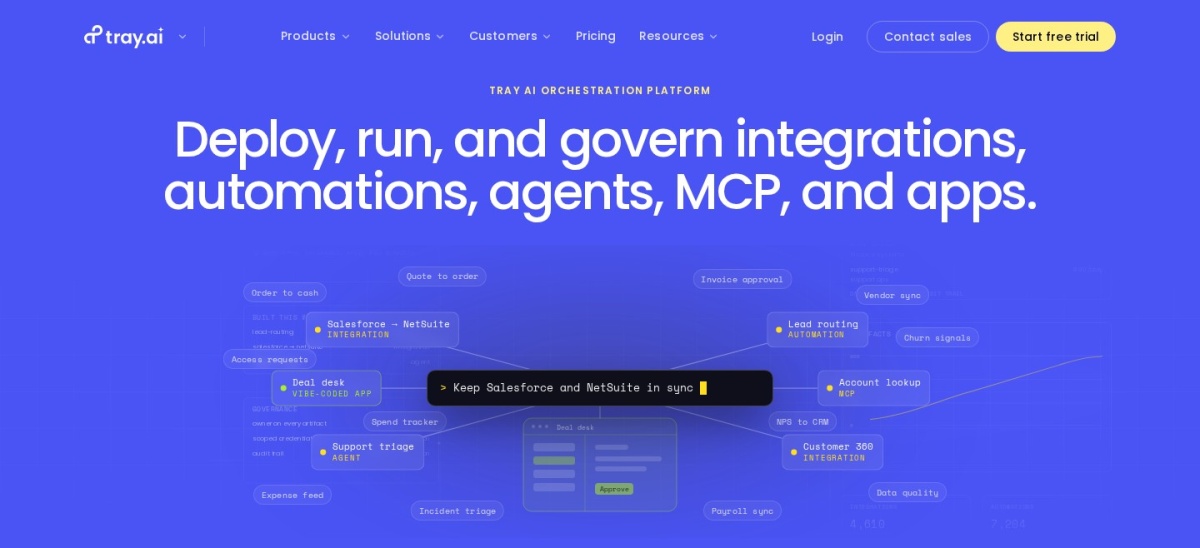
Tray.ai is a low-code integration and orchestration platform for building workflows across applications, APIs and databases. Its Pro edition provides access to more than 12,000 supported services and applications, three workspaces and seven days of retained execution logs.
The trade off is usage-based pricing that starts at $50 per month but requires a tailored quote for specific deployment requirements. It suits technical operations teams that need flexible API connections, advanced workflow logic and centralized control over business integrations.
Commercial subscriptions provide production integration capacity based on committed usage.Visit tray.ai
07
MuleSoft
4.4/5on G2 (894 reviews, checked Nov 2026)
Starts at$2,000/mo
Best for enterprise API lifecycle management
PlatformAnypoint Platform
Starting subscription$2,000/month
Usage modelMule Credits
API governancePolicies, limits and audit trails
mulesoft.com
MuleSoft homepage, captured Nov 2026.
MuleSoft is an enterprise API integration platform from Salesforce that combines application connectivity, API management and service orchestration. Its Anypoint Platform has a 4.4/5 G2 rating from 894 reviews, reflecting an established presence in enterprise integration environments.
The trade off is the $2,000 monthly starting subscription and the technical expertise required to implement distributed integration architecture effectively. It suits large organizations that manage business-critical services and require consistent security policies, reusable APIs and centralized oversight of application connectivity.
What we like
Comprehensive API lifecycle management
Supports reusable integration architecture
Centralized API security policies
Suitable for complex enterprise environments
Shared credit model across platform capabilities
Watch out for
Highest published starting price in this comparison
Implementation requires specialized expertise
Excessive for basic application synchronization
Commercial packages include shared credits for integration, API management and automation.Visit mulesoft.com
API integration platforms vs. iPaaS
API integration platforms primarily connect software through application programming interfaces. They provide tools for authentication, request execution, data transformation and automated responses to application events.
Integration platform as a service, commonly called iPaaS, covers a broader collection of cloud-based integration capabilities. These platforms may connect APIs alongside databases, file transfers, legacy infrastructure and business-to-business communication systems.
Many products in this comparison belong to both categories. Boomi, Workato and MuleSoft provide enterprise integration features alongside API connectivity, while Zapier concentrates on accessible application automation.
Choose based on the complexity of your environment rather than the product category alone. A straightforward workflow platform can handle routine application synchronization, while distributed enterprise systems may need dedicated integration architecture and governance.
How much does an API integration platform cost?
Published entry prices in this comparison range from $15 per month for Power Automate Premium to $2,000 per month for MuleSoft. These subscriptions serve different requirements, so their starting prices should not be treated as equivalent service packages.
Zapier starts at $239.88 annually based on its advertised monthly rate. Power Automate Premium costs $180 annually per licensed user, making both accessible options for relatively straightforward business integrations.
Boomi introduces a separate usage charge alongside its $1,188 annualized base subscription. Businesses should estimate message consumption before comparing its actual operating costs against subscriptions with different usage models.
Workato and Celigo require customized pricing proposals. Their zero values in the price ladder represent undisclosed commercial pricing, not free subscriptions. Tray.ai publishes a starting rate, but actual subscription costs depend on committed usage.
How we chose
We selected established API integration platforms based on application connectivity, workflow development, data transformation, administrative controls and suitability for different business environments. Rankings favor practical integration capabilities, accessible pricing and independent customer feedback rather than the number of features alone.
The editorial verification date is 22 Nov 2026. Official vendor pricing pages and G2 product reviews were accessed on 24 Nov 2026. Published monthly subscription rates were annualized, with usage charges excluded from base-price calculations and disclosed separately. Quote-based subscriptions are identified as custom pricing.
We excluded products with insufficient independent review counts, unconfirmed standard subscription prices and tools focused exclusively on API testing or documentation. Quote-based enterprise platforms were retained where their official pricing pages explicitly require consultation. No vendor paid for a place, and we do not claim testing for this list.
How to choose the best API integration platform
Identify the applications, data sources and business processes your organization needs to connect. Consider the following steps before selecting an integration platform or committing to a commercial subscription.
**Map your integration requirements.** List the applications and databases you need to connect, the information exchanged between them and the required synchronization frequency. Distinguish straightforward application automation from complex integrations involving proprietary APIs, internal infrastructure or business-critical transaction processing.
**Evaluate connector and authentication support.** Check whether the platform offers suitable connectors for your existing applications. Confirm support for the authentication methods, custom HTTP requests, data formats and pagination requirements used by any APIs that lack prebuilt connections.
**Review reliability and security features.** Examine how the platform handles failed requests, retries, duplicate records and expired credentials. For sensitive business information, confirm that administrative permissions, audit logs, encryption and deployment options meet your organization's security requirements.
**Calculate costs using expected production usage.** Estimate monthly workflow executions, processed messages, API calls and required user accounts. Compare those estimates against subscription allowances, additional consumption charges and enterprise licensing requirements before selecting the platform with the most appropriate overall cost.
FAQ
What is the best API integration platform in 2026?
Zapier is our top overall pick because it supports more than 9,000 application connections and offers accessible workflow development. Power Automate is better for Microsoft-centered organizations, while Boomi provides broader enterprise integration and API management capabilities.
What is the cheapest API integration platform?
Power Automate Premium has the lowest published paid starting rate in this comparison at $15 per user per month with annual billing. Zapier also offers a permanent free subscription for businesses whose automation requirements fit its monthly task allowance.
Can I integrate APIs without coding?
Yes. Visual integration platforms allow users to configure application connections, triggers and data transformations without writing complete integration scripts. However, custom APIs may still require knowledge of authentication, HTTP requests, response structures and error handling.
What is the best API integration platform for enterprise businesses?
Boomi, Workato and MuleSoft are suitable options for enterprise integration. Boomi offers usage-based entry pricing, Workato focuses on coordinating organizational workflows, and MuleSoft is particularly appropriate for businesses that require centralized API governance and reusable integration architecture.
Is Zapier an API integration platform?
Yes. Zapier connects applications through their APIs and automates information exchanges using configurable workflows. Its commercial subscriptions also support webhooks, making it possible to connect services beyond its standard application catalog when suitable API endpoints are available.
What is the difference between API integration and API management?
API integration connects systems and coordinates information exchanges between applications. API management focuses on publishing, securing, monitoring and governing APIs. Enterprise platforms such as Boomi and MuleSoft provide capabilities covering both integration development and API lifecycle administration.
Which API integration platform is best for ecommerce?
Celigo is a suitable choice for ecommerce businesses because it focuses on connecting commerce, financial and operational applications. Smaller online stores with straightforward requirements may find Zapier more accessible, particularly when their existing applications have supported connectors.
Are API integration platforms secure?
Established platforms generally provide credential management, encrypted communication and administrative security features. However, overall security also depends on integration configuration, user permissions and connected applications. Organizations should review vendor security documentation and licensing requirements before processing sensitive information.
How do API integration platforms charge for usage?
Pricing may depend on users, completed tasks, processed messages or consumption credits. Power Automate publishes per-user pricing, Zapier uses task-based allowances, and Boomi combines a monthly platform subscription with message charges. Enterprise vendors may negotiate customized usage commitments.