WLWPLegible EditorsLast verified 22 Nov 2026How we rank10 min read
★ Short answer
Apidog is the best API design tool for most development teams, with a 4.8/5 G2 rating and a Basic plan starting at $9 per user per month. Postman is better for established API testing workflows, while Stoplight suits teams that prioritize visual OpenAPI design and governance.
How we make this list: we compare pricing pages, product documentation and public user reviews, then re-check every price before each update. No product paid for a place. Disclosure.
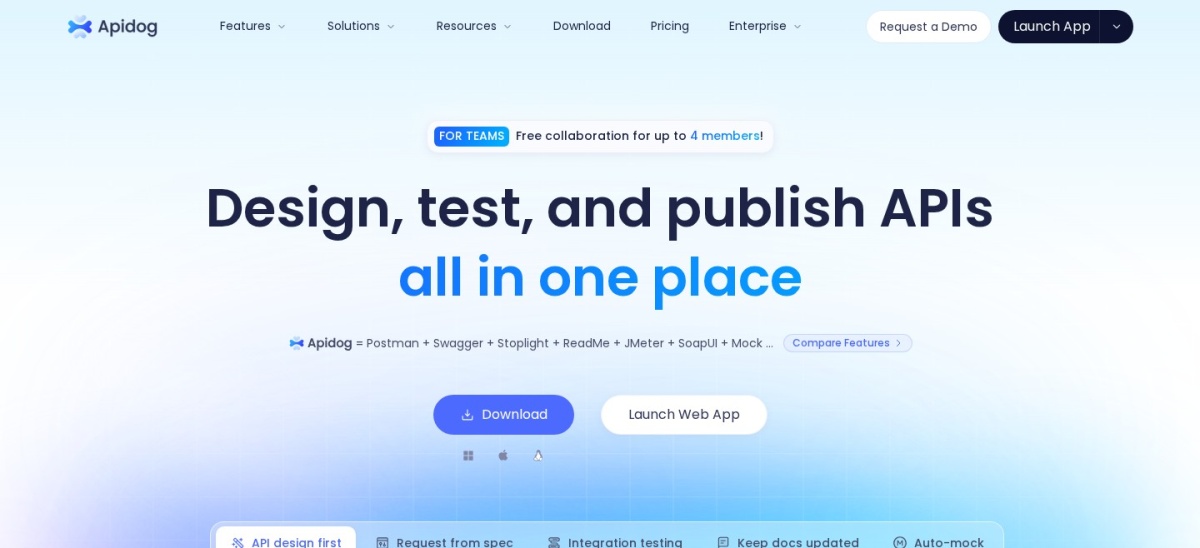
Apidog combines API design, testing, documentation and mocking from $9 per user per month with annual billing.
Postman has a 4.6/5 G2 rating from 1,803 reviews, giving it the largest review base in this comparison.
Stoplight Basic costs $44 per month with annual billing and includes three users.
Insomnia supports free Git synchronization for teams of up to three users.
Beeceptor offers 50 daily requests per endpoint on its free mocking plan.
ReadMe provides free interactive API references, while its collaborative Pro plan costs $250 per month with annual billing.
What makes a good API design tool?
API design tools help development teams define how applications communicate before implementing the underlying services. They provide a structured environment for specifying endpoints, authentication methods, request parameters and response formats.
Look for OpenAPI support when designing REST APIs. A tool that handles standard specifications makes it easier to transfer API definitions between editors, documentation platforms and testing environments.
Mock servers are particularly useful for teams working on frontend and backend components simultaneously. Developers can simulate expected responses and identify integration problems before production services become available.
Collaboration matters when several developers contribute to an API. Branching, version control, reusable schemas and design validation help prevent inconsistent definitions and unexpected changes.
Pricing depends on more than the advertised subscription. Check whether the vendor charges per developer, workspace or mock endpoint, and whether private projects and governance controls require higher plans.
Apidog is an integrated API development platform that combines specification editing, request debugging, automated testing and documentation. Its free plan supports teams of up to four users, allowing developers to collaborate on API contracts and generate mock responses without maintaining separate applications.
The trade off is that larger teams need the Basic plan at $9 per user per month with annual billing, and advanced organizational controls require higher tiers. It suits development teams that want their specifications, tests and documentation connected within the same project.
What we like
Visual API specification editing
Free collaboration for small teams
Integrated mock server functionality
Automated testing and documentation generation
Imports existing Postman collections
Watch out for
Advanced governance requires higher plans
No equivalent to Postman's public API network
Subscription costs increase with team size
Basic expands team membership beyond the free allowance.Visit apidog.com
02
Postman
4.6/5on G2 (1,803 reviews, checked Nov 2026)
Paid from$9/mo
Best for API testing and development
Specification managementSpec Hub
Mock serversIncluded on Free
Free AI credits100
Paid planSolo, $9/mo billed annually
postman.com
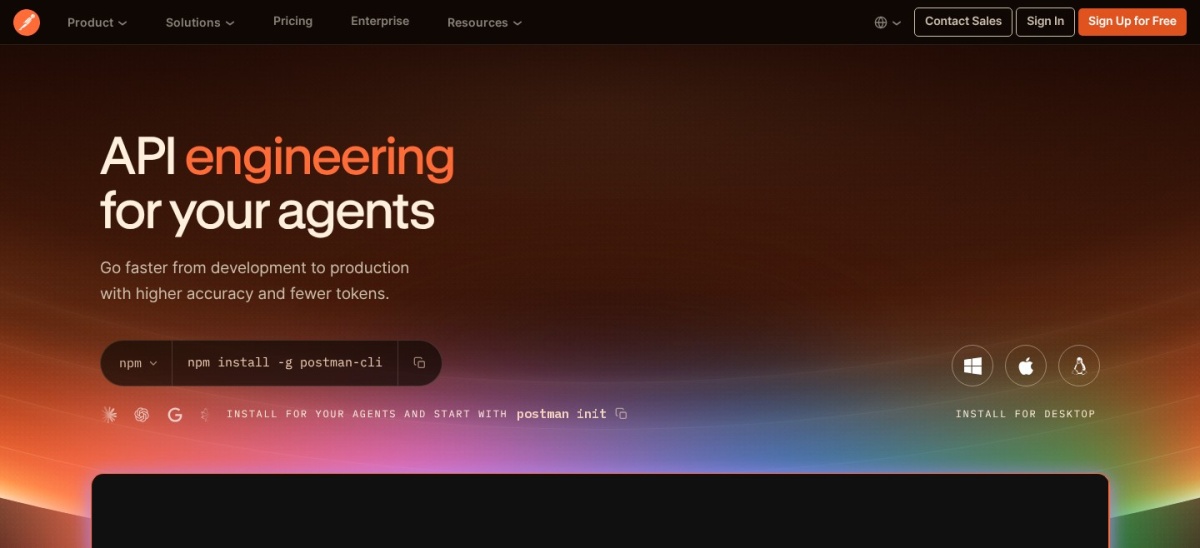
Postman homepage, captured Nov 2026.
Postman is an API development platform that connects specification management with request collections, mock services and automated tests. Its free individual plan includes specification tools, native Git integration and 100 AI credits, making it useful for developers who want to explore API behavior before implementation.
The trade off is collaboration, since the $9 monthly Solo subscription remains an individual plan and the Team plan starts at $19 per user per month with annual billing. It suits developers and organizations that already maintain extensive API collections and testing workflows.
What we like
Established API development ecosystem
Integrated request testing and mock servers
Native Git integration
Public API discovery network
Large independent review base
Watch out for
Solo plan does not include team collaboration
Advanced governance requires higher subscriptions
Broad feature set can complicate simple design tasks
Solo adds expanded monitoring, automation and branded documentation.Visit postman.com
03
Stoplight
4.4/5on G2 (341 reviews, checked Nov 2026)
Paid from$44/mo
Best for visual OpenAPI design
Specification formatsOpenAPI and JSON Schema
Included Basic users3
Free projects1
Paid planBasic, $44/mo billed annually
stoplight.io
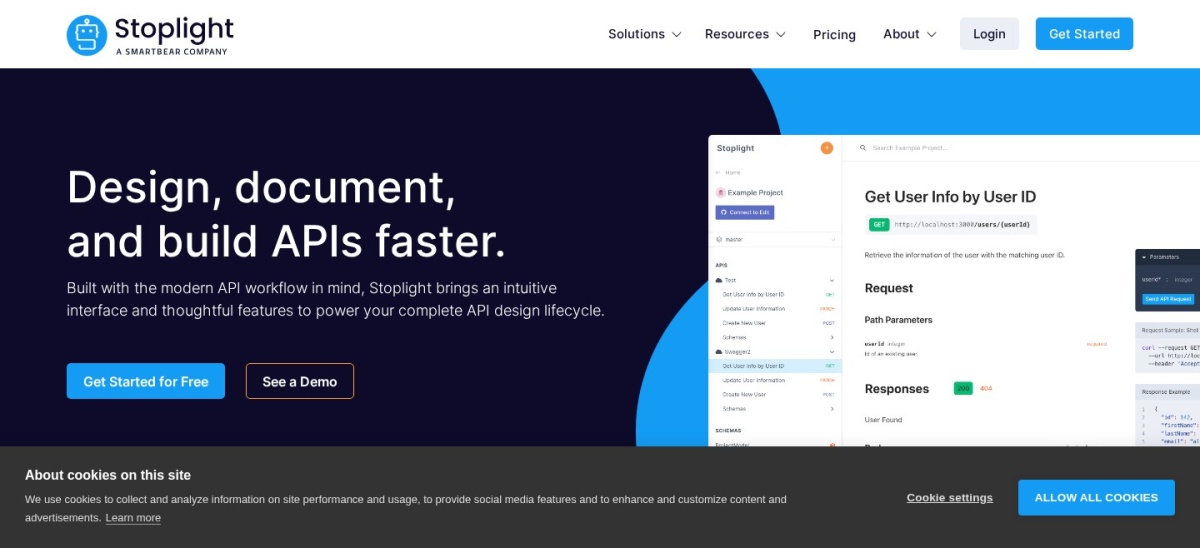
Stoplight homepage, captured Nov 2026.
Stoplight is a design-first API platform centered on visual specification editing, schema management and documentation. Its Basic subscription includes three users, interactive references and mock servers, allowing developers to establish API contracts without manually writing every part of an OpenAPI definition.
The trade off is the $44 monthly starting price with annual billing, while private projects and multi-branch workflows require the Startup plan at $113 per month. It suits organizations that prioritize consistent API contracts and structured design reviews.
What we like
Visual OpenAPI and JSON Schema editing
Integrated documentation and mock services
Supports standardized API design practices
Reusable components on higher plans
Workspace pricing includes multiple users
Watch out for
Higher starting cost than individual API clients
Private projects require Startup
Shared governance rules require higher tiers
Basic expands project capacity and includes three user accounts.Visit stoplight.io
04
Insomnia
4.3/5on G2 (20 reviews, checked Nov 2026)
Paid from$12/mo
Best for Git-based API development
API designOpenAPI with linting
Storage optionsLocal, Git and cloud
Free mock requests1,000/month
Paid planPro, $12/user/mo
insomnia.rest
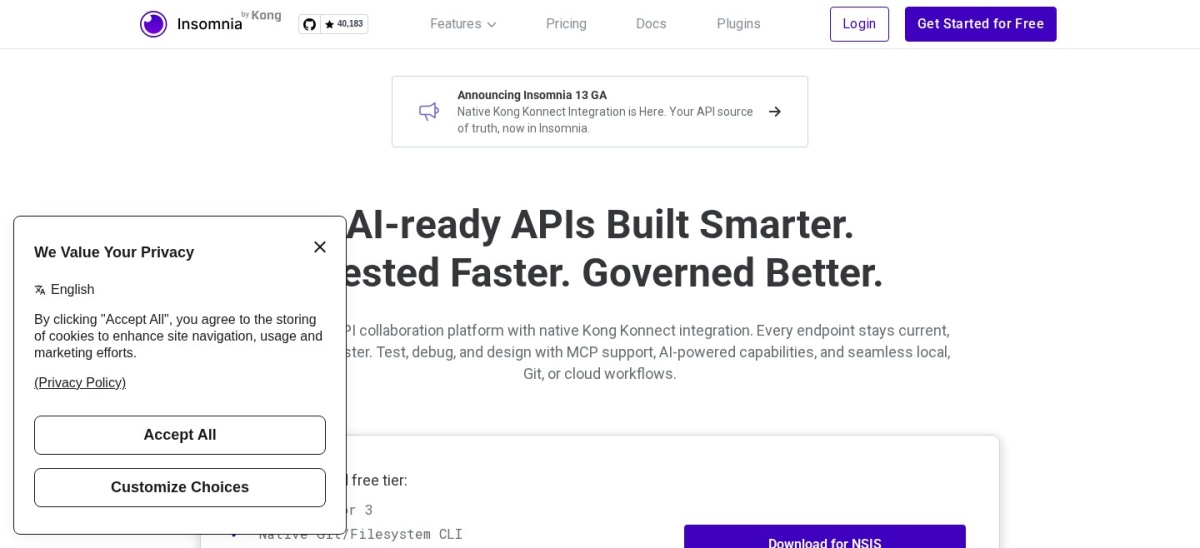
Insomnia homepage, captured Nov 2026.
Insomnia is an open-source API client and specification development environment maintained by Kong. Its Essentials plan supports Git synchronization for up to three users, custom linting rules and 1,000 monthly mock server requests, alongside tools for inspecting REST, GraphQL and gRPC services.
The trade off is that expanding Git collaboration beyond the free allowance requires Pro at $12 per user per month. It suits developers who prefer managing API definitions alongside source code and want flexible storage options instead of relying entirely on hosted workspaces.
What we like
Open-source API client
Local, Git and cloud storage choices
Custom API validation rules
Command-line integration for CI/CD
Supports several API protocols
Watch out for
Free Git collaboration has a user limit
Advanced access controls require payment
Smaller G2 review base than competing platforms
Pro expands Git collaboration, access controls and monthly mock capacity.Visit insomnia.rest
05
Swagger Studio
4.5/5on G2 (201 reviews, checked Nov 2026)
PricingCustom pricing
Best for centralized API governance
Former product nameSwaggerHub
API specificationsOpenAPI
GovernanceCentralized design standards
Paid planContact vendor for current pricing
swagger.io
Swagger Studio homepage, captured Nov 2026.
Swagger Studio is the commercial API design and governance platform from SmartBear, previously known as SwaggerHub. It brings specification management, team collaboration and organizational design standards into a shared environment, earning a 4.5/5 rating from 201 G2 reviews.
The trade off is pricing transparency, since a current regular subscription amount could not be confirmed from the public commercial pricing page. It suits organizations that need centralized oversight of API definitions and want developers to follow common standards across projects.
What we like
Established OpenAPI ecosystem
Centralized specification management
Shared API design standards
Supports collaborative development workflows
Integrates with broader Swagger tooling
Watch out for
Current commercial pricing requires confirmation
Configuration can be excessive for individual developers
Free Swagger utilities differ from commercial Studio features
Commercial subscriptions expand collaboration and organizational governance.Visit swagger.io
06
Beeceptor
4.8/5on G2 (78 reviews, checked Nov 2026)
Paid from$10/mo
Best for API prototyping and mocking
Free requests50/day per endpoint
Free mock rules3
Paid request allowance15,000/month per endpoint
Paid planIndividual, $10/mo per endpoint
beeceptor.com
Beeceptor homepage, captured Nov 2026.
Beeceptor is an API mocking and service virtualization platform for turning proposed API behavior into working prototypes. Its free plan includes 50 daily requests per endpoint and three mock rules, allowing developers to explore response structures and integration behavior without deploying a backend.
The trade off is that free endpoints are public, while private endpoints require the Individual subscription at $10 per month per endpoint, with annual billing discounts available. It suits frontend developers and API designers who need to validate proposed interactions before implementing production services.
What we like
Creates working API prototypes without backend code
Supports specification-based mock generation
Conditional response rules
Live HTTP request inspection
Simulates network delays and failures
Watch out for
Free endpoints are public
Subscriptions are charged separately for each endpoint
Not a replacement for a complete specification editor
Individual adds private endpoints and increased request and rule allowances.Visit beeceptor.com
07
ReadMe
4.5/5on G2 (46 reviews, checked Nov 2026)
Paid from$250/mo
Best for developer-facing API documentation
Specification integrationOpenAPI synchronization
Interactive referencesIncluded on Starter
Collaborative editingPro
Paid planPro, $250/mo billed annually
readme.com
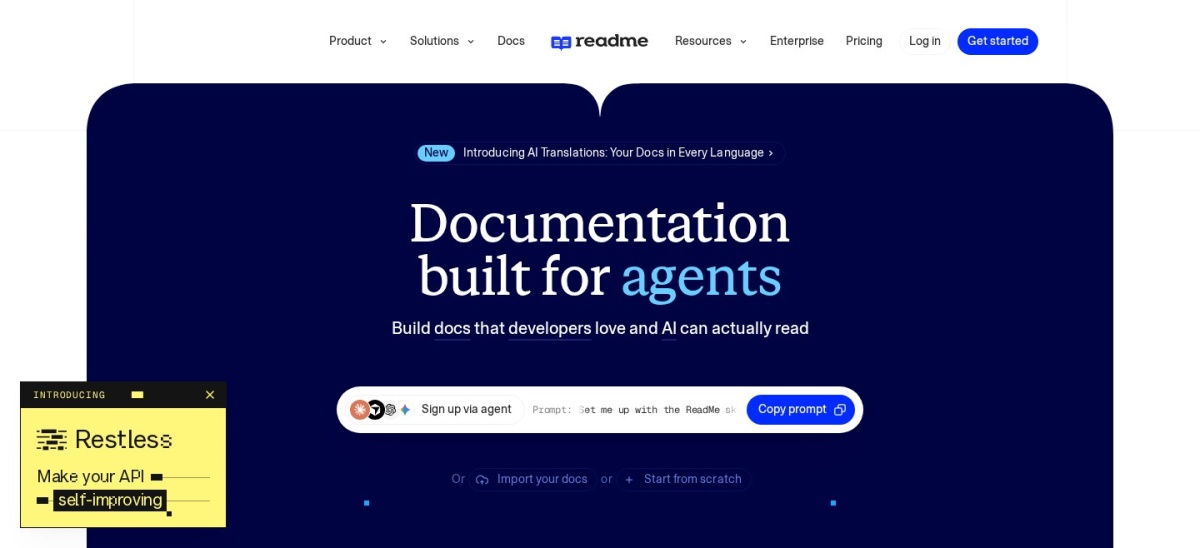
ReadMe homepage, captured Nov 2026.
ReadMe is an API documentation and developer experience platform that connects OpenAPI specifications with interactive reference pages. Its free Starter subscription includes a custom domain, bidirectional synchronization and usage analytics, while its 4.5/5 G2 rating reflects feedback from 46 reviewers.
The trade off is the jump to $250 per month with annual billing for Pro, which introduces collaborative editing, private documentation and branching workflows. It suits API teams that already maintain structured specifications and want to make their contracts easier for external developers to understand.
What we like
Interactive documentation generated from API definitions
Custom domain included on Starter
Bidirectional synchronization
Documentation usage analytics
Structured review workflows on Pro
Watch out for
Expensive upgrade to collaborative editing
Not a complete API testing environment
Enterprise governance requires a separate subscription
Pro adds private documentation, collaboration and branching.Visit readme.com
Design-first vs. code-first API development
A design-first workflow begins with an API contract. Developers define endpoints, request structures, response schemas and error behavior before implementing the backend. Stakeholders can review the proposed interface while implementation decisions are still flexible.
A code-first workflow starts with application logic and generates API specifications from the implemented service. This approach can work well for existing applications, internal experiments and teams that maintain documentation through their development framework.
Design-first development is particularly useful when frontend developers, backend engineers and external partners need to work independently. A shared specification gives everyone a consistent reference and allows mock services to support early integration work.
Apidog, Stoplight and Swagger Studio emphasize specification-centered workflows. Postman and Insomnia provide broader development environments that can support teams working with either approach.
How much does API design software cost?
Entry-level API design subscriptions in this comparison start at $9 per month. Apidog charges that amount per user with annual billing, while Postman's Solo plan uses an individual subscription model.
Workspace-based subscriptions can be more economical for teams. Stoplight Basic costs $44 per month with annual billing and covers three users, equivalent to $528 annually before additional charges.
Specialized products use different pricing models. Beeceptor bills for individual mock endpoints, while ReadMe charges $250 per month for its Pro documentation subscription with annual billing.
The price ladder compares the advertised entry subscription on a yearly basis. It does not represent the total cost of supporting an entire engineering department. Request allowances, extra seats, additional endpoints and enterprise requirements can increase the final expense.
How we chose
We selected established API design, development, mocking and documentation products with features that support defining, reviewing or validating API contracts. The rankings prioritize specification editing, collaboration, interoperability, pricing and practical suitability for development teams.
The editorial verification date is 22 Nov 2026. Pricing pages, official subscription documentation and G2 ratings were accessed again on 24 Nov 2026. Annual costs use published subscription rates, with recurring monthly amounts multiplied by twelve. Custom pricing entries do not represent free commercial subscriptions.
We excluded products without sufficient independent reviews, discontinued commercial plans and tools with unconfirmed pricing unless the permitted custom-pricing exception applied. Specialized mocking and documentation products are included for their contributions to the API design workflow. No vendor paid for a place, and we do not claim testing for this list.
How to choose the best API design tool
Compare your existing development workflow, collaboration requirements and API standards before committing to a subscription. Use these steps to narrow the available options.
**Identify your API design requirements.** Determine whether your team needs a visual specification editor, schema validation, automated documentation or executable API prototypes. Choose a platform that addresses the main design problem rather than paying for unrelated development features.
**Check specification compatibility.** Review support for the OpenAPI versions and communication protocols your applications use. Confirm that the platform can import existing definitions and export them in formats compatible with your source control and deployment processes.
**Evaluate collaboration and governance.** Consider how developers propose, review and approve API changes. Teams maintaining shared services should prioritize branching, access permissions, validation rules and reusable components over features intended primarily for individual developers.
**Calculate the full subscription cost.** Multiply the relevant subscription rate by your required seats, workspaces or endpoints. Include anticipated usage charges and higher-tier governance requirements, and use available free plans to assess whether the basic workflow meets your needs.
FAQ
What is the best API design tool in 2026?
Apidog is our top pick because it combines visual specification editing, API testing, documentation and mock servers in a shared project. Its Basic plan starts at $9 per user per month with annual billing, making it accessible to small development teams.
What is the best free API design tool?
Apidog is a good free option for small teams because its free subscription supports up to four users. Insomnia is another suitable choice for developers who prefer Git-based collaboration, local storage and OpenAPI validation.
What is the difference between API design and API testing tools?
API design tools define how an interface should behave, including endpoints, parameters, schemas and authentication requirements. API testing tools verify whether an implementation behaves as expected. Integrated platforms such as Apidog and Postman support both activities within the same development environment.
Do API design tools require coding?
Not always. Visual specification editors allow developers and other stakeholders to define API structures through forms and graphical interfaces. However, understanding HTTP methods, authentication, data schemas and response behavior remains important, particularly when designing production APIs.
Is Postman good for designing APIs?
Yes. Postman includes specification management, mock servers, request collections and testing features. It is particularly useful for teams that want API design connected to existing development and validation workflows rather than maintaining a separate specification editing application.
What is the best API design tool for OpenAPI?
Stoplight is a suitable choice for visual OpenAPI editing and reusable API definitions. Apidog offers an integrated alternative with testing and mocking capabilities, while Swagger Studio is worth considering for organizations that need centralized specification governance.
Why are mock servers important for API design?
Mock servers simulate the expected behavior of an API before its production implementation is ready. They allow frontend developers to build integrations independently and help teams identify inconsistencies in response formats, status codes and error handling during the design stage.
Can API design tools integrate with Git?
Yes. Tools such as Insomnia and Postman support Git-based workflows for managing API development assets. This helps teams track changes alongside application code, maintain version history and incorporate specification updates into existing development and review processes.
How much should a small team spend on API design software?
Small teams can start with free subscriptions from Apidog or Insomnia. When additional collaboration features become necessary, Apidog Basic starts at $9 per user per month with annual billing, while Stoplight Basic includes three users for $44 per month with annual billing.