Best AI Spreadsheet Software in 2026: 7 Tools Compared
WLWPLegible EditorsLast verified 24 Nov 2026How we rank11 min read
★ Short answer
Rows is the best AI spreadsheet software for most teams. Its Plus plan costs $8 a month, with a built-in AI Analyst, live data connections and 200 AI tasks a month, rated 4.9/5 on G2. Pick Coefficient for live business data in Sheets, or Microsoft Excel with Copilot for the deepest formula engine.
How we make this list: we compare pricing pages, product documentation and public user reviews, then re-check every price before each update. No product paid for a place. Disclosure.
Rows leads for live-data analysis: an AI Analyst, 200 AI tasks a month and a free plan, from $8 a month.
Coefficient is the best add-on for live business data, with 150+ sources and daily refresh from $49 a month.
Microsoft Excel with Copilot is the deepest spreadsheet here, at $9.99 a month through Microsoft 365 Personal.
Sourcetable queries databases and business apps in plain English from $29 a month, with a free plan.
Julius is the best chat analyst for one-off questions, with real statistics and forecasts from $20 a month.
What an AI spreadsheet should cover
AI spreadsheets split into three kinds. Full grids such as Rows, Sourcetable and Excel with Copilot replace your spreadsheet. Add-ons such as Coefficient, Ajelix and Formula Bot sit on top of Sheets or Excel. Analysts such as Julius answer questions about a file you upload.
The meter is what decides the real price. Most tools ration AI by tasks, credits or messages, and a busy month of bulk work can push you a tier up. Check the allowance on the plan you would actually buy, not the headline price.
Live data is the second filter. Rows, Coefficient and Sourcetable pull numbers from CRMs, ad platforms and databases on a schedule, so a report stays fresh without manual exports. Our guide on the best spreadsheet software covers the non-AI side of the same choice.
Free plans are genuinely useful here for trying the AI, but every free plan caps AI use hard. Budget for a paid plan once the AI does daily work.
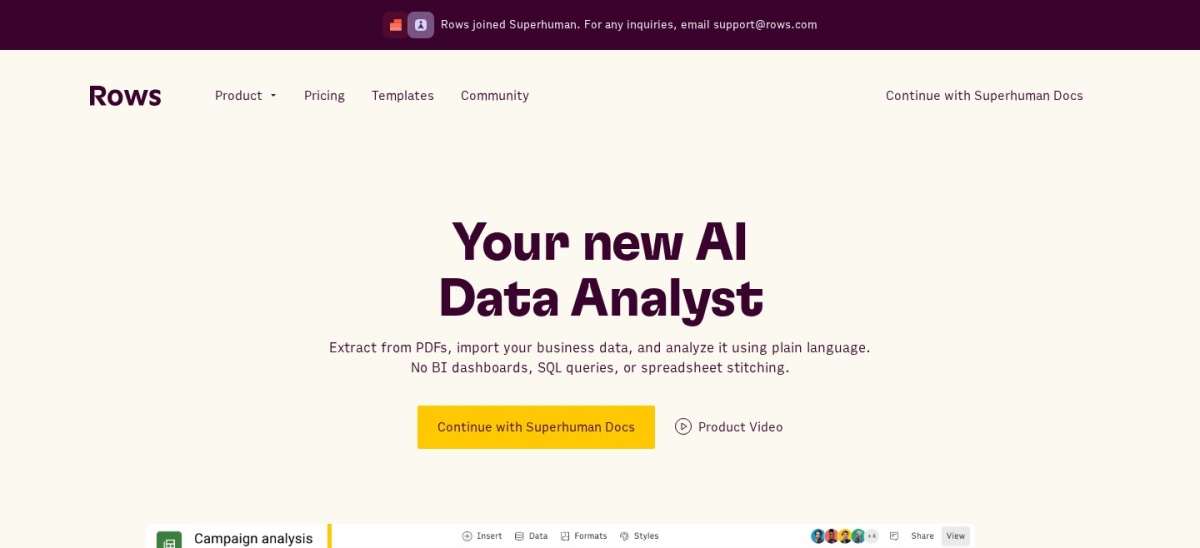
Rows is an AI-first spreadsheet with a plain-language AI Analyst, live data connections and Python built in. The free plan gives unlimited spreadsheets with 5 AI tasks a month, and Plus at $8 a month adds 200 AI tasks, daily data refresh, 10 integration accounts and 10 guests.
The trade off is the future. Rows announced in February 2026 that Superhuman had agreed to acquire it and that the product would wind down, yet the site was still live and selling plans in November 2026. It suits growth and ops teams that want live data and AI analysis in one grid, but check the roadmap before paying for a year.
What we like
Highest G2 rating here at 4.9 out of 5
Cheapest paid entry in this list at $8 a month
Live data from dozens of business tools
Free plan with unlimited spreadsheets
Watch out for
Wind-down announced after the Superhuman deal
AI tasks are metered on every plan
Pro adds a $79 platform fee on top of per-user pricing
Pro adds 1,000 AI tasks and per-minute refreshVisit rows.com
02
Coefficient
4.7/5on G2 (206 reviews, checked Nov 2026)
Paid from$49/mo
Best for live business data in Sheets
Data sources150+ business systems
Auto refreshDaily on Starter
Import refreshes500 a month on Starter
Paid planStarter, $49/mo
coefficient.io
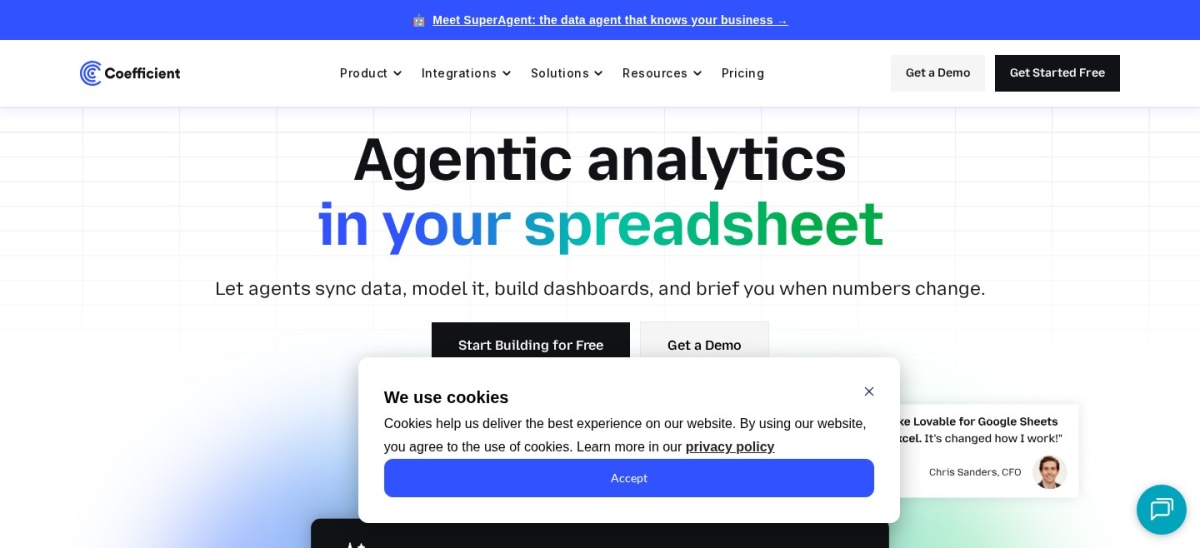
Coefficient homepage, captured Nov 2026.
Coefficient is a Google Sheets and Excel add-on that imports live data from 150+ business systems and runs AI agents on it. The free plan covers 3 data sources with manual refresh, and Starter at $49 a month adds daily automatic refresh, 500 import refreshes a month and SQL, chart and pivot builders.
The trade off is the seat rule. Starter covers one user only, so a second person who needs to edit imports moves the bill to Pro at $99 per user. It suits solo analysts and small teams that report from Sheets or Excel and are tired of stale exports.
Microsoft Excel is the deepest spreadsheet in this list, with the largest formula library, Power Query and pivot tables, and Copilot built in. The free web version covers everyday use, and Microsoft 365 Personal at $9.99 a month adds the desktop apps, 1 TB of storage and Copilot in Excel.
The trade off is that Copilot is metered. Usage limits apply on Personal, and the most capable AI features sit behind higher tiers. It suits finance and operations teams that need serious modeling, offline desktop work and AI help in the grid they already use.
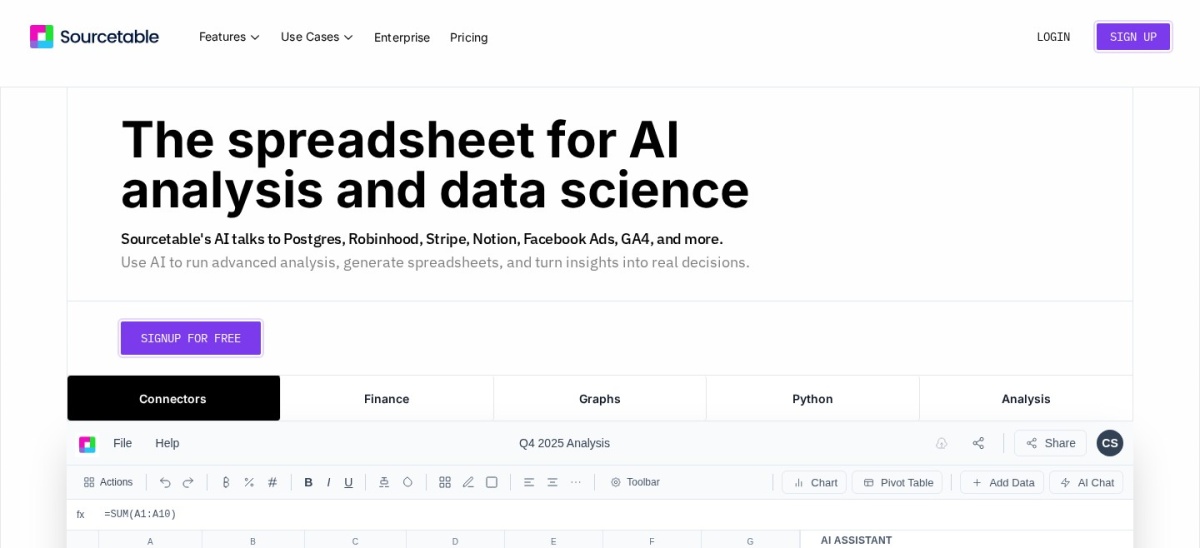
Sourcetable is an AI-first spreadsheet that queries databases and business apps without SQL. The free Regular plan gives the full spreadsheet with 50 AI credits a month, and Pro at $29 a month adds 2,000 credits, Python, the SQL editor and Deep Research across 900+ data sources.
The trade off is the price on the page. Sourcetable's pricing page lists Pro at $29 a month while its FAQ quotes $20, so confirm the price at checkout. It suits analysts who want answers from a database or SaaS tool without writing queries.
Julius is a conversational data analyst that turns plain-English questions into Python code, charts, statistics and forecasts. The free plan gives daily credits with no card, and Plus at $20 a month adds 2,000 credits, frontier models and 7-day file storage.
The trade off is the credit ceiling. There is no way to buy more credits when you run dry, and the step from Pro at $45 to Business at $450 a month is steep. It suits people who do not code and need charts, stats or a forecast from a file they already own.
What we like
Real statistics, regression and forecasting
Shows the Python behind every answer
Rated 4.5 out of 5 on Capterra
2 million+ users, per Julius
Watch out for
No credit top-ups when you run dry
Trustpilot score is very low at 1.7 out of 5
G2 has only 4 reviews
Pro adds unlimited messages and connectors at $45 a monthVisit julius.ai
06
Formula Bot
4.5/5on G2 (90 reviews, checked Nov 2026)
Paid from$30/mo
Best for formulas and chat analysis
Chat analysisYes, files and databases
AI credits5,000 a month on Pro
DashboardsYes, plus alerts
Paid planPro, $30/mo
formulabot.com
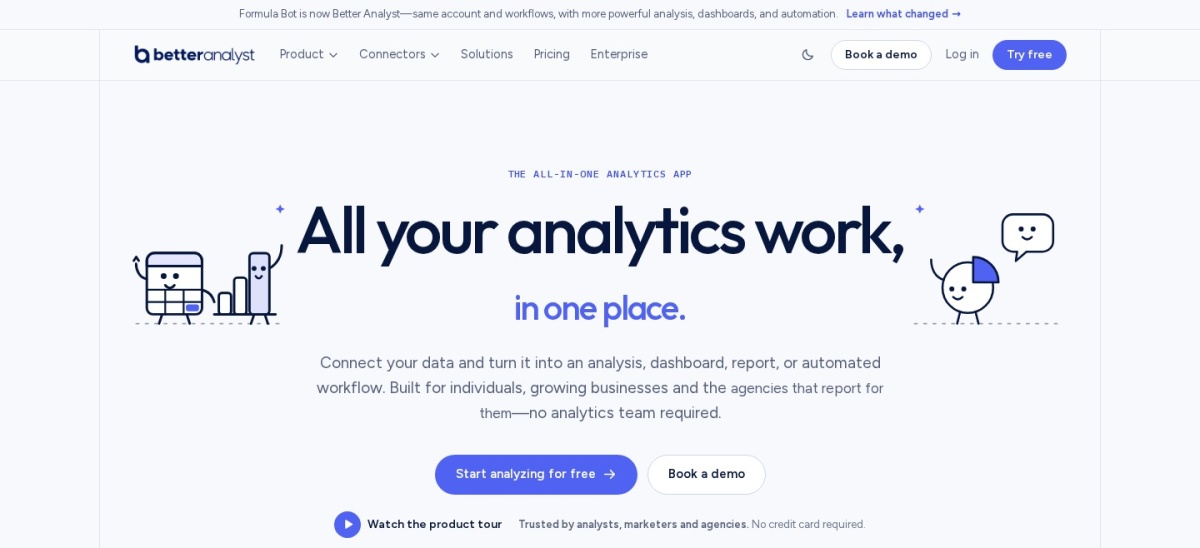
Formula Bot homepage, captured Nov 2026.
Formula Bot, now Better Analyst, is an AI data analyst that chats with files and databases, writes formulas and builds dashboards. The free plan gives 10 chat messages and 100 AI credits a month, and Pro at $30 a month adds 5,000 tool credits, larger file uploads and scheduled playbooks.
The trade off is the price history. Pro rose from $20 to $30 a month in November 2026, and the product has drifted from formulas toward BI-style analysis. It suits marketers and analysts who want formulas, chat analysis and dashboards in one web app.
Ajelix is an AI assistant that writes formulas, reports, slides and dashboards from your spreadsheets, as a web app plus Sheets and Excel add-ons. The free plan gives 10 requests a month, and Lite at $39 a month adds better models, standard usage and 20 MB file uploads.
The trade off is the thin review base. G2 shows 4.8 out of 5 from only 2 reviews, and Trustpilot shows 8 reviews, so the score is a weak signal. It suits professionals who want an AI layer across Excel, Sheets, Docs and Slides without switching tools.
Full grids win when the spreadsheet is the workspace. Rows, Sourcetable and Excel with Copilot keep formulas, data and AI in one place, with no extra app to open.
Add-ons win when you will not leave Sheets or Excel. Coefficient, Ajelix and Formula Bot add live data, formulas and chat to the grid you already use.
Analysts such as Julius win for one-off questions. Upload a file, ask in plain English, and get a chart or forecast back without rebuilding anything.
How we chose
We started from the best-known AI spreadsheet tools with a public pricing page and a verifiable rating on G2 or Capterra, then kept 7 that cover full grids, add-ons and chat analysts.
Prices come from each vendor's pricing page, checked on 24 November 2026. Rows, Coefficient and Microsoft 365 prices were read on the vendors' own pages that day; other prices rest on November 2026 reads of the same pages by review sites and are flagged in our notes. Ratings and review counts come from G2 or Capterra. Where a vendor shows a sale, the list shows the regular price.
We left out tools with no verifiable G2, Capterra or Trustpilot rating, including Quadratic, Numerous.ai, GPTExcel, Bricks and SheetAI, and enterprise-only tools such as Equals at $2,000 a month. No vendor paid for a place, and we do not claim hands-on testing for this list.
How to choose AI spreadsheet software
Start with where your data lives, then check the AI allowance before you pay.
Decide full grid, add-on or analyst. If the spreadsheet is the workspace, shortlist Rows or Sourcetable. If you will not leave Sheets or Excel, shortlist Coefficient, Ajelix or Formula Bot. For one-off questions, try Julius.
Check the AI allowance, not the headline. Tasks, credits and messages are the real limit. A plan that looks cheap can cost more once bulk work burns the allowance.
List the data sources you need. Live refresh from HubSpot, Salesforce or Snowflake is the point of Coefficient and Rows. If your data is a CSV upload, a cheaper analyst may do.
Try the free plan with real data. Upload the file you actually analyse, ask the question you actually ask, and check the answer before you subscribe.
FAQ
What is the best AI spreadsheet software?
Rows is the best overall pick for most teams. Its Plus plan costs $8 a month, with a built-in AI Analyst, live data connections and 200 AI tasks a month, and it is rated 4.9 out of 5 on G2.
Is there a free AI spreadsheet?
Yes. Rows, Coefficient, Sourcetable, Julius, Formula Bot and Ajelix all offer a free plan, and Microsoft Excel has a free web version. Every free plan caps AI use, so budget for a paid plan once the AI does daily work.
Can AI write Excel formulas?
Yes. Ajelix and Formula Bot write and explain formulas from plain English, and Copilot in Excel and Gemini in Sheets do the same inside the grid. Always check a generated formula on a few rows before relying on it.
How much does AI spreadsheet software cost?
Entry prices in this list run from $8 a month for Rows Plus to $49 a month for Coefficient Starter. Microsoft Excel with Copilot costs $9.99 a month through Microsoft 365 Personal.
Does Rows still exist after the Superhuman deal?
Rows announced in February 2026 that Superhuman had agreed to acquire it and that the product would wind down, yet its site was still live and selling plans in November 2026. Confirm the current status with Rows before paying for a year.
Which AI spreadsheet is best for live data?
Coefficient is the strongest for live data inside Sheets or Excel, with 150+ business sources and scheduled refresh. Rows is the strongest full grid for live data, with daily refresh on Plus and per-minute refresh on Pro.