Best AI Image Upscaler Tools in 2026: 9 Tools Compared
WLWPLegible EditorsLast verified 24 Nov 2026How we rank12 min read
★ Short answer
Topaz Photo AI is the best AI image upscaler for most photographers. It combines denoise, sharpen, upscale and face recovery in one desktop app, from $39 a month, rated 4.3/5 on G2. Pick Let's Enhance for browser batch work and Upscale.media for free one-off upscales.
How we make this list: we compare pricing pages, product documentation and public user reviews, then re-check every price before each update. No product paid for a place. Disclosure.
Topaz Photo AI is the professional standard, with denoise, sharpen, upscale and face recovery in one desktop app from $39 a month.
Let's Enhance is the best browser upscaler, with 16x enlargement and batch mode for up to 20 images, from $12 a month.
Upscale.media is the fastest free option: no account, up to 8x, with paid plans from $12 a month.
Magnific invents detail for AI art and large prints, from $20 a month, but it is not the tool for factual product images.
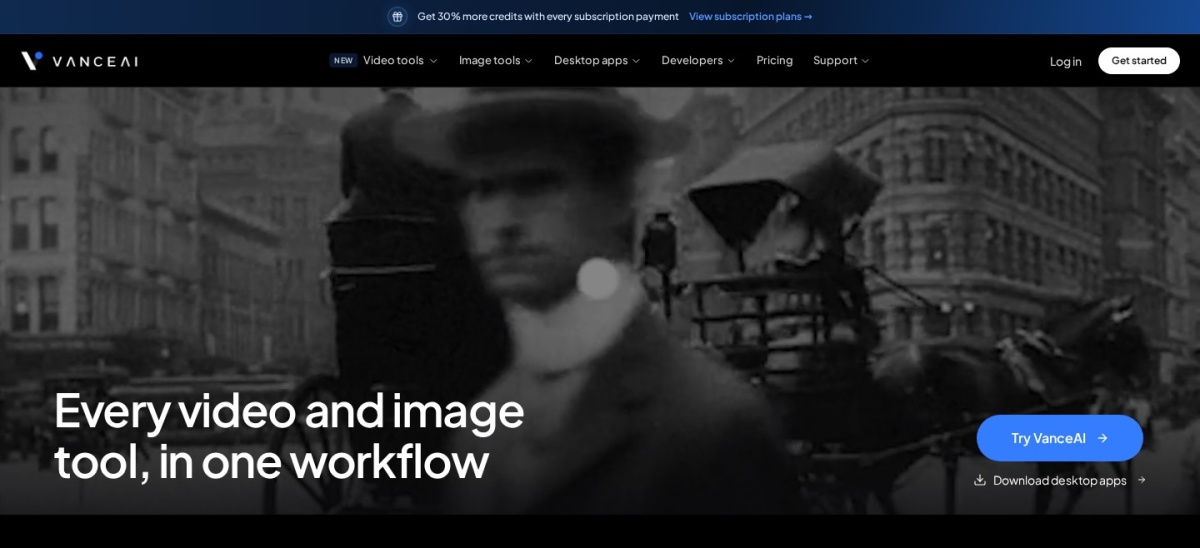
VanceAI bundles upscaling with denoise, sharpen and restoration in one credit pool, from $15 a month.
What an AI image upscaler should do
An AI upscaler enlarges a low-resolution image while rebuilding detail, instead of just stretching pixels. The best ones recover edges, sharpen text and rebuild faces, so a small file can become a print.
The tools in this list split two ways. Pixel upscalers such as Topaz, Let's Enhance and VanceAI preserve what is in the image. Generative tools such as Magnific invent new detail, which looks striking but was never in the original photo.
Credits decide the real cost. Web tools charge per image, desktop tools charge a flat subscription with unlimited local rendering, and free tools cap resolution or daily uses. Our guide on AI image enhancement tools covers the wider repair side.
Free local tools exist too. Upscayl is a free open-source desktop app that upscales on your own machine with no account, and Waifu2x is a free web tool for small images.
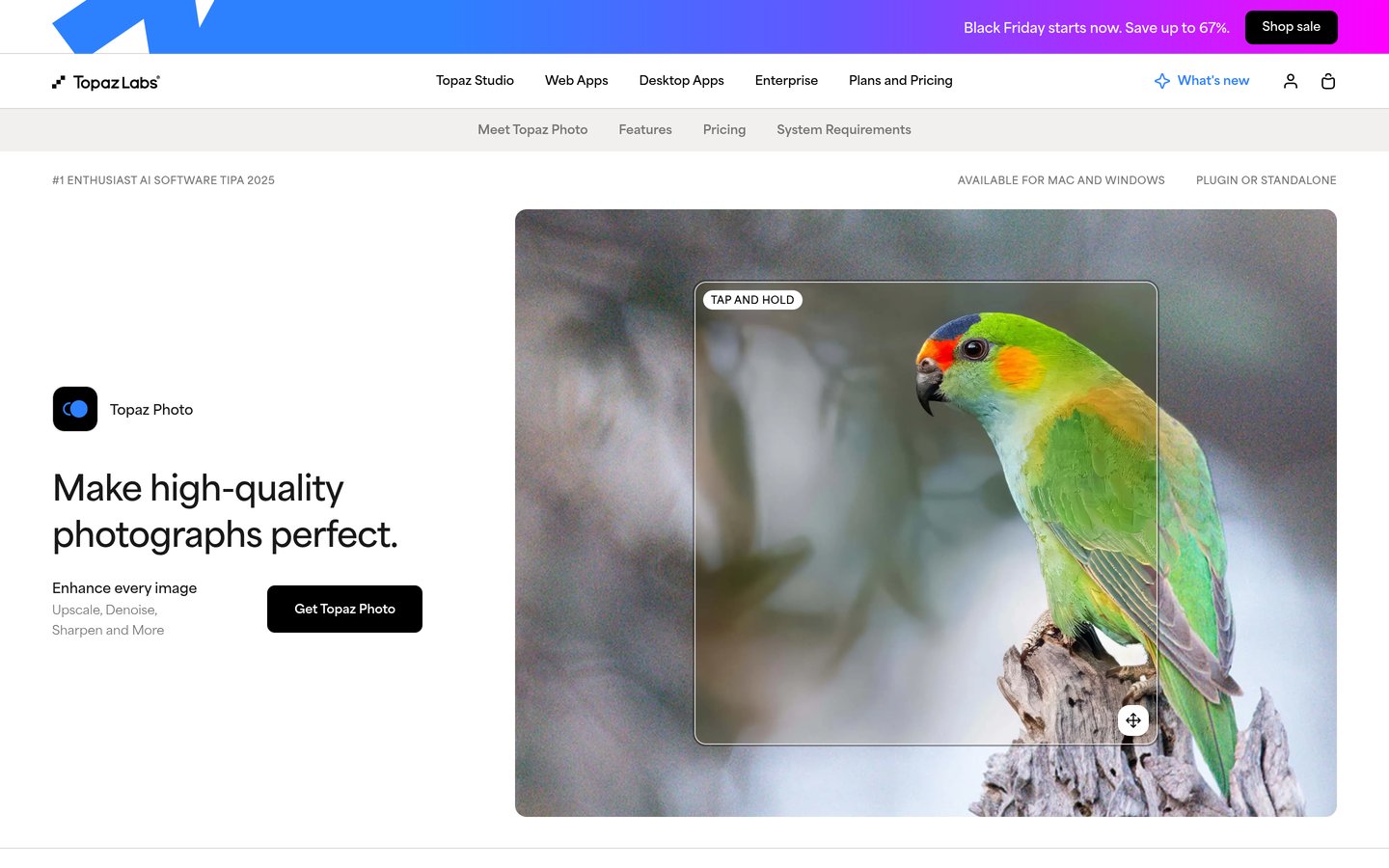
Topaz Photo AI is the reference point for AI photo enhancement. It combines denoise, sharpen, upscale and face recovery in one desktop app, with models that handle noisy high-ISO shots, soft scans and low-resolution files. Processing happens on your own machine with unlimited local rendering, so heavy users are not metered. It costs $39 a month, or $199 a year.
The trade off is the subscription change. Topaz ended one-time licences in October 2025, so new buyers pay monthly, and the G2 review base is thin at 2 reviews. It suits photographers who print or deliver client work.
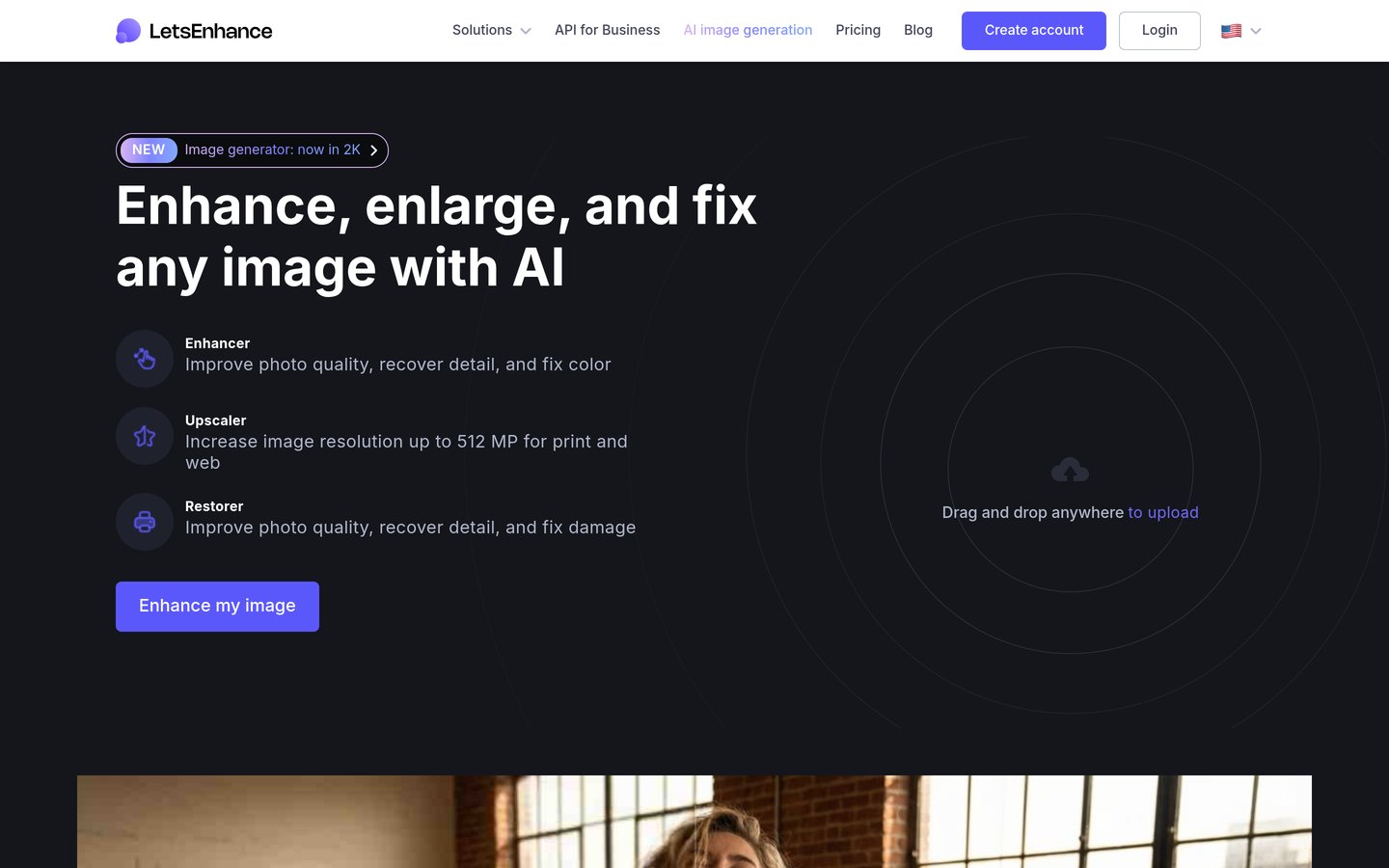
Let's Enhance is the best default web upscaler for most people. Seven specialised models cover photos, AI art, logos, old scans and product shots, with upscaling to 16x and output up to 512 megapixels, so a thumbnail can become a poster. Batch mode processes 20 images at once. Starter costs $12 a month on monthly billing, or $9 a month billed annually, for 100 credits.
The trade off is credits. One credit processes one image, so a large catalogue job burns through them fast, and unused credits may not roll over. It suits print shops, photographers and ecommerce teams.
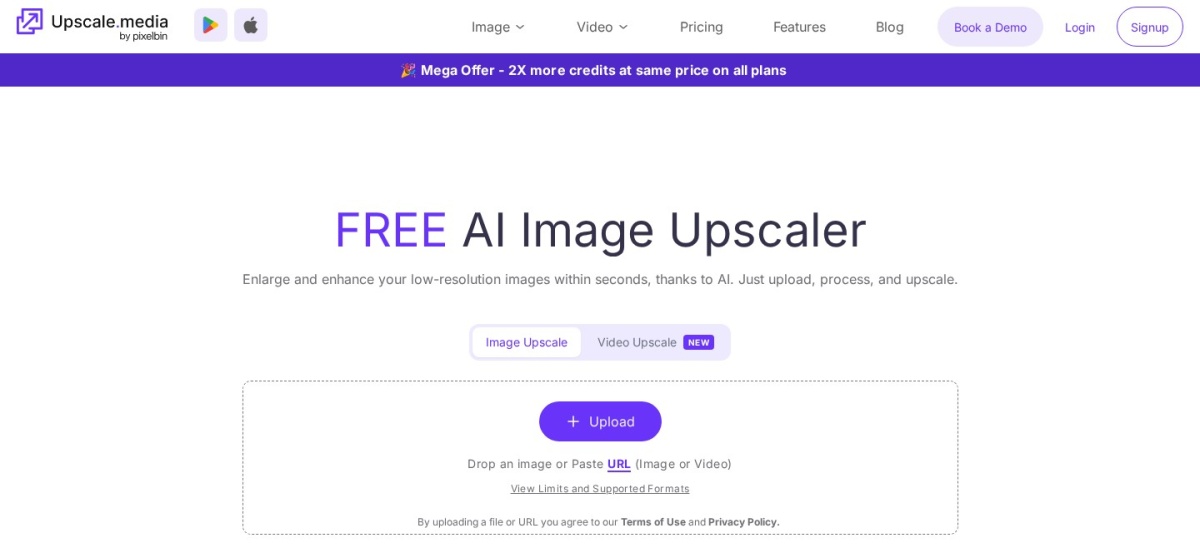
Upscale.media is the tool to try first for a single image. You drag in a JPG, PNG or WebP file, pick 2x, 4x or 8x, and download the result without creating an account. It is a simple browser upscaler from Pixelbin, with an API for batch work. Paid plans start at $12 a month for 200 credits.
The trade off is depth. It is a single-purpose tool with no denoise, sharpening or restoration beside upscaling, and credits expire. It suits quick one-off enlargements and teams that need an API.
VanceAI bundles upscaling with denoise, sharpen, restoration and colour work in one account, so one subscription covers the whole cleanup job, not just resolution. Its models cover photos, anime and text-heavy images, with up to 8x enlargement and a Windows desktop app for batch processing. Starter costs $15 a month for 260 credits.
The trade off is the credit model. Credits die with the subscription, and upload limits are tight on the web plan. It suits teams that want many enhancement tools in one place.
Adobe Photoshop adds upscaling through Super Resolution in Camera Raw, which enlarges images while refining detail before you finish in Photoshop. It sits beside the deepest editing toolkit in this list, with layers, masks and generative fill. The single-app plan costs $22.99 a month, and the Photography plan with Lightroom costs $19.99 a month.
The trade off is that upscaling is one feature among many, and the full editor takes time to learn. It suits editors who already use Photoshop and want upscaling without a second app.
What we like
Super Resolution inside Camera Raw
Deepest editing toolkit here
Largest review base, 13,426 reviews
Watch out for
Upscaling is one feature among many
Full editor takes time to learn
No free plan beyond a 7-day trial
Photography plan adds Lightroom for $19.99 a monthVisit adobe.com
06
Magnific
4/5on G2 (3 reviews, checked Nov 2026)
Starts at$20/mo
Best generative upscaling for AI art
Free tierLimited free access
ApproachGenerative, invents detail
Credits20,000/mo on Premium
Paid planPremium, $20/mo
magnific.ai
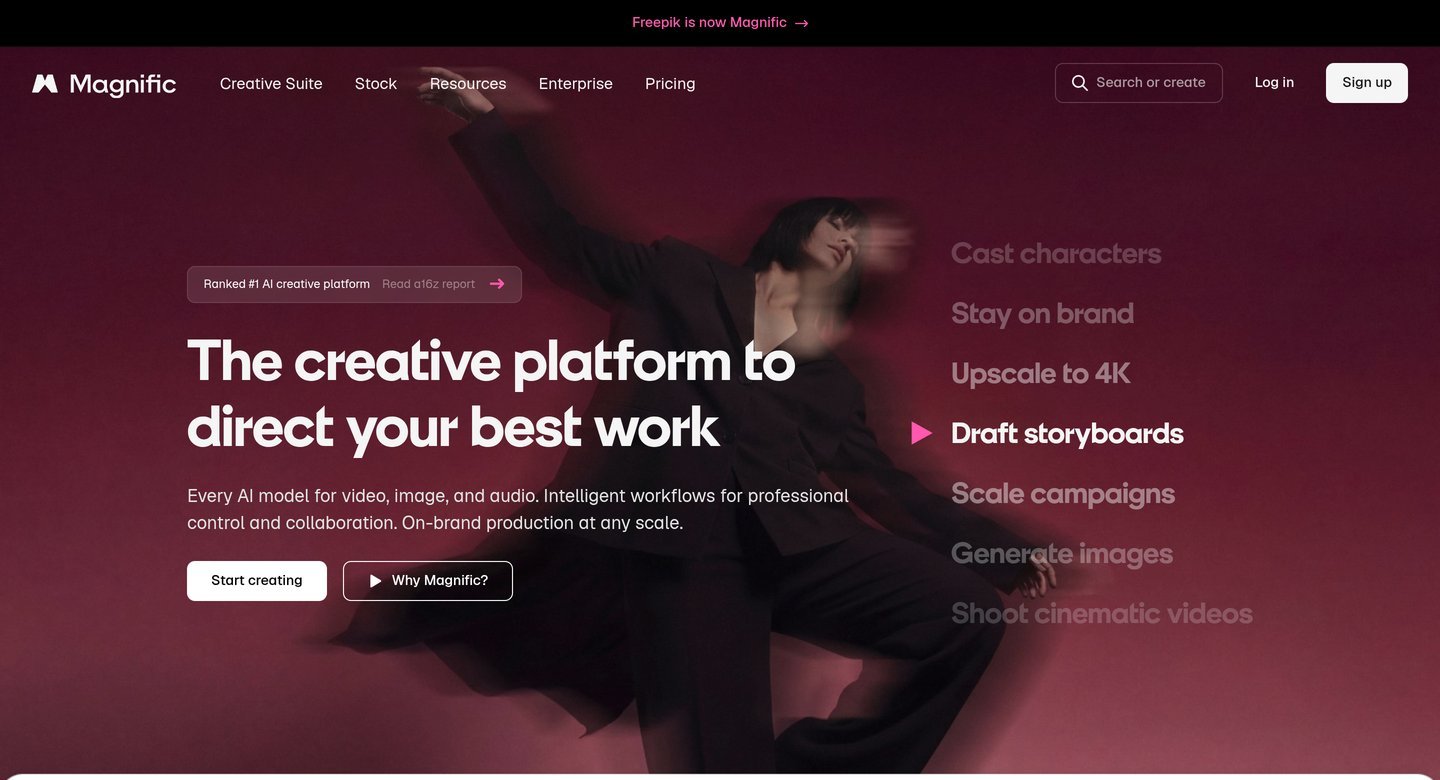
Magnific homepage, captured Nov 2026.
Magnific is a generative upscaler that invents new detail under Creativity and Resemblance controls you can tune. Its diffusion models produce more visually striking results than faithful upscalers, especially for Midjourney images and campaign art. Premium costs $20 a month billed monthly, or $14.50 a month billed annually, with 20,000 credits shared across image, video and audio tools.
The trade off is accuracy. Invented detail looks great but was never in the original photo, so it suits creative work better than factual product images. It suits artists and campaign teams who want striking large prints.
Fotor is a friendly all-round editor with a one-click AI image upscaler beside enhancement, background removal and templates. It suits casual users who want a quick enlargement without learning an editor or installing software. Pro costs $8.99 a month on monthly billing, or about $3.33 a month billed annually, and a free tier covers trials.
The trade off is depth. It is built for casual use, so it lacks the model choice of Topaz or the batch power of Let's Enhance. It suits anyone who upscales the odd photo for social or web use.
What we like
One-click upscaling in the browser
Among the cheapest paid routes here
Free tier for trials
Watch out for
Built for casual users, not pros
Free tier has limits and watermarks
No batch mode like Let's Enhance
Pro+ adds more credits and features for $19.99 a monthVisit fotor.com
08
Icons8 Smart Upscaler
4.3/5on Trustpilot (75 reviews, checked Nov 2026)
Paid from$6.50/mo
Best low-cost upscaling for graphics
Free tierYes
Credits10,000/mo on the plan
Per upscaleAbout 9 credits
Paid planOnly AI tools, $6.50/mo
icons8.com
Icons8 Smart Upscaler homepage, captured Nov 2026.
Icons8 Smart Upscaler is the low-cost pick for icons, illustrations and web graphics. Its Only AI Tools plan costs $6.50 a month for 10,000 AI credits, with about 9 credits per upscale, which covers about 1,111 upscales a month. It holds a 4.3 out of 5 Trustpilot score from 75 reviews, with a clear statement that it does not train on your images.
The trade off is scope. Output limits are small and it has few features beside upscaling, so it is not a photo repair tool. It suits designers who upscale icons and web graphics in volume.
What we like
Cheapest paid plan in this list
About 1,111 upscales a month
Does not train on your images
Watch out for
Small output limits
Few features beside upscaling
Not a photo repair tool
Higher Icons8 plans add icons, photos and illustrationsVisit icons8.com
09
Pixelcut
1.7/5on Trustpilot (70 reviews, checked Nov 2026)
Paid from$10/mo
Best unlimited upscaling for sellers
Free tier3 HD upscales/day
UpscalesUnlimited on Pro
PlatformsWeb, iOS, Android
Paid planPro, $10/mo
pixelcut.ai
Pixelcut homepage, captured Nov 2026.
Pixelcut is a mobile-first editor for ecommerce sellers, with an AI upscaler that promises unlimited upscales on the Pro plan. It pairs upscaling with background removal, retouching and product templates, so a seller can shoot, clean and enlarge a product photo in one app. Pro costs $10 a month on monthly billing, or $8 a month billed annually.
The trade off is trust. Its Trustpilot score is 1.7 out of 5 from 70 reviews, with complaints about billing and limits, and batch exports are capped by plan. It suits sellers who want fast mobile upscaling and accept the rough edges.
Faithful upscalers recover detail that is probably in the original file. They suit product photos, prints and restoration, where accuracy matters.
Generative upscalers imagine new texture under creativity controls. They suit AI art, campaign imagery and social content, where a striking result matters more than strict accuracy.
Pick the faithful kind when the image must stay true, and the generative kind when the image is a starting point.
How we chose
We started from the image upscalers most often compared in 2026, then kept those with a real upscaling feature and a published price.
Prices come from vendor pricing pages and recent pricing comparisons, checked on 24 November 2026. Ratings come from G2 and Trustpilot on the same date. Where a vendor shows a sale, the list shows the regular price.
Topaz moved from one-time licences to subscriptions in late 2025, so this list uses subscription prices. No vendor paid for a place, and we did not try each tool ourselves for this list.
How to choose an AI image upscaler tool
Start with how many images you upscale each month, then check the max output size.
Count your monthly images. Under 100 images a month, a credit plan is cheapest. Over 1,000, a flat-rate desktop subscription wins.
Check the max output size. Let's Enhance reaches 512 megapixels and Topaz reaches 32,000 pixels on the long edge. Browser tools cap lower.
Try the free tier on your hardest image. Upscale a noisy scan or a tiny product shot first. That shows the real quality gap between tools.
Decide faithful or generative. Pick Topaz or Let's Enhance when accuracy matters, and Magnific when you want invented detail.
FAQ
What is the best AI image upscaler?
Topaz Photo AI is the best pick for photographers. It combines denoise, sharpen, upscale and face recovery in one desktop app, from $39 a month.
Is there a free AI image upscaler?
Yes. Upscayl is free and open source on desktop, Upscale.media upscales free with no account, and Let's Enhance gives 10 free credits on signup.
What is the cheapest AI image upscaler?
Icons8 Smart Upscaler costs $6.50 a month for about 1,111 upscales, and Fotor Pro is $8.99 a month. Upscayl is free on desktop.
How much can AI upscalers enlarge an image?
Let's Enhance upscales to 16x with output up to 512 megapixels, and Topaz Gigapixel pushes images up to 6x or 32,000 pixels on the long edge.
Do AI upscalers work on old photos?
Yes. Topaz, VanceAI and Let's Enhance all handle old scans, with denoise and sharpening beside upscaling. Results depend on how damaged the original is.
Which upscaler is best for product photos?
Let's Enhance is the best pick for product catalogues. It batches up to 20 images at once with models tuned for products, from $12 a month.