Best AI Image Generation Tools in 2026: 9 Tools Compared
WLWPLegible EditorsLast verified 22 Nov 2026How we rank13 min read
★ Short answer
Midjourney is the best AI image generation tool for most people, with the most distinctive artistic style and a 4.4 out of 5 G2 rating. Pick ChatGPT for image creation inside a chatbot you already use, and Adobe Firefly for commercially safe images inside Adobe apps.
How we make this list: we compare pricing pages, product documentation and public user reviews, then re-check every price before each update. No product paid for a place. Disclosure.
Midjourney leads on artistic quality but has no free plan: Basic costs $10 a month.
ChatGPT is the cheapest paid entry here at $8 a month for Go, with Plus at $20 a month for more image creation.
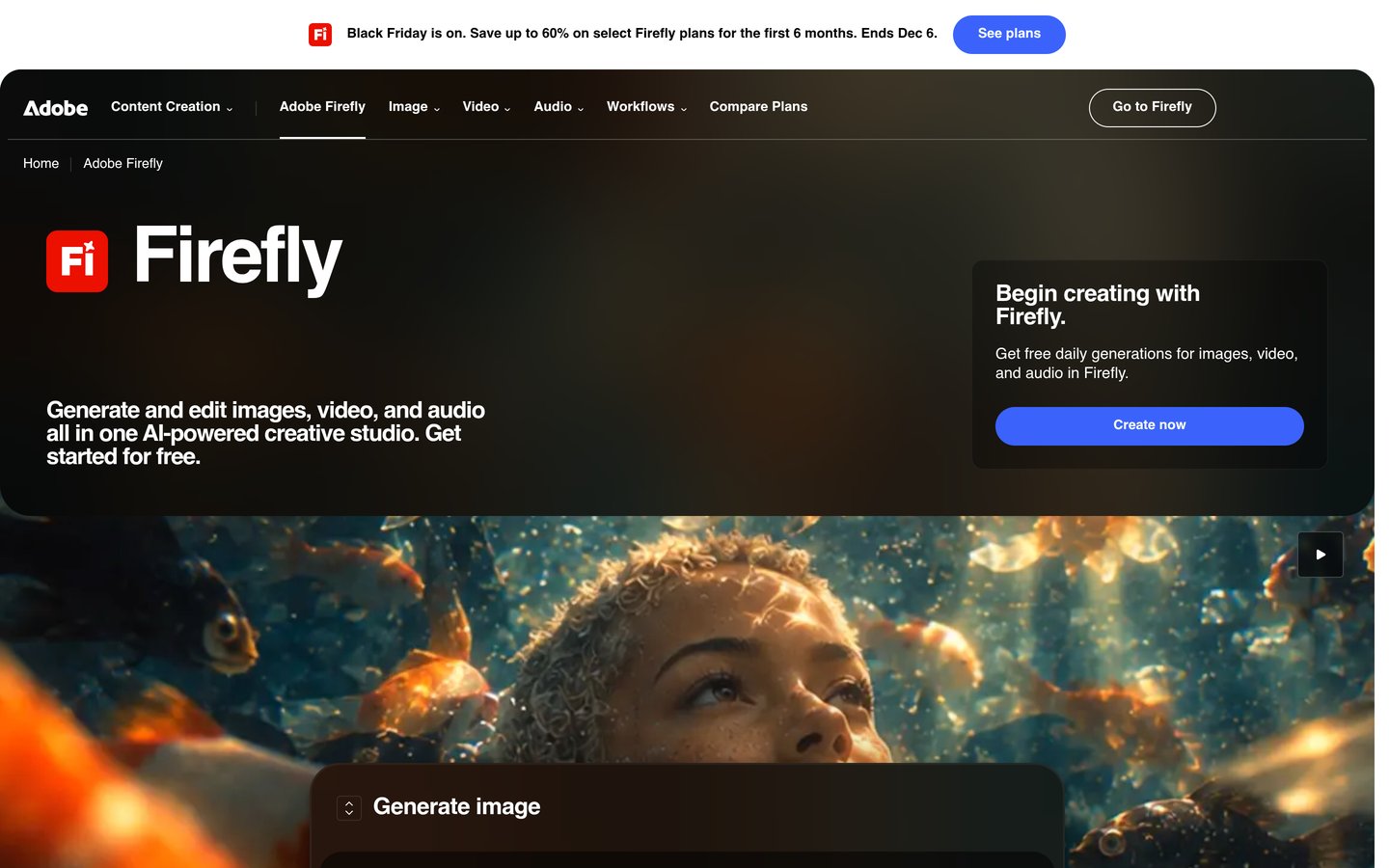
Adobe Firefly Standard costs $9.99 a month for 2,000 credits and images Adobe describes as commercially safe.
Ideogram is the pick for images with words in them, but Plus costs $20 a month, the joint highest here.
Paid plans in this list run from $8 to $20 a month, and every tool except Midjourney has a free tier of some kind.
What to look for in an AI image generator
AI image tools turn a written prompt into a finished picture in under a minute. The best ones differ less in speed than in style, control over text, and what the paid plan actually buys.
Credits are the hidden cost. Most tools sell a monthly allowance of credits or tokens, and one image can cost several credits, so check the allowance before you compare headline prices.
Commercial use matters if the image goes on a site or in an ad. Adobe Firefly is trained on licensed content, which is why brand teams pick it, and our guide on optimizing images for WordPress covers what to do with the file once it is made.
Free tiers are real but limited. Most give a small daily or weekly allowance and keep images public, so treat the free plan as a trial and pay only when the allowance runs out.
Midjourney is a subscription image generator that runs on the web and in Discord, known for painterly, detailed images that look less like stock photos than most rivals. The Basic plan costs $10 a month, or $8 a month billed yearly, and includes 3.3 hours of fast GPU time a month.
The trade off is that there is no free plan at all, so you pay before you generate a single image, and Basic has no Relax mode for unlimited slow generations. It suits artists, designers and marketers who want a distinctive look and generate images most days.
ChatGPT is OpenAI's chatbot, and its image generation sits inside the same conversation, so you can describe, edit and iterate on an image by chatting. The free plan includes limited image creation, and the cheapest paid plan, Go, costs $8 a month with more image creation included.
The trade off is that the cheapest plan is still limited. Plus costs $20 a month and adds more complex and accurate image creation, so heavy image users pay more than the entry price. It suits anyone who already uses ChatGPT daily and wants images without learning a new tool.
Adobe Firefly is Adobe's image, video and vector generator, built into Photoshop, Express and the Firefly web app. The free plan gives daily generations, and Standard costs $9.99 a month for 2,000 generative credits, with unlimited standard image generation from Firefly's own model.
The trade off is credits. Partner models such as ChatGPT Image and FLUX use credits from the same pool, so a month of heavy partner-model use can run out fast. It suits brand teams and Adobe users who need images they can use commercially without copyright worry.
3.7/5on Trustpilot (170 reviews, checked Nov 2026)
Paid from$20/mo
Best for images with text in them
Free planYes, 30 credits a week
Credits2,400 a month on Plus
Text in imagesYes, its main strength
Paid planPlus, $20/mo
ideogram.ai
Ideogram homepage, captured Nov 2026.
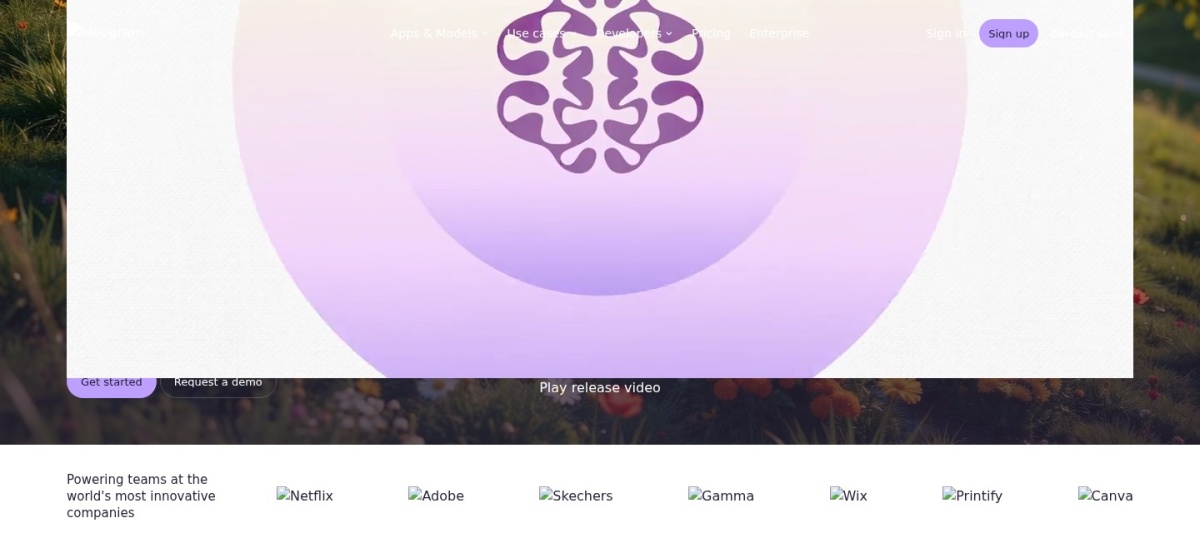
Ideogram is an image generator built for pictures that contain words, such as posters, packaging and ad creative, where most rivals misspell the text. The free tier gives 30 credits a week when you sign in with Google, Apple or Microsoft, and Plus costs $20 a month, or $15 a month billed yearly.
The trade off is price and reputation. Plus is the joint most expensive entry plan here, and Ideogram scores 3.7 out of 5 on Trustpilot, with reviewers praising image quality but complaining about billing. It suits marketers who need legible text on the image itself.
What we like
Best text rendering in this list
Private generation and unlimited slow queue on Plus
Leonardo AI is a creative platform for images and video, with several image models, character consistency and tools for game art and product shots. The free plan gives 150 tokens a day, and Apprentice costs $12 a month, or $10 a month billed yearly, for 8,500 tokens a month.
The trade off is the token system. Free images are public, unused paid tokens roll over for a limited time only, and costs vary by model and setting. It suits creators who generate images daily and want a usable free tier before paying.
Freepik, now rebranded as Magnific, pairs a stock library of more than 250 million photos, vectors and videos with AI image, video and audio generation across many models. The free plan gives daily AI images, and Premium costs $20 a month, or $14.50 a month billed yearly, for 240,000 credits a year.
The trade off is that the brand and billing have moved. Freepik rebranded to Magnific in April 2026, freepik.com/pricing now redirects to Magnific, and credits are pooled by the year, so unused monthly credits do not simply roll over. It suits designers who want stock and AI generation in one subscription.
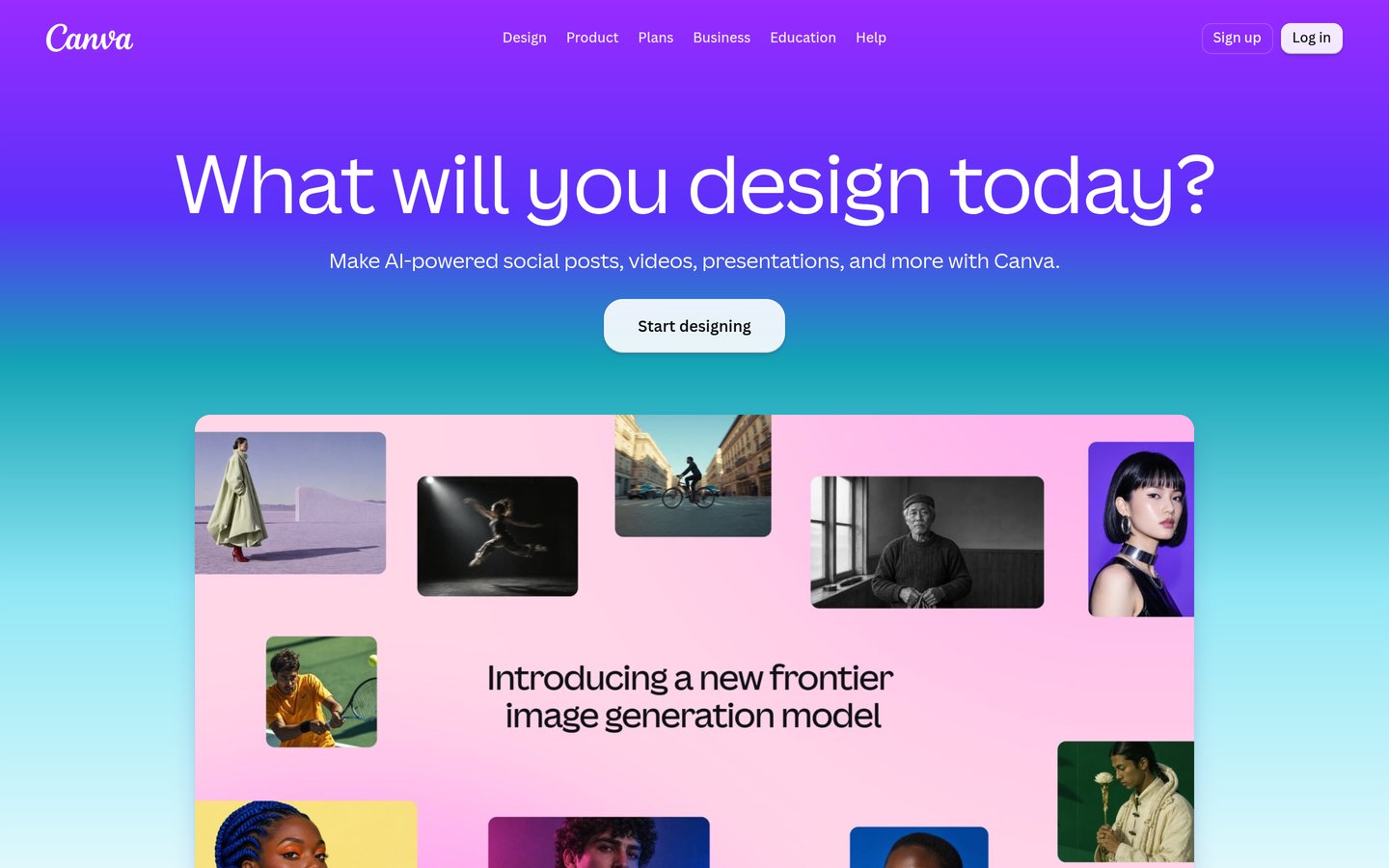
Canva is a design platform with more than 220 million monthly users, and its Magic Media tool generates images inside the editor, ready to drop into a post, slide or flyer. The free plan includes limited AI uses, and Pro costs $15 a month, or $120 a year, with the full Magic Studio suite and 1 TB of storage.
The trade off is image quality. Canva's own image generation lags the pure image tools on detail and realism, and it is a design subscription first, not a dedicated image generator. It suits small businesses and social media managers who design in Canva already.
What we like
Images go straight into finished designs
Largest user base after ChatGPT
Strong free plan for basic design work
Watch out for
Image quality lags Midjourney and Firefly
Full AI access needs the Pro subscription
Pro adds Brand Kit, background remover and 1 TB storageVisit canva.com
08
Recraft
4.7/5on G2 (456 reviews, checked Nov 2026)
Paid from$12/mo
Best for vectors and brand images
Free planYes, daily credits
Credits1,000 a month on Basic
Vector outputYes, editable SVG
Paid planBasic, $12/mo
recraft.ai
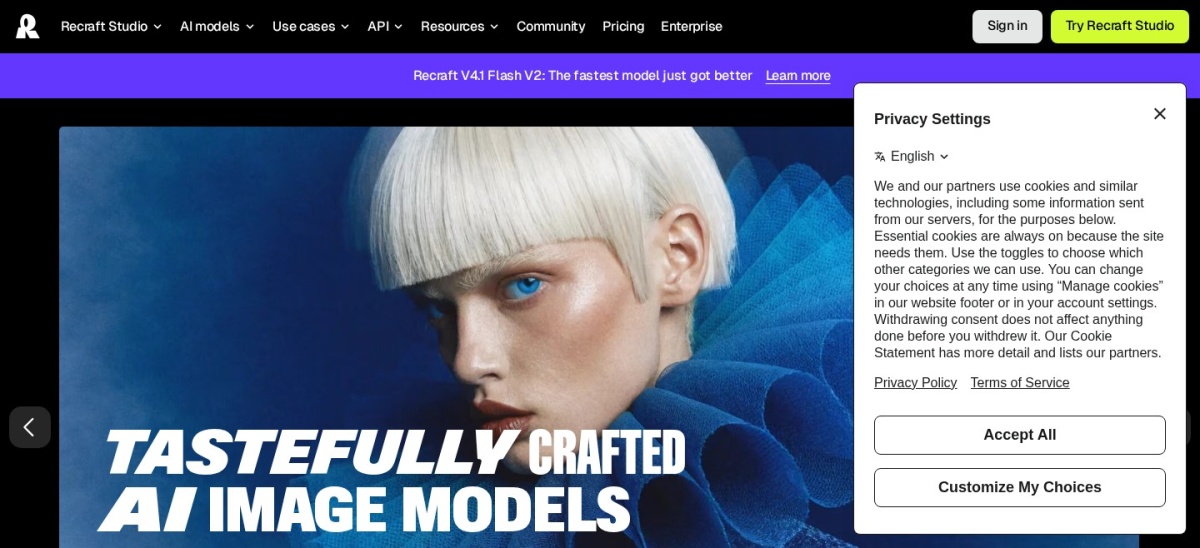
Recraft homepage, captured Nov 2026.
Recraft is an AI design tool for raster images, editable vector graphics, mockups and icons, with custom styles that keep a brand look across images. The free plan gives daily credits for Recraft's own models, and Basic costs $12 a month, or $10 a month billed yearly, for 1,000 credits a month.
The trade off is ownership on the free plan. Free images are public and for personal use only, and commercial rights and private generations start on Basic. It suits designers who need logos, icons and illustrations as vectors, not just flat images.
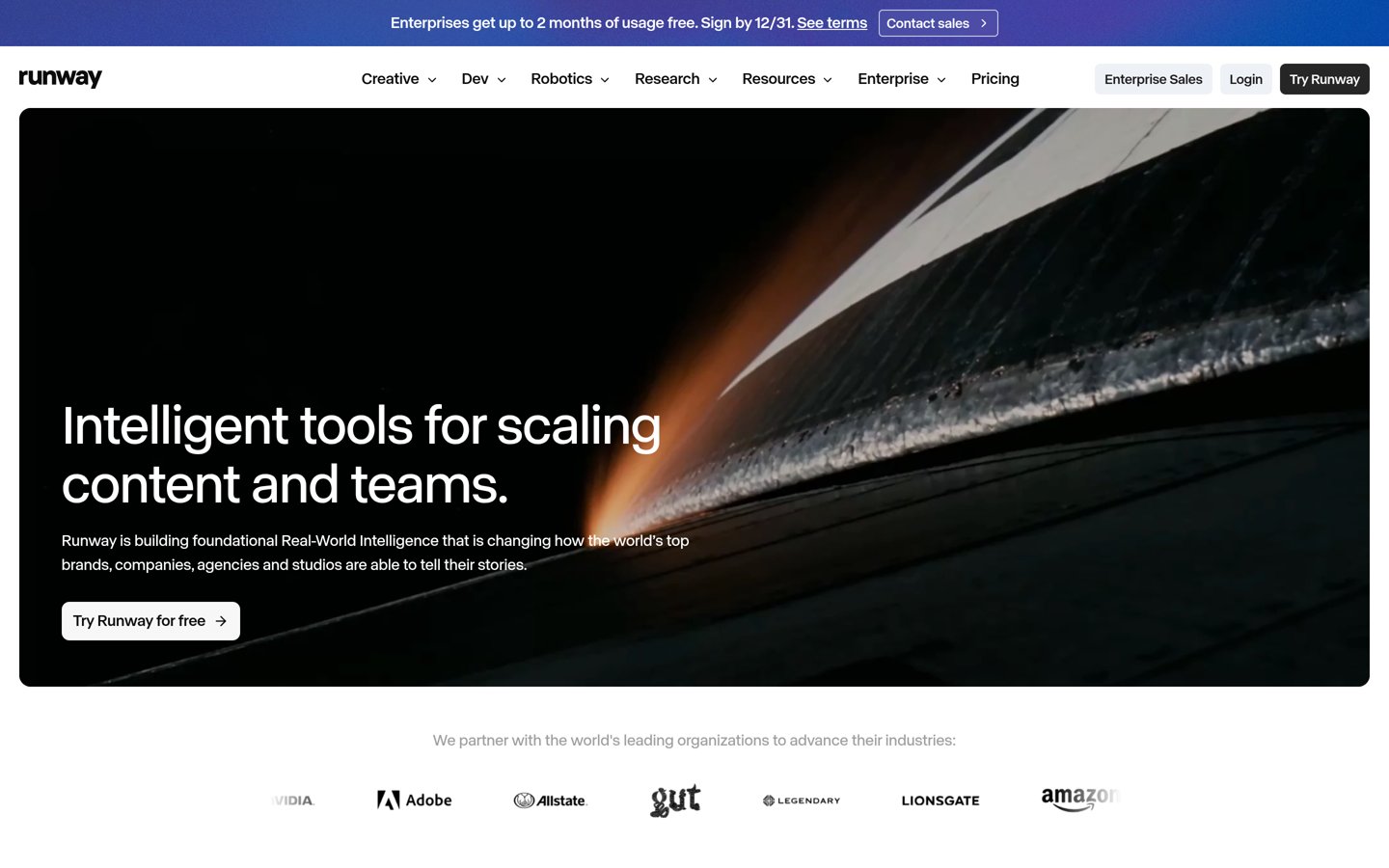
Runway is a creative platform for video, images and audio, built around its Gen-4.5 model, with image generation as the starting point for video clips. The free plan gives 125 one-time credits, and Standard costs $15 a month, or $12 a month billed yearly, for 625 credits a month.
The trade off is that Runway is a video tool first. Its 625 credits buy only about 52 seconds of Gen-4.5 video a month, and the free credits never refill. It suits creators who want to turn a still image into a short clip in the same workspace.
Free plans cover trying a tool well. Most give a small daily or weekly allowance, enough to learn the style and the prompt habits that work.
Paid plans mostly add privacy, volume and rights. Private images, commercial use and larger credit allowances sit behind the paywall on Ideogram, Leonardo and Recraft.
Midjourney is the exception: there is no free plan at all, so the $10 a month Basic plan is the entry price, not an upgrade.
For a business, one paid month often costs less than a single stock photo licence, so pay once the free allowance runs out every month.
Common mistakes when picking an image generator
Paying for the wrong allowance is the most common mistake. A credit pool that looks large can vanish in a week if each image costs several credits, so check the per-image cost first.
Ignoring commercial rights is the second. Free images on Leonardo and Recraft are public and not licensed for commercial use, so do not put them in ads.
Judging a tool on one prompt is the third. Style, text accuracy and editing differ widely, so run the same three prompts through two tools before you pay.
How we chose
We started from the most widely used AI image generators, then kept those with a verifiable rating on G2 or Trustpilot and a published pricing page.
Prices come from each vendor's pricing page, checked on 22 November 2026. Ratings and review counts come from G2 on the same day, except Ideogram, which is rated on Trustpilot. Where a vendor shows a sale, the list shows the regular price.
We left out tools with no verifiable rating or no published price. No vendor paid for a place, and we do not claim hands-on testing for this list.
How to choose an AI image generation tool
Start with what the image is for, then check the free plan before you pay.
Decide what the image is for. Art and posters favour Midjourney and Ideogram, brand work favours Firefly, and social graphics favour Canva.
Try the free plan first. Every tool here except Midjourney has a free tier. Use it for a week to learn the style and the credit cost per image.
Check text, privacy and rights. Ideogram spells best, paid plans keep images private, and free images on Leonardo and Recraft are not for commercial use.
Check the monthly cost, not the headline. A $10 plan with 3.3 fast GPU hours and a $20 plan with 2,400 credits buy very different amounts of images. Budget for the allowance, not the price tag.
FAQ
What is the best AI image generation tool?
Midjourney is the best overall pick for most people, with the most distinctive artistic style and a 4.4 out of 5 G2 rating. Pick ChatGPT if you want images inside a chatbot, and Adobe Firefly if you need commercially safe images.
Which AI image generator is best for text in images?
Ideogram is the best pick for images with words in them, such as posters and ads, because it spells more reliably than its rivals. Its Plus plan costs $20 a month, or $15 a month billed yearly, and adds private generation.
Is there a free AI image generator?
Yes. ChatGPT, Adobe Firefly, Ideogram, Leonardo AI, Freepik, Canva, Recraft and Runway all have a free tier. The allowances are small and most free images are public, so treat the free plan as a trial.
How much does Midjourney cost?
Midjourney Basic costs $10 a month, or $8 a month billed yearly, and includes 3.3 hours of fast GPU time a month. There is no free plan, and Standard costs $30 a month with Relax mode for unlimited slow generations.
Can I use AI-generated images commercially?
It depends on the tool and the plan. Adobe Firefly is trained on licensed content for commercial use, while free images on Leonardo AI and Recraft are public and for personal use only. Check the licence on your plan before using an image in an ad.
Which AI image generator is cheapest?
ChatGPT Go is the cheapest paid plan here at $8 a month, with limited image creation included. Adobe Firefly Standard is $9.99 a month, and Midjourney Basic and Recraft Basic are $10 to $12 a month.