Best AI Image Inpainting Tools in 2026: 9 Tools Compared
WLWPLegible EditorsLast verified 24 Nov 2026How we rank12 min read
★ Short answer
Adobe Photoshop Generative Fill is the best AI image inpainting tool for most people. It fills selections with prompt-guided results inside a full editor, from $22.99 a month, rated 4.6/5 on G2. Pick Cleanup.pictures for free one-off object removal and Canva if you edit inside designs.
How we make this list: we compare pricing pages, product documentation and public user reviews, then re-check every price before each update. No product paid for a place. Disclosure.
Adobe Photoshop Generative Fill is the professional standard, with layers, masks and prompt control from $22.99 a month.
Cleanup.pictures is the fastest free option: no account, unlimited images, with Pro at $5 a month for full resolution.
Canva puts inpainting inside the design editor most teams already use, on Pro at $15 a month.
Leonardo AI adds prompt-driven inpainting on a canvas workspace, from $12 a month with about 150 free tokens a day.
PicWish pairs object removal with background removal for product photos, from $9.99 a month.
What AI image inpainting should do
Inpainting is the AI trick of repainting part of an image. You brush over an unwanted object, a blemish or an empty area, and the tool fills the gap with content that matches the surrounding pixels.
The tools in this list split three ways. Full editors such as Photoshop and Luminar Neo give you layers, masks and prompts. Browser tools such as Cleanup.pictures and PicWish do one job fast with no install. Design tools such as Canva and PhotoRoom put inpainting inside templates and product listings.
Free tiers cap resolution or daily uses. Cleanup.pictures exports free images at 720 pixels, and most browser tools watermark or limit free exports. Our guide on AI image enhancement tools covers the wider cleanup side.
Generative fill uses monthly credits on the bigger platforms. Photoshop's single-app plan includes 25 generative credits a month, so heavy users need a bigger plan.
Adobe Photoshop Generative Fill is the top pick for professional inpainting. It combines precise selections, layers, masking and a choice of AI models, so you can prompt-fill a missing area, extend a scene or replace an object with full control. The single-app plan costs $22.99 a month on an annual plan, and the Photography plan with Lightroom costs $19.99 a month.
The trade off is credits. The single-app plan includes only 25 generative credits a month, and the full editor takes time to learn. It suits photographers, retouchers and designers who already work in Photoshop.
What we like
Deepest inpainting control in this list
Prompt fill with layers and masks
Largest review base here, 13,426 reviews
Watch out for
Only 25 generative credits a month on the entry plan
Full editor takes time to learn
No free plan beyond a 7-day trial
Photography plan adds Lightroom for $19.99 a monthVisit adobe.com
02
Canva
4.7/5on G2 (7,678 reviews, checked Nov 2026)
Paid from$15/mo
Best inpainting inside designs
Free tierYes, limited AI
InpaintingMagic Eraser
AI credits500/mo on Pro
Paid planPro, $15/mo
canva.com
Canva homepage, captured Nov 2026.
Canva puts AI inpainting inside the design editor most teams already use. Magic Eraser brushes objects out of photos, Magic Expand grows images, and background removal sits beside templates, brand kits and social formats. Pro costs $15 a month, or $144 a year on annual billing, with a 30-day trial.
The trade off is that Canva is a design tool first. Its inpainting is quick and easy but lacks the layer control and model choice of Photoshop. It suits marketers and social teams who edit inside designs.
Cleanup.pictures is the fastest free way to remove an object from a photo. Open the site, upload, brush over the unwanted area and download, with no account and no install. The free tier allows unlimited images with exports capped at 720 pixels. Pro costs $5 a month, or $36 a year, for full resolution and a high-quality refiner.
The trade off is trust and scope. Its Trustpilot score is 2.0 out of 5 from 11 reviews, with billing complaints, and it cannot invent new content with a prompt. It suits quick one-off cleanups on web-sized images.
Leonardo AI puts inpainting on a canvas workspace where you place your image, brush a region and prompt what should appear there, with generation strength settings for control. It suits generative artists who grow scenes imaginatively rather than invisibly. The free tier grants about 150 tokens a day, and paid plans start at $12 a month.
The trade off is that it is a generation platform first. Its inpainting is prompt-driven and stylised, so it fits creative work better than invisible photo repair. It suits artists and game-asset creators who already use Leonardo.
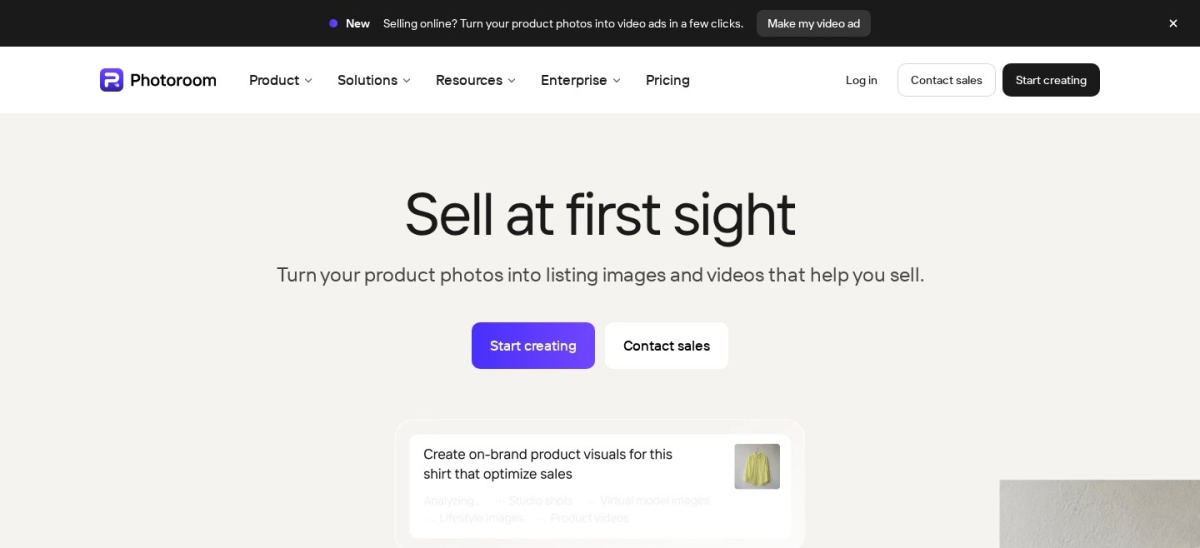
PhotoRoom is the ecommerce pick for product photos, with object removal, background removal and batch editing built for sellers. Its AI tools clean up product shots fast, and templates turn them into listings and ads. Pro costs $12.99 a month, or $90 a year on annual billing.
The trade off is scope. It is built for product photos, not general retouching, so it lacks layers and prompt fill. It suits online sellers who clean up product images every day.
Luminar Neo is the desktop photo editor for photographers who want AI edits without learning Photoshop. Its GenErase tool removes objects with one brush stroke, beside sky replacement, portrait enhancement and background tools. A monthly subscription costs $14.95, and one-time desktop licences start at $129, with generative tools included for 12 months.
The trade off is the licence clock. Generative tools stop after a year unless you renew, and the editor is simpler than Photoshop by design. It suits enthusiasts and semi-pro photographers who want fast results.
What we like
One-click AI edits, no learning curve
GenErase plus sky and portrait AI
Rated 4.4/5 on G2
Watch out for
Generative tools need renewal after 12 months
Simpler than Photoshop by design
No free plan beyond a trial
Cross-device and Max licences add mobile and a libraryVisit skylum.com
07
Pixlr
4.4/5on G2 (751 reviews, checked Nov 2026)
Paid from$7.99/mo
Best free browser editor
Free tierYes, with ads
LayersYes
Generative fillYes
Paid planPlus, $7.99/mo
pixlr.com
Pixlr homepage, captured Nov 2026.
Pixlr is a capable AI editor that runs entirely in the browser, with AI remove, generative fill and enhance tools beside a full layer editor. It suits casual users who want Photoshop-style editing without an install. The free tier works with ads, and Plus costs $7.99 a month.
The trade off is that the free tier shows ads and caps some features, and its AI tools are simpler than Photoshop's. It suits quick browser edits and users who want layers without paying for Adobe.
Fotor is a friendly all-round editor with one-click enhancement, background removal, AI expand and inpainting beside it. Its AI Image Extender grows images to a chosen size with two variations per request, and inpainting fixes small flaws. Pro costs $8.99 a month on monthly billing, or about $3.33 a month billed annually, and a free tier covers trials.
The trade off is depth. It is built for casual users, so it lacks the precise control of Photoshop or the canvas of Leonardo AI. It suits anyone who wants quick, good-looking edits without learning an editor.
What we like
One-click enhancement that works
Among the cheapest paid routes here
Free tier for trials
Watch out for
Built for casual users, not pros
Free tier watermarks some exports
Two variations per expand request
Pro+ adds more credits and features for $19.99 a monthVisit fotor.com
09
PicWish
4.8/5on G2 (6 reviews, checked Nov 2026)
Paid from$9.99/mo
Best for product photo cleanup
Free tierYes
PlatformsWeb, desktop, mobile
Background removalYes
Paid planPro, $9.99/mo
picwish.com
PicWish homepage, captured Nov 2026.
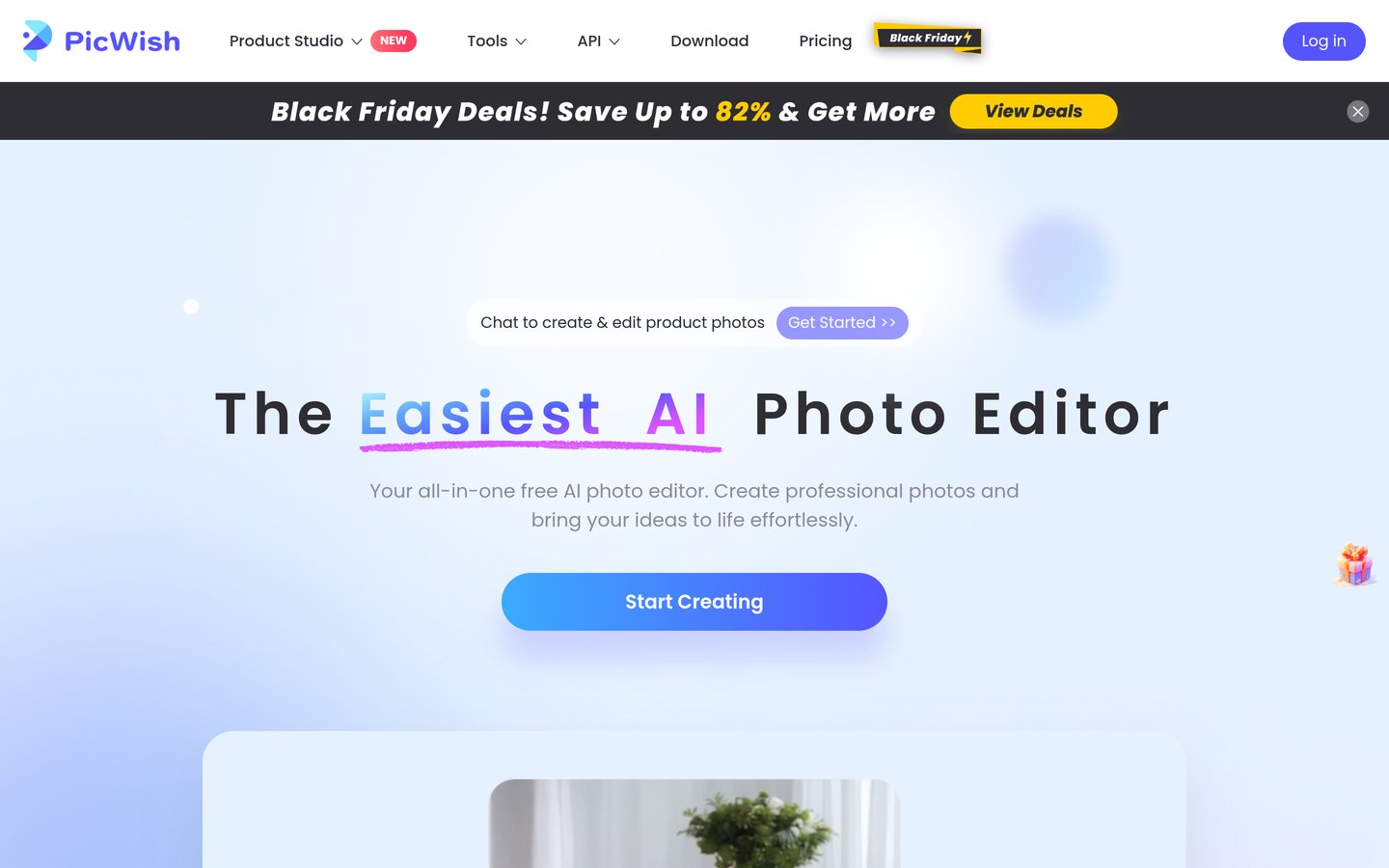
PicWish is a photo editing suite built around product photos, with object removal, background removal and enhancement on web, desktop and mobile. Upload a product shot, brush over a mark, and the tool fills the area with nearby texture. It is the quickest all-round option for sellers. Pro costs $9.99 a month, or $4.99 a month billed annually.
The trade off is that it is a suite, not a pro editor. It lacks layers and prompt fill, and costs rise with volume on credit plans. It suits ecommerce sellers who clean up product photos every day.
Simple removers such as Cleanup.pictures fill a brushed area with nearby texture. They are fast and free, but they cannot invent new content.
Prompt fill tools such as Photoshop Generative Fill, Leonardo AI and Canva let you describe what should appear instead. That is the difference between removing a tourist and adding a bench.
For clean backgrounds, a simple remover is enough. For anything that needs new detail, pick a prompt tool.
How we chose
We started from the inpainting and object-removal tools most often compared in 2026, then kept those with a real inpainting feature and a published price.
Prices come from vendor pricing pages and recent pricing comparisons, checked on 24 November 2026. Ratings come from G2 and Trustpilot on the same date. Where a vendor shows a sale, the list shows the regular price.
We left out tools with no published price or no public rating. No vendor paid for a place, and we did not try each tool ourselves for this list.
How to choose an AI image inpainting tool
Start with the kind of edit you make most, then check the free limits.
Decide prompt fill or simple removal. If you need to invent new content, pick Photoshop, Leonardo AI or Canva. For removing objects, a simple browser tool is enough.
Test on your own photos first. Free tiers let you try real images. Compare the same photo across two tools before paying.
Check the free export limits. Free plans cap resolution or daily uses. Cleanup.pictures caps free exports at 720 pixels.
Count generative credits. Photoshop and Leonardo AI meter AI features by credits. Heavy users need a bigger plan than the entry tier.
FAQ
What is the best AI image inpainting tool?
Adobe Photoshop Generative Fill is the best pick for most people. It combines precise selections, layers and prompt-guided fill in one editor, from $22.99 a month.
Is there a free AI inpainting tool?
Yes. Cleanup.pictures removes objects free with no account, though exports cap at 720 pixels. Canva, Fotor, PhotoRoom and Pixlr also have free tiers.
What is the cheapest AI inpainting tool?
Cleanup.pictures Pro costs $5 a month, or $36 a year. Pixlr Plus is $7.99 a month and Fotor Pro is $8.99 a month.
Can AI inpainting remove people from photos?
Yes. Brush over the person and the tool repaints the background. Results are cleanest on uniform backgrounds; busy scenes can smear or repeat patterns.
Does inpainting work on mobile?
Yes. Canva, Fotor and Pixlr all run on mobile apps with object removal built in, while Cleanup.pictures works in a mobile browser.
Which inpainting tool is best for product photos?
PicWish is the best pick for product photos. It pairs object removal with background removal and enhancement in one suite, from $9.99 a month.