RoomSketcher is the best AI house design app for most homeowners and remodelers, pairing 4.4 out of 5 Trustpilot ratings across 410 reviews with AI Render and 2D/3D floor plans from $24 a month. Homestyler fits budget interior styling from $6.80 a month, while Foyr Neo suits studio rendering.
How we make this list: we compare pricing pages, product documentation and public user reviews, then re-check every price before each update. No product paid for a place. Disclosure.
RoomSketcher leads on review score with 4.4 out of 5 across 410 Trustpilot reviews and a permanent free tier.
Homestyler has the lowest entry subscription at $6.80 a month plus a 4.7 out of 5 G2 score from 20 reviews.
Planner 5D offers a $59.99 yearly Premium plan with 100 monthly AI credits and a 10,000+ item catalog.
Foyr Neo delivers up to 12K studio renders from $33 a month, backed by 179 Trustpilot reviews.
HomeDesigns AI and REimagineHome specialize in photo-based exterior and room restyling rather than CAD floor plans.
What to look for in an AI house design app
AI house design apps fall into two distinct workflows: photo restylers that transform uploaded room or exterior pictures in seconds, and spatial 2D/3D planners that build measured floor plans with AI rendering on top. Picking the wrong category leads to wasted credits, because a photo restyler cannot output scaled wall dimensions for a contractor, while a floor planner takes longer to set up for quick paint or facade previews.
Check how each vendor meters usage before subscribing. Most platforms sell monthly credits where every regeneration, upscale or 3D snapshot deducts from your allowance, and unused credits rarely roll over. Look closely at whether the entry tier removes watermarks, preserves existing wall and window geometry, and grants commercial rights if you stage listings for clients.
Watch the gap between monthly and annual billing. Several home design suites advertise single-digit monthly rates that require paying a full year upfront, while month-to-month billing costs two to four times more. Always confirm cancellation steps in your account settings before starting a discounted trial.
4.4/5on Trustpilot (410 reviews, checked Nov 2026)
Paid from$144/yr
Best for 2D/3D floor plans with AI renders
Free plan2 starter credits + 1 AI conversion
Entry paid$24/mo ($144/yr billed annually)
AI featuresAI Render + AI blueprint conversion
PlatformsWeb, Windows, macOS, iOS, Android
roomsketcher.com
RoomSketcher homepage, captured Nov 2026.
RoomSketcher is a 2D and 3D floor plan platform with built-in AI Render and blueprint conversion tools. Its permanent Free plan includes 2 starter credits, 1 free AI floor plan conversion, watermarked 3D snapshots and access to basic furniture items without requiring a credit card.
The trade off is a strict credit economy where 3D photos, 360 views and AI renders consume monthly credits, and Pro costs $24 a month at regular monthly rates or $144 billed annually. It suits homeowners, remodelers and real estate agents who need scaled floor plans alongside photorealistic visuals.
What we like
4.4 out of 5 Trustpilot score across 410 reviews
Permanent free tier with no credit card required
Combines scaled 2D/3D plans, LiDAR capture and AI Render
Annual billing cuts Pro pricing by 50% to $144/yr
Watch out for
Pro includes only 5 monthly credits before top-up packs
Free 3D snapshots carry watermarks
Pro unlocks the full furniture catalog, 5 monthly credits and watermark-free outputs.Visit roomsketcher.com
02
Homestyler
4.7/5on G2 (20 reviews, checked Nov 2026)
Paid from$6.80/mo
Best budget 3D planner and AI room stager
Free planUnlimited projects and 1K renders
Entry paid$6.80/mo (Pro+)
Model library1,000,000+ branded 3D items
PlatformsWeb browser, iOS, Android
homestyler.com
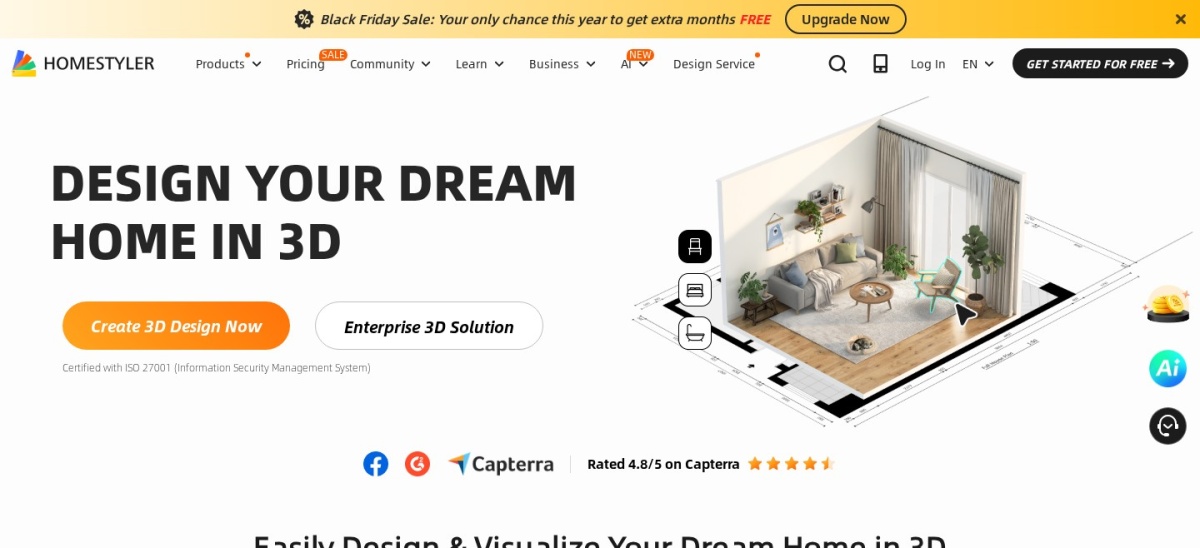
Homestyler homepage, captured Nov 2026.
Homestyler is a cloud 3D home design suite that pairs drag-and-drop floor planning with AI room staging and layout generation. The free Basic tier offers unlimited projects, unlimited 1K cloud renders, 3 trial AI credits and a library of over one million 3D furniture models.
The trade off is watermarked free renders and heavy browser memory usage on large multi-room houses, while Pro+ starts from $6.80 a month for 75 2K/4K renders and 180 AI credits. It suits DIY decorators who want real-brand furniture dimensions before buying.
What we like
4.7 out of 5 rating on G2 across 20 verified reviews
Generous free Basic tier with unlimited 1K renders
Lowest entry subscription price at $6.80 a month
Massive catalog of real furniture brands and materials
Watch out for
Free Basic renders include a Homestyler watermark
Lower Trustpilot score (2.9/5 from 11 reviews) citing billing friction
Pro+ removes watermarks and adds 180 monthly AI credits plus 75 2K/4K renders.Visit homestyler.com
03
Foyr Neo
4.4/5on Trustpilot (179 reviews, checked Nov 2026)
Starts at$33/mo
Best for fast studio 3D rendering
Free tier14-day free trial (no free plan)
Entry paid$33/mo (Basic, 30 render credits)
Catalog size50,000+ 3D models and textures
PlatformsWeb browser (cloud rendering)
foyr.com
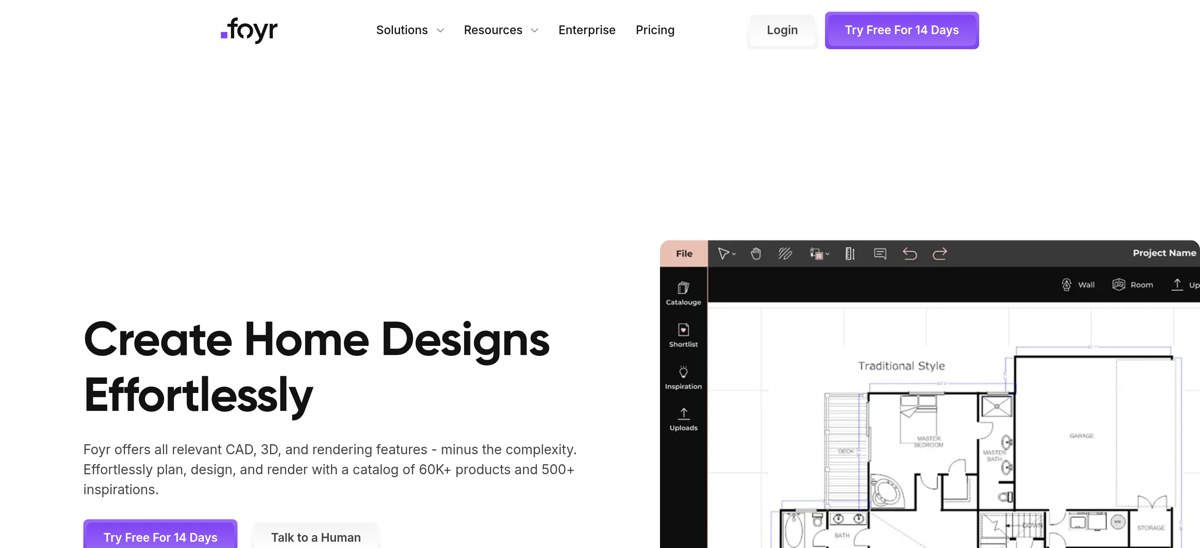
Foyr Neo homepage, captured Nov 2026.
Foyr Neo is a browser-based 3D interior design platform built for residential designers who want cloud-rendered presentations without desktop CAD hardware. There is no permanent free plan, though a 14-day trial lets you test its 50,000+ model catalog and AI-assisted lighting.
The trade off is recurring subscription cost starting at $33 a month for Basic with 30 render credits, climbing to $67 a month for walkthroughs and floor plan exports. It suits interior designers and residential builders who need fast client-ready renders.
What we like
4.4 out of 5 Trustpilot rating from 179 reviews
Cloud rendering up to 12K resolution in a web browser
Over 50,000 pre-built 3D furniture models and textures
Watch out for
No permanent free tier after the 14-day trial
Walkthroughs and floor plan exports require the $67/mo Standard tier
Basic includes 30 monthly render credits and full access to the 3D editor.Visit foyr.com
04
Cedreo
4.6/5on G2 (46 reviews, checked Nov 2026)
Paid from$139 one-time
Best for custom home builders and remodelers
Free plan1 project with basic drawing tools
Entry paid$139 one-time Personal (or $129/mo Pro)
Scope2D plans, 3D interiors, roofs and exteriors
PlatformsWeb browser
cedreo.com
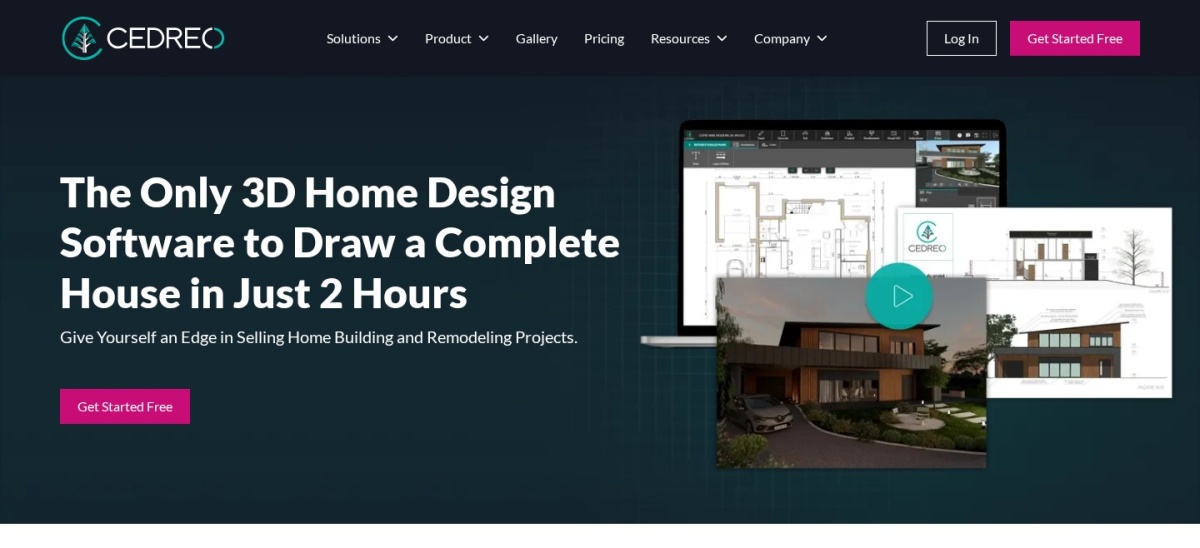
Cedreo homepage, captured Nov 2026.
Cedreo is a cloud-based 3D home design application geared toward residential builders, contractors and remodelers who draw complete houses including roofs, exterior elevations and terrain. Its Free plan covers one project with basic 2D/3D drawing tools so you can test the layout workflow.
The trade off is steep recurring pricing for regular users, as Personal is a $139 one-time single-project pass with 20 render credits and Pro jumps to $129 a month. It suits contractors and custom builders pitching full house remodels to clients.
What we like
4.6 out of 5 rating on G2 across 46 reviews
Handles multi-story roofs, exterior facades and site plans
One-time $139 Personal option avoids recurring billing for single builds
Watch out for
Pro subscription is expensive at $129 a month
Lacks engineering scales for permit-ready CAD blueprints
Personal unlocks 20 photorealistic rendering credits for one complete house project.Visit cedreo.com
05
Planner 5D
3.3/5on Trustpilot (897 reviews, checked Nov 2026)
Paid from$19.99/mo
Best cross-platform 3D home planner
Free planUnlimited projects + 50% of catalog
Entry paid$19.99/mo ($59.99/yr billed annually)
AI featuresAI Copilot, AI Studio and plan-to-3D
PlatformsWeb, iOS, Android, Windows, macOS
planner5d.com
Planner 5D homepage, captured Nov 2026.
Planner 5D is a cross-platform 2D and 3D home design app featuring AI floor plan recognition, an AI Copilot and a 10,000+ item catalog. The Free plan allows unlimited projects across web, mobile and desktop with access to roughly half of the furniture library and zero monthly AI credits.
The trade off is confusing trial billing noted in many of its 897 Trustpilot reviews, alongside a $19.99 monthly Premium rate ($59.99 billed yearly) for 100 monthly AI credits. It suits homeowners who want native mobile and desktop apps for room layouts.
What we like
Native apps across Web, iOS, Android, Windows and macOS
Free tier includes unlimited 2D/3D projects with no watermark
Annual Premium billing drops the effective rate to $59.99/yr
Watch out for
3.3 out of 5 Trustpilot score with complaints over trial renewals
CAD export and 360 walkthroughs require the $49.99/mo Professional tier
Premium unlocks the full 10,000+ item catalog, 100 monthly AI credits and plan-to-3D uploads.Visit planner5d.com
06
HomeDesigns AI
3.3/5on Trustpilot (1,388 reviews, checked Nov 2026)
Paid from$27/mo
Best for fast interior and exterior photo restyling
Free plan3 free daily credits
Entry paid$27/mo Individual (100 designs/mo)
CoverageInteriors, exteriors, gardens and color swap
PlatformsWeb browser
homedesigns.ai
HomeDesigns AI homepage, captured Nov 2026.
HomeDesigns AI is a photo-based restyling web app that transforms pictures of rooms, house facades and gardens in under 30 seconds. New accounts receive 3 free daily credits to test basic redesign, color swap and texture replacement modes before upgrading.
The trade off is aggressive upselling and frequent billing complaints across its 1,388 Trustpilot reviews, while the regular Individual plan starts at $27 a month for 100 designs. It suits homeowners seeking quick visual inspiration from existing property photos.
What we like
Covers interiors, house exteriors and garden landscaping in one tool
3 free daily credits let you test outputs without paying upfront
Over 80 design styles plus selective color and texture swap
Watch out for
3.3 out of 5 Trustpilot rating citing cancellation and upsell friction
Cannot create measured 2D or 3D architectural floor plans
Individual includes 100 monthly designs across 40+ styles and space types.Visit homedesigns.ai
07
Collov AI
2.8/5on Trustpilot (41 reviews, checked Nov 2026)
Paid from$19/mo
Best for real estate virtual staging
Free plan5 watermarked trial renders
Entry paid$19/mo Standard (60 photo credits)
Key toolsVirtual staging, chat edit and 360 tours
PlatformsWeb browser
collov.ai
Collov AI homepage, captured Nov 2026.
Collov AI is a virtual staging web platform built for real estate agents and property marketers who need to furnish empty rooms or restyle listing photos. A free trial includes 5 watermarked renders so you can preview furniture placement on an uploaded photo.
The trade off is occasional wall or geometry shifts reported across its 41 Trustpilot reviews, with Standard priced at $19 a month for 60 photo credits and commercial licensing. It suits realtors staging vacant listings on a tight turnaround.
What we like
Includes commercial photo licensing on the $19/mo entry plan
Supports 360-degree panoramas and AI chat-based furniture edits
Fast per-photo turnaround compared with manual staging services
Watch out for
2.8 out of 5 Trustpilot rating with reports of distorted room geometry
Credit-based quota charges for retries and variations
Standard removes watermarks and provides 60 monthly photo credits with commercial rights.Visit collov.ai
Photo restylers vs. 3D floor planners: which type do you need?
Photo restylers like HomeDesigns AI and Collov AI take a single JPG of an existing room or house facade and paint new finishes, furniture or siding over it in seconds. They require zero CAD skills, making them ideal for testing curb appeal or staging a vacant listing, but they do not understand true wall measurements.
3D floor planners like RoomSketcher, Homestyler and Planner 5D require you to draw or upload walls to scale first, then apply AI rendering and furniture placement inside that measured model. Choose a 3D planner whenever you are moving walls, checking furniture clearances or handing drawings to a contractor.
How we chose
We compiled candidate AI house design apps by comparing established 2D/3D home planners and generative photo-restyling platforms that serve homeowners, remodelers and residential designers. Each product had to offer active 2026 maintenance, public customer reviews on Trustpilot or G2, and transparent self-serve pricing.
All prices, free-tier quotas, review counts and ratings in this guide were verified on 22 Nov 2026 against official vendor pricing pages and public Trustpilot or G2 profiles. Where vendors advertise discounted annual equivalents alongside monthly billing, we list the regular entry paid rate and note annual totals in the specs.
We excluded apps with fewer than 20 verified public reviews, mobile-only wrapper apps with hidden weekly auto-renewals, and enterprise CAD suites without published pricing. No vendor paid for a place, and we do not claim testing for this list.
How to choose the right AI house design app
Match the software's core engine to your project deliverables before paying for a subscription.
Decide between measured plans and quick photo makeovers. Pick RoomSketcher, Homestyler or Planner 5D if you need scaled floor plans and exact furniture dimensions; pick HomeDesigns AI or Collov AI if you only want to restyle existing photos.
Test your own room on the free tier first. Upload a photo or draw one room using free starter credits to verify that the AI preserves your windows, doors and ceiling lines without distorting structures.
Calculate your real monthly credit burn. Expect to spend 3 to 5 credits per room on retries and angle changes, and check whether high-resolution downloads or 3D snapshots cost extra credits.
Verify billing terms and cancellation controls. Confirm whether a low advertised monthly price requires an annual upfront payment, and check that auto-renewal can be switched off directly inside your account dashboard.
FAQ
What is the best free AI house design app?
Homestyler and RoomSketcher offer the most capable permanent free plans for full house layouts. Homestyler includes unlimited projects and 1K renders on its free Basic plan, while RoomSketcher provides 2 starter credits and 1 free AI floor plan conversion without a credit card.
Can AI house design apps create contractor-ready blueprints?
Photo-based AI restylers cannot produce measured construction drawings. Spatial tools like RoomSketcher, Planner 5D and Cedreo generate scaled 2D and 3D floor plans, though you still need a licensed architect or engineer for structural permit stamps.
Which AI design tool handles exterior house facades and landscaping?
HomeDesigns AI and Cedreo both support exterior house visualizations. HomeDesigns AI restyles uploaded photos of facades, siding and gardens in 80+ styles, whereas Cedreo lets builders model multi-story roofs, exterior elevations and terrain in 3D.
Why do AI house design apps have mixed Trustpilot ratings?
Reviewers on Trustpilot frequently praise the speed of 3D and AI renders while penalizing apps for unclear credit rules or trials that automatically convert into annual charges. Reading the billing terms before entering payment details avoids most surprises.
Are AI-generated room designs approved for real estate MLS listings?
Tools like Collov AI and RoomSketcher include commercial usage rights on paid tiers for virtual staging, though most MLS boards require agents to disclose digitally staged photos in the listing caption.
SaaS SEO and WordPress specialist with about 8 years of experience. Rakib compares WordPress plugins, themes, hosting and software using public pricing, documentation and user reviews. See how we rank.