v0 is the best AI design to code tool for most builders, combining prompt-based UI generation, visual editing and Vercel deployment on a free tier with 7 messages a day. Choose Framer when you want a visual canvas that publishes directly as a hosted site, or Lovable for full-stack apps with built-in database and backend support.
How we make this list: we compare pricing pages, product documentation and public user reviews, then re-check every price before each update. No product paid for a place. Disclosure.
#2 Best visual site
Framer
Visual canvas, CMS, AI tools and hosted publishing
All 7 tools offer a free tier or free starting quota, while paid entry plans run from $10 to $30 a month.
v0 gives new users $5 in one-time credits and 7 messages a day on its free plan, with Plus starting at $30 a month.
Framer combines visual design, CMS and publishing in one workflow, with a custom domain unlocked from Basic at $10 a month.
Lovable and Replit focus on full-stack web apps with hosting and backend tools, while Uizard fits quick mockups and wireframes.
Figma adds AI features and MCP context across its plans, starting at $16 per month for a Professional Full seat.
What AI design to code tools actually do
AI design to code tools bridge the gap between interface layouts and working frontend or full-stack software. Some start from text prompts or screenshots, while others sit inside a visual canvas or browser workspace.
A useful tool should produce clean, editable code or components rather than locking your layout inside an image. It should also give you a clear path to export files, sync with Git or publish a live site.
Pricing models vary widely across this category. Some charge per seat or per published site, while others meter AI prompts, tokens or monthly build credits.
Before picking a tool, decide whether your goal is a hosted marketing site, reusable React components, a full-stack app prototype or early screen wireframes.
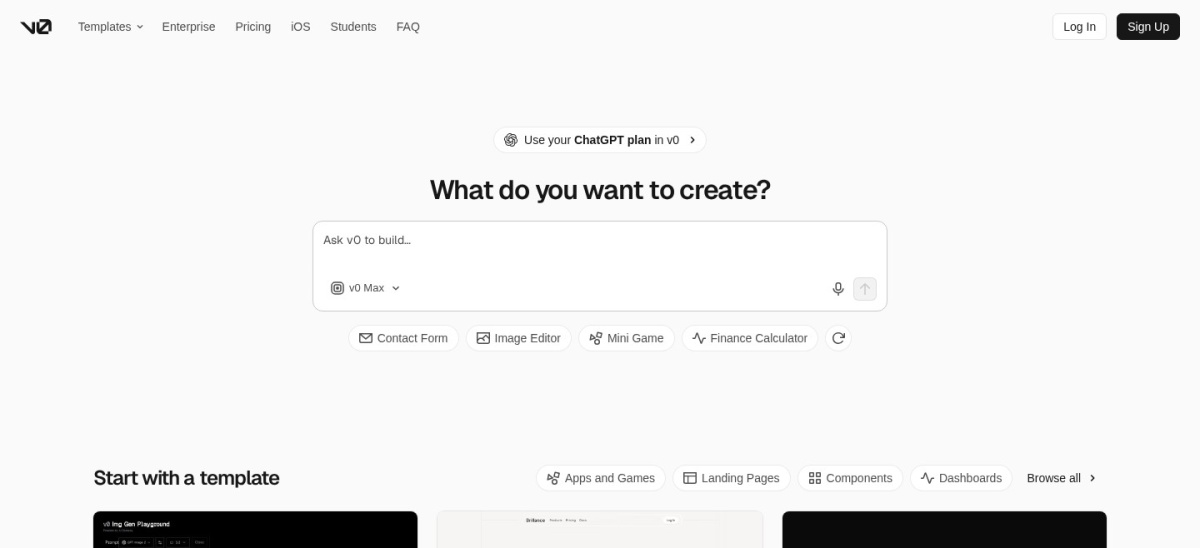
v0 is an AI interface and app builder from Vercel that turns prompts and visual edits into web code. The free plan includes $5 in one-time credits for new users, Design Mode edits, GitHub sync, Vercel deployment and a 7-message daily limit.
The trade off is message and credit limits on lower tiers, with Plus starting at $30 per user per month and including $30 in monthly credits plus $2 in daily login credits. It suits frontend developers, designers and founders who want fast UI prototypes they can push to GitHub.
What we like
Free plan includes GitHub sync, Vercel deploy and Design Mode
Strong G2 feedback around 4.5 out of 5 for UI speed
Supports model selection and credit top-ups on paid plans
Watch out for
Free tier caps usage at 7 messages per day
Entry Plus plan costs $30 per user each month
Plus adds $30 monthly credits, $2 daily login credits and team sharingVisit v0.app
02
Framer
4.5/5on G2 (162 reviews, checked Nov 2026)
Paid from$10/mo
Best for visual site design and instant publishing
Free planYes, Framer domain
Entry paid planBasic, $10/mo yearly
Custom domainFrom Basic plan
AI credits1,000/mo on Basic
framer.com
Framer homepage, captured Nov 2026.
Framer is a website design and publishing platform with built-in AI features, a CMS and responsive layout controls. Its free plan lets you try the tool on a Framer domain with 1 GB of bandwidth and 500 AI credits.
The trade off is that custom domains and commercial sites require a paid site plan, starting with Basic at $10 per month on yearly billing with 1,000 monthly AI credits and up to 10 seats. It suits designers and teams who want to design and publish marketing sites without a separate code handoff.
What we like
Lowest entry paid price in this list at $10 per month yearly
Rated 4.5 out of 5 from 162 reviews on G2
Combines visual layout, CMS collections and site hosting
Watch out for
Plans are priced per site, with extra editors and add-ons costing more
Built around hosted Framer sites rather than full custom app backends
Basic unlocks a custom domain, 30 pages and 1,000 monthly AI creditsVisit framer.com
03
Lovable
4.6/5on G2 (503 reviews, checked Nov 2026)
Paid from$25/mo
Best for full-stack web apps from chat prompts
Free planYes, 5 credits/day
Entry paid planPro, from $25/mo
Code syncGitHub sync
Custom domainsFrom Pro plan
lovable.dev
Lovable homepage, captured Nov 2026.
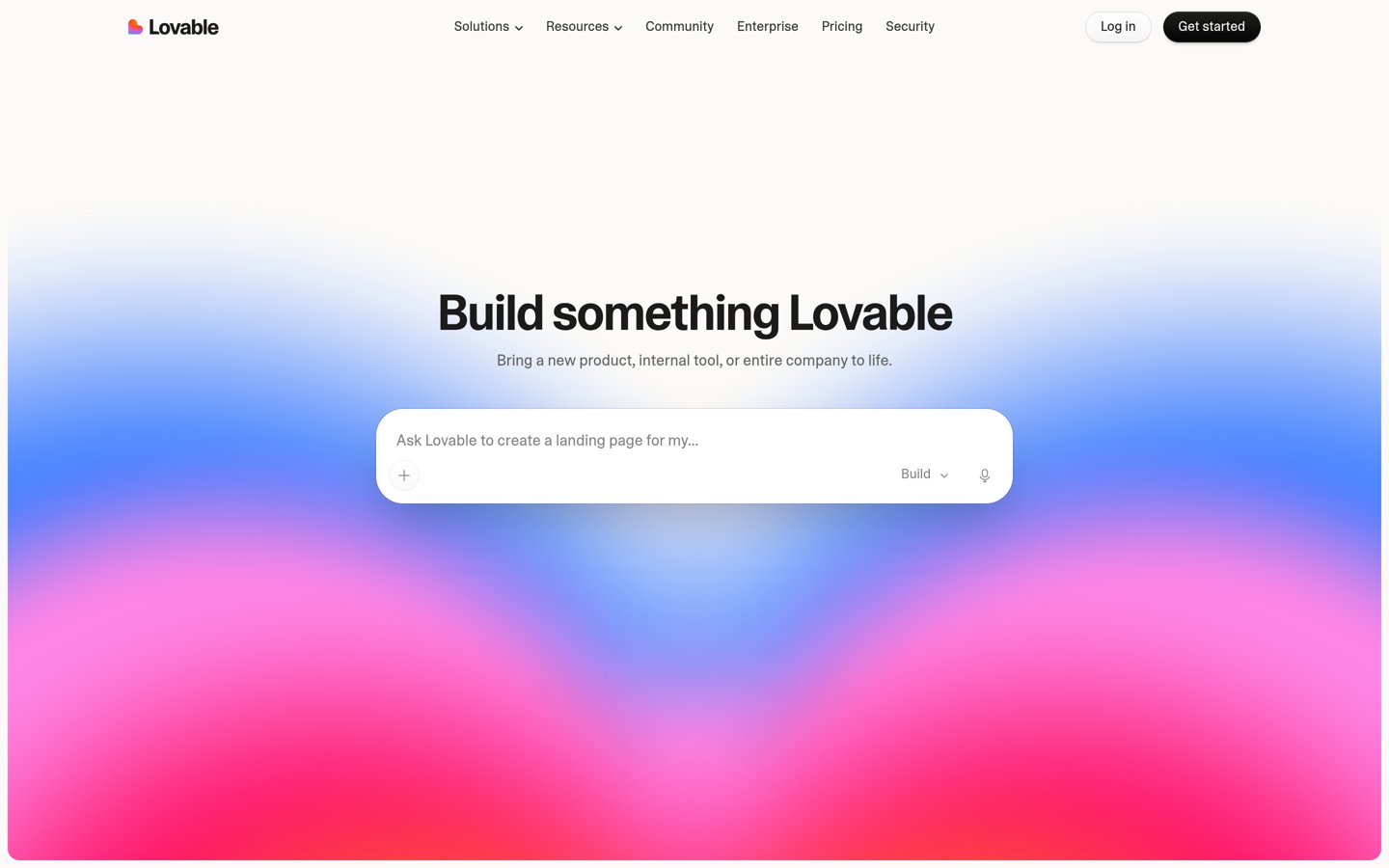
Lovable is a prompt-based web app builder that generates interfaces and app code with GitHub sync and hosting support. Its free plan gives 5 daily build credits, up to 30 a month, on public projects.
The trade off is credit consumption during iterative fixes, with Pro starting at $25 per month for 100 monthly credits plus daily credits and custom domains. It suits founders and builders turning product ideas into working web apps quickly.
What we like
Rated 4.6 out of 5 from 503 reviews on G2
Supports GitHub synchronization and custom domains on Pro
Includes visual editing and credit rollovers on paid tiers
Watch out for
Free tier is limited to 5 daily credits and public projects
Complex debugging loops can use credits faster than expected
Pro adds 100 monthly credits, custom domains and private project supportVisit lovable.dev
04
Figma
4.7/5on G2 (1,599 reviews, checked Nov 2026)
Paid from$16/mo
Best for design systems and team handoff workflows
Free planStarter, 500 AI credits/mo
Entry paid planProfessional Full, $16/mo
Developer handoffDev Mode and MCP
CollaborationReal-time multiplayer
figma.com
Figma homepage, captured Nov 2026.
Figma is a collaborative interface design platform with Dev Mode, design libraries and AI features across its tiers. Its free Starter plan includes drafts, templates and up to 500 AI credits per month, capped at 150 per day.
The trade off is seat-based pricing and a steeper learning curve for non-designers, with Professional Full seats at $16 per month and 3,000 monthly AI credits. It suits product teams that already maintain design systems and pass specs to engineers.
What we like
Highest G2 rating on this list at 4.7 from 1,599 reviews
Starter plan includes 500 monthly AI credits with no upfront fee
Granular seat types let teams mix Full, Dev and Collab seats
Watch out for
Per-seat costs can rise as teams add editors and AI usage
Less direct than app builders if you want a hosted app without code export
Professional adds unlimited team files, shared libraries and 3,000 AI credits/moVisit figma.com
05
Replit
4.4/5on G2 (421 reviews, checked Nov 2026)
Paid from$20/mo
Best browser workspace for full-stack apps and hosting
Free planStarter, 1 published app
Entry paid planCore, $20/mo ($18/mo yr)
WorkspaceBrowser IDE and agent
DeploymentsUnlimited on Core
replit.com
Replit homepage, captured Nov 2026.
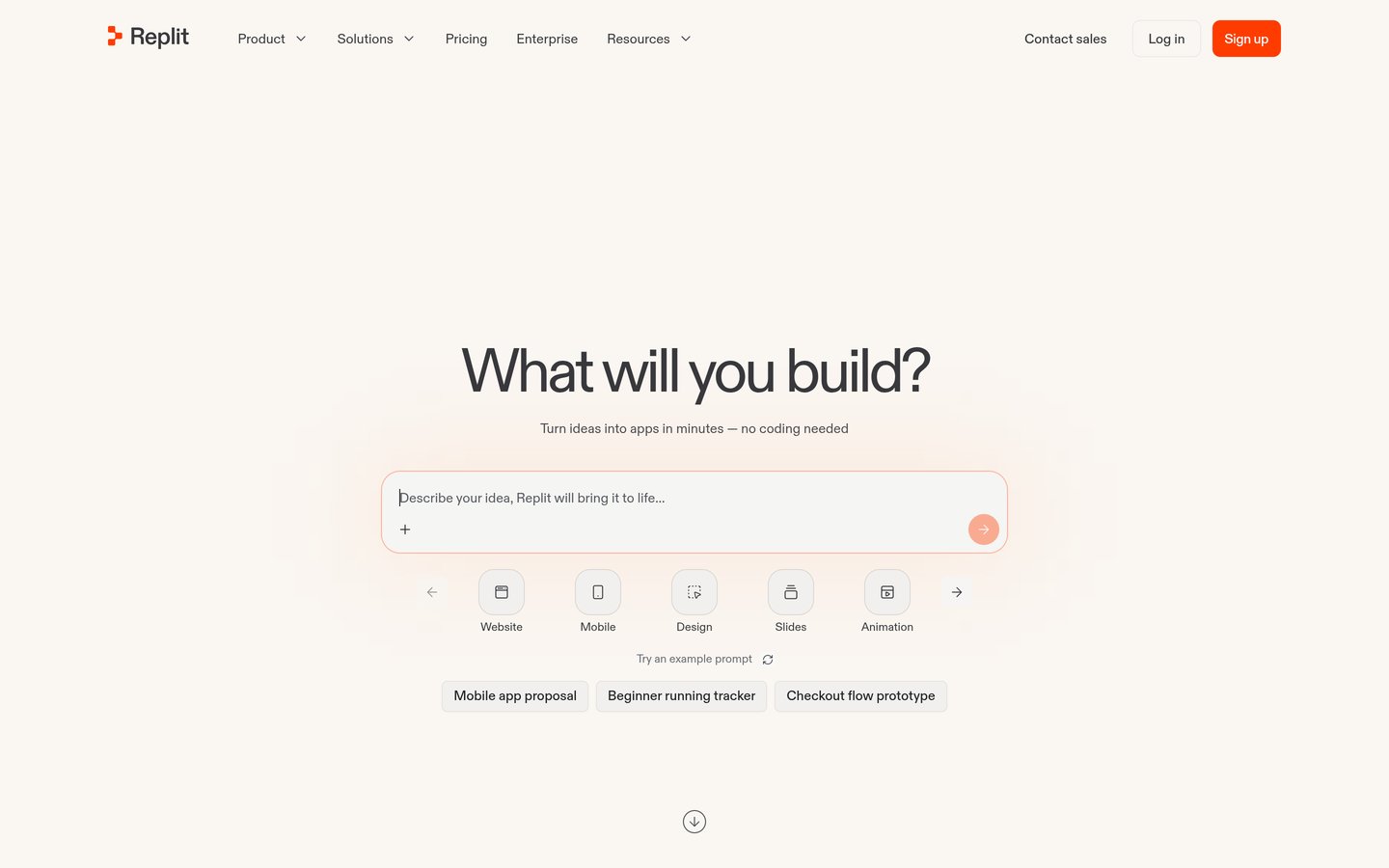
Replit is a browser-based development platform that pairs an AI agent with a cloud workspace, databases and hosting. Its free Starter tier offers a daily AI allowance, basic building tools and one published app.
The trade off is usage-based compute and AI spend once credits run out, with Core listed at $20 per month or $18 per month billed annually and including $20 in monthly credits. It suits builders who want coding, databases and live deployments in one browser tab.
What we like
Runs full coding, database and deployment workflows in the browser
Core includes $20 in monthly credits plus Free Mode allowances
Supports up to 5 collaborators and unlimited workspaces on Core
Watch out for
Heavy agent runs and live deployments can add pay-as-you-go charges
Rated 4.4 out of 5 on G2, with mixed billing feedback in reviews
Core unlocks unlimited workspaces, up to 5 collaborators and $20 monthly creditsVisit replit.com
06
Uizard
4.2/5on G2 (115 reviews, checked Nov 2026)
Paid from$12/mo
Best for turning sketches and prompts into quick mockups
Free planYes, 3 AI gens/mo
Entry paid planPro, $12/mo billed yearly
InputsText, sketches, screens
Code exportReact and CSS handoff
uizard.io
Uizard homepage, captured Nov 2026.
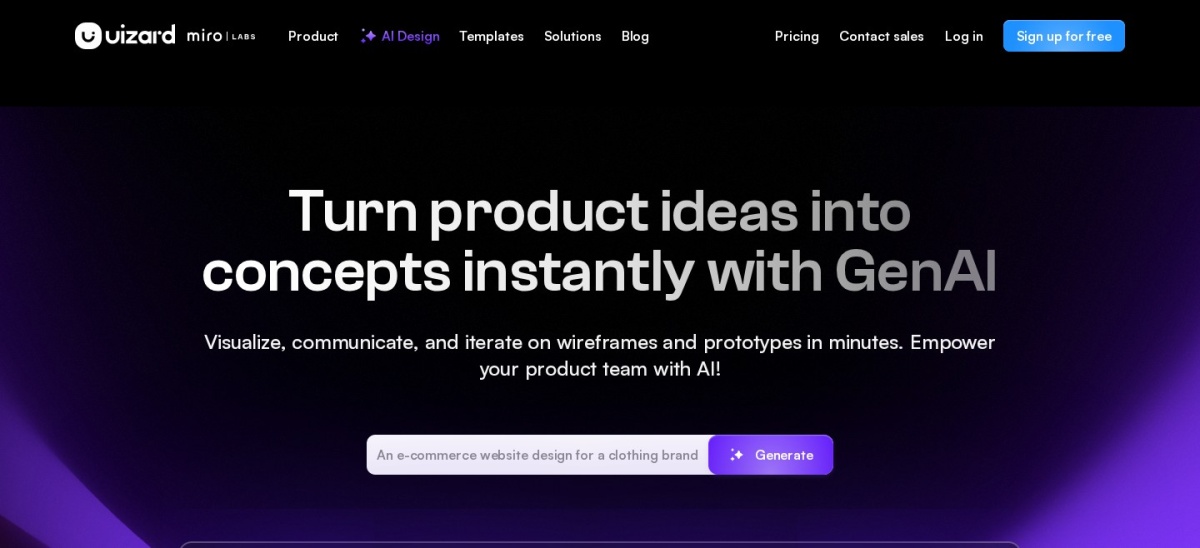
Uizard is an AI UI design and wireframing tool built to turn text prompts, screenshots and sketches into editable screens. Its free plan includes 3 AI generations per month, up to 2 projects with 5 screens each and 10 templates.
The trade off is a tight free generation cap and lighter layout depth than pro design tools, with Pro at $12 per month billed annually for 500 monthly AI generations and React and CSS handoff. It suits beginners, product managers and early-stage teams sketching ideas fast.
What we like
Low entry paid price at $12 per month billed annually
Converts sketches, screenshots and prompts into editable screens
Includes React and CSS handoff on the Pro plan
Watch out for
Free plan allows only 3 AI generations per month and 2 projects
Lower G2 rating at 4.2 from 115 reviews compared with top rivals
Pro raises limits to 500 monthly AI generations, up to 100 projects and React/CSS handoffVisit uizard.io
07
Bolt.new
4.3/5on G2 (134 reviews, checked Nov 2026)
Paid from$25/mo
Best for fast browser-based app and site prototypes
Free planYes, 1M tokens/mo
Entry paid planPro, $25/mo
Token allowance10M tokens/mo on Pro
Custom domainsFrom Pro plan
bolt.new
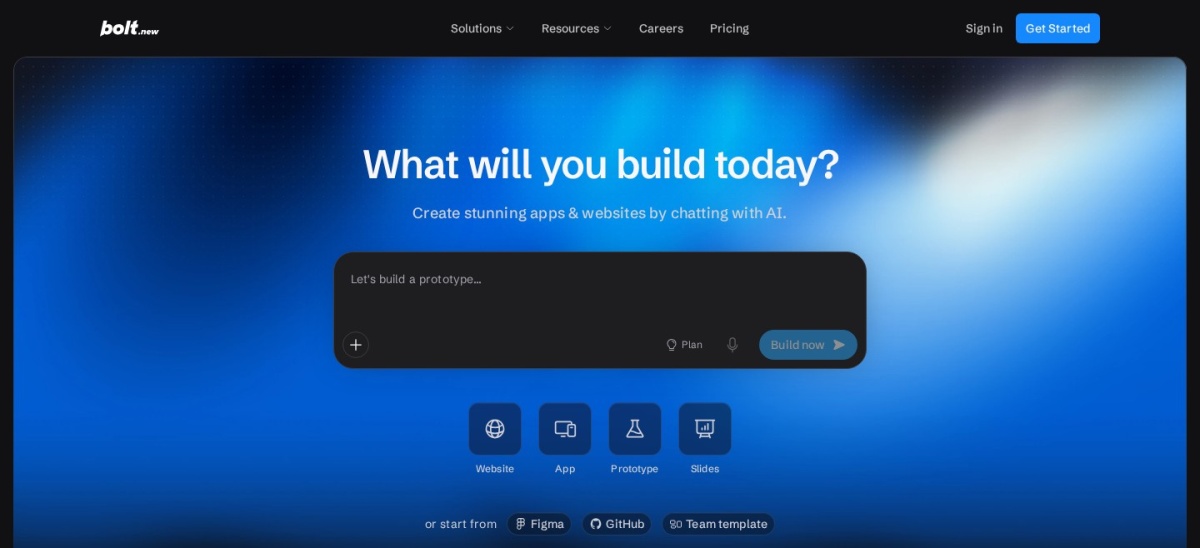
Bolt.new homepage, captured Nov 2026.
Bolt.new is a browser-based AI web and app builder from StackBlitz that runs projects in the browser with hosting and database options. The free plan includes 1M tokens per month, capped at 300K per day, with Bolt branding.
The trade off is token burn during multi-step fixes and a 300K daily cap on the free plan, with Pro at $25 per month for 10M monthly tokens, token rollover and custom domains. It suits builders who want quick browser prototypes with a path to larger token tiers.
What we like
Free plan includes 1M monthly tokens and up to 3 collaborators
Pro includes 10M monthly tokens with rollover and custom domains
G2 rating sits at 4.3 out of 5 across 134 reviews
Watch out for
Free tier adds Bolt branding and lacks custom domains
Iterative bug fixing can consume large token blocks quickly
Pro unlocks custom domains, removes Bolt branding and adds 10M monthly tokensVisit bolt.new
App builders vs design tools: what differs
Tools like v0, Lovable, Replit and Bolt focus on turning prompts into code and live apps or components. They are fast for testing ideas, wiring up UI states and shipping MVPs.
Tools like Figma, Framer and Uizard lean closer to visual design, layout systems or hosted site publishing. They often fit better when designers or marketers need visual control before or instead of custom app code.
Also check how each tool meters usage. Token and credit limits can go fast when an AI assistant rewrites whole screens or loops on a bug.
How we chose
We selected established AI design to code and prompt-to-interface tools with active pricing pages and public user review data.
Prices, plan features and G2 review scores were checked on 22 November 2026. Where vendors list annual billing discounts, we note the billing basis clearly and show the regular starting price.
We excluded unmaintained tools, enterprise-only platforms without public starting tiers and products lacking verifiable review or pricing details. No vendor paid for a place, and we do not claim testing for this list.
How to choose an AI design to code tool
Match the tool to what you want to ship first, then check how its usage meter behaves.
Decide on your output format. Pick a site publisher like Framer for marketing pages, a component or app builder like v0, Lovable or Bolt for code, or Figma and Uizard for design and wireframes.
Check code ownership and export. Make sure you can export clean code, sync with GitHub or publish on your own domain without getting stuck on a locked preview link.
Estimate real prompt and token usage. Simple prompts use little quota, but repeated layout tweaks or bug fixes can burn through daily or monthly limits fast.
Start on the free tier first. Test one real screen or small workflow on the free plan before paying for extra credits, custom domains or team seats.
FAQ
What is the best AI design to code tool overall?
v0 is the strongest all-around pick for turning prompts and visual edits into web code, backed by a free tier with 7 messages a day and a Plus plan at $30 a month. Framer is a strong alternative if you want a visual canvas that publishes directly as a hosted site.
Are there free AI design to code tools?
Yes. All 7 tools on this list offer a free tier or starting allowance, including v0, Framer, Lovable, Figma, Replit, Uizard and Bolt. Free plans usually cap daily or monthly AI usage, project count or custom domains.
Can AI design to code tools replace frontend developers?
Not completely. They speed up layouts, boilerplate UI and early prototypes, but a developer is still needed to review edge cases, security, performance and complex business logic.
Which tool is best for turning sketches or wireframes into screens?
Uizard is built for turning text prompts, screenshots and sketches into editable UI mockups, with Pro starting at $12 a month billed annually. Figma is another option if you already work in design files and want AI credits alongside Dev Mode.
Why do AI coding and design tools run out of credits so fast?
Each prompt, context read and follow-up fix can consume credits or tokens. Asking the AI to debug the same issue repeatedly across multiple turns is one of the fastest ways to use up a monthly allowance.
Should I pick a full-stack app builder or a visual site builder?
Pick a full-stack or app builder such as Lovable, Replit or Bolt when you need interactive app logic, databases or deployed web apps. Pick Framer when your main goal is a fast, visual marketing website.
SaaS SEO and WordPress specialist with about 8 years of experience. Rakib compares WordPress plugins, themes, hosting and software using public pricing, documentation and user reviews. See how we rank.