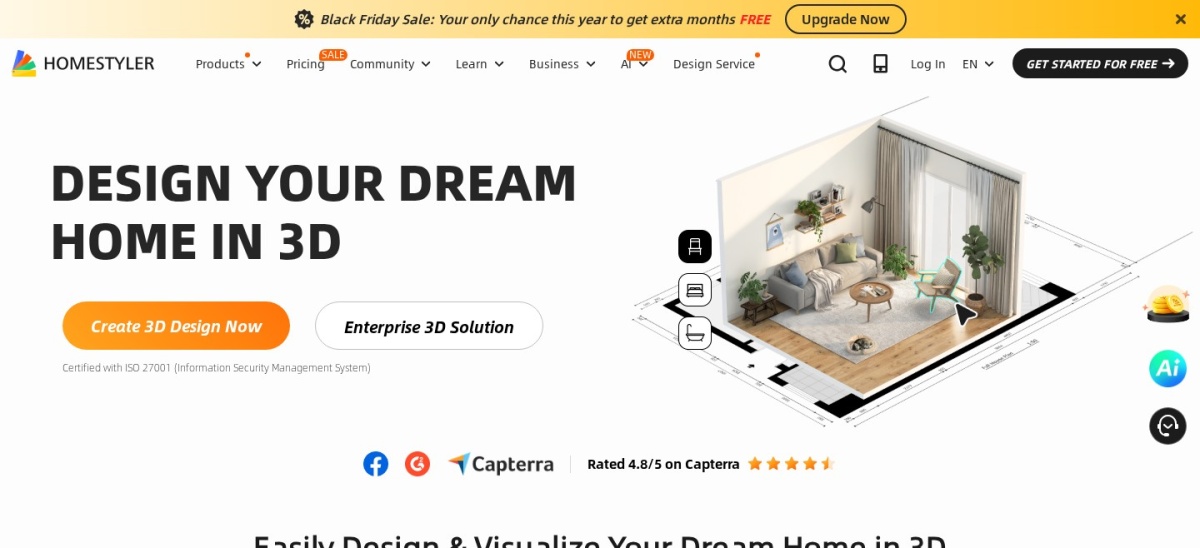
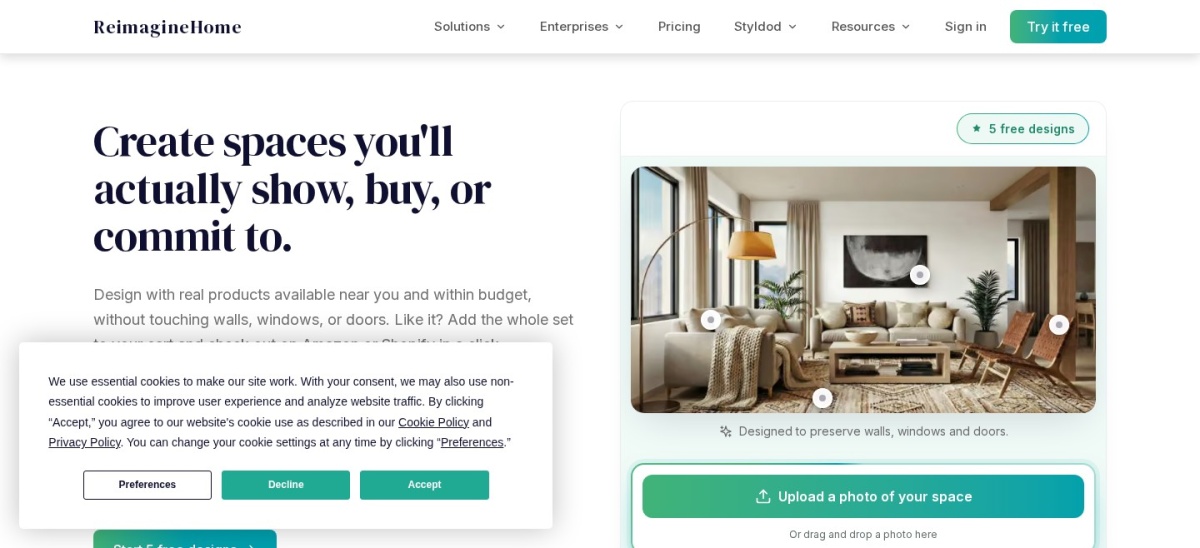
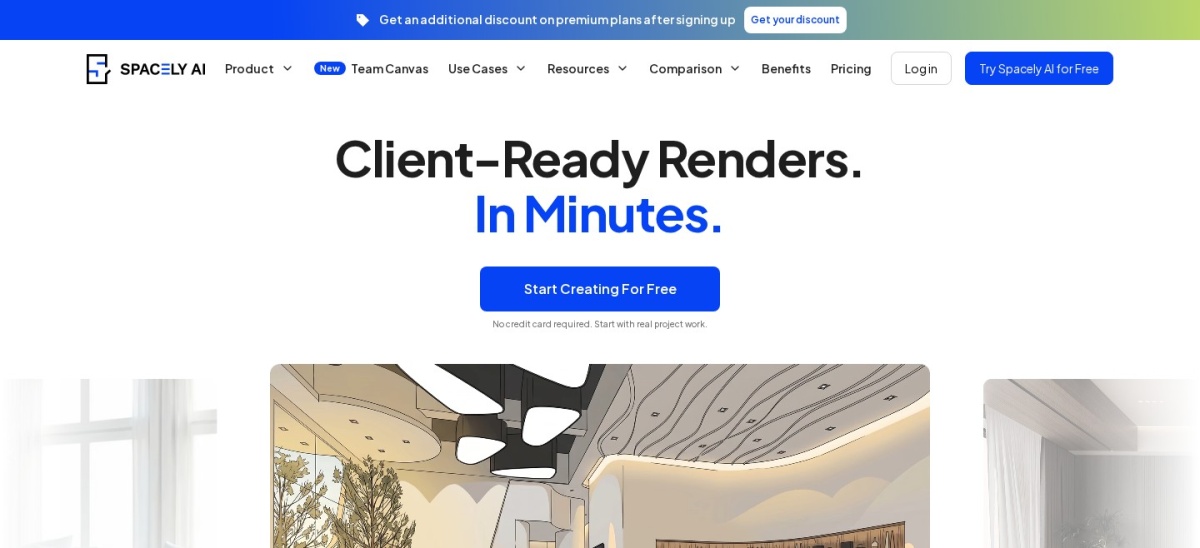
Homestyler is the best AI home decor app for most homeowners, pairing unlimited free 1K renders and 100,000+ 3D models with a 4.7/5 G2 rating. Pick RoomSketcher for accurate 2D/3D floor plans with top-rated support, or REimagineHome to restyle room photos with shoppable products.
How we make this list: we compare pricing pages, product documentation and public user reviews, then re-check every price before each update. No product paid for a place. Disclosure.
Homestyler offers the strongest free plan: unlimited 1K renders and 100,000+ 3D models, with paid plans from $81.60/yr.
RoomSketcher holds a 4.4/5 Trustpilot score across 410 reviews and starts at $144/yr for full 2D and 3D floor plans.
Planner 5D starts at $59.99/yr for Premium, unlocking 10,000+ catalog items and 1,200 annual AI Studio credits.
Photo-first restylers like REimagineHome ($14/mo) and HomeDesigns AI ($27/mo) skip 3D modeling to restyle room photos in seconds.
Studio suites like Spacely AI ($240/yr) and Foyr Neo ($396/yr) target interior designers needing 4K renders and CAD workflows.
What to look for in an AI home decor app
AI home decor apps fall into two clear camps: photo restylers that redecorate an uploaded snapshot in seconds, and 3D room planners where you build walls to scale and place furniture models.
Photo restylers are fastest for paint colors, style swaps and virtual staging, though AI can warp window frames or invent furniture you cannot buy.
3D planners take longer to set up, yet let you test real room measurements, walk through layouts and swap exact brand pieces before spending money.
Pay close attention to credit rules and annual billing. Several apps advertise a low monthly figure that only applies when paid upfront for a full year.
Homestyler is a cloud-based 3D home decor platform paired with AI Planner, AI Stager and AI Decor tools. Its free Basic plan includes unlimited 1K renders, access to 100,000+ free 3D models and materials, and 3 starter AI credits.
The trade off is that high-resolution exports and heavy AI usage require an upgrade. Pro+ starts at $6.80 a month and adds 180 monthly AI credits, watermark removal and 75 renders each in 2K and 4K. It suits homeowners who want both accurate 3D layouts and AI styling.
What we like
Unlimited 1K renders and 100,000+ 3D models on the free plan
Combines exact 2D/3D floor planning with AI room staging
Works on web, iOS and Android
Watch out for
Free plan only includes 3 AI credits total
Full 3D editing works best on desktop Chrome rather than mobile
Pro+ adds 180 AI credits/mo, 2K/4K renders and watermark removalVisit homestyler.com
02
RoomSketcher
4.4/5on Trustpilot (410 reviews, checked Nov 2026)
Paid from$144/yr
Best for accurate 2D and 3D floor plans
Workflow2D/3D floor plans + AI Render
Free plan2 starter credits, watermarked 3D
AI floor plan1 free AI conversion
Entry paid planPro, $144/yr ($24/mo)
roomsketcher.com
RoomSketcher homepage, captured Nov 2026.
RoomSketcher is a floor-plan and home design app available across desktop, tablet and mobile. The free plan requires no credit card and includes 2 starter credits, 1 free AI Convert floor-plan scan, and watermarked 3D snapshots.
The trade off is its credit system for high-end renders. Pro costs $144 a year ($12 a month billed annually, or $24 month-to-month) and unlocks the full furniture library, Live 3D walkthroughs and 5 monthly credits. It suits homeowners and agents who care about accurate dimensions.
What we like
Highest Trustpilot rating (4.4/5 across 410 reviews) in this group
Print-to-scale floor plans and accurate room measurements
Responsive human support and free onboarding webinars
Watch out for
3D photos, 360 views and AI renders consume monthly credits
Requires downloading the app rather than drawing purely in a browser
2.5/5on Trustpilot (897 reviews, checked Nov 2026)
Paid from$59.99/yr
Best budget annual 3D and AI studio
Workflow2D/3D planner + AI Studio
Free planUnlimited projects, 50% catalog
Paid catalog10,000+ furniture & decor items
Entry paid planPremium, $59.99/yr ($19.99/mo)
planner5d.com
Planner 5D homepage, captured Nov 2026.
Planner 5D is a cross-platform 2D and 3D home design app running on web, iOS, Android, Windows and macOS. Its free plan allows unlimited projects and access to 50% of the furniture catalog with 0 monthly AI credits.
The trade off is strict billing and refund rules reported in user reviews. Premium costs $59.99 a year ($19.99 billed monthly) and unlocks 10,000+ catalog items, AI floor-plan recognition, unlimited HD renders and 1,200 annual AI Studio credits. It suits DIY decorators on a tight yearly budget.
What we like
Lowest annual subscription price ($59.99/yr) among full 3D planners
Native apps across iOS, Android, Windows, macOS and web
Includes AI floor-plan upload and multi-model AI Studio
Watch out for
Low 2.5/5 Trustpilot score driven by auto-renewal and refund complaints
Zero AI credits on the free tier
Premium unlocks full 10K+ catalog, HD renders and 100 AI credits/moVisit planner5d.com
04
Coohom
4.8/5on Capterra (78 reviews, checked Nov 2026)
Paid from$300/yr
Best for fast 4K renders and 360 tours
Workflow3D modeling, AI Layout & 4K render
Free planUp to 3 projects, 1K watermarked
Paid catalog100,000+ premium 3D models
Entry paid planPro, $300/yr ($29/mo)
coohom.com
Coohom homepage, captured Nov 2026.
Coohom is a cloud 3D interior design and rendering platform with AI Layout and AI Image Generation. The free Basic plan supports up to 3 projects, standard models and watermarked 1K image renders without needing a credit card.
The trade off is the price jump once you outgrow 3 projects. Pro costs $300 a year ($25 a month billed annually, or $29 monthly) for unlimited projects, 100,000+ premium models, unlimited watermark-free 4K renders and 360-degree walkthroughs. It fits active renovators and freelance decorators.
What we like
Fast cloud-based 4K rendering with no heavy PC hardware required
Rated 4.8/5 on Capterra across 78 verified reviews
Includes 360-degree walkthroughs and downloadable bills of materials on Pro
Watch out for
Free plan caps accounts at 3 design projects with watermarks
Pro tier is pricier than homeowner-focused planners
Pro adds unlimited projects, 4K watermark-free renders and 100K+ modelsVisit coohom.com
05
REimagineHome
3.4/5on Trustpilot (1 reviews, checked Nov 2026)
Paid from$14/mo
Best photo restyler with shoppable items
WorkflowPhoto restyling + chat design
Free trial5 free designs, no card
Key featureReal Products discovery
Entry paid planEssential, $14/mo (30 credits)
reimaginehome.ai
REimagineHome homepage, captured Nov 2026.
REimagineHome redesigns uploaded photos of furnished or empty rooms, exteriors and landscaping without requiring 3D modeling. New accounts receive 5 free designs with no credit card required to test the workflow.
The trade off is that its best features sit above the entry tier. Essential costs $14 a month for 30 credits using legacy staging tools, while Real Products matching and conversational step-by-step editing require Pro at $29 a month. It suits homeowners who want to restyle a room photo and buy matching furniture.
What we like
5 free designs with no credit card to test on your own room
Matches generated decor to real shoppable products on Pro
Covers interiors, exteriors, landscaping and object removal
Watch out for
Conversational editing and shoppable products require the $29/mo Pro tier
Very small public review footprint on Trustpilot
Essential gives 30 credits/mo; Pro unlocks chat edits and shoppable itemsVisit reimaginehome.ai
06
HomeDesigns AI
3.3/5on Trustpilot (1,388 reviews, checked Nov 2026)
Paid from$27/mo
Best for fast style variety from photos
WorkflowPhoto-to-render restyling
Design styles40+ Individual, 80+ Pro
ScopeInteriors, exteriors & gardens
Entry paid planIndividual, $27/mo (annual deals)
homedesigns.ai
HomeDesigns AI homepage, captured Nov 2026.
HomeDesigns AI restyles photos of interiors, exteriors and gardens using presets such as Beautiful Redesign, Creative Redesign, color swap and furniture removal. You can start with free trial credits before choosing a subscription.
The trade off is aggressive upsell screens and billing friction noted in Trustpilot reviews. Individual lists at $27 a month billed monthly (discounted when billed yearly) for 100 designs and 40+ styles, while Pro at $29 a month unlocks 1,000 designs and 80+ styles. It fits homeowners seeking rapid visual mood boards.
What we like
Large style catalog covering rooms, house exteriors and gardens
Includes targeted color swap, texture swap and furniture decluttering
Pro tier jumps to 1,000 monthly designs for only $2 more per month
Watch out for
Trustpilot reviewers report frequent upsells and slow cancellation support
AI can alter fixed structural details when prompts get complex
Individual unlocks 100 designs/mo; Pro adds 1,000 designs and 80+ stylesVisit homedesigns.ai
07
Spacely AI
2.9/5on Trustpilot (2 reviews, checked Nov 2026)
Paid from$240/yr
Best for design studios and CAD workflows
WorkflowPhoto/sketch/CAD to 4K render
Free plan40 one-time trial credits
IntegrationsSketchUp, Revit, AutoCAD, Rhino
Entry paid planPersonal, $240/yr ($25/mo)
spacely.ai
Spacely AI homepage, captured Nov 2026.
Spacely AI turns room photos, sketches and 3D models into 4K renders using tools like Auto Furnish, Point and Edit and Empty the Room. Its free plan includes 40 one-time trial credits with watermark-free downloads and no credit card required.
The trade off is that its credit system and CAD plugins are built for working professionals rather than casual decorators. Personal costs $240 a year ($20 a month billed annually, or $25 monthly) for 500 rolling credits (~250 renders) and SketchUp, Revit, AutoCAD and Rhino plugins. It suits designers and architects.
What we like
40 free trial credits with watermark-free high-res downloads
Unused monthly credits roll over while subscribed
Direct plugins for SketchUp, Revit, AutoCAD and Rhino
Watch out for
Different tools cost 2 to 16 credits per run, making math tricky
Generated furniture is conceptual rather than shoppable
Personal adds 500 rolling credits/mo, 4K exports and CAD pluginsVisit spacely.ai
Photo restylers vs 3D planners: which fits your project?
If you want to see how your living room looks in Japandi or mid-century style before buying paint, a photo restyler like REimagineHome or HomeDesigns AI takes under a minute. You upload one photo and compare looks right away.
If you are knocking down a wall, ordering cabinetry or checking whether a sectional sofa blocks a doorway, use a 3D planner like Homestyler, RoomSketcher or Planner 5D. Measuring walls once prevents AI hallucinations from misleading your budget.
How we chose
We reviewed leading AI home decor and interior design apps across web and mobile, selecting seven established tools that offer both a free way to test and clear public pricing.
All prices, credit allowances and user ratings were verified directly from each vendor's pricing page and public review profiles on Trustpilot, G2 and Capterra on 22 November 2026. Regular annual or monthly rates are listed rather than temporary holiday promos.
We excluded tools that hide pricing behind account walls or lack verified public review profiles. No vendor paid for a place, and we do not claim testing for this list.
How to choose an AI home decor app
Match the tool's workflow to whether you are redecorating an existing room or planning a layout from scratch.
Decide between photo restyling and 3D floor planning. Pick REimagineHome or HomeDesigns AI for instant photo makeovers, or Homestyler and RoomSketcher when exact wall and furniture dimensions matter.
Test your own room on the free tier first. Use Homestyler's unlimited 1K renders, Spacely AI's 40 trial credits or REimagineHome's 5 free designs before entering a credit card.
Check how credits and renewals work. Confirm whether unused credits expire each month and set a calendar reminder if you test a paid trial with automatic annual billing.
Verify product sourcing needs. If you want to buy the exact pieces shown in your render, prioritize REimagineHome Pro or Homestyler's branded 3D catalog.
FAQ
What is the best free AI home decor app?
Homestyler offers the strongest free plan for full room planning, giving you unlimited 1K renders, 100,000+ 3D models and 3 starter AI credits. For pure photo restyling, REimagineHome gives 5 free designs and Spacely AI gives 40 free trial credits without a credit card.
Can AI home decor apps keep my existing walls and windows?
Yes, most modern photo restylers preserve walls, windows, doors and ceiling lines while swapping furniture, paint and flooring. However, complex text edits can still distort structural details, so 3D planners like RoomSketcher remain more reliable for renovations.
Which AI interior design app lets you buy the furniture shown?
REimagineHome's Pro plan ($29/mo) pairs room visualizations with Real Products discovery so you can shop matching items. Homestyler and Planner 5D also include branded 3D furniture models in their catalogs.
Are AI home decor apps accurate enough for renovations?
Photo restylers are best for visual inspiration, color palettes and staging, not contractor measurements. If you are remodeling a kitchen, bath or floor plan, use a scale-accurate 2D/3D planner such as RoomSketcher, Homestyler or Coohom.
Why do some AI decor apps have low Trustpilot scores?
Many complaints on Trustpilot focus on billing rather than image quality—specifically free trials that convert into non-refundable annual subscriptions or frequent upgrade prompts. Always check cancellation rules before starting a trial.
SaaS SEO and WordPress specialist with about 8 years of experience. Rakib compares WordPress plugins, themes, hosting and software using public pricing, documentation and user reviews. See how we rank.