GitHub Copilot is the best AI coding platform for most software teams, offering unlimited code completions on its $10 monthly Pro plan and support for major development environments. Choose Claude Code for autonomous multi-file development or Cursor for an integrated AI coding editor.
How we make this list: we compare pricing pages, product documentation and public user reviews, then re-check every price before each update. No product paid for a place. Disclosure.
GitHub Copilot Pro costs $10 per user monthly and includes $15 in monthly AI credits.
Claude Code is included in Claude Pro at $200 annually and has a 4.7/5 G2 rating.
Cursor has a 4.6/5 G2 rating from 334 reviews.
Amazon Q Developer Pro costs $19 per user monthly.
Qodo has a 4.5/5 G2 rating from 122 reviews.
CodeRabbit has a 4.4/5 G2 rating from 200 reviews.
What to look for in an AI coding platform for software teams
AI coding platforms help software engineers generate code, understand repositories, debug applications and automate repetitive development tasks. Some operate inside existing editors, while others provide dedicated development environments or autonomous coding agents.
Repository awareness matters for teams working with established applications. Look for tools that understand existing dependencies, internal conventions and architectural patterns rather than generating isolated code snippets.
Security and administrative controls become increasingly important when developers handle proprietary source code. Review data retention policies, model training restrictions, deployment options and access management before introducing a coding assistant.
Compare subscription prices alongside model usage allowances and additional charges. Agent-based development, automated code review and extended coding sessions can consume substantially more resources than inline code completion.
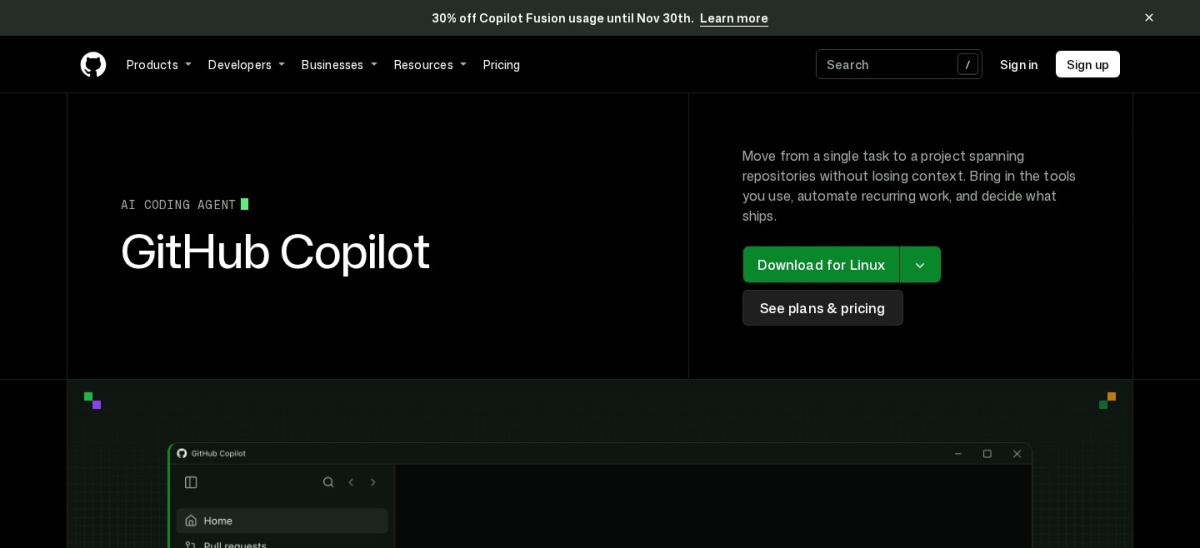
GitHub Copilot is an AI development assistant that integrates with VS Code, Visual Studio, JetBrains IDEs and other development environments. Its free plan provides 2,000 monthly completions, while Pro includes unlimited completions, code review and cloud-based coding agents.
The trade off is that agent interactions consume AI credits, while centralized organizational controls require a business subscription rather than the $10 monthly individual Pro plan. It suits engineering teams that want AI assistance within their existing development workflows.
What we like
Broad development environment compatibility
Native GitHub repository integration
Unlimited completions on Pro
Supports code review and autonomous coding tasks
Permanent free plan
Watch out for
Agent usage is subject to credit allowances
Organizational controls require separate business plans
Generated code requires developer verification
Pro adds unlimited completions, cloud agents and $15 in monthly AI credits.Visit github.com
02
Claude Code
4.7/5on G2 (481 reviews, checked Nov 2026)
Starts at$200/yr
Best for autonomous repository-level development
Entry subscriptionClaude Pro
Monthly billing$20/month
Annual billing$200/year
InterfacesTerminal, IDE and web
claude.com
Claude Code homepage, captured Nov 2026.
Claude Code is an autonomous coding assistant that understands repositories, modifies files and executes development commands. It is included in Claude Pro, which costs $200 annually and supports coding workflows alongside the broader Claude application.
The trade off is usage limits that vary with task complexity and model consumption, with monthly Pro billing costing $20. It suits experienced developers who want to delegate implementation, debugging and repository maintenance while retaining control over changes.
What we like
Understands multi-file development tasks
Supports terminal-based engineering workflows
Extensible through custom skills and hooks
Supports parallel coding sessions
Watch out for
Heavy agent usage can exhaust subscription limits
Individual Pro lacks centralized team administration
Claude Pro includes Claude Code and increased model usage allowances.Visit claude.com
03
Cursor
4.6/5on G2 (334 reviews, checked Nov 2026)
Paid from$8/mo
Best for integrated AI development environments
Entry planPlus
Entry model accessGrok
Premium plan$30/month
Teams pricingFrom $30/user/month
cursor.com
Cursor homepage, captured Nov 2026.
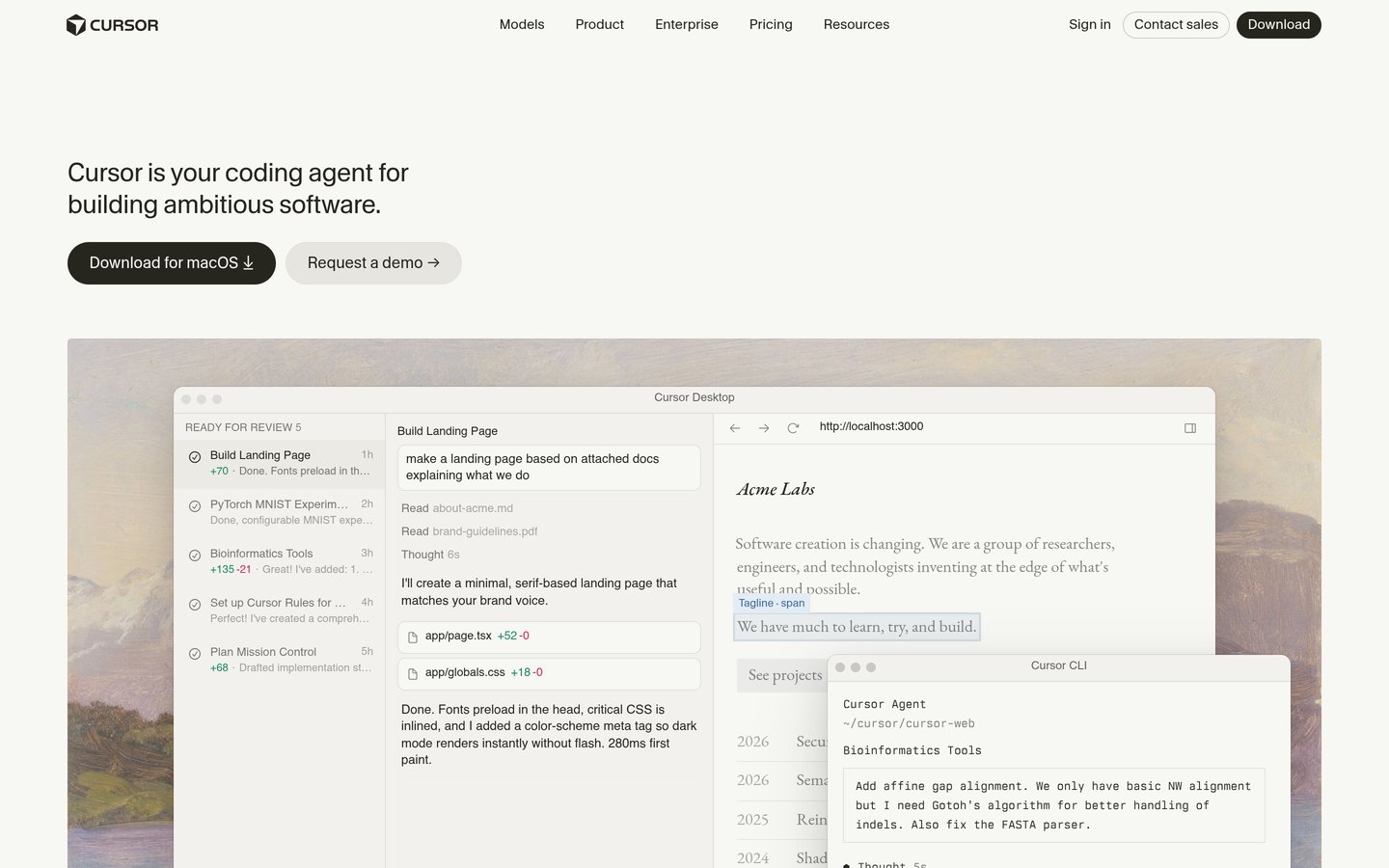
Cursor is an AI-native development environment that combines repository-aware assistance, autonomous coding agents and integrated code editing. Its current Plus subscription costs $8 monthly and includes access to Grok models through a shared AI usage allowance.
The trade off is model availability and organizational administration, with cloud agents and third-party model access requiring Premium at $30 monthly or higher. It suits software teams willing to adopt an AI-centered development environment.
What we like
Integrated repository-aware coding assistance
Supports autonomous multi-file changes
Affordable entry subscription
Centralized privacy settings on team subscriptions
Cloud agents on higher plans
Watch out for
Entry subscription restricts model selection
Third-party model usage is charged separately
Requires adopting a different development editor
Premium adds cloud agents, automated workflows and AI code reviews.Visit cursor.com
04
Amazon Q Developer
4.6/5on G2 (51 reviews, checked Nov 2026)
Paid from$19/mo
Best for AWS-focused software engineering
Free agentic requests50/month
Free Java transformation1,000 lines/month
Pro Java transformation4,000 lines/user/month
AdministrationAWS IAM Identity Center
aws.amazon.com
Amazon Q Developer homepage, captured Nov 2026.
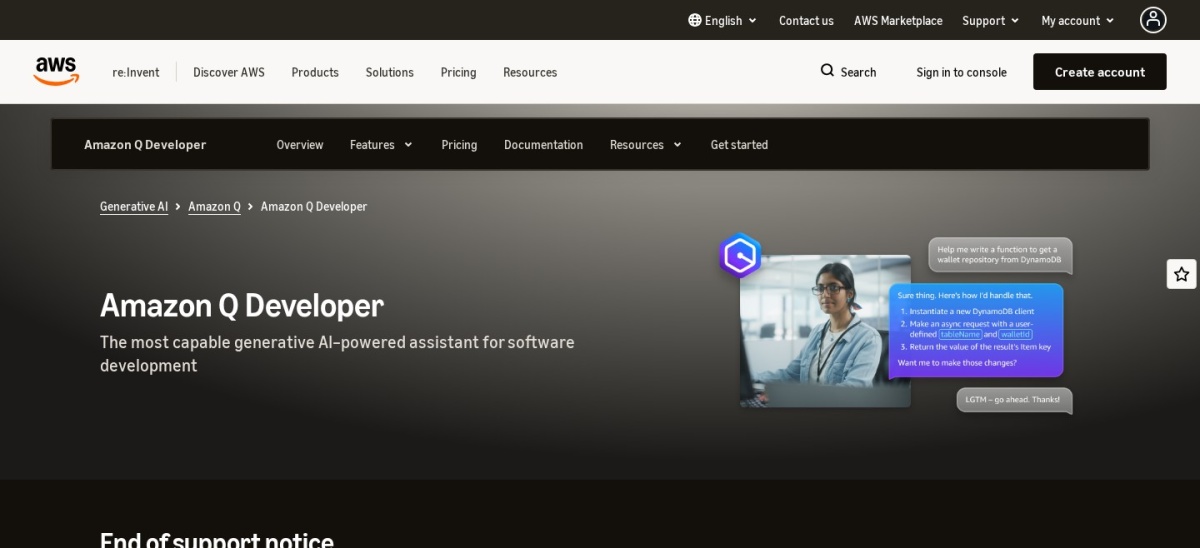
Amazon Q Developer is an AI software development assistant that supports coding, debugging, cloud infrastructure guidance and application modernization. Its free plan includes 50 monthly agentic requests and Java transformation allowances covering 1,000 lines of code monthly.
The trade off is its emphasis on AWS development workflows and usage restrictions, with Pro costing $19 per user monthly. It suits engineering teams maintaining AWS infrastructure and applications that require centralized administrative controls.
What we like
AWS-aware development assistance
Application modernization capabilities
Permanent free subscription
Identity Center integration on Pro
Watch out for
Less attractive for teams outside the AWS ecosystem
Application transformation allowances are limited
Extra transformation usage can generate charges
Pro increases usage allowances and adds organizational administration.Visit aws.amazon.com
05
Qodo
4.5/5on G2 (122 reviews, checked Nov 2026)
Starts at$30/mo
Best for AI code quality and governance
Entry planPro Team
Included credits2,000/month
Estimated PR reviews14/month
Additional credit price$0.015
qodo.ai
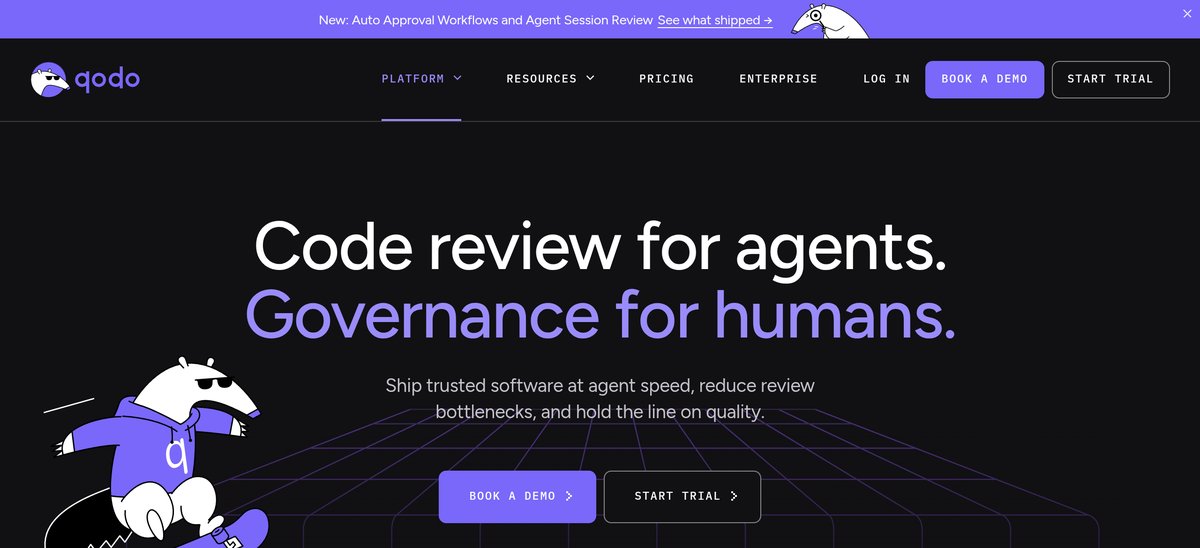
Qodo homepage, captured Nov 2026.
Qodo is an AI code quality platform that reviews software changes, applies engineering standards and identifies potential issues before merging. Its $30 monthly Pro Team package includes 2,000 shared credits, equivalent to approximately 14 pull request reviews according to the vendor.
The trade off is variable credit consumption, which can increase costs for teams processing substantial code changes. It suits software organizations that already use coding agents but need additional quality checks and consistent engineering standards.
What we like
Repository-aware pull request reviews
Shared team credit allowances
Custom engineering rules
GitHub, GitLab, Bitbucket and Azure DevOps integration
Watch out for
Review capacity depends on credit consumption
No permanent free commercial team plan
Self-hosted deployment requires Enterprise
Pro Team adds pooled review credits, rule management and reporting.Visit qodo.ai
06
CodeRabbit
4.4/5on G2 (200 reviews, checked Nov 2026)
Starts at$24/mo
Best for automated pull request reviews
Entry planEssentials
BillingAnnual, per user
Free trial14 days
Team plan$48/user/month annually
coderabbit.ai
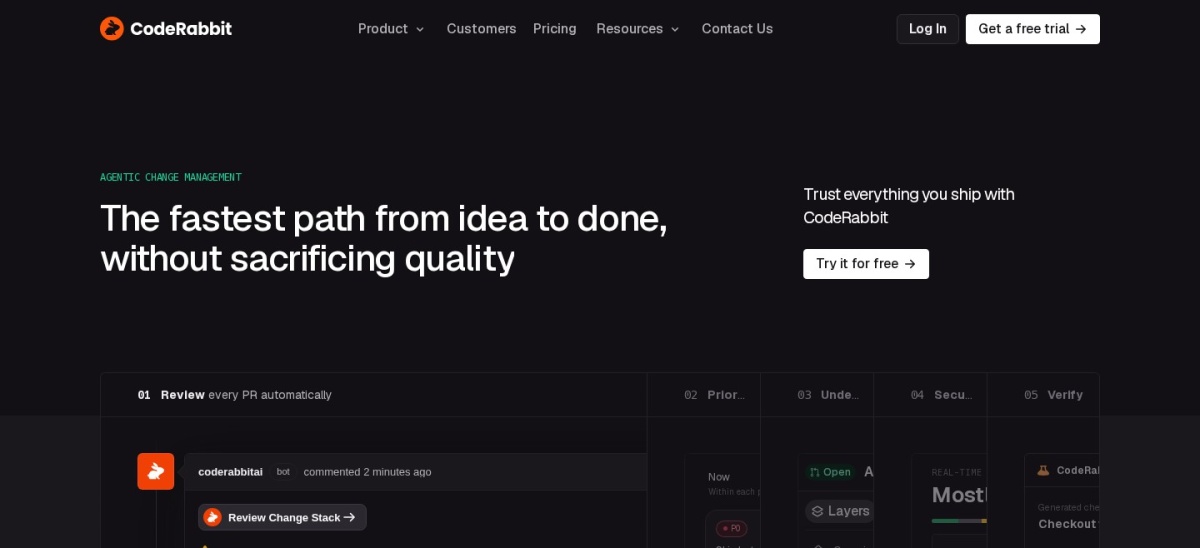
CodeRabbit homepage, captured Nov 2026.
CodeRabbit is an AI code review platform that analyzes proposed changes and provides contextual feedback through pull requests, development editors and command-line workflows. Its Essentials plan costs $24 per user monthly with annual billing and includes automated pre-merge checks.
The trade off is that automated test generation and prioritized pull request queues require Team at $48 per user monthly with annual billing. It suits engineering organizations seeking consistent automated feedback alongside existing human review processes.
What we like
Contextual pull request feedback
Supports repository-specific review preferences
Automated pre-merge checks
Explains proposed code changes
Watch out for
Not a complete AI development environment
Automated test generation requires Team
Continuous security monitoring requires a higher plan
Team adds automated test generation and pull request prioritization.Visit coderabbit.ai
07
Augment Code
4/5on G2 (36 reviews, checked Nov 2026)
PricingCustom pricing
Best for complex enterprise codebases
Core technologyContext Engine
Coding interfaceCLI
Cloud agentsAvailable
Business subscriptionsAvailable
augmentcode.com
Augment Code homepage, captured Nov 2026.
Augment Code is an AI software engineering platform designed around contextual understanding of existing codebases. Its development capabilities include repository intelligence, command-line assistance and cloud agents that support complex engineering workflows.
The trade off is that the cheapest regular subscription price could not be confirmed from the retrieved pricing information, so buyers should request current pricing. It suits engineering organizations that prioritize contextual accuracy across large, interconnected software projects.
What we like
Designed for complex repository contexts
Supports autonomous engineering workflows
Command-line development assistance
Enterprise-oriented development capabilities
Watch out for
Current entry subscription price requires confirmation
Smaller public review sample than leading alternatives
May be excessive for simple development projects
Business subscriptions support broader organizational coding workflows.Visit augmentcode.com
How much do AI coding platforms cost for software teams?
Published individual entry subscriptions range from $96 annually for Cursor Plus to $228 annually for Amazon Q Developer Pro. GitHub Copilot Pro costs $120 annually, while Claude Pro includes Claude Code for $200 annually.
These entry prices do not necessarily include centralized billing, shared workspaces or enterprise privacy controls. Teams should compare organizational subscription requirements separately from individual developer licenses.
CodeRabbit Essentials costs $288 annually per user, while Qodo's entry package costs $360 annually for shared team credits. Their billing models differ, so compare expected review volume rather than subscription prices alone.
AI coding agents vs. AI code review platforms
Coding agents generate and modify software based on developer instructions. GitHub Copilot, Claude Code and Cursor help engineers implement features, investigate bugs and automate repetitive programming tasks.
Code review platforms such as Qodo and CodeRabbit focus on evaluating software changes before deployment. They complement coding agents by identifying potential defects and checking whether proposed implementations follow organizational standards.
Neither approach replaces human engineering accountability. Require automated tests, appropriate security checks and developer approval before merging AI-generated changes into production repositories.
How we chose
We compared established AI software engineering products based on repository awareness, development environment compatibility, coding automation, quality assurance and organizational controls. The selection includes coding assistants and complementary code review platforms.
Official pricing pages and G2 review data were checked on 25 Nov 2026. The price ladder uses the cheapest published subscription rather than mandatory enterprise licenses, and additional usage charges are discussed separately. Claude Code's review count uses the G2 category snapshot, while its direct profile displays 495 reviews. Augment Code's entry price could not be confirmed.
We excluded generic chatbots without dedicated software development workflows and products with insufficient public review evidence. No vendor paid for a place, and we do not claim testing for this list.
How to choose the best AI coding platform for your software team
Evaluate each platform against your existing development environment, repository architecture, security requirements and expected AI usage.
Identify your primary engineering requirement. Determine whether developers need inline code completion, autonomous implementation, repository research, application modernization or automated code review.
Confirm compatibility with your development stack. Check supported editors, programming languages, source control platforms, testing frameworks and continuous integration workflows before purchasing.
Review security and organizational policies. Confirm source code retention, model training policies, permission controls and administrative features. Establish rules for handling credentials and proprietary application data.
Calculate subscription and usage costs. Include developer seats, model credits, additional agent requests, automated reviews and enterprise administration. Measure actual adoption before expanding subscriptions across the organization.
FAQ
What is the best AI coding platform for software teams?
GitHub Copilot is our overall pick because it works across popular development environments and integrates directly with GitHub. Its individual Pro subscription costs $10 monthly, although organizations requiring centralized administration should investigate separate business subscriptions.
Which AI coding platform is best for large codebases?
Claude Code, Cursor and Augment Code are suitable options for complex repositories because they support contextual coding assistance and multi-file development workflows. Compare their repository understanding, permission settings and ability to follow existing engineering conventions.
What is the best free AI coding platform?
GitHub Copilot offers a permanent free plan with 2,000 monthly code completions and limited agent usage. Amazon Q Developer provides another free option, including 50 monthly agentic requests and application modernization allowances.
Is Cursor better than GitHub Copilot for software teams?
Cursor is better suited to developers who prefer an integrated AI-native coding editor and repository-level agents. GitHub Copilot is more attractive when teams want to retain their existing editors and introduce AI assistance with fewer workflow changes.
Can AI coding platforms replace software developers?
AI coding platforms can automate repetitive implementation tasks, generate tests and assist with debugging, but they cannot independently guarantee correct architecture, application security or business requirements. Software engineers remain responsible for reviewing changes and maintaining production systems.
Which AI coding platforms are best for code reviews?
Qodo and CodeRabbit specialize in automated code review and engineering quality checks. Qodo emphasizes repository context and organizational standards, while CodeRabbit provides contextual pull request feedback and pre-merge checks within existing development workflows.
SaaS SEO and WordPress specialist with about 8 years of experience. Rakib compares WordPress plugins, themes, hosting and software using public pricing, documentation and user reviews. See how we rank.