Claude Code is the best AI coding tool for large existing codebases, offering terminal-based coding assistance, repository exploration and multi-file refactoring through its $200 annual Pro subscription. Choose Cursor for an integrated AI code editor or GitHub Copilot for affordable assistance within your existing development environment.
How we make this list: we compare pricing pages, product documentation and public user reviews, then re-check every price before each update. No product paid for a place. Disclosure.
Claude Code is included in Claude Pro at $200 per year and earns 4.7/5 from 481 G2 reviews.
Cursor starts at $8 per month with Grok models, while Premium costs $30 per month.
GitHub Copilot Pro costs $120 per year and includes unlimited code completions.
Amazon Q Developer Pro includes Java transformation allowances of 4,000 lines per user per month.
Factory Pro costs $20 per month and provides desktop, terminal and SDK access.
Qodo starts at $30 per month for 2,000 shared credits covering approximately 14 pull request reviews.
What AI coding tools for large existing codebases should offer
Working with an established codebase requires more than generating isolated functions. An AI coding tool must understand existing architecture, dependencies, coding conventions and the consequences of changing shared components.
Look for repository-aware search, multi-file editing and the ability to retrieve relevant source files without manually copying them into a chat window. Context retrieval matters as much as the underlying model's context window.
Large repositories often contain sensitive business logic, credentials and proprietary source code. Evaluate data retention policies, training exclusions, repository permissions and administrative controls before connecting production projects.
Prioritize tools that can produce reviewable changes, run existing tests and follow repository-specific instructions. AI-generated modifications should pass the same review and verification requirements as manually written code.
The 7 best AI coding tools for large existing codebases
01
Claude Code
4.7/5on G2 (481 reviews, checked Nov 2026)
Starts at$200/yr
Best overall for large existing codebases
Entry subscriptionClaude Pro
Monthly billing$20/mo
InterfaceTerminal and IDE
Multi-file editingSupported
claude.com
Claude Code homepage, captured Nov 2026.
Claude Code is an agentic coding assistant that explores repositories, explains existing implementations and modifies related source files. Claude Pro includes access to the coding agent for $200 annually, alongside the general Claude assistant.
The trade off is usage limits on the $200 annual Pro subscription, particularly during lengthy refactoring sessions involving numerous files. More intensive work may require a higher subscription. It suits experienced developers maintaining complex applications and coordinating changes across interconnected modules.
What we like
Explores existing repository structure
Supports multi-file changes
Can execute development commands and tests
Works within established terminal workflows
Supports repository-specific instructions
Watch out for
Long coding sessions consume usage allowances
Generated changes require developer supervision
Less familiar interface for developers who avoid terminals
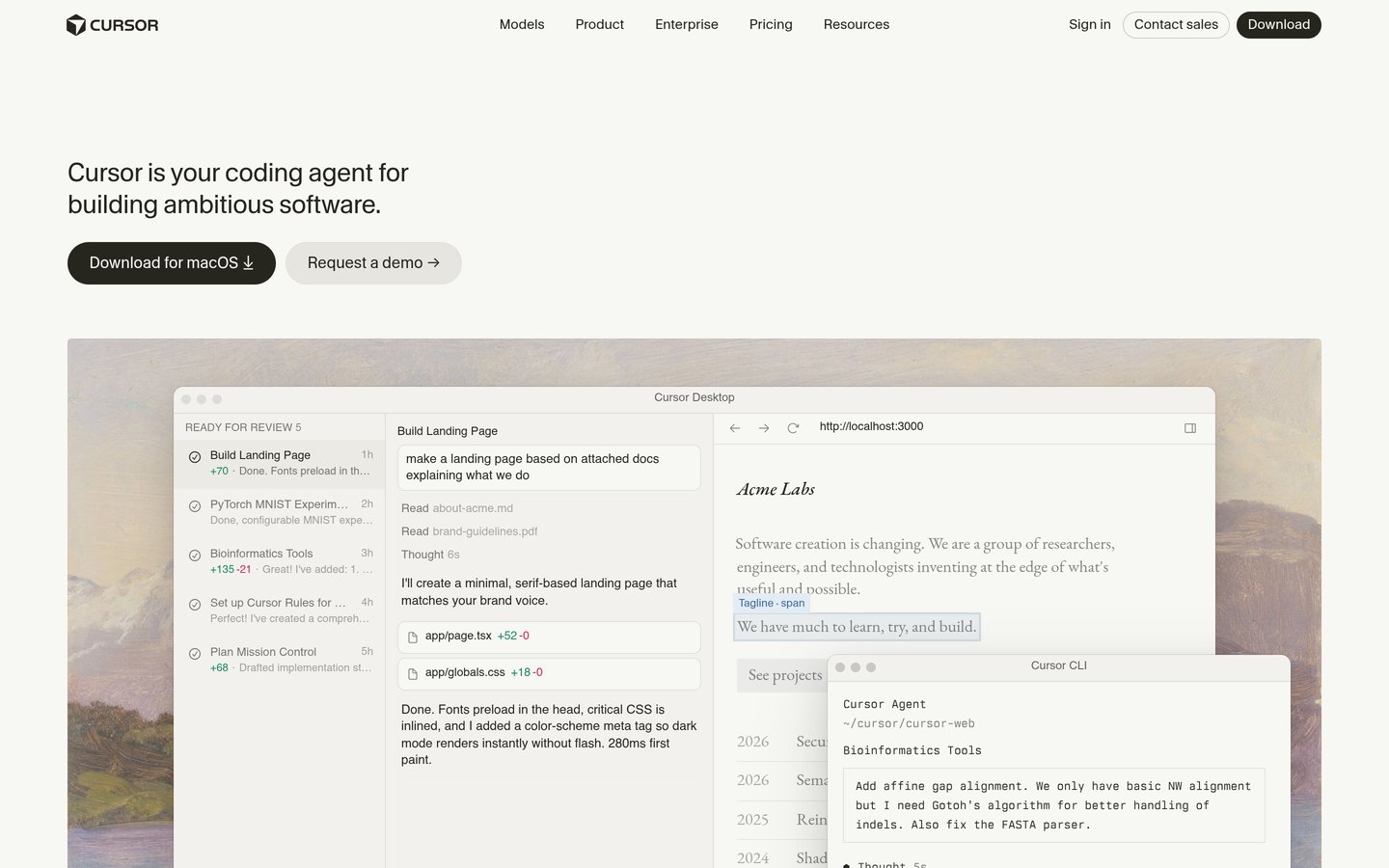
Cursor is an AI-oriented code editor with repository-aware assistance, contextual chat and agent-driven editing. Its $8 monthly Plus subscription provides a shared AI usage allowance with Grok model access.
The trade off is restricted model selection on the $8 Plus subscription. Third-party models require Premium or higher and incur separate usage charges. It suits developers who want AI assistance integrated directly into their editor when navigating and modifying established applications.
What we like
Repository-aware code navigation
Familiar editor interface
Supports coordinated edits across files
Free access for initial evaluation
Watch out for
Requires adopting a dedicated editor
Third-party model usage costs extra
Large repositories may require careful context selection
Plus expands AI access, while Premium adds cloud agents and broader model availability.Visit cursor.com
03
GitHub Copilot
4.4/5on G2 (392 reviews, checked Nov 2026)
Paid from$10/mo
Best for existing IDE and GitHub workflows
Entry planPro
Free completions2,000/mo
Pro completionsUnlimited
Pro monthly credits$15
github.com
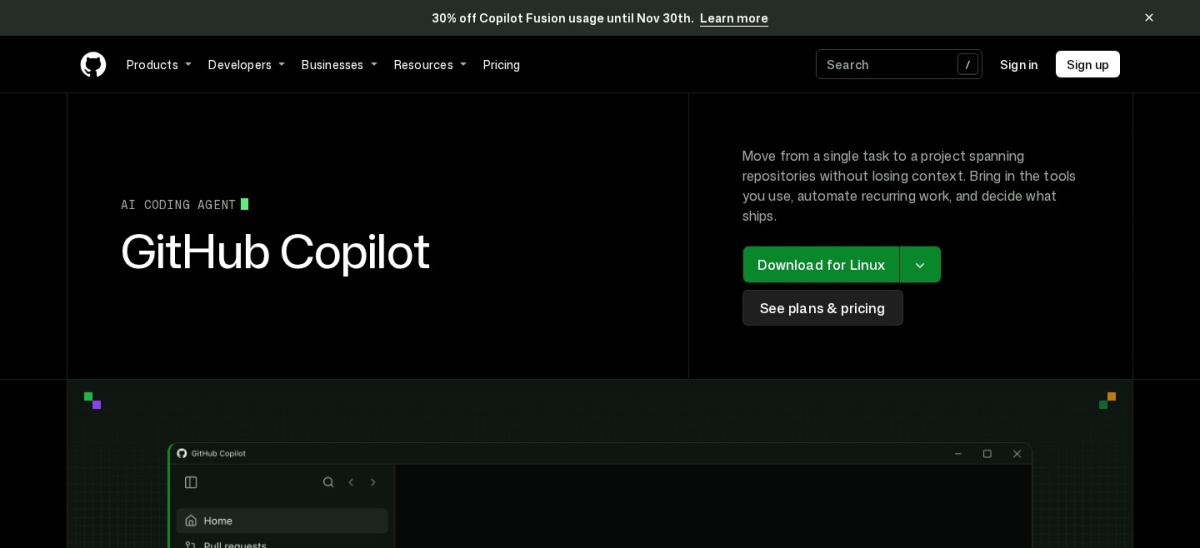
GitHub Copilot homepage, captured Nov 2026.
GitHub Copilot is an AI coding assistant integrated with popular development environments and GitHub repositories. Its free subscription includes 2,000 monthly code completions, while Pro adds unlimited completions, agent access, code reviews and monthly AI credits.
The trade off is credit-based consumption for advanced agent operations and code reviews despite the $10 monthly Pro subscription. Additional usage can increase expenses. It suits developers maintaining existing applications who prefer keeping their current editor and repository workflow.
What we like
Supports multiple popular IDEs
Integrates with GitHub workflows
Unlimited completions on Pro
Agent-assisted coding and reviews
Affordable entry subscription
Watch out for
Advanced features consume AI credits
Context availability varies by integration
Organizational controls require business subscriptions
Pro adds unlimited completions, cloud coding agents and code reviews.Visit github.com
04
Amazon Q Developer
4.6/5on G2 (51 reviews, checked Nov 2026)
Paid from$19/user/mo
Best for legacy application modernization
Free agent requests50/mo
Free Java transformation1,000 lines/mo
Pro Java transformation4,000 lines/user/mo
Pro data collectionAutomatically opted out
aws.amazon.com
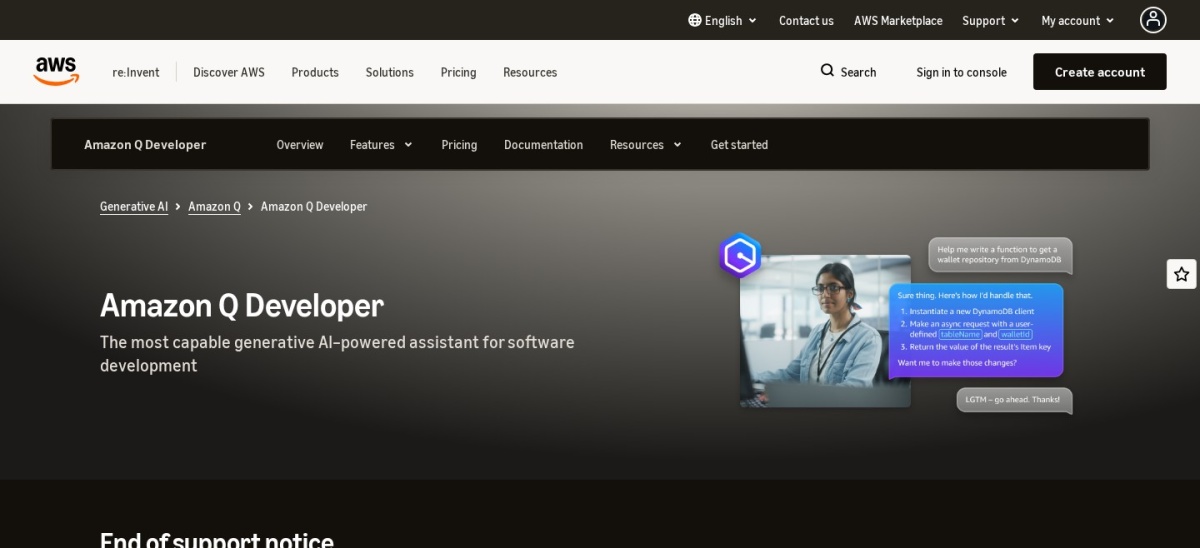
Amazon Q Developer homepage, captured Nov 2026.
Amazon Q Developer is an AI software development assistant supporting coding, troubleshooting and application modernization. Its free tier provides 50 monthly agent requests and Java transformation for up to 1,000 lines of code per month.
The trade off is the $19 per user monthly Pro subscription and additional transformation charges beyond included allowances. Some capabilities are particularly focused on AWS development. It suits organizations maintaining legacy Java applications and established cloud infrastructure.
What we like
Dedicated application modernization capabilities
IDE and terminal integration
AWS troubleshooting assistance
Administrative controls on Pro
Free entry tier
Watch out for
Transformation allowances can create additional costs
Some capabilities are AWS-oriented
Specialized modernization features vary by language
Pro expands agent and transformation allowances and adds administrative controls.Visit aws.amazon.com
05
Factory
4.5/5on G2 (35 reviews, checked Nov 2026)
Paid from$20/mo
Best for delegated software engineering tasks
Entry planPro
InterfacesDesktop, CLI and SDK
Free inferenceBring your own
Enterprise deploymentOn-premises available
factory.com
Factory homepage, captured Nov 2026.
Factory is an AI software engineering platform offering agents called Droids for delegated development tasks. Its $20 monthly Pro subscription includes desktop, terminal and SDK access with full model availability.
The trade off is usage capacity on the $20 Pro subscription, with more intensive workloads requiring higher tiers. The free plan requires external inference access. It suits engineering teams delegating defined implementation, maintenance and refactoring tasks within established repositories.
What we like
Supports delegated engineering tasks
Multiple development interfaces
Flexible model access
Enterprise deployment options
Watch out for
Free access requires external inference
Heavy agent usage may require expensive upgrades
Complex tasks need careful supervision
Pro adds managed model access and individual software development agents.Visit factory.com
06
CodeRabbit
4.4/5on G2 (198 reviews, checked Nov 2026)
Paid from$24/user/mo
Best for reviewing changes to existing code
Entry planEssentials
Linked repositories1
Free public repositoriesSupported
Free trial14 days
coderabbit.ai
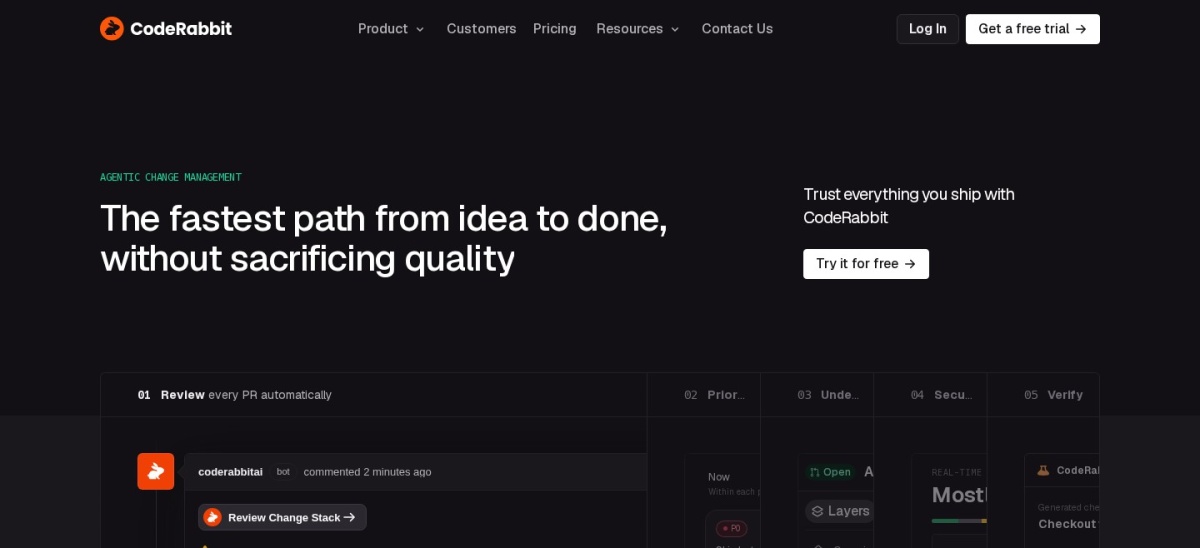
CodeRabbit homepage, captured Nov 2026.
CodeRabbit is an AI code review and change management platform that analyzes proposed modifications before merging. Its Essentials subscription includes pull request explanations, review feedback, automated checks and suggested fixes, with support for a single linked repository.
The trade off is the $24 per user monthly equivalent with annual billing and limited cross-repository functionality on Essentials. Broader architectural analysis requires higher subscriptions. It suits teams reviewing frequent changes to mature applications alongside their primary AI coding assistant.
What we like
Automated pull request analysis
Learns from previous review feedback
Provides explanations of proposed changes
Free reviews for public repositories
Watch out for
Entry plan limits linked repositories
Advanced testing and architecture features require upgrades
Primarily a review tool rather than a full coding editor
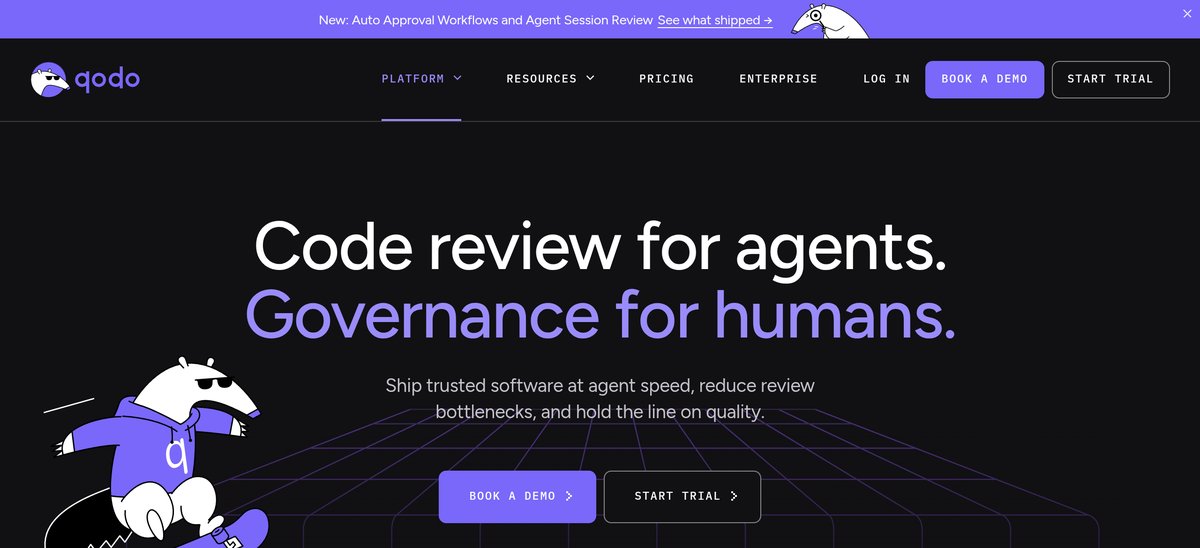
Qodo is an AI code quality platform designed to evaluate proposed changes against repository context and organizational standards. Its entry Pro team package includes 2,000 shared monthly credits, equivalent to approximately 14 pull request reviews.
The trade off is consumption-based credit usage alongside the $30 monthly starting package, meaning review-heavy teams may require larger allowances. It suits engineering organizations maintaining multiple related repositories and enforcing shared architectural and coding standards.
What we like
Repository-aware code review
Configurable engineering standards
Shared team credit allowances
Cross-repository analysis capabilities
Watch out for
Entry package has limited review capacity
Large review workloads increase costs
More focused on code quality than general code generation
Pro team adds shared review credits, repository integrations and quality dashboards.Visit qodo.ai
Why repository context matters more than context window size
A large context window allows an AI model to process substantial amounts of information, but it does not guarantee that the model understands every dependency in a repository. Effective retrieval helps identify the source files, interfaces and tests relevant to a specific task.
Repository indexing, search tools and architecture documentation can improve the quality of supplied context. Developers should still verify whether proposed changes affect downstream services, shared libraries or public interfaces.
How to use AI coding tools safely on legacy applications
Begin with repository exploration and implementation explanations before requesting modifications. Ask the assistant to identify relevant dependencies, affected tests and potential compatibility issues.
Make changes on a separate version control branch and divide large refactoring projects into reviewable tasks. Run existing tests, inspect generated diffs and obtain human approval before merging changes into production branches.
How we chose
We shortlisted established AI coding assistants, engineering agents and code review platforms with capabilities relevant to maintaining existing software. Selection focused on repository context, multi-file workflows, development integrations and change verification.
We checked official vendor pricing pages and G2 ratings on 25 Nov 2026. Annual costs reflect regular entry subscription rates, excluding optional usage charges, additional seats and higher-tier subscriptions. Claude Code uses the published annual subscription total.
We excluded primarily prompt-to-app builders and standalone chat tools without relevant repository workflows. CodeRabbit and Qodo were included specifically as complementary code review tools rather than direct editor replacements. No vendor paid for a place, and we do not claim testing for this list.
How to choose an AI coding tool for a large existing codebase
Evaluate your repository structure, development environment, security requirements and expected AI usage before selecting a subscription.
Assess repository context capabilities. Check whether the assistant can locate relevant files, understand dependencies, reference existing implementations and follow repository-specific instructions.
Match your existing development workflow. Choose an editor extension, dedicated AI editor or terminal agent that fits your current programming languages, version control system and development environment.
Review privacy and permission controls. Determine what source code leaves your environment, how data is retained and whether administrators can restrict repository access, network activity and command execution.
Compare costs and verification workflows. Include subscription fees, model consumption, review credits and additional seats. Ensure that generated changes can be inspected, tested and approved before merging.
FAQ
What is the best AI coding tool for large existing codebases?
Claude Code is our top overall pick because it supports repository exploration, multi-file modifications and terminal-based development workflows. Cursor is an attractive option for integrated AI editing, while GitHub Copilot fits developers who prefer their existing IDE.
Can AI coding tools understand an entire large repository?
AI coding tools can explore large repositories through search, indexing and selective context retrieval. However, they do not necessarily process every source file simultaneously. Developers should provide architectural documentation and verify that relevant dependencies are considered before accepting changes.
Which AI coding assistant is best for legacy Java applications?
Amazon Q Developer is particularly relevant because it includes dedicated Java transformation capabilities. Its Pro subscription provides a pooled allowance of 4,000 lines per user per month, with additional transformation capacity available for larger modernization projects.
What is the cheapest AI coding tool for large codebases?
Cursor Plus starts at $8 per month with Grok model access, while GitHub Copilot Pro costs $10 per month. Both provide free access options for evaluation. Advanced agent usage and additional model consumption may increase the total subscription cost.
Are AI coding tools safe for proprietary source code?
Safety depends on the vendor's data handling policies, subscription terms and organizational configuration. Review training exclusions, retention settings, access permissions and deployment options before connecting proprietary repositories. Avoid exposing credentials and require approval for sensitive operations.
Should teams use separate AI coding and code review tools?
Separate tools can provide useful additional scrutiny when developers rely heavily on AI-generated changes. Claude Code, Cursor and GitHub Copilot help implement modifications, while CodeRabbit and Qodo focus on reviewing proposed changes and maintaining established engineering standards.
SaaS SEO and WordPress specialist with about 8 years of experience. Rakib compares WordPress plugins, themes, hosting and software using public pricing, documentation and user reviews. See how we rank.